OO9GK3802.4GHz Wireless Keyboard
G.Tech Technology Ltd.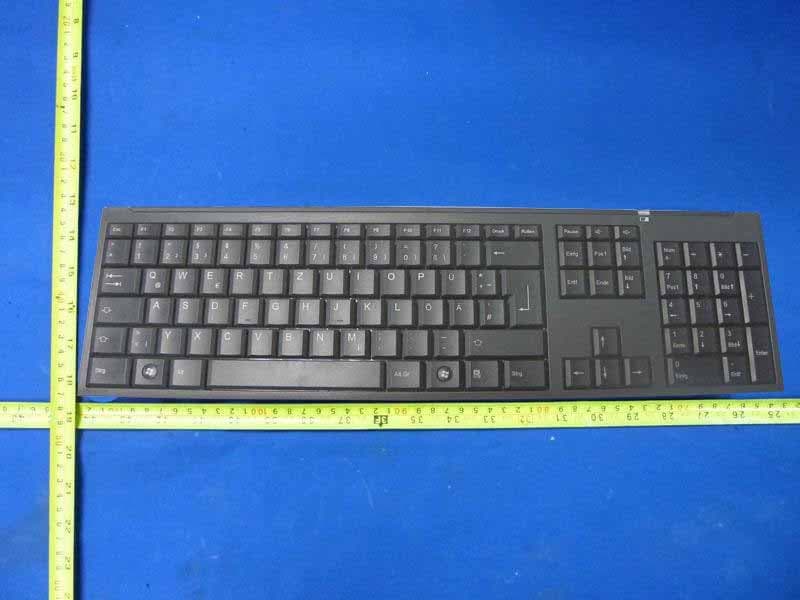
Click to zoom
Application Details
- Equipment Class
- DXX - Part 15 Low Power Communication Device Transmitter
- Date of Grant
- Feb 14, 2011
- Application Purpose
- Original Equipment
- Date of Application
- Feb 13, 2011
- Equipment Note
- 2.4GHz Wireless Keyboard
- Frequency Range
- 2405.00000000 - 2475.00000000
- Company
- G.Tech Technology Ltd.
- Country
- China
Documents & Files
Document Text
Text extracted from the exhibit documents filed with the FCC. Open a document above to read the original.
Users Manual
1 Hardware Installation 1. Install one AA battery into the k eyboard a nd two AAA batte ries into t he mouse. 2. Plug in your USB receiver to a USB port of your PC. ID Channel Setting and connection: After you install the receiver : Wait about 5-10 seconds and the connection will be e xec uted and the kit will be ready for use. Replace Batt eries If the mouse or keyboard does not work properly , then the batteries have lost their charge, so you need to re place them. Warning: do not mix or use diffe rent types of batteries at the same time. GK380/GM380A/GR380 User’s manual AAAx2 Open the power switch AAAx1 1 2 USB Port Receiver 2 Keyboard hot key definition Turn down the volume. Turn up the volume. Mouse Button Assignments 1. Left Button: Provides traditional mouse functions li ke cli ck, double c li ck a nd drag. 2. Magic-Roller: Scroll the button to surf the Inter net and Win dows d ocumen ts. 3. Right Button: Provides traditional mouse click function Notes on Battery Usage When you use the battery, carefully read and strictly observe the Safety Instructions and the notes described below: Differe nt battery types and surrounding temperatures may affect the batte ry pe rformance. Avoid using batteries in extremely cold environments as low temperatures can shorten the battery li fe a nd r educe w ireless device performance. If you are using a new rechargeable battery or rechargea ble battery that has not bee n used for a n extended period of time 3 (batteries that pass the expiry date are exceptions) it might affect the peri od of time you can use this device. Therefore, to maximize their performance and lifetime, w e recommend that you fully charge the batteries and discharge them for at least one complete cycle be fore use. The battery may feel warm when using the wireless de vice for an extended period of time. This is normal and not a malfunction. The wireless device may feel warm when be ing used continuously or for an extended period of time. This is normal and not a malfunction. If you will not be using the batteries for an extended period of time, remove them from the wireless de vice to prevent leakage or corrosion. Always keep the terminals in a clean state. Ri sk of explosion if battery is replaced by an incorrect ty pe . Dispose of used batteries accordin g t o the instructions. Changes or modifications not expressly approved by the party responsible for compliance could void the user's authority to operate the equipment. NOTE: This equipment has been tested and found to comply with the limits for a Class B digital device, pursuant to Part 15 of the FCC Rules. These limits are designed to provide reasonable protection against harmful interference in a residential installation. This equipment generates, uses and can radiate radio frequency energy and, if not installed and used in accordance with the instructions, may cause harmful interference to radio communications. However, there is no guarantee that interference will not occur in a particular installation. If this equipment does cause harmful interference to radio or television reception, which can be determined by turning the equipment off and on, the user is encouraged to try to correct the interference by one or more of the following measures: 4 -- Reorient or relocate the receiving antenna. -- Increase the separation between the equipment and receiver. -- Connect the equipment into an outlet on a circuit different from that to which the receiver is connected. -- Consult the dealer or an experienced radio/TV technician for help. This device complies with Part 15 of the FCC Rules. Operation is subject to the following two conditions: (1) this device may not cause harmful interference, and (2) this device must accept any interference received, including interference that may cause undesired operation.
External Photos
R AUDIX Technology (Shenzhen) Co., Ltd. FCC ID:OO9GK380 page Audix Technology (Shenzhen) Co., Ltd. Report No. ACS-F11016 8-1 8. PHOTOGRAPH OF EUT Figure 1 General Appearance of the EUT Figure 2 General Appearance of the EUT Label Li
ID Label/Location Info
Label
Internal Photos
R AUDIX Technology (Shenzhen) Co., Ltd. FCC ID:OO9GK380 page Audix Technology (Shenzhen) Co., Ltd. Report No. ACS-F11016 8-2 Figure 3 Inside of the EUT Figure 4 Component Side of the PCB R AUDIX Technology (Shenzhen) Co., Ltd. FCC ID:OO9GK380 page Audix Technology (Shenzhen) Co., Ltd. Report No. ACS-F11016 8-3 Figure 5 Component Side of the PCB Figure 6 Inside of the EUT R AUDIX Technology (Shenzhen) Co., Ltd. FCC ID:OO9GK380 page Audix Technology (Shenzhen) Co., Ltd. Report No. ACS-F11016 8-4 Figure 7 Inside of the EUT
Test Report
R AUDIX Technology (Shenzhen) Co., Ltd. FCC ID:OO9GK380 Audix Technology (Shenzhen) Co., Ltd. Report No. ACS-F11016 FCC PART 15C TEST REPORT FOR CERTIFICATION On Behalf of G. tech Technology Ltd. 2.4GHz Wireless Keyboard Model Number: GK380 FCC ID: OO9GK380 Prepared for : G. tech Technology Ltd. No.21, Jinding Industrial Park, West Jinfeng Road, Tangjiawan Town, Xiangzhou District Zhuhai Guangdong China Prepared By : Audix Technology (Shenzhen) Co., Ltd. No. 6, Ke Feng Rd., 52 Block, Shenzhen Science & Industrial Park, Nantou, Shenzhen, Guangdong, China Tel: (0755) 26639496 Report Number : ACS-F10287 Date of Test : Jan.09~19, 2011 Date of Report : Jan.25, 2011 R AUDIX Technology (Shenzhen) Co., Ltd. FCC ID:OO9GK380 Audix Technology (Shenzhen) Co., Ltd. Report No. ACS-F11016 TABLE OF CONTENTS Description Page 1. SUMMARY OF STANDARDS AND RESULTS.......................................................... 1-1 1.1. Description of Standards and Results .................................................................................. 1-1 2. GENERAL INFORMATION ......................................................................................... 2-1 2.1. Description of Device (EUT) ............................................................................................... 2-1 2.2. Tested Supporting System Details ....................................................................................... 2-2 2.3. EUT Configuration and operation conditions for test.......................................................... 2-2 2.4. Test Facility ......................................................................................................................... 2-2 2.5. Measurement Uncertainty (95% confidence levels, k=2) .................................................... 2-3 3. POWER LINE CONDUCTED EMISSION TEST ....................................................... 3-1 4. RADIATED EMISSION TEST ...................................................................................... 4-1 4.1. Test Equipment .................................................................................................................... 4-1 4.2. Block Diagram of Test Setup ............................................................................................... 4-1 4.3. Radiated Emission Limit Standard: FCC 15.209 and 15.249 .............................................. 4-2 4.4. EUT Configuration on Test.................................................................................................. 4-3 4.5. Operating Condition of EUT................................................................................................ 4-3 4.6. Test Procedure...................................................................................................................... 4-3 4.7. Radiated Emission Test Results ........................................................................................... 4-3 5. 20 DB BANDWIDTH TEST ........................................................................................... 5-1 5.1. Test Equipment .................................................................................................................... 5-1 5.2. Limit..................................................................................................................................... 5-1 5.3. Test Results .......................................................................................................................... 5-1 6. BAND EDGE COMPLIANCE TEST ............................................................................ 6-1 6.1. Test Equipment .................................................................................................................... 6-1 6.2. Limit..................................................................................................................................... 6-1 6.3. Test Produce ......................................................................................................................... 6-1 6.4. Test Results .......................................................................................................................... 6-2 7. PHOTOGRAPH OF TEST ............................................................................................. 7-1 7.1. Photos of Radiated Emission Test (30-1000MHz) .............................................................. 7-1 8. PHOTOGRAPH OF EUT ............................................................................................... 8-1 R AUDIX Technology (Shenzhen) Co., Ltd. FCC ID:OO9GK380 page Audix Technology (Shenzhen) Co., Ltd. Report No. ACS-F11016 1-1 1. SUMMARY OF STANDARDS AND RESULTS 1.1. Description of Standards and Results The EUT have been tested according to the applicable standards as referenced below. EMISSION Description of Test Item Standard Results Power Line Conducted Emission Test FCC Part 15C: 15.207 ANSI C63.10-2009 N/A Radiated Emission Test FCC Part 15C: 15.209 FCC Part 15C: 15.249 ANSI C63.10-2009 PASS Band Edge Compliance Test FCC Part 15: 15.249 ANSI C63.10-2009 PASS 20dB Bandwidth Test FCC Part 15: 15.215 ANSI C63.10-2009 PASS N/A is an abbreviation for Not Applicable. R AUDIX Technology (Shenzhen) Co., Ltd. FCC ID:OO9GK380 page Audix Technology (Shenzhen) Co., Ltd. Report No. ACS-F11016 2-1 2. GENERAL INFORMATION 2.1. Description of Device (EUT) Product Name : 2.4GHz Wireless Keyboard Model Number : GK380 FCC ID : OO9GK380 Operation frequency : 2405MHz~2475MHz Antenna : Integrated PCB antenna, 0dBi gain Modulation : O-QPSK Power Supply : DC 1.5V (Note: Batteries were full charged for all the test.) Applicant : G. tech Technology Ltd. No.21, Jinding Industrial Park, West Jinfeng Road, Tangjiawan Town, Xiangzhou District Zhuhai Guangdong China Manufacturer : Activision Publishing, Inc. No.21, Jinding Industrial Park, West Jinfeng Road, Tangjiawan Town, Xiangzhou District Zhuhai Guangdong China Date of Test : Jan.09~019, 2011 Date of …
Text truncated - open the document above for the full version.
Test Setup Photos
R AUDIX Technology (Shenzhen) Co., Ltd. FCC ID:OO9GK380 page Audix Technology (Shenzhen) Co., Ltd. Report No. ACS-F11016 7-1 7. PHOTOGRAPH OF TEST 7.1. Photos of Radiated Emission Test (30-1000MHz) R AUDIX Technology (Shenzhen) Co., Ltd. FCC ID:OO9GK380 page Audix Technology (Shenzhen) Co., Ltd. Report No. ACS-F11016 7-2 (Above 1000MHz)
Contact Information
Applicant
Sulia Li(Certified Associate)
Technical Contact
AUDIX Technology (Shenzhen) Co., Ltd.Lu Ken
[email protected]86-755-26639497
52 Block Shenzhen Science&Industry · Shenzhen · China
Test Firm
Audix Technology (Shenzhen) Co.Smart Tsai
Technical Specifications
| # | Rule Parts | Frequency Range | Power Output |
|---|---|---|---|
| 1 | 15C | 2.40 GHz - 2.48 GHz | - |
Other Applications from G.Tech Technology Ltd.
OO9P729
Aug 06, 2026WIRELESS GAMING MOUSE
Equipment Class
DTS - Digital Transmission System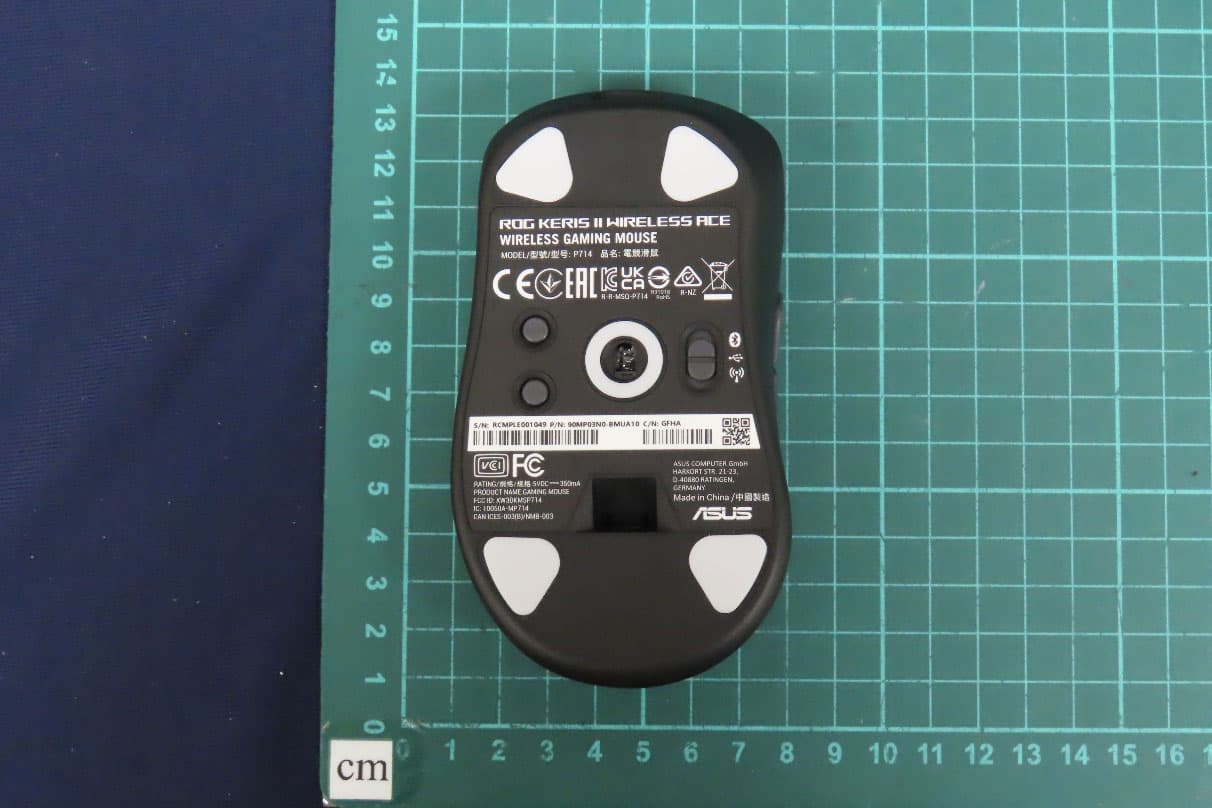
OO9P714
May 09, 2024GAMING MOUSE
Equipment Class
DTS - Digital Transmission System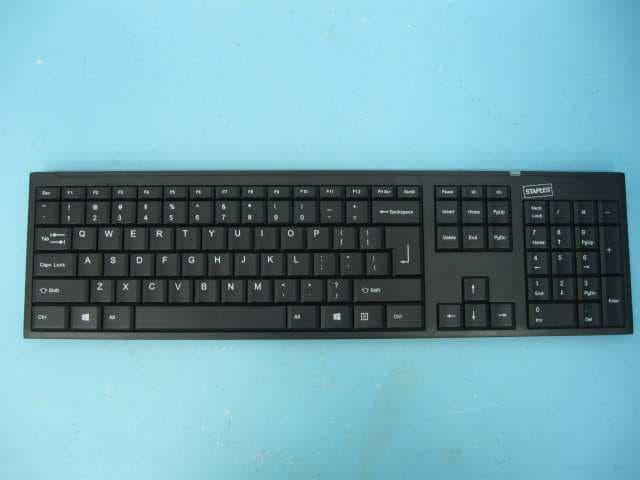
OO9GK381
Jun 17, 20152.4GHz Wirteless Keyboard
Equipment Class
DXX - Part 15 Low Power Communication Device Transmitter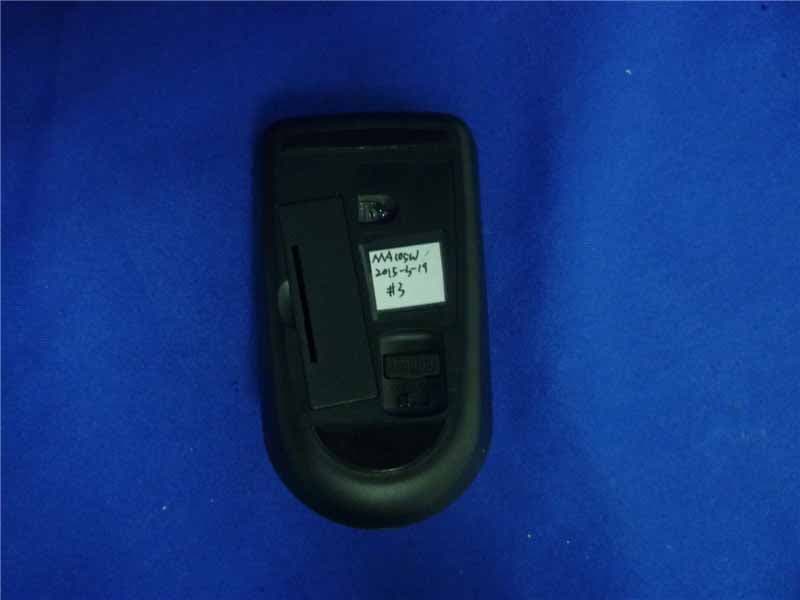
OO9MA105W
May 06, 20152.4GHz Wireless Mouse
Equipment Class
DXX - Part 15 Low Power Communication Device Transmitter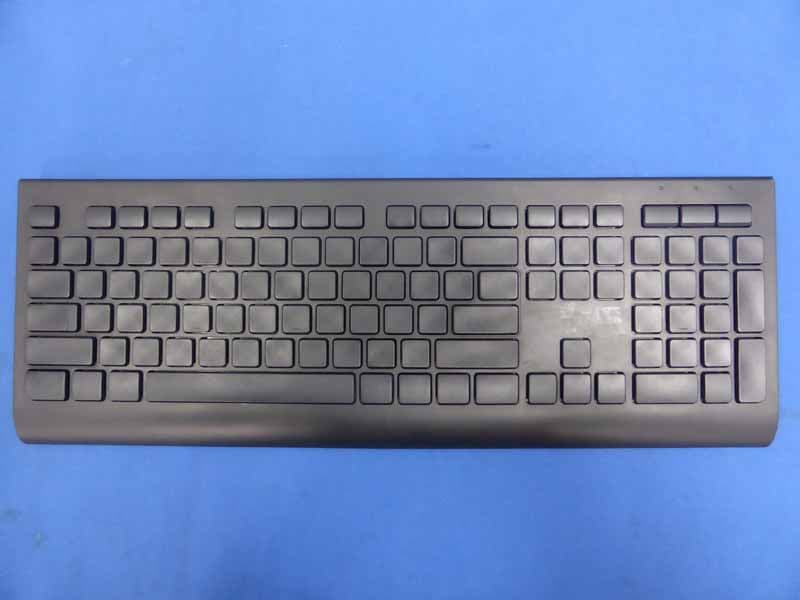
OO9KB313W
May 06, 20152.4GHz Wireless Keyboard
Equipment Class
DXX - Part 15 Low Power Communication Device Transmitter