OO9WI6102.4GHz Wireless Mouse Model Number: WI610
G.Tech Technology Ltd.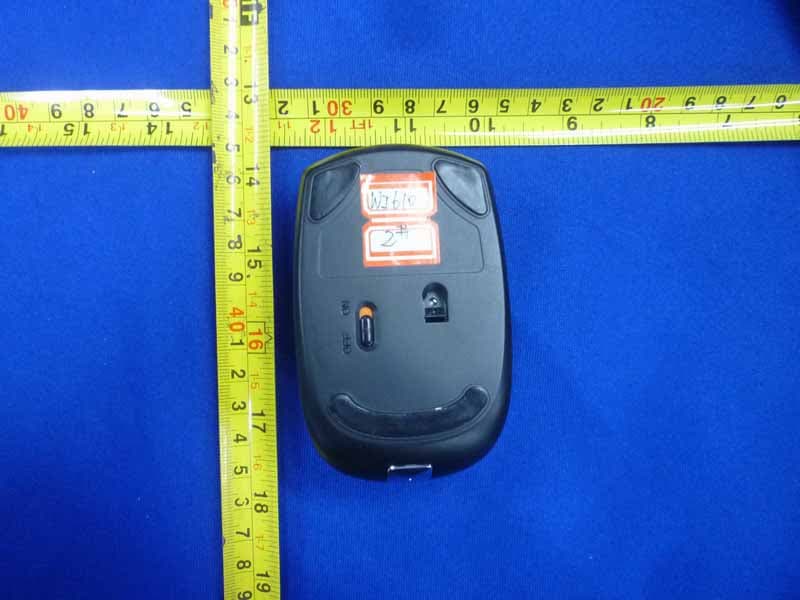
Click to zoom
Application Details
- Equipment Class
- DXX - Part 15 Low Power Communication Device Transmitter
- Date of Grant
- May 21, 2012
- Application Purpose
- Original Equipment
- Date of Application
- May 21, 2012
- Equipment Note
- 2.4GHz Wireless Mouse Model Number: WI610
- Frequency Range
- 2402.00000000 - 2479.00000000
- Company
- G.Tech Technology Ltd.
- Country
- China
Documents & Files
Document Text
Text extracted from the exhibit documents filed with the FCC. Open a document above to read the original.
Users Manual
ContentsEnglish - 1 EnglishContents Wirelessmouse ....................................................................... 3 System requirements . . . . ............................................................ 3 Safetyinformation ................................................................... 3 CEmarking ......................................................................... 3 Limitedworldwidewarranty .......................................................... 3 Connecting the receiver and the mouse . . . ............................................. 4 Connecting the receiver . . . . . ............................................................ 4 Preparing the mouse and establishing the wireless connection .............................. 5 Usingthemouse ....................................................................... 6 Installingthesoftware ................................................................... 7 Thebuttonsonthemouse ............................................................... 8 LED ................................................................................... 9 Settingthescanningsensitivity ........................................................... 9 Switchingthemouseonandoff .......................................................... 10 Stateofchargeofthebatteryinthemouse ................................................ 10 Mobiletransport ........................................................................ 11 Using the mouse wheel.................................................................. 11 Workingenvironments ................................................................. 12 Cleaning ............................................................................... 12 Storingthebattery ...................................................................... 12 Troubleshootingandtips .............................................................. 13 The mouse is not detected or does not function . . ......................................... 13 Connection problems with mouse ........................................................ 13 Technicaldata ......................................................................... 14 Environmentalconditions ................................................................ 14 Fujitsu Technology Solutions17 2 - EnglishContents 18Fujitsu Technology Solutions Wireless mouseEnglish - 3 Wireless mouse The wireless mouse works with digital radio technology and without the need for disruptive cables. You can use the mouse on any computer that has a free USB port which meets the system requirements specified below. The sections below describe how to set up the mouse ready for use. System requirements • Computer with Windows 7 or Windows Vista • At least one free USB port • CD/DVD drive for installing the software Safety information Please observe the safety information supplied. Use only type AA batteries for the mouse. CE marking The shipped version of this device complies with the requirements of the EC directives 2004/108/EC "Electromagnetic compatibility", 2006/95/EC "Low voltage directive" and 2009/125/EC "Ecodesign directive". Limited worldwide warranty Fujitsu Tec hnology Solutions provides a warranty for this device. This warranty can be asserted worldwide w herever Fujitsu Technology Solutions maintains a service office or an authorised service partner of Fujitsu Technology Solutions is present. Such claims can be made to the extent to which the s ervice concerned is available in the particular country. Please contact one of our help desks for d etails of the availability of the services and the response time, or visit our website at " http:// ts.fujitsu.com/service"before you make any warranty claims in the particular country. Fujitsu Technology Solutions19 4 - EnglishConnecting the receiver a nd the mouse Connecting the receiver and th e mouse ►Switch on your PC. Connecting the receiver The receiver is housed directly in the mouse. 2 1 ►Open the cover of the battery compartment on the top of the mouse by pressing the button (1) and remove the cover. ►Remove the receiver from the mouse in the direction of the arrow (2). ►Replace the cover on the battery compartment. ►Connect the receiver to a spare USB port on the computer and follow the on-screen instructions. 20Fujitsu Technology Solutions Connecting the receiver and the mous eEnglish - 5 Preparing the mouse and establi shing the wireless connection Before you can use your new mous e, you must make the following preparations. When inserting the battery, f ollow the safety notes and the chapter" Technicaldata", Page14-English.UseonlyAAty pe batteries. Switch off the mouse when it is not used for longer period s. This extends the service life of the battery. The mouse requires one AA battery. 1 ►Open the cover of the battery compartment on the top of the mouse by pressing the button (1) and remove the cover. ►Insert the battery into the battery compartment. The illustration in the battery compartment shows how to insert the battery in the correct orientation. ►Close the battery compartment. OFF ON ►Set the switch on the bottom of themouseto"On". The wireless connection between the mouse and the receiver is established automatically and you can start using the mouse immediately. Fujitsu Technology Solutions21 6 - EnglishUsing the mouse Using the mouse If the software is not installed, you cannot use all mouse functions. 22Fujitsu Technology Solutions Using the mouseEnglish - 7 Installing the software The supplied software must be installed in order to be able to configure the programmable keys on the mouse and use its full range of functions. ►Insert the supplied software CD in the CD/DVD drive for the PC. The CD will start automatically. ►If the CD does not start automatically, double click on thefileSetup.exein the CD folder in Windows Explorer. ►Follow the instructions on the screen. The installed software allows you to call up the following config…
Text truncated - open the document above for the full version.
External Photos
R AUDIX Technology (Shenzhen) Co., Ltd. FCC ID:OO9WI610 page Audix Technology (Shenzhen) Co., Ltd. Report No. ACS-F12094 11-1 11. PHOTOGRAPH OF EUT Figure 1 General Appearance of the EUT Figure 2 General Appearance of the EUT
ID Label/Location Info
Model no.:WI610 FCC ID:OO9WI610 Rating:1.5V 8mA Made in China 2.4G wireless mouse
Internal Photos
R AUDIX Technology (Shenzhen) Co., Ltd. FCC ID:OO9WI610 page Audix Technology (Shenzhen) Co., Ltd. Report No. ACS-F12094 11-2 Figure 3 Inside of the EUT Figure 4 Inside of the EUT R AUDIX Technology (Shenzhen) Co., Ltd. FCC ID:OO9WI610 page Audix Technology (Shenzhen) Co., Ltd. Report No. ACS-F12094 11-3 Figure 5 Inside of the EUT Figure 6 Inside of the EUT R AUDIX Technology (Shenzhen) Co., Ltd. FCC ID:OO9WI610 page Audix Technology (Shenzhen) Co., Ltd. Report No. ACS-F12094 11-4 Figure 7 Inside of the EUT Figure 8 Component Side of the PCB R AUDIX Technology (Shenzhen) Co., Ltd. FCC ID:OO9WI610 page Audix Technology (Shenzhen) Co., Ltd. Report No. ACS-F12094 11-5 Figure 9 Component Side of the PCB Figure 10 Component Side of the PCB R AUDIX Technology (Shenzhen) Co., Ltd. FCC ID:OO9WI610 page Audix Technology (Shenzhen) Co., Ltd. Report No. ACS-F12094 11-6 Figure 11 Component Side of the PCB
Test Report
R AUDIX Technology (Shenzhen) Co., Ltd. FCC ID:OO9WI610 Audix Technology (Shenzhen) Co., Ltd. Report No. ACS-F12094 FCC PART 15C TEST REPORT FOR CERTIFICATION On Behalf of G. tech Technology Ltd. 2.4GHz Wireless Mouse Model Number: WI610 FCC ID: OO9WI610 Prepared for : G. tech Technology Ltd. No.21, Jingding Industrial Park, West Jinfeng Road, Tangjiawan Town, Xiangzhou District Zhuhai Guangdong China Prepared By : Audix Technology (Shenzhen) Co., Ltd. No. 6, Ke Feng Rd., 52 Block, Shenzhen Science & Industrial Park, Nantou, Shenzhen, Guangdong, China Tel: (0755) 26639496 Report Number : ACS-F12094 Date of Test : Apr.27~28, 2012 Date of Report : May.07, 2012 R AUDIX Technology (Shenzhen) Co., Ltd. FCC ID:OO9WI610 Audix Technology (Shenzhen) Co., Ltd. Report No. ACS-F12094 TABLE OF CONTENTS Description Page 1. SUMMARY OF STANDARDS AND RESULTS.......................................................... 1-1 1.1. Description of Standards and Results .................................................................................. 1-1 2. GENERAL INFORMATION ......................................................................................... 2-1 2.1. Description of Device (EUT) ............................................................................................... 2-1 2.2. EUT Configuration and operation conditions for test.......................................................... 2-1 2.3. Test Facility ......................................................................................................................... 2-2 2.4. Measurement Uncertainty (95% confidence levels, k=2) .................................................... 2-2 3. POWER LINE CONDUCTED EMISSION TEST ....................................................... 3-1 4. RADIATED EMISSION TEST ...................................................................................... 4-1 4.1. Test Equipment .................................................................................................................... 4-1 4.2. Block Diagram of Test Setup ............................................................................................... 4-1 4.3. Radiated Emission Limit Standard: FCC 15.209 and 15.249 .............................................. 4-2 4.4. EUT Configuration on Test.................................................................................................. 4-3 4.5. Operating Condition of EUT................................................................................................ 4-3 4.6. Test Procedure...................................................................................................................... 4-3 4.7. Radiated Emission Test Results ........................................................................................... 4-3 5. 20 DB BANDWIDTH TEST ........................................................................................... 5-1 5.1. Test Equipment .................................................................................................................... 5-1 5.2. Limit..................................................................................................................................... 5-1 5.3. Test Results .......................................................................................................................... 5-1 6. BAND EDGE COMPLIANCE TEST ............................................................................ 6-1 6.1. Test Equipment .................................................................................................................... 6-1 6.2. Limit..................................................................................................................................... 6-1 6.3. Test Produce ......................................................................................................................... 6-1 6.4. Test Results .......................................................................................................................... 6-1 7. ANTENNA REQUIREMENT ........................................................................................ 7-6 8. RADIO FRREQUENCY EXPOSURE COMPLIANCE.............................................. 8-7 9. DEVIATION TO TEST SPECIFICATIONS................................................................ 9-8 10. PHOTOGRAPH OF TEST ........................................................................................... 10-1 10.1. Photos of Radiated Emission Test (30-1000MHz) ............................................................ 10-1 11. PHOTOGRAPH OF EUT ............................................................................................. 11-1 R AUDIX Technology (Shenzhen) Co., Ltd. FCC ID:OO9WI610 page Audix Technology (Shenzhen) Co., Ltd. Report No. ACS-F12094 1-1 1. SUMMARY OF STANDARDS AND RESULTS 1.1. Description of Standards and Results The EUT have been tested according to the applicable standards as referenced below. EMISSION Description of Test Item Standard Results Power Line Conducted Emission Test FCC Part 15C: 15.207 ANSI C63.10-2009 N/A Radiated Emission Test FCC Part 15C: 15.209 FCC Part 15C: 15.249 ANSI C63.10-2009 PASS Band Edge Compliance Test FCC Part 15: 15.249 ANSI C63.10-2009 PASS 20dB Bandwidth Test FCC Part 15: 15.215 ANSI C63.10-2009 PASS N/A is an abbreviation for Not Applicable. R AUDIX Technology (Shenzhen) Co., Ltd. FCC ID:OO9WI610 page Audix Technology (Shenzhen) Co., Ltd. Report No. ACS-F12094 2-1 2. GENERAL INFORMATION 2.1. Description of Device (EUT) Product Name : 2.4GHz Wireless Mouse Model Number : WI610 FCC ID : OO9WI610 Operation frequency : 2402MHz-2479MHz Antenna : Integrated PCB antenna, 0dBi gain Modulation : GFSK Power Supply : DC 1.5V (Note: Batteries were full charged for all the test.) Applicant : G. tech Technology Ltd. No.21, Jingding Industrial Park, West Jinfeng Road, Tangjiawan Town, Xiangzhou District Zhuhai Guangdong China Manufacturer : G. t…
Text truncated - open the document above for the full version.
Test Setup Photos
R AUDIX Technology (Shenzhen) Co., Ltd. FCC ID:OO9WI610 page Audix Technology (Shenzhen) Co., Ltd. Report No. ACS-F12094 10-1 10. PHOTOGRAPH OF TEST 10.1.Photos of Radiated Emission Test (30-1000MHz) R AUDIX Technology (Shenzhen) Co., Ltd. FCC ID:OO9WI610 page Audix Technology (Shenzhen) Co., Ltd. Report No. ACS-F12094 10-2 (Above 1000MHz)
Contact Information
Applicant
Sulia Li(Certified Associate)
Technical Contact
AUDIX Technology (Shenzhen) Co., Ltd.Ken Lu
[email protected]86-755-26639497
52 Block Shenzhen Science&Industry · Shenzhen · China
Non-Technical Contact
AUDIX Technology (Shenzhen) Co., Ltd.Sunny Zhao
[email protected]86-755-26639497
Test Firm
Audix Technology (Shenzhen) Co., Ltd.Smart Tsai
Technical Specifications
| # | Rule Parts | Frequency Range | Power Output |
|---|---|---|---|
| 1 | 15C | 2.40 GHz - 2.48 GHz | - |
Other Applications from G.Tech Technology Ltd.
OO9P729
Aug 06, 2026WIRELESS GAMING MOUSE
Equipment Class
DTS - Digital Transmission System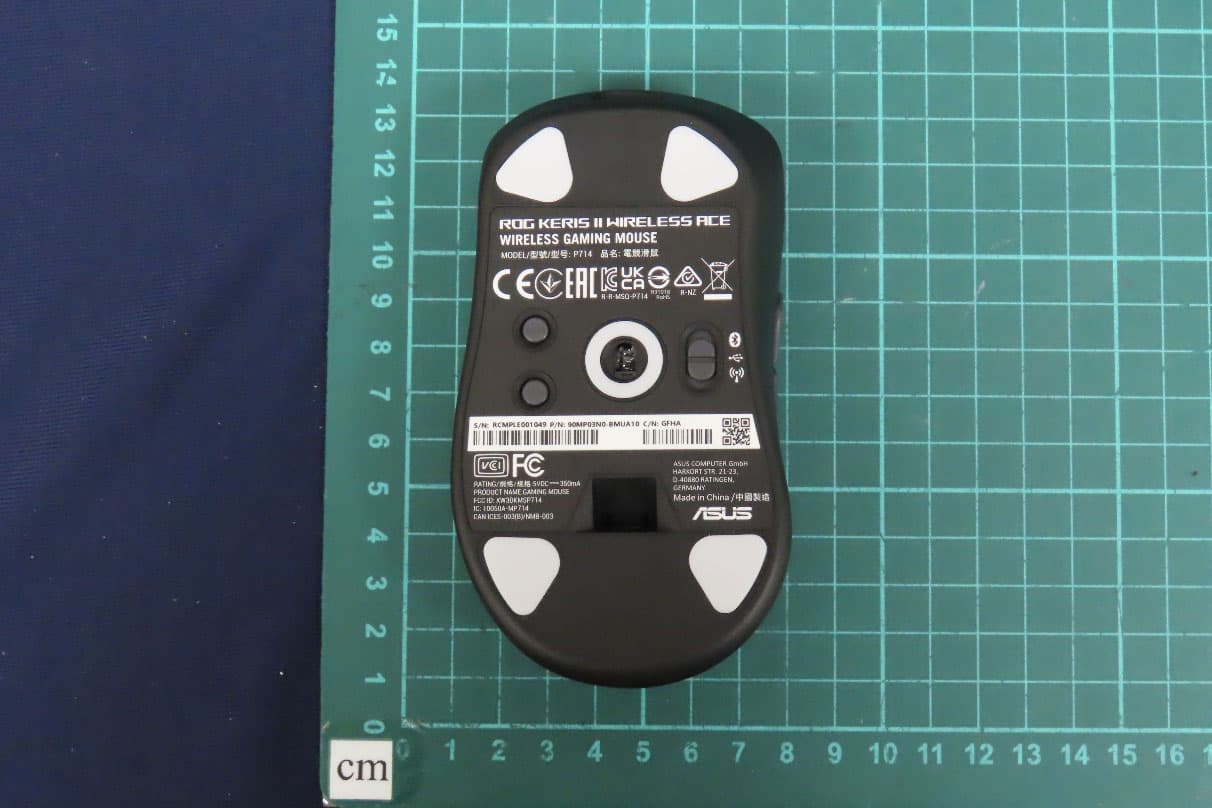
OO9P714
May 09, 2024GAMING MOUSE
Equipment Class
DTS - Digital Transmission System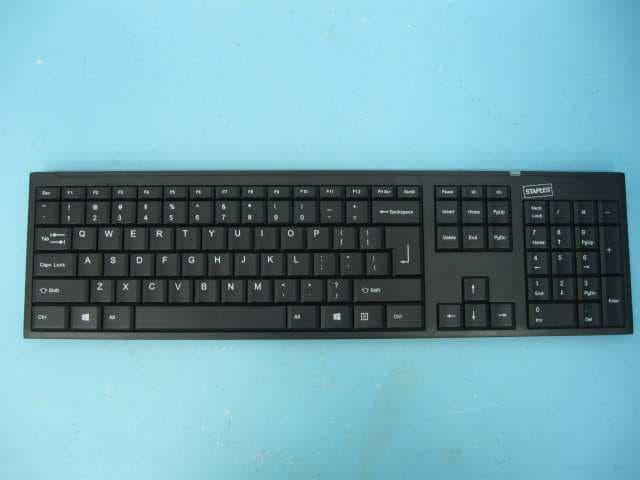
OO9GK381
Jun 17, 20152.4GHz Wirteless Keyboard
Equipment Class
DXX - Part 15 Low Power Communication Device Transmitter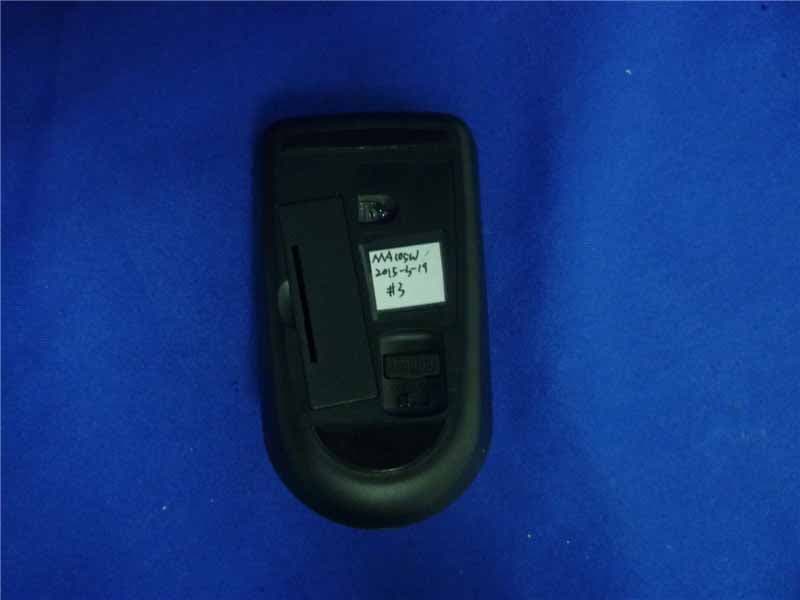
OO9MA105W
May 06, 20152.4GHz Wireless Mouse
Equipment Class
DXX - Part 15 Low Power Communication Device Transmitter
OO9KB313W
May 06, 20152.4GHz Wireless Keyboard
Equipment Class
DXX - Part 15 Low Power Communication Device Transmitter