OO9X3002.4GHz Wireless Gaming Mouse
G.Tech Technology Ltd.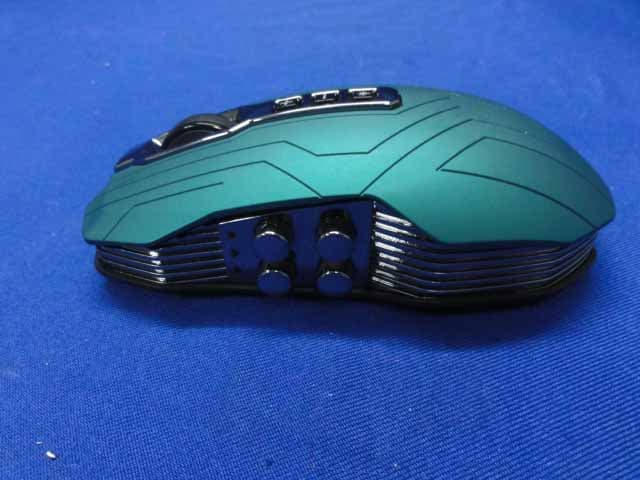
Click to zoom
Application Details
- Equipment Class
- DXX - Part 15 Low Power Communication Device Transmitter
- Date of Grant
- Jun 07, 2013
- Application Purpose
- Original Equipment
- Date of Application
- Jun 07, 2013
- Equipment Note
- 2.4GHz Wireless Gaming Mouse
- Frequency Range
- 2402.00000000 - 2479.00000000
- Company
- G.Tech Technology Ltd.
- Country
- China
Documents & Files
Document Text
Text extracted from the exhibit documents filed with the FCC. Open a document above to read the original.
Users Manual
User's Guide Contents Contents Contents P01-02 P03 P04 P05-08 P09 P10-14 Accessories Details Package Content Quick Start Guide User Guide Mouse Technical Parameters Driver Introduction 0201 Breathing light for wheel DPI down button DPI up button Breathing light switch Battery capacity indicator Programmable side buttons IR sensor USB cable lock Laser sensor Mouse charging connect points Magnet fix point Charging dock connect point Wired mode USB port Long-lasting foot pad Turbo-click Left/Right button Charging dock/receiver USB port Mode switch button for wireless Breathing light Scrolling wheel Mid-button Breathing light for wheel DPI up button Mid-but Accessories Details Top surface of the mouse Q Bottom surface of the mouse G a m i n g L a s e r 5 0 4 0 d p i IR Power Saving acem surfa emouse Q Charging dock (receiver function)Charging dock (receiver function)C 04 03 1* Gaming Mouse X300 1* Charging Dock (Receiver Function) 1* X300 USB Cable 2* X300 Spare Foot Pads 1* X300 Manual 1* X300 Quick Start Guide 1* X300 Driver CD 1* Gaming Mouse X300 1* Charging Dock (Receiver Fu 1* X300 USB Cable Package Content Using as wired mouse (1)Insert the USB cable into available USB port of PC (2)To start using, please connect the trapezoid USB port to the mouse . (3)If you want to pull out the cable, please push the USB cable wedge switch to release the cable before that. Caution: The master cable is for data transfer and only the master cable can activate the mouse, the assistant cable is only for charging help, if you connect the both USB ports to your PC, the charging time will be shorten. Remark: After USB cable connected with the mouse, the wireless mode would be invalid automatically, and the mouse would be switched into wired mode accordingly Using as wireless mouse (1) Insert the USB cable into free USB port of PC unction) Using as wireless mouseUs Quick Start Guide Please check if the accessories are complete, and read this manual carefully before use. Dual Power Train X300 Gaming Mouse can be used as not only wireless mouse but also wired mouse by dual powered. Caution: The master cable is for data transfer and only the master cable can activate the mouse, the assistant cable is only for charge help, if you connect the both USB ports to your PC, the charging time will be shorten. (2) Connect the trapezoid USB port to the charging dock which is also acted as the receiver. (3) To start using, switch on/off button to or Energy-saving mode Gaming mode 3 1 2 0605 User Guide Button function All in one breathing light for wheel, combine the functions of scrolling wheel, mid-button and breathing light. Breathing wheel light Scrolling wheel function: The wheel is adopted high grade ABS material to assure its resist-abrasion for a long time when scrolling Mid-button function: Click the mid-button, move the screen by mouse pointer, mid-button also could be customized by self defined after installing driver. Breathing light: different colours for distinguishing modes By different lighting ways, breathing light could be used for indications of power-on, using, binding, charging, intelligent recognizing, DPI switching Action under using hold mouse switch DPI put on charging dock put on charging dock Lighting way long-time lighting light off light fade in flash long-time lighting fade in/out by circle Mouse status normal use normal use wake up at once switch DPI Auto-bind successfully charging Breathing Light Colour Mode Red Wireless Gaming Mode Blue Wireless Energy-saving Mode Red Wired Mode Left/Right button —— Turbo-click Unique Turbo-Click technology reaches 1ms reports period and 8-times faster than common wired mouse, to bring you a good enjoy in gaming. Default DPI: Different factory settings of default dpi would be set under different mode, breathing light flashes different times according to its dpi Lighting switch button: Breathing light, charging indicator and top lighting buttons will be long-time lighting when mouse is working, and you can switch the light off by the button if you want the light off. Programmable side-buttons The four side-buttons with fault functions: volume up, volume down, forward and backward, they also could be self defined after installing the driver. Top lighting buttons Three top lighting buttons: DPI up button, DPI down button, lighting-switch button Switch DPI: The mouse has three levels DPI, and could be switched by dpi switch button. Click DPI + by once, the dpi will increases one level, there is no change after biggest level; click DPI – by once, the dpi will decrease one level, there is no change after smallest level. You may also customize the dpi by the driver. Instructions for wireless mode Mode switch button Under wireless mode 1. Switch the button to , the mouse power is cut off. 2. Switch the button to , the mouse is switched to Wireless Energy-saving Mode 3. Switch the button to , the mouse is switched to Wireless Gaming Mode If you change the DPI by driver, breathing light would indicate DPI value after the latest status. use when the breathing light turn off 0807 Instructions for wired mouse Caution: to avoid unnecessary damage, please use the original cable in the package. Under wireless energy-saving mode, it shows blue; under wireless gaming mode, it shows red; under wired mode, it shows red too. Charging dock 1. The charging dock combines the functions of mouse charging, acting as a receiver and auto- binding 2. To start using, connect the cable to the charging dock 3. The design of the dock is with magnet, it is available to fix the mouse to the dock. 4. The indicator at the bottom of charging dock will flash or light on according to different status. If you want to switch the light off, you can close the light by self setting from the driver. Dual antenna technology Under wireless modes, the charging dock is also used a receiver. Dual antenna technology ensure all directional data transmission up to 50 meters. Mouse charging: There is lithium b…
Text truncated - open the document above for the full version.
External Photos
R AUDIX Technology (Shenzhen) Co., Ltd. FCC ID:OO9X300 page Audix Technology (Shenzhen) Co., Ltd. Report No. ACS-F13111 12-1 12. PHOTOGRAPH OF EUT Figure 1 General Appearance of the EUT Figure 2 General Appearance of the EUT R AUDIX Technology (Shenzhen) Co., Ltd. FCC ID:OO9X300 page Audix Technology (Shenzhen) Co., Ltd. Report No. ACS-F13111 12-2 Figure 3 General Appearance of the EUT Figure 4 General Appearance of the EUT
ID Label/Location Info
Model no.: X300 Rating: 2.4GHz Wireless Gaming Mouse 3.7V 60 mA(Gaming) 3.7V =25 mA (Energy Conservation) This device complies with Part 15 of the FCC Rules. Operation is subject to the following two conditions: (1) this device may not cause harmful interference, and (2) this device must accept any interference received, including interference that may cause undesired operation. FCC ID:OO9X300 G.TECH TECHNOLOGY LTD. 2.4GHz Wireless Gaming Mouse Wired Gaming Mouse 5V 500mA (Charge) 5V 100mA (No Charge) 2 3 m m 41 mm
Internal Photos
R AUDIX Technology (Shenzhen) Co., Ltd. FCC ID:OO9X300 page Audix Technology (Shenzhen) Co., Ltd. Report No. ACS-F13111 12-3 Figure 5 General Appearance of the EUT Figure 6 Inside of the EUT R AUDIX Technology (Shenzhen) Co., Ltd. FCC ID:OO9X300 page Audix Technology (Shenzhen) Co., Ltd. Report No. ACS-F13111 12-4 Figure 7 Inside of the EUT Figure 8 Inside of the EUT R AUDIX Technology (Shenzhen) Co., Ltd. FCC ID:OO9X300 page Audix Technology (Shenzhen) Co., Ltd. Report No. ACS-F13111 12-5 Figure 9 Component Side of the PCB Figure 10 Component Side of the PCB R AUDIX Technology (Shenzhen) Co., Ltd. FCC ID:OO9X300 page Audix Technology (Shenzhen) Co., Ltd. Report No. ACS-F13111 12-6 Figure 11 Component Side of the PCB Figure 12 Component Side of the PCB R AUDIX Technology (Shenzhen) Co., Ltd. FCC ID:OO9X300 page Audix Technology (Shenzhen) Co., Ltd. Report No. ACS-F13111 12-7 Figure 13 Component Side of the PCB Figure 14 Component Side of the PCB R AUDIX Technology (Shenzhen) Co., Ltd. FCC ID:OO9X300 page Audix Technology (Shenzhen) Co., Ltd. Report No. ACS-F13111 12-8 Figure 15 Component Side of the PCB Figure 16 Component Side of the PCB R AUDIX Technology (Shenzhen) Co., Ltd. FCC ID:OO9X300 page Audix Technology (Shenzhen) Co., Ltd. Report No. ACS-F13111 12-9 Figure 17 Component Side of the PCB Figure 18 Component Side of the PCB R AUDIX Technology (Shenzhen) Co., Ltd. FCC ID:OO9X300 page Audix Technology (Shenzhen) Co., Ltd. Report No. ACS-F13111 12-10 Figure 19 Component Side of the PCB Figure 20 Component Side of the PCB R AUDIX Technology (Shenzhen) Co., Ltd. FCC ID:OO9X300 page Audix Technology (Shenzhen) Co., Ltd. Report No. ACS-F13111 12-11 Figure 21 Component Side of the PCB
RF Exposure Info
R AUDIX Technology (Shenzhen) Co., Ltd. FCC ID:OO9X300 page Audix Technology (Shenzhen) Co., Ltd. Report No. ACS-F13111 8-1 8. RADIO FRREQUENCY EXPOSURE COMPLIANCE RESULT : PASS Test standard : FCC KDB Publication 447498 D01 V05 Since maximum peak output power of the transmitter is<10mW, i.e.0.009346mW<10mW, hence the EUT is exclueded from SAR evaluation according to FCC KDB Publication 447498 D01: General RF Exposure Guidance V05.
Test Report
R AUDIX Technology (Shenzhen) Co., Ltd. FCC ID:OO9X300 Audix Technology (Shenzhen) Co., Ltd. Report No. ACS-F13111 FCC PART 15C TEST REPORT FOR CERTIFICATION On Behalf of G. tech Technology Ltd. 2.4GHz Wireless Gaming Mouse Model Number: X300 FCC ID: OO9X300 Prepared for : G. tech Technology Ltd. No.21, Jinding Industrial Park, West Jinfeng Road, Tangjiawan Town, Xiangzhou District Zhuhai Guangdong China Prepared By : Audix Technology (Shenzhen) Co., Ltd. No. 6, Ke Feng Rd., 52 Block, Shenzhen Science & Industrial Park, Nantou, Shenzhen, Guangdong, China Tel: (0755) 26639496 Report Number : ACS-F13111 Date of Test : Apr.19~22, 2013 Date of Report : May.07, 2013 R AUDIX Technology (Shenzhen) Co., Ltd. FCC ID:OO9X300 Audix Technology (Shenzhen) Co., Ltd. Report No. ACS-F13111 TABLE OF CONTENTS Description Page 1. SUMMARY OF STANDARDS AND RESULTS.......................................................... 1-1 1.1. Description of Standards and Results .................................................................................. 1-1 2. GENERAL INFORMATION ......................................................................................... 2-1 2.1. Description of Device (EUT) ............................................................................................... 2-1 2.2. EUT Configuration and operation conditions for test.......................................................... 2-1 2.3. Test Facility ......................................................................................................................... 2-2 2.4. Measurement Uncertainty (95% confidence levels, k=2) .................................................... 2-2 3. POWER LINE CONDUCTED EMISSION TEST ....................................................... 3-1 4. RADIATED EMISSION TEST ...................................................................................... 4-1 4.1. Test Equipment .................................................................................................................... 4-1 4.2. Block Diagram of Test Setup ............................................................................................... 4-2 4.3. Radiated Emission Limit Standard: FCC 15.209 and 15.249 .............................................. 4-3 4.4. EUT Configuration on Test.................................................................................................. 4-3 4.5. Operating Condition of EUT................................................................................................ 4-3 4.6. Test Procedure...................................................................................................................... 4-3 4.7. Radiated Emission Test Results ........................................................................................... 4-4 5. 20 DB BANDWIDTH TEST ........................................................................................... 5-1 5.1. Test Equipment .................................................................................................................... 5-1 5.2. Limit..................................................................................................................................... 5-1 5.3. Test Results .......................................................................................................................... 5-1 6. BAND EDGE COMPLIANCE TEST ............................................................................ 6-1 6.1. Test Equipment .................................................................................................................... 6-1 6.2. Limit..................................................................................................................................... 6-1 6.3. Test Produce ......................................................................................................................... 6-1 6.4. Test Results .......................................................................................................................... 6-1 7. ANTENNA REQUIREMENT ........................................................................................ 7-1 8. RADIO FRREQUENCY EXPOSURE COMPLIANCE.............................................. 8-1 9. TEST SOFTWARE.......................................................................................................... 9-1 10. DEVIATION TO TEST SPECIFICATIONS.............................................................. 10-1 11. PHOTOGRAPH OF TEST ........................................................................................... 11-1 11.1. Photos of Radiated Emission Test (30-1000MHz) ............................................................ 11-1 12. PHOTOGRAPH OF EUT ............................................................................................. 12-1 R AUDIX Technology (Shenzhen) Co., Ltd. FCC ID:OO9X300 page Audix Technology (Shenzhen) Co., Ltd. Report No. ACS-F13111 1-1 1. SUMMARY OF STANDARDS AND RESULTS 1.1. Description of Standards and Results The EUT have been tested according to the applicable standards as referenced below. EMISSION Description of Test Item Standard Results Power Line Conducted Emission Test FCC Part 15C: 15.207 ANSI C63.10-2009 PASS Radiated Emission Test FCC Part 15C: 15.209 FCC Part 15C: 15.249 ANSI C63.10-2009 PASS Band Edge Compliance Test FCC Part 15: 15.249 ANSI C63.10-2009 PASS 20dB Bandwidth Test FCC Part 15: 15.215 ANSI C63.10-2009 PASS R AUDIX Technology (Shenzhen) Co., Ltd. FCC ID:OO9X300 page Audix Technology (Shenzhen) Co., Ltd. Report No. ACS-F13111 2-1 2. GENERAL INFORMATION 2.1. Description of Device (EUT) Product Name : 2.4GHz Wireless Gaming Mouse Model Number : X300 FCC ID : OO9X300 Operation frequency : 2402MHz-2479MHz Antenna : Integrated PCB antenna, 0dBi gain Modulation : GFSK Power Supply : DC 3.7V Applicant : G. tech Technology Ltd. No.21, Jinding Industrial Park, West Jinfeng Road, Tangjiawan Town, Xiangzhou District Zhuhai …
Text truncated - open the document above for the full version.
Test Setup Photos
R AUDIX Technology (Shenzhen) Co., Ltd. FCC ID:OO9X300 page Audix Technology (Shenzhen) Co., Ltd. Report No. ACS-F13111 11-1 11. PHOTOGRAPH OF TEST 11.1. Photos of Radiated Emission Test (30-1000MHz) R AUDIX Technology (Shenzhen) Co., Ltd. FCC ID:OO9X300 page Audix Technology (Shenzhen) Co., Ltd. Report No. ACS-F13111 11-2 (At Anechoic 3m Chamber Test 1GHz –6GHz)
Contact Information
Applicant
Sulia Li(Certified Associate)
Technical Contact
AUDIX Technology (Shenzhen) Co., Ltd.Sunny Lu
[email protected]8675526639497
No.6,Ke Feng Road.Block 52 · Shenzhen · China
Non-Technical Contact
AUDIX Technology (Shenzhen) Co., Ltd.Sunny Lu
[email protected]8675526639497
Test Firm
Audix Technology (Shenzhen) Co., Ltd.Smart Tsai
Technical Specifications
| # | Rule Parts | Frequency Range | Power Output |
|---|---|---|---|
| 1 | 15C | 2.40 GHz - 2.48 GHz | - |
Other Applications from G.Tech Technology Ltd.
OO9P729
Aug 06, 2026WIRELESS GAMING MOUSE
Equipment Class
DTS - Digital Transmission System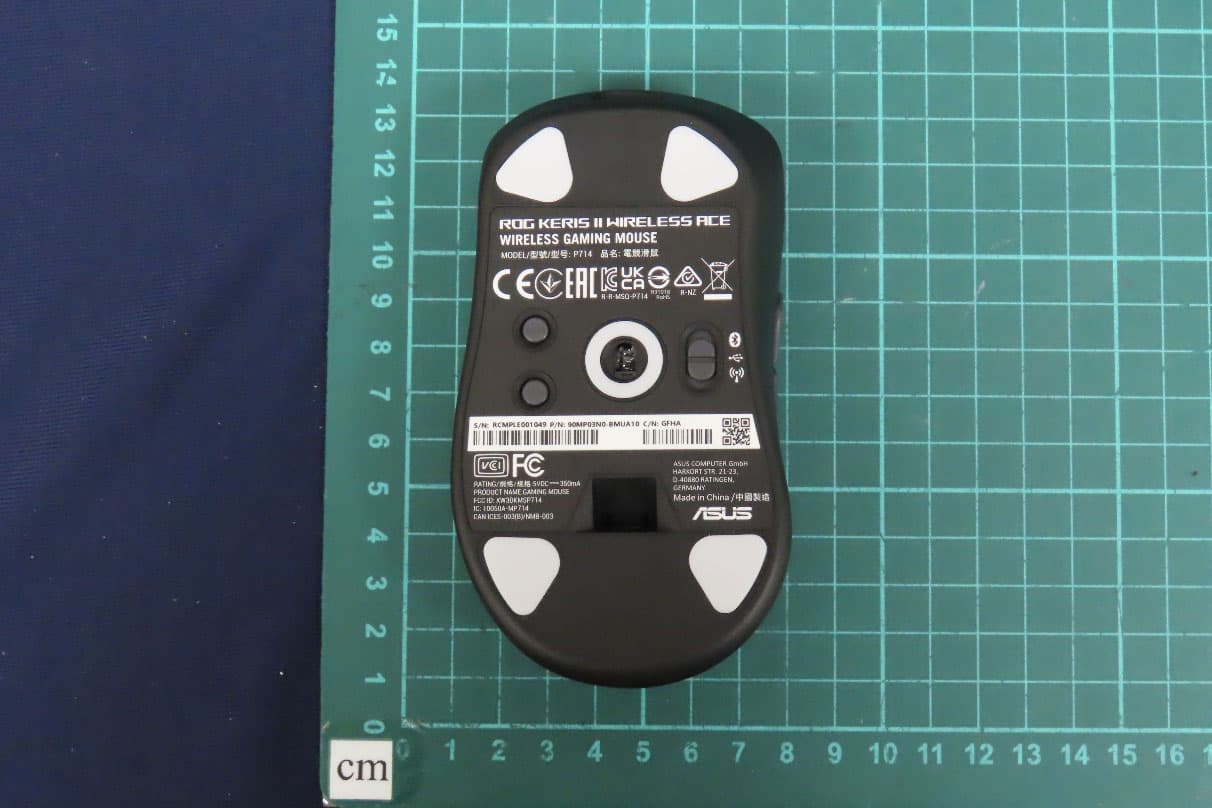
OO9P714
May 09, 2024GAMING MOUSE
Equipment Class
DTS - Digital Transmission System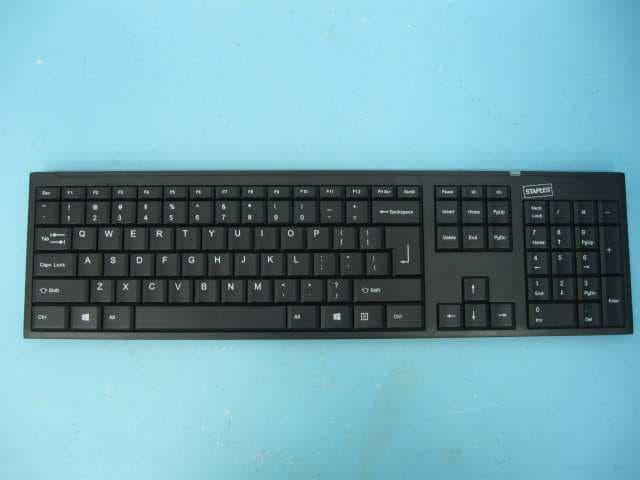
OO9GK381
Jun 17, 20152.4GHz Wirteless Keyboard
Equipment Class
DXX - Part 15 Low Power Communication Device Transmitter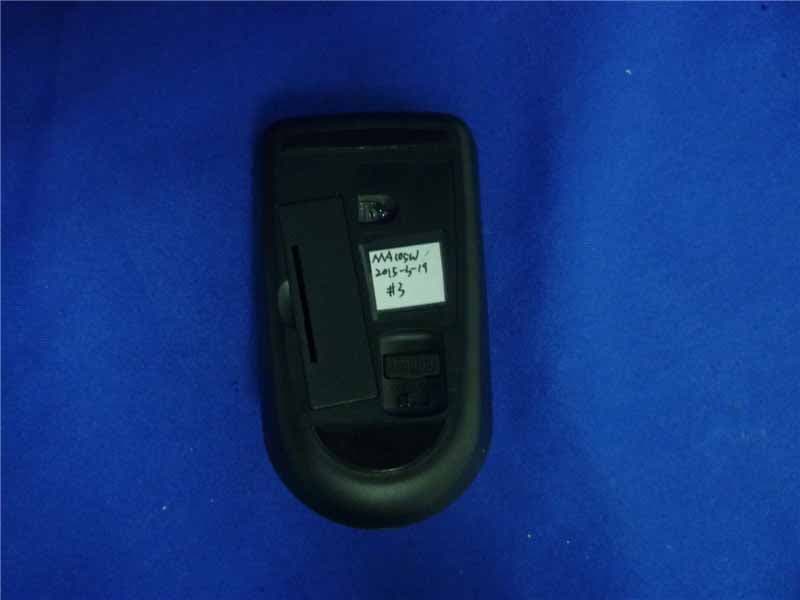
OO9MA105W
May 06, 20152.4GHz Wireless Mouse
Equipment Class
DXX - Part 15 Low Power Communication Device Transmitter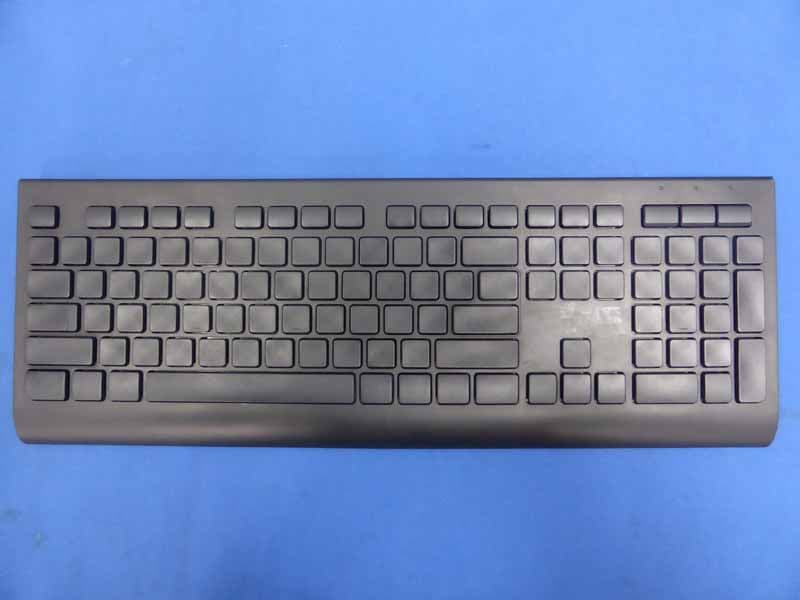
OO9KB313W
May 06, 20152.4GHz Wireless Keyboard
Equipment Class
DXX - Part 15 Low Power Communication Device Transmitter