P2DMP309Digital Media Player
Fu Kuang Hui Electronics Co., Ltd (Shenzhen)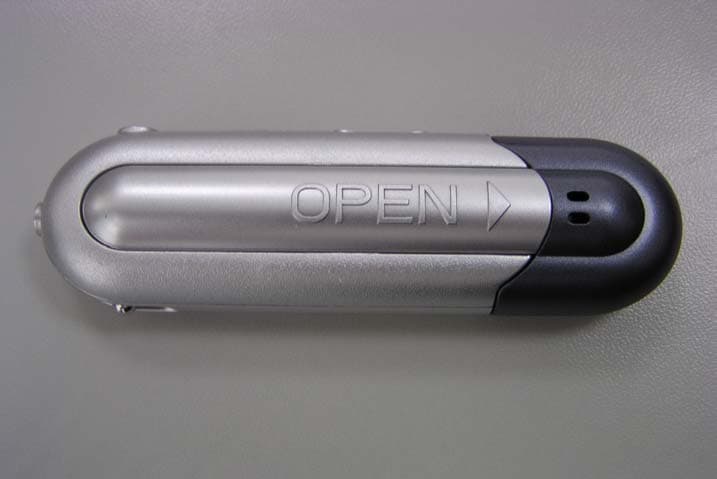
Click to zoom
Application Details
- Equipment Class
- JBP - Part 15 Class B Computing Device Peripheral
- Date of Grant
- Apr 23, 2003
- Application Purpose
- Original Equipment
- Date of Application
- Apr 23, 2003
- Equipment Note
- Digital Media Player
- Country
- China
Documents & Files
Document Text
Text extracted from the exhibit documents filed with the FCC. Open a document above to read the original.
Users Manual
1 Subject Operational Notes ...........................................3 Accessories ......................................................7 LCD ..................................................................8 Turning the power on/off ..................................9 Playing MP3 music ......................................... 10 Use menu under the playing mode ..................12 Voice Recording Function ...............................14 The menu under Voice Recording mode .........17 Exit the voice recording mode .........................19 To Delete files .................................................20 EQ (Equalizer) .................................................22 Repeat mode ...................................................24 The Backlight ...................................................27 Examine the utilization of the internal memory .29 USB Connection ..............................................30 System Requirements .....................................31 Installation of Manager Software .....................32 How to use Digital Audio Management System .33 Sending files to Digital Audio ............................34 Sending files from Digital Audio to PC ..............37 Formatting the memory of Digital Audio ............39 To Delete files ..................................................41 To refresh USB connection ..............................43 Internal Memory Display ..................................44 Pre-listen ..........................................................45 Trouble Diagnosis .............................................47 Fixtool User Manual.....................................52 Fechnique Spec ................................................56 Operational Notes ●If the Mp3 player will not be operated for a prolonged period, remove the batteries to avoid possible damage caused by electrical leakage. ●The Mp3 player should be kept in areas free from extreme temperature changes, moisture and dust. ●Set the HOLD switch to the release position before operation. ●Do not drop the player, which probably cause battery fall off or damage its surface. Battery Status (Time unit: hour) Battery Digital Audio Alkaline battery Size AAA×1 12 2 *Battery life may vary with different using condition, manufacturer and manufacture date. *Please change the battery under following conditions: Indicator appears and display the “Low Battery” then shut down. All buttons make no response and are not workable even after the battery is taken out and reinstalled. Note: To avoid static electricity, please If possible, avoid operating the player in extremely dry environment. If the player stops running under proper operation, please reset it by taking out battery . Accessories AAA Battery LCD Repeat modes include Repeat, Repeat All, Random, Preview and Normal (Normal mode isn’t illustrated in the figure.) Equalizer modes include Jazz, Classic, Rock, Pop Installation CD USB Cable Stereo Phone Manual/ Maintenance Certificate Play repeat mode Hold icon Battery indicator Type of the song Current situation The singer and the song Playback time 3 and Normal Turning the power on/off The power will be turned on when PLAY/STOP button is pressed momentarily. In 2 seconds, a glorious picture with blue backlight appears. The backlight will be turned on by user setting and will last different seconds if some button is pressed; if not, the backlight will be automatically turned down after user setting seconds. Pressing PLAY/STOP button for more than 3 seconds until “Power OFF” appears on the screen, then it’s safe to turn the power off. Playing MP3 music 1. Turning on the power by pressing PLAY/ STOP button momentarily, you could see the following interfaces: the 03-33 means there are 33 songs in the Digital Audio and it’s the third. 2. When you press PLAY/STOP button again, the current track will be played as shown above. The top left corner is the playback time indicator. 3. If you want to select previous/next piece, turn the rolling wheel up and down to get the track. The music will stop if you press PLAY/ STOP. 4. By pressing the PLAY/STOP button for 3 seconds, you could turn the power off. 5. By pressing VOL+/VOL- button, you could control the volume under either PLAY or PAUSE status. The volume steps (see illustration) will increase or decrease when the VOL+/VOL- button is pressed correspondingly. There are 32 volume steps and the volume level ranges from 0 to 31. Caution The battery status indicator may flicker while MP3 is playing, which results from battery supply 4 vibration while different power is consumed. Use menu under the playing mode 1. Press PLAY/STOP to turn on the Digital Audio 2. Press the Menu button (in the middle of the rolling wheel). So you can see the function menu of the Digital Audio as following: REC Enter into record operation EQ Equalizer mode Repeat Repeat mode Backlight Background light Del File Delete audio files Memory Info Memory information Return Return All the options are listed in the below table. You may select every item by the rolling up or down wheel. 1. You can use Last or Next button to select every item in the function menu and press Mode button to enter the function. 2. When you select “Del File”, you will enter the Delete interface. More information is to be mentioned behind. 3. The Digital Audio would pops up a dialog box about the capacity of the memory when the “Memory Info” is selected. With no button being pressed, it will return to Play interface after 2 seconds. You can see your Digital Audio memory as following: Voice Recording Function 1. After turning on the power by pressing PLAY/ STOP button, press the Menu button (in the middle of the rolling wheel), and then you can see the menu as illustration. 2. Select REC item, enter into the interface of Voice Recording (See illustration) Total Memory 128M Byte 5 3. Now you can select the files to be played by the up/down button. Press the PLAY/STOP button to listen to t…
Text truncated - open the document above for the full version.
Block Diagram
55 44 33 22 11 D D C C B B A A TGE Digital Media Player Block diagram 3 2 24.576MHzcrystal MMCconnector holdswitch voltage-regulationcomponents headphones NAND FLASH 2 LCD STMP34 1 0 Universal SerialBus (USB)connectorheadphoneconnector 3 buttonmatrix 3 2162 microphone battery host computer <Doc>COVER A 1 1 Wednesday, June 12, 2002 TitleSize Document Number Rev Date: Sheet of
External Photos
External Photos FIGURE 1 EUT - Front View FIGURE 2 EUT- Back View
ID Label/Location Info
ID Label /Location Info label sample Label FCC ID: P2DMP309
ID Label/Location Info
ID Label/Location Info label location Label Location Information Specifications: Text is Black or white in color and is left justified. Labels are printed in indelible ink on permanent adhesive backing or silk-screened onto the EUT or shall be affixed at a conspicuous location on the EUT. Refer to the below arrow. FCC ID: P2DMP309
Internal Photos
Internal Photos FIGURE 1 EUT – Inside view (1) FIGURE 2 EUT - Inside View (2) FIGURE 3 EUT - Inside View (3) FIGURE 4 EUT -PCB View (1) FIGURE 5 EUT –PCB View (2) FIGURE 6 EUT – PCB View (3) FIGURE 7 EUT – PCB View (4)
Operational Description
MP3 Player Product Description Key features MP3 WMA format supported Voice recording 5-Mode Equalizer (Jazz/Classic/Rock/POP/Normal) Backlight LCD display Dynamic Bass Booster High Speed USB 7Mbps ID3 TAG display Repeat A-B and Repeat Mode 64 or 128MB of internal flash memory Play time 64 minutes of MP3 playback at 128Kbps 90 minutes of MP3 playback at 96kbps 256 minutes of ADPCM voice recording or more Playing time: 12 hours or more Technical Specification Range: 20Hz~20KHz Signal/noise:85dB~90dB Total Distortion: 0.08% Memory Built-in: 64 or 128MB Power 1AAA Battery Earphone output 5mW+5mW
Test Report
Note: The test report is specially limited to the use of the above client company and the product model. It may not be duplicated without prior written consent of Bay Area Compliance Laboratory Corporation. This report must not be used by the client to claim product endorsement by NVLAP or any agency of the U.S. Government FCC PART 15 CLASS B EMI MEASUREMENT AND TEST REPORT For Fu Kuang Hui Electronics Co., Ltd. (Shen Zhen) The second Industrial Park of Xia Village, Gongming Baoan District, Shenzhen City, Guongdong Province, China FCC ID: P2DMP309 March 24, 2003 This Report Concerns: Original Report Equipment Type: Digital Media Player Test Engineer: Davil Wang Report Number: RSZ03031609 Test Date: March 16, 2003 Reviewed By: Prepared By: Bay Area Compliance Lab Corp. ShenZhen Suite C, 41-D Electronics Science & Technology Building, No. 2070 Shennanzhong Rd ShenZhen, Guandong 518031, P.R. China Tel: (755) 83296449 Fax: (755) 83273756 Fu Kuang Hui Electronics Co., Ltd. (Shen Zhen) FCC ID: P2DMP309 Report # RSZ03031610.doc Page 2 of 12 FCC Part 15 Class B Report TABLE OF CONTENTS 1 - GENERAL INFORMATION..................................................................................................................................3 1.1 P RODUCT D ESCRIPTION FOR E QUIPMENT U NDER T EST (EUT) ..............................................................................3 1.2 O BJECTIVE .............................................................................................................................................................3 1.3 R ELATED S UBMITTAL ( S )/G RANT ( S ).......................................................................................................................3 1.4 T EST M ETHODOLOGY ............................................................................................................................................3 1.5 T EST F ACILITY .......................................................................................................................................................4 1.6 T EST E QUIPMENT L IST ...........................................................................................................................................5 1.7 H OST PC C ONFIGURATION D ETAIL AND L IST ........................................................................................................5 1.8 L OCAL S UPPORT E QUIPMENT L IST AND D ETAILS ...................................................................................................5 1.9 E XTERNAL I/O C ABLING L IST AND D ETAILS .........................................................................................................5 2 - SYSTEM TEST CONFIGURATION.....................................................................................................................6 2.1 J USTIFICATION .......................................................................................................................................................6 2.2 EUT E XERCISE S OFTWARE ....................................................................................................................................6 2.3 S PECIAL A CCESSORIES ...........................................................................................................................................6 2.4 B LOCK D IAGRAM ...................................................................................................................................................6 2.5 E QUIPMENT M ODIFICATIONS .................................................................................................................................6 2.6 T EST S ETUP C ONFIGURATION ................................................................................................................................7 2.7 T EST S ETUP B LOCK D IAGRAM ...............................................................................................................................7 3 - CONDUCTED EMISSIONS TEST DATA............................................................................................................8 3.1 M EASUREMENT U NCERTAINTY ..............................................................................................................................8 3.2 EUT S ETUP ............................................................................................................................................................8 3.3 S PECTRUM A NALYZER S ETUP ................................................................................................................................8 3.4 T EST P ROCEDURE ..................................................................................................................................................9 3.5 S UMMARY OF T EST R ESULTS .................................................................................................................................9 3.6 C ONDUCTED E MISSIONS T EST D ATA .....................................................................................................................9 3.7 P LOT OF C ONDUCTED E MISSIONS T EST D ATA .......................................................................................................9 4 - RADIATED EMISSION DATA ...........................................................................................................................11 4.1 M EASUREMENT U NCERTAINTY ............................................................................................................................11 4.2 EUT S ETUP ..........................................................................................................................................................11 4.3 S PECTRUM A NALYZER S ETUP ..............................................................................................................................11 4.4 T EST P ROCEDURE ......................................................................…
Text truncated - open the document above for the full version.
Test Setup Photos
Test Setup Photos Test Setup Photos All series of products are setup in the same. Refer to the following photos for conducted and radiated emission. Conducted Emission – Front View Conducted Emission – Side View Radiated Emission – Front View Radiated Emission – Back View
Contact Information
Applicant
Lin Wen Long(PCC Supervisor)
Test Firm
Bay Area Compliance Laboratory Corp. (Shenzhen)John Chan
Technical Specifications
| # | Rule Parts | Frequency Range | Power Output |
|---|---|---|---|
| 1 | 15B | - | - |
Other Applications from Fu Kuang Hui Electronics Co., Ltd (Shenzhen)
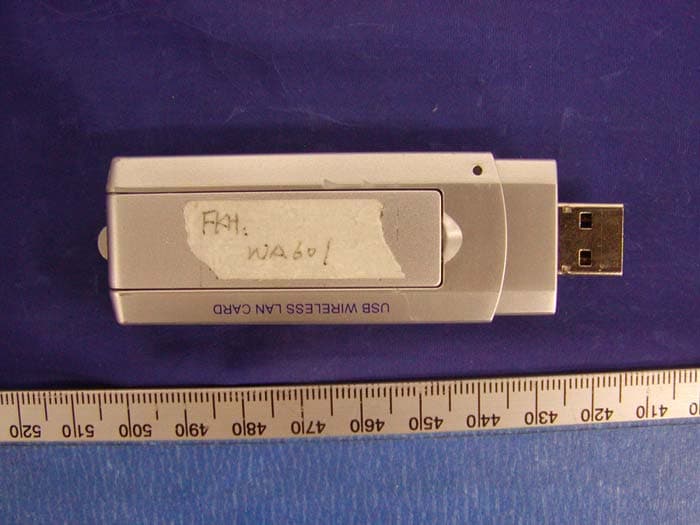
P2DWA601
Jul 03, 2004USB Wireless LAN Adapter
Equipment Class
DTS - Digital Transmission System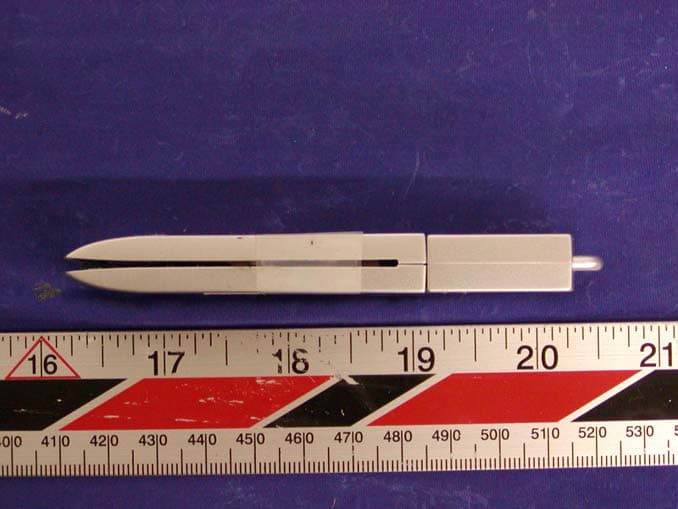
P2DBTU97
Oct 30, 2003UFD+Bluetooth
Equipment Class
DSS - Part 15 Spread Spectrum Transmitter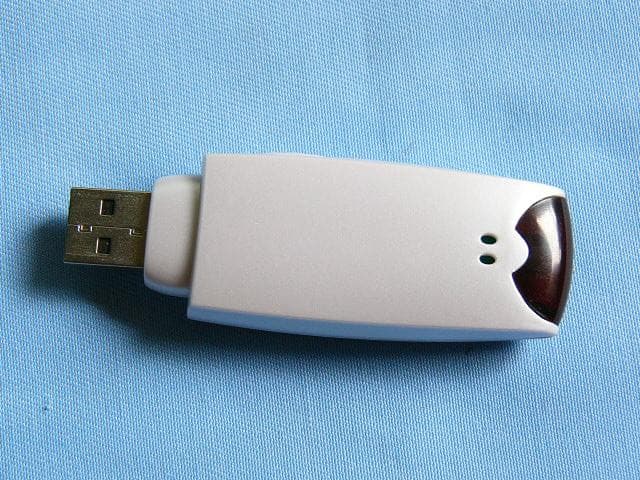
P2DBTU9X
Sep 28, 2003UFD + Bluetooth
Equipment Class
DSS - Part 15 Spread Spectrum Transmitter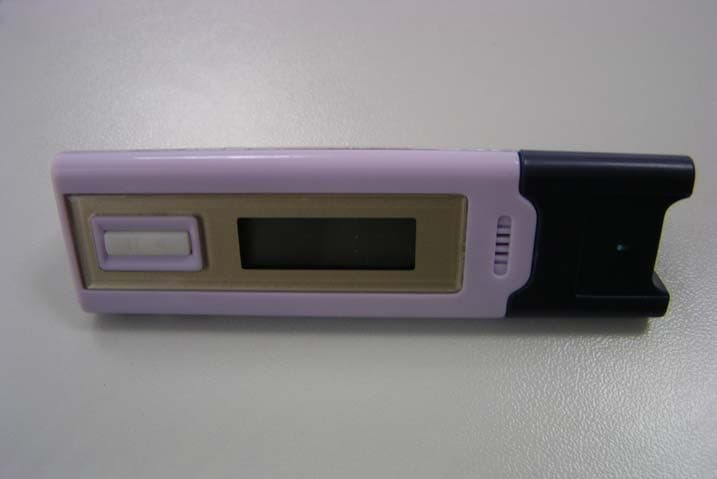
P2DMP308
Apr 23, 2003Digital Media Player
Equipment Class
JBP - Part 15 Class B Computing Device Peripheral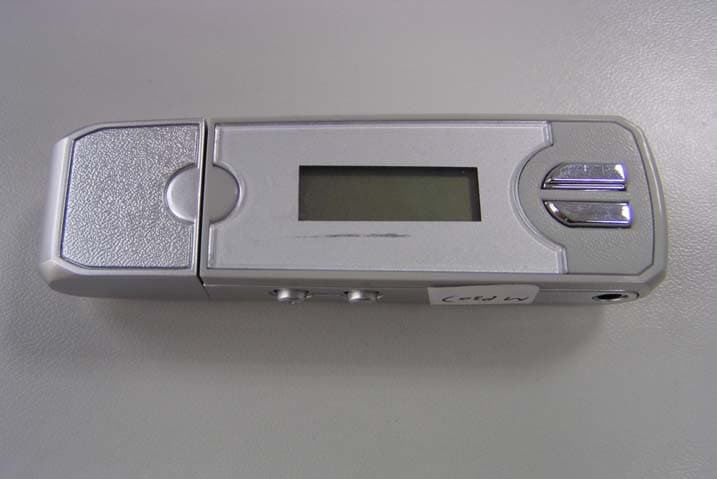
P2DMP307
Apr 23, 2003Digital Media Player
Equipment Class
JBP - Part 15 Class B Computing Device Peripheral