P6XSBX-166LHGE-2Internet Security Appliance
SofaWare Technologies Ltd.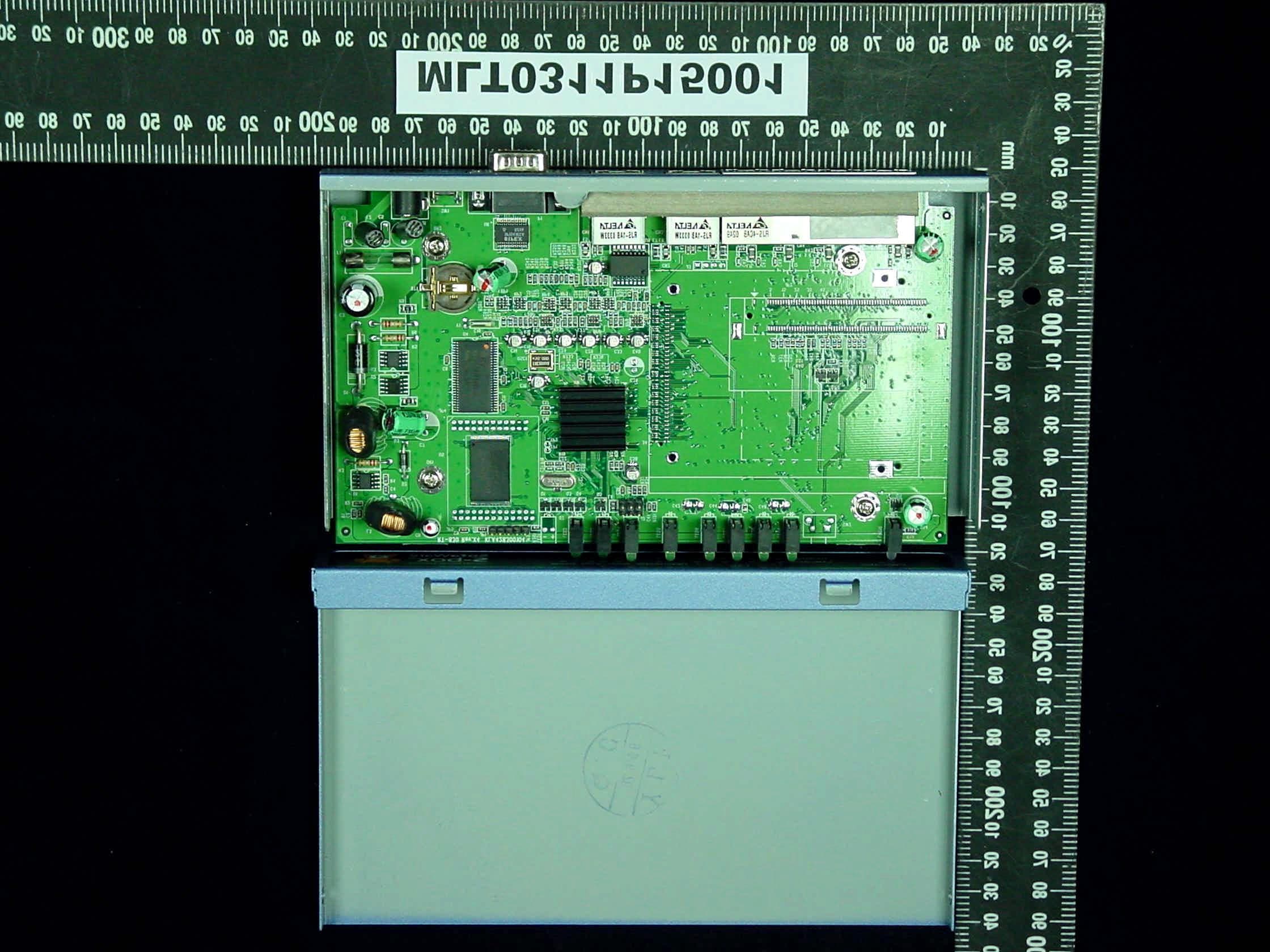
Click to zoom
Application Details
- Equipment Class
- JBP - Part 15 Class B Computing Device Peripheral
- Date of Grant
- Dec 11, 2003
- Application Purpose
- Original Equipment
- Date of Application
- Dec 11, 2003
- Equipment Note
- Internet Security Appliance
- Company
- SofaWare Technologies Ltd.
- Country
- Israel
Documents & Files
Document Text
Text extracted from the exhibit documents filed with the FCC. Open a document above to read the original.
Users Manual
Check Point Safe@Office Internet Security Appliance User Guide Version 4.0.50 Part No:700797, October, 2003 COPYRIGHT & TRADEMARKS Copyright © 2003 SofaWare, All Rights Reserved. No part of this document may be reproduced in any form or by any means without written permission from SofaWare. Information in this document is subject to change without notice and does not represent a commitment on part of SofaWare Technologies Ltd. SofaWare, Safe@Home and Safe@Office are trademarks, service marks, or registered trademarks of SofaWare Technologies Ltd. Check Point, the Check Point logo, FireWall- 1, FireWall-1 SecureServer, FireWall-1 SmallOffice, FloodGate-1, INSPECT, IQ Engine, Meta IP, MultiGate, Open Security Extension, OPSEC, Provider-1, SecureKnowledge, SecureUpdate, SiteManager-1, SVN, UAM, User-to-Address Mapping, UserAuthority, Visual Policy Editor, VPN-1, VPN-1 Accelerator Card, VPN-1 Gateway, VPN-1 SecureClient, VPN- 1 SecuRemote, VPN-1 SecureServer, and VPN-1 Edge are trademarks, service marks, or registered trademarks of Check Point Software Technologies Ltd. or its affiliates. All other product names mentioned herein are trademarks or registered trademarks of their respective owners. The products described in this document are protected by U.S. Patent No. 5,606,668 and 5,835,726 and may be protected by other U.S. Patents, foreign patents, or pending applications. SAFETY PRECAUTIONS Carefully read the Safety Instructions the Installation and Operating Procedures provided in this User's Guide before attempting to install or operate the appliance. Failure to follow these instructions may result in damage to equipment and/or personal injuries. Before cleaning the appliance, unplug the power cord. Use only a soft cloth dampened with water for cleaning. Any changes or modifications to this product not explicitly approved by the manufacturer could void any assurances of Safety or Performance and could result in violation of Part 15 of the FCC Rules. When installing the appliance, ensure that the vents are not blocked. Do not use the appliance outdoors. Do not expose the appliance to liquid or moisture. Do not expose the appliance to extreme high or low temperatures. Do not drop, throw, or bend the appliance since rough treatment could damage it. Do not use any accessories other than those approved by Check Point. Failure to do so may result in loss of performance, damage to the product, fire, electric shock or injury, and will void the warranty. Do not disassemble or open the appliance. Failure to comply will void the warranty. Do not route the cables in a walkway or in a location that will crimp the cables. POWER ADAPTER The appliance should only be used with the power adapter provided. The power adapter should be plugged into a surge protected power source. In addition, be careful not to overload the wall outlets, extension cords, etc. used to power this unit. Connect the power adapter only to power sources as marked on the product. To reduce risk of damage to the electric cord, remove it from the outlet by holding the power adapter rather than the cord. SECURITY DISCLAIMER The appliance provides your office network with the highest level of security. However, no product can provide you with absolute protection against a determined effort to break into your system. We recommend using additional security measures to secure highly valuable or sensitive information. Contents Contents i Contents Chapter 1: Introduction ................................................................................... 1 About Your Check Point Safe@Office Appliance ......................................... 1 Safe@Office Products .................................................................................... 2 Safe@Office 105 ........................................................................................ 2 Safe@Office 110 ........................................................................................ 2 Safe@Office 225 ........................................................................................ 3 Safe@Office 225U ..................................................................................... 3 Safe@Office Features and Compatibility ....................................................... 3 Connectivity................................................................................................ 3 Firewall....................................................................................................... 5 VPN ............................................................................................................ 6 Management ............................................................................................... 7 Optional Security Services ......................................................................... 8 Package Contents........................................................................................ 9 Network Requirements ............................................................................... 9 Getting to Know Your Safe@Office 100 Series........................................... 10 Rear Panel................................................................................................. 10 Front Panel................................................................................................ 12 Getting to Know Your Safe@Office 200 Series........................................... 13 Rear Panel................................................................................................. 13 Front Panel................................................................................................ 15 About This Guide ......................................................................................... 16 Contacting Technical Support ...................................................................... 17 Contents ii Check Point Safe@Office User Guide Chapter 2: Installing and Setting up the…
Text truncated - open the document above for the full version.
Block Diagram
55 44 33 22 11 D D C C B B A A CPU FLASHSDRAM MINIPCI PHY PHY PHY 5V 3.3V2.5V1.8VPOWER 8995E LAN DMZ WAN RTC UART1UART0 BLK X4 TURBOCOM RT-830 A 115 Friday, October 31, 2003 TitleSize Document Number Rev Date: Sheet of
External Photos
MAX LIGHT Report Number: MLT0311P15001 FCC ID: P6XSBX-166LHGE-2 Technology Lab MAX LIGHT Report Number: MLT0311P15001 FCC ID: P6XSBX-166LHGE-2 Technology Lab MAX LIGHT Report Number: MLT0311P15001 FCC ID: P6XSBX-166LHGE-2 Technology Lab MAX LIGHT Report Number: MLT0311P15001 FCC ID: P6XSBX-166LHGE-2 Technology Lab MAX LIGHT Report Number: MLT0311P15001 FCC ID: P6XSBX-166LHGE-2 Technology Lab
ID Label/Location Info
MAX LIGHT Report Number: MLT0311P15001 FCC ID: P6XSBX-166LHGE-2 Technology Lab Label Format: Label Position: This device complies with Part15 of the FCC Rules. Operation is subject to the following two conditions: (1) This device may not cause harmful interference,and (2) This device must accept any interference received ,including. Interference that may cause undesired operation. Model : SBX-166LHGE-2 FCC ID : P6XSBX-166LHGE-2 Equipment Lable 3.5CMX6CM Rear View
Internal Photos
MAX LIGHT Report Number: MLT0311P15001 FCC ID: P6XSBX-166LHGE-2 Technology Lab MAX LIGHT Report Number: MLT0311P15001 FCC ID: P6XSBX-166LHGE-2 Technology Lab MAX LIGHT Report Number: MLT0311P15001 FCC ID: P6XSBX-166LHGE-2 Technology Lab MAX LIGHT Report Number: MLT0311P15001 FCC ID: P6XSBX-166LHGE-2 Technology Lab MAX LIGHT Report Number: MLT0311P15001 FCC ID: P6XSBX-166LHGE-2 Technology Lab
Internal Photos
MAX LIGHT Report Number: MLT0311P15001 FCC ID: P6XSBX-166LHGE-2 Technology Lab MAX LIGHT Report Number: MLT0311P15001 FCC ID: P6XSBX-166LHGE-2 Technology Lab MAX LIGHT Report Number: MLT0311P15001 FCC ID: P6XSBX-166LHGE-2 Technology Lab MAX LIGHT Report Number: MLT0311P15001 FCC ID: P6XSBX-166LHGE-2 Technology Lab MAX LIGHT Report Number: MLT0311P15001 FCC ID: P6XSBX-166LHGE-2 Technology Lab
Test Report
Product : “Safe@Office”, “VPN-1 Edge”, “S-box” Applicant : SofaWare Technologies Ltd. FCC ID : P6XSBX-166LHGE-2 Model : SBX-166LHGE-2 Report No. : MLT0311P15001 Test Date : November 27,2003 Test By Max Light Technology Co.,Ltd. Room 5, 8F, No.125, Section 3 Roosevelt Road, Taipei, Taiwan., R.O.C. Tel: 886-2-2363-2447 Fax: 886-2-2363-2597 T T h h e e t t e e s s t t r r e e p p o o r r t t c c o o n n s s i i s s t t s s o o f f 2 2 1 1 p p a a g g e e s s i i n n t t o o t t a a l l . . I I t t m m a a y y b b e e d d u u p p l l i i c c a a t t e e d d c c o o m m p p l l e e t t e e l l y y f f o o r r l l e e g g a a l l u u s s e e w w i i t t h h t t h h e e a a l l l l o o w w a a n n c c e e o o f f t t h h e e a a p p p p l l i i c c a a n n t t . . I I t t s s h h a a l l l l n n o o t t b b e e r r e e p p r r o o d d u u c c e e d d e e x x c c e e p p t t i i n n f f u u l l l l , , w w i i t t h h o o u u t t t t h h e e w w r r i i t t t t e e n n a a p p p p r r o o v v a a l l o o f f o o u u r r l l a a b b o o r r a a t t o o r r y y . . MAX LIGHT MEASUREMENT REPORT Page: 2/212 Report Number: MLT0311P15001 FCC ID: P6XSBX-166LHGE-2 Technology Lab Table of Contents : MAX LIGHT MEASUREMENT REPORT Page: 3/212 Report Number: MLT0311P15001 FCC ID: P6XSBX-166LHGE-2 Technology Lab CERTIFICATION We here by verify that : The test data, data evaluation, test procedures and equipment configurations shown in this report were made in accordance with the procedures given in ANSI C63.4-1992. All test were conducted by MLT(Max Light Technology Co.,Ltd) Room 5, 8F, No.125, Section 3 Roosevelt Road, Taipei, Taiwan, R.O.C Also, we attest to the accuracy of each. We further submit that the energy emitted by the sample EUT tested as described in the report is in compliance with Class B radiated and conducted emission limit of FCC Rules Part 15 Subpart B. EUT : “Safe@Office”, “VPN-1 Edge”, “S-box” Applicant : SofaWare Technologies Ltd. 3 Hilazon St., 4th Floor, Ramat-Gan, Israel 52522 Manufacturer : SofaWare Technologies Ltd. 3 Hilazon St., 4th Floor, Ramat-Gan, Israel 52522 Model No : SBX-166LHGE-2 FCC ID : P6XSBX-166LHGE-2 Prepared by : Approved by : MAX LIGHT MEASUREMENT REPORT Page: 4/212 Report Number: MLT0311P15001 FCC ID: P6XSBX-166LHGE-2 Technology Lab 1.1 Introduction The following measurement report is submitted on behalf of SofaWare Technologies Ltd. In support of a Class B Digital Device certification in accordance with Part2 Subpart J and Part 15 Subpart A And B of the Commission’s and Regulations. 1.2 Description of EUT EUT : “Safe@Office”, “VPN-1 Edge”, “S-box” Applicant : SofaWare Technologies Ltd. 3 Hilazon St. Ramat-Gan, Israel, 52522 Manufacturer : TURBOCOMM TECH. INC. No.369,Sec.3 Chun Cheng East Road, Wu Chuan Tsun,Ta Yuan Hsiang,Tao Yaun Hsien,Taiwan,R.O.C. Model No : SBX-166LHGE-2 FCC ID : P6XSBX-166LHGE-2 Power Type : Powered by AC Adaptor Line Mode(Model No.: AA-091A5BN)/9V [email protected] SW Mode(Model No.: MU15-120125-C5)/12V [email protected] Ethernet Cable : RJ-45 x4 (Shielded, 6’ long)/LAN Ethernet Cable : RJ-45 x2 (Shielded, 6’ long)/WAN&DMZ During testing the EUT was operated at Tx or Rx mode for each emission measured(P.S Run “Ping (IP Address) –T –L 1000” comment in Dos Mode). This was done in order to ensure that maximum emission levels were attained. MAX LIGHT MEASUREMENT REPORT Page: 5/212 Report Number: MLT0311P15001 FCC ID: P6XSBX-166LHGE-2 Technology Lab 1.3 Description of Support Equipment In order to construct the minimum system which required by the ANSI C63.4-1991, following equipments were used as the support units. Computer : IBM Model No. : 16W Serial No. : BNC345M FCC ID : FCC(DOC) Keyboard : IBM Model No. : KB-9930 Serial No. : 09N5395 FCC ID : FCC(DOC) Monitor : IBM Model No. : 10L6145 030 Serial No. : 23-092079 FCC ID : ARSCM569N Mouse : IBM Model No. : 0180-05N Serial No. : 23-092079 FCC ID : JNZ211220 Printer : PANASONIC Model No. : KX-P1080I Serial No. : 7CKAKE98933 FCC ID : ACJ5Z6KX-P10801 Ethernet Card : 3COM Model No. : 3C905C-TX Serial No. : HDUD984803 FCC ID : FCC DOC MAX LIGHT MEASUREMENT REPORT Page: 6/212 Report Number: MLT0311P15001 FCC ID: P6XSBX-166LHGE-2 Technology Lab Ethernet Card : DELTA Model No. : NE2000 Ethernet Adapter Serial No. : 4712544 FCC ID : FCC DOC Modem : Askey (External Fax / Data Modem) Model No. : WS1414VE Serial No. : IAH-10811 FCC ID : H8N1414VE MAX LIGHT MEASUREMENT REPORT Page: 7/212 Report Number: MLT0311P15001 FCC ID: P6XSBX-166LHGE-2 Technology Lab Power Supply PC Monitor Printer Modem Keyboard Mouse EUT RJ11C Cables RS-232 RS-232 To Other Ethernet Card X4 STP Cable 1.4 Configuration of System Under Test During testing the EUT(“Safe@Office”, “VPN-1 Edge”, “S-box” )’s LAN / L1&L2&L3&L4 Ethernet port connected to the Remote Ethernet and WAN&DMZ port were connected Ethernet port of IBM computer. So there is need for additional Ethernet card. A mouse was connected to the mouse port of IBM PC. and A keyboard was connected to the mouse port of IBM PC. And a printer was connected to the parallel port. A external modem connected the serial port and the external modem connected with two unterminated telephone cables on the line and phone jack. Note: The EUT’s AC adapter has two kinds: One AC Adapter is Line Mode(Model No.: AA-091A5BN) The other One AC Adapter is SW Mode(Model No.: MU15-120125-C5) The report only record the worst case (SW AC Adapter). TEST SITE MAX LIGHT MEASUREMENT REPORT Page: 8/212 Report Number: MLT0311P15001 FCC ID: P6XSBX-166LHGE-2 Technology Lab 1.5 Test Procedure All measurements contained in this report were performed according to the techniques described in Measurement procedure ANSI C63.4-1992 "Measurement of unIntentional Radiators." 1.7 General Test Condition The conditions under which the EUT operates were varied to determine their effect on the equipment's emission characteristics. The final configuration of the test system and the mode of operation used during these tests was chosen as that which…
Text truncated - open the document above for the full version.
Test Setup Photos
MAX LIGHT MEASUREMENT REPORT Page: 10/212 Report Number: MLT0311P15001 FCC ID: P6XSBX-166LHGE-2 Technology Lab 2.3 Test Configuration: Front View of The Test Configuration MAX LIGHT MEASUREMENT REPORT Page: 11/212 Report Number: MLT0311P15001 FCC ID: P6XSBX-166LHGE-2 Technology Lab Rear View of The Test Configuration MAX LIGHT MEASUREMENT REPORT Page: 15/212 Report Number: MLT0311P15001 FCC ID: P6XSBX-166LHGE-2 Technology Lab 3.3 Test Configuration: Front View of The Test Configuration MAX LIGHT MEASUREMENT REPORT Page: 16/212 Report Number: MLT0311P15001 FCC ID: P6XSBX-166LHGE-2 Technology Lab Rear View of The Test Configuration
Contact Information
Applicant
Liran Eshel(Director)
Test Firm
Max Light Technology Co., Ltd.Jesse Tien
Technical Specifications
| # | Rule Parts | Frequency Range | Power Output |
|---|---|---|---|
| 1 | 15B | - | - |
Other Applications from SofaWare Technologies Ltd.
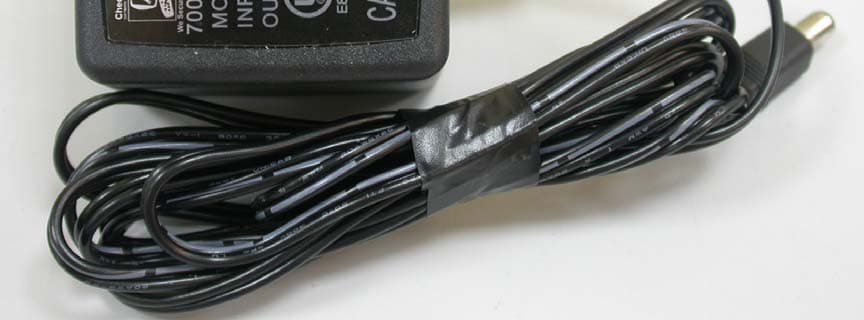
P6XSBX-166LHGE-5
Nov 13, 2006Safe@Office/VPN-1 Edge
Equipment Class
JBP - Part 15 Class B Computing Device Peripheral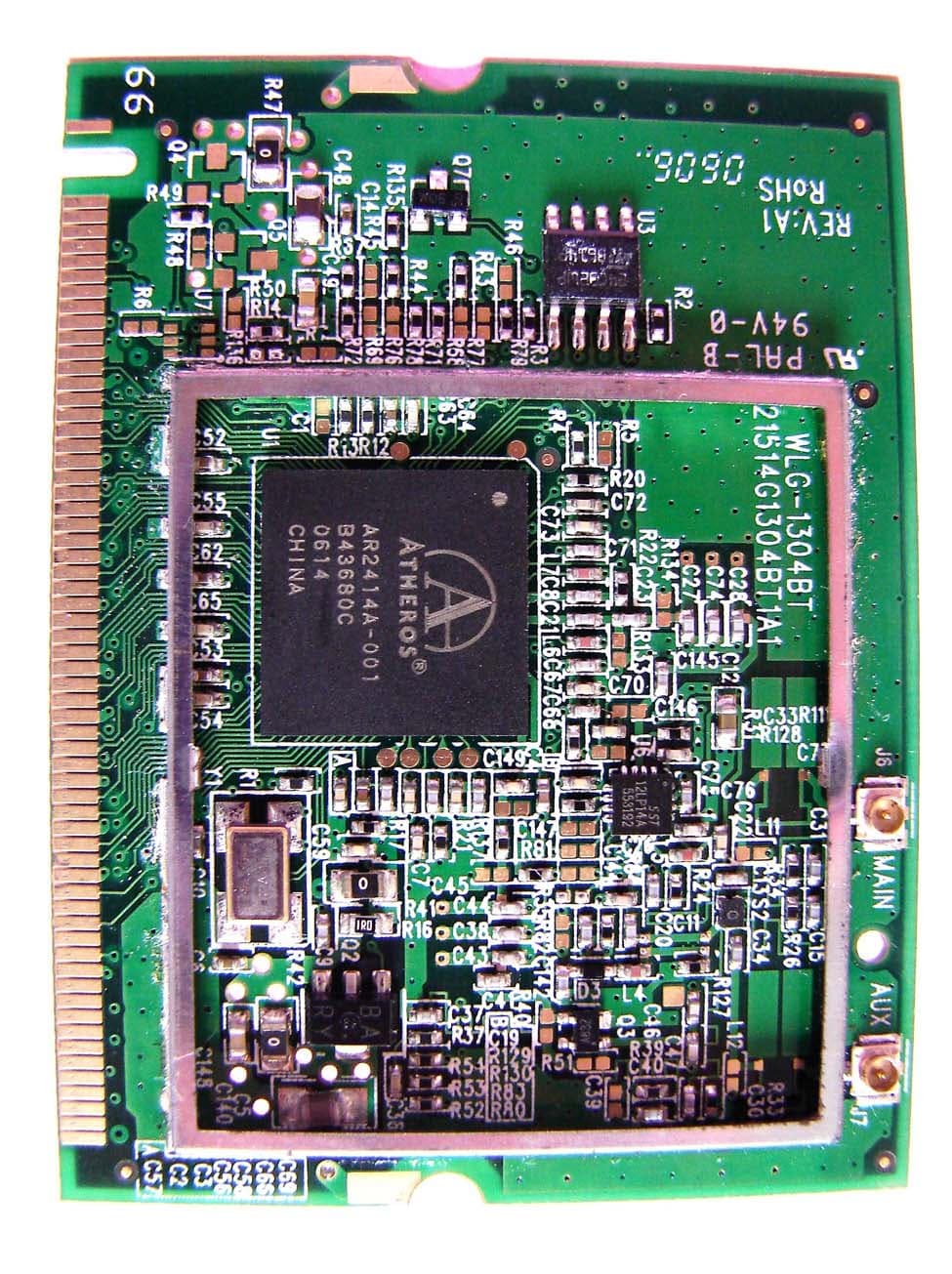
P6XSBX-11GWLAN-5
Oct 24, 20062.4G WLAN MINI PCI MODULAR
Equipment Class
DTS - Digital Transmission System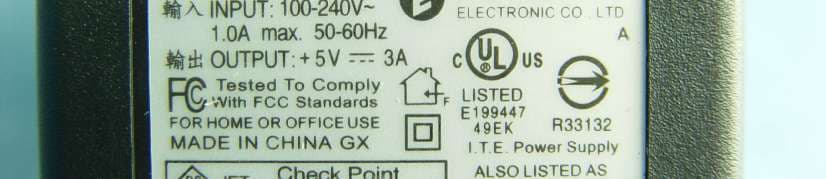
P6XSBXW-166LHGE-6
Aug 16, 2006Wireless Broadband Router
Equipment Class
DTS - Digital Transmission System
P6XSBXW-166LHGE-4
Oct 05, 2004Wireless Broadband Router
Equipment Class
DTS - Digital Transmission System
P6XSBX-133LHE-1
Feb 25, 2002Broadband Sharing Router
Equipment Class
JBP - Part 15 Class B Computing Device Peripheral