PANBT362BT MINI STEREO HEADSET
CC&C Technologies, Inc.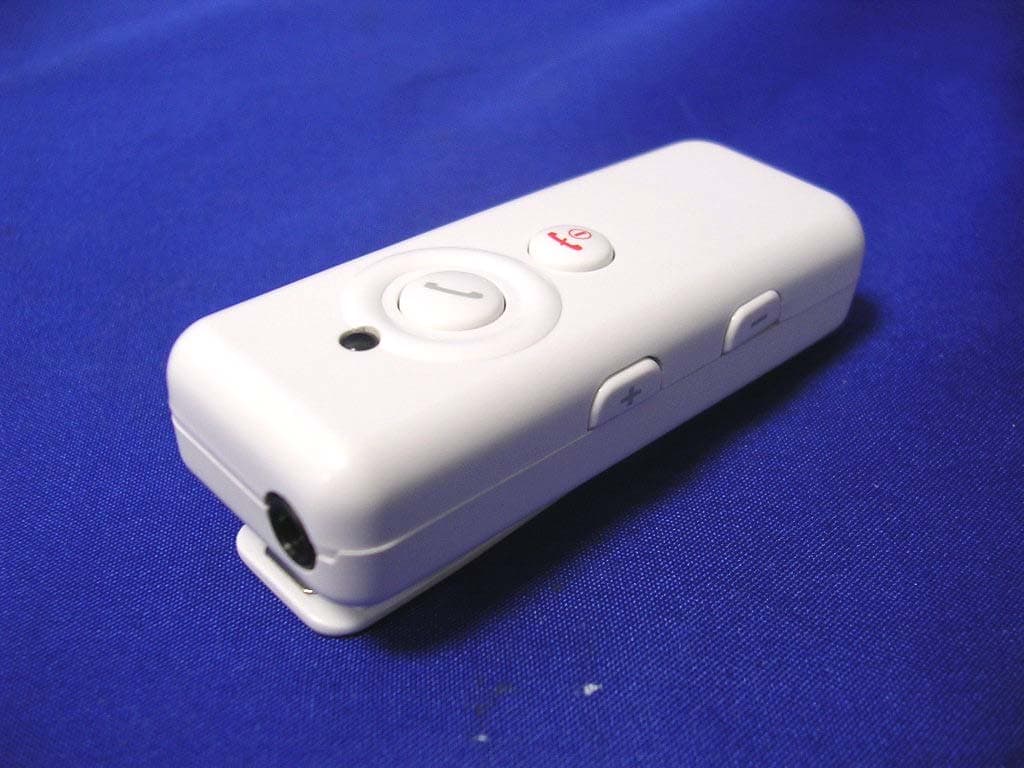
Click to zoom
Application Details
- Equipment Class
- DSS - Part 15 Spread Spectrum Transmitter
- Date of Grant
- Sep 06, 2005
- Application Purpose
- Original Equipment
- Date of Application
- Sep 06, 2005
- Equipment Note
- BT MINI STEREO HEADSET
- Frequency Range
- 2402.00000000 - 2480.00000000
- Company
- CC&C Technologies, Inc.
- Country
- Taiwan
Documents & Files
Document Text
Text extracted from the exhibit documents filed with the FCC. Open a document above to read the original.
Users Manual
Wireless Headset ( Bluetooth ) BT-362 USER’S MANUAL With additional Operation Instruction for Skype using BTW software VERSION 1.2 1. INTRODUCTION Thank you for your purchasing of our Wireless Headset device. Bluetooth is a technolo gy, which is very popular in short range wireless communica tion. It allows wireless connections between Bluetooth devi ces such as cellular phones, personal digital assistants (PDA), desktop and notebook computers, input-output de vices (mouse, keyboards, printers)...etc. There are two Bluetooth classes, which define the range of communication. Class I covers 100 meters range, while Class II covers 10 meters range. In this stereo headset application, it is a class II device which ranges up to 10 meters. 1.1 Wireless Headset (Bluetooth) This Wireless Headset offers the latest innovation in Bluetooth technology. It featu res crystal clear stereo sound, which is a remarkable break thro ugh that others do not have. With this Wireless Headset, you can connect it wirelessly with other Bluetooth devices such as mobile phone, desktop or notebook computer, PDA (with au dio gateway profile supported) within a range of 10 meters. 1.2 Package Content * Wireless Headset (Bluetooth). * Detachable stereo earpiece with microphone. * USB cable. * User’s manual. * 5VDC power adapter (Optional) 2. HEADSET FEATURES Buttons: Increase Volume (V+). Buttons: Decrease Volume (V-). LED Indicator Play/Talk Button: Answer all, Play music, Pause. On/Off Button: Power on/off, End Call, Stop Music, Pairing. Charging Port Reverse Button : Reverse, Previo us Song Title. Forward Button : Forward, Next Song Title. 3. LED Indication and Definition 1. Mobile Mode - Blue LED flash regularly. 2. PC Mode - Red LED flash regularly. 3. Stand-By Mode -Red LE D flash in slow pace. 4. Pairing Mode - Blue and Re d LED flash interchangeably 5. Charge Mode - Red LED stays solid without blinking. 4. CHARGE BATTERY AND RESET THE HEADSET 4.1 Charge Battery The headset comes with a buil d-in high capacity battery, please let the battery be fully charged before first time use. * Connect the USB charging cable into the headset charging port (Fig.1). You can charge battery when th e unit is off or during use. * The unit will automatically swit ch to “ON” status and stay in Stand-By mode when charging the battery regardless of the On/Off status, the red LED stay on continuously without blinking. Once the battery has been fully charged, the red LED light will start to blink. 5. Turn On / Off the Headset 5.1 To turn the Headset on On/Off Button: Press and hold it about 1 seconds then release. Both blue and red LED li ght will flash once. The headset is now turned on and in stand-by mode. The red LED light will blink continuously in stand-by mode. 5.2 To turn the Headset off On/Off Button: press and hold the button for 5 seconds, the headset is turned off after the red LED light quickly flash 3 times. 6 Pair the Headset with Mobile Phone Pairing is a Bluetooth function that enables Bluetooth devices to remain constant link to desi gnate device. You need to pair the headset with the target devi ce (PC or mobile phone) in order to get connection. (Given that the target device(s) is ready with Bluetooth connectivity.) 6.1 Pairing Steps: 1. Turn off the unit. 2. Press and hold about 3 seconds to enter pairing mode. 3. Both blue and red LED light wi ll flash during pairing stage. 4. Make the connection by followin g the instructions of mobile devices. 5. Enter the default code “0000”, when the system requests for password. 6. When pair up with mobile de vices, the blue LED light will also blink within regular int erval in addition to the red blinking LED signal. (No special indication from LED when pair up with PC devices, only the red blink initiated from the stand-by mode will blink in regular interval.) 7 PAIR WITH PC/NOTEBOOK 7.1 Pair with your PC/Notebook Pairing process is required be fore making connection with either PC or Notebook device. (1) Make sure your PC or Notebook has been installed Bluetooth driver first, double click on the Bluetooth icon at the desktop or the right hand of task bar to enter the setup window “ My Bluetooth Center ”. (2) Turn on the headset, press and hold on the On/Off Button briefly for about 3 seconds. (3) From “My Bluetooth Center” select “ Bluetooth ” tab and select “ Search for device ”. (4) Once the icon of the Headse t shows up, double click on the icon to activate the pairing mode. (5) A new headset icon will appe ar, double click on the icon again and the system will pop up a message window asking for security password. (6) The Bluetooth icon at the lo wer right hand corner of the screen will now turn from white to green. Click on it to open up the password window. (7) Enter the default password “ 0000 ”, and the pairing process is now complete. 7.2 Play music with PC and Notebook Once the pairing process is completed with the PC or Notebook device, you may listen to the audio through audio adapter or PC software such as Window Media player or Real Player. 7.3 Button Functionality and LED Indication Play music, Pause Stop music / Power off Reverse, Previous Song Title. Forward, Next Song Title. Increase Volume (V+). Decrease Volume (V-). Note: Once you have successfully pair ed the headset with the target device(s), you may p ress the Play button twice to activate automatically. However, you do have to complete these pairing sequences manually for the first time. 8 ANSWER/END CALLS Once the headset is successfully paired with your mobile phone, you can use the headset to receive calls. Turn the headset on first. it will automa tically link with your mobile phone if they were paired before. 8.1 Answer and En d a phone call When there is an incoming call, if the headset is turned off, you need to press On/Off button for 1 second to turn on the headset first. When the headset is turned on, the headset will ring. 1. Press the Play/Talk Button to answer a phone call. 2. Adjust the …
Text truncated - open the document above for the full version.
External Photos
Report No.: 058L095FI Page : 1 of 7 Version:1.0 Attachment 2 : EUT Detailed Photographs (1) EUT Photo (2) EUT Photo Report No.: 058L095FI Page : 2 of 7 Version:1.0 (3) EUT Photo (4) EUT Photo
ID Label/Location Info
CC&C Technologies, Inc. FCC ID.: PANBT362 8F., No.150, Jian Yi Road., Chung Ho City, Taipei County, Taiwan 235, R.O.C.. Tel : 886-82265088 #739 FCC ID AND DoC Label The FCC ID and DoC Label will be placed on the equipment as shown in the photograph below. BT Mini Stereo Headset Model No.: BT-362 BT Mini Stereo Headset Model No.: BT-362 F F C C C C I I D D : : P P A A N N B B T T 3 3 6 6 2 2 This device complies with Part 15 of the FCC Rules. Operation is subject to the following two conditions: (1) this device may not cause harmful interference and (2) this device must accept any interference received, including interference that may cause undesired operation. S/N: Made in Taiwan
ID Label/Location Info
CC&C Technologies, Inc. FCC ID.: PANBT362 8F., No.150, Jian Yi Road., Chung Ho City, Taipei County, Taiwan 235, R.O.C.. Tel : 886-82265088 #739 FCC ID AND DoC Label The FCC ID and DoC Label will be placed on the equipment as shown in the photograph below. BT Mini Stereo Headset Model No.: BT-362 BT Mini Stereo Headset Model No.: BT-362 F F C C C C I I D D : : P P A A N N B B T T 3 3 6 6 2 2 This device complies with Part 15 of the FCC Rules. Operation is subject to the following two conditions: (1) this device may not cause harmful interference and (2) this device must accept any interference received, including interference that may cause undesired operation. S/N: Made in Taiwan
Internal Photos
Report No.: 058L095FI Page : 3 of 7 Version:1.0 (5) EUT Photo (6) EUT Photo Report No.: 058L095FI Page : 4 of 7 Version:1.0 (7) EUT Photo (8) EUT Photo Report No.: 058L095FI Page : 5 of 7 Version:1.0 (9) EUT Photo (10) EUT Photo Report No.: 058L095FI Page : 6 of 7 Version:1.0 (11) EUT Photo (12) EUT Photo Report No.: 058L095FI Page : 7 of 7 Version:1.0 (13) EUT Photo (14) EUT Photo
Operational Description
Report No. 058L095FI Page: 5 of 38 Version:1.0 1.2. Operational Description The EUT is a BT Mini Stereo Headset with 79 channels. This device provides wireless technology that revolutionizes personal connectivity. It is the solution for the seamless integration of Bluetooth technology into personal computer enabling short-range wireless connections between desktop/laptop computers, Bluetooth-enabled peripherals, and portable handheld devices. Test Mode: Mode 1: Transmitter
RF Exposure Info
Report No. 058L095FI Page: 1 of 3 Version: 1.0 RF Exposure Evaluation declaration Product Name : BT Mini Stereo Headset Model No. : BT-362 FCC ID : PANBT362 Applicant : CC&C Technologies, Inc. Address : 8F., No.150, Jian Yi Road., Chung Ho City, Taipei County, Taiwan 235, R.O.C. Date of Receipt : Aug. 15, 2005 Date of Declaration: Aug. 30, 2005 Report No. : 058L095FI The declaration results relate only to the samples calculated. The declaration shall not be reproduced except in full without the written approval of QuieTek Corporation. This report must not be used to claim product endorsement by NVLAP any agency of the U.S. Government Report No. 058L095FI Page: 2 of 3 Version: 1.0 1. RF Exposure Evaluation 1.1. Limits According to FCC 1.1310: The criteria listed in the following table shall be used to evaluate the environment impact of human exposure to radio frequency (RF) radiation as specified in 1.1307(b) LIMITS FOR MAXIMUM PERMISSIBLE EXPOSURE (MPE) Frequency Range (MHz) Electric Field Strength (V/m) Magnetic Field Strength (A/m) Power Density (mW/cm 2 ) Average Time (Minutes) (A) Limits for Occupational/ Control Exposures 300-1500 -- -- F/300 6 1500-100,000 -- -- 5 6 (B) Limits for General Population/ Uncontrolled Exposures 300-1500 -- -- F/1500 6 1500-100,000 -- -- 1 30 F= Frequency in MHz Friis Formula Friis transmission formula: Pd = (Pout*G)/(4*pi*r 2 ) Where Pd = power density in mW/cm 2 Pout = output power to antenna in mW G = gain of antenna in linear scale Pi = 3.1416 R = distance between observation point and center of the radiator in cm Pd id the limit of MPE, 1 mW/cm 2 . If we know the maximum gain of the antenna and the total power input to the antenna, through the calculation, we will know the distance r where the MPE limit is reached. 1.2. Test Procedure Software provided by client enabled the EUT to transmit and receive data at lowest, middle and highest channel individually. The temperature and related humidity: 18°Cand 78% RH. Report No. 058L095FI Page: 3 of 3 Version: 1.0 1.3. Test Result of RF Exposure Evaluation Product : BT Mini Stereo Headset Test Item : RF Exposure Evaluation Test Site : No.3 OATS Antenna Gain Antenna Gain: The maximum Gain is 1.98dBi measured in fully anechoic chamber in linear scale. Output Power Into Antenna & RF Exposure Evaluation Distance (1.98dBi): Channel Frequency (MHz) Output Power to Antenna (mW) Power Density at R = 2.5 cm (mW/cm2) 1 2402.00 2.3933 0.0469 39 2441.00 2.3067 0.0452 78 2480.00 2.2284 0.0436 The distance r (4 th column) calculated from the Fries transmission formula is far shorter than 2.5 cm separation requirement.
Test Report
Report No. 058L095FI Page: 1 of 38 Version:1.0 Test Report Product Name : BT Mini Stereo Headset Model No. : BT-362 FCC ID. : PANBT362 Applicant : CC&C Technologies, Inc. Address : 8F., No.150, Jian Yi Road, Chung Ho City, Taipei County, Taiwan 235, R.O.C. Date of Receipt : Aug. 15, 2005 Issued Date : Aug. 30, 2005 Report No. : 058L095FI The Test Results relate only to the samples tested. The test report shall not be reproduced except in full without the written approval of QuieTek Corporation. This report must not be used to claim product endorsement by NVLAP any agency of the U.S. Government Report No. 058L095FI Page: 2 of 38 Version:1.0 Test Report Certification Issued Date : Aug. 30, 2005 Report No. : 058L095FI Product Name :BT Mini Stereo Headset Applicant :CC&C Technologies, Inc. Address :8F., No.150, Jian Yi Road, Chung Ho City, Taipei County, Taiwan 235, R.O.C. Manufacturer :CC&C Technologies, Inc. Model No. :BT-362 FCC ID. :PANBT362 Rated Voltage :AC 120V/60Hz Trade Name :CC&C Applicable Standard :FCC CFR Title 47 Part 15 Subpart C: 2004 Edition 4.1: 2005 ANSI C63.4: 2003 Test Result :Complied The Test Results relate only to the samples tested. The test report shall not be reproduced except in full without the written approval of QuieTek Corporation. This report must not be used to claim product endorsement by NVLAP any agency of the U.S. Government Documented By : ( Rita Huang ) Tested By : ( Tim Sung ) Approved By : ( Gene Chang ) 0914 Report No. 058L095FI Page: 3 of 38 Version:1.0 TABLE OF CONTENTS Description Page 1. GENERAL INFORMATION ...............................................................................................................4 1.1. EUT Description......................................................................................................................................4 1.2. Operational Description...........................................................................................................................5 1.3. Tested System Details..............................................................................................................................6 1.4. Configuration of Tested System ..............................................................................................................6 1.5. EUT Exercise Software ...........................................................................................................................6 1.6. Test Facility .............................................................................................................................................7 2. CONDUCTED EMISSION ..................................................................................................................8 2.1. Test Equipment ........................................................................................................................................8 2.2. Test Setup ................................................................................................................................................8 2.3. Limits.......................................................................................................................................................8 2.4. Test Procedure .........................................................................................................................................9 2.5. Uncertainty ..............................................................................................................................................9 2.6. Test Result of Conducted Emission .......................................................................................................10 3. PEAK POWER OUTPUT ..................................................................................................................12 3.1. Test Equipment ......................................................................................................................................12 3.2. Test Setup ..............................................................................................................................................12 3.3. Limit .....................................................................................................................................................12 3.4. Uncertainty ............................................................................................................................................12 3.5. Test Result of Peak Power Output .........................................................................................................13 4. RADIATED EMISSION .....................................................................................................................14 4.1. Test Equipment ......................................................................................................................................14 4.2. Test Setup ..............................................................................................................................................14 4.3. Limits.....................................................................................................................................................15 4.4. Test Procedure .......................................................................................................................................15 4.5. Uncertainty ............................................................................................................................................15 4.6. Test Result of Radiated Emission ..........................................................................................................16 5. BAND EDGE .......................................................................................................................................22 5.1. Test Equipment ....................................................................................................................…
Text truncated - open the document above for the full version.
Contact Information
Applicant
Cooper Hou(Product Manager)
Test Firm
DEKRA Testing and Certification Co., Ltd.Sky Hsu
Technical Specifications
| # | Rule Parts | Frequency Range | Power Output |
|---|---|---|---|
| 1 | 15C | 2.40 GHz - 2.48 GHz | 2.00 mW |
Other Applications from CC&C Technologies, Inc.
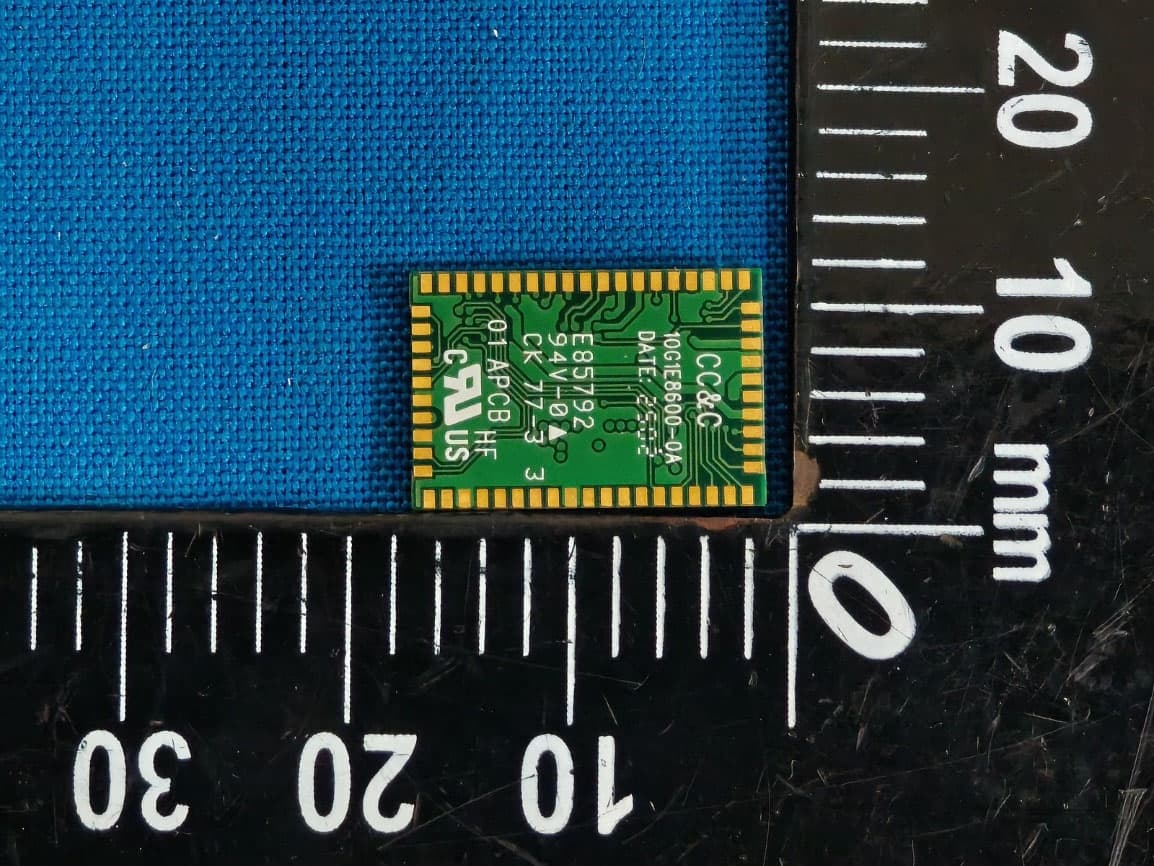
PANBM3095
Jun 24, 2026Bluetooth v5.4 APTX LE Audio RX Module
Equipment Class
DSS - Part 15 Spread Spectrum Transmitter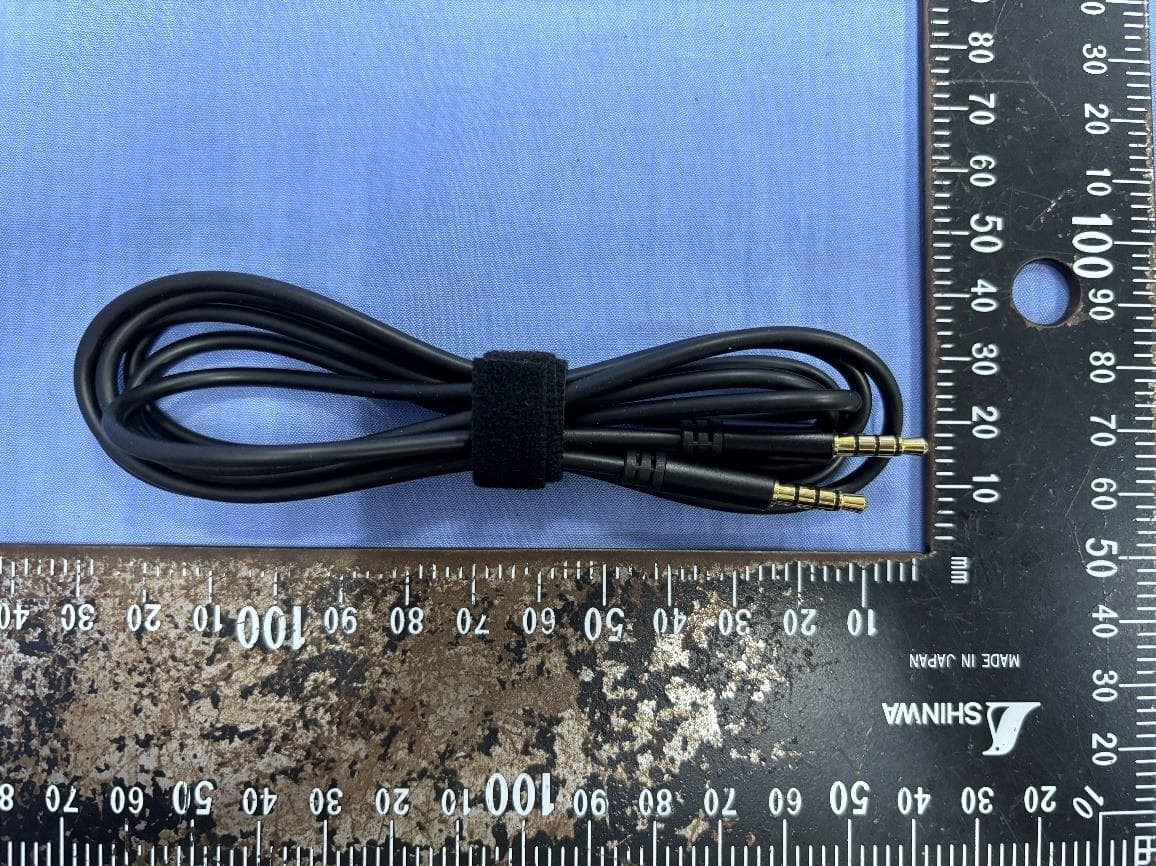
PANBA550T
Sep 26, 2024Triple source to BT5.3 LE Audio Transmitter
Equipment Class
DSS - Part 15 Spread Spectrum Transmitter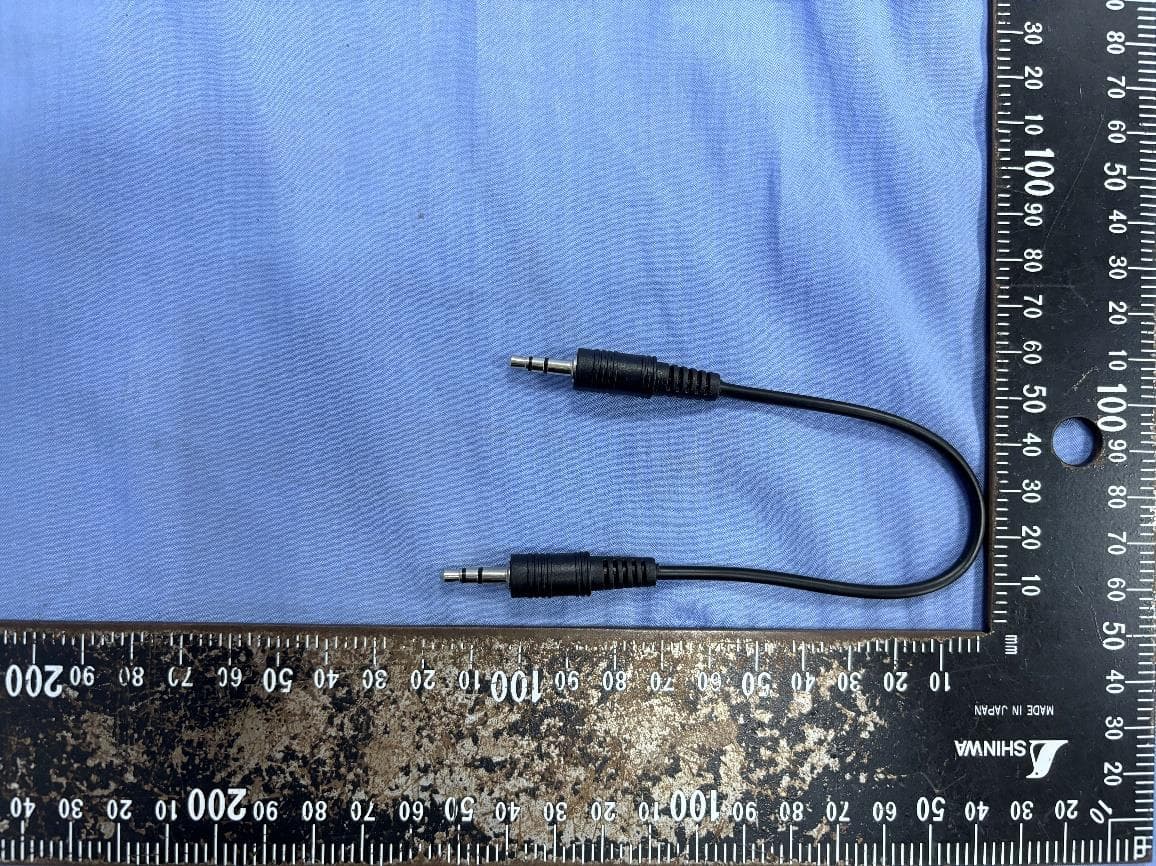
PANBA55T
Sep 26, 2024Dual source to BT5.3 LE Audio Transmitter
Equipment Class
DTS - Digital Transmission System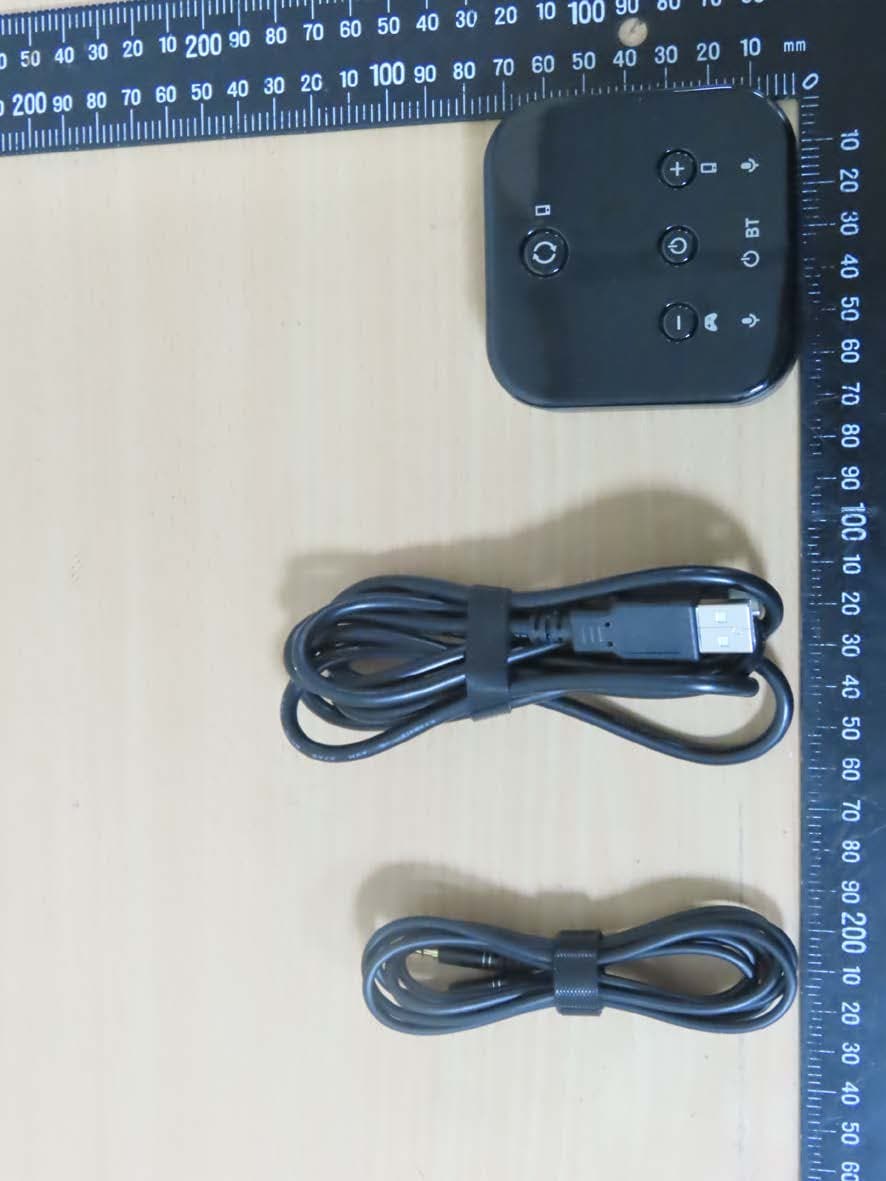
PANBA300M
Dec 08, 2022BT5 Aptx Audio Mixer
Equipment Class
DTS - Digital Transmission System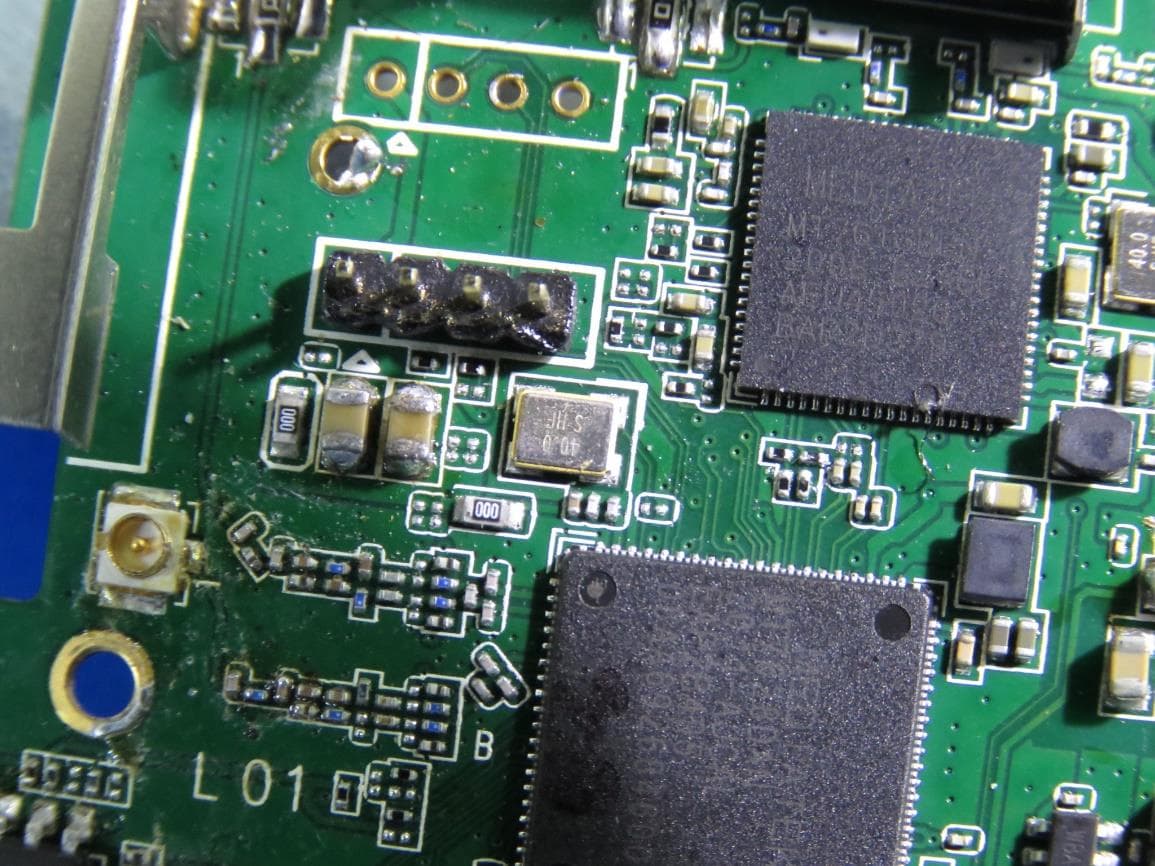
PANWA9563
Dec 17, 2020AC1200 FE Repeater
Equipment Class
NII - Unlicensed National Information Infrastructure TX