PCMAR200Duo Aria Multi-Format Digital Player
Hyun Won Inc.
Click to zoom
Application Details
- Equipment Class
- JBP - Part 15 Class B Computing Device Peripheral
- Date of Grant
- Dec 21, 2000
- Application Purpose
- Original Equipment
- Date of Application
- Dec 21, 2000
- Equipment Note
- Duo Aria Multi-Format Digital Player
- Company
- Hyun Won Inc.
- Country
- South Korea
Documents & Files
Document Text
Text extracted from the exhibit documents filed with the FCC. Open a document above to read the original.
Users Manual
Congratulations on your purchase of the DUO-Aria portable digital player - the only MP3 player on the market specifically designed to play digital music on any standard analog cassette deck with high fidelity sound and without the need for cumbersome and inconvenient adapters. The DUO-Aria player contains 32MB of on-board memory that is easily expandable to 96 MB via the MultimediaMemoryCard TM (MMC) flash memory slot. The DUO-Aria also was designed with a programmable, upgradable Digital Signal Processor (DSP) to support new audio formats and digital rights management systems. Please check the Digisette website at www .digisette.comfor the latest software upgrades and accessories. You are now ready to enjoy the world of digital audio with the most versatile digital audio player on the market today. 2 WELCOME TO THE DUO-Aria EXPERIENCE Page 2 ............................. Welcome to the DUO-Aria Experience Page 3 ............................... Included with Your DUO-Aria Player Page 4 ................................................. PC System Requirements Page 5 .............................. DUO-Aria Player Hardware Overview Page 8 ...................................................... Software CD Contents Page 9 .................................... Installing the DUO-Aria Manager Page 11 ...................................... Getting Started with DUO-Aria Page 12 ........................................ Using the DUO-Aria Manager Page 14 ................... How to download files to DUO-Aria player Page 15 .. Operating the DUO-Aria Player (Stand-alone with headphones) Page 16 ...... Inserting the DUO-Aria Player into a Cassette Deck Page 17 ............................... DUO-Aria Cassette Deck Operation Page 18 .................................... Audible.com Content Operation Page 20 ................................ Handling and Storing Instructions Page 21 ........... Battery and Charger(AC and DC charger) Usage Page 23 ........................................... Trouble shooting Problems Page 24 .......................................................... Setting USB Drive Page 25 ........................................................... Warranty Service 1 CONTENTS The following PC specifications are required for DUO-Aria usage: Microsoft Windows98, ME or 2000 Operating System CD-ROM Drive with digital Audio extraction support Pentium(or compatible) 200MHz or higher processor 32MB RAM(64MB for Windows ME or 2000) or greater 32MB free Hard Disk Space(more for digital audio file storage) Sound card USB port capability 4 PC SYSTEM REQUIREMENTS The following components are included with your DUO-Aria player: A. AC Battery Charger B. DC Car Power Adapter / Battery Charger (AR-200, AR-300) C. Ni-MH Rechargeable Battery D. Software CD E. USB Connection Cable F. Carrying Case (AR-200, AR-300) G. Earphones H. User's Manual I. Charger Connection Cable (AR - 200, AR-300) Note: Accessories and optional items are subject to change. Please check www.digisette.comfor the latest in DUO-Aria accessories and software upgrades. 3 INCLUDED WITH YOUR DUO-Aria PLA YER Removable Memory Card The DUO-Aria is compatible with MultiMediaCard( (MMC) removable flash memory (sold separately), which enables your DUO-Aria to expand its memory capacity and store more audio content. When inserting or removing a MMC card, make sure the DUO-MP3 is OFF or the memory card may be damaged. MMC flash memory cards are inserted completely into the unit with the gold contacts facing downward and positioned facing the back of the player Note: When an MMC card is not used, the MMC cover that comes with the unit must be used and fully inserted into the player to prevent damage to the internal MMC slot. DUO-Aria PLAYER HARDWARE OVERVIEW Your DUO-Aria player has the following hardware features : Top and side panel Top and Side Panel A. Battery Cover: Slide the cover on top of the unit away from the control buttons to open, and then open to insert your rechargeable DUO-Aria battery. B. Memory Card Slot: A removable MultiMediaCard TM (MMC) flash memory card (sold separately) enables your DUO-Aria to expand its memory capacity and store more audio files. MMC memory cards are inserted completely into the unit with the gold contacts facing downward and positioned facing the back of the player. C. Power Switch: Powers your DUO-Aria player on and off as well as enabling the Hold feature. D. Earphones Audio Output: Connects your earphones for stereo output. E. USB Port Connector: Connects your DUO-Aria player to your computer for fast, efficient file transfers at speeds up to 1.5 Mbps. F. Charger Connector: The DC car charger and cable allow the DUO-Aria to be powered while simultaneously charging the battery when used in a vehicle. 56 DUO-Aria PLAYER HARDWARE OVERVIEW A. Battery Cover F. Charger Connector E. USB Port Connector D. Earphones Audio Output C. Power Switch(hold/on/off) B. Memory Card Slot Application Function DUO-Aria ManagerTransfer digital audio files to/from DUO- Aria RealJukeboxManage audio files and link to DUO-Aria* Audible ManagerDownload, playback of and transfer of Audible.com content to DUO-Aria** Note: * You can use RealJukebox to transfer audio files to DUO-Aria player. For this you need to install a software "plug-in" downloaded from the Internet. Follow these directions to install the latest "plug-in": 1. After installing and starting RealJukebox, connect to the Internet and then click on the "Tools" menu near the top of the screen. 2. From the "Tools" pull-down menu select "Preferences". 3. From the "Preferences" menu select the "Devices / Storage" tab. 4. From the "Devices / Storage" tab select "Add". 5. In the "Add Devices / Storage" box select "Update List". 6. When RealJukebox has completed updating the list of devices, scroll through the list and click on "DUO-Aria". This should now be highlighted. 7. Then in the "Add Devices / Storage" box click "OK". 8. Once back in the "Preferences" box click on "OK". …
Text truncated - open the document above for the full version.
Test Report
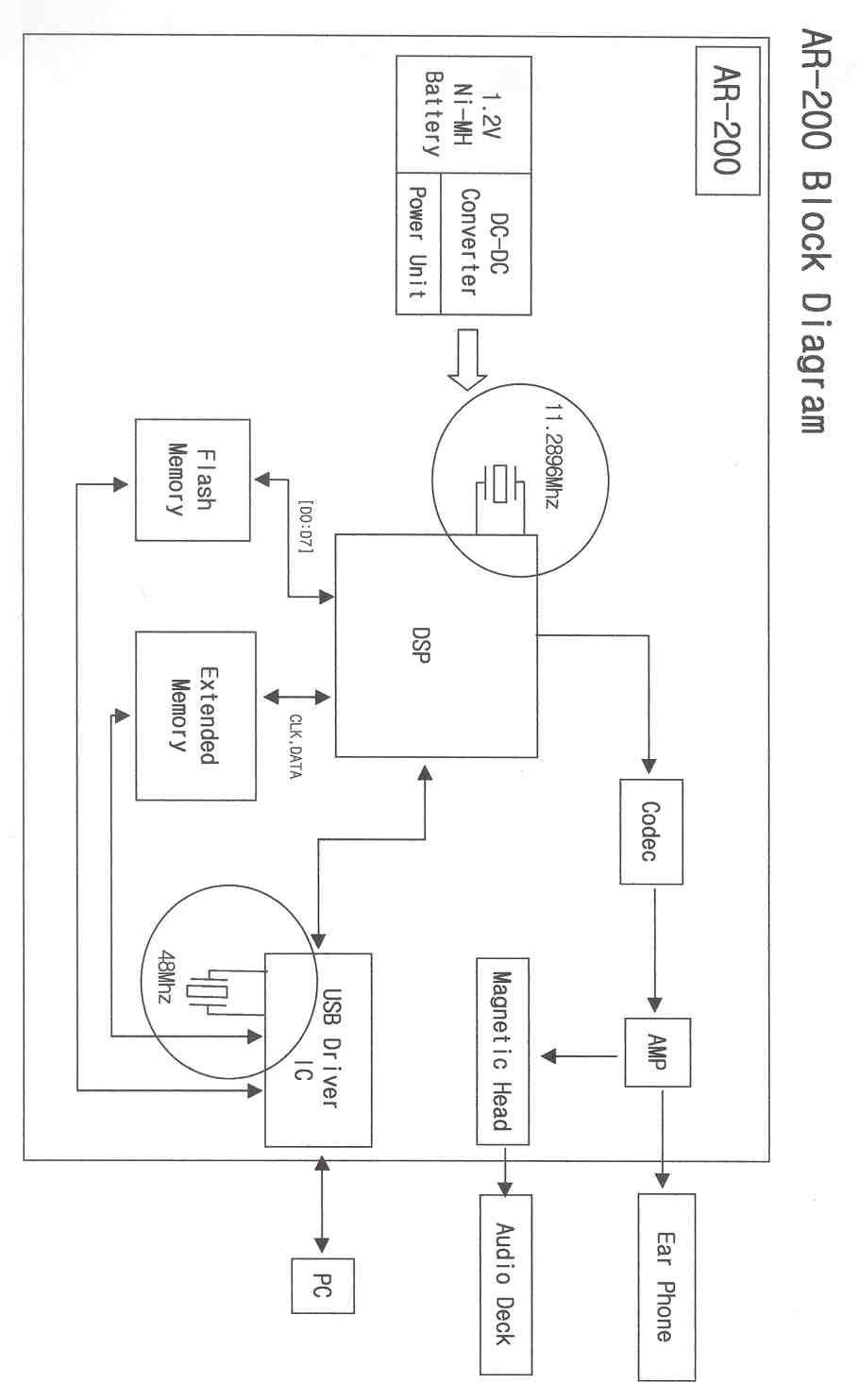
IST EMC LAB. IST EMC Lab. San 21-8 Goan-Ri, Baekam-Myun, Yongin-Si, Kyunggi-Do, KOREA International - Tel : 82-31 - 333 - 4093. Fax : 82-31 - 333 - 4094. Domestic - Tel : 031 - 333 - 4093. Fax : 031 - 333 - 4094. IST EMC LAB. EMISSION TEST REPORT Test report file No. : 00-IST-082/FB Date of issue : Nov. 17. 2000. Model / Type No. Kind of product Applicant Manufacturer Address : AR-200 : MP3 Player : Hyun Won Inc. : Hyun Won Inc. : 333-1, Shindae-Ri, Kumho-Eup, Youngcheon-City, Kyoungbuk, Korea Test result according to the regulation(s) n Positive o Negative at page 3. This test report without appendix consists of 21 pages. It is not allowed to copy this report even partly without the allowance of the Test Laboratory. This equipment is complied with the applicable technical standards as indicated in the measurement report and was tested in accordance with the measurement procedures specified in ANSI C63.4-1992. Page 1 of 21 IST EMC LAB. IST EMC Lab. San 21-8 Goan-Ri, Baekam-Myun, Yongin-Si, Kyunggi-Do, KOREA International - Tel : 82-31 - 333 - 4093. Fax : 82-31 - 333 - 4094. Domestic - Tel : 031 - 333 - 4093. Fax : 031 - 333 - 4094. DIRECTORY A) Documentation. Page Directory Test regulations Environmental Conditions Test Conditions Equipment under Test Test Result Test-setup (Pictures) Test-setup (Figures) Summary 2 3 3 4~5 6 7 8~11 12~13 21 B) Test Data. Conducted emissions (Mains) Radiated emissions : 450 kHz - 30 MHz : 30 MHz – 1 GHz 14 ~ 19 20 C) Appendix Spec. Plate Block & Schematic Diagram User’s Manual EUT’s Pictures Component List Page 2 of 21 IST EMC LAB. IST EMC Lab. San 21-8 Goan-Ri, Baekam-Myun, Yongin-Si, Kyunggi-Do, KOREA International - Tel : 82-31 - 333 - 4093. Fax : 82-31 - 333 - 4094. Domestic - Tel : 031 - 333 - 4093. Fax : 031 - 333 - 4094. TEST REGULATIONS The tests were performed according to the following regulations ; EN 50081-1 / 2. 1991. EN 55011 / 3. 1991. Croup 1. Croup 2. Class A. Class B. EN 55014 / 4. 1993. Household appliances and similar Portable tools Semiconductor devices - EN 55014 / A2:1990 - EN 55015 / A1:1990 - EN 55015/ 2.1987 - EN 55015 / 12.1993 - EN 55022 / 8.1994- Class A - Class B - BS - VCCI ¦ - FCC Part 15, Subpart B (Unintentional Devices, Class B) - CISPR All testing were conducted at IST EMC Laboratory. ENVIRONMENTAL CONDITIONS Temperature Humidity Atmospheric pressure 24 45 % 999 mbar Page 3 of 21 IST EMC LAB. IST EMC Lab. San 21-8 Goan-Ri, Baekam-Myun, Yongin-Si, Kyunggi-Do, KOREA International - Tel : 82-31 - 333 - 4093. Fax : 82-31 - 333 - 4094. Domestic - Tel : 031 - 333 - 4093. Fax : 031 - 333 - 4094. TEST CONDITIONS The measurement of the conducted emissions (Interference voltage) was performed in a shielded room. Test location : ¦ - Shielded room. No.1 - Compact chamber 2 Used testing instruments : TypeManugacturerCalibration. DateInventory No. ¦ ESH 3Rohde & SchwarzOct. 8. 2000No. : 90-IRV-07 Test - accessories : TypeManugacturerCalibration. DateInventory No. ¦ - 3725/2EMCODec. 18. 1999No. : 90-ILN-08 ¦ - 3825/2EMCOOct. 8. 2000No. : 90-ILN-09 Measurement Procedures : Conducted emissions measurments were made in accordance with ANSI C-63.4-1992, “FCC procedure for measuring RF Emissions from Computing Devices”. The measurement were performed over the frequency range of 0.45MHz to 30MHz using a 50Ω/ 50uH LISN as the input transducer to an EMI/Field Intensity Meter. The measurements were made with the detector set for “Peak” amplitude within an IF bandwidth of 10kHz or for “quasi-peak” within a bandwidth of 9kHz. All used test-instruments as well as the test-accessories are calibrated regularly. Test engineer : __________________________ B. K, Bae. / Research Engineer IST EMC Lab. Page 4 of 21 IST EMC LAB. IST EMC Lab. San 21-8 Goan-Ri, Baekam-Myun, Yongin-Si, Kyunggi-Do, KOREA International - Tel : 82-31 - 333 - 4093. Fax : 82-31 - 333 - 4094. Domestic - Tel : 031 - 333 - 4093. Fax : 031 - 333 - 4094. The measurement of the radiated emissions (Electric field) in the frequency range of from 30 MHz to 1GHz was performed in horizontal and vertical antenna polarization at a non-reflecting open-site and a test distance of : ¦ - Open-site 1 - Compact chamber ¦ - 3 meters. - 10 meters Used testing instruments : TypeManugacturerCalibration. DateInventory No. ¦ - ESVPRohde & SchwarzJuly. 21. 2000No. : 90-IAP-09 Test - accessories : TypeManugacturerCalibration. DateInventory No. ¦ VULB 9160SchwarzbeckJuly. 11. 2000No. : 98-IAN-01 Measurement procedures Radiated measurements were in accordance with ANSI C63.4-1992 “FCC Procedure for measuring RF Emissions from Computing Devices.” The measurements were performed over the frequency range of 30MHz to 1GHz using antenna as the input transducer to a EMI/ Field Intensity Meter. The measurements were made with the detector set for “quasi-peak” within a bandwidth of 120kHz. All used test-instruments as well as the test-accessories are calibrated regularly Test engineer : __________________________ B. K, Bae. / Research Engineer IST EMC Lab. Page 5 of 21 IST EMC LAB. IST EMC Lab. San 21-8 Goan-Ri, Baekam-Myun, Yongin-Si, Kyunggi-Do, KOREA International - Tel : 82-31 - 333 - 4093. Fax : 82-31 - 333 - 4094. Domestic - Tel : 031 - 333 - 4093. Fax : 031 - 333 - 4094. EQUIPMENT UNDER TEST Equipment Description The Equipment Under Test (EUT) is the Hyun Won Inc. (Model: AR-200) MP3 Player Flash Memory 32MB (Option: 64MB) Power (Battery): One Ni-MH 1.2V Rechargable Output Power (Earphones): 5mW Signal Noise Ratio: 90dB Output Frequency Range: 20 Hz – 20 kHz Playing Time: 5 Hours Weight: 55g Size: 63 X 102 X 11.5 (mm) Operation - mode of the E.U.T. : The equipment under test was operated during the measurement under following conditions : Standby. Test program (H – Pattern) : Test program (customer specific) ¦ Practice operation: Download files from PC to AR-200, Battery charging by battery charger and playing at the same time Configuration of the equipment under test : Following peripheral devices and interf…
Text truncated - open the document above for the full version.
Test Setup Photos
Test Set-up Photos
Contact Information
Applicant
Ki-jung Lee(Assistant Manager)
Technical Contact
Underwriters Laboratories, Inc.Daniel M Horjus
[email protected]360-817-5605
2600 NW Lake Rd. · Camas,, Washington · United States
Non-Technical Contact
IST Co. Ltd.Joon H Lee
[email protected]82-31-333-4093
Test Firm
IST Co., LtdBong Kyoon Bae
Technical Specifications
| # | Rule Parts | Frequency Range | Power Output |
|---|---|---|---|
| 1 | 15B | - | - |
Other Applications from Hyun Won Inc.
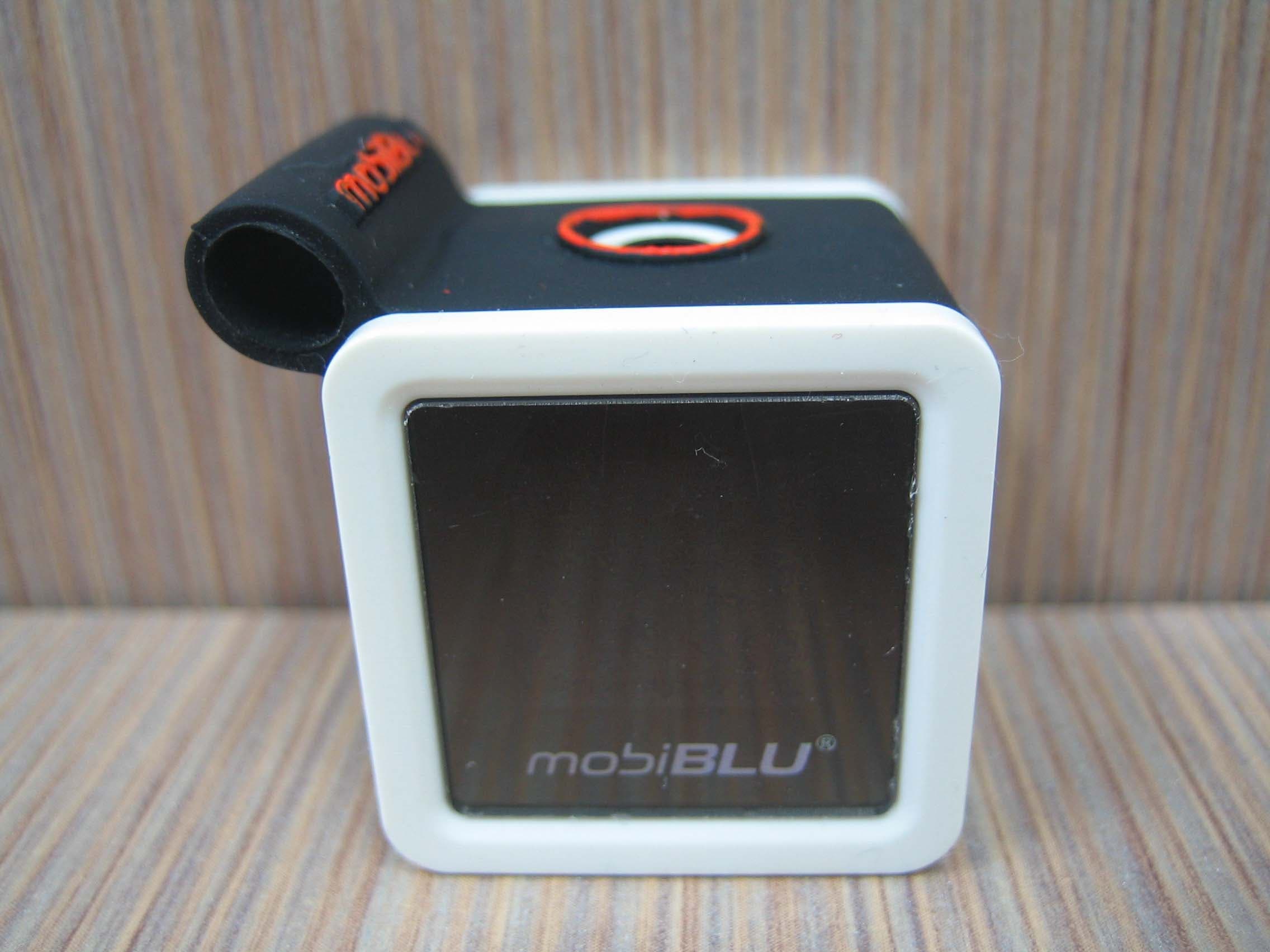
PCMCUBISTO
Sep 24, 2006Digital Audio Player
Equipment Class
JBP - Part 15 Class B Computing Device Peripheral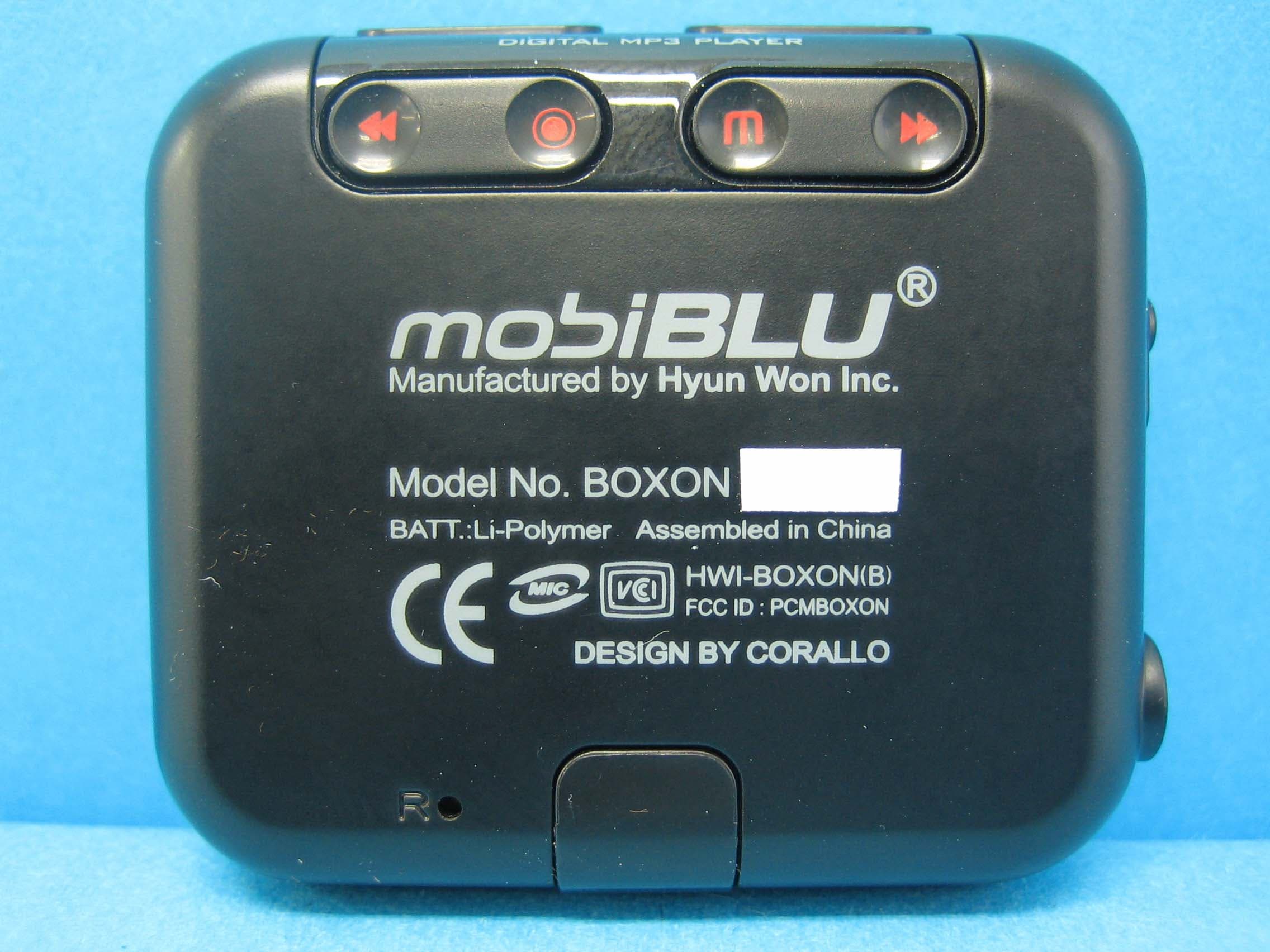
PCMBOXON
Sep 14, 2006Digital Audio Player
Equipment Class
JBP - Part 15 Class B Computing Device Peripheral
PCMDFM-100
Jul 31, 2006FM Transmitter
Equipment Class
DXX - Part 15 Low Power Communication Device Transmitter
PCMDAH-2100
Jun 15, 2006Digital Audio Player
Equipment Class
JBP - Part 15 Class B Computing Device Peripheral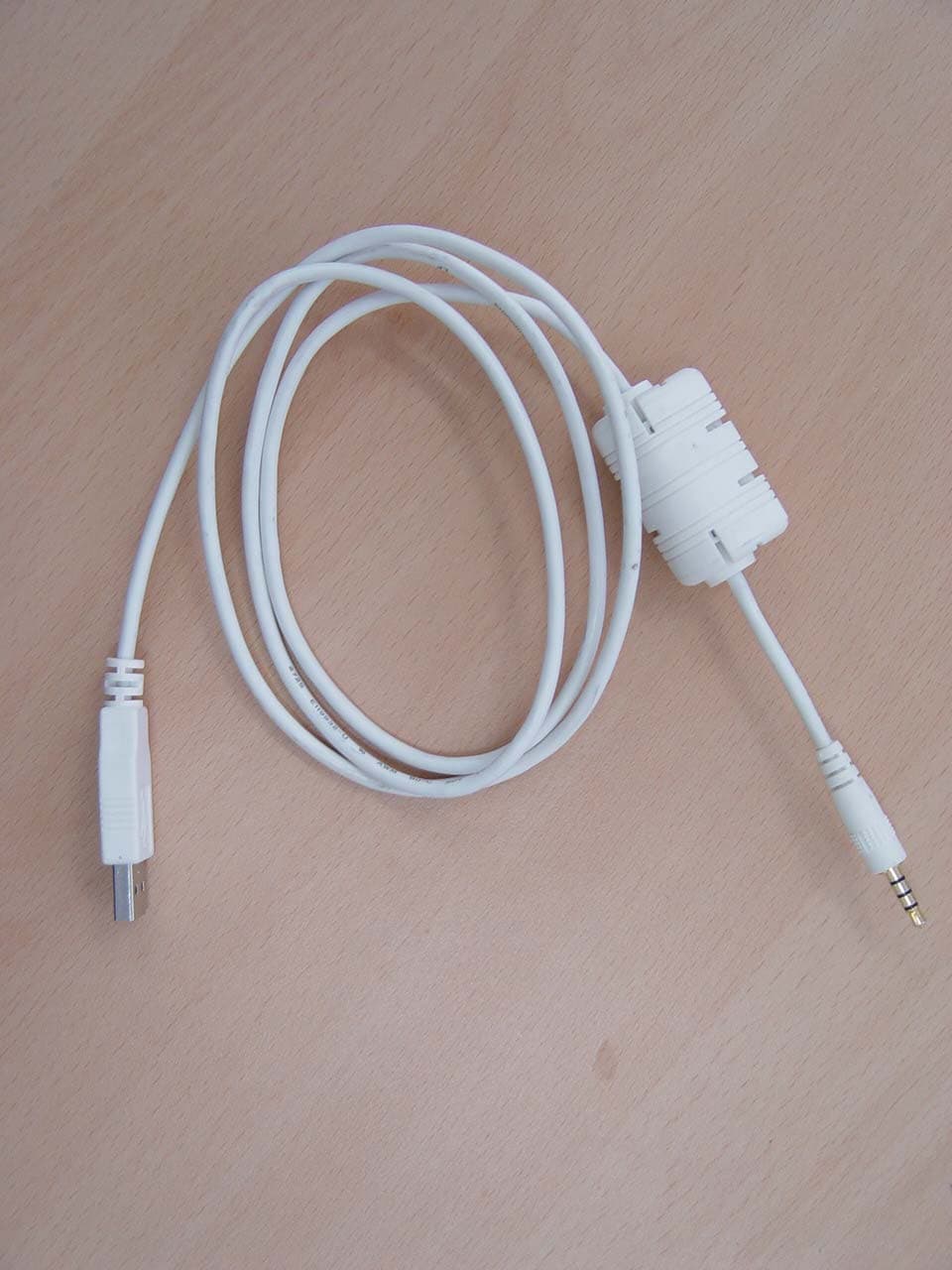
PCMUS2
Jun 11, 2006MP3 PLAYER
Equipment Class
JBP - Part 15 Class B Computing Device Peripheral