PCMBOXONDigital Audio Player
Hyun Won Inc.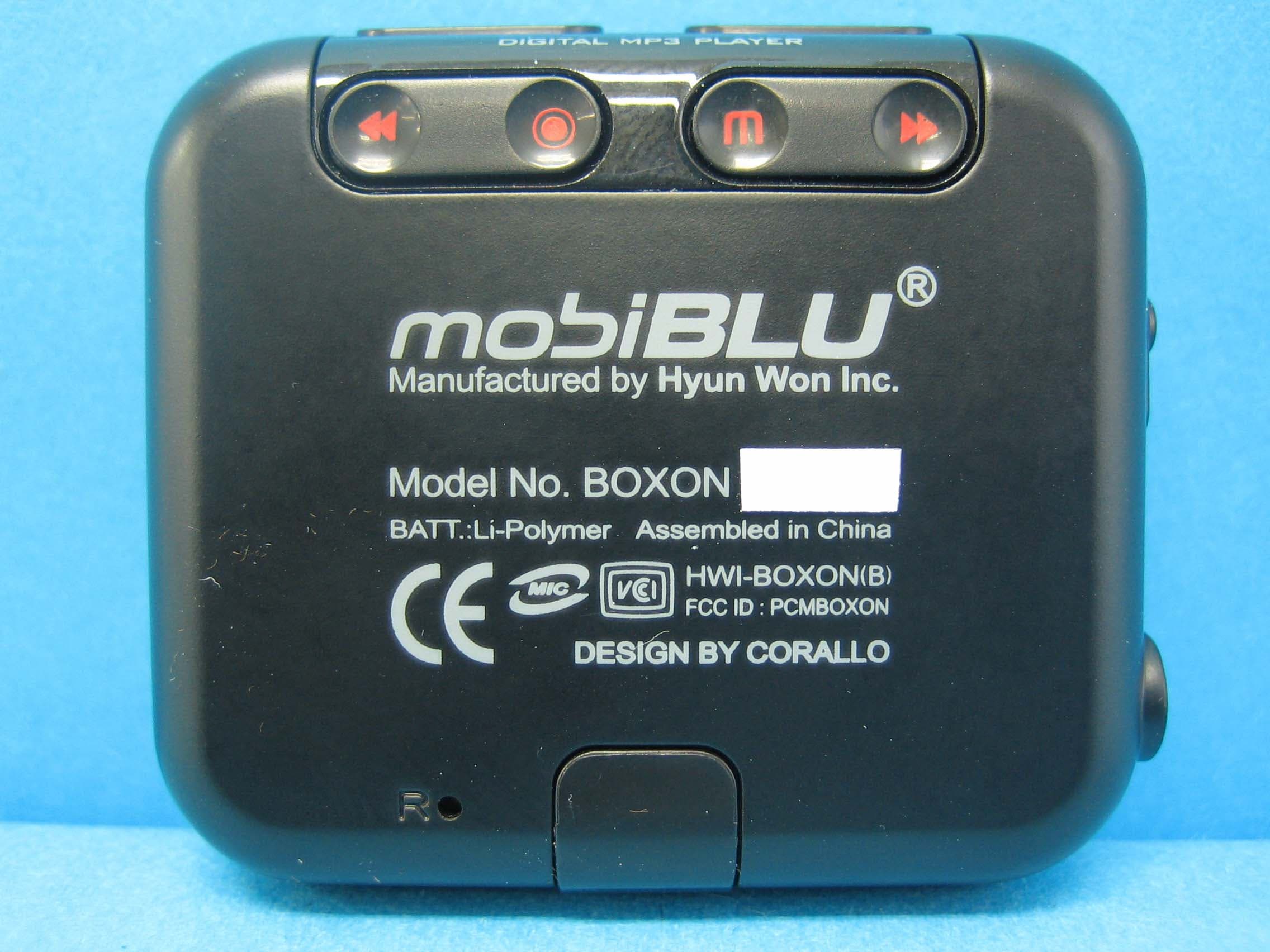
Click to zoom
Application Details
- Equipment Class
- JBP - Part 15 Class B Computing Device Peripheral
- Date of Grant
- Sep 14, 2006
- Application Purpose
- Original Equipment
- Date of Application
- Sep 14, 2006
- Equipment Note
- Digital Audio Player
- Company
- Hyun Won Inc.
- Country
- South Korea
Documents & Files
Document Text
Text extracted from the exhibit documents filed with the FCC. Open a document above to read the original.
Users Manual
SRS is a registered trademark of SRS Labs. WOW Technology is an intellectual property of SRSLabs. BOXON Users Manual View Index 1 - Special Features 3 - Technical Specifications 4 - Accessories 5 - Part Specifications 7 - Buttons 8 - Recharging 9 - Connecting to a PC 10 - Disconnecting 12 - Power ON/OFF 13 - Play Menu 14 - Play/ Pause 15 - Music Selection 16 - Voice Recording 18 - FM Radio Function FCC RF INTERFERENCE STATEMENT Warranty Card Worlds smallest Mp3 Player Super Slim size. A fully featured MP3/audio player that fits in the palm of you hand! COLOR Display COLOR Display combined with blue letters brings new beauty to the unit. COLOR Display provides superior sharpness, brilliance and easy to read display. Five Preset EQ modes plus one User-set EQ mode Features equalization modes and you can also customize equalization to suit your sound. File Navigation System and Unlimited Folder Capacity The player can play MP3 files saved in multiple folders. Those files and folders can be selected and played as if in a Windows environment. Easy & Convenient Clock Built in clock keeps you on time. Special Features 1 PC Peripheral Device By connecting the product to PC, the Windows system automatically recognizes it as a removable disk. No additional software needed. It can also be used as storage for other types of files. FM Radio receptor and recorder Enjoy FM radio listening as well as digital music files (MP3/WMA). It can also record your FM programming which allows you to listen to it over and over or to save it on your PC. Voice Recorder Built in high quality microphone allows you to record your voice. Built-in Lithium-Polymer Battery No extra battery or recharger is required. This advanced battery system is easily recharged by connecting into the USB port on your PC. Resume Function in Second Unit Settings are automatically restored when the unit is powered ON in case of sudden power down. Special Features 2 Technical Specifications Functions FM Tuner Audio Supporting Files Recording Time Operating Temperature Size (W HD) Weight Battery (Built-in) FM Frequency Range Headset Output S/N Ratio Antenna Frequency Characteristics Headset Output S/N ratio File format Bit Rate 25Mbps (USB Ver 2.0) Max 10 Hr 87.5 MHz~108.0MHz/ 76.0MHz~108.0MHz Max. 7mW (16 ) Max Volume 50dB Headset/earphone antenna 20Hz ~ 20KHz Max. 12mW (16 ) Max Volume 90dB MP3, WMA, WMA DRM MP3 : 8~320Kbps, WMA : 32~192Kbps OGG ~ Q10 ItemsSpecifications 3 Accessories USB / Charging Cable Earphone Protective Case User s Manual Program CD Illustrations may be different from the actual product. Accessories shown below may be different from purchased products to improve quality of the unit. 4 55 Part Specifications 6 Part Specifications 7 Buttons Power ON/OFF File Play/ Pause Searching Previous/Next File Move to Left/Right Menu Move to Navigation sub/preceding Folder Volume Up/Down Move to Navigation sub/preceding folder or file Recharging To recharge the battery use the USB cable to connect the unit to the PC. 8 It takes approx 3 hours to completely recharge a fully discharged battery. Recharging is not interrupted while downloading/uploading files from/to PC. Recharge the product using USB cable when LCD screen is not activated. Note! Connecting to a PC 9 What is USB (Universal Serial Bus)? This is a new connection system between PC and peripheral devices. Connect the USB cable supplied with the product into a USB port in PC. Any unexpected error can happen when connecting to the USB port in front of PC or USB hub. Windows version 98SE or lower will not detect the DAH-1500i as a peripheral device. To have your PC detect the player Install the Program CD supplied. Note! USB Cable Connection Connect one end of the cable into a USB port on the back of your PC and the other end to the earphone jack of the DAH-1500i. Disconnecting 10 Windows ME, 2000 and XP Operating Systems Double click on the green arrow on the right-bottom part of the initial Window screen. Click on Stopand OKafter selecting USB High Capacity Storage Device 1 2 Double Click Click Click Disconnecting 11 Click OKon Safe To Remove Hardwarewindow and remove the cable. 3 Open “My Computer” or Windows “Search”. Select “Removable Disk”. Using the right mouse button select “Remove”. Remove the USB cable. Disconnecting with Windows 98SE Removing the cable without following the instructions above will display a warning message and may cause a fatal error in PC or the product. Removing the cable while downloading or uploading files, or while formatting files may cause a fatal error in PC or the product. Click Click Note! Turn Power ON Press and hold the play/pause button to turn the power on. When the battery needs recharging the LCD will display the Battery Lowicon. Recharge the battery when LCD is not activated. Turning Power OFF When no button manipulation in pause condition is done after the set period of time for “Auto Power Off,” it automatically turns off the power. When you try to play a file after the restarting of the product, it completely recovers all previous setting. All track numbers, equalizer and other settings are recovered. (Resume function in second unit) Note! Press and hold the play/pause button to turn the unit off. Note! Power ON/OFF 12 Play Menu Activates/Disables menu function Returns to submenu/ main menu Moves right/left menu Control setting Activates submenu/ setting menu Saves current setting To access detailed explanation about menus see. 13 Play/ Pause Press the play/pause button once to play a selected file. Press the play/ pause button once more to stop play. Press “+” or “-“ to increase or decrease the volume incrementally. Press and hold “+” or “-“ to increase or decrease the volume continuously. 14 Music Selection 15 When music is paused Press the file selection buttons to skip to the next /previous file without playing the file. While playing music file Press the file selection buttons once to skip to the next or previous file and the …
Text truncated - open the document above for the full version.
Block Diagram
55 44 33 22 11 D D C C B B A A X-TAL12Mhz MLC3591 NANDMEMORY AMS3517 Butten BATTERY AUDIO OUTLINE IN X-TAL32.768Khz LCD USB USBPower I/O Power3.3V Core Power1.2V LCDPower15V Codec/Dc-Dc/Charge/RTC BLOCK DIAGRAM Core Clock 96Mhz
Cover Letter(s)
12F, Dongjin Bldg., 102, Shinchen-Dong, Dong-gu, Deagu-City, South Korea Tel : 82.53.743.7200 / Fax : 82.53.743.2112 www.mobiblu.com Factory : 333-1 Shindea-Ri, Kumho-Eup, YoungCheon-City, Kyoungbuk, South Korea http://www.mobiBLU.com e-mail : [email protected] April 17, 2006 Compliance Certification Services Certification Division 561F Monterey Road Morgan Hill, CA 95037 To whom it may concern: We, the undersigned, hereby authorize IST Co., Ltd., to act on our behalf in all manners relating to application for equipment authorization, including signing of all documents relating to these matters. Any and all acts carried out by IST Co., Ltd. on our behalf shall have the same effect as acts of our own. We, the undersigned, hereby certify that we are not subject to a denial of federal benefits, that includes FCC benefits, pursuant to Section 5301 of the Anti-Drug Abuse Act of 1988, 21 U.S.C. 853(a). In authorizing IST Co., Ltd. as our agent, we still recognize that we are responsible to: a) comply with the relevant provisions of the certification program; b) make all necessary arrangements for the conduct of the evaluation, including provision for examining documentation and access to all areas, records (including internal audit reports) and personnel for the purposes of evaluation (e.g. testing, inspection, assessment, surveillance, reassessment) and resolution of complaints; c) make claims regarding certification only in respect of the scope for which certification has been granted; d) do not use our product certification in such a manner as to bring the Certification Division into disrepute and not make any statement regarding our product certification which the Certification Division may consider misleading or unauthorized; 12F, Dongjin Bldg., 102, Shinchen-Dong, Dong-gu, Deagu-City, South Korea Tel : 82.53.743.7200 / Fax : 82.53.743.2112 www.mobiblu.com Factory : 333-1 Shindea-Ri, Kumho-Eup, YoungCheon-City, Kyoungbuk, South Korea http://www.mobiBLU.com e-mail : [email protected] e) upon suspension or cancellation of certification, discontinue use of all advertising matter that contains any reference thereto and return any certification documents as required by the Certification Division; f) use certification only to indicate the products are certified as being in conformity with specified standards; g) endeavor to ensure that no certificate or report nor any part thereof is used in a misleading manner; h) ensure that any reference to our product certification in communication media such as documents, brochures or advertising, complies with the requirements of the Certification Division; i) keep a record of all complaints made known to the us relating to the product’s compliance with requirements of the relevant standard and to make these records available to the Certification Division when requested; j) take appropriate action with respect to such complaints and any deficiencies found in products or services that affect compliance with the requirements for certification; k) document the actions taken. This authorization is valid until further written notice from the applicant. Sincerely Yours, Yong Seog Ko / Director GQM(Global Quality Management) Dept. Hyun Won Inc.
ID Label/Location Info
ID Label Sample & Location Imformation Hyun Won Inc. BOXON / 512MB FCC ID : PCMBOXON BATT : Li-Polymer MADE IN KOREA
Test Report
IST Co., Ltd EMC LABORATORY TEST REPORT NO. : 06-IST-0353 1 of 25 Certification of Compliance CFR 47 Part 15 Subpart B Test Report File No. : 06-IST-0353 Date of Issue : September 07, 2006 Model(s) : BOXON Kind of Product : Digital Audio Player FCC ID : PCMBOXON Applicant : Hyun Won Inc. Address : 12F, Dongjin Bldg., 102, Shinchen - Dong, Dong - Gu, Daegu – City, South Korea Manufacturer : Hyun Won Inc. Address : 12F, Dongjin Bldg., 102, Shinchen - Dong, Dong - Gu, Daegu – City, South Korea Test Result ■ Positive □ Negative Reviewed By Approved By S.J.CHO / EMC Group Manager J.H.LEE / Chief Comment(s) - Investigations requested : Measurement to the relevant clauses of FCC rules and regulations Part 15 Subpart B – Unintentional Radiators, Class B. - The test report with appendix consists of 25 pages. - The test result only responds to the tested sample. - It is not allowed to copy this report even partly without the allowance of IST EMC Laboratory. - This equipment as for has been shown to be capable of continued compliance with the applicable technical standards as indicated in the measurement report and was tested in accordance with the measurement procedures specified in ANSI C63.4 2003. IST Co., Ltd EMC LABORATORY TEST REPORT NO. : 06-IST-0353 2 of 25 TABLE OF CONTENTS Table of contents 2 Information of test laboratory, Environmental conditions, Power used, Product information 3 Descriptions of test Conducted Emission 4 Radiated Emission 5 Measurement Uncertainty Calculations 6 Equipment Under Test 7 Test Set-Up (Figure) 8 Summary 9 ■ Test Conditions and Data - Emissions ◆ Conducted Emissions 0.15MHz - 30MHz Applicable Test Conditions / Data and Plots 10-12 ◆ Radiated Emissions 30MHz - 1GHz Applicable Test Conditions / Data and Plots 13-19 Appendix A. The Photos of Test Setup 20-23 B. The Photos of Equipment Under Test 24-25 Note: IST Co., Ltd EMC LABORATORY TEST REPORT NO. : 06-IST-0353 3 of 25 INFORMATIONS OF TEST LABORATORY EMC LABORATORY of IST Co., Ltd. (FCC Filing Lab.) 80, Jeil-Ri, Yangji-Myun, Yongin-City Kyonggi-Do, 449-860, Korea TEL : +82 31 333 9018 FAX : +82 31 333 9019 ENVIRONMENTAL CONDITIONS Temperature 26.4 °C Humidity 43 % Atmospheric pressure 1012 mbar POWER SUPPLY SYSTEM USED Power supply system AC 120Vac, 60Hz (Refer to the product information) PRODUCT INFORMATION The Equipment Under Test(EUT) is Digital Audio Player Hyun Won Inc. (FCC ID : PCMBOXON) FM Frequency Range 87.5MHz ~ 108.0MHz / 76.0MHz ~ 108.0MHz Headset Output Max. 7mW(16)Max Volume S/N Ratio 50dB FM Tuner Antenna Headset / Earphone antenna Frequency Characteristics 20Hz ~ 20KHz Headset Output Max. 12mW(16)Max Volume Audio S/N ratio 90dB File format MP3, WMA, WMA DRM MP3 : 8 ~ 320Kbps Supporting Files Bit Rate WMA : 32 ~192Kbps OGG ~ Q10 USB Download speed 25Mbps(USB Ver 2.0) Recording Time Max 10Hr Operating Temperature -5 °C ~ 70 °C Size(W x H x D) 50 x 42.7 x 12.6(mm) Weight 18(g) Battery(Built-in) Li-polymer - EMC suppression device is not used during the test. - Please refer to user’s manual. IST Co., Ltd EMC LABORATORY TEST REPORT NO. : 06-IST-0353 4 of 25 < Concept Drawing > 215 >150 >40 80 Receiver EUT LISN 80 ≥ 80 80 40 ≥ 80 Measuring apparatus Mains Filter Mains Rear side Equipment under test Coaxial cable Artificial mains networ k Screened room Non-metallic support 80 DESCRIPTIONS OF TEST Conducted Emissions: The measurement were performed over the frequency range of 0.15MHz to 30MHz using a ESH2-Z5 LISN as the input transducer to a Spectrum Analyzer or a Field Intensity Meter. The measurements were made with the detector set for "Peak" amplitude within a bandwidth of 10KHz or for "quasi-peak" & “Average” within a bandwidth of 9KHz. - Procedure of Test The line-conducted facility is located inside a shielded room No.1. A 1m X 1.5m wooden table 80cm height is placed 40cm away from the vertical wall and 1.5m away from the other wall of the shielded room. The ESCS30 and ESH2-Z5 LISN are bonded to bottom of the shielded room. The EUT is located on the wooden table with distance more than 80cm from the LISN and powered from the ESH2-Z5 LISN .The peripheral equipment is powered from the other LISN. Power to the LISNs are filtered by a noise cut power line filters. All electrical cables are shielded by braided tinned steel tubing with inner φ 1.2cm. If the EUT is a DC-powered device, power will be derived from the source power supply it normally will be powered from and this supply lines will be connected to the ESH2-Z5 LISN. All interconnecting cables more than 1m were shortened by non-inductive bundling to a 1m length. Sufficient time for the EUT, support equipment, and test equipment was allowed in order for them to warm up to their normal operating conditions. The RF output of the LISN was connected to the ESCS30 receiver to determine the frequency producing the maximum emission from the EUT. The frequency producing the maximum level was reexamined using Quasi-Peak mode by manual measurement, after scanned by automatic Peak mode for frequency range from 0.15 to 30MHz. The bandwidth of the receiver was set to 10kHz. The EUT, peripheral equipment, and interconnecting cables were arranged and manipulated to maximize each EME emission. < Side View > IST Co., Ltd EMC LABORATORY TEST REPORT NO. : 06-IST-0353 5 of 25 DESCRIPTION OF TEST Radiated Emissions: The measurement was performed over the frequency range of 30MHz to 1GHz using antenna as the input transducer to a Spectrum analyzer or a Field Intensity Meter. The measurement was made with the detector set for "quasi-peak" within a bandwidth of 120KHz. - Procedure of Test Preliminary measurements were made at 3 meter using bi-log antennas, and spectrum analyzer to determine the frequency producing the max. emission in anechoic chamber. Appropriate precaution was taken to ensure that all emission from the EUT were maximized and investigated. The system configuration, mode of operation, turn-table azimuth and height with respect to the antenna were…
Text truncated - open the document above for the full version.
Contact Information
Applicant
Ki-jung Lee(Assistant Manager)
Test Firm
IST Co., LtdBong Kyoon Bae
Technical Specifications
| # | Rule Parts | Frequency Range | Power Output |
|---|---|---|---|
| 1 | 15B | - | - |
Other Applications from Hyun Won Inc.
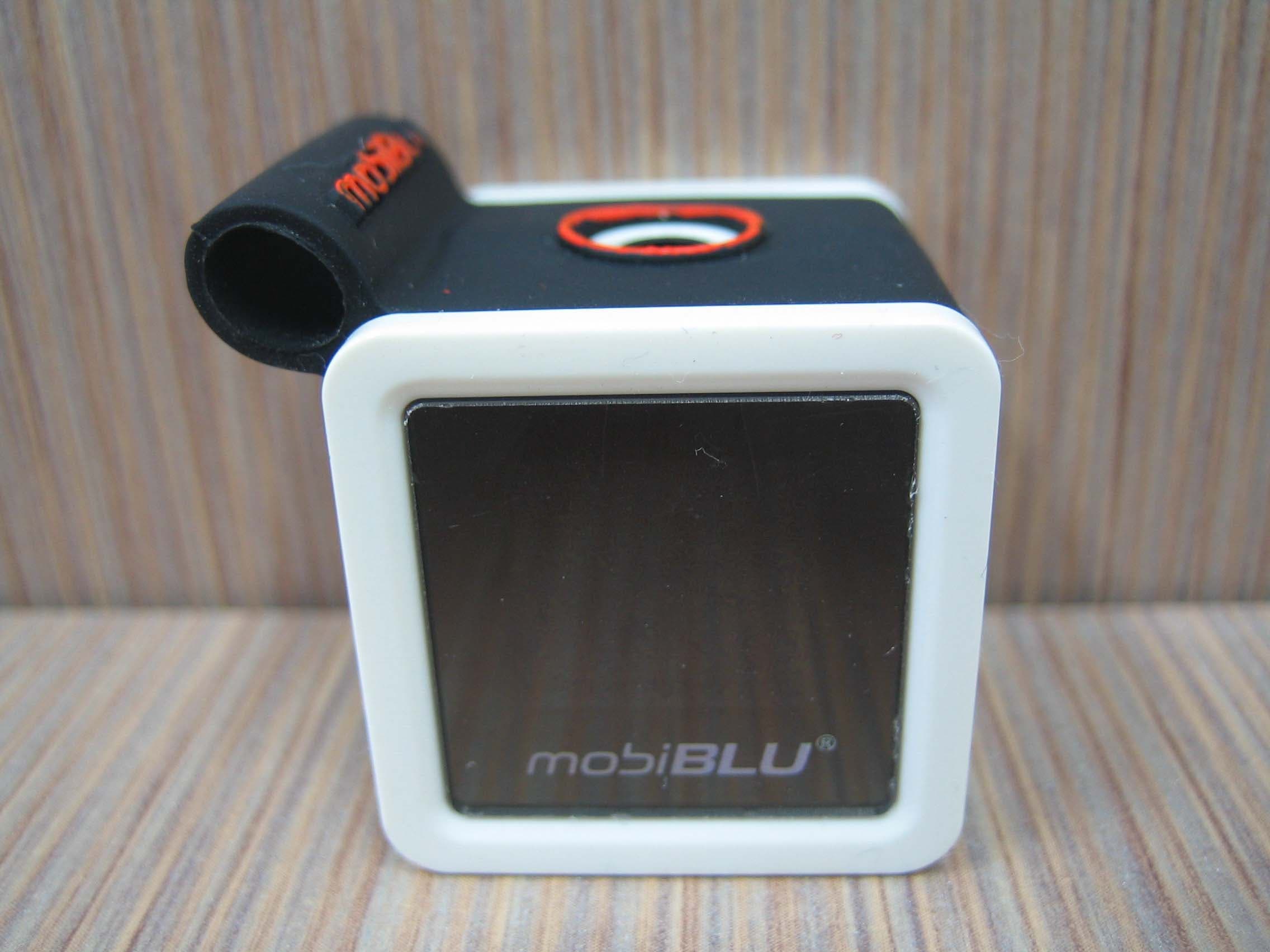
PCMCUBISTO
Sep 24, 2006Digital Audio Player
Equipment Class
JBP - Part 15 Class B Computing Device Peripheral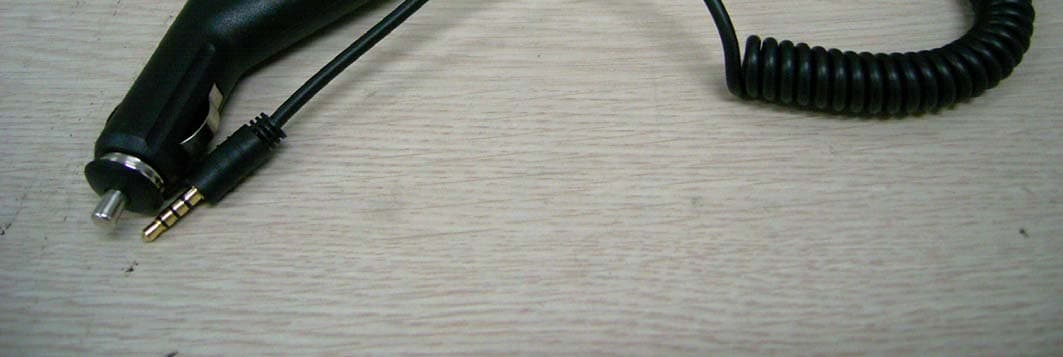
PCMDFM-100
Jul 31, 2006FM Transmitter
Equipment Class
DXX - Part 15 Low Power Communication Device Transmitter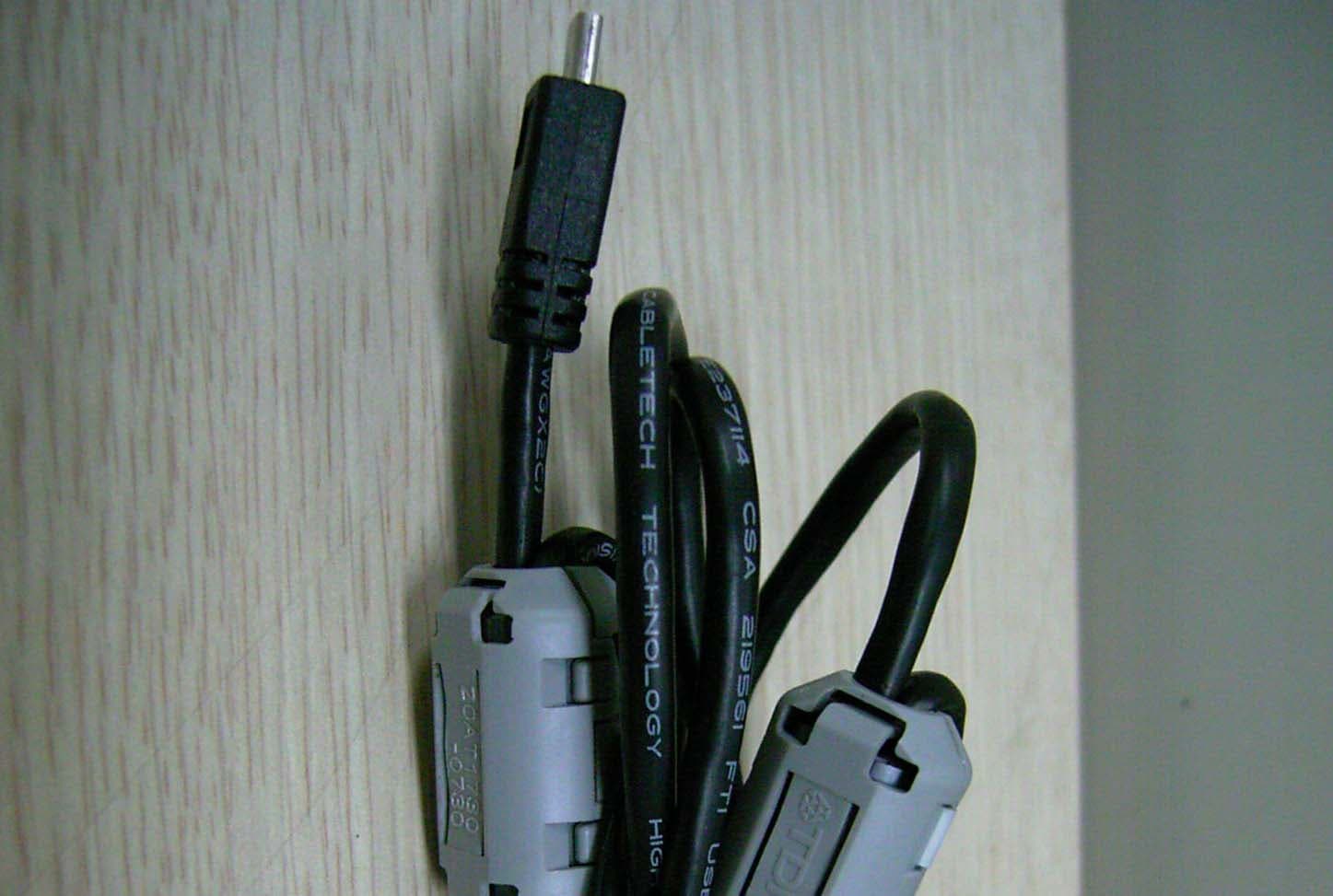
PCMDAH-2100
Jun 15, 2006Digital Audio Player
Equipment Class
JBP - Part 15 Class B Computing Device Peripheral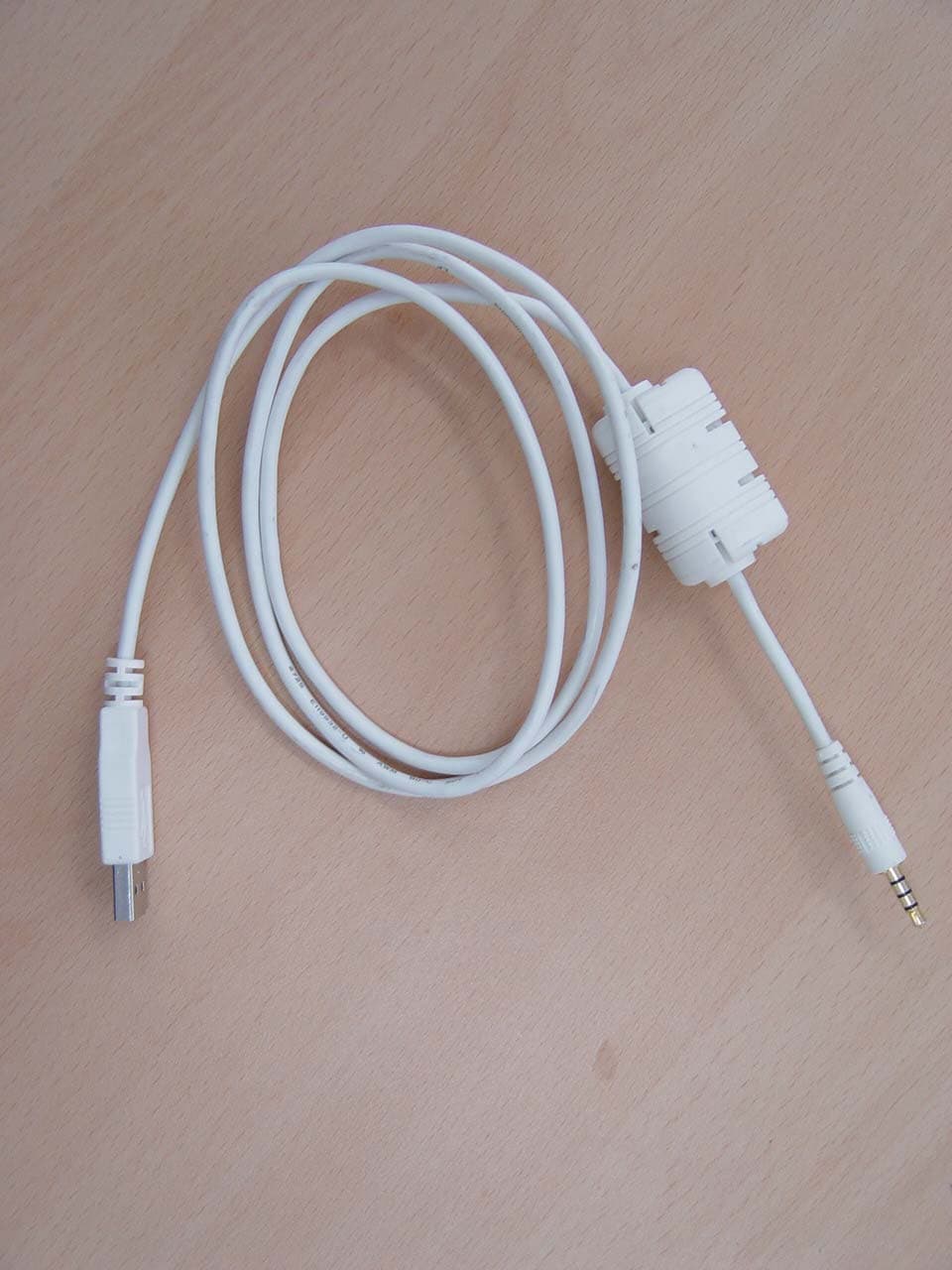
PCMUS2
Jun 11, 2006MP3 PLAYER
Equipment Class
JBP - Part 15 Class B Computing Device Peripheral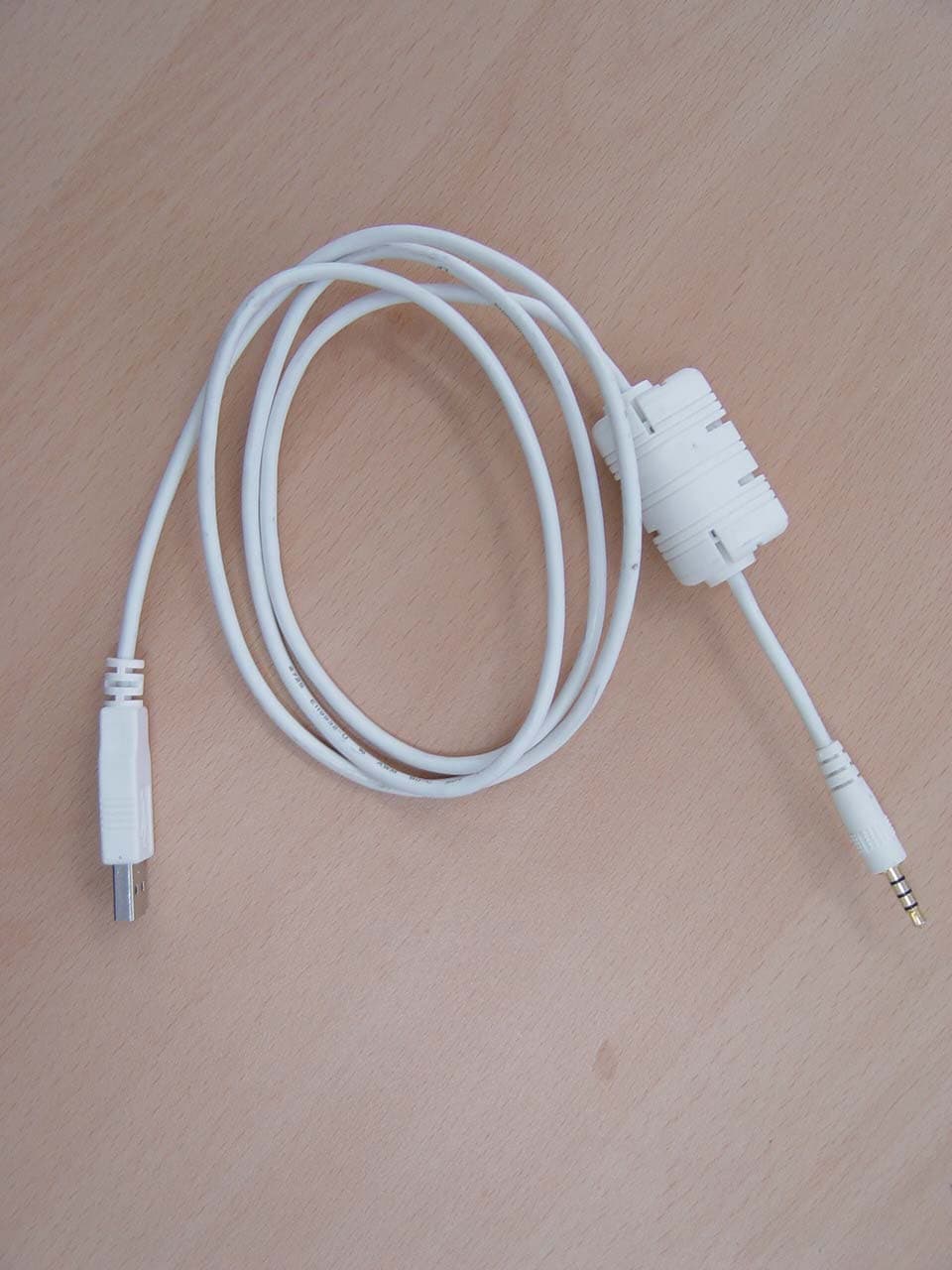
PCMCUBE2
Apr 23, 2006MP3 Player
Equipment Class
JBP - Part 15 Class B Computing Device Peripheral