PCMDAH1100MP3 Player
Hyun Won Inc.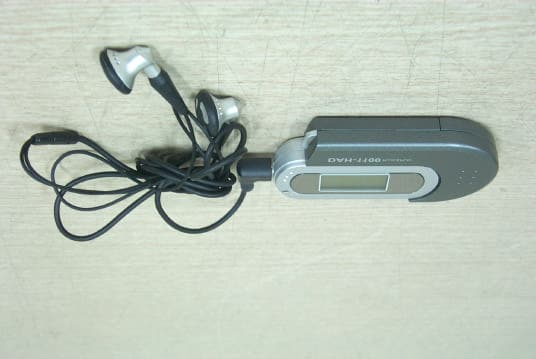
Click to zoom
Application Details
- Equipment Class
- JBP - Part 15 Class B Computing Device Peripheral
- Date of Grant
- Jun 16, 2003
- Application Purpose
- Original Equipment
- Date of Application
- Jun 16, 2003
- Equipment Note
- MP3 Player
- Company
- Hyun Won Inc.
- Country
- South Korea
Documents & Files
Document Text
Text extracted from the exhibit documents filed with the FCC. Open a document above to read the original.
Users Manual
Tel : 82-54-338-6000 (ext.4) Fax: 82-54-337-3075E-mail : [email protected] : 333-1 Shindae-Ri, Kumho-Eup, Youngcheon-City, KyoungBuk, South KoreaHomepage : http://www.m-any.com Direct -Connect USB Flash MP3 Player with Graphic LCD Safety Instructions Warning To reduce danger of fire or electric shock, do not expose the product to rainor moisture. Do not release or distribute the music files formatted in WMA or MP3 from theproduct to the public. (As this would violate Copyright laws.) The software contained on the installation CD-ROM is for personal use only and it not to be distributed. To maintain best quality from the player Do not use the product in hazardous conditions, such as extremely high/ low temperatures, dusty area, or excessively wet areas. Do not leave the product in the bathroom, near/ on a heater, or in a carparked in the direct sunlight. Do not leave batteries in pockets with any metallic substance such as coinsor keys.(Doing so may cause fire from the batteries contacts) Throwing or dropping the product can cause shock damage. Avoid sudden shock Any data lost due to careless use is not our responsibility. (Any valuable data should be stored on your PC) Caution when using headset Auditory sense may be damaged when listening to the music at a highvolume for extended time periods. Using a headset while driving a car or riding bicycle/motorcycle is notrecommended.Use caution when walking or jogging with device.Ear-in type headset should have a long wire to be located at the back of theneck.Do not ever disassemble to repair or rebuild the product as it may causepermanent damage. USB Combo User ManualContents Feature and Capacity of ProductsFeature Digital Audio Player which supports multi-format 1) MP3: 8~320Kbps 2) WMA: supporting over 8Kbps Graphic LCD and EL backlight.Multi Language Support. (Korean/English/Japanese/Chinese)Firmware upgrade by the Internet.Portable USB store equipment.low power consumption : It's possible to play 11 hours continuos playback.It provides a variety of Menu for suiting customer's taste. General specification Size(W x H x D) : 87 14 46 mm Shape LCD : Graphic LCD (128 64) Built-in Nand Flash Memory (32MB/64MB/128MB)It implements the Key - Play : Turn on/off, Playback, Pause - FF : Forward- REW : Backward- Volume : Mute – Max ( 31 Steps)- Menu Equalizer : 5 different kinds EQ selection (Rock/Jazz/Classic/Pop/Flat) Repeat : Repeat One/ All, Random One/All/OFFContrast : Control by GraphicBacklight : 0Sec ~ 20SecPower Saving: 1Min~10MinAbout : Firmware Version/Memory information Language ; Korean / English / Chinese / Japanese Circumstances It's used in Win98 / ME / 2000 / XP Note : Win98 is provided by the separate driver 1. Confirm the contents2. Look at the title of the each part3. Put in the battery4. Connect to the computer5. File download/ upload6. Separate from USB Combo7. Look at the title of the part of LCD 8. Look at the basic function of the digital Audio Player 8.1 Turn on8.2 Playback8.3 Control the volume8.4 Search for other song8.5 Set up the section repetition8.6 Set up the sound effect8.7 Set up the section repetition8.8 Set up the contrast8.9 Set up the backlit 8.10 Set up the power saving8.11 See the registration information8.12 Select the language8.13 The Return 9. FM Radio mode 10. Use the lock11. Install a software12. Format13. Upgrade the firmware 14. Troubleshooting Problems 15. WARRANTY SERVICE 16. FCC RF INTERFERENCE STATEMENT 123456788899 1011111212131314141516181920212223 2. Look at the title of the each part LEDLCD Neck Straphanger Battery case Earphone Connectingterminal USB terminal Lock buttonBattery cover Volume control The next track/previous track/all the track/menu button Turn on/ Play/Stop button 1. Confirm the contents USB Combo Install CD Earphone battery(AAA_1) USB extension cable Neck Strap User Manual 1 2 4. Connect to the computer Pull and separatethe battery case andUSB drive to anarrow direction.Connect to the USBdrive. At this time youcan use it byconnecting to theUSB extension cableor connecting to thecomputer.Pull the USB drivewhich is correctlyadjusted to thegroove of the batterycase.Caution: If it's notexactly connect, itcan not play. 3. Put in the battery Remove the batterycover by pushingthe battery cover toan arrow direction. Put in the batteryadjusting to plus/minus polarity. Push and close thebattery cover to anarrow directionadjusting to thegroove. 3 4 6. Separation from USB ComboCaution : If you don't separate USB drive safely, the file can be damaged or the data should be lost. Safely Remove Hardware... First, you click Left button on devicemanager from property menu. then“ Safely Remove Hardware ” will display. Click it with Right button. After you select USB ComboMSC USB Device, you click‘ OK'. After you click ‘ Safe To Remove Hardware' you separate USB drive. Click 'stop(S)' button. 5. File download/uploadIf USB drive connects to the computer, the message such 'USBConnected... ‘ show up.The message such 'USB Connected... ‘ and LED flicker During the transfer, otherwise they didn't flicker and then USBdrive separate from the computer. Caution: The file is damaged or the cause of the product problem ifthe USB drive separate from the computer while the file istransferring.If USB drive connects to the computer, new portable drive is added. You canuse it such as adding or deleting the data on the hard disk by WindowsexplorerNote: Music files(MP3, WMA) are just shown on LCD and the data filesare shown on Windows explorer Possible to add theportable drive USB Connected... 5 6 8. Look at the basic function of the digital audio player 8.1 Turn on Push 'Playback/ Stop' one round You can see the logo whenLCD is turned on. The status of stop scene ofLCD. 8.2 Playback Push 'Playback/Stop' for the first scene A stop mode. The title of the song isscrolled. 7. Look at the title of the part of LCD MP3/WMA display Playback status displayPlaying song number/Total song numberPlaying songTitle displayV…
Text truncated - open the document above for the full version.
Block Diagram
BLOCK DIAGRAM STMP3410 NAND FLASH0 D+,D- DC/DC USB CTL DAC Voltage Regurator VOLTAGE DETECTOR 5V/1.5V 1.5V KEY INPUT GPIO Momory CTL BLK LCD CTL BLK SWITCH 24.576MHz BATTERY USB PORT LCD HEAD PHONE NAND FLASH1 FM MODULE 32.768KHz
External Photos
CERTiTEK Standards Laboratory Co., Ltd. 386-1, Ho-Dong, Yongin-City, Kyungki-Do, Korea 449-100 Tel: +82-31-339-9970 Fax: +82-31-339-9855 http://www.certitek.com/ Test Report No.: CTK03-F064 Date: June 9, 2003 Page 1 of 2 This Report shall not be reproduced except in full without the written approval of CERTiTEK Form No.: CTK-FF1.2 CERTiTEK EUT External Photographs CERTiTEK Standards Laboratory Co., Ltd. 386-1, Ho-Dong, Yongin-City, Kyungki-Do, Korea 449-100 Tel: +82-31-339-9970 Fax: +82-31-339-9855 http://www.certitek.com/ Test Report No.: CTK03-F064 Date: June 9, 2003 Page 2 of 2 This Report shall not be reproduced except in full without the written approval of CERTiTEK Form No.: CTK-FF1.2 CERTiTEK
ID Label/Location Info
CERTiTEK Standards Laboratory Co., Ltd. 386-1, Ho-Dong, Yongin-City, Kyungki-Do, Korea 449-100 Tel: +82-31-339-9970 Fax: +82-31-339-9855 http://www.certitek.com/ Test Report No.: CTK03-F064 Date: June 9, 2003 Page 1 of 1 This Report shall not be reproduced except in full without the written approval of CERTiTEK Form No.: CTK-FF1.2 CERTiTEK Photographs related to Label According to 15.19 Labelling requirements (a)(5); When the device is so small or for such use that it is not practicable to place the statement specified under paragraph (a) of this section on it, the information required by this paragraph shall be placed in a prominent location in the instruction manual or pamphlet supplied to the user or, alternatively, shall be placed on the container in which the device is marketed. However, the FCC identifier or the unique identifier, as appropriate, must be displayed on the device. Related statement will be included in user’s manual as below;
Internal Photos
CERTiTEK Standards Laboratory Co., Ltd. 386-1, Ho-Dong, Yongin-City, Kyungki-Do, Korea 449-100 Tel: +82-31-339-9970 Fax: +82-31-339-9855 http://www.certitek.com/ Test Report No.: CTK03-F064 Date: June 9, 2003 Page 1 of 2 This Report shall not be reproduced except in full without the written approval of CERTiTEK Form No.: CTK-FF1.2 CERTiTEK EUT Internal Photographs CERTiTEK Standards Laboratory Co., Ltd. 386-1, Ho-Dong, Yongin-City, Kyungki-Do, Korea 449-100 Tel: +82-31-339-9970 Fax: +82-31-339-9855 http://www.certitek.com/ Test Report No.: CTK03-F064 Date: June 9, 2003 Page 2 of 2 This Report shall not be reproduced except in full without the written approval of CERTiTEK Form No.: CTK-FF1.2 CERTiTEK PCB
Test Report
CERTiTEK Standards Laboratory Co., Ltd. 386-1, Ho-Dong, Yongin-City, Kyungki-Do, Korea 449-100 Tel: +82-31-339-9970 Fax: +82-31-339-9855 http://www.certitek.com/ Test Report No.: CTK03-F064 Date: June 9, 2003 Page 1 of 14 This Report shall not be reproduced except in full without the written approval of CERTiTEK Form No.: CTK-FF1.2 CERTiTEK EMC TEST REPORT For FCC Test Report No. : CTK03-F064 Date of Issue : June 9, 2003 Model/Type No: : DAH-1100 [FCC ID : PCMDAH1100] Kind of Product : MP3 PLAYER Applicant : HYUN WON INC. Applicant Address : 333-1 Shindea-Ri,Kumho-Eup,Young cheon-City Kyung Buk, Korea Manufacturer : HYUN WON INC. Manufacturer Address : 333-1 Shindea-Ri,Kumho-Eup,Young cheon-City Kyung Buk, Korea Contact Person : Mr. Chang-Bae Lee (Assistant Manager) Telephone : +82-54-337-9977 Received Date : May 28, 2003 Test period : Start: May 28, 2003 End: June 7, 2003 Test Results : In Compliance Not in Compliance The test results presented in this report relate only to the object tested. CERTiTEK Standards Laboratory Co., Ltd. is accredited by Korea Laboratory Accreditation Scheme (KOLAS) which signed the International Laboratory Accreditation Cooperation (ILAC) Mutual Recognition Arrangement (MRA) for the above test item(s) and test method(s). Tested by Reviewed by Joon Pak EMC Test Engineer James Hong EMC Technical Manager Date: June 9, 2003 Date: June 9, 2003 CERTiTEK Standards Laboratory Co., Ltd. 386-1, Ho-Dong, Yongin-City, Kyungki-Do, Korea 449-100 Tel: +82-31-339-9970 Fax: +82-31-339-9855 http://www.certitek.com/ Test Report No.: CTK03-F064 Date: June 9, 2003 Page 2 of 14 This Report shall not be reproduced except in full without the written approval of CERTiTEK Form No.: CTK-FF1.2 CERTiTEK REPORT REVISION HISTORY Date Revision Page No June 9, 2003 Issued (CTK03-F064) All This report shall not be reproduced except in full, without the written approval of CERTiTEK Standards Laboratory Co., Ltd. This document may be altered or revised by CERTiTEK Standards Laboratory Co., Ltd. personnel only, and shall be noted in the revision section of the document. Any alteration of this document not carried out by CERTiTEK Standards Laboratory Co., Ltd. will constitute fraud and shall nullify the document. CERTiTEK Standards Laboratory Co., Ltd. 386-1, Ho-Dong, Yongin-City, Kyungki-Do, Korea 449-100 Tel: +82-31-339-9970 Fax: +82-31-339-9855 http://www.certitek.com/ Test Report No.: CTK03-F064 Date: June 9, 2003 Page 3 of 14 This Report shall not be reproduced except in full without the written approval of CERTiTEK Form No.: CTK-FF1.2 CERTiTEK TABLE OF CONTENTS 1.0 General Product Description...................................................................................4 1.1 Model Differences.................................................................................................4 1.2 Device Modifications.............................................................................................4 1.3 EUT Configuration(s).............................................................................................5 1.4 Test Software......................................................................................................5 1.5 EUT Operating Mode(s).........................................................................................5 1.6 Calibration Details of Equipment Used for Measurement..............................................6 1.7 Test Facility.........................................................................................................6 1.8 Measurement Procedure........................................................................................6 1.9 Laboratory Accreditations and Listings.....................................................................7 2.0 Emissions Test Regulations.....................................................................................8 2.1 Conducted Voltage Emissions.................................................................................9 2.2 Radiated Electric Field Emissions...........................................................................10 Configurations.........................................................................................................11 APPENDIX A - TEST DATA..........................................................................................12 Conducted Voltage Emissions (Quasi-Peak reading)..................................................12 Radiated Electric Field Emissions (Quasi-Peak reading).............................................14 CERTiTEK Standards Laboratory Co., Ltd. 386-1, Ho-Dong, Yongin-City, Kyungki-Do, Korea 449-100 Tel: +82-31-339-9970 Fax: +82-31-339-9855 http://www.certitek.com/ Test Report No.: CTK03-F064 Date: June 9, 2003 Page 4 of 14 This Report shall not be reproduced except in full without the written approval of CERTiTEK Form No.: CTK-FF1.2 CERTiTEK 1.0 General Product Description 1.0.1 Tested Equipment Unless otherwise indicated, all tests were conducted on Model DAH-1100. Tests performed on Model were considered to be representative of Model(s) . 1.0.2 Equipment Size, Mobility and Identification Dimensions: 84 by 14 by 46 mm in Mobility: Hand-Held Table-top Floor-standing - Serial No.: Not applicable 1.0.3 Electrical Ratings Input: When MP3 playing – DC 1.5V (Dry Cell Battery 1EAAAA size) When USB downloading – Supplied by PC’s USB port power Output: Not applicable 1.0.4 Test Voltage & Frequency Unless indicated otherwise on the individual data sheet or test results, the test voltage and frequency was as indicated below. Voltage: DC 1.5V or PC’s USB port power Frequency: Not applicable 1.0.5 Clock & Other Frequencies Utilized 32.768kHz, 24.576MHz 1.1 Model Differences Not applicable 1.2 Device Modifications The following modifications were necessary for compliance: Not applicable CERTiTEK Standards Laboratory Co., Ltd. 386-1, Ho-Dong, Yongin-City, Kyungki-Do, Korea 449-100 Tel: +82-31-339-9970 Fax: +82-31-339-9855 http://ww…
Text truncated - open the document above for the full version.
Test Setup Photos
CERTiTEK Standards Laboratory Co., Ltd. 386-1, Ho-Dong, Yongin-City, Kyungki-Do, Korea 449-100 Tel: +82-31-339-9970 Fax: +82-31-339-9855 http://www.certitek.com/ Test Report No.: CTK03-F064 Date: June 9, 2003 Page 1 of 2 This Report shall not be reproduced except in full without the written approval of CERTiTEK Form No.: CTK-FF1.2 CERTiTEK APPENDIX B - Test Setup Photos and Configuration Conducted Voltage Emissions CERTiTEK Standards Laboratory Co., Ltd. 386-1, Ho-Dong, Yongin-City, Kyungki-Do, Korea 449-100 Tel: +82-31-339-9970 Fax: +82-31-339-9855 http://www.certitek.com/ Test Report No.: CTK03-F064 Date: June 9, 2003 Page 2 of 2 This Report shall not be reproduced except in full without the written approval of CERTiTEK Form No.: CTK-FF1.2 CERTiTEK Radiated Electric Field Emissions
Contact Information
Applicant
Ki-jung Lee(Assistant Manager)
Test Firm
CTK Co., Ltd.Jang-Hee Hong
Technical Specifications
| # | Rule Parts | Frequency Range | Power Output |
|---|---|---|---|
| 1 | 15B | - | - |
Other Applications from Hyun Won Inc.
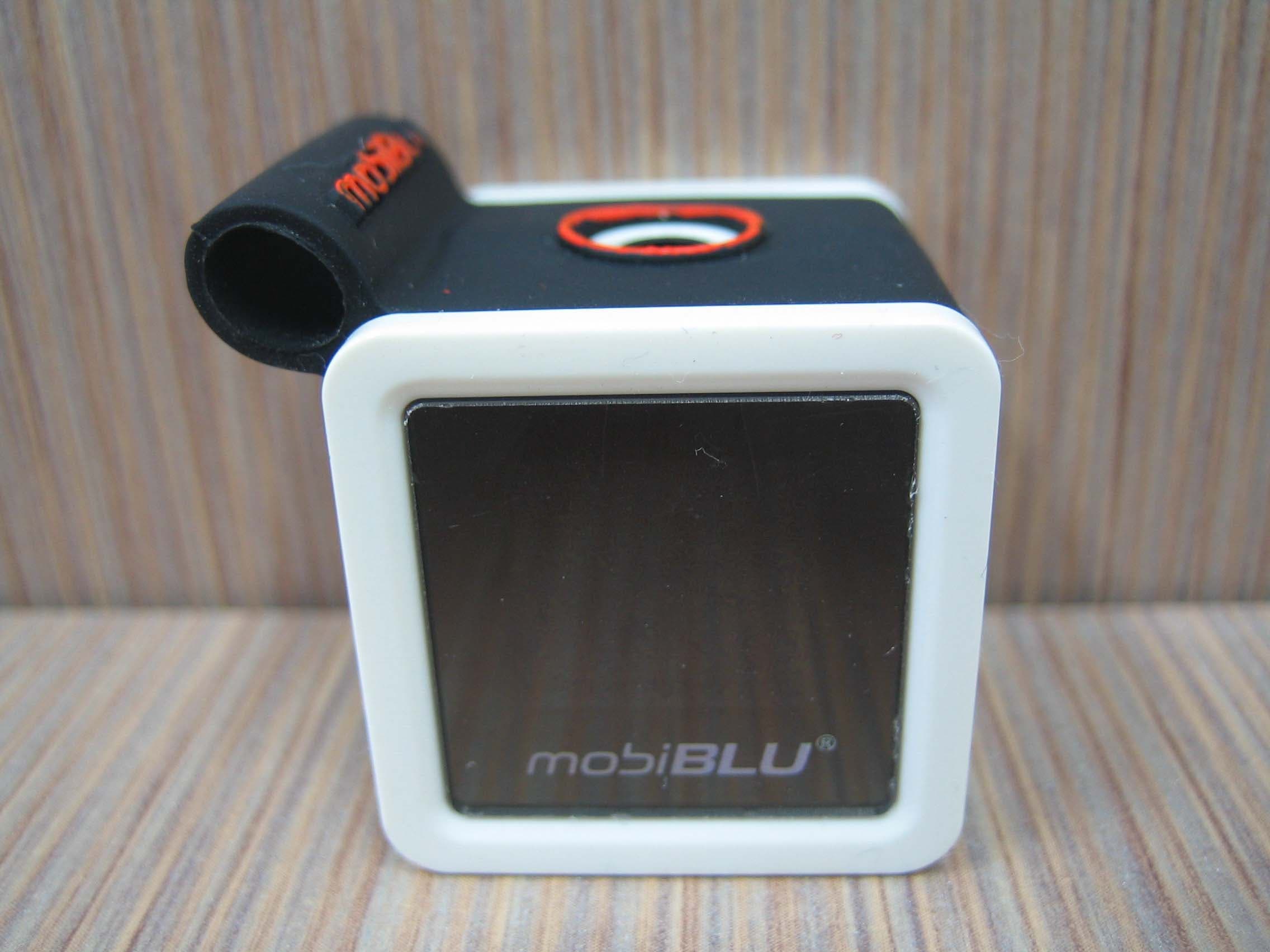
PCMCUBISTO
Sep 24, 2006Digital Audio Player
Equipment Class
JBP - Part 15 Class B Computing Device Peripheral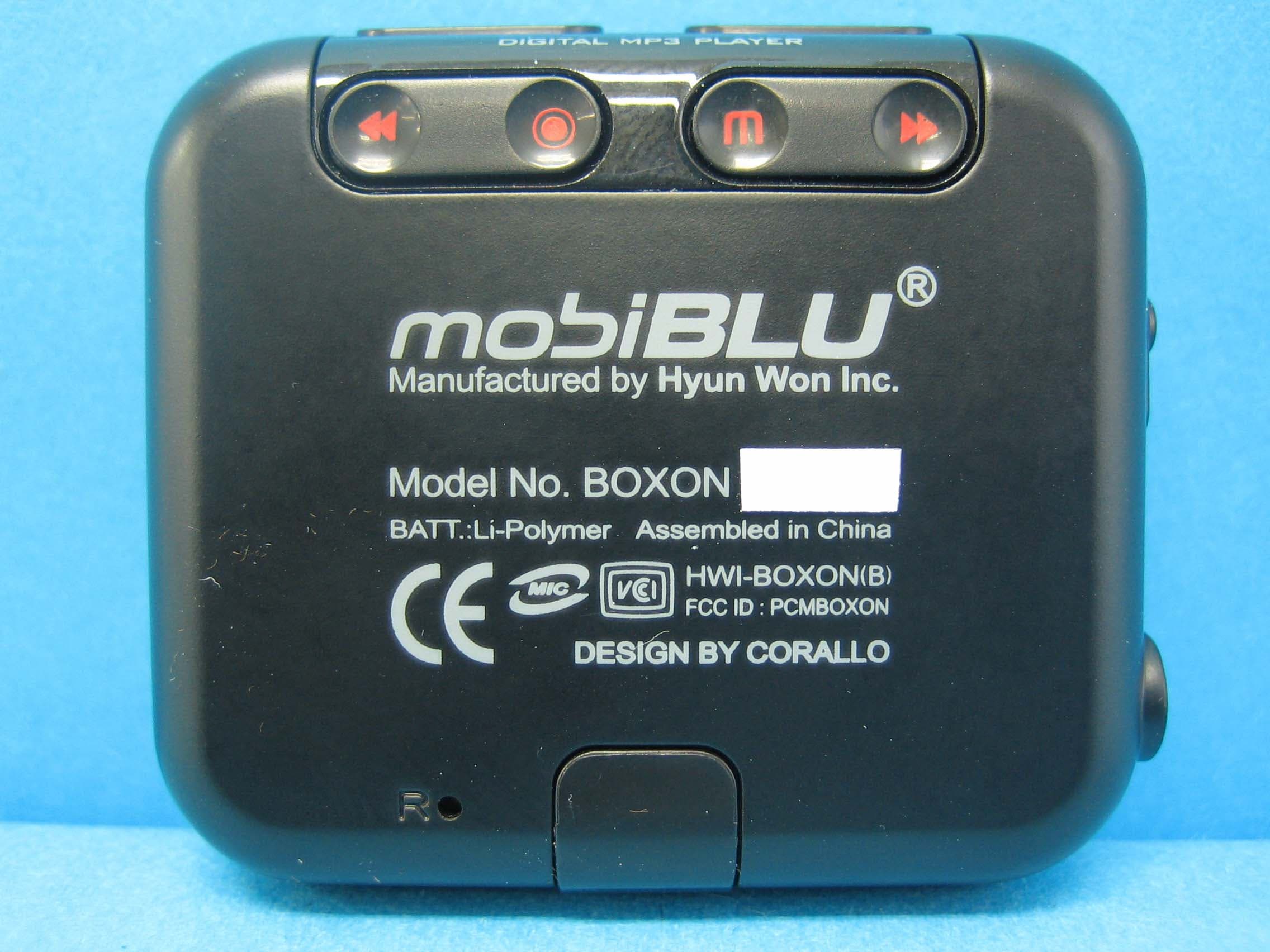
PCMBOXON
Sep 14, 2006Digital Audio Player
Equipment Class
JBP - Part 15 Class B Computing Device Peripheral
PCMDFM-100
Jul 31, 2006FM Transmitter
Equipment Class
DXX - Part 15 Low Power Communication Device Transmitter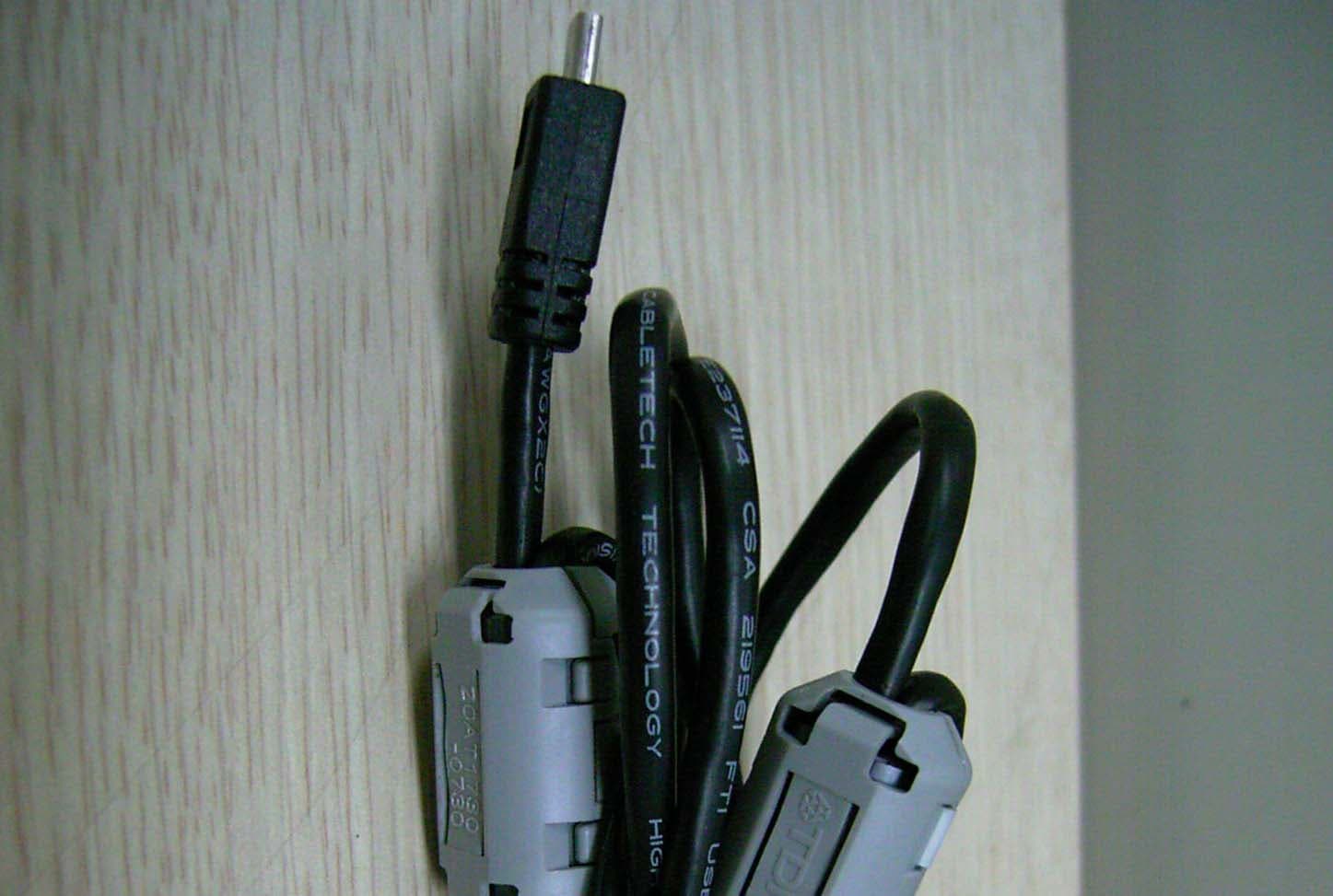
PCMDAH-2100
Jun 15, 2006Digital Audio Player
Equipment Class
JBP - Part 15 Class B Computing Device Peripheral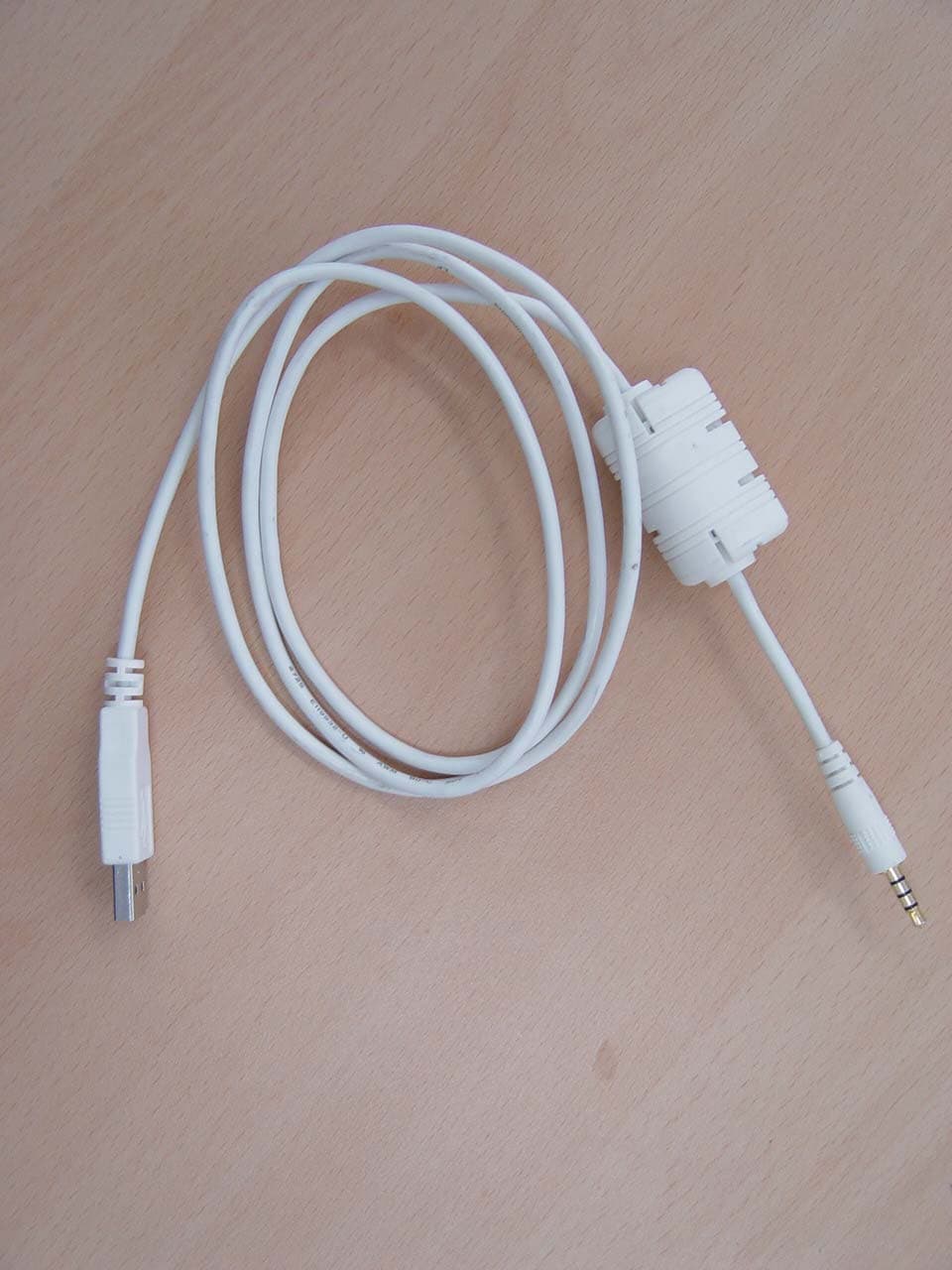
PCMUS2
Jun 11, 2006MP3 PLAYER
Equipment Class
JBP - Part 15 Class B Computing Device Peripheral