PCMDPD100External Data Drive
Hyun Won Inc.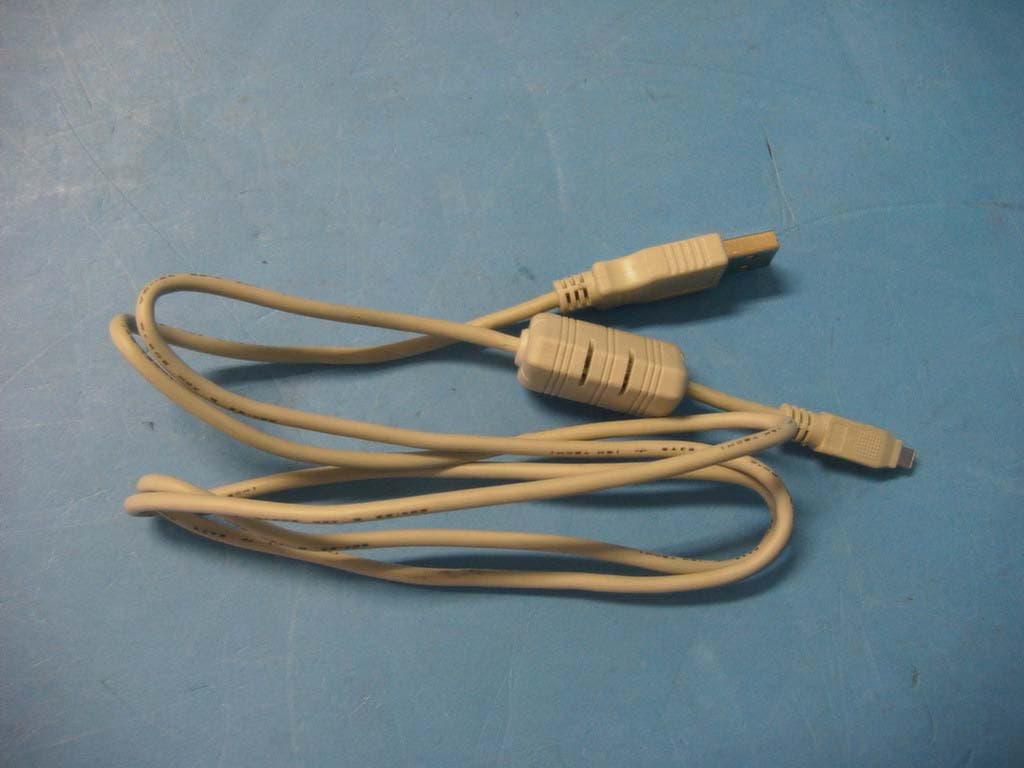
Click to zoom
Application Details
- Equipment Class
- JBP - Part 15 Class B Computing Device Peripheral
- Date of Grant
- Aug 22, 2002
- Application Purpose
- Original Equipment
- Date of Application
- Aug 22, 2002
- Equipment Note
- External Data Drive
- Company
- Hyun Won Inc.
- Country
- South Korea
Documents & Files
Document Text
Text extracted from the exhibit documents filed with the FCC. Open a document above to read the original.
Users Manual
1 2 What's Data Driver?Accessories HardwareSpecifications and System requirementsInstall programConnect USB cable to USB PortDataPlay Disk InsertionHow to use DataPlay ConsoleRecording files on DataPlay Disk Eject DataPlay DiskDataPlay Disk propertiesAbout Data Driver PowerFCC RF INTERFERENCE STATEMENTMEMO 23456121314152123242526 Data Driver DPD-100 is a potable drive using DataPlay Engine andUSB port. With Using DataPlay Media Data Driver DPD-100 storesupto 500Mb of Data, High Speed Data transfer with using USB cable,Li-Ion Rechargeable battery enables you easy to Use. 4 3 Data Driver DPD-100 contents are as below. DataPlay Disk Owner s Manual Software CD USB Cable DC Charger Carrying Case Each Part name of Data Driver DPD-100 is as below USB Port Eject Button DC charger Port PLAY LED Low Battery LED DataPlay Disk insert Battery Cover 6 5 Slim Potable Driver using DataPlay engine Size : 84mm 68mm 21.5mm Weight (W/O Battery) : 97gMemory : DataPlay Disk 500MBPower : Li-Ion 3.7VBattery life : 20 hoursPC Interface : USB PortUSB transfer rate : 3~4Mbps System Requirement Microsoft OS(Windows 98SE, ME, 2000, XP)CD-ROM DriveOver Pentium 200MHz CPURAM 32MB (64Mb for windows ME or 2000)250MB of spare hard diskUSB Port Specifications System Requirement To connect Data Driver DPD-100 to PC and copy files, please install S/Was following.1 When Program CD is inserted screen below is show up. In case auto run is notworking open CD-Rom drive and run Setup.exe Click Click Click Click Click Click Click Click Click Click Click Click Click Click Click Click Click Click Click Click Click Click Click Click Click Click Click Click Click Click Click Click ClickClick 8 7 2 Click "Press Me to Install" then program will be installed as below 1. DataPlay Base Components2. Install Device Drivers3. DataPlay File System4. Java Runtime Environment Click Click Click Click Click Click Click Click Click Click Click Click Click Click Click Click Click Click Click Click Click Click Click Click Click Click Click Click Click Click Click Click ClickClick 3 Install DataPlay Base Components Next Next Next Next Next Next Next Next Next Next Next Next Next Next Next Next Next Next Next Next Next Next Next Next Next Next Next Next Next Next Next Next NextNext Next Next Next Next Next Next Next Next Next Next Next Next Next Next Next Next Next Next Next Next Next Next Next Next Next Next Next Next Next Next Next Next NextNext Finish Finish Finish Finish Finish Finish Finish Finish Finish Finish Finish Finish Finish Finish Finish Finish Finish Finish Finish Finish Finish Finish Finish Finish Finish Finish Finish Finish Finish Finish Finish Finish FinishFinish 10 9 Install Device Driver contents are not shown up as graphic 4 Install DataPlay File System Click Click Click Click Click Click Click Click Click Click Click Click Click Click Click Click Click Click Click Click Click Click Click Click Click Click Click Click Click Click Click Click ClickClick Next Next Next Next Next Next Next Next Next Next Next Next Next Next Next Next Next Next Next Next Next Next Next Next Next Next Next Next Next Next Next Next NextNext Yes Yes Yes Yes Yes Yes Yes Yes Yes Yes Yes Yes Yes Yes Yes Yes Yes Yes Yes Yes Yes Yes Yes Yes Yes Yes Yes Yes Yes Yes Yes Yes YesYes Next Next Next Next Next Next Next Next Next Next Next Next Next Next Next Next Next Next Next Next Next Next Next Next Next Next Next Next Next Next Next Next NextNext Next Next Next Next Next Next Next Next Next Next Next Next Next Next Next Next Next Next Next Next Next Next Next Next Next Next Next Next Next Next Next Next NextNext Finish Finish Finish Finish Finish Finish Finish Finish Finish Finish Finish Finish Finish Finish Finish Finish Finish Finish Finish Finish Finish Finish Finish Finish Finish Finish Finish Finish Finish Finish Finish Finish FinishFinish 12 11 5 Install Java Runtime Environment Yes Yes Yes Yes Yes Yes Yes Yes Yes Yes Yes Yes Yes Yes Yes Yes Yes Yes Yes Yes Yes Yes Yes Yes Yes Yes Yes Yes Yes Yes Yes Yes YesYes Next Next Next Next Next Next Next Next Next Next Next Next Next Next Next Next Next Next Next Next Next Next Next Next Next Next Next Next Next Next Next Next NextNext 1 Connect the cable to USB port of your PC. 2 Connect the cable to USB port of Data Driver DPD-100. To store data to DataPlay media Data Driver DPD-100 has to be connected withPC by USB Cable(If your PC doesn't have USB Port, Please purchase one near store.) USBUSB means Universal Serial Bus connecting a device(hardware) to a PC. Caution ! 1. Do not use any USB cable except supplied one.2. Place of the USB port of a PC maybe different based on PC brand. PC USB Port Data Driver DPD-100USB Port 14 13 In order to write & store data on a Disk, users need to insert DataPlay Disk first. Memory size of a DataPlay Disk is total500MB(250MB on each side) It's possible to write upto 250MB on eachside and delete the data. However, thedeleted space will not be recovered. DataPlay Disk Insertion REC Button Eject Button DataPlay Console close button DataPlay Console 1 REC button : Write and storage data on DataPlay Disk 2 Eject button : Eject the DataPlay Disk 3 DataPlay Console close button : Close DataPlay Console 16 15 Data Driver DPD-100 is a storage device with USB port and cable upto 500MB.Here's how to record and storage data on DataPlay Disk. First, Data Driver DPD-100 and PC should be connected with the supplied USBcable and a DataPlay Disk should be inserted in Data Driver DPD-100 1 Select file(s) to be recorded in Windows Explorer or My Computer. 2 After selecting the file(s), click the right button of mouse and select "Copy". Note : You can move the file(s) by Drag & Drop. 18 17 3 After copying the file(s), select "DataPlay drive(D: , F: , G: , ...) Then, click theright button of mouse and select "Paste". Note : Drive name of Data Driver DPD-100 will be subordinate drive to CD Rom drive. 4 You can see the selected file(s) were moved to the targeted drive(folder). Note :1. Do not disconne…
Text truncated - open the document above for the full version.
Block Diagram
USB Driver DataPlay Engine 3.7V Li-Ion Battery DC-DC Converter PC 12 Mhz Media FLASH MEMORY DPD-100
ID Label/Location Info
ID Label Sample & Location Information Hyun Won Inc. Model Name : DPD-100 Disk Memory: 500MB Input: DC 3.7V, 500mA This device complies with Part 15 of the FCC Rules. Operation is subject to the following two conditions: (1) this device may not cause harmful interference, and (2) this device must accept any interference received, including interference that may cause undesired operation. FCC ID: PCMDPD100 Made in Korea
Test Report
File No. 02-IST-158/FB IST EMC LAB. Page 1 of 16 IST EMC Lab. San 21-8 Goan-Ri, Baekam-Myun, Yongin-Si, Kyunggi-Do, KOREA International - Tel : 82-31 - 333 - 4093. Fax : 82-31 - 333 - 4094. Domestic - Tel : 031 - 333 - 4093. Fax : 031 - 333 - 4094. IST EMC LAB. EMISSION TEST REPORT Test report file No. : 02-IST-158/FB Date of issue : Aug. 07, 2002. Model / Type No. Kind of product Brand name Applicant Manufacturer Address : DPD-100 : Data Driver : Data Driver : Hyun Won Inc. : Hyun Won Inc. : 333-1, Shindae-Ri, Kumho-Eup, Youngcheon-City, Kyoungbuk, Korea. Test result according to the regulation(s) ■ Positive □ Negative at page 3. This test report without appendix consists of 16 pages. It is not allowed to copy this report even partly without the allowance of the Test Laboratory. This equipment is complied with the applicable technical standards as indicated in the measurement report and was tested in accordance with the measurement procedures specified in ANSI C63.4-1992. File No. 02-IST-158/FB IST EMC LAB. Page 2 of 16 IST EMC Lab. San 21-8 Goan-Ri, Baekam-Myun, Yongin-Si, Kyunggi-Do, KOREA International - Tel : 82-31 - 333 - 4093. Fax : 82-31 - 333 - 4094. Domestic - Tel : 031 - 333 - 4093. Fax : 031 - 333 - 4094. DIRECTORY A) Documentation. Page Directory Test regulations Environmental Conditions Test Conditions Equipment under Test Test Result Test-setups (Photos ) Test-setup (Figures) Summary 2 3 3 4~5 6 7 8~9 10 16 B) Test Data. Conducted emissions (Mains) Radiated emissions : 450 kHz - 30 MHz : 30 MHz – 1 GHz 11~13 14~15 C) Appendix File No. 02-IST-158/FB IST EMC LAB. Page 3 of 16 IST EMC Lab. San 21-8 Goan-Ri, Baekam-Myun, Yongin-Si, Kyunggi-Do, KOREA International - Tel : 82-31 - 333 - 4093. Fax : 82-31 - 333 - 4094. Domestic - Tel : 031 - 333 - 4093. Fax : 031 - 333 - 4094. TEST REGULATIONS The tests were performed according to the following regulations ; ■ - FCC Part 15, Subpart B (Unintentional Radiators, Class B) Information of Test Laboratory IST EMC Lab. San 21-8 Goan-Ri, Baekam-Myun, Yongin-Si, Kyunggi-Do, Korea International - Tel : 82-31 - 333 - 4093. Fax : 82-31 - 333 - 4094. Domestic - Tel : 031 - 333 - 4093. Fax : 031 - 333 - 4094. ENVIRONMENTAL CONDITIONS Temperature Humidity Atmospheric pressure 27 44 % 1002 mbar File No. 02-IST-158/FB IST EMC LAB. Page 4 of 16 IST EMC Lab. San 21-8 Goan-Ri, Baekam-Myun, Yongin-Si, Kyunggi-Do, KOREA International - Tel : 82-31 - 333 - 4093. Fax : 82-31 - 333 - 4094. Domestic - Tel : 031 - 333 - 4093. Fax : 031 - 333 - 4094. TEST CONDITIONS The measurement of the conducted emissions (Interference voltage) was performed in a shielded room. Test location : Shielded room. No.1 Compact chamber 2 Used testing instruments : Name Type Manufacturer Calibration. Date Serial Number ESH 3 Test Receiver Rohde & Schwarz Jul. 25, 2002 861742/015 3725/2 LISN EMCO Jul. 27, 2002 9101-2068 KNW-407 LISN Hyup-Rip Jul. 26, 2002 8-883-10 ESH 3-Z2 Pulse Limiter Rohde & Schwarz Jul. 25, 2002 357.8810.52 Test - accessories : Type Manufacturer Aneroid Barometer Sato Hygrometer Sato Measurement Procedures : Conducted emissions measurments were made in accordance with ANSI C-63.4-1992, “Method of Measurement of Radio-Noise Emissions from Low-Voltage Electrical and Electronic Equipment in the Range of 9 kHz to 40 GHz”. The measurement were performed over the frequency range of 0.45MHz to 30MHz using a 50 Ω /50uH LISN as the input transducer to an EMI/Field Intensity Meter. The measurements were made with the detector set for “Peak” amplitude within an IF bandwidth of 10kHz or for “quasi-peak” within a bandwidth of 9kHz. All used test-instruments as well as the test-accessories are calibrated regularly. Test engineer : Y.J.Kim / Research Engineer IST EMC Lab. File No. 02-IST-158/FB IST EMC LAB. Page 5 of 16 IST EMC Lab. San 21-8 Goan-Ri, Baekam-Myun, Yongin-Si, Kyunggi-Do, KOREA International - Tel : 82-31 - 333 - 4093. Fax : 82-31 - 333 - 4094. Domestic - Tel : 031 - 333 - 4093. Fax : 031 - 333 - 4094. The measurement of the radiated emissions (Electric field) in the frequency range from 30 MHz to 1GHz was performed in horizontal and vertical antenna polarization at a open-site which meet the site attenuation requirement of ANSI C63.4-1992 and a test distance of : Location : Open Site No. 1 Open Site No. 2 Open Site No. 3 Distance : 3 meters 10 meters Used testing instruments : Name Type Manufacturer Calibration. Date Serial Number ESVP Test Receiver Rohde & Schwarz Jul. 26, 2002 860688/011 VULB 9160 Antenna Schwarzbeck Jul. 10, 2002 3048 Test - accessories : Type Manufacturer Aneroid Barometer Sato Hygrometer Sato Measurement procedures Radiated measurements were in accordance with ANSI C63.4-1992 “Method of Measurement of Radio- Noise Emissions from Low-Voltage Electrical and Electronic Equipment in the Range of 9 kHz to 40 GHz”. The measurements were performed over the frequency range of 30MHz to 1GHz using antenna as the input transducer to a EMI/Field Intensity Meter. The measurements were made with the detector set for “quasi-peak” within a bandwidth of 120kHz. All used test-instruments as well as the test-accessories are calibrated regularly. Test engineer : Y.J.Kim / Research Engineer IST EMC Lab. File No. 02-IST-158/FB IST EMC LAB. Page 6 of 16 IST EMC Lab. San 21-8 Goan-Ri, Baekam-Myun, Yongin-Si, Kyunggi-Do, KOREA International - Tel : 82-31 - 333 - 4093. Fax : 82-31 - 333 - 4094. Domestic - Tel : 031 - 333 - 4093. Fax : 031 - 333 - 4094. EQUIPMENT UNDER TEST Equipment Description The Equipment Under Test (EUT) is the Data Driver of Hyun Won Inc. Outer dimensions 84.0(W) x 68.0(H) x 21.5(D) : (mm) Weight 97g Power requirements DC 3.7V, 500mA I/O port USB, DC IN Disk capacity 500MB Life time 20 hour USB speed 3 ~ 4MB PC OS Windows 98, ME, 2000, XP, Mc OS support EUT Type : Table-Top. Floor-Standing. Table-Top and Floor-Standing(Combination). Operation – mode of the E.U.T. : The equipment under test was operated during the measurement under following …
Text truncated - open the document above for the full version.
Test Setup Photos
Radiated Emission 30MHz ~ 1000MHz Files download : Conducted Emission 450kHz ~ 30MHz
Contact Information
Applicant
Ki-jung Lee(Assistant Manager)
Test Firm
IST Co., LtdBong Kyoon Bae
Technical Specifications
| # | Rule Parts | Frequency Range | Power Output |
|---|---|---|---|
| 1 | 15B | - | - |
Other Applications from Hyun Won Inc.
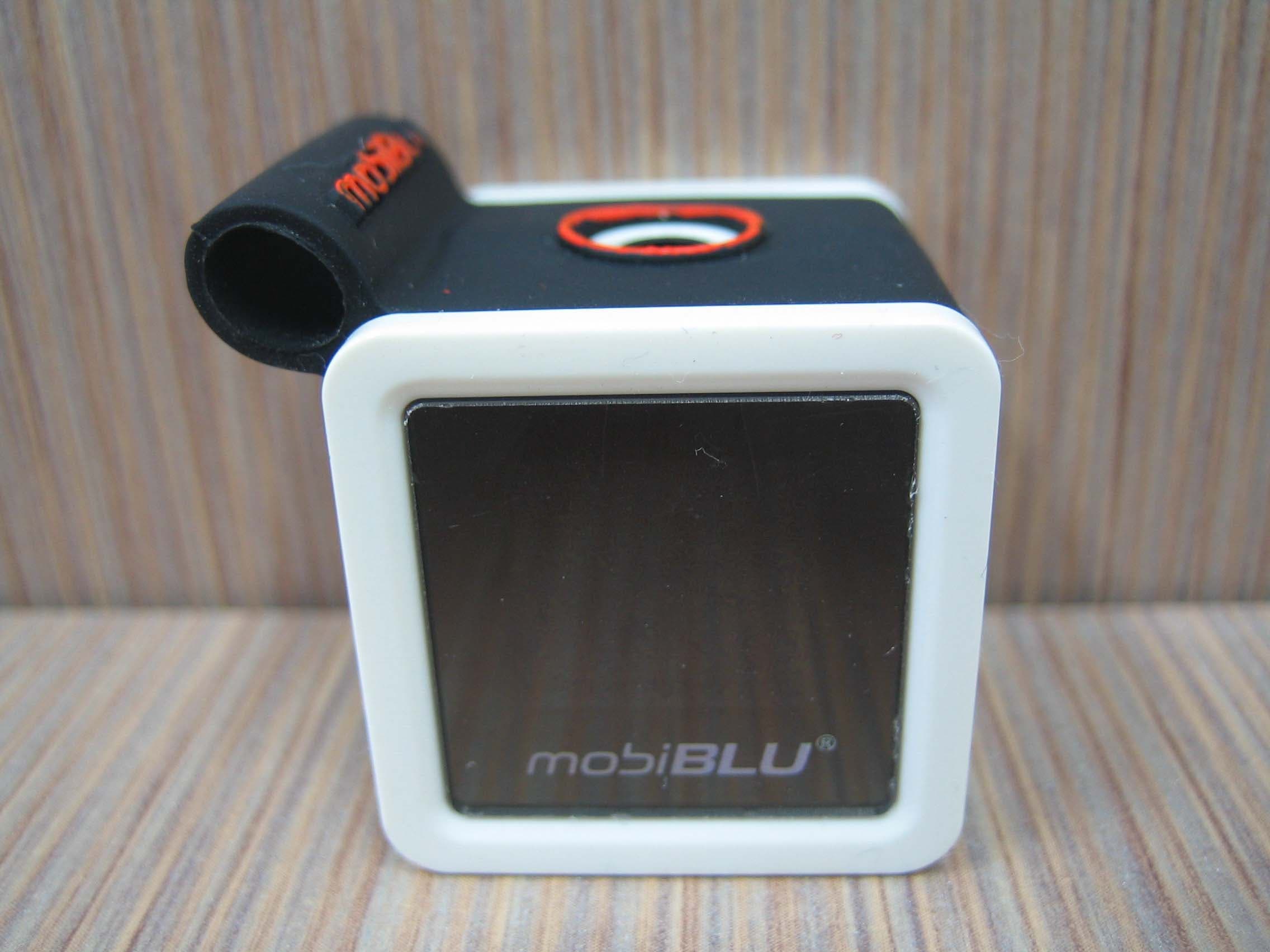
PCMCUBISTO
Sep 24, 2006Digital Audio Player
Equipment Class
JBP - Part 15 Class B Computing Device Peripheral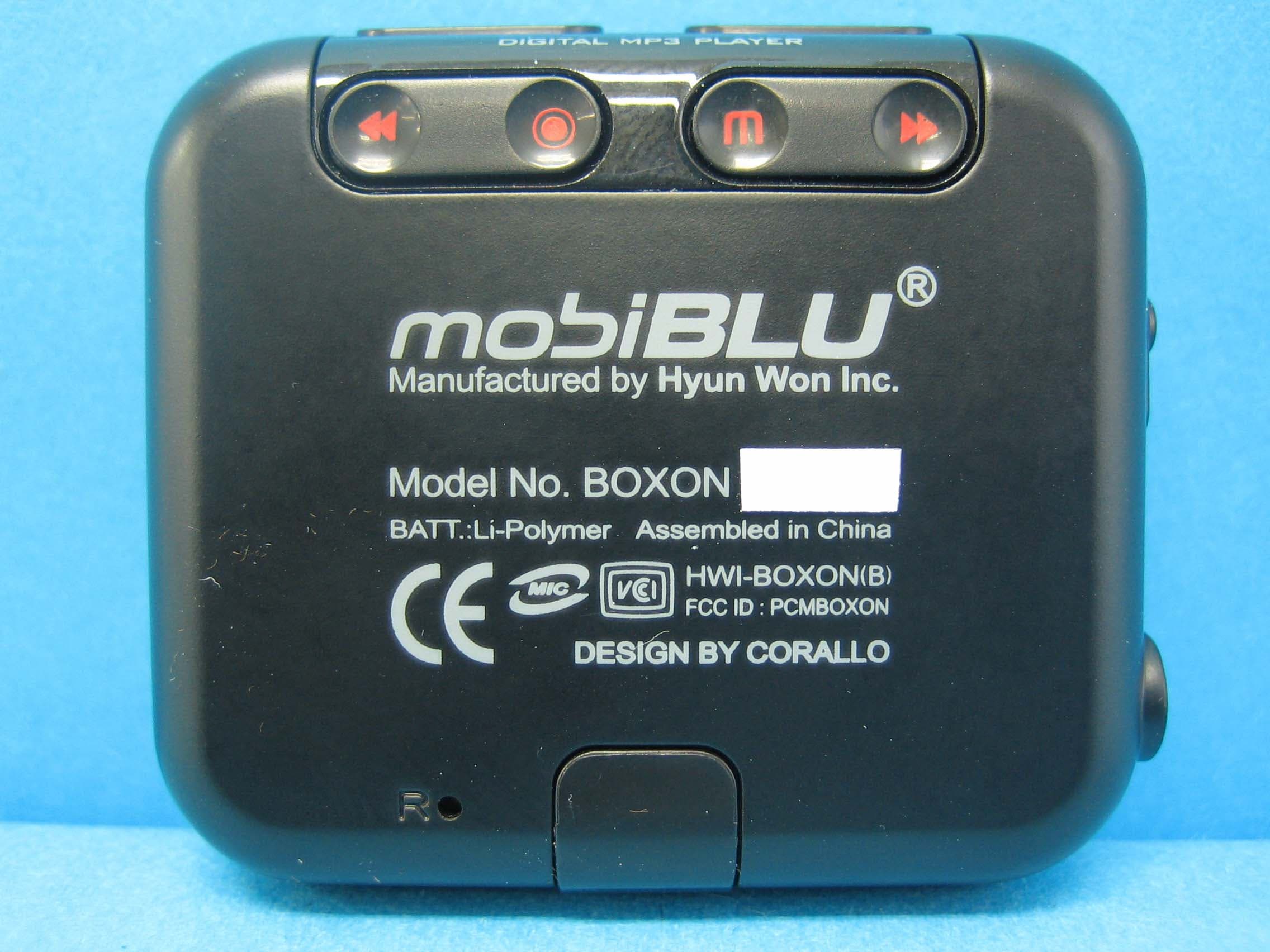
PCMBOXON
Sep 14, 2006Digital Audio Player
Equipment Class
JBP - Part 15 Class B Computing Device Peripheral
PCMDFM-100
Jul 31, 2006FM Transmitter
Equipment Class
DXX - Part 15 Low Power Communication Device Transmitter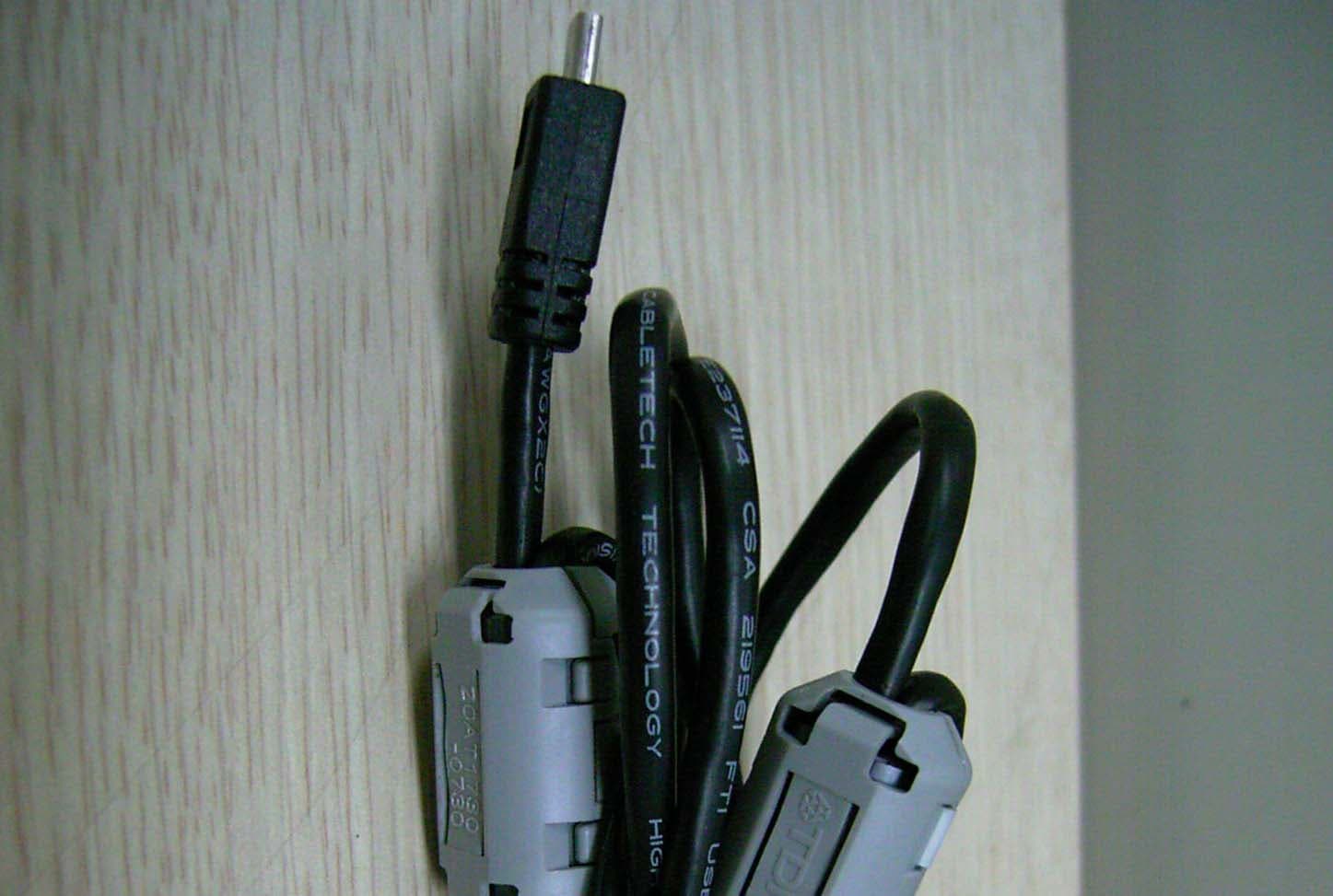
PCMDAH-2100
Jun 15, 2006Digital Audio Player
Equipment Class
JBP - Part 15 Class B Computing Device Peripheral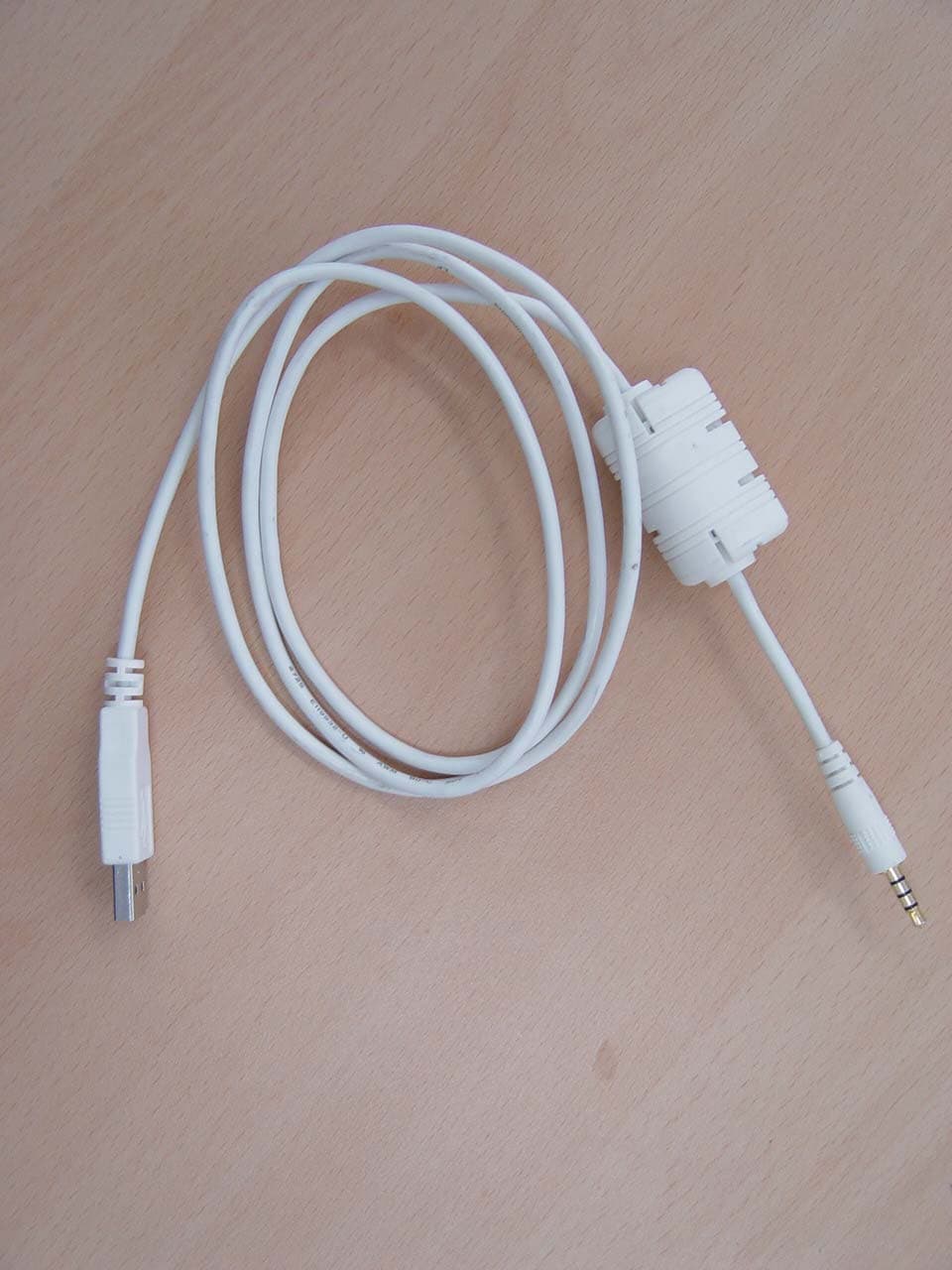
PCMUS2
Jun 11, 2006MP3 PLAYER
Equipment Class
JBP - Part 15 Class B Computing Device Peripheral