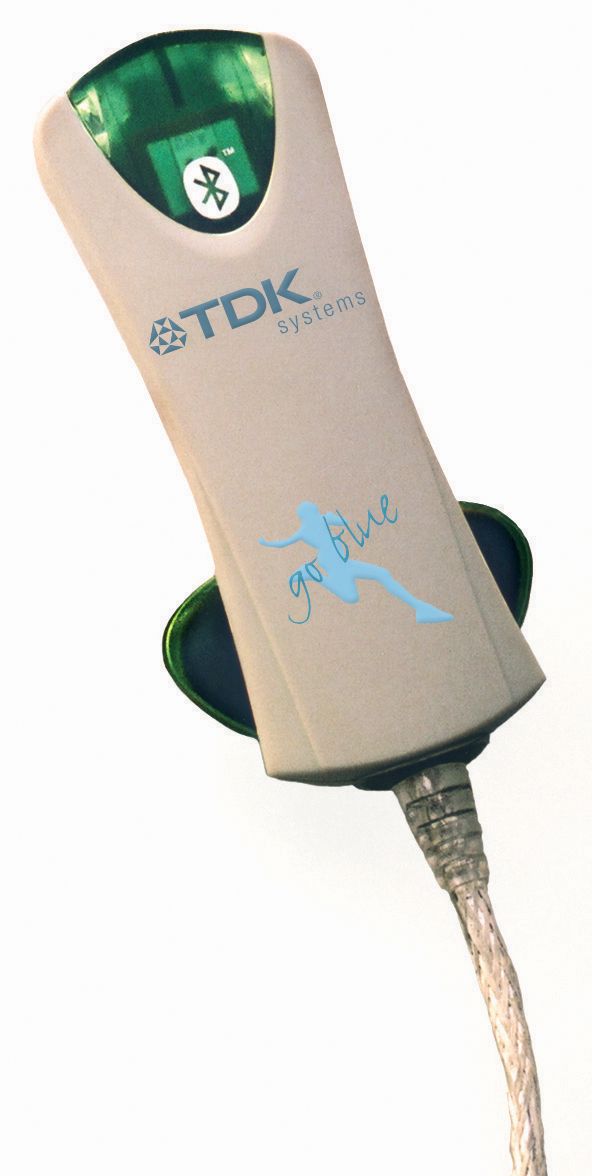
PI4TDKGBACTBluetooth Activation Kit
Laird Connectivity, LLC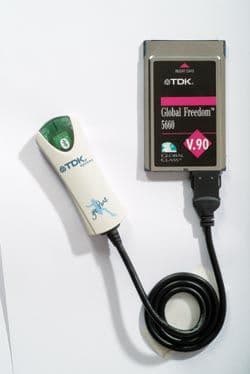
Click to zoom
Application Details
- Equipment Class
- DSS - Part 15 Spread Spectrum Transmitter
- Date of Grant
- Nov 30, 2003
- Application Purpose
- Original Equipment
- Date of Application
- Nov 30, 2003
- Equipment Note
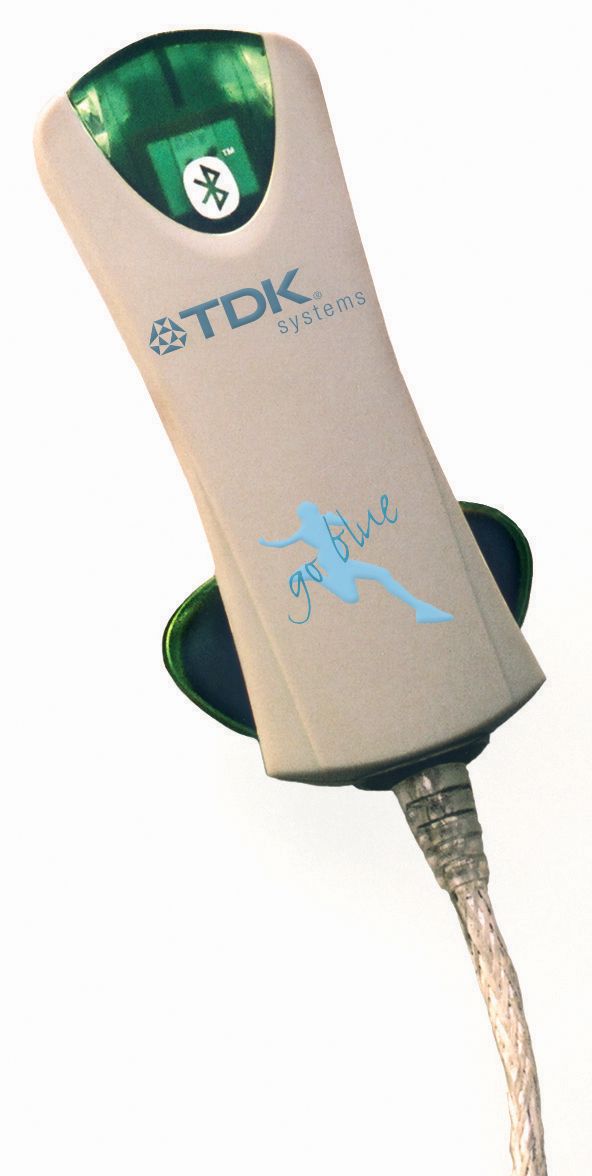
- Bluetooth Activation Kit
- Frequency Range
- 2402.00000000 - 2480.00000000
- Company
- Laird Connectivity, LLC
- Country
- United States
Documents & Files
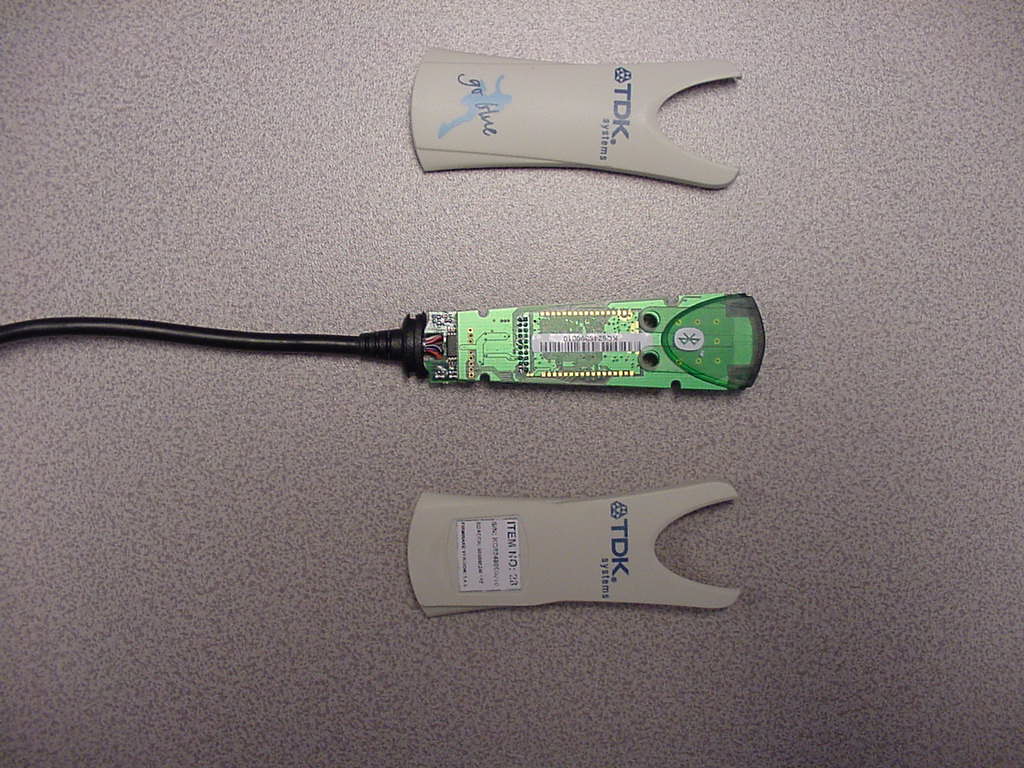
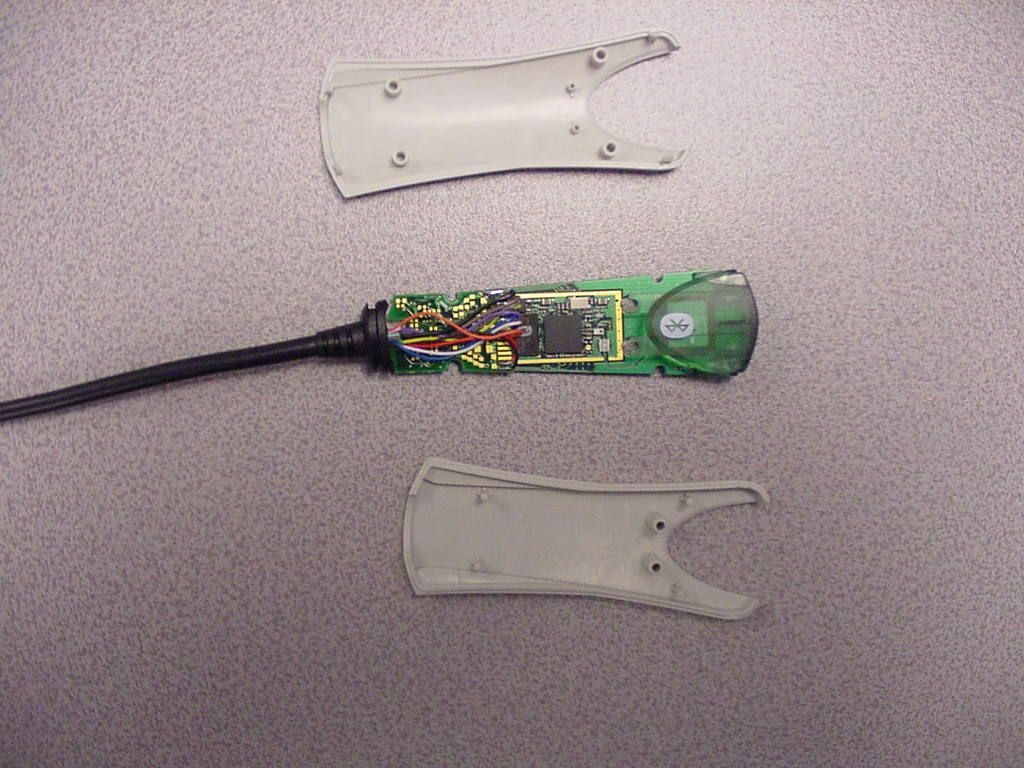
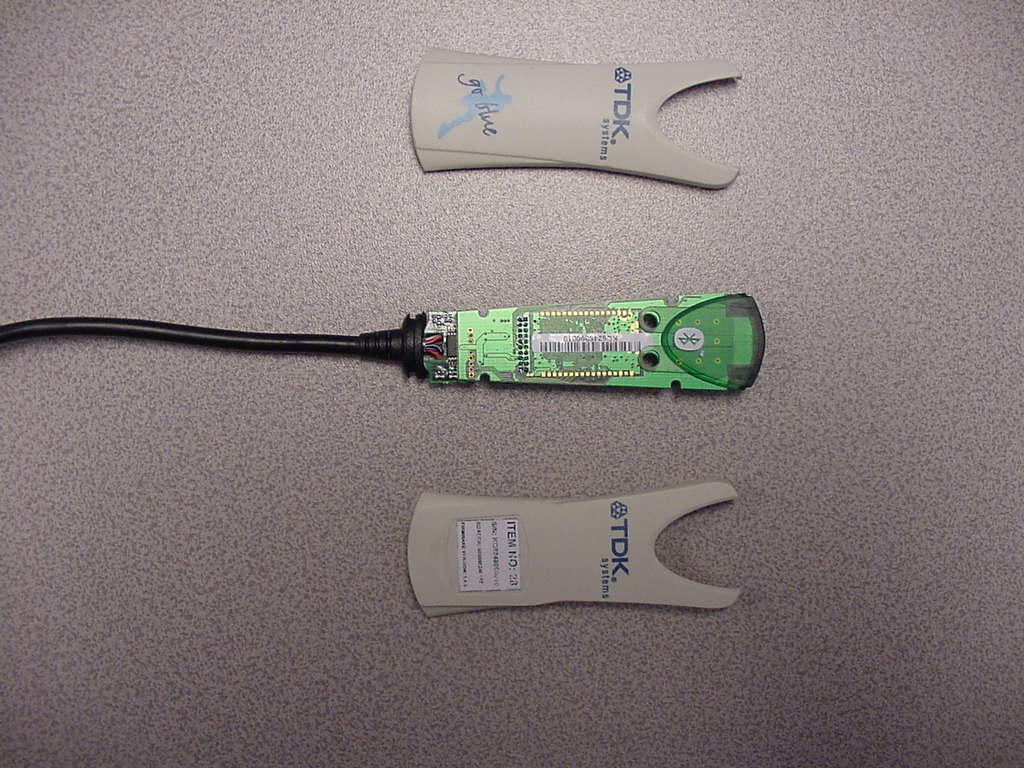
Document Text
Text extracted from the exhibit documents filed with the FCC. Open a document above to read the original.
Users Manual
Bluetooth Activation Kit User Guide The information contained in this document is subject to change without notice. TDK Systems Europe makes no warranty of any kind with regard to this material including, but not limited to, the implied warranties of merchant ability and fitness for a particular purpose. TDK Systems Europe shall not be liable for errors contained herein or for incidental or consequential damages in connection with the furnishing, performance, or use of this material. © Copyright 2003 TDK Systems Europe Limited. All rights reserved. This document contains information that is protected by copyright. All rights reserved. No part of this document may be photocopied, reproduced, or translated to another language without the prior written consent of TDK Systems Europe. Other product or company names used in this publication are for identification purposes only and may be trademarks of their respective owners. Before You Begin Congratulations on your purchase of the TDK Systems Bluetooth Activation Kit. The Bluetooth Activation Kit brings Bluetooth to the following PC Cards: • TDK Global Freedom 5660 • TDK Global Pro ISDN Package Contents • Bluetooth Activator • Installation CD • Quick Start Guide Ensure these items are present and undamaged. Bluetooth Information Bluetooth is a wireless communication technology. It is designed to replace the traditional cable connections currently used to link compatible devices. These can be cable connections between computers and printers, computers and mobile phones and between mobile phones and headsets. Bluetooth is designed to operate in the internationally recognised ISM (Industrial, Scientific and Medical) frequency band. Within the ISM band (2.4GHz – 2.48GHz) Bluetooth transmissions hop between 79 separate frequencies 1,600 times every second. Bluetooth is a low power radio designed for short range communication of about 10 metres and has an impressive peak data throughput of 723Kbps. Getting Started Installing the Software 1. Insert the CD into the CD/DVD drive on your PC. The CD should start automatically and present you with an installation menu. If the CD fails to start automatically, click on the Start button, select Run and type D:\Setup.exe (assuming your CD/DVD drive is D) then press Enter or click OK. 2. Choose Install Bluetooth Activation Utility to start the InstallShield Wizard. 3. Click Next. 4. Choose to accept the default folder by clicking Next, or change the location by using the Change option. 5. Click Install. 6. When the install has completed click Finish. 7. If you are prompted to restart Windows, click Yes. Upgrading the PC Card Your PC Card may need to be upgraded before you can use it with the Activator. 1. If the Bluetooth Activation Utility is not already running, click Start > Programs > TDK Systems then select Bluetooth Activation Utility. 2. The Bluetooth Activation Utility will search for your TDK Global Freedom 5660 or TDK Global Pro ISDN automatically. 3. If your PC Card needs to be upgraded, ensure the Bluetooth Activator is disconnected from the PC Card and click Upgrade. 4. The upgrade will take approximately 1 minute to complete. Connecting the Bluetooth Activator 1. Once your PC Card has been successfully upgraded, you will be prompted to connect your Bluetooth Activator. 2. Connect your Bluetooth Activator and click Bluetooth. Connecting to remote Bluetooth devices Pairing (also referred to as bonding) is the process of creating a trusted relationship between two Bluetooth devices. This will establish a secure link between the devices and enable quick access to the services provided on the remote Bluetooth device. 1. Click Pairing. 2. Click Search Now to search for other Bluetooth devices within range. If any devices are discovered they will be displayed. 3. Select the remote Bluetooth device you wish to pair with. 4. Enter a passkey of your choice (the passkey can be up to 16 characters long and must be numerical) and click Pair. Note: Passkeys are also called Personal Identification Numbers, or PIN codes. 5. Click OK. 6. Enter the same passkey on the remote Bluetooth device. 7. If the pairing is successful, a connection will be made to the default service on the remote Bluetooth device. Note: The Bluetooth Activation kit cannot be used with Windows Dial-Up Networking. Technical Support If you are experiencing problems with the Bluetooth Activation Kit please look through the information below. Frequently Asked Questions Question I have successfully used the Bluetooth Activation Kit to connect to my Sony Ericsson T610. When I tried to connect to my Nokia 6210 the connection could not be established. Why is this? Answer It appears that your Bluetooth Activation Kit is fully functional. You could be trying to connect to the service which is unavailable on this phone. Try setting the S101 register to $1103 to resolve this. Windows 95/98/Me/NT2000 Click Start > Programs > TDK Systems > Bluetooth Activation Utility Click Advanced. Use the drop-down list to select the ATSn=m-Set S Register. Enter 101 in the Number (n) field and $1103 in the Number (m) field. Windows XP Click Start > All Programs > TDK Systems > Bluetooth Activation Utility Click Advanced. Use the drop-down list to select the ATSn=m-Set S Register. Enter 101 in the Number (n) field and $1103 in the Number (m) field. If you are still experiencing problems please refer to the Advanced 'AT' Command Set Guide included on the CD. Web site: http://www.tdksystems.com E-mail: [email protected] Appendix A Technical Information Supply voltage: 5V Operating temperature: -20°C – +75°C Nominal RF output power: 4mW (6dBm) Maximum RF output power: 4mW (6dBm) Range: up to 100 metres, free space. Weight: 41g Bluetooth specification: Version 1.1 Bluetooth power class: 1 Power Requirements When connected to the Global Freedom 5660 V.90. Mode Current Idle 88mA Scanning 153mA When connected to the Global Pro ISDN V.90. Mode Current Idle 227mA Scanning …
Text truncated - open the document above for the full version.
Users Manual
Appendix B Europe – EU Declaration of Conformity This device complies with the essential requirements of the R&TTE Directive 1999/5/EC with essential test suites as per standards: - EN55022:1998 - EN55024:1998 FCC Warning This device complies with part 15 of the FCC Rules. Operation is subject to the following two conditions: (1) This device may not cause harmful interference, and (2) this device must accept any interference received, including interference that may cause undesired operation. Changes or modifications not expressly approved by the party responsible for compliance could void the user's authority to operate the equipment. Declaration of Conformity “Declaration of Conformance; this product contains the Approved Bluetooth portion of the TDK blu2i Serial Module as listed on the Bluetooth Qualified Product Listing. The Bluetooth Identifier is B01000, product ID TRBLU20-001A1. The listings can be found at http://qualweb.opengroup.org ” ESD (Elecrostatic Discharge) If your TDK Bluetooth device is affected by ESD, it is recommended that you restart any Bluetooth processes that were active at the time.
ID Label/Location Info
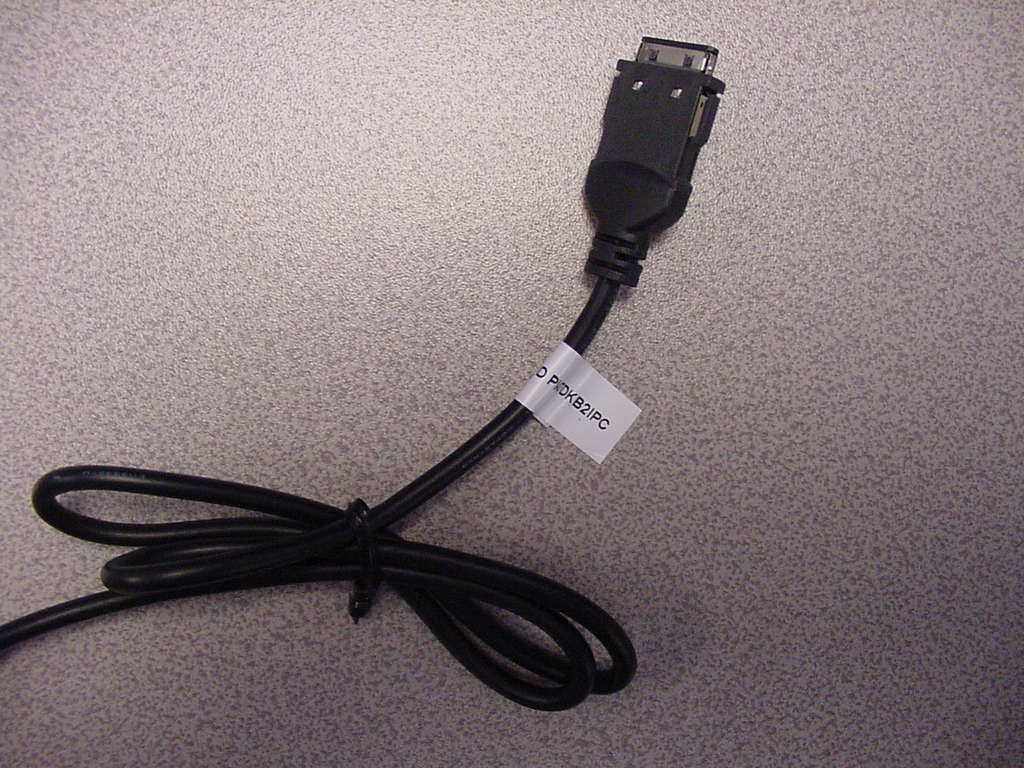
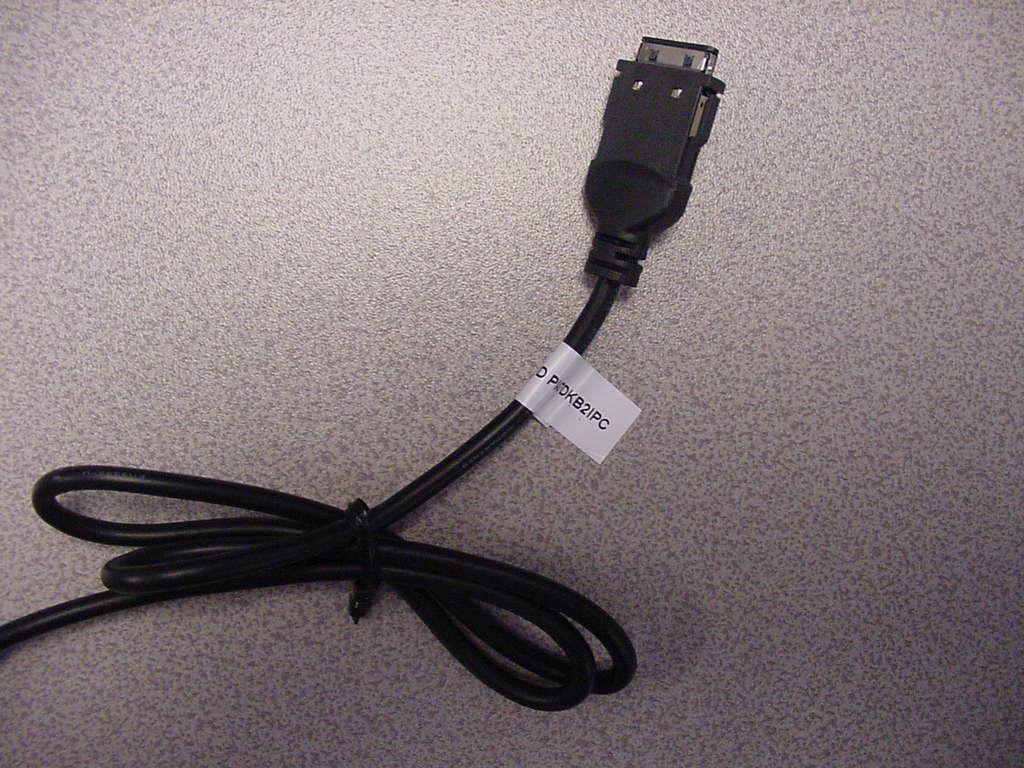
Title: Cable Label for Go Blue Activator 40mm 20mm Not to scale Other Details 1) Label is purchased as part printed 2) Purchased as TDK Part Number 3) Supplier TPL - Labels (Quotation required) 4) Material CTP601 Matt White Polyester Over laminated with PY221C Gloss Clear Polyester 5) Adhesive - Permanent 6) Print Detail - Black Date: 11/3/2003 Title: Cable Label for Go Blue Activator Part No: TBC Issue: 1
Operational Description
SPECIFICATION TDK Go Blue Activation Kit 1. APPLICIANT Company name: TDK Systems Europe Ltd. Office address: Colindale Avenue 126 Postal code/City: London NW9 5HD Country: United Kingdom Contact person: Darrell Robertson Telephone: +44 20 8938 1024 Telefax: +44 20 8905 8608 e-mail: [email protected] 2. MANUFACTURER: Company name: TDK Systems Europe Ltd. Office address: Colindale Avenue 126 Postal code/City: London NW9 5HD Country: United Kingdom Contact person: Darrell Robertson Telephone: +44 20 8938 1024 Telefax: +44 20 8905 8608 e-mail: [email protected] 3. INFORMATION ON THE RADIO EQUIPMENT Type designation: TDK Go Blue Activation Kit Use of the equipment: wireless data transmission, Bluetooth PC Card Equipment category: short range device, Bluetooth Frequency/Frequency range: 2.400 - 2.483,5 MHz Maximum transmitter output power: 6.45 dBm (including 2 dBi antenna gain) Number of channels and channel separation: 78 channels, 1 MHz Modulation: 78M0F1D Information on antenna: integral antenna Duty cycle: 93% Power supply: 3,3V DC
RF Exposure Info
Registergericht h registered in:Vorstand h Board of Directors:7 layers AG, Borsigstrasse 11 Ratingen, HRB 3264Dr. Wolfgang Dahm40880 Ratingen, Germany Aufsichtsratsvorsitzende h Dr. Hans-Jürgen MeckelburgPhone: +49 (0) 2102 749 0 Chairman of the Supervisory Board:Fax: +49 (0) 2102 749 350 Dr. Sabine Grobeckerwww.7Layers.com Peter de Wit 10. November 2003 Phone +31 (0) 6 22 47 00 55 Fax +31 (0) 46 442 2192 RF exposure requirements - FCC ID: PI4TDKGBACT Dear Application Examiner, The maximum measured power output is 2,79 mW (4.45 dBm), the maximum antenna gain is 2,0 dBi = numeric gain 1,58 (see also FCC test report) The maximum permissible exposure is defined in 47 CFR 1.1310 with 1 mW/cm². The distance from the EUT's transmitting antenna where the exposure level reaches the maximum permitted level is calculated using the general equation: S = P*G / 4πR² S max = 1mW/cm², P = 2,79 mW, linear power gain relative to the isotropic radiator = 2,0 dBi = 1,58 (numeric gain), R = distance in cm Solving for R, the 1mW/cm² limit is reached in a distance of 0,59 cm to the transmitting antenna. After installation of TDK Bluetooth module “Go Blue Activation Kit”, the minimum distance of 0,59 cm must always be ensured. During normal use of this device it is impossible that the user gets closer to the transmitting antenna. Please contact us if you have any additional questions. Best Regards 7layers AG FCC Federal Communications Commission Project name: 2_TDK_0603_TAS
Test Report
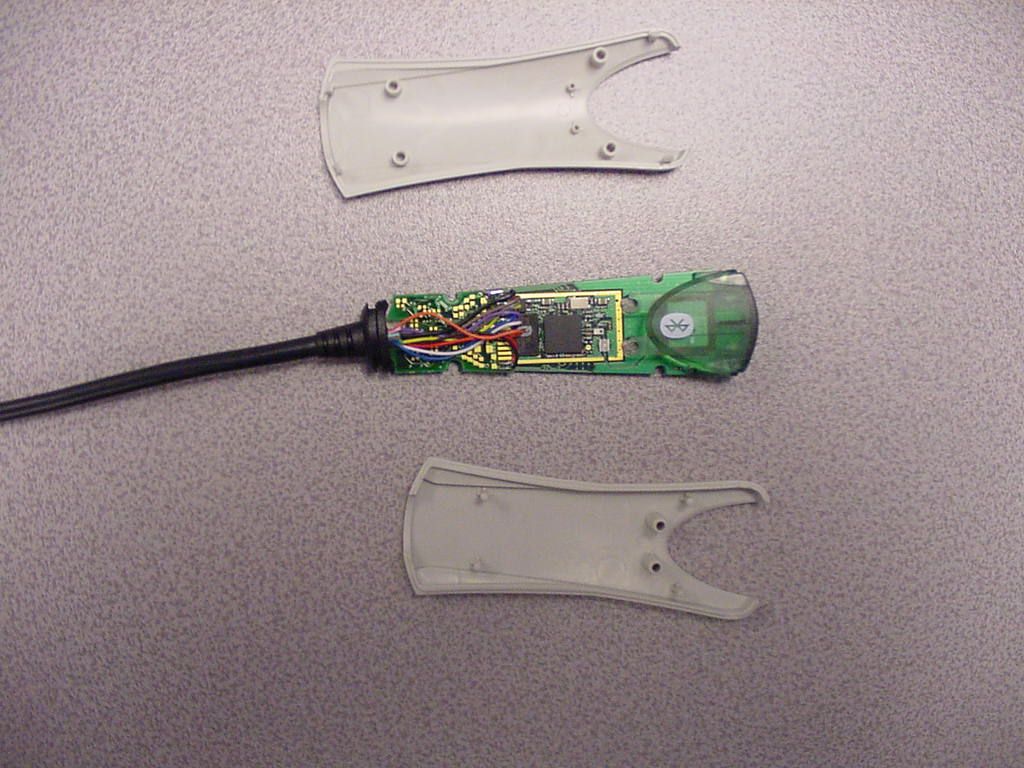
EMC Measurement/Technical Report on 4_7LUK_0603_BTT_FCCf 7 Layers AG Borsigstr. 11 40880 Ratingen Germany Note: The following test results relate only to the devices specified in this document. This report shall not be reproduced in parts without the written approval of the testing laboratory. Bluetooth (R) Transceiver Go Blue Activation Kit Registergericht - registered in: Düsseldorf, HRB 44096 Aufsichtratsvorsitzende - Chairman of the Supervisory Board: Dr. Sabine Grobecker Vorstand - Board of Directors: Dr. Wolfgang Dahm Dr. Hans-Jürgen Meckelburg 7 layers AG, Borsigstrasse 11 40880 Ratingen, Germany Phone: +49 (0) 2102 749 0 Fax: +49 (0) 2102 749 350 http://www.7Layers.com Report Reference: TTI-P-G 178/99 Test Laboratory (Headquarter): Interlab is a registered trademark of 7 layers AG Table of Contents 0. Summary 0.1 Technical Report Summary 0.2 Measurement Summary 1. Administrative Data 1.1 Testing Laboratory 1.2 Project Data 1.3 Applicant Data 1.4 Manufacturer Data 3. Testobject Data 3.1 General EUT Description 3.2 EUT Main Components 3.3 Ancillary Equipment 3.4 EUT Setups 3.5 Operating Modes 4. Test Results Conducted Emissions Occupied Bandwidth Peak Power Output Spurious RF Conducted Emissions 5. Testequipment 6. Foto Report 7. Setup Drawings 3 3 4 5 5 5 5 5 7 7 7 8 8 9 10 10 15 18 21 Spurious RF Radiated Emissions12 2. Product Labeling 2.1 FCC ID Label 2.2 Location of Label on the EUT 6 6 6 Dwell Time Power Density Channel Separation Processing Gain 4.1 4.2 Page 2 of 20Testreport Reference: 4_7LUK_0603_BTT_FCCf 0 Summary 0.1 Technical Report Summary Type of Authorization: Certification for an Unintentional Radiator (Class B digital device) Applicable FCC Rules: Prepared in accordance with the requirements of FCC Rules and Regulations as listed in 47 CFR Ch.1 Parts 0 to 19 (10-1-98 Edition). The following subparts are applicable to the results in this test report. Part 2, Subpart J - Equipment Authorization Procedures, Certification Sections Part 15, Subpart B - Unintentional Radiators § 15.101 Equipment authorization requirement § 15.107 Conducted limits § 15.109 Radiated emission limits Summary Test Results: The EUT complied with all the applicable FCC rules as listed above. Page 3 of 20Testreport Reference: 4_7LUK_0603_BTT_FCCf 0.2 Measurement Summary § 15.107FCC Part 15, Subpart B ANSI C63.41992The measurement was performed according to Conducted Emissions (AC Power Line) OP-ModeSetupPortFinal Result 170B0a00op-mode 1AC portpassed §15.31, §15.109FCC Part 15, Subpart B ANSI C63.41992The measurement was performed according to Spurious Radiated Emissions OP-ModeSetupPortFinal Result 170B0a00op-mode 1enclosurepassed Responsible for Accreditation Scope: Responsible for Test Report: Page 4 of 20Testreport Reference: 4_7LUK_0603_BTT_FCCf 1. Administrative Data 1.1 Testing Laboratory Company Name: Address: The test facility is also accredited by the following accreditation organisation: Responsible for Accreditation Scope: 7 Layers AG Borsigstr. 11 40880 Ratingen Germany DAR-Registration no. TTI-P-G 178/99 Dipl.-Ing Bernhard Retka Dipl.-Ing Arndt Stöcker Dipl.-Ing Thomas Hoell This facility has been fully described in a report submitted to the FCC and accepted under the registration number 96716. - Deutscher Akkreditierungs Rat 13.10.2003 Robert Machulec 07.11.2003 13.10.2003-29.10.2003 Responsible for testing and report: Receipt of EUT: Date of Test(s): Date of Report: 1.2 Project Data TDK Systems Europe Ltd. Darrell Robertson 126 Colindale Avanue Colindale, London NW9 5HD UK please see Applicant data 1.4 Manufacturer Data Company Name: Address: Contact Person: Company Name: Address: Contact Person: 1.3 Applicant Data Page 5 of 20Testreport Reference: 4_7LUK_0603_BTT_FCCf 2.0 Product Labeling 2.1 FCC ID Label: At the time of this report there was no label available. 2.2 Location of Label on the EUT: see above Page 6 of 20Testreport Reference: 4_7LUK_0603_BTT_FCCf 3. Testobject Data Type Designation: Kind of Device: (optional) Voltage Type: Voltage level: Equipment under Test: Go Blue Activation Kit Bluetooth adaptor for 5660 PC Card Bluetooth (R) Transceiver DC 5V Ports 3.1 General EUT Description General product description: Bluetooth is a short-range radio link intended to be a cable replacement between portable and/or fixed electronic devices. Bluetooth operates in the unlicensed ISM Band at 2.4 GHz. In the US a band of 83.5 MHz width is available. In this band, 79 RF channels spaced 1MHz apart are defined. The channel is represented by a pseudo-random hopping sequence through the 79 channels. The channel is devided into time slots, with a nominal slot length of 625μs, where each slot corresponds to different RF hop frequencies. The nominal hop rate is 1600 hops/s. All frequencies are equally used. The average time of occupancy is 0.3797 s within a 30 second period. The symbol rate on the channel is 1 Ms/s. The EUT provides the following ports: AC port of laptop cable to PC enclosure The main components of EUT are listed and described in Chapter 3.2 Page 7 of 20Testreport Reference: 4_7LUK_0603_BTT_FCCf Short Description Equipment under Test Type Designation 3.2 EUT Main components: Type, S/N, Short Descriptions etc. used in this Test Report HW StatusSW StatusSerial No.Date of Receipt BRBLU21- 004A0-01 16.4.4KQ6246960032 (BDADDR:00809824 F653) 13.10.2003Bluetooth transceiver Go Blue Activation Kit EUT A NOTE: The short description is used to simplify the identification of the EUT in this test report 3.3 Ancillary Equipment Short Description Equipment under Test Type Designation HW StatusSW StatusSerial No.FCC Id For the purposes of this test report, ancillary equipment is defined as equipment which is used in conjunction with the EUT to provide operational and control features to the EUT. It is necessary to configure the system in a typical fashion, as a customer would normally use it. But nevertheless Ancillary Equipment can influence the test results. AE 4MouseM-S34--F13490N5BH…
Text truncated - open the document above for the full version.
Test Report
AC MAINS CONDUCTED Diagram No.: 1.01 EUT:Go Blue (170B0a00) Manufacturer:TDK Operating Condition:Tx on 2480 MHz, loopback Test Site:7 layers Ratingen Operator:GAL Test Specification:ANSI C63.4; FCC 15.107 / 15.207 Comment: Start of Test:29.10.03 / 18:51:51 SCAN TABLE: "EN 55022 Voltage" Short Description:EN 55022 Voltage StartStopStepDetectorMeas.IFTransducer FrequencyFrequencyWidth TimeBandw. 150.0 kHz30.0 MHz5.0 kHzMaxPeak20.0 ms9 kHzESH3-Z5 Average 0 10 20 30 40 50 60 70 80 Level [dBμV] 150k300k400k500k700k1M2M3M4M5M6M7M10M20M30M Frequency [Hz] MES 7LUK_0603_01_pre PK MES 7LUK_0603_01_pre AV LIM FCC ClassB V QP new FCC ClassB, voltage LIM FCC ClassB V AV new FCC ClassB, voltage Page 1/1 29.10.03 19:10 7LUK_0603_01
Test Report
Registergerichth registered in:Vorstandh Board of Directors:7 layers AG, Borsigstrasse 11 Ratingen HRB 3264Dr. Wolfgang Dahm40880 Ratingen, Germany AufsichtsratsvorsitzendehDr. Hans-Jürgen MeckelburgPhone: +49 (0) 2102 749 0 Chairman of the Supervisory Board:Fax: +49 (0) 2102 749 350 Dr. Sabine Grobeckerwww.7layers.com Annex Additional declaration part according FCC 15.247 for Bluetooth TM Devices Version: 2002-06-01 Annex - Additional declaration part according FCC 15.247 for Bluetooth devices Page 2 of 5 pages 1 Output power and channel separation of a Bluetooth device in the different operating modes: The different operating modes (data-mode, acquisition-mode) of a Bluetooth device don’t influence the output power and the channel spacing. There is only one transmitter which is driven by identical input parameters concerning these two parameters. Only a different hopping sequence will be used. For this reason the check of these RF parameters in one op-mode is sufficient. 2 Frequency range of a Bluetooth device: Hereby we declare that the maximum frequency of this device is: 2402 – 2480 MHz. This is according the Bluetooth Core Specification (+ critical errata) for devices which will be operated in the USA. This was checked during the Bluetooth Qualification tests (Test Case: TRM/CA/04-E). Other frequency ranges ( e.g. for Spain, France, Japan) which are allowed according the Core Specification are not supported by this device. 3 Co-ordination of the hopping sequence in data mode to avoid simultaneous occupancy by multiple transmitters: Bluetooth units which want to communicate with other units must be organised in a structure called piconet. This piconet consist of max. 8 Bluetooth units. One unit is the master the other seven are the slaves. The master co-ordinates frequency occupation in this piconet for all units. As the master hop sequence is derived from its BD address which is unique for each Bluetooth device, additional masters intending to establish new piconets will always use different hop sequences. 4 Example of a hopping sequence in data mode: Example of a 79 hopping sequence in data mode: 40, 21, 44, 23, 42, 53, 46, 55, 48, 33, 52, 35, 50, 65, 54, 67, 56, 37, 60, 39, 58, 69, 62, 71, 64, 25, 68, 27, 66, 57, 70, 59, 72, 29, 76, 31, 74, 61, 78, 63, 01, 41, 05, 43, 03, 73, 07, 75, 09, 45, 13, 47, 11, 77, 15, 00, 64, 49, 66, 53, 68, 02, 70, 06, 01, 51, 03, 55, 05, 04 Annex - Additional declaration part according FCC 15.247 for Bluetooth devices Page 3 of 5 pages 5 Equally average use of frequencies in data mode and behaviour for short transmissions: The generation of the hopping sequence in connection mode depends essentially on two input values: 1. LAP/UAP of the master of the connection 2. Internal master clock The LAP (lower address part) are the 24 LSB’s of the 48 BD_ADDRESS. The BD_ADDRESS is an unambiguous number of every Bluetooth unit. The UAP (upper address part) are the 24 MSB’s of the 48 BD_ADDRESS. The internal clock of a Bluetooth unit is derived from a free running clock which is never adjusted and is never turned off. For synchronisation with other units only offset are used. It has no relation to the time of the day. Its resolution is at least half the RX/TX slot length of 312.5 μs. The clock has a cycle of about one day (23h30). In most case it is implemented as 28 bit counter. For the deriving of the hopping sequence the entire LAP (24 bits), 4 LSB’s (4 bits) (Input 1) and the 27 MSB’s of the clock (Input 2) are used. With this input values different mathematical procedures (permutations, additions, XOR- operations) are performed to generate the sequence. This will be done at the beginning of every new transmission. Regarding short transmissions the Bluetooth system has the following behaviour: The first connection between the two devices is established, a hopping sequence was generated. For transmitting the wanted data the complete hopping sequence was not used. The connection ended. The second connection will be established. A new hopping sequence is generated. Due to the fact that the Bluetooth clock has a different value, because the period between the two transmission is longer (and it cannot be shorter) than the minimum resolution of the clock (312.5 μs). The hopping sequence will always differ from the first one. 6 Receiver input bandwidth and behaviour for repeated single or multiple packets: The input bandwidth of the receiver is 1 MHz. In every connection one Bluetooth device is the master and the other one is the slave. The master determines the hopping sequence (see chapter 5). The slave follows this sequence. Both devices shift between RX and TX time slot according to the clock of the master. Additionally the type of connection (e.g. single or multislot packet) is set up at the beginning of the connection. The master adapts its hopping frequency and its TX/RX timing according to the packet type of the connection. Also the slave of the connection will use these settings. Repeating of a packet has no influence on the hopping sequence. The hopping sequence generated by the master of the connection will be followed in any case. That means, a repeated packet will not be send on the same frequency, it is send on the next frequency of the hopping sequence. Annex - Additional declaration part according FCC 15.247 for Bluetooth devices Page 4 of 5 pages 7 Dwell time in data mode The dwell time of 0.3797s within a 30 second period in data mode is independent from the packet type (packet length). The calculation for a 30 second period is a follows: Dwell time = time slot length * hop rate / number of hopping channels *30s Example for a DH1 packet (with a maximum length of one time slot) Dwell time = 625 μs * 1600 1/s / 79 * 30s = 0.3797s (in a 30s period) For multislot packet the hopping is reduced according to the length of the packet. Example for a DH5 packet (with a maximum length of five time slots) Dwell time = 5 * 625 μs * 1600 * 1/5 *1/s / 79 * 30s = …
Text truncated - open the document above for the full version.
Test Setup Photos
6. Foto Report Picture1EUT: Picture2Setup for radiated emission measurement (front view): Page 18 of 20Testreport Reference: 4_7LUK_0603_BTT_FCCf Picture3Setup for radiated emission measurement (rear view): Picture4Setup for conducted emission measurement on the AC mains (front view): Page 19 of 20Testreport Reference: 4_7LUK_0603_BTT_FCCf 7. Setup Drawings Drawing1Setup for radiated emission measurement (in principle): Page 20 of 20Testreport Reference: 4_7LUK_0603_BTT_FCCf
Contact Information
Applicant
Brian Petted(Technology Leader)
Technical Contact
TDK Systems Europe Ltd.Darrell Robertson
[email protected]+44 20 8938 1024
126 Colindale Avenue · London · United Kingdom
Non-Technical Contact
TDK Systems Europe Ltd.Darrell Robertson
[email protected]+44 20 8938 1024
Test Firm
7layers AGRobert Machulec
Technical Specifications
| # | Rule Parts | Frequency Range | Power Output |
|---|---|---|---|
| 1 | 15C | 2.40 GHz - 2.48 GHz | 2.79 mW |
Other Applications from Laird Connectivity, LLC
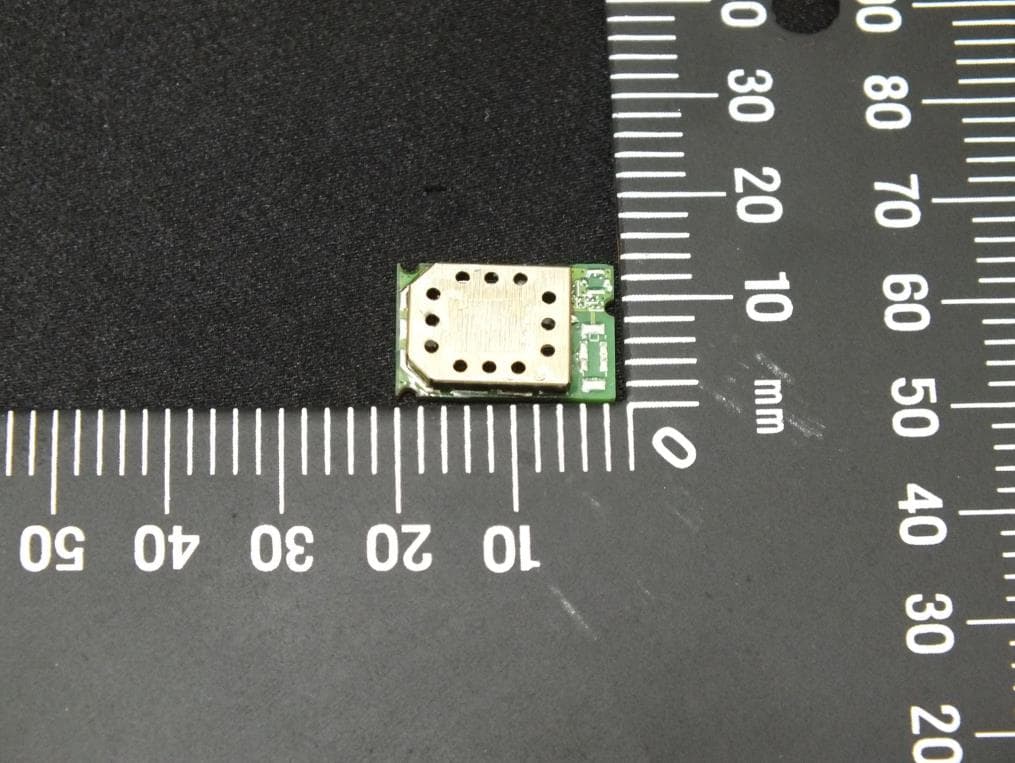
PI4BL600T
Apr 18, 2013BL600 Series Bluetooth Low Energy Module
Equipment Class
DTS - Digital Transmission System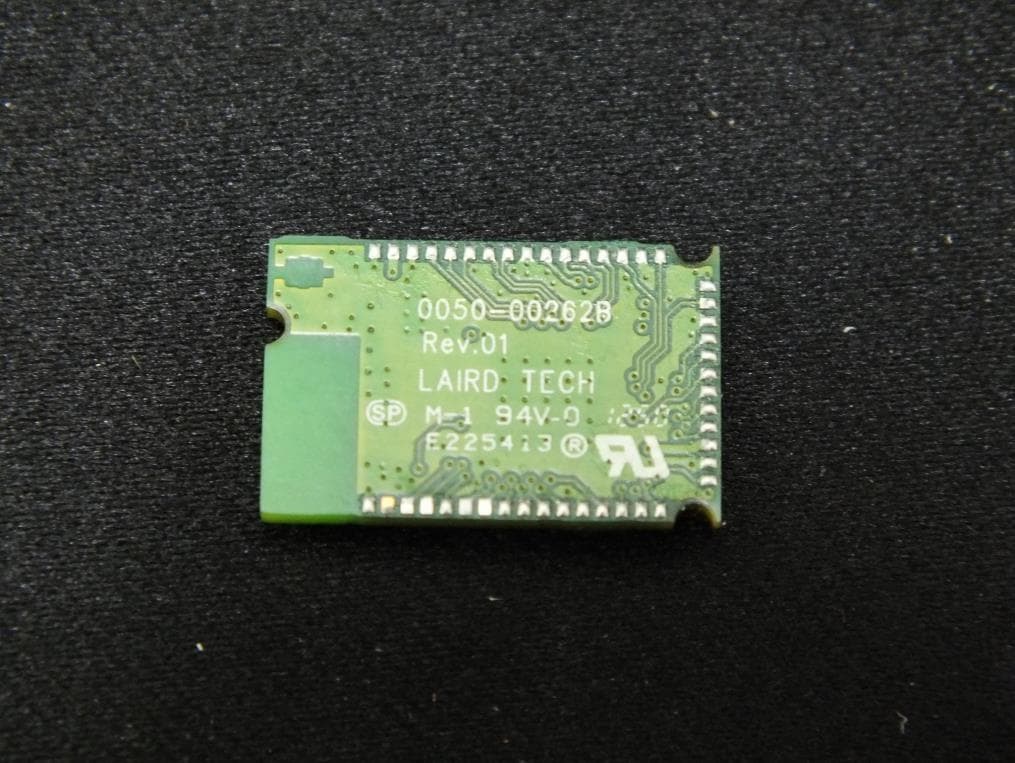
PI4BL600
Apr 11, 2013BL600 Series Bluetooth Low Energy Module
Equipment Class
DTS - Digital Transmission System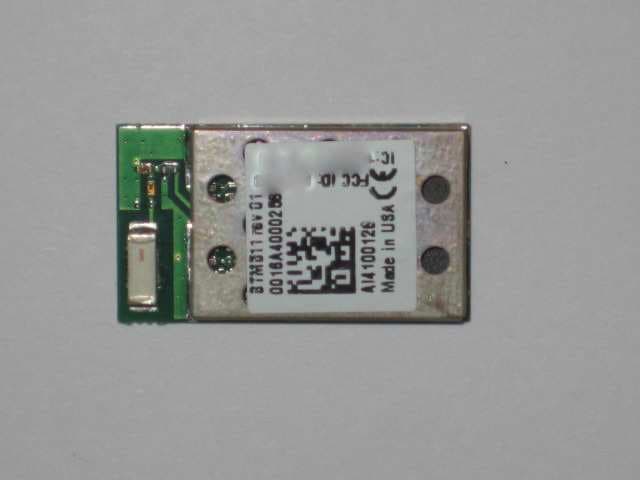
PI4511B
Dec 17, 2009Bluetooth Multimedia Module
Equipment Class
DSS - Part 15 Spread Spectrum Transmitter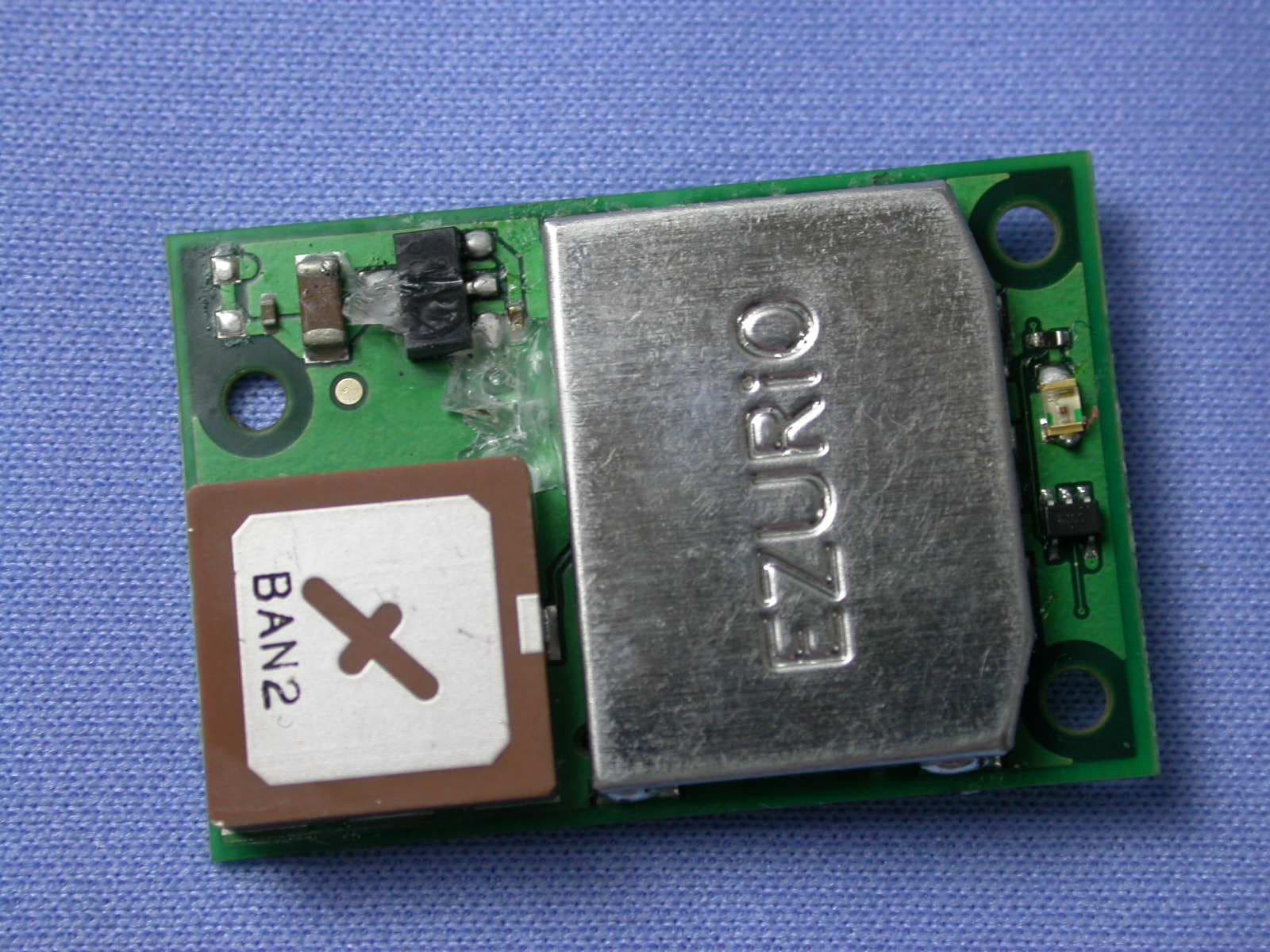
PI407B
Jan 12, 2008Bluetooth Intelligent Serial Module Version II
Equipment Class
DSS - Part 15 Spread Spectrum Transmitter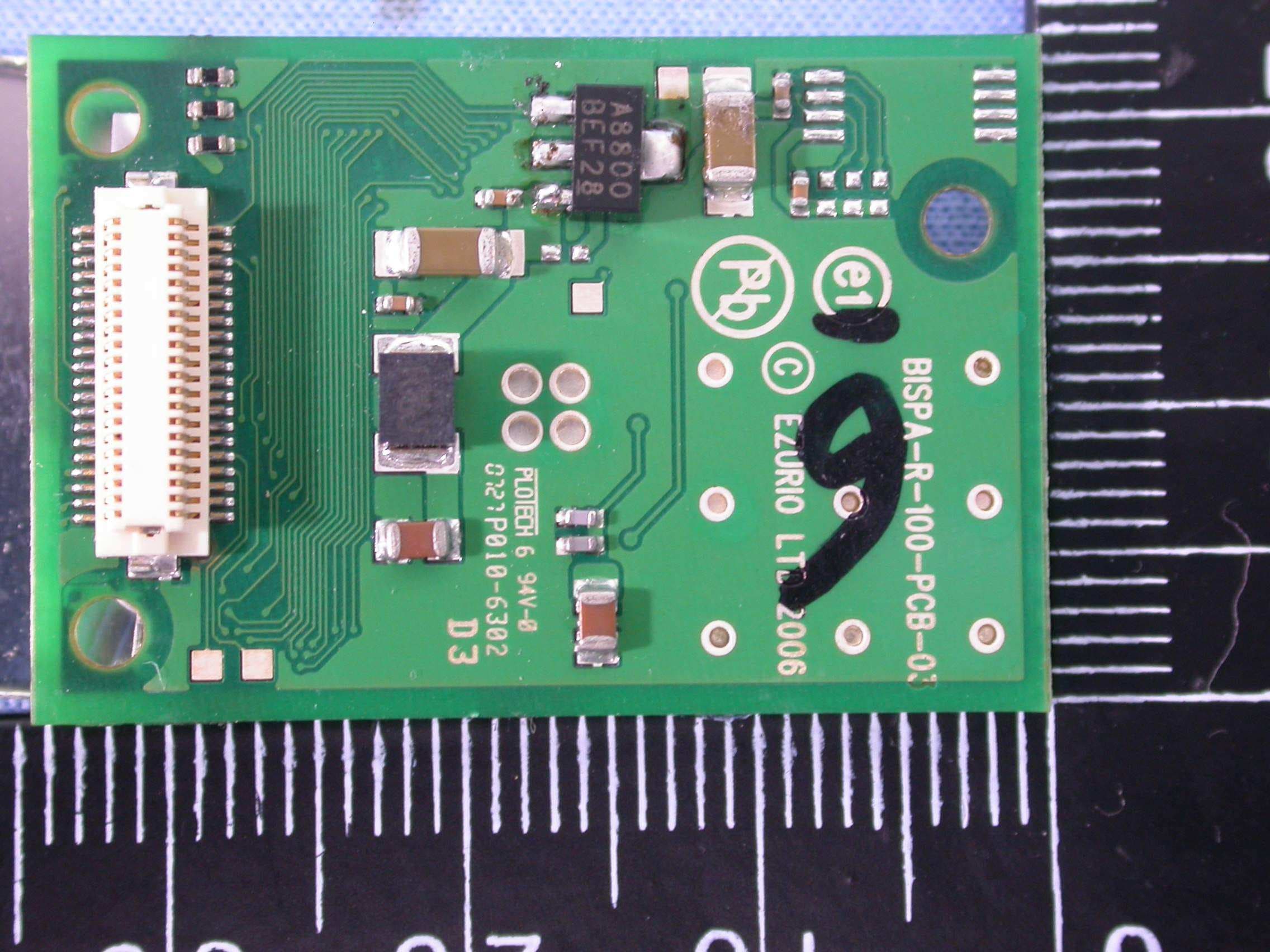
PI409B
Dec 16, 2007BISM PA 3V3
Equipment Class
DSS - Part 15 Spread Spectrum Transmitter