PKNCM-198Optical 2.4G Wireless Mouse
Zhuoheng Electronics Co., Limited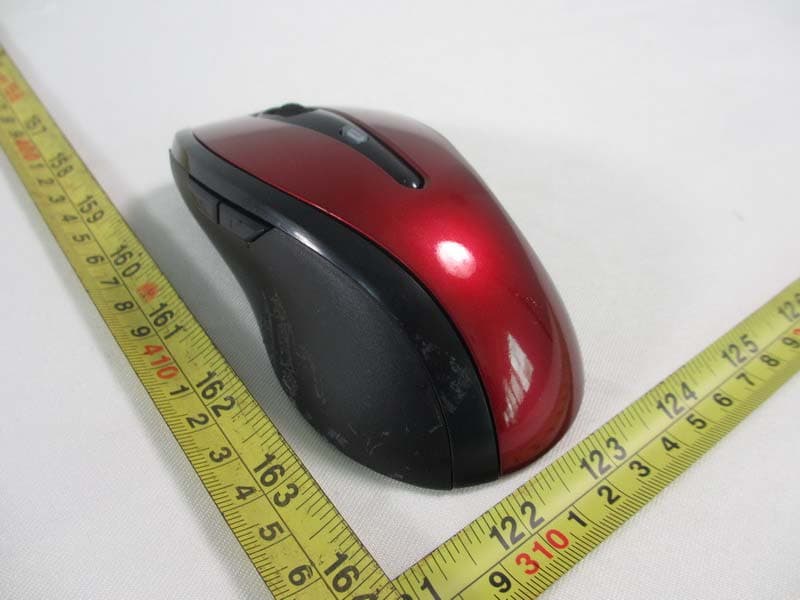
Click to zoom
Application Details
- Equipment Class
- DSS - Part 15 Spread Spectrum Transmitter
- Date of Grant
- Jan 28, 2013
- Application Purpose
- Original Equipment
- Date of Application
- Jan 28, 2013
- Equipment Note
- Optical 2.4G Wireless Mouse
- Frequency Range
- 2402.00000000 - 2480.00000000
- Country
- China
Documents & Files
Document Text
Text extracted from the exhibit documents filed with the FCC. Open a document above to read the original.
Users Manual
PID #: 111585-109283 Rev. 130117 Optical 2.4GHz Wireless Mouse Model #: OM4750W, OM6750W User’s Manual 2 All brand name and trademarks are the property of their respective owners USER’S RECORD: To provide quality customer service and technical support, it is suggested that you keep the following information as well as your store receipt and this user’s manual. Date of Purchase: ________________________________ Model Number: ________________________________ Product Rev Number (located below the UPC on the package): ____________________ FCC Statement This equipment has been tested and found to comply with the limits for a Class B digital device, pursuant to part 15 of the FCC Rules. These limits are designed to provide reasonable protection against harmful interference in a residential installation. This equipment generates uses and can radiate radio frequency energy and, if not installed and used in accordance with the instructions, may cause harmful interference to radio communications. However, there is no guarantee that interference will not occur in a particular installation. If this equipment does cause harmful interference to radio or television reception, which can be determined by turning the equipment off and on, the user is encouraged to try to correct the interference by one or more of the following measures: —Reorient or relocate the receiving antenna. —Increase the separation between the equipment and receiver. —Connect the equipment into an outlet on a circuit different from that to which the receiver is connected. —Consult the dealer or an experienced radio/TV technician for help. FCC Statement This device complies with FCC radiation exposure limits set forth for an uncontrolled environment. This device complies with Part 15 of the FCC Rules. Operation is subject to the following two conditions: (1) this device may not cause harmful interference, and (2) this device must accept any interference received, including interference that may cause undesired operation. Caution! Any changes or modifications not expressly approved by the party responsible for compliance could void the user's authority to operate the equipment. 3 PACKAGE CONTENTS: Your new Wireless Optical Mouse will ship with the following items. - Optical Wireless Mouse - Nano Receiver - 2 AA Batteries - User’s Manual - Warranty Information SYSTEM REQUIREMENTS: Please be sure that you meet all of the system requirements below to avoid difficulties during installation - PC & Mac ® Compatibles - Windows ® XP, Vista, 7 and 8 - Mac ® OS 10.3 or Above - Available USB Port 4 INSTALLING BATTERIES: To properly install batteries into your Mouse, please follow the instructions below: 1. Open the Battery Compartment Cover. 2. Install two AA Batteries into your Mouse following the battery orientation guide in the battery bay and then close the Battery Compartment Cover back onto your Mouse. 3. Turn on the switch on the bottom, and your mouse is now ready to use. 5 INSTALLATION: For All Operating Systems 1. Make sure you have successfully installed the Batteries into your Mouse, refer to the Installing Batteries section in this manual if necessary. 2. Turn on your computer, plug the enclosed Nano Receiver into an available USB port on your computer. (TIP: If you are not able to find an available USB port on your computer, please refer to the user’s manual of your computer for more help.) 3. Your mouse will connect to the receiver automatically within 30 seconds. MOUSE DESCRIPTION: Scroll Wheel Page Backward Page Forward DPI Switch Button Left Click Right Click 6 CHANGING THE SPEED OF YOUR MOUSE: To the speed of the cursor or the scroll button features on your computer, please follow the instructions below: NOTE: The screenshots show in this section are for demonstration only and your screen may look slightly different but with similar options. For Windows ® Open the “Control Panel”, and double-click the “Mouse” icon to open the mouse properties screen, and then select the “Pointer Options”. After you have made your changes; select “Apply”, and then “OK”. For Mac ® Open the “System Preferences”. At the System Preferences screen, click the “Keyboard & Mouse” icon to open the Keyboard & Mouse screen, and then select the “Mouse” tab and make your changes. Windows ® Mac ® 7 WARRANTY INFORMATION: WARRANTY INFORMATION: Gear Head, LLC warrants that this product shall be free from defects in materials and workmanship for the reasonable lifetime of the product. If the product is defective, Gear Head, LLC’s sole obligation under this warranty shall be at its election, subject to the terms of this warranty, to repair or replace any parts deemed defective. This warranty is for the exclusive benefit of the original purchaser and is not assignable or transferable. THIS WARRANTY IS MADE IN LIEU OF ALL OTHER WARRANTIES, EXPRESS OR IMPLIED, AND ANY IMPLIED WARRANTIES, INCLUDING THE IMPLIED WARRANTIES OF MERCHANTABILITY AND FITNESS FOR A PARTICULAR PURPOSE, ARE LIMITED TO THE TERMS OF THIS WARRANTY, UNLESS OTHERWISE PROHIBITED BY LAW. Exclusions To the fullest extent permitted by law, Gear Head, LLC expressly disclaims and excludes from this warranty any liability for damages, including but not limited to general, special, indirect, incidental, consequential, aggravated, punitive or exemplary damages, and economic loss (even if Gear Head™ is informed of their possibility), third party claims against you, including for any loss or damages, and claims or damages related to loss of, or, damage to, your records or data. This warranty does not apply to any product the exterior of which has been damaged or defaced. This warranty will be voided by misuse, improper physical environment, improper repair, acts of God, war or terror, commercial use, and improper service, operation or handling. Technical Support Please access Technical Support on the web or contact our technicians at [email protected] for help. www.pcgearhead.com Gear Head™ provides phone …
Text truncated - open the document above for the full version.
Cover Letter(s)
Declaration Letter Jan.28, 2013 Product Certification Department Königswinkel 10 D-32825 Blomberg , Germany To whom it may concern: We hereby declare that the device of Optical 2.4G Wireless Mouse (PKNCM-198) meets following FCC requirements of the Section 15.247(a) (1): 1. The hopping sequence is pseudorandom. 2. All channels are used equally on average. 3. The receiver input bandwidth approximately equal the transmit bandwidth. 4. The receiver hop in sequence with the transmit signal. Sincerely, NAME (Please print or type): Cathy Wang, DOC Dept. Supervisor Signature:
External Photos
Neutron Engineering Inc. Project No.: 1301C092 Page 2 of 7
ID Label/Location Info
OM4750W Mouse Label Size:25x14mm Optical 2.4GHz Wireless Mouse Model No: OM4750W PID#:11585‐109283 FCC ID:PKNCM‐198 Made in China OM6750W Mouse Label Size:25x14mm Optical 2.4GHz Wireless Mouse Model No: OM6750W PID#:11586‐109283 FCC ID:PKNCM‐198 Made in China
Internal Photos
Neutron Engineering Inc. Project No.: 1301C092 Page 3 of 7 Neutron Engineering Inc. Project No.: 1301C092 Page 4 of 7 Neutron Engineering Inc. Project No.: 1301C092 Page 5 of 7 Neutron Engineering Inc. Project No.: 1301C092 Page 6 of 7 Neutron Engineering Inc. Project No.: 1301C092 Page 7 of 7
Test Report
Neutron Engineering Inc. Report No.: NEI-FCCP-1-1301C092 Page 1 of 64 FCC Radio Test Report FCC ID: PKNCM-198 This report concerns (check one) : Original Grant Class II Change Issued Date : Jan. 28, 2013 Project No. : 1301C092 Equipment : Optical 2.4GHz Wireless Mouse Model Name : CM-198; OM4750W; OM6750W Applicant : Zhuoheng Electronics Co., Limited Address : No.8.Lane 5.shangnan Road,The 5Th Industrial Area, Nance,Humen Town, Dongguan, China Tested by: Neutron Engineering Inc. EMC Laboratory Date of Receipt: Jan. 10, 2013 Date of Test: Jan. 10, 201 3 ~ Jan. 28, 2013 Testing Engineer : (David Mao) Technical Manager : (Leo Hung) Authorized Signatory : (Steven Lu) Neutron Engineering Inc. No.3,Jinshagang 1st Road, ShiXia, Dalang Town, Dong Guan, China. TEL : (0769) 8318-3000 FAX : (0769) 8319-6000 Neutron Engineering Inc. Report No.: NEI-FCCP-1-1301C092 Page 2 of 64 Declaration Neutron represents to the client that testing is done in accordance with standard procedures as applicable and that test instruments used has been calibrated with the standards traceable to National Measurement Laboratory (NML) of CHINA, or National Institute of Standards and Technology (NIST) of U.S.A. Neutron's reports apply only to the specific samples tested under conditions. It is manufacture’s responsibility to ensure that additional production units of this model are manufactured with the identical electrical and mechanical components. Neutronshall have no liability for any declarations, inferences o r generalizations drawn by the client or others from Neutron issued reports. Neutron’s reports must not be used by the client to claim product endorsement by the authorities or any agency of the Government. This report is the confidential property of the client. As a mutual protection to the clients, the public and Neutron-self, extracts from the test report shall not be reproduced except in full with Neutron’s authorized written approval. Neutron’s laboratory quality assurance procedures are in compliance with the ISO Guide 17025 requirements, and accredited by the conformity assessment authorities listed in this test report. Limitation For the use of the authority's logo is limited unless the Test Standard(s)/Scope(s)/Item(s) mentioned in this test report is (are) included in the conformity assessment authorities acceptance respective. Neutron Engineering Inc. Report No.: NEI-FCCP-1-1301C092 Page 3 of 64 Table of Contents Page 1 . CERTIFICATION 6 2 . SUMMARY OF TEST RESULTS 7 2.1 TEST FACILITY 8 2.2 MEASUREMENT UNCERTAINTY 8 3 . GENERAL INFORMATION 9 3.1 GENERAL DESCRIPTION OF EUT 9 3.2 DESCRIPTION OF TEST MODES 11 3.3 TABLE OF PARAMETERS OF TEXT SOFTWARE SETTING 11 3.4 BLOCK DIGRAM SHOWING THE CONFIGURATION OF SYSTEM TESTED 12 3.5 DESCRIPTION OF SUPPORT UNITS 13 4 . EMC EMISSION TEST 14 4.1 CONDUCTED EMISSION MEASUREMENT 14 4.1.1 POWER LINE CONDUCTED EMISSION LIMITS 14 4.1.2 MEASUREMENT INSTRUMENTS LIST AND SETTING 14 4.1.3 TEST PROCEDURE 15 4.1.4 DEVIATION FROM TEST STANDARD 15 4.1.5 TEST SETUP 15 4.1.6 EUT OPERATING CONDITIONS 15 4.1.7 TEST RESULTS 16 4.2 RADIATED EMISSION MEASUREMENT 17 4.2.1 RADIATED EMISSION LIMITS 17 4.2.2 MEASUREMENT INSTRUMENTS LIST ANS SETTING 18 4.2.3 TEST PROCEDURE 20 4.2.4 DEVIATION FROM TEST STANDARD 20 4.2.5 TEST SETUP 21 4.2.6 EUT OPERATING CONDITIONS 22 4.2.7 TEST RESULTS (BELOW 30MHZ) 23 4.2.8 TEST RESULTS (BETWEEN30 – 1000 MHZ) 24 4.2.9 TEST RESULTS (ABOVE 1000 MHZ) 31 5 . NUMBER OF HOPPING CHANNEL 43 5.1 APPLIED PROCEDURES / LIMIT 43 5.1.1 MEASUREMENT INSTRUMENTS LIST AND SETTING 43 5.1.2 TEST PROCEDURE 43 5.1.3 DEVIATION FROM STANDARD 43 5.1.4 TEST SETUP 43 5.1.5 EUT OPERATION CONDITIONS 43 5.1.6 TEST RESULTS 44 Neutron Engineering Inc. Report No.: NEI-FCCP-1-1301C092 Page 4 of 64 Table of Contents Page 6 . AVERAGE TIME OF OCCUPANCY 45 6.1 APPLIED PROCEDURES / LIMIT 45 6.1.1 MEASUREMENT INSTRUMENTS LIST 45 6.1.2 TEST PROCEDURE 45 6.1.3. TEST SETUP LAYOUT 45 6.1.4. TEST DEVIATION 45 6.1.5. EUT OPERATION DURING TEST 45 6.1.6. TEST RESULTS 46 7 . HOPPING CHANNEL SEPARATION MEASUREMENT 48 7.1 APPLIED PROCEDURES / LIMIT 48 7.1.1 MEASUREMENT INSTRUMENTS LIST AND SETTING 48 7.1.2 TEST PROCEDURE 48 7.1.3 DEVIATION FROM STANDARD 48 7.1.4 TEST SETUP 48 7.1.5 EUT OPERATION CONDITIONS 48 7.1.6 TEST RESULTS 49 8 . BANDWIDTH TEST 50 8.1 APPLIED PROCEDURES / LIMIT 50 8.1.1 MEASUREMENT INSTRUMENTS LIST AND SETTING 50 8.1.2 TEST PROCEDURE 50 8.1.3 DEVIATION FROM STANDARD 50 8.1.4 TEST SETUP 50 8.1.5 EUT OPERATION CONDITIONS 50 8.1.6 TEST RESULTS 51 9 . PEAK OUTPUT POWER TEST 53 9.1 APPLIED PROCEDURES / LIMIT 53 9.1.1 MEASUREMENT INSTRUMENTS LIST AND SETTING 53 9.1.2 TEST PROCEDURE 53 9.1.3 DEVIATION FROM STANDARD 53 9.1.4 TEST SETUP 53 9.1.5 EUT OPERATION CONDITIONS 53 9.1.6 TEST RESULTS 54 10 . ANTENNA CONDUCTED SPURIOUS EMISSION 55 10.1 APPLIED PROCEDURES / LIMIT 55 10.1.1 MEASUREMENT INSTRUMENTS LIST AND SETTING 55 10.1.2 TEST PROCEDURE 55 10.1.3 DEVIATION FROM STANDARD 55 10.1.4 TEST SETUP 55 10.1.5 EUT OPERATION CONDITIONS 55 10.1.6 TEST RESULTS 56 Neutron Engineering Inc. Report No.: NEI-FCCP-1-1301C092 Page 5 of 64 Table of Contents Page 11 . EUT PHOTOS 62 Neutron Engineering Inc. Report No.: NEI-FCCP-1-1301C092 Page 6 of 64 1. CERTIFICATION Equipment : Optical 2.4GHz Wireless Mouse Brand Name : NA Model Name : CM-198; OM4750W; OM6750W Applicant : Zhuoheng Electronics Co., Limited Date of Test : Jan. 10, 201 3 ~ Jan. 28, 2013 Test Item : ENGINEERING SAMPLE Standards : FCC Part15, Subpart C(15.247) / ANSI C63.4 : 2009 FCC Public Notice DA 00-705, March 30, 2000. The above equipment has been tested and found compliance with the requirement of the relative standards by Neutron Engineering Inc. EMC Laboratory. The test data, data evaluation, and equipment configuration contained in our test report (Ref No. NEI-FCCP-1-1301C092) were obtained utilizing the test procedures, test instruments, test sites that has been accredited by the Authority of NVLAP and TAF according to the ISO-17025 qu…
Text truncated - open the document above for the full version.
Test Setup Photos
Neutron Engineering Inc. Report No.: NEI-FCCP-1-1301C092 Page 57 of 64 11. EUT PHOTOS Radiated Measurement Photos 9K~30MHz Neutron Engineering Inc. Report No.: NEI-FCCP-1-1301C092 Page 58 of 64 Radiated Measurement Photos 30M~1000MHz Neutron Engineering Inc. Report No.: NEI-FCCP-1-1301C092 Page 59 of 64 Radiated Measurement Photos Above 1000MHz
Contact Information
Applicant
Xiao ManYan(Sales)
Test Firm
BTL Inc.Daisy Dai
Technical Specifications
| # | Rule Parts | Frequency Range | Power Output |
|---|---|---|---|
| 1 | 15C | 2.40 GHz - 2.48 GHz | 70.00 µW |
Other Applications from Zhuoheng Electronics Co., Limited
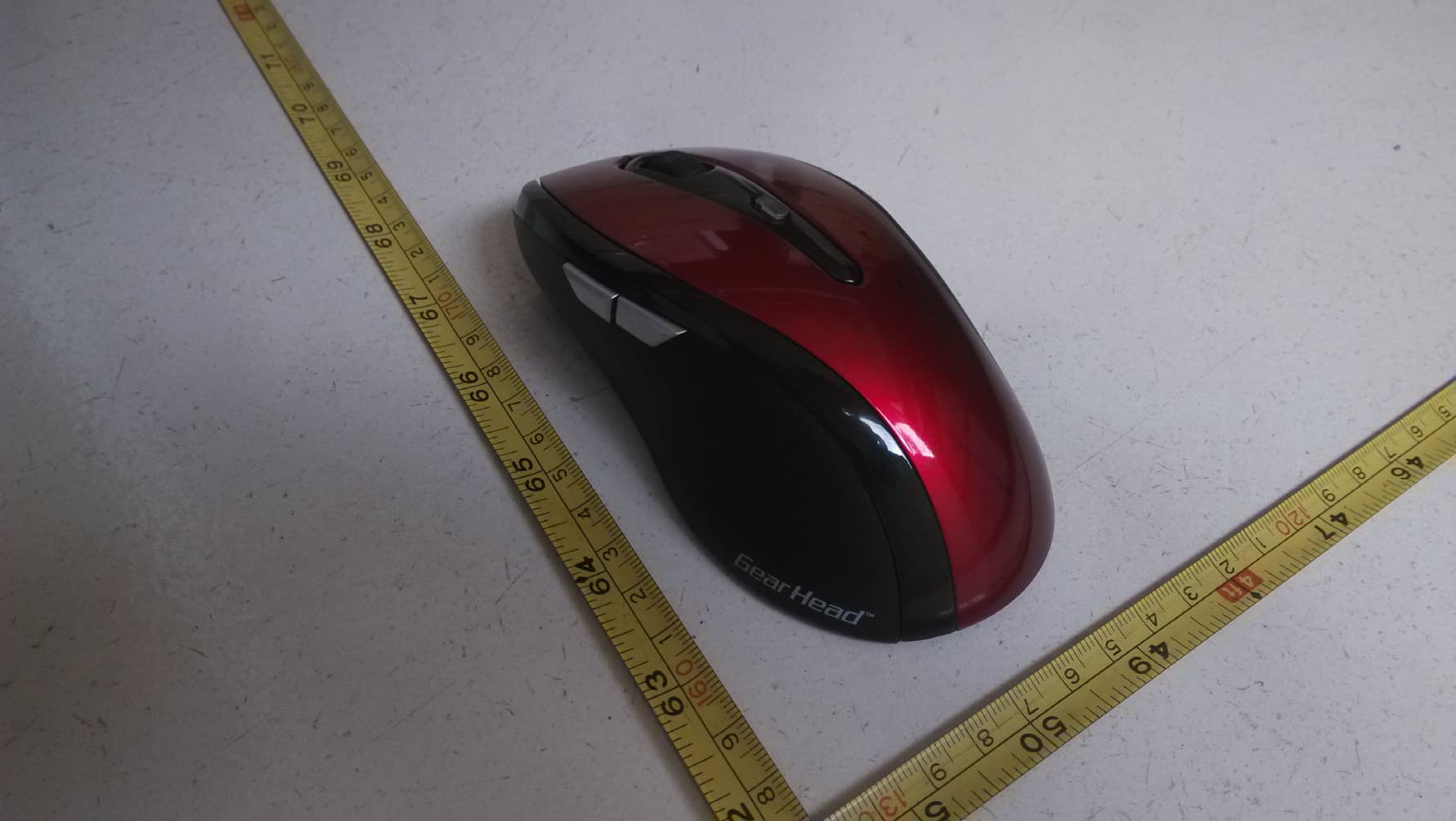
PKNCM-198N
Aug 07, 2014Optical 2.4GHz Wireless Mouse
Equipment Class
DXX - Part 15 Low Power Communication Device Transmitter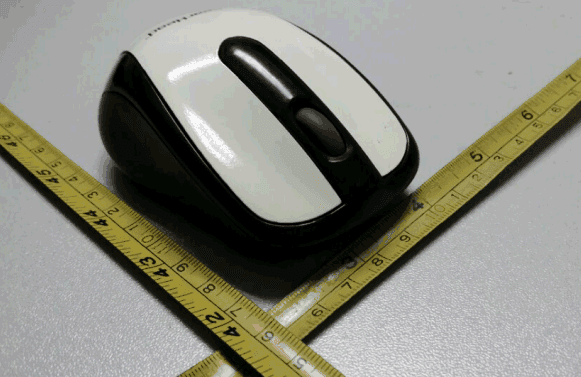
PKNCM-163N
Jun 19, 2014Optical 2.4GHz Wireless Nano Mouse
Equipment Class
DXX - Part 15 Low Power Communication Device Transmitter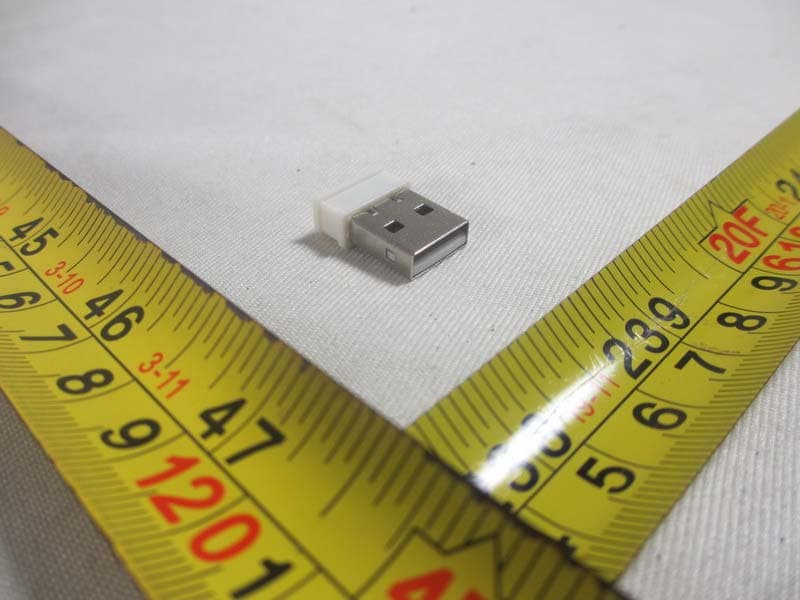
PKNREC-001
Jun 19, 2014wireless mouse Receiver
Equipment Class
DXX - Part 15 Low Power Communication Device Transmitter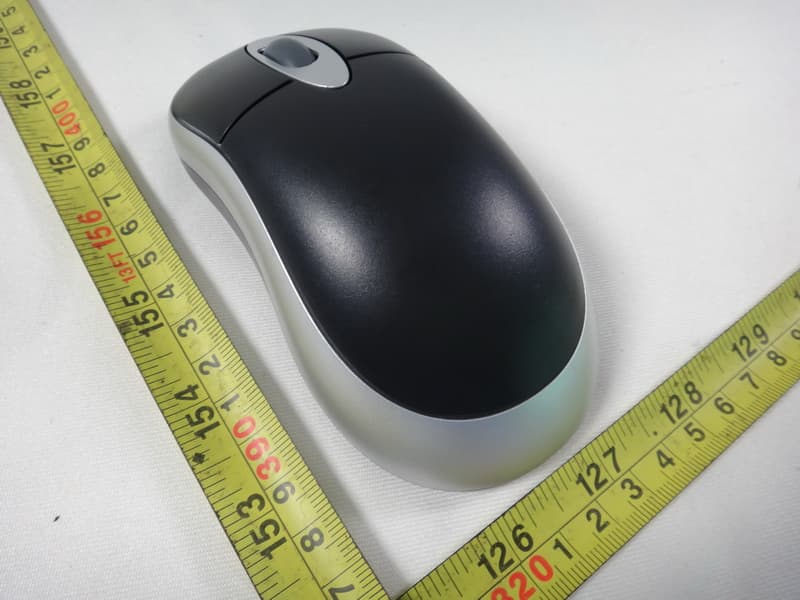
PKNCM-190
Nov 25, 2012Optical Wireless Mouse
Equipment Class
DSS - Part 15 Spread Spectrum Transmitter
PKNCM-163
Sep 03, 2012Wireless Mouse
Equipment Class
DXX - Part 15 Low Power Communication Device Transmitter