PN7MDP-110LHD-TV Reception PCI Card
Macro Image Technology, Inc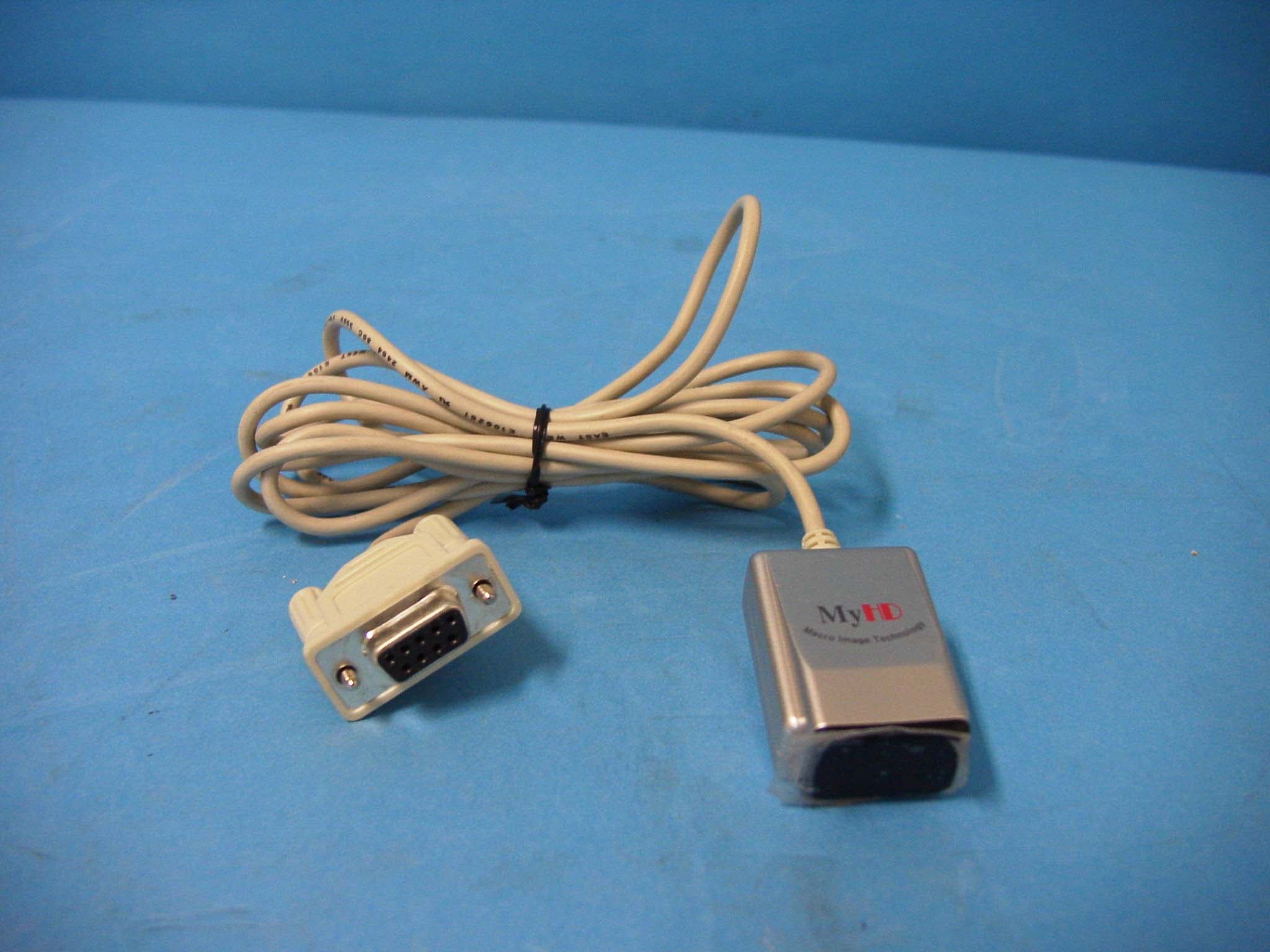
Click to zoom
Application Details
- Equipment Class
- JBP - Part 15 Class B Computing Device Peripheral
- Date of Grant
- Jun 02, 2002
- Application Purpose
- Original Equipment
- Date of Application
- Jun 02, 2002
- Equipment Note
- HD-TV Reception PCI Card
- Company
- Macro Image Technology, Inc
- Country
- South Korea
Documents & Files
Document Text
Text extracted from the exhibit documents filed with the FCC. Open a document above to read the original.
Users Manual
Macro Image Technology MyHD Macro Image Technology MyHD MyHD Macro Image Technology, Inc. HDTV PC Card UserHDTV PC Card User’’s Manuals Manual Macro Image Technology Produced by : 6th Floor, East Bldg., IT Venture Tower, 78 Garakbon-Dong,Songpa-Gu, Seoul, Korea, 138-803 TEL : 822-2142-4000 FAX : 822-2142-4099 Website : www.DTVsolution.com E-mail : [email protected] Macro Image Technology MyHD Macro Image Technology MyHD Copyright 2002 Macro Image Technology, Inc. All rights reserved License Notice and Trademark: • Manufactured under license from Dolby Laboratories. “Dolby”and the double-D symbol are trademarks of Dolby Laboratories. • Windows 98 SE, Windows ME, Windows 2000 and Windows XP are trademarks of Microsoft Corporation. • Intel and Pentium are trademarks of Intel Corporation. FCC RF INTERFERENCE STATEMENT NOTE: This equipment has been tested and found to comply with the limits for a Class B digital device, pursuant to Part 15 of the FCC Rules. These limits are designed to provide reasonable protection against harmful interference in a residential installation. This equipment generates, uses and can radiate radio frequency energy and, if not installed and used in accordance with the instructions, may cause harmful interference to radio communications. However, there is no guarantee that interference will not occur in a particular installation. If this equipment does cause harmful interference to radio or television reception which can be determined by turning the equipment off and on, the user is encouraged to try to correct the interference by one or more of the following measures. -Reorient or relocate the receiving antenna. -Increase the separation between the equipment and receiver. -Connect the equipment into an outlet on a circuit different from that to which the receiver is connected. -Consult the dealer or an experienced radio, TV technical for help. -Only shielded interface cable should be used. Finally, any changes or modifications to the equipment by the user not expressly approved by the grantee or manufacturer could void the users authority tooperate such equipment, Macro Image Technology MyHD Macro Image Technology MyHD MyHD Hardware Installation PC Platform Requirements -------------------------------------------------------------------- MyHD Package List --------------------------------------------------------------------------- Hardware Installation Overview ------------------------------------------------------------- MyHD Board Diagram ------------------------------------------------------------------------- Installation of MyHD board in a PC --------------------------------------------------------- Dual Monitor Configuration ------------------------------------------------------------------ Single Monitor Configuration ---------------------------------------------------------------- Optional external hardware connections --------------------------------------------------- Connection of Digital Audio Amp ----------------------------------------------------------- MyHD Program Installation Installing the MyHD device driver for Windows 98 SE/ME ------------------------------- Confirming the installing MyHD device driver ------------------------------------------- Setting DMA ------------------------------------------------------------------------------------ Setting windows environment --------------------------------------------------------------- Installing the MyHD device driver for Windows XP ------------------------------------ Confirming DMA Settings --------------------------------------------------------------------- Installing the MyHD Application Software ------------------------------------------------ MyHD Program Operating MyHD ------------------------------------------------------------------------------- Current Display Status -------------------------------------------------------------------------- Channel Number Key Pad --------------------------------------------------------------------- File Control -------------------------------------------------------------------------------------- Channel and Volume Control ----------------------------------------------------------------- Mode Setting ------------------------------------------------------------------------------------- Configuration ------------------------------------------------------------------------------------- Pop-up Menu ------------------------------------------------------------------------------------- Remote Controller Remote Controller ------------------------------------------------------------------------------- 1 2 3 4 5 8 9 10 10 11 13 14 15 16 19 20 22 23 24 25 25 26 26 27 31 Channel Settings To Scan Auto-Channels ------------------------------------------------------------------------- Add/Delete Channels---------------------------------------------------------------------------- Selecting Favorite Channels ----------------------------------------------------------------- A/V Settings Setting Video Configuration ------------------------------------------------------------------- Setting Audio Configuration ------------------------------------------------------------------- VGA Settings Fixed Aspect Ratio ---------------------------------------------------------------------------- Overlay Mode ---------------------------------------------------------------------------------- Capture Settings Setting a capture mode ----------------------------------------------------------------------- AVI Capture Option --------------------------------------------------------------------------- Reservation Capture Option for Timer Recording ---------------------------------------- File Play ----------------------------------------------------------------------------------------- Running MyHD Setting Channels ------------------------------------------------------------------------------- Controlling Volume --------------------------------------------------------------------------- Chan…
Text truncated - open the document above for the full version.
Block Diagram
MDP-110L Bl ock Diagram Jan u s K4 S643 232C K4 S643 232C FCV1236 uPC3206 LMV358 NXT2000 VPX3225 MSP3440 18.432 MH z 20.250 MH z 50.280 MH z MK2772 13.5 MH z MK2716 27 M H z 74.25MH z 99 M H z 27 M H z IDT 74FCT 3384 33 M H z Audi o Out DS8921 PE65612 MIC 3930 0 3.3V 2.5V L T 111 7 -ADJ 9V LT 1 1 1 7 -ADJ 5V SPDIFOUTVIDEOOUT 74LVT 541 VIPOut RF i n ClockGenerat i on DigitalAudio Output Me m o ry Module PowerSupply VGAIN 3.3V 12V PCI Confidential MDP-110L Bl ock Diagram(2) : When receiving DTV Jan u s K4 S643 232C K4 S643 232C FCV1236 uPC3206 LMV358 NXT2000 VPX3225 MSP3440 18.432 MH z 20.250 MH z 50.280 MH z MK2772 13.5 MH z MK2716 27 M H z 74.25MH z 99 M H z 27 M H z IDT 74FCT 3384 33 M H z Audi o Out DS8921 PE65612 MIC 3930 0 3.3V 2.5V L T 111 7 -ADJ 9V LT 1 1 1 7 -ADJ 5V VGAIN SPDIFOUTVIDEOOUT 74LVT 541 VIPOut RF i n 3.3V 12V PCI Confidential MDP-110L Bl ock Diagram(3) : When receiving analog TV Jan u s K4 S643 232C K4 S643 232C FCV1236 uPC3206 LMV358 NXT2000 VPX3225 MSP3440 18.432 MH z 20.250 MH z 50.280 MH z MK2772 13.5 MH z MK2716 27 M H z 74.25MH z 99 M H z 27 M H z IDT 74FCT 3384 33 M H z Audi o Out DS8921 PE65612 MIC 3930 0 3.3V3.3V 2.5V L T 111 7 -ADJ 9V LT 1 1 1 7 -ADJ 5V VGAIN SPDIFOUTVIDEOOUT 74LVT 541 VIPOut RF i n 12V PCI Confidential
ID Label/Location Info
ID Label Sample & Location Information Macro Image Technology, Inc. Model Name : MDP-110L HD-TV Reception Card This device complies with Part 15 of the FCC Rules. Operation is subject to the following two conditions: (1) this device may not cause harmful interference, and (2) this device must accept any interference received, including interference that may cause undesired operation. FCC ID: PN7MDP-110L Made in Korea
Test Report
File No. 02-IST-094/FB IST EMC LAB. Page 1 of 16 IST EMC Lab. San 21-8 Goan-Ri, Baekam-Myun, Yongin-Si, Kyunggi-Do, KOREA International - Tel : 82-31 - 333 - 4093. Fax : 82-31 - 333 - 4094. Domestic - Tel : 031 - 333 - 4093. Fax : 031 - 333 - 4094. IST EMC LAB. EMISSION TEST REPORT Test report file No. : 02-IST-094/FB Date of issue : Jun. 04, 2002. Model / Type No. Kind of product Brand name Applicant Manufacturer Address : MDP-110L : HD-TV Reception Card : MyHD : Macro Image Technology, Inc. : Macro Image Technology, Inc. : East Bldg., 6 th Floor. IT Venture Tower 78 Garakbon-Dong, Songpa-Gu, Seou-City, Korea 138-803 Test result according to the regulation(s) ■ Positive □ Negative at page 3. This test report without appendix consists of 16 pages. It is not allowed to copy this report even partly without the allowance of the Test Laboratory. This equipment is complied with the applicable technical standards as indicated in the measurement report and was tested in accordance with the measurement procedures specified in ANSI C63.4-1992. File No. 02-IST-094/FB IST EMC LAB. Page 2 of 16 IST EMC Lab. San 21-8 Goan-Ri, Baekam-Myun, Yongin-Si, Kyunggi-Do, KOREA International - Tel : 82-31 - 333 - 4093. Fax : 82-31 - 333 - 4094. Domestic - Tel : 031 - 333 - 4093. Fax : 031 - 333 - 4094. DIRECTORY A) Documentation. Page Directory Test regulations Environmental Conditions Test Conditions Equipment under Test Test Result Test-setups (Photos ) Test-setup (Figures) Summary 2 3 3 4~5 6 7 8~9 10 16 B) Test Data. Conducted emissions (Mains) Radiated emissions : 450 kHz - 30 MHz : 30 MHz – 1 GHz 11~13 14~15 C) Appendix File No. 02-IST-094/FB IST EMC LAB. Page 3 of 16 IST EMC Lab. San 21-8 Goan-Ri, Baekam-Myun, Yongin-Si, Kyunggi-Do, KOREA International - Tel : 82-31 - 333 - 4093. Fax : 82-31 - 333 - 4094. Domestic - Tel : 031 - 333 - 4093. Fax : 031 - 333 - 4094. TEST REGULATIONS The tests were performed according to the following regulations ; ■ - FCC Part 15, Subpart B (Unintentional Radiators, Class B) Information of Test Laboratory IST EMC Lab. San 21-8 Goan-Ri, Baekam-Myun, Yongin-Si, Kyunggi-Do, Korea International - Tel : 82-31 - 333 - 4093. Fax : 82-31 - 333 - 4094. Domestic - Tel : 031 - 333 - 4093. Fax : 031 - 333 - 4094. ENVIRONMENTAL CONDITIONS Temperature Humidity Atmospheric pressure 21 40 % 1001 mbar File No. 02-IST-094/FB IST EMC LAB. Page 4 of 16 IST EMC Lab. San 21-8 Goan-Ri, Baekam-Myun, Yongin-Si, Kyunggi-Do, KOREA International - Tel : 82-31 - 333 - 4093. Fax : 82-31 - 333 - 4094. Domestic - Tel : 031 - 333 - 4093. Fax : 031 - 333 - 4094. TEST CONDITIONS The measurement of the conducted emissions (Interference voltage) was performed in a shielded room. Test location : Shielded room. No.1 Compact chamber 2 Used testing instruments : Name Type Manufacturer Calibration. Date Serial Number ESH 3 Test Receiver Rohde & Schwarz Jun. 16, 2001 861742/015 3725/2 LISN EMCO Jul. 30, 2001 9101-2068 KNW-407 LISN Hyup-Rip Jul. 26, 2001 8-883-10 ESH 3-Z2 Pulse Limiter Rohde & Schwarz Jul. 13, 2001 357.8810.52 Test - accessories : Type Manufacturer Aneroid Barometer Sato Hygrometer Sato Measurement Procedures : Conducted emissions measurments were made in accordance with ANSI C-63.4-1992, “Method of Measurement of Radio-Noise Emissions from Low-Voltage Electrical and Electronic Equipment in the Range of 9 kHz to 40 GHz”. The measurement were performed over the frequency range of 0.45MHz to 30MHz using a 50 Ω /50uH LISN as the input transducer to an EMI/Field Intensity Meter. The measurements were made with the detector set for “Peak” amplitude within an IF bandwidth of 10kHz or for “quasi-peak” within a bandwidth of 9kHz. All used test-instruments as well as the test-accessories are calibrated regularly. Test engineer : Y.J.Kim / Research Engineer IST EMC Lab. File No. 02-IST-094/FB IST EMC LAB. Page 5 of 16 IST EMC Lab. San 21-8 Goan-Ri, Baekam-Myun, Yongin-Si, Kyunggi-Do, KOREA International - Tel : 82-31 - 333 - 4093. Fax : 82-31 - 333 - 4094. Domestic - Tel : 031 - 333 - 4093. Fax : 031 - 333 - 4094. The measurement of the radiated emissions (Electric field) in the frequency range from 30 MHz to 1GHz was performed in horizontal and vertical antenna polarization at a open-site which meet the site attenuation requirement of ANSI C63.4-1992 and a test distance of : Location : Open Site No. 1 Open Site No. 2 Open Site No. 3 Distance : 3 meters 10 meters Used testing instruments : Name Type Manufacturer Calibration. Date Serial Number ESVP Test Receiver Rohde & Schwarz Jun. 12, 2001 861744/018 VULB 9160 Antenna Schwarzbeck Jun. 04, 2001 3048 Test - accessories : Type Manufacturer Aneroid Barometer Sato Hygrometer Sato Measurement procedures Radiated measurements were in accordance with ANSI C63.4-1992 “Method of Measurement of Radio- Noise Emissions from Low-Voltage Electrical and Electronic Equipment in the Range of 9 kHz to 40 GHz”. The measurements were performed over the frequency range of 30MHz to 1GHz using antenna as the input transducer to a EMI/Field Intensity Meter. The measurements were made with the detector set for “quasi-peak” within a bandwidth of 120kHz. All used test-instruments as well as the test-accessories are calibrated regularly. Test engineer : Y.J.Kim / Research Engineer IST EMC Lab. File No. 02-IST-094/FB IST EMC LAB. Page 6 of 16 IST EMC Lab. San 21-8 Goan-Ri, Baekam-Myun, Yongin-Si, Kyunggi-Do, KOREA International - Tel : 82-31 - 333 - 4093. Fax : 82-31 - 333 - 4094. Domestic - Tel : 031 - 333 - 4093. Fax : 031 - 333 - 4094. EQUIPMENT UNDER TEST Equipment Description The Equipment Under Test (EUT) is the HD-TV Reception Card of Macro Image Technology, Inc. Outer dimensions 205.87(W) x 121.02(H) x 21.05(D) mm DRAM 64MB or more Graphics Card DirectX compatible VGA card(8MB memory or recommended) One available PCI slot, One 9-pin serial port Package Audio card jumper cable Remote control handset Remote control receiver VGA Loop through cable with external A/V connector PC OS W…
Text truncated - open the document above for the full version.
Test Setup Photos
Radiated Emission 30MHz ~ 1000MHz Conducted Emission 450kHz ~ 30MHz
Contact Information
Applicant
S. C Ryu(Researcher)
Test Firm
IST Co., LtdBong Kyoon Bae
Technical Specifications
| # | Rule Parts | Frequency Range | Power Output |
|---|---|---|---|
| 1 | 15B | - | - |
Other Applications from Macro Image Technology, Inc
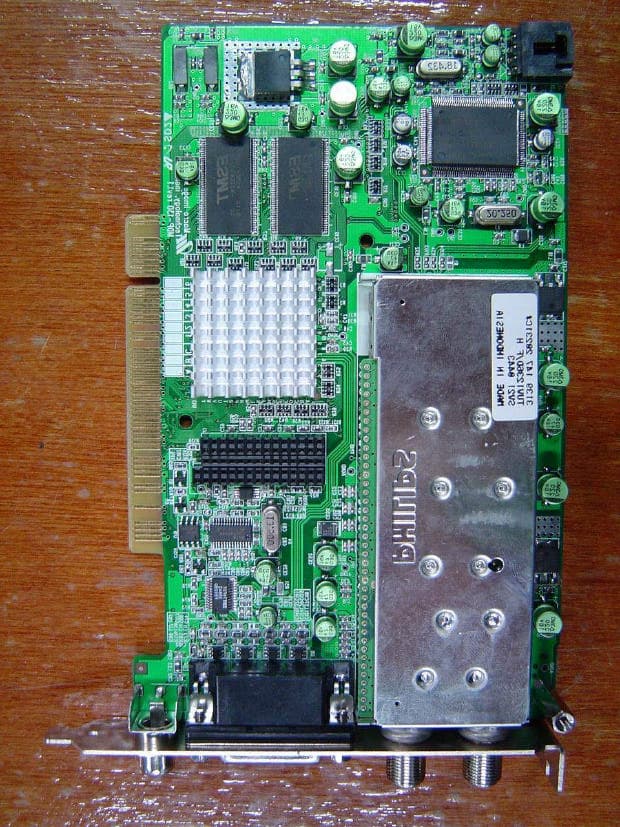
PN7MDP-130
Jan 31, 2005HDTV Receiving PC Card
Equipment Class
JBP - Part 15 Class B Computing Device Peripheral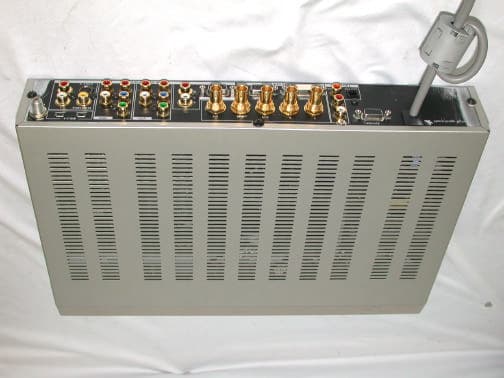
PN7MVS-500
Dec 26, 2002Digital Video Station
Equipment Class
JBP - Part 15 Class B Computing Device Peripheral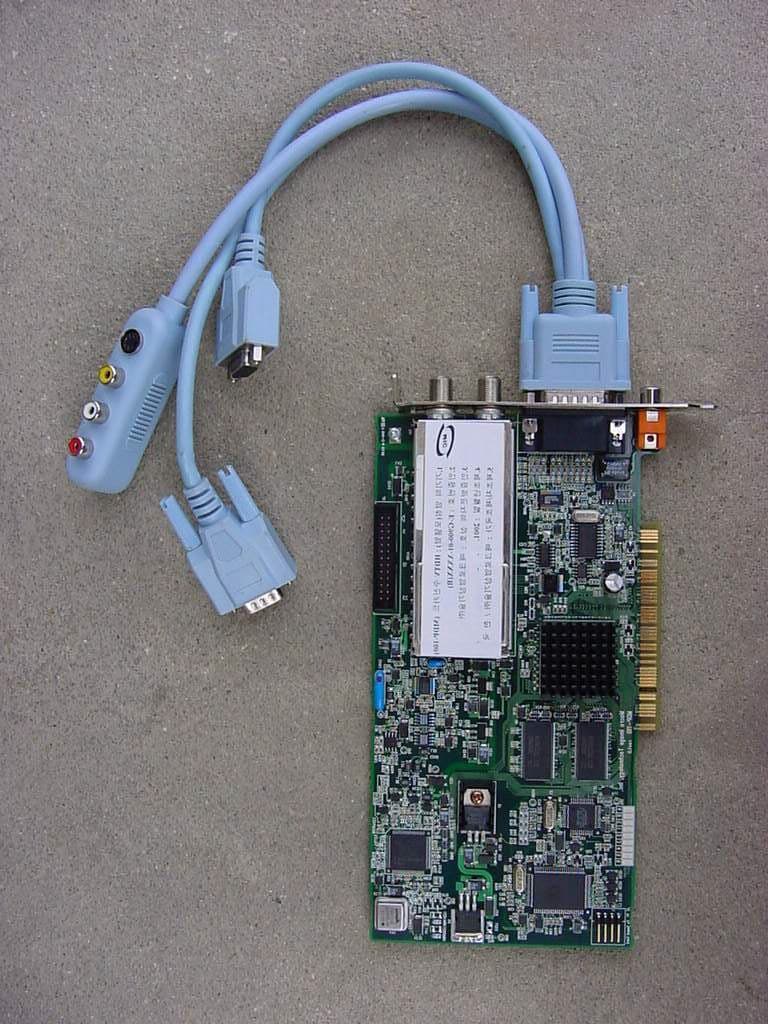
PN7MDP-100
Oct 25, 2001HDTV Receiving PC Card
Equipment Class
JBP - Part 15 Class B Computing Device Peripheral