PX91102USB Wireless Lan
Winmate Inc.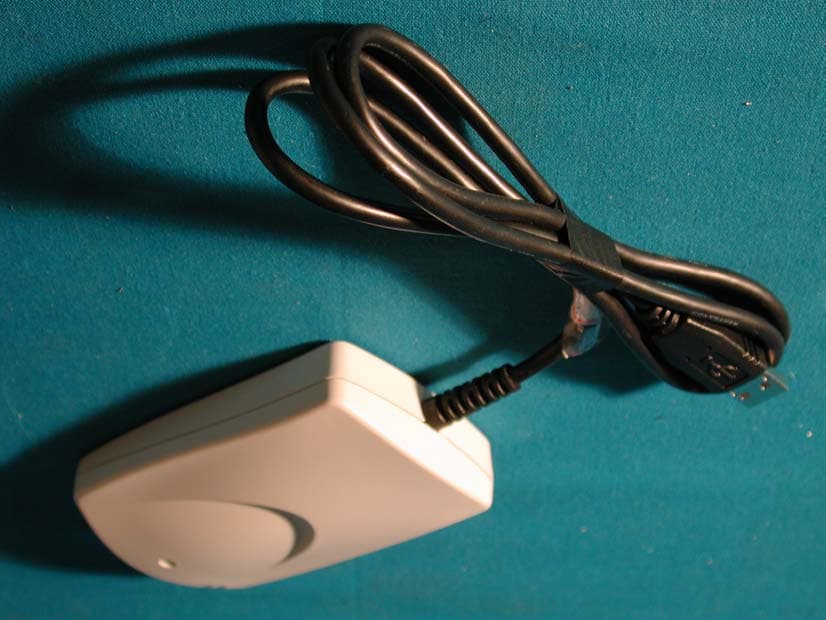
Click to zoom
Application Details
- Equipment Class
- DSS - Part 15 Spread Spectrum Transmitter
- Date of Grant
- Nov 08, 2001
- Application Purpose
- Original Equipment
- Date of Application
- Nov 08, 2001
- Equipment Note
- USB Wireless Lan
- Frequency Range
- 2412.00000000 - 2462.00000000
- Company
- Winmate Inc.
- Country
- Taiwan
Documents & Files
Document Text
Text extracted from the exhibit documents filed with the FCC. Open a document above to read the original.
Users Manual
Winmate Communication Inc. User Guide Feb 12, 2001 1 Wireless LAN Overview The wireless LAN is a new way to extend the reach of local area networks (LAN). Instead of plugging into a LAN wall outlet, you connect wirelessly to a wireless LAN access point. All you need is a wireless LAN card for the user and a wireless LAN access point connected to the Ethernet LAN. This enables truly wireless access to the LAN and the Internet. Wireless LAN users can enjoy the freedom of being automatically connected to the LAN and of mobile computing without any attached cables. Wireless LAN is fast and convenient: no more cables or searching for LAN outlets. USB Wireless LAN Card Features and benefits Ethernet speeds(11Mpbs) across your wireless LAN Flexible and standards-based (IEEE802.11b) interoperability Mobile connectivity Security equivalent to wired networks High performance up to 11Mbps Long range: The freedom to access real-time information anywhere, anytime within a building or multi-building complex without wires. Manageable: Installing a USB wireless LAN is fast and easy, and eliminates the need to pull cable through walls and ceilings. Quick and easy problem shooting. Application ¾ Healthcare: More and more healthcare professionals around the world are taking advantage of the speed, mobility and flexibility of wireless LAN solutions to increase the quality of patient care and reduce costs. Hospitals can access patient information at bedside, monitor pharmaceutical data and other information vital to quality of patient care. ¾ Hospitality and Retail: From hotels and casinos, to cruise lines and rental car agencies, wireless technology provides the hospitality industry a mobile service advantage, allowing workers access to real-time information. Retail companies use products to provide mobile and portable points-of-sale and in-store inventory tracking that simplify and speed customer interactions. ¾ Warehousing and Distribution: Handheld devices with barcode readers monitor inventory and warehouse storage and shipment to control warehousing costs and ensure speedy delivery of products. ¾ Manufacturing: WLANs have helped manufacturing improve productivity and speed with instant data access to monitor inventory, track shipments and run production Winmate Communication Inc. User Guide Feb 12, 2001 2 equipment. ¾ Education: Wireless LANs in education offer a low-cost solution to high-speed Internet access with the flexibility to meet the needs of the ever-changing educational landscape. ¾ Finance: In the fast-paced world of finance, access to real-time information is crucial. Financial traders employ wireless solutions to receive up-to-the-minute pricing information and real-time data anywhere on the trading floor. Software Driver z Windows98/2000/ME (NDIS 5) Specification PRODUCT FEATURES Data rate 1, 2, 5.5, 11 Mbps per channel Aggregate throughput 6 Mbps DATA RATES DISTANCE RANGE Indoor Range Outdoor Range @ 11 Mbps 25m 100m @ 5.5 Mbps 35m 120m @ 2 Mbps 40m 130m @ 1 Mbps 50m 140m ANTENNA Internal NETWORK INTERFACE Network operating Windows98, ME, 2000 Network Drivers NDIS5 (Windows 98, ME, 2000) Network Protocol TCP/IP, IPX, AppleTalk, NetBEUI. RADIO SPECIFICATIONS Modulation Technique Direct sequence spread spectrum Wireless LAN Standard Compliant with IEEE 802.11/b Frequency range 2.4-2.4835 GHz SENSITIVITY @ 11 Mbps -81 dBm, 1E-6 BER @ 5.5 Mbps -85 dBm, 1E-6 BER @ 2 Mbps -89 dBm, 1E-6 BER @ 1 Mbps -93 dBm, 1E-6 BER MODULATION Winmate Communication Inc. User Guide Feb 12, 2001 3 @ 11 Mbps DQPSK (CCK) @ 5.5 Mbps DQPSK (CCK) @ 2 Mbps DQPSK @ 1 Mbps DBPSK OUTPUT POWER USA +18 dBm Europe +18/ +2 dBm Approvals of compliance FCC part 15.247,15.249, ETSI 300-328 CONFIGURATION & MANAGEMENT Configuration and setup Utility for configuration and monitor; Utility for Device firmware Upgrade (DFU). LED Indicators Red: Power On, Green: Activity POWER CONSUMPTION With supply voltage of 5V Receive Mode 330 mA Transmit Mode 450 mA SIZE & WEIGHT Dimensions (L/W/H) 108.5mm × 71.2mm × 22mm Weight (include box) 100g (body and cable, no box) ENVIRONMENTAL Operating temperature 0°C-40°C Operating humidity 10%-90% non-condensing Winmate Communication Inc. User Guide Feb 12, 2001 4 Installing Your WLAN Card (Windows 98) 1. Before you install your WLAN card, make sure that you have removed other network devices (e.g., PCI Ethernet card). If you have other network devices, please turn off your computer and remove the device. 2. Plug in your WLAN card to a USB port. Click “Next” in the following dialog box. 3. Instruct the Windows to “Search for the best driver for your device” and click “Next”. Winmate Communication Inc. User Guide Feb 12, 2001 5 4. In the following box, specify the directory where your driver is located (e.g., “A:\” if the driver file is on a floppy disk). 5. A dialog box which shows “WINMATE USB WIRELESS LAN CARD” will appear. Click “Next” to proceed or “Back” to change the location of the driver. Winmate Communication Inc. User Guide Feb 12, 2001 6 6. A dialog box “WINMATE USB WIRELESS CARD Properties” shows up. This dialog box allows you to set up the wireless options of your card. In this box you usually need to configure the following properties: select a channel (1 through 14), the ESSID which is used to enroll the station to an AP, the operating mode (ad-hoc or infrastructure), rate (1, 2, 5.5, or 11 Mbps), and the WEP key. Leave the fields in Authentication Type, Fragmentation Threshold, Preamble Type, and RTS Threshold as they were. You do not need to configure your WLAN card at this moment. You can change these values by the configuration utility later whenever necessary. Click OK when you finish the above configuration. Or, you can configure your card later by the configuration utility. Winmate Communication Inc. User Guide Feb 12, 2001 7 7.. After you click “Finish” in the following box, you will be asked to restart your computer. Click “No” because we need to set up more n…
Text truncated - open the document above for the full version.
External Photos
Report No.: 013T040FI Page : 1 of 1 Version : 1.0 Attachment 2 : EUT Detailed Photographs (1) EUT Photo (2) EUT Photo
ID Label/Location Info
WinMate Communicaiton INC. 9F, No. 175, Ta-Tung Road, Sec. 1 Hsi-Chih, Taipei Hsien, Taiwan, R.O.C. TEL: 886-2-2648-5758, FAX: 886-2-2648-5161 http://www.winmate.com/ FCC ID.: PX91102 9F, No.175, Ta-Tung RD., Sec.1, His-Chih, Taipei Hsien, Taiwan, R.O.C. Zip:221 Tel: 886 2 26485758 FAX: 886 2 26485161 The FCC ID and DoC Label will be placed on the equipment as shown in the photograph below. USB Wireless Lan Model No.: WN1102, WBU1000 F F C C C C I I D D : : P P X X 9 9 1 1 1 1 0 0 2 2 This device complies with Part 15 of the FCC Rules. Operation is subject to the following two conditions: (1) this device may not cause harmful interference and (2) this device must accept any interference received, including interference that may cause undesired operation. S/N: Made in Taiwan
ID Label/Location Info
WinMate Communicaiton INC. 9F, No. 175, Ta-Tung Road, Sec. 1 Hsi-Chih, Taipei Hsien, Taiwan, R.O.C. TEL: 886-2-2648-5758, FAX: 886-2-2648-5161 http://www.winmate.com/ FCC ID.: PX91102 9F, No.175, Ta-Tung RD., Sec.1, His-Chih, Taipei Hsien, Taiwan, R.O.C. Zip:221 Tel: 886 2 26485758 FAX: 886 2 26485161 LabelLoc
Internal Photos
Report No.: 013T040FI Page : 1 of 3 Version : 1.0 Attachment 2 : EUT Detailed Photographs (1) EUT Photo Report No.: 013T040FI Page : 2 of 3 Version : 1.0 (2) EUT Photo Report No.: 013T040FI Page : 3 of 3 Version : 1.0 (3) EUT Photo
Test Report
Report No. 013T040FI Page : 1 of 47 Version:1.0 Test Report Product Name : USB Wireless Lan Model No. : WN1102, WBU1000 FCC ID.: PX91102 Applicant : WinMate Communications, Inc. Address : 9F, No.175, Ta-Tung Rd., Sec.1, Hsi-Chih, Taipei Hsien, Taiwan, R.O.C. Zip:221 Date of Receipt : March 22, 2001 Date of Test : August 14, 2001 Report No. : 013T040FI The Test Results relate only to the samples tested. The test report shall not be reproduced except in full without the written approval of QuieTek Corporation. This report must not be used to claim product endorsement by NVLAP any agency of the U.S. Government Report No. 013T040FI Page : 2 of 47 Version:1.0 Test Report Certification Test Date : August 14, 2001 Report No. : 013T040FI Product Name : USB Wireless Lan Applicant : WinMate Communications, Inc. Address : 9F, No.175, Ta-Tung Rd., Sec.1, Hsi-Chih, Taipei Hsien, Taiwan, R.O.C. Zip:221 Manufacturer : WinMate Communications, Inc. Model No. : WN1102, WBU1000 FCC ID. : PX91102 Rated Voltage : Power by PC Trade Name : WinMate, AboCom Measurement Standard : FCC Part 15 Subpart C Paragraph 15.247 Measurement Procedure : ANSI C63.4:1992 Test Result : Complied The Test Results relate only to the samples tested. The test report shall not be reproduced except in full without the written approval of QuieTek Corporation. This report must not be used to claim product endorsement by NVLAP any agency of the U.S. Government Documented By : ( Lisa Chen ) Tested By : ( Calien Kang ) Approved By : ( Gene Chang ) Accredited by NIST (NVLAP) NVLAP Lab Code: 200347-0 Report No. 013T040FI Page : 3 of 47 Version:1.0 TABLE OF CONTENTS Description Page 1. GENERAL INFORMATION .....................................................................................................5 1.1. EUT Description............................................................................................................................5 1.2. EUT Description............................................................................................................................5 1.3. Configuration of tested System .....................................................................................................7 1.4. EUT Exercise Software .................................................................................................................8 1.5. Test Facility ...................................................................................................................................8 2. Conducted Emission....................................................................................................................9 2.1. Test Equipment List.......................................................................................................................9 2.2. Test Setup ......................................................................................................................................9 2.3. Limits ............................................................................................................................................9 2.4. Test Procedure .............................................................................................................................10 2.5. Test Result of Conducted Emission.............................................................................................11 3. Peak Power Output ...................................................................................................................12 3.1. Test Equipment............................................................................................................................12 3.2. Test Setup ....................................................................................................................................12 3.3. Test Condition .............................................................................................................................12 3.4. Minimum Standard......................................................................................................................12 3.5. Test Result of Peak Power Output...............................................................................................13 4. RF Exposure Evaluation ...........................................................................................................14 4.1. Friis Formula ...............................................................................................................................14 4.2. EUT Operation condition ............................................................................................................14 4.3. Test Result of RF Exposure Evaluation.......................................................................................15 5. Radiated Emission .....................................................................................................................16 5.1. Test Equipment............................................................................................................................16 5.2. Test Setup ....................................................................................................................................16 5.3. Test Condition .............................................................................................................................17 5.4. Limits ..........................................................................................................................................17 5.5. Test Procedure .............................................................................................................................18 5.6. Test Result of Radiated Emission................................................................................................19 5.7. Test Result of Band Edge ............................................................................................................31 6. Occupied Bandwidth ................…
Text truncated - open the document above for the full version.
Test Setup Photos
Report No.: 013T040FI Page: 1 of 3 Version: 1.0 Attachment 1 : EUT Test Photographs Front View of Conducted Test Back View of Conducted Test Report No.: 013T040FI Page: 2 of 3 Version: 1.0 Front View of Radiated Test Back View of Radiated Test Report No.: 013T040FI Page: 3 of 3 Version: 1.0 Front View of Radiated Test (Horn)
Contact Information
Applicant
Lindon Lin(R&D Manager)
Test Firm
DEKRA Testing and Certification Co., Ltd.Sky Hsu
Technical Specifications
| # | Rule Parts | Frequency Range | Power Output |
|---|---|---|---|
| 1 | 15C | 2.41 GHz - 2.46 GHz | 63.50 mW |
Other Applications from Winmate Inc.
PX9M101Q
Apr 02, 2026Rugged Tablet PC
Equipment Class
DSS - Part 15 Spread Spectrum TransmitterPX9-G900AD
Jan 07, 2026Rugged Tablet PC
Equipment Class
DTS - Digital Transmission System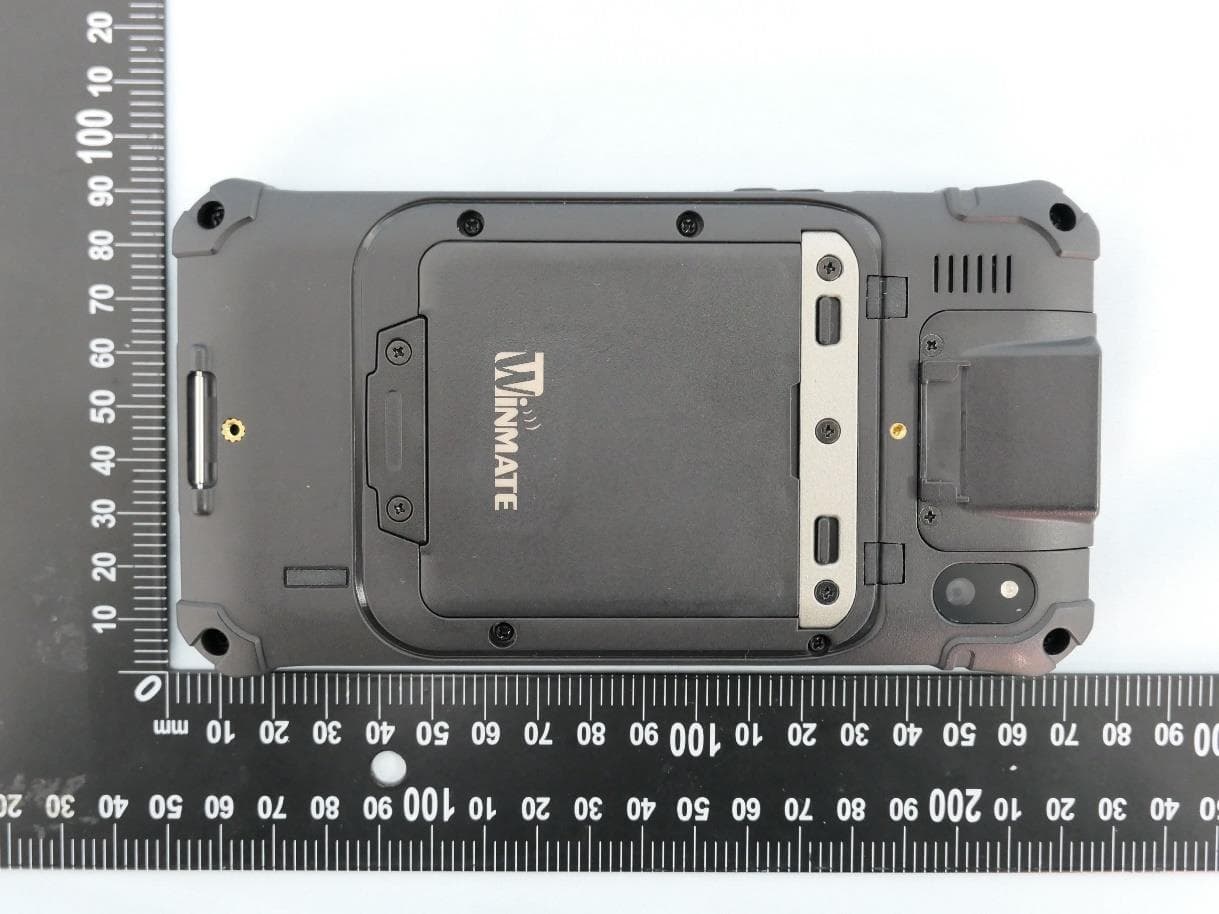
PX9E500RM9
Apr 17, 2023Rugged PDA
Equipment Class
DTS - Digital Transmission System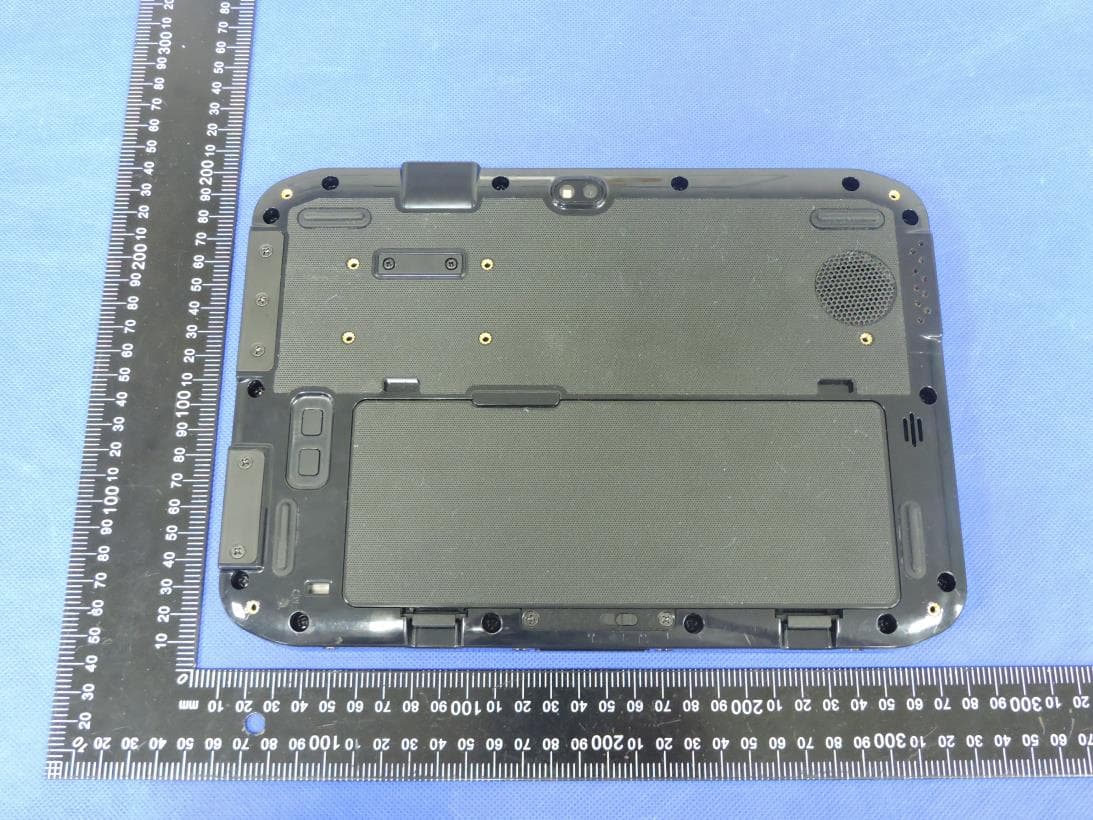
PX9S10101
Mar 29, 2023Rugged Tablet PC
Equipment Class
DTS - Digital Transmission System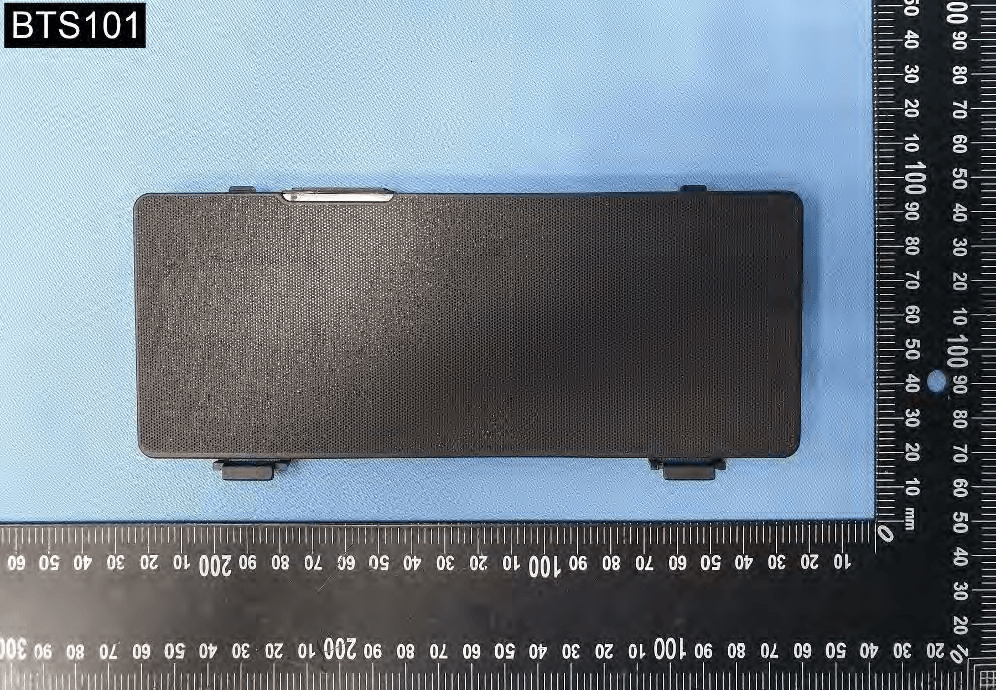
PX9M140TG
Oct 26, 2022Rugged Tablet PC
Equipment Class
DTS - Digital Transmission System