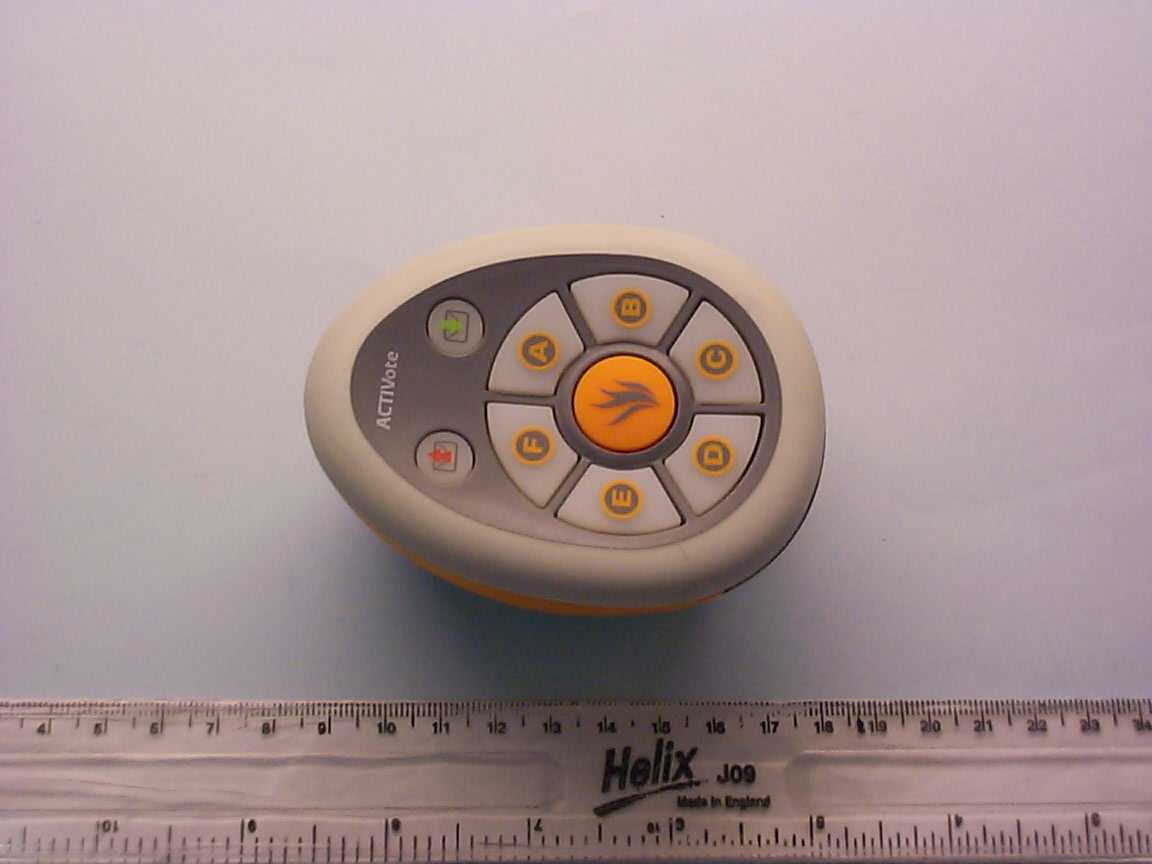
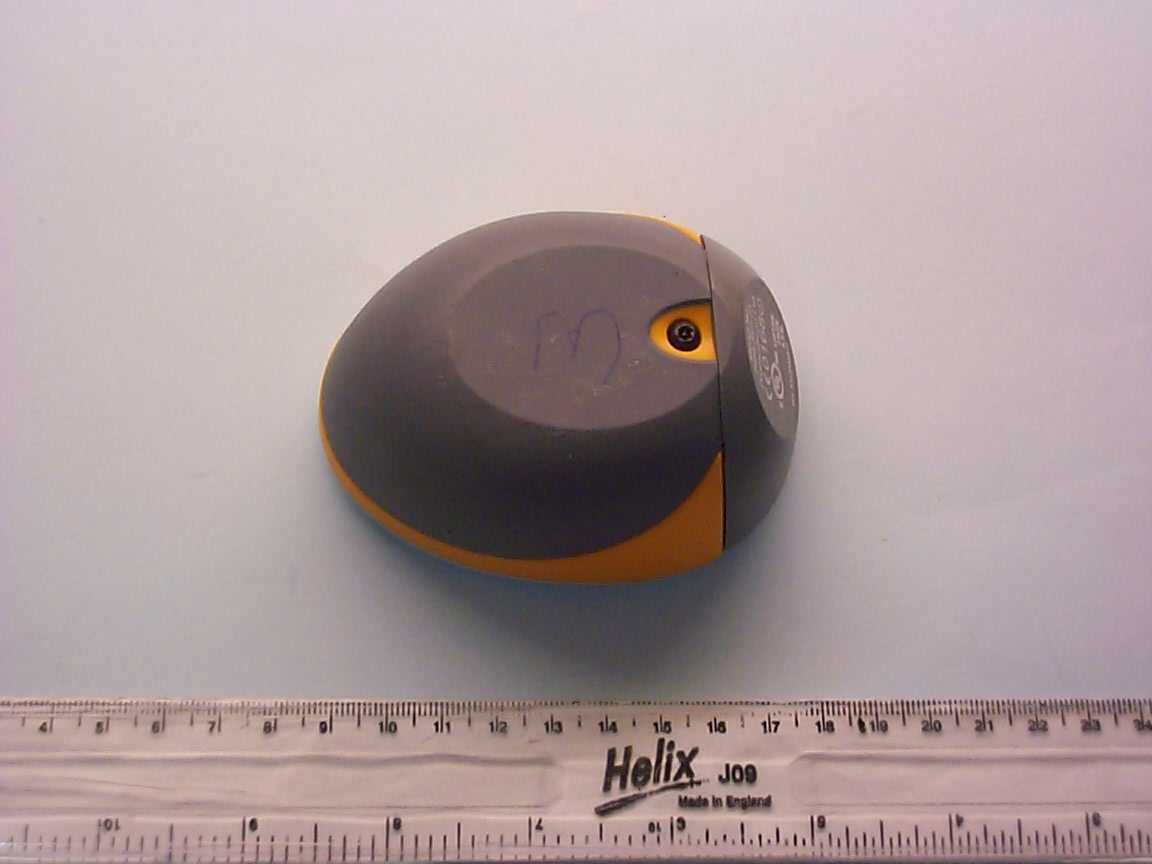
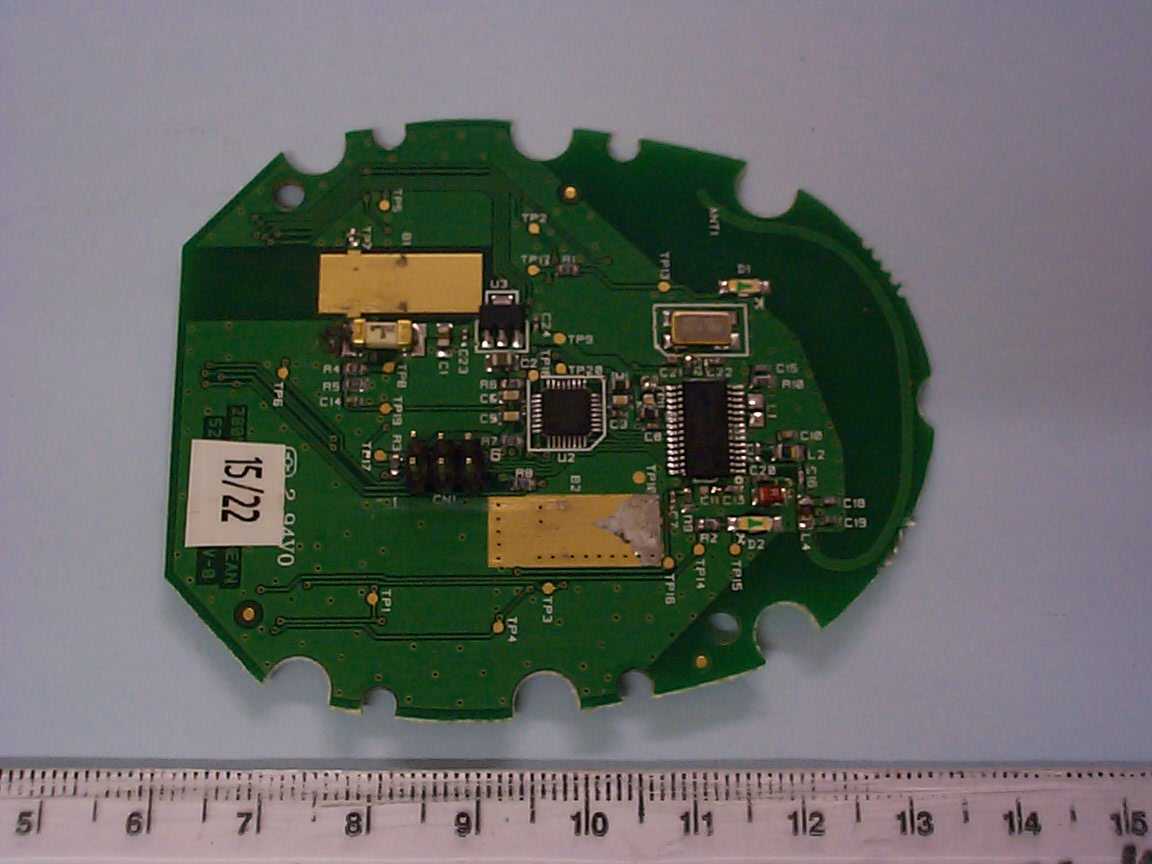
QAM006ACTIVote handheld transceiver
Promethean Ltd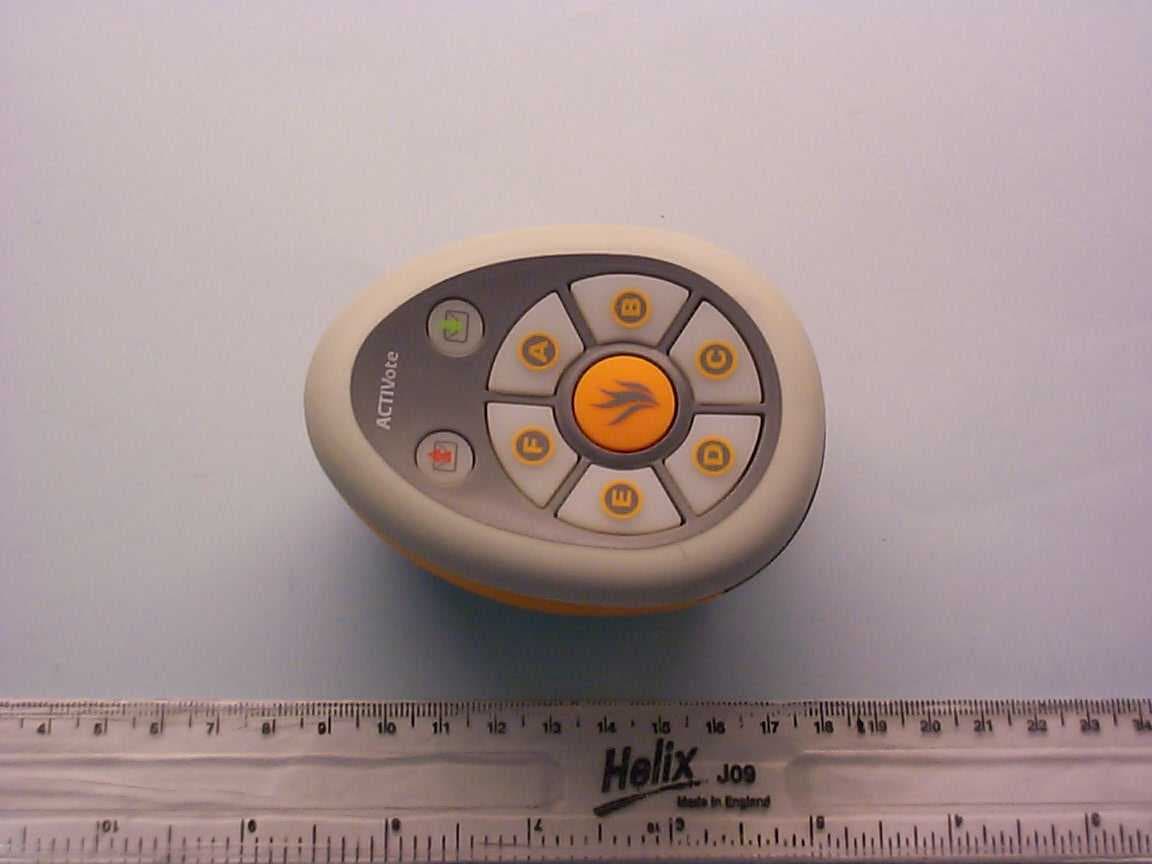
Click to zoom
Application Details
- Equipment Class
- DXT - Part 15 Low Power Transceiver, Rx Verified
- Date of Grant
- Feb 13, 2006
- Application Purpose
- Original Equipment
- Date of Application
- Feb 13, 2006
- Equipment Note
- ACTIVote handheld transceiver
- Frequency Range
- 915.29900000 - 916.09000000
- Company
- Promethean Ltd
- Country
- United Kingdom
Documents & Files
Document Text
Text extracted from the exhibit documents filed with the FCC. Open a document above to read the original.
Users Manual
All rights reserved All information contained in this document is subject to change without notice. Any use of the contents of this User Manual other than for the purpose intended requires ex press written pe rmission of Promethean Technologies Group Ltd. All trademarks noted with the ™ mark are the properties of their respective companies. NOTE: All utility and driver software provided to operate ACTIV products is the property of Promethean. Use of this software is granted for the purpose of insta llation, set up and operation of ACTIV products and the standard feature set outlined in this guide. Promethean does not en courage or authorize any other use. Additional application software is provided from time to time as a service to our customers. This soft ware is licensed to the end user by the supplier. Use, posse ssion and upgrades are the responsibility of that supplier. Registered owners of Promethean product should contact those su ppliers directly for support. © Copyright Promethean Technologies Group Ltd 2005 All rights reserved All information contained in this document is subject to change without notice. Any use of the contents of this User Manual other than for the purpose intended requires ex press written pe rmission of Promethean Technologies Group Ltd. All trademarks noted with the ™ mark are the properties of their respective companies. NOTE: All utility and driver software provided to operate ACTIV products is the property of Promethean. Use of this software is granted for the purpose of insta llation, set up and operation of ACTIV products and the standard feature set outlined in this guide. Promethean does not en courage or authorize any other use. Additional application software is provided from time to time as a service to our customers. This soft ware is licensed to the end user by the supplier. Use, posse ssion and upgrades are the responsibility of that supplier. Registered owners of Promethean product should contact those su ppliers directly for support. © Copyright Promethean Technologies Group Ltd 2005 ACTIVote Quick Start Guide 1 Table of Contents Safety Inst ructions............................................................ 2 Compliance ...................................................................... 3 For More Info rmation......................................................... 4 Technical Support ......................................................... 4 User Group Forum ........................................................ 4 Updates ...................................................................... 4 About this Guide ............................................................... 4 1. Installing the Software ................................................... 5 On a Windows Ba sed Computer ...................................... 5 On a Macintosh™ Based Comp uter .................................. 5 2. Access the ACTIVo te programs........................................ 6 On a Windows Ba sed Computer ...................................... 6 On a Macintosh Ba sed Computer..................................... 6 Choose an ACTIVo te Program:........................................ 7 3. Register De vices ........................................................... 8 4. Allocate Devices............................................................ 9 5. Vote with Adho c questions.............................................10 6. Vote with Prepar ed questions .........................................11 Prepare your questions:................................................11 Start voting with pr epared questions: .............................11 ACTIVote2 Quick Start Guide 1 Table of Contents Safety Inst ructions............................................................ 2 Compliance ...................................................................... 3 For More Info rmation......................................................... 4 Technical Support ......................................................... 4 User Group Forum ........................................................ 4 Updates ...................................................................... 4 About this Guide ............................................................... 4 1. Installing the Software ................................................... 5 On a Windows Ba sed Computer ...................................... 5 On a Macintosh™ Based Comp uter .................................. 5 2. Access the ACTIVo te programs........................................ 6 On a Windows Ba sed Computer ...................................... 6 On a Macintosh Ba sed Computer..................................... 6 Choose an ACTIVo te Program:........................................ 7 3. Register De vices ........................................................... 8 4. Allocate Devices............................................................ 9 5. Vote with Adho c questions.............................................10 6. Vote with Prepar ed questions .........................................11 Prepare your questions:................................................11 Start voting with pr epared questions: .............................11 ACTIVote Quick Start Guide 2 Safety Instructions This product is supplied with a universal voltage input Power Supply (PSU) branded "ACTIVboard" type number FW7400/06. This is the only approved type of PSU which is approved for use with the ACTIV board. Do not connect any other PSU to the ACTIV board system. The PSU does not contain any user serviceable parts and must not be opened. If suspected to be faulty, contact an authorized Promethean service agent to obtain a replacement PSU of the same type. Inspect the PSU for physical damage to the casing and wiring before use. If damage is apparent, take care to avoid contact with any potentially live parts. Disconnect the PSU from the electrical mains supply at the wall socket and contact an authorized Promethe…
Text truncated - open the document above for the full version.
Users Manual
PC version US Edition TP-1430-US Issue 3 ACTIVote User Guide All rights reserved All information contained in this document is subject to change without notice. Any use of the contents of this User Manual other than for the purpose intended requires express written permission of Promethean Technologies Group Ltd. All trademarks noted with the ™ mark are the properties of their respective companies. NOTE: All utility and driver software provided to operate ACTIV products is the property of Promethean. Use of this software is granted for the purpose of installation, set up and operation of ACTIV products and the standard feature set outlined in this guide. Promethean does not encourage or authorize any other use. Additional application software is provided from time to time as a service to our customers. This software is licensed to the end user by the supplier. Use, possession and upgrades are the responsibility of that supplier. Registered owners of Promethean product should contact those suppliers directly for support. © Copyright Promethean Technologies Group Ltd 2005 ACTIVote User Guide iii Table of Contents ACTIVote ..........................................................................................1 Concept.........................................................................................1 What's New .......................................................................................2 ACTIVote .......................................................................................2 Question Master .............................................................................2 Question Library .............................................................................2 User Database................................................................................2 Getting Help ......................................................................................3 User Guides on product CD ..............................................................3 Help System ..................................................................................3 User Forums ..................................................................................3 Contacting Promethean....................................................................4 Promethean address ....................................................................4 Website .....................................................................................4 Telephone Numbers.....................................................................4 Fax Number................................................................................4 Email.........................................................................................4 Registration.......................................................................................5 About Registering the ACTIVote Devices.............................................5 Register ACTIVote Devices ...............................................................5 Channels and Board ID ................................................................6 Registering Devices .....................................................................7 Naming your ACTIVote devices......................................................7 Adding Further Devices ................................................................8 Removing Devices .......................................................................8 Battery Low Warning ...................................................................8 Exiting the Device Registration Program .........................................8 Device Testing................................................................................9 Undetected Devices .....................................................................9 Battery Low Warning ...................................................................9 User Device Allocation ................................................................... 10 Start a Named Mode session ....................................................... 10 Select the User Database ........................................................... 11 Select User Names .................................................................... 11 Select User Names for Registered Devices .................................... 12 Allocate Devices ........................................................................ 14 Battery Low Indicator ................................................................ 16 ACTIVote User Guide iv Exiting the program ................................................................... 16 Device Maintenance ...................................................................... 17 Changing batteries in a device that has been registered.................. 17 How do I know which device entry needs to be removed? ............... 17 Replace Batteries ...................................................................... 17 ACTIVote Modes............................................................................... 18 Demo Mode using adhoc question ................................................... 18 Anonymous Mode using adhoc Question ........................................... 18 Named Mode Using adhoc Question ................................................. 19 Demo Mode using a Prepared Question ............................................ 21 Anonymous Mode using a Prepared Question .................................... 21 Named Mode using a Prepared Question........................................... 22 About the Timeout Bar ...................................................................... 23 Question Master ............................................................................... 24 Device Type ................................................................................. 24 Quick Guide ................................................................................. 24 Step 1 - Set Title Page......…
Text truncated - open the document above for the full version.
ID Label/Location Info
Activote PRM-AV2A-01 printing location on the Battery Carriage Pad Print Details
Test Report
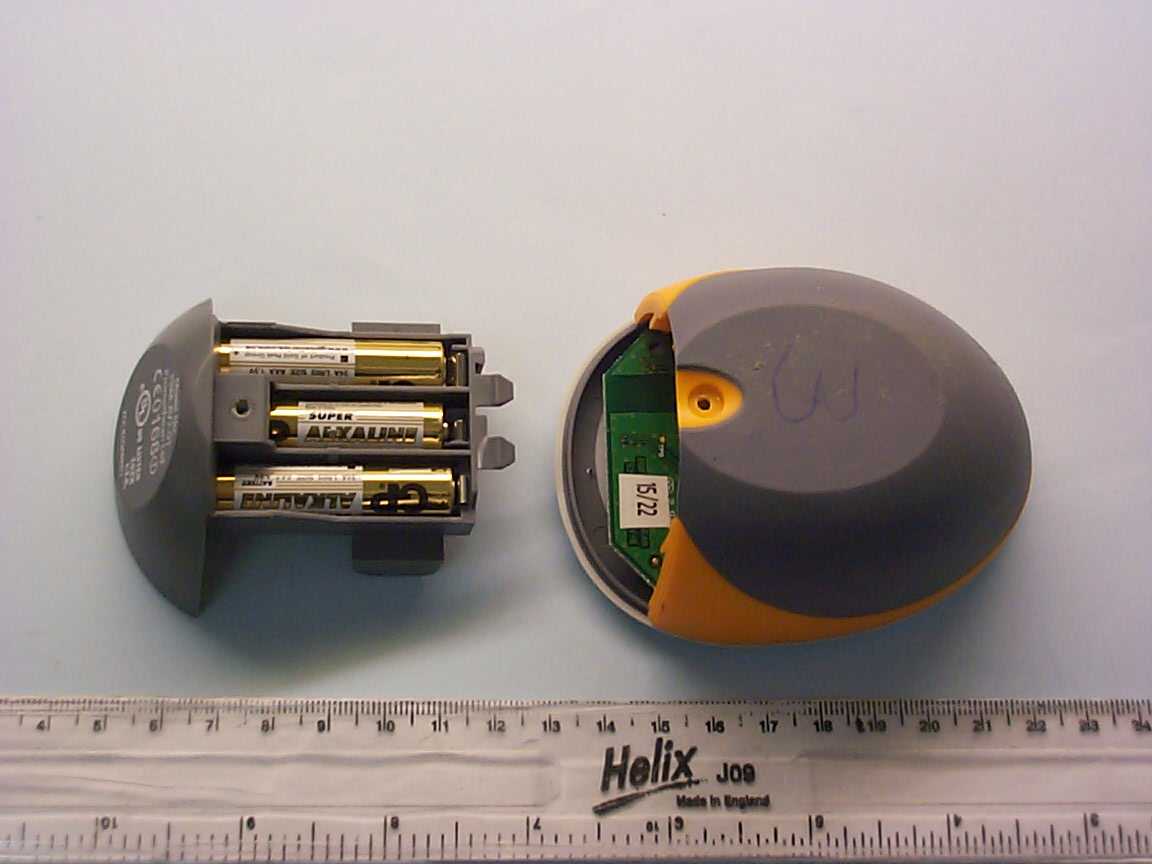
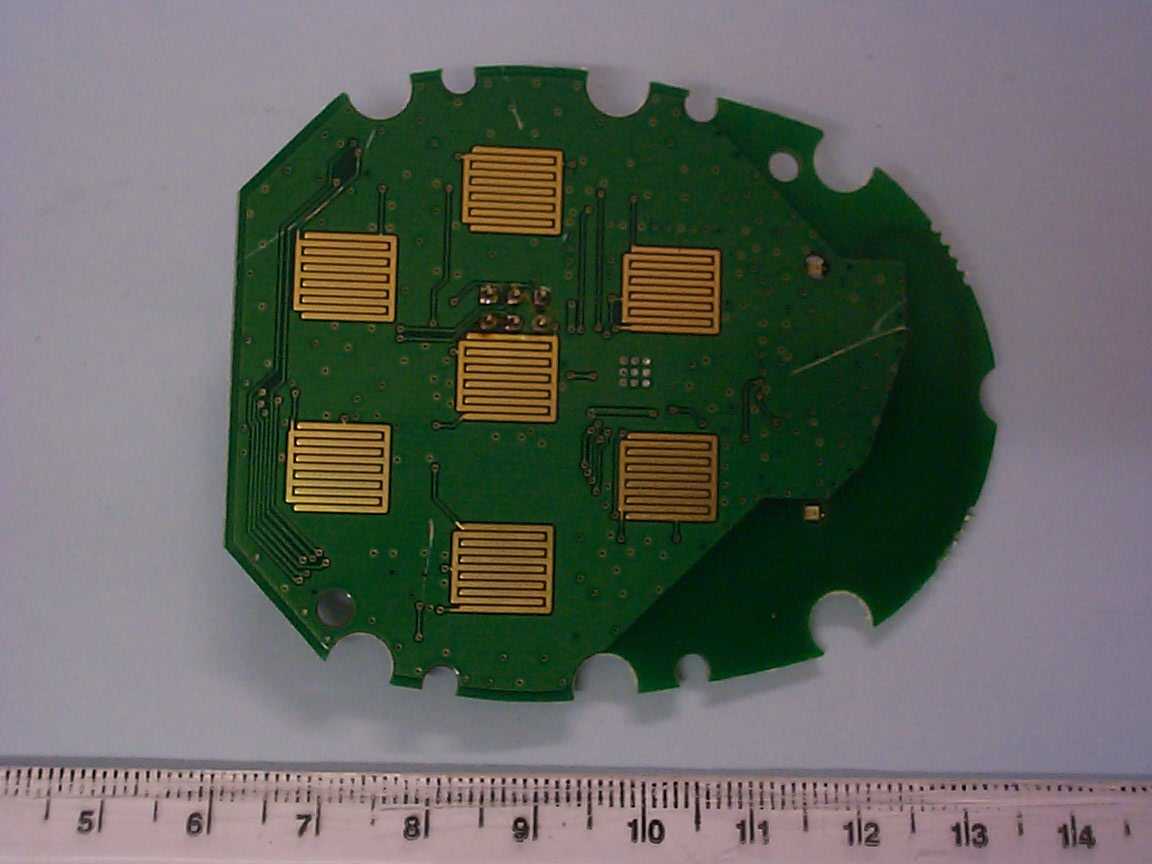
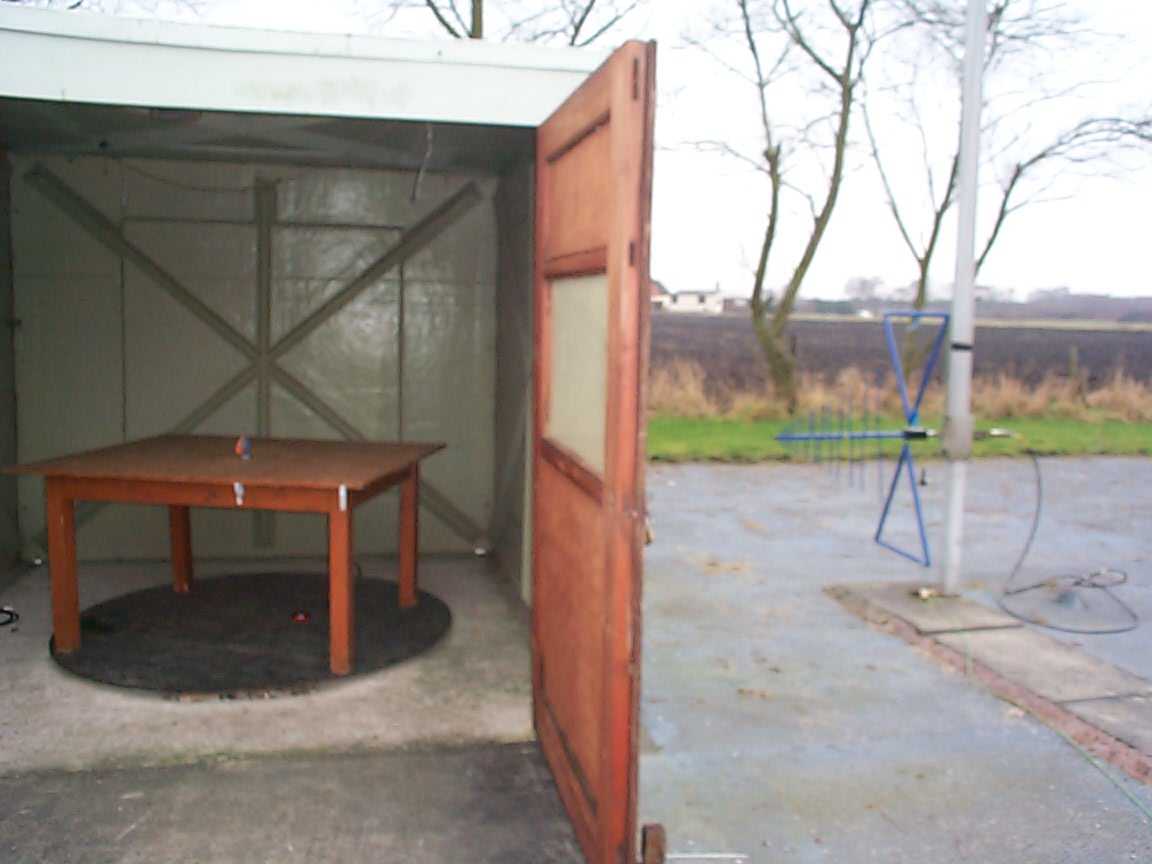
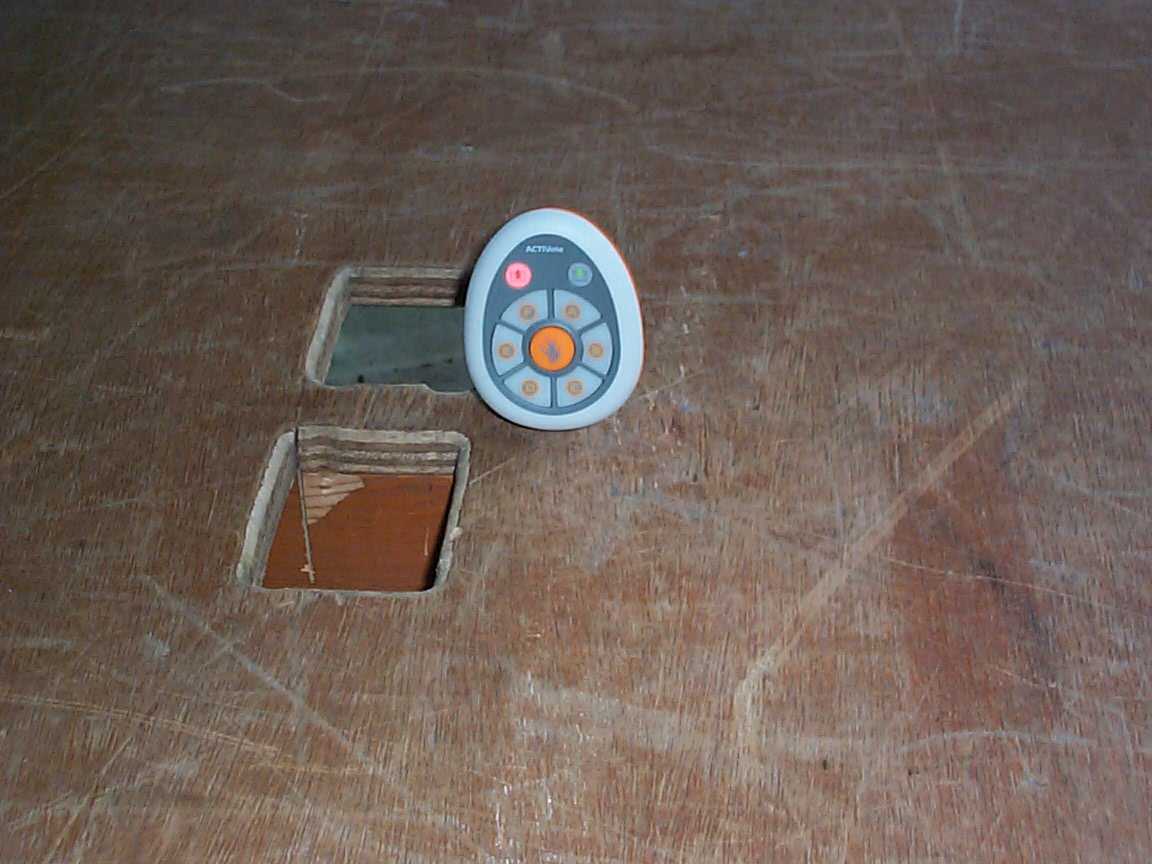
TRL COMPLIANCE LTD EMC DIVISION M OSS VIEW NIPE LANE UP HOLLAND WEST LANCASHIRE WN8 9PY UNITED KINGDOM T ELEPHONE +44 (0)1695 556666 FAX +44 (0)1695 557077 E-MAIL [email protected] www.trlcompliance.com 0728 TEST REPORT NO: RU1125/6839 COPY NO: 2 ISSUE NO: 1 FCC ID: QAM006 REPORT ON THE CERTIFICATION TESTING OF A PROMETHEAN Ltd ACTIVote WITH RESPECT TO FCC RULES CFR 47, PART 15.249 September 2005 INTENTIONAL RADIATOR SPECIFICATION TEST DATE: 30 th January – 3 rd February 2006 TESTED BY: D WINSTANLEY APPROVED BY: P GREEN EMC PRODUCT MANAGER DATE: 14 th February 2006 Distribution: Copy Nos: 1. Promethean Ltd 2. FCC EVALUATION LABORATORIES 3. TRL EMC THIS DOCUMENT MAY BE REPRODUCED ONLY IN ITS ENTIRETY AND WITHOUT CHANGE RF335U iss03 RU1125/6839 Page 2 of 31 CONTENTS PAGE CERTIFICATE OF CONFORMITY & COMPLIANCE 3 APPLICANT’S SUMMARY 4 EQUIPMENT TEST CONDITIONS 5 TESTS REQUIRED 5 TEST RESULTS 6-13 ANNEX PHOTOGRAPHS A PHOTOGRAPH No. 1: Test setup PHOTOGRAPH No. 2: Transmitter front view PHOTOGRAPH No. 3: Transmitter rear view PHOTOGRAPH No. 4: Transmitter rear view battery compartment removed PHOTOGRAPH No. 5: Transmitter PCB track side PHOTOGRAPH No. 6: Transmitter PCB component side APPLICANT’S SUBMISSION OF DOCUMENTATION LIST B BAND OCCUPANCY PLOT C SCAN PLOT(s) D EQUIPMENT CALIBRATION E MEASUREMENT UNCERTAINTY F Notes: 1. Component failure during test YES NO [ ] [X] 2. If Yes, details of failure: 3. The facilities used for the testing of the product contain in this report are FCC Listed. 4. The contents of the attached applicants declarations and other supplied information are not covered by the scope of this laboratory’s UKAS or FCC accreditations’ and is provided in good faith. RF335U iss03 RU1125/6839 Page 3 of 31 CERTIFICATE OF CONFORMITY & COMPLIANCE FCC IDENTITY: QAM006 PURPOSE OF TEST: Certification TEST SPECIFICATION: FCC RULES CFR 47, PART 15.249 September 2005 TEST RESULT: Compliant to Specification EQUIPMENT UNDER TEST: ACTIVote EQUIPMENT SERIAL No: Engineering Sample ITU: EMISSION CODE: 111kF1D EQUIPMENT TYPE: Response Monitor PRODUCT USE: Voting System CARRIER EMISSION: 9.55 mV/m @ 3m ANTENNA TYPE: Integral ALTERNATIVE ANTENNA: Not applicable FREQUENCIES OF OPERATION: 915.229 MHz, 915.716 MHz, 916.090 MHz CHANNEL SPACING: Not applicable, No channel plan. NUMBER OF CHANNELS: 3 FREQUENCY GENERATION: SAW Resonator [ ] Crystal [ ] Synthesiser [X] MODULATION METHOD: Amplitude [ ] Digital [X] Angle [ ] POWER SOURCE(s): +4.5Vdc TEST DATE(s): 30 th January – 3 rd February 2006 ORDER No(s): PE1854 APPLICANT: Promethean Ltd ADDRESS: TDS House Lower Philips Road Whitebirk Ind Estate Blackburn BB1 5TH TESTED BY: D WINSTANLEY APPROVED BY: P GREEN EMC PRODUCT MANAGER RF335U iss03 RU1125/6839 Page 4 of 31 APPLICANT’S SUMMARY EQUIPMENT UNDER TEST (EUT): ACTIVote EQUIPMENT TYPE: Response Monitor SERIAL NUMBER OF EUT: Engineering Sample PURPOSE OF TEST: Certification TEST SPECIFICATION(s): FCC RULES CFR 47, PART 15.249 September 2005 TEST RESULT: COMPLIANT Yes No [X] [ ] APPLICANT’S CATEGORY: MANUFACTURER IMPORTER DISTRIBUTOR TEST HOUSE AGENT [X] [ ] [ ] [ ] [ ] APPLICANT’S ORDER No(s): PE1854 APPLICANT’S CONTACT PERSON(s): Mr B Lofthouse E-mail address: [email protected] APPLICANT: Promethean Ltd ADDRESS: TDS House Lower Philips Road Whitebirk Ind Estate Blackburn BB1 5TH TEL: +44 (0) 1254 299 110 FAX: +44 (0) 8702 412 176 EUT(s) COUNTRY OF ORIGIN: United Kingdom TEST LABORATORY: TRL EMC UKAS ACCREDITATION No: 0728 TEST DATE(s) 30 th January – 3 rd February 2006 TEST REPORT No: RU1125/6839 RF335U iss03 RU1125/6839 Page 5 of 31 EQUIPMENT TEST / EXAMINATIONS REQUIRED 1. TEST/EXAMINATION RULE PART DETECTOR APPLICABILITY Intentional Emission Frequency: 15.249(a) Quasi Peak YES Intentional Emission Field Strength: 15.249(a) Quasi Peak YES Intentional Emission Band Occupancy: 15.215 Peak YES Intentional Emission ERP (mW): N/A - NO Spurious Emissions – Conducted: 15.207 - NO Spurious Emissions – Radiated <1000MHz: 15.209 Quasi Peak YES Spurious Emissions – Radiated >1000MHz: 15.209 15.249(a) Average YES Maximum Frequency of Search: 15.33 - YES Antenna Arrangements Integral: 15.203 - YES Antenna Arrangements External Connector: 15.204 - YES Restricted Bands 15.205 - YES Extrapolation Factor 15.31(f) - YES 2. Product Use: Voting System 3. Emission Designator: 111kF1D 4. Duty Cycle: <100% 5. Transmitter bit or pulse rate and level: bps 6. Temperatures: Ambient (Tnom) 4.3 o C 7. Supply Voltages: Vnom +4.5Vdc Note: Vnom voltages are as stated above unless otherwise shown on the test report page Single channel [ ] Two channel [ ] 8. Equipment Category: Multi-channel [X] Narrowband [ ] Wideband [X] 9. Channel spacing: RF335U iss03 RU1125/6839 Page 6 of 31 TRANSMITTER TESTS TRANSMITTER SPURIOUS EMISSIONS – RADIATED – PART 15.209 Ambient temperature = 16 o C(<1GHz) 3m measurements <1GHz [X] Relative humidity = 51% (<1GHz) 0.3m measurements >1GHz [X] Conditions = Open Area Test Site (OATS) 3m extrapolated from 0.3m [X] Supply voltage = +4.5Vdc Channel number = 1 & 3 Emissions Channel 1 FREQ. (MHz) MEAS. Rx. (dBμV) CABLE LOSS (dB) ANT FACTOR (dB/m) FIELD STRENGTH (dBμV/m) EXTRAP. FACTOR (dB) FIELD STRENGTH (μV/m) LIMIT (μV/m) 1.705MHz - 30MHz Note 9 30MHz - 88MHz Note 9 88MHz - 216MHz Note 9 216MHz - 960MHz Note 9 960MHz - 1GHz Note 9 1GHz - 5GHz 2747.005(r) 34.92 1.85 29.50 66.27 20 205.83 500 1.705MHz to 30MHz 30μV/m @ 30m 30MHz to 88MHz 100μV/m @ 3m 88MHz to 216MHz 150μV/m @ 3m 216MHz to 960MHz 200μV/m @ 3m 960MHz to 1GHz 500μV/m @ 3m Limits 1GHz to 5GHz 500μV/m @ 3m Emissions Channel 3 FREQ. (MHz) MEAS. Rx. (dBμV) CABLE LOSS (dB) ANT FACTOR (dB/m) FIELD STRENGTH (dBμV/m) EXTRAP. FACTOR (dB) FIELD STRENGTH (μV/m) LIMIT (μV/m) 1.705MHz - 30MHz Note 9 30MHz - 88MHz Note 9 88MHz - 216MHz Note 9 216MHz - 960MHz Note 9 960MHz - 1GHz Note 9 1GHz - 5GHz 2748.373(r) 35.59 1.85 29.50 66.94 20 222.31 500 1.705MHz to 30MHz 30μV/m @ 30m 30MHz to 88MHz 100μV/m @ 3m 88MHz to 216MHz 150μV/m @ 3m 216MHz t…
Text truncated - open the document above for the full version.
Contact Information
Applicant
John Harrison(Head of Product Compliance and Certification.)
Technical Contact
Promethean Technologies Group LtdBryan Lofthouse
[email protected]+44 1254 290818
TDS House, · Blackburn, Lancs · United Kingdom
Test Firm
TRL Compliance LtdJohn Charters
Technical Specifications
| # | Rule Parts | Frequency Range | Power Output | Emission | Tolerance |
|---|---|---|---|---|---|
| 1 | 15C | 915.299 MHz - 916.09 MHz | 750.00 µW | 111KF1D | 20.0000000000 ppm |
Other Applications from Promethean Ltd

QAM027
Dec 05, 2024ActivPen 2
Equipment Class
DTS - Digital Transmission System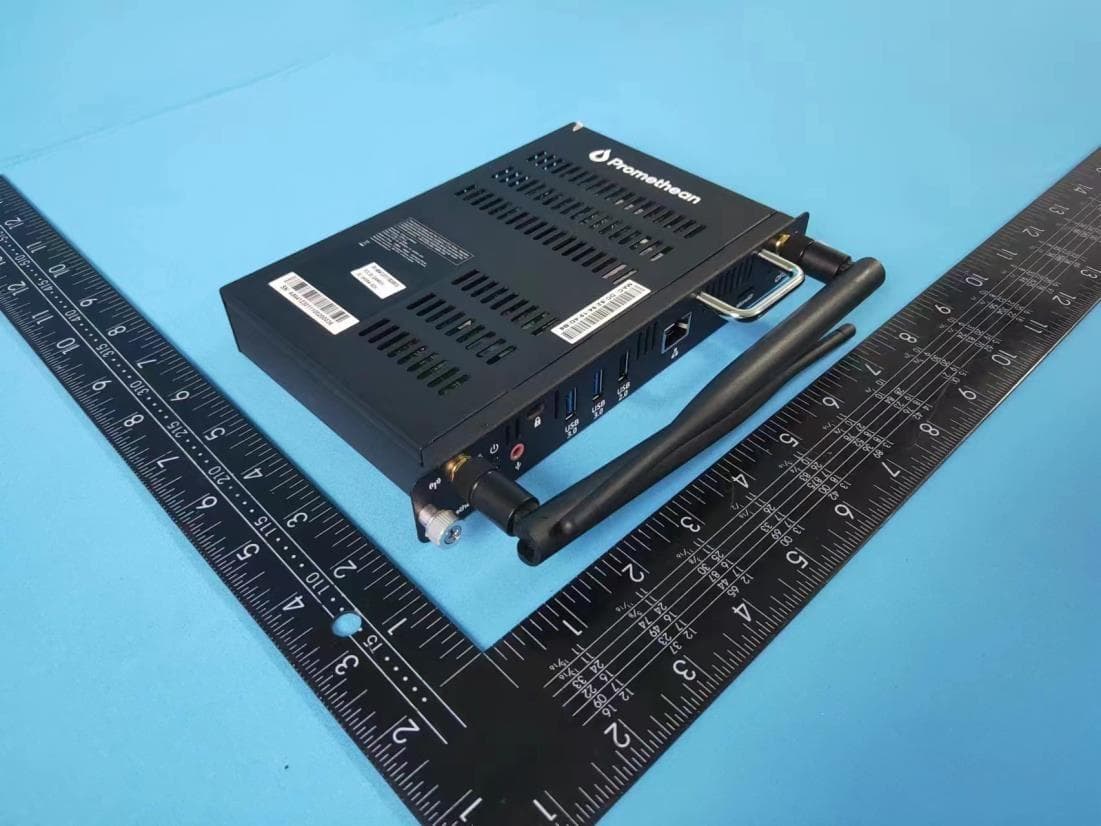
QAM024
May 03, 2023OPS-A
Equipment Class
DSS - Part 15 Spread Spectrum Transmitter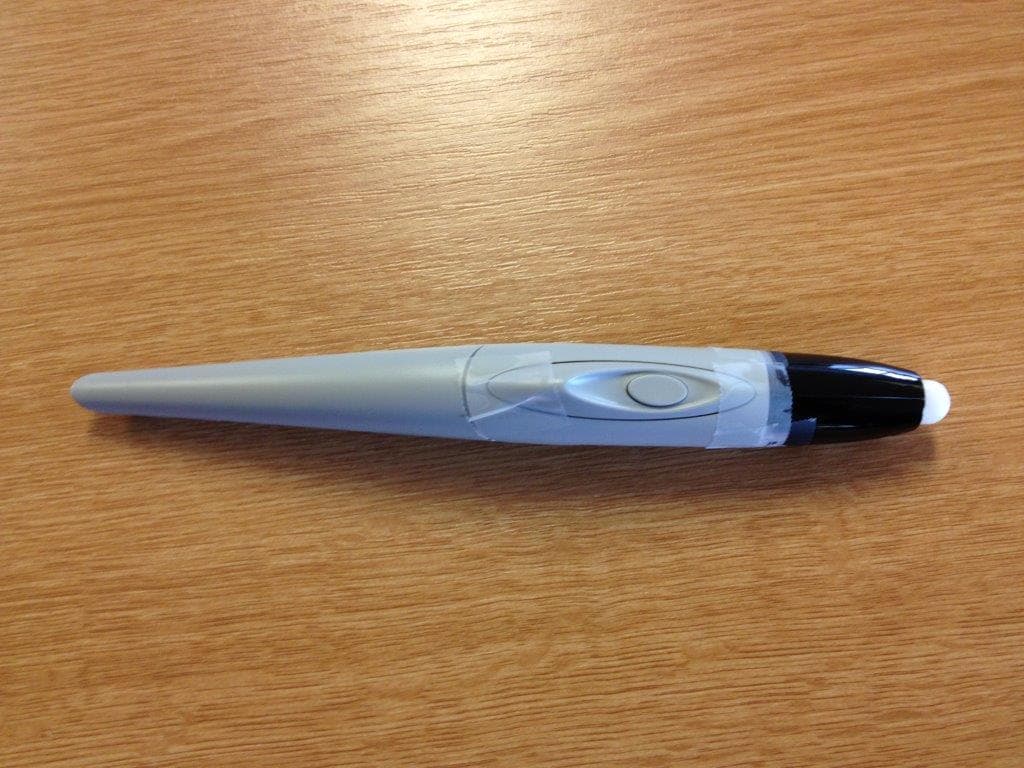
QAM017
Apr 21, 2015ActivBoard Pen
Equipment Class
DXX - Part 15 Low Power Communication Device Transmitter
QAM014
Jul 31, 2011ActivExpression2 Student Response Unit
Equipment Class
DSS - Part 15 Spread Spectrum Transmitter
QAM016
Jan 24, 2011500 Pro Series Interactive Whiteboard
Equipment Class
DSS - Part 15 Spread Spectrum Transmitter