QJEWMC6300704PCMCIA Card
Zebra Technologies Corporation
Click to zoom
Application Details
- Equipment Class
- DTS - Digital Transmission System
- Date of Grant
- Nov 18, 2004
- Application Purpose
- Original Equipment
- Date of Application
- Nov 18, 2004
- Equipment Note
- PCMCIA Card
- Frequency Range
- 2410.00000000 - 2470.00000000
- Country
- United States
Documents & Files
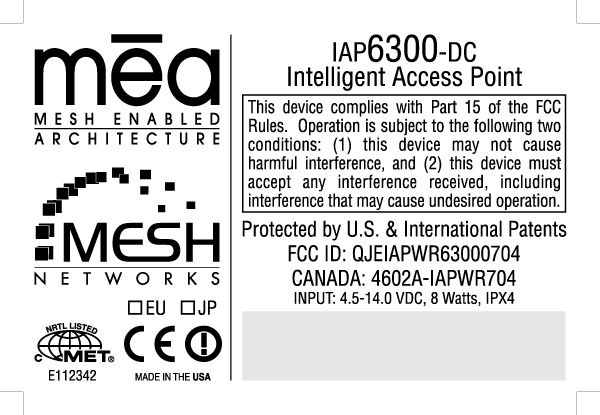
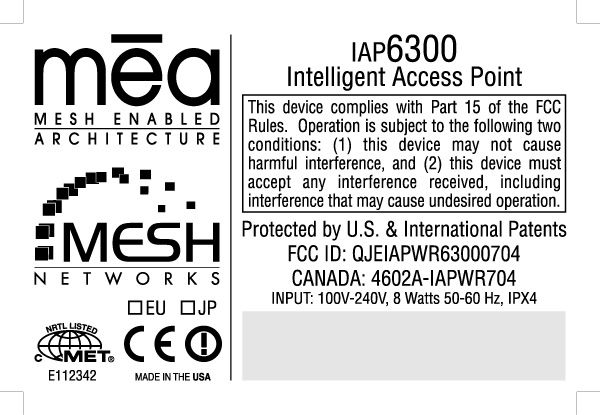
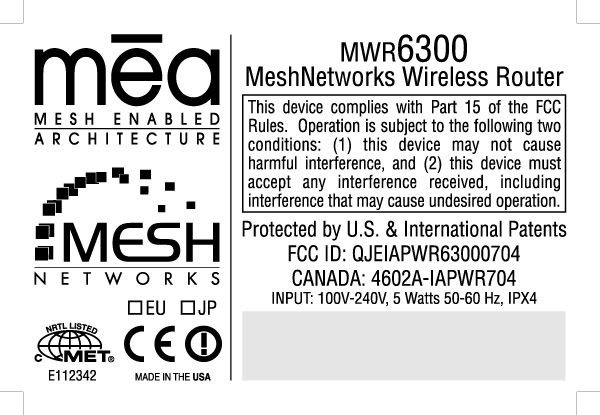
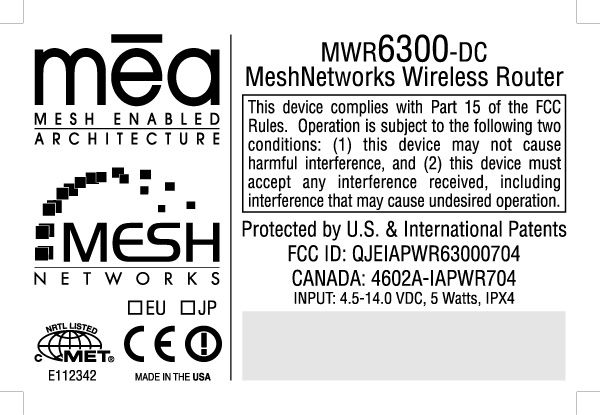
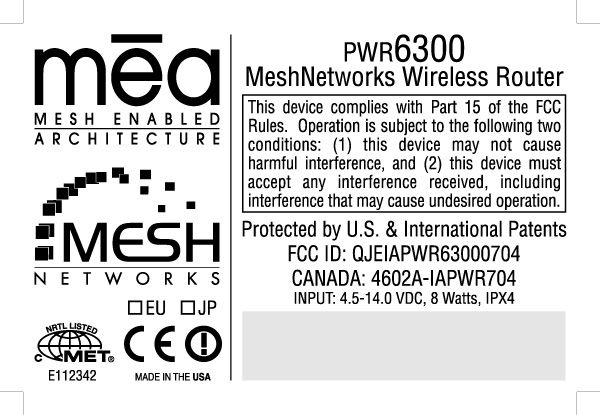
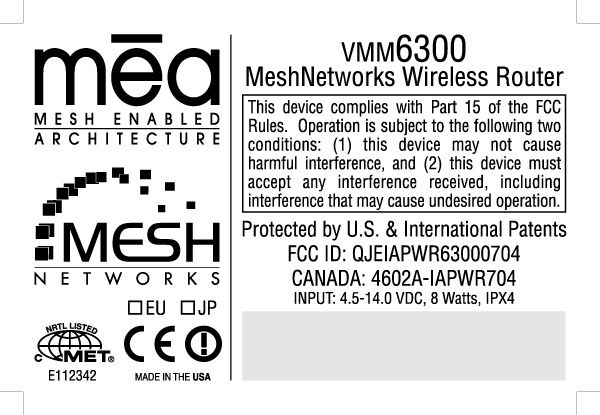
Document Text
Text extracted from the exhibit documents filed with the FCC. Open a document above to read the original.
Users Manual
Enhanced Wireless Router User’s Guide Version 3.0 Copyright 2003-2004, MeshNetworks, Inc. All Rights Reserved MEA EWR User’s Guide Foreword This document describes in detail the confidential and proprietary technology of MeshNetworks’ MEA™ Architecture. MeshNetworks’ products and technology are protected by US and international patent and patent pending technology. This document represents the current MEA design; the contents are subject to change at any time at the discretion of MeshNetworks, Inc. MEA, MeshTray, and MeshNetworks’ logo are trademarks or registered trademarks of MeshNetworks, Inc. All other product names and services identified throughout this publication are trademarks or registered trademarks of their respective companies. No such uses or the use of any trade name is intended to convey endorsement or other affiliation with this publication. Copyright © 2003-2004 MeshNetworks, Inc. All Rights Reserved i MEA EWR User’s Guide Table of Contents 1 ENHANCED WIRELESS ROUTER.......................................................................................1 1.1 Introduction.................................................................................................................1 1.2 What’s in the Box.......................................................................................................1 2 INSTALLATION REQUIREMENTS.......................................................................................1 2.1 Enhanced Wireless Router (EWR)............................................................................2 2.1.1 Equipment.........................................................................................................2 2.1.2 Record MAC Address of the EWR6300............................................................3 2.1.3 EWR6300 Assembly..........................................................................................4 2.1.4 Deployment.......................................................................................................4 2.1.5 Deployment Tips................................................................................................5 2.1.6 Initial Configuration............................................................................................5 2.1.7 Testing...............................................................................................................5 3 INSTALLING THE MEA ENHANCED WIRELESS ROUTER...............................................7 3.1 Device Administration: Configuring the EWR Devices...........................................7 3.1.1 Accessing the MEA Device Administration Web Pages....................................7 3.1.2 Configuring the Device....................................................................................11 3.1.2.1 Device Addressing.......................................................................................12 3.1.2.2 Network DHCP Scheme..............................................................................12 3.1.2.3 Statically Provisioned Scheme....................................................................13 3.1.2.4 User Supplied Scheme................................................................................13 3.1.2.5 Setting the User Supplied IP Address.........................................................14 3.1.3 Resetting the EWR..........................................................................................16 3.1.4 Restoring Factory Settings – User Supplied Mode Limitations.......................18 3.1.4.1 EWR Reset-to-Default Recovery In User-Supplied Mode...........................18 3.1.4.2 Reset the Device Addressing Mode Using DeviceManager........................18 3.1.4.3 Reset the Device Addressing Mode via the Configuration Web Page......... 18 iii MeshNetworks 3.1.4.4 Reset the User-Supplied Parameters via the Configuration Web Page......18 3.1.5 Restoring Factory Defaults – Normal Operations............................................19 3.1.6 Changing the Web Password..........................................................................21 3.1.7 Upgrading the Device Firmware......................................................................23 3.2 External Device Provisioning..................................................................................25 3.2.1 Connecting to the Ethernet Port......................................................................26 3.3 Infrastructure Requirements...................................................................................26 3.4 EWR6300 Mounting Bracket....................................................................................27 3.4.1 EWR MAC Addresses.....................................................................................29 4 LICENSE AND WARRANTY INFORMATION....................................................................30 4.1 Important Information..............................................................................................30 5 FCC REGULATORY INFORMATION.................................................................................32 5.1 FCC Information.......................................................................................................32 5.2 FCC RF Radiation Exposure Statement.................................................................32 6 SAFETY INFORMATION FOR THE MEA PRODUCTS.....................................................33 7 SAFETY CERTIFICATION..................................................................................................33 7.1 CE Mark Certification...............................................................................................33 iv MEA EWR User’s Guide List of Figures Figure 2-1. EWR6300 Identification Label............................................................................3 Figure 2-2. EWR6300 External Connection Points..............................................................4 Figure 2-3 Typical EW…
Text truncated - open the document above for the full version.
Users Manual
Portable Wireless Router User’s Guide Version 3.0 Copyright 2003-2004, MeshNetworks, Inc. All Rights Reserved MEA PWR User’s Guide Foreword This document describes in detail the confidential and proprietary technology of MeshNetworks’ MEA™ Architecture. MeshNetworks’ products and technology are protected by US and international patent and patent pending technology. This document represents the current MEA design; the contents are subject to change at any time at the discretion of MeshNetworks, Inc. MEA, MeshTray, and MeshNetworks’ logo are trademarks or registered trademarks of MeshNetworks, Inc. All other product names and services identified throughout this publication are trademarks or registered trademarks of their respective companies. No such uses or the use of any trade name is intended to convey endorsement or other affiliation with this publication. Copyright © 2003-2004 MeshNetworks, Inc. All Rights Reserved i MEA PWR User’s Guide Table of Contents 1 PORTABLE WIRELESS ROUTER.......................................................................................1 1.1 Introduction.................................................................................................................1 1.2 What’s in the Box.......................................................................................................1 2 INSTALLATION REQUIREMENTS.......................................................................................1 2.1 Portable Wireless Router (PWR)...............................................................................1 2.1.1 Equipment.........................................................................................................2 2.2 Record MAC Address of the PWR6300....................................................................3 2.3 PWR6300 Assembly...................................................................................................3 2.3.1 Deployment.......................................................................................................4 2.3.2 Deployment Tips................................................................................................4 2.3.3 Testing...............................................................................................................5 3 INSTALLING THE MEA PORTABLE WIRELESS ROUTER...............................................6 3.1 Device Administration: Configuring the PWR Devices...........................................6 3.1.1 Accessing the MEA Device Administration Web Pages....................................6 3.1.2 Configuring the Device....................................................................................10 3.1.2.1 Device Addressing.......................................................................................11 3.1.2.2 Network DHCP Scheme..............................................................................11 3.1.2.3 Statically Provisioned Scheme....................................................................12 3.1.2.4 User Supplied Scheme................................................................................12 3.1.2.5 Setting the User Supplied IP Address.........................................................13 3.1.3 Resetting the PWR..........................................................................................15 3.1.4 Restoring Factory Settings – User Supplied Mode Limitations.......................17 3.1.4.1 VMM Reset-to-Default Recovery In User-Supplied Mode...........................17 3.1.4.2 Reset the Device Addressing Mode Using DeviceManager........................17 3.1.4.3 Reset the Device Addressing Mode via the Configuration Web Page......... 17 3.1.4.4 Reset the User-Supplied Parameters via the Configuration Web Page......17 iii MeshNetworks 3.1.5 Restoring Factory Defaults Normal Operations...............................................18 3.1.6 Changing the Web Password..........................................................................20 3.1.7 Upgrading the Device Firmware......................................................................22 3.2 External Device Provisioning..................................................................................24 3.2.1 Connecting to the Ethernet Port......................................................................25 3.3 Infrastructure Requirements...................................................................................25 3.3.1 PWR MAC Addresses.....................................................................................25 4 LICENSE AND WARRANTY INFORMATION....................................................................27 4.1 Important Information..............................................................................................27 5 FCC REGULATORY INFORMATION.................................................................................29 5.1 FCC Information.......................................................................................................29 iv MEA PWR User’s Guide List of Figures Figure 2-1 PWR6300 Identification Label............................................................................3 Figure 2-2. PWR External Connection Point.......................................................................3 Figure 3-1. Enter Network Password Initial Web Page Authentication Dialog.................7 Figure 3-2. MEA Device Administration Redirecting Web Page.........................................8 Figure 3-3. MEA Device Administration Home Page (Super User Login)..........................9 Figure 3-4. EWR (PWR) Device Administration Configuration Page (Super User Login) 10 Figure 3-5. Configuration Change Verification..................................................................13 Figure 3-6. System Update Save Completed Web Page...................................................14 Figure 3-7. Device Reset Prompt Web Page..........................................................…
Text truncated - open the document above for the full version.
Users Manual
Vehicle Mounted Modem User’s Guide Version 3.0 Copyright 2003-2004, MeshNetworks, Inc. All Rights Reserved MEA VMM User’s Guide Foreword This document describes in detail the confidential and proprietary technology of MeshNetworks’ MEA™ Architecture. MeshNetworks’ products and technology are protected by US and international patent and patent pending technology. This document represents the current MEA design; the contents are subject to change at any time at the discretion of MeshNetworks, Inc. MEA, MeshTray, and MeshNetworks’ logo are trademarks or registered trademarks of MeshNetworks, Inc. All other product names and services identified throughout this publication are trademarks or registered trademarks of their respective companies. No such uses or the use of any trade name is intended to convey endorsement or other affiliation with this publication. Copyright © 2003-2004, MeshNetworks, Inc. All Rights Reserved. iii MEA VMM User’s Guide Table of Contents 1 VEHICLE MOUNTED MODEM.............................................................................................1 1.1 Introduction.................................................................................................................1 1.2 What’s in the Box.......................................................................................................1 2 INSTALLATION REQUIREMENTS.......................................................................................2 2.1 Equipment...................................................................................................................2 2.2 Record MAC Address of the VMM6300....................................................................3 2.3 VMM6300 Assembly...................................................................................................3 2.3.1 Deployment.......................................................................................................4 2.3.2 Deployment Tips................................................................................................4 2.3.3 Testing...............................................................................................................4 3 INSTALLING THE MEA VEHICLE MOUNTED MODEM......................................................6 3.1 Device Administration: Configuring the VMM Devices...........................................6 3.1.1 Accessing the MEA Device Administration Web Pages....................................6 3.1.2 Configuring the Device....................................................................................10 3.1.2.1 Device Addressing.......................................................................................11 3.1.2.2 Network DHCP Scheme..............................................................................11 3.1.2.3 Statically Provisioned Scheme....................................................................12 3.1.2.4 User Supplied Scheme................................................................................12 3.1.2.5 Setting the User Supplied IP Address.........................................................13 3.1.3 Resetting the VMM..........................................................................................15 3.1.4 Restoring Factory Settings – User Supplied Mode Limitations.......................17 3.1.4.1 VMM Reset-to-Default Recovery In User-Supplied Mode...........................17 3.1.4.2 Reset the Device Addressing Mode Using DeviceManager........................17 3.1.4.3 Reset the Device Addressing Mode via the Configuration Web Page......... 17 3.1.4.4 Reset the User-Supplied Parameters via the Configuration Web Page......17 3.1.5 Restoring Factory Settings – Normal Operations............................................18 v MeshNetworks 3.1.6 Changing the Web Password..........................................................................20 3.1.7 Upgrading the Device Firmware......................................................................22 3.2 External Device Provisioning..................................................................................24 3.2.1 Connecting to the Ethernet Port......................................................................25 3.3 Infrastructure Requirements...................................................................................25 3.3.1 VMM MAC Addresses.....................................................................................26 4 LICENSE AND WARRANTY INFORMATION....................................................................27 4.1 Important Information..............................................................................................27 5 FCC REGULATORY INFORMATION.................................................................................29 5.1 FCC Information.......................................................................................................29 vi MEA VMM User’s Guide List of Figures Figure 2-1 VMM6300 Identification Label............................................................................3 Figure 2-2. VMM External Connection Point.......................................................................3 Figure 3-1 Enter Network Password Initial Web Page Authentication Dialog.................7 Figure 3-2. MEA Device Administration Redirecting Web Page.........................................8 Figure 3-3. MEA Device Administration Home Page (Super User Login)..........................9 Figure 3-4. VMM Device Administration Configuration Page (Super User Login)..........10 Figure 3-5. Configuration Change Dialog...........................................................................13 Figure 3-6. System Update Save Completed Web Page...................................................14 Figure 3-7. Device Reset Prompt Web Page......................................................................15 Figure 3-8. Device Reset in Progress Page.........................................…
Text truncated - open the document above for the full version.
Users Manual
Setup and Installation Guide Version 3.0 Copyright 2003-2004, MeshNetworks, Inc. All Rights Reserved MEA Setup and Installation Foreword This document describes in detail the confidential and proprietary technology of MeshNetworks’ MEA™ Architecture. MeshNetworks products and technology are protected by US and international patent and patent pending technology. This document represents the current MEA design; the contents are subject to change at any time at the discretion of MeshNetworks, Inc. MEA, MeshManager, MeshTray, MeshView, and MeshNetworks’ logo are trademarks or registered trademarks of MeshNetworks, Inc. Microsoft, Windows, Windows 2000, and Windows PocketPC are registered trademarks of Microsoft Corporation. Sun and Sun Blade are registered trademarks of Sun Microsystems, Inc. All other product names and services identified throughout this publication are trademarks or registered trademarks of their respective companies. No such uses or the use of any trade name is intended to convey endorsement or other affiliation with this publication. Copyright © 2003-2004, MeshNetworks, Inc. All Rights Reserved. i MEA Setup and Installation Table of Contents SECTION 1 - OVERVIEW............................................................................................................1 Introduction..........................................................................................................................1 Documentation Overview....................................................................................................1 Acronyms.............................................................................................................................2 Related Documentation.....................................................................................................2 SECTION 2 - DESCRIPTION OF THE MEA SYSTEM................................................................3 Introduction..........................................................................................................................3 Subscriber Devices (SDs)...................................................................................................4 Wireless Routers (WRs)......................................................................................................4 Intelligent Access Points (IAPs).........................................................................................5 VMM6300 - Vehicle Mounted Modem .................................................................................5 EWR6300 - Enhanced Wireless Router..............................................................................6 PWR6300 Portable Wireless Router...................................................................................6 Mobile Internet Switching Controller (MiSC).....................................................................7 Operational View of the MEA System ................................................................................8 Network Architecture...........................................................................................................9 Unified Modes of Operation................................................................................................9 Network DHCP Scheme..................................................................................................10 Statically Provisioned Scheme........................................................................................10 User Supplied Scheme...................................................................................................10 Quality of Service (QoS) and User Priority Features......................................................13 Quality of Service............................................................................................................14 User Priority.................................................................................................................... 14 SECTION 3 - SETUP AND INSTALLATION................................................................................1 iii MeshNetworks Subscriber Device (SD).......................................................................................................1 Equipment......................................................................................................................... 1 Record MAC Address of the WMC6300...........................................................................1 Loading and Verifying WMC6300 Software......................................................................1 Testing..............................................................................................................................4 Intelligent Access Point (IAP).............................................................................................4 Equipment......................................................................................................................... 4 Record MAC Address of the IAP.......................................................................................6 IAP Assembly ....................................................................................................................6 Deployment....................................................................................................................... 8 Initial IAP Configuration.....................................................................................................9 Testing..............................................................................................................................9 Wireless Router (WR)........................................................................................................10 Equipment.......................................................................................................................10 Record MAC Address of the MWR6300....................................................…
Text truncated - open the document above for the full version.
Users Manual
Copyright 2003-2004, MeshNetworks, Inc. All Rights Reserved i WMC6300 Wireless Modem Card Windows 2000 and XP User’s Guide Version 3.0.78 MEA WMC6300 Windows User’s Guide i Foreword This document describes in detail the confidential and proprietary technology of MeshNetworks’ MEA™ Architecture. MeshNetworks products and technology are protected by US and international patent and patent pending technology. This document represents the current MEA design; the contents are subject to change at any time at the discretion of MeshNetworks, Inc. MEA, MeshTray, and MeshNetworks’ logo are trademarks or registered trademarks of MeshNetworks, Inc. Microsoft, Windows, Windows XP, and PocketPC are registered trademarks of Microsoft Corporation. All other product names and services identified throughout this publication are trademarks or registered trademarks of their respective companies. No such uses or the use of any trade name is intended to convey endorsement or other affiliation with this publication. Copyright © 2003-2004, MeshNetworks, Inc. All Rights Reserved. MEA WMC6300 Windows User’s Guide i Table of Contents INTRODUCTION.............................................................................................................................1 General System Requirements.............................................................................................2 Windows XP Minimum Requirements.................................................................................2 Windows 2000 Minimum Requirements..............................................................................3 What’s in the Box...................................................................................................................3 FCC Approved Antennas for WMC6300..............................................................................3 WMC6300 External Connections and Lights.......................................................................4 Installing MEA Software with a Windows XP Operating System.....................................5 Installing MEA Software with a Windows 2000 Operating System................................11 INSTALLING THE WMC6300 WIRELESS MODEM CARD........................................................16 Connect the Antenna Assembly (Laptop Computer).......................................................16 Connect the Magnetic Antenna Assembly (Optional)......................................................19 Insert the WMC6300 Wireless Modem Card......................................................................20 Configuring the DNS Address............................................................................................26 Removing the WMC6300 Wireless Modem Card..............................................................28 Uninstalling Application Software......................................................................................29 OVERVIEW OF MESHTRAY........................................................................................................30 MeshTray™...........................................................................................................................30 Starting MeshTray................................................................................................................32 MeshTray Status Tab...........................................................................................................32 MeshTray Configuration Tab..............................................................................................33 Geo Position......................................................................................................................33 Enhanced Geo Mode.........................................................................................................33 Reporting Interval............................................................................................................33 Server IP Address............................................................................................................34 MeshNetworks ii User Priority Settings and Quality of Service Overview....................................................34 Classification of Data Packets...........................................................................................34 Differentiated Services Code Point....................................................................................34 User Priority....................................................................................................................34 Service Differentiation Mechanisms..................................................................................35 IAP Support for Quality of Service.....................................................................................35 Priority Levels for Local Nodes..........................................................................................36 Setting the Priority Level for the WMC6300.......................................................................37 Addressing Scheme for Unified Modes of Operation........................................................37 Network DHCP Scheme...................................................................................................38 Statically Provisioned Scheme..........................................................................................39 User Supplied Scheme.....................................................................................................39 Setting the User Supplied IP Address................................................................................39 MeshTray Geo-Position Tab (Optional).............................................................................43 MeshTray Routing Tab (Optional)......................................................................................45 Routing Icons..............................................................................…
Text truncated - open the document above for the full version.
Contact Information
Applicant
Qianlin Zhou(Regulatory Specialist)
Test Firm
MET LaboratoriesAlvin Ilarina
Technical Specifications
| # | Rule Parts | Frequency Range | Power Output |
|---|---|---|---|
| 1 | 15C | 2.41 GHz - 2.47 GHz | 281.80 mW |
Other Applications from Zebra Technologies Corporation
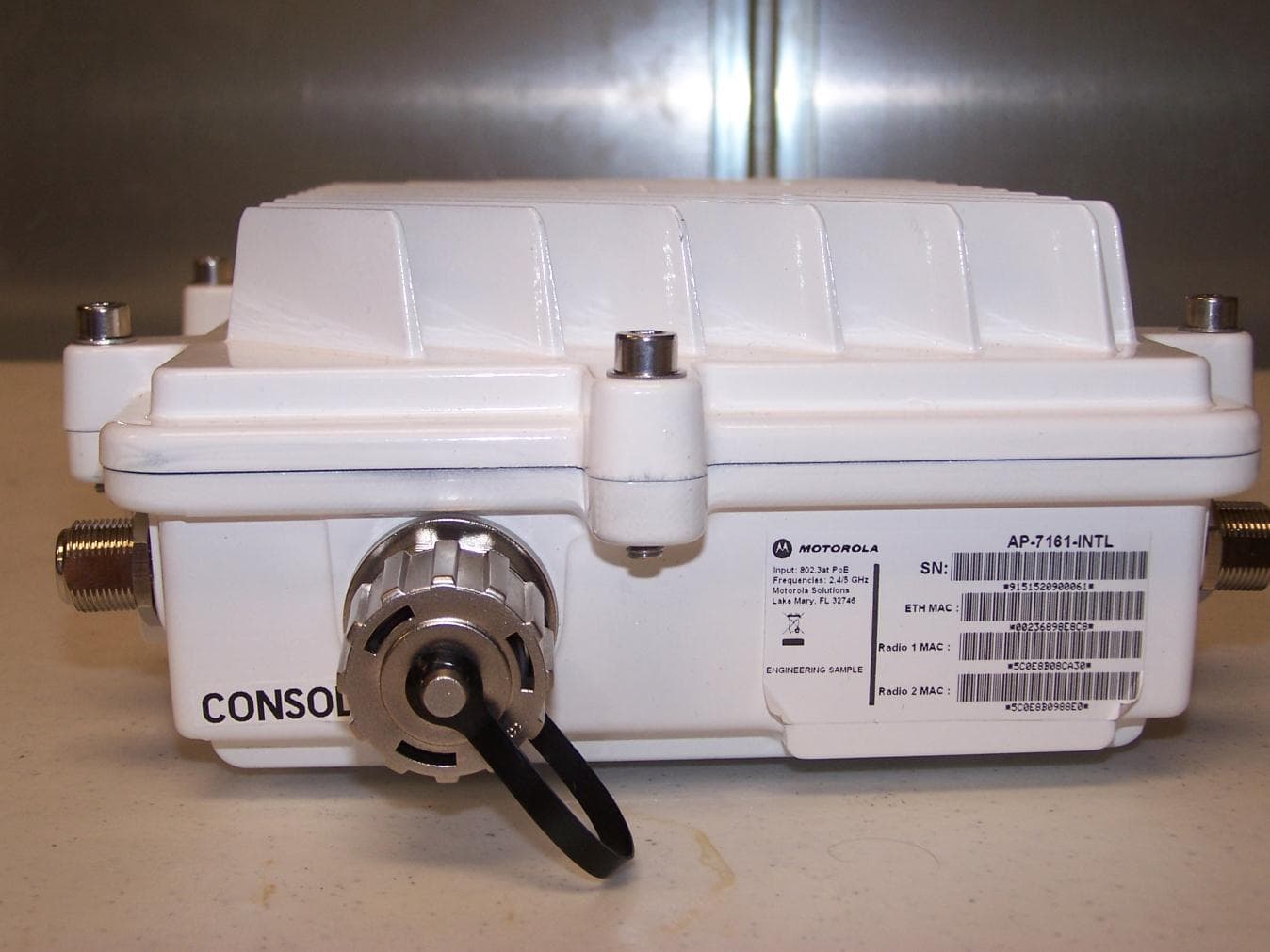
QJEAP716101
Aug 08, 2011Mesh AP-7161 Outdoor Wireless Access Point
Equipment Class
TNB - Licensed Non-Broadcast Station Transmitter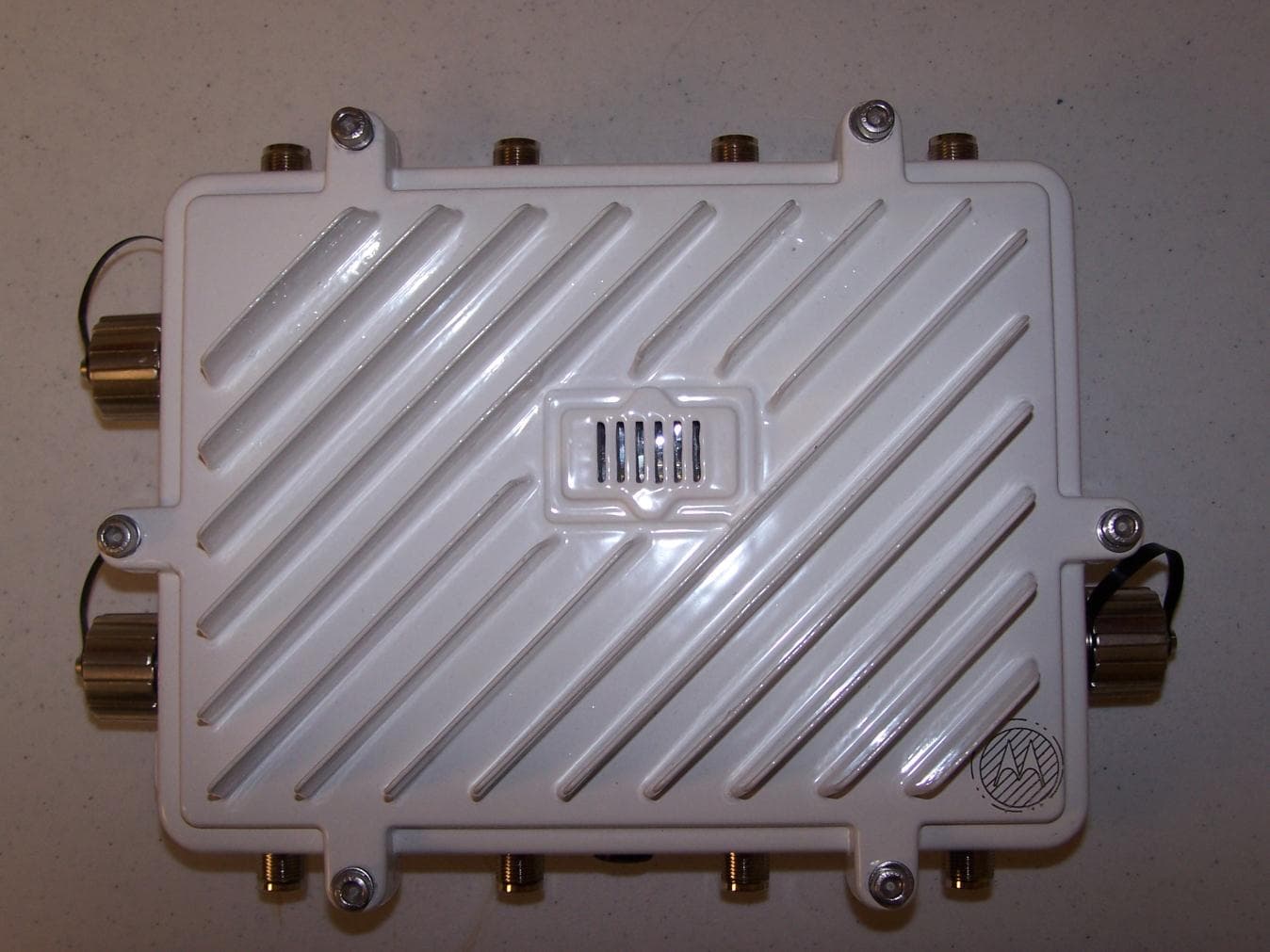
QJEAP716102
Aug 02, 2011Mesh AP-7161 Outdoor Wireless Access Point
Equipment Class
NII - Unlicensed National Information Infrastructure TX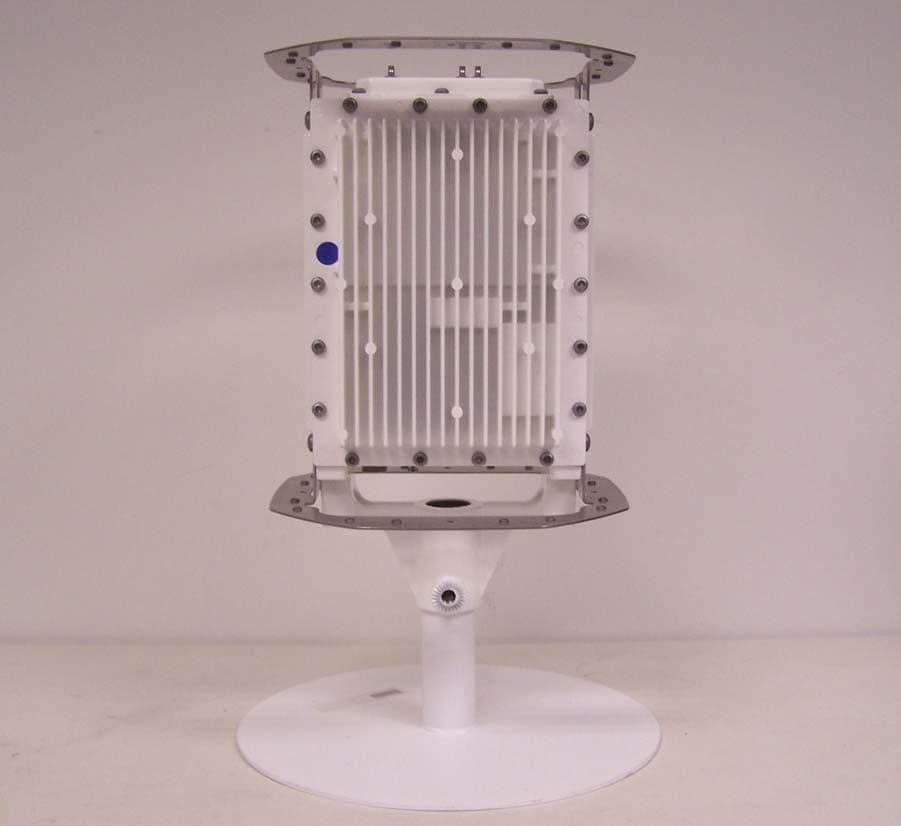
QJEMM718101
Mar 29, 2010Mesh AP-7181 Outdoor Wireless Access Point
Equipment Class
DTS - Digital Transmission System
QJE-MM4300-5800
Nov 13, 2007MM Duo 4300-5800 is an infrastructure device
Equipment Class
DTS - Digital Transmission System
QJE-MM-4300-49
May 29, 2007Dual 802.11a/b/g 2.4GHz 4.9GHz Meshing Radio
Equipment Class
TNB - Licensed Non-Broadcast Station Transmitter