QSWSPDSPEED TRANSMITTER
Zentan Technology Co., Ltd.
Click to zoom
Application Details
- Equipment Class
- DXX - Part 15 Low Power Communication Device Transmitter
- Date of Grant
- Jul 10, 2006
- Application Purpose
- Original Equipment
- Date of Application
- Jul 10, 2006
- Equipment Note
- SPEED TRANSMITTER
- Frequency Range
- 0.12700000 - 0.12700000
- Company
- Zentan Technology Co., Ltd.
- Country
- Taiwan
Documents & Files
Document Text
Text extracted from the exhibit documents filed with the FCC. Open a document above to read the original.
Users Manual
Contents / Contenu / ContenudoInstallation / Montage / MontajeInstallation of mounting bracketMontage du support / Montaje del soporte de bicicleta 12 Installation of mounting bracketInstallation of magnet / Montage de l'aimant / Montaje del imán 5 Installation of speed transmitterMontage de l'émett. Vit. / Montaje del emisor de velocidad 1 Installation of speed transmitter 5 Mode / ResetPairing / Connection / ApareadoPairing / Connection / Apareado 3461 21 KMH/MPH entryRéglage KMH/MPH / Introducción KMH/MPH UF E Wheel size entryCirconférence de roue / Dimensiones de la rueda UF E Measure wheel sizeMesurer la roue / Dimensiones de la rueda UF E Time entryRéglage heure / Introducir la hora UF E Total data entryRéglage des valeurs totales / Datos totales UF E Contrast entryRéglage contraste / Introducción contraste UF E Language EntryRéglage langue / Introducir el idioma UF E Wheel size entryCirconférence de roue / Dimensiones de la rueda UF E GERMANY 42 mm 32 mm Basic settingsRéglages de base / Ajustes básicos UF E Wheel Size Chart (Wheel Size)Wheel Size Chart (Circonférence de roue / Tamaño de rueda) AC B Changing modesChangement d’affichage / Cambio de visualización UF E Installation of speed transmitterMontage de l'émett. Vit. / Montaje del emisor de velocidad 34 2x Left sideRight side Grey, gris optional Bike 2 Ref. No. 00405 Pairing / Connection / ApareadoPairing / Connection / ApareadoPairing / Connection / Apareado Installation of Bike Computer U F E FE UFE Pairing / Connection / Apareado Observaciones generalesE Cambio de la pila Solución de problemasE Remarques généralesFChangement de batterieSolution aux problèmesFGeneral remarksUTrouble ShootingUChange batteryTechnical Data / Données techniques / Datos técnicos UF E Technical data / Données techniques / Datos técnicos Comparison speedComparaison de la vitesse / Comparación velocidad UF E ResetRemise à zéro / Puesta a cero UF E Assembly 2nd wheelMontage 2ème roue / Montaje 2ª rueda UF E optional Bike 2 Ref. No. 00405 Grey, gris Bike 1 + 2. KMH / MPH •Press MODE button until KMH / MPH is displayed. •Press SET button briefly, KMH or MPH is displayed and flashing. •Select MPH or KMH with MODE button. •Confirm by pressing SET button briefly. 2. KMH / MPH •A l'aide de la touche MODE changer le réglage KMH/MPH. •Appuyer brièvement sur la touche SET. •KMH ou MPH apparaît sur l'écran et clignote. •Régler MPH ou KMH à l'aide de la touche MODE. •Confirmer par la touche SET. 2. KMH / MPH •Con la tecla MODE cambiar a la introducción de KMH/MPH •Pulsar la tecla SET brevemente. •En la pantalla aparece KMH o MPH y parpadea. •Con la tecla MODE ajustar MPH o KMH. •Confirmar con la tecla SET. 3. Wheel size BIKE 1 •Press MODE button to change to WS BIKE 1. •Press SET button briefly and the first digit flashes. •Change the number by pressing RESET button, change to next digit by pressing mode. Repeat with next 3 numbers until desired wheel size is entered. •Confirm by pressing SET button briefly. 3. Circonférence de la roue VELO 1 •A l'aide de la touche MODE passer à VELO 1. •Appuyer brièvement sur la touche SET, le premier chiffre à entrer clignote. •Régler la valeur à l'aide de la touche REMISE A ZERO, passer au prochain chiffre à l'aide de la touche MODE. •Le vélo 1 est toujours celui avec l'emetteur vélo 1 3. Dimensiones de la rueda BICICLETA 1 •Con la tecla MODE cambiar a BICICLETA 1. •Pulsar brevemente la tecla SET, la primera cifra de introducción parpadea. •Con la tecla RESET ajustar el valor, con la tecla MODE cambiar a la siguiente cifra. •La bicicleta 1 es siempre la bicicleta con emisor rueda 1 •A partir de la tabla C "Wheel Size Chart" (véase la página siguiente) determinar el valor correspondiente al tamaño de la rueda. Introducir este valor. •Alternativa: calcular/ determinar el tamaño de la rueda (tabla A o tabla B) •Tras la última cifra confirmar con la tecla SET. •Determine the correct value for your wheel size from Table C “Wheel Size Chart” (refer to next page). •Alternative: calculate wheel size using formula Tab A or Tab B. •Déterminer la valeur correspondant à votre circonférence de roue à partir du tableau C "Wheel Size Chart" (voir page suivante). Entrer cette valeur. •Alternative: calculer/déterminer WS (Tab. A ou tab. B). •Après le dernier chiffre, confirmer par la touche SET. You can enter TOTAL ODO (miles) miles and TOTAL times from your previous computer. Note – This step is not necessary if previous data from another computer is not desired(skip to step 8). 6. Enter TOTAL ODO (miles) •Press MODE button until TOTAL ODO is displayed. •Press SET button briefly and the first digit will flash. •Press RESET button to change each digit. •Press MODE button to advance to next number. •Repeat until desired number is entered. •Confirm by pressing the SET button briefly. 7. Enter TOTAL TIME •Press MODE button until TOTAL TIME is displayed •Press SET button briefly and the first digit will flash. •Press RESET button to change each digit. •Press MODE button to advance to next number. •Repeat until desired number is entered •Confirm by pressing the SET button briefly. 6. KM-VELO 1/2 7. TEMPS VELO 1/2 •Réglage identique à la circonférence de la roue. Ici, vous pouvez transférer la distance totale en km, par exemple lors de l'achat de cet appareil, à partir d'un autre compteur. 6. KM RUEDA 1/2 7. TIEMPO RUEDA 1/2 •Introducción como en las dimensiones de la rueda. Aquí se puede transferir el número total de km p.ej. en caso de compra del aparato de otro ordenador de bicicleta. 8. Contrast •Press MODE button until contrast is displayed. •Press SET button briefly and the display flashes. •Set the value by pressing RESET button. 1 = light 3 = dark •Confirm by pressing the SET button. When you are finished entering the basic setting, press and hold SET button for 3 seconds to exit set-up mode. 8. Contraste •Appuyer sur la touche MODE1 jusqu'à ce que CONTRASTE apparaisse. •Appuyer brièvement sur la touche SET, le réglage clignote. •A l'aide…
Text truncated - open the document above for the full version.
Users Manual
Contents / Contenu / ContenudoInstallation / Montage / MontajeInstallation of mounting bracketMontage du support / Montaje del soporte de bicicleta 12 Installation of mounting bracketInstallation of magnet / Montage de l'aimant / Montaje del imán 5 Installation of speed transmitterMontage de l'émett. Vit. / Montaje del emisor de velocidad 1 Installation of speed transmitter 5 Mode / ResetPairing / Connection / ApareadoPairing / Connection / Apareado 3461 21 KMH/MPH entryRéglage KMH/MPH / Introducción KMH/MPH UF E Wheel size entryCirconférence de roue / Dimensiones de la rueda UF E Measure wheel sizeMesurer la roue / Dimensiones de la rueda UF E Time entryRéglage heure / Introducir la hora UF E Total data entryRéglage des valeurs totales / Datos totales UF E Contrast entryRéglage contraste / Introducción contraste UF E Language EntryRéglage langue / Introducir el idioma UF E Wheel size entryCirconférence de roue / Dimensiones de la rueda UF E 42 mm 32 mm Basic settingsRéglages de base / Ajustes básicos UF E Wheel Size Chart (Wheel Size)Wheel Size Chart (Circonférence de roue / Tamaño de rueda) AC B Changing modesChangement d’affichage / Cambio de visualización UF E Installation of speed transmitterMontage de l'émett. Vit. / Montaje del emisor de velocidad 34 2x Left sideRight side Grey, gris optional Bike 2 Ref. No. 00405 Pairing / Connection / ApareadoPairing / Connection / ApareadoPairing / Connection / Apareado Installation of Bike Computer U F E FE UFE Pairing / Connection / Apareado Observaciones generalesE Cambio de la pila Solución de problemasE Remarques généralesFChangement de batterieSolution aux problèmesFGeneral remarksUTrouble ShootingUChange batteryTechnical Data / Données techniques / Datos técnicos UF E Technical data / Données techniques / Datos técnicos Comparison speedComparaison de la vitesse / Comparación velocidad UF E ResetRemise à zéro / Puesta a cero UF E Assembly 2nd wheelMontage 2ème roue / Montaje 2ª rueda UF E optional Bike 2 Ref. No. 00405 Grey, gris Bike 1 + 2. KMH / MPH •Press MODE button until KMH / MPH is displayed. •Press SET button briefly, KMH or MPH is displayed and flashing. •Select MPH or KMH with MODE button. •Confirm by pressing SET button briefly. 2. KMH / MPH •A l'aide de la touche MODE changer le réglage KMH/MPH. •Appuyer brièvement sur la touche SET. •KMH ou MPH apparaît sur l'écran et clignote. •Régler MPH ou KMH à l'aide de la touche MODE. •Confirmer par la touche SET. 2. KMH / MPH •Con la tecla MODE cambiar a la introducción de KMH/MPH •Pulsar la tecla SET brevemente. •En la pantalla aparece KMH o MPH y parpadea. •Con la tecla MODE ajustar MPH o KMH. •Confirmar con la tecla SET. 3. Wheel size BIKE 1 •Press MODE button to change to WS BIKE 1. •Press SET button briefly and the first digit flashes. •Change the number by pressing RESET button, change to next digit by pressing mode. Repeat with next 3 numbers until desired wheel size is entered. •Confirm by pressing SET button briefly. 3. Circonférence de la roue VELO 1 •A l'aide de la touche MODE passer à VELO 1. •Appuyer brièvement sur la touche SET, le premier chiffre à entrer clignote. •Régler la valeur à l'aide de la touche REMISE A ZERO, passer au prochain chiffre à l'aide de la touche MODE. •Le vélo 1 est toujours celui avec l'emetteur vélo 1 3. Dimensiones de la rueda BICICLETA 1 •Con la tecla MODE cambiar a BICICLETA 1. •Pulsar brevemente la tecla SET, la primera cifra de introducción parpadea. •Con la tecla RESET ajustar el valor, con la tecla MODE cambiar a la siguiente cifra. •La bicicleta 1 es siempre la bicicleta con emisor rueda 1 •A partir de la tabla C "Wheel Size Chart" (véase la página siguiente) determinar el valor correspondiente al tamaño de la rueda. Introducir este valor. •Alternativa: calcular/ determinar el tamaño de la rueda (tabla A o tabla B) •Tras la última cifra confirmar con la tecla SET. •Determine the correct value for your wheel size from Table C “Wheel Size Chart” (refer to next page). •Alternative: calculate wheel size using formula Tab A or Tab B. •Déterminer la valeur correspondant à votre circonférence de roue à partir du tableau C "Wheel Size Chart" (voir page suivante). Entrer cette valeur. •Alternative: calculer/déterminer WS (Tab. A ou tab. B). •Après le dernier chiffre, confirmer par la touche SET. You can enter TOTAL ODO (miles) miles and TOTAL times from your previous computer. Note – This step is not necessary if previous data from another computer is not desired(skip to step 8). 6. Enter TOTAL ODO (miles) •Press MODE button until TOTAL ODO is displayed. •Press SET button briefly and the first digit will flash. •Press RESET button to change each digit. •Press MODE button to advance to next number. •Repeat until desired number is entered. •Confirm by pressing the SET button briefly. 7. Enter TOTAL TIME •Press MODE button until TOTAL TIME is displayed •Press SET button briefly and the first digit will flash. •Press RESET button to change each digit. •Press MODE button to advance to next number. •Repeat until desired number is entered •Confirm by pressing the SET button briefly. 6. KM-VELO 1/2 7. TEMPS VELO 1/2 •Réglage identique à la circonférence de la roue. Ici, vous pouvez transférer la distance totale en km, par exemple lors de l'achat de cet appareil, à partir d'un autre compteur. 6. KM RUEDA 1/2 7. TIEMPO RUEDA 1/2 •Introducción como en las dimensiones de la rueda. Aquí se puede transferir el número total de km p.ej. en caso de compra del aparato de otro ordenador de bicicleta. 8. Contrast •Press MODE button until contrast is displayed. •Press SET button briefly and the display flashes. •Set the value by pressing RESET button. 1 = light 3 = dark •Confirm by pressing the SET button. When you are finished entering the basic setting, press and hold SET button for 3 seconds to exit set-up mode. 8. Contraste •Appuyer sur la touche MODE1 jusqu'à ce que CONTRASTE apparaisse. •Appuyer brièvement sur la touche SET, le réglage clignote. •A l'aide de la t…
Text truncated - open the document above for the full version.
Cover Letter(s)
Rev. 1/1/03 Federal Communications Commission Authorization and Evaluation Division Confidentiality Request regarding application for certification of FCC ID: QSWSPD Pursuant to Sections 0.457 and 0.459 of the Commission’s Rules, we hereby request confidential treatment of information accompanying this application as outlined below: 1. Schematics 2. Block Diagram 3. Operational Description The above materials contain trade secrets and proprietary information not customarily released to the public. The public disclosure of these materials may be harmful to the applicant and provide unjustified benefits to its competitors. The applicant understands that pursuant to Section 0.457 of the Rules, disclosure of this application and all accompanying documentation will not be made before the date of the Grant for this application. Sincerely, (Name / Title )
External Photos
Spectrum Research & Testing Lab., Inc. No. 101-10, Ling 8, Shan-Tong Li, Chung-Li City, Taoyuan, Taiwan, R.O.C. Photo Page: 1 of 8 PHOTOS OF EUT- Speed Transmitter (Bike 1) Spectrum Research & Testing Lab., Inc. No. 101-10, Ling 8, Shan-Tong Li, Chung-Li City, Taoyuan, Taiwan, R.O.C. Photo Page: 2 of 8 PHOTOS OF EUT- Speed Transmitter (Bike 2) Spectrum Research & Testing Lab., Inc. No. 101-10, Ling 8, Shan-Tong Li, Chung-Li City, Taoyuan, Taiwan, R.O.C. Photo Page: 4 of 8 PHOTOS OF EUT - Speed Transmitter (Bike 1) -CASE Spectrum Research & Testing Lab., Inc. No. 101-10, Ling 8, Shan-Tong Li, Chung-Li City, Taoyuan, Taiwan, R.O.C. Photo Page: 5 of 8 PHOTOS OF EUT - Speed Transmitter (Bike 2) -CASE Spectrum Research & Testing Lab., Inc. No. 101-10, Ling 8, Shan-Tong Li, Chung-Li City, Taoyuan, Taiwan, R.O.C. Photo Page: 7 of 8 PHOTOS OF EUT-Speed Transmitter -BATTERY INSIDE Spectrum Research & Testing Lab., Inc. No. 101-10, Ling 8, Shan-Tong Li, Chung-Li City, Taoyuan, Taiwan, R.O.C. Photo Page: 8 of 8 PHOTOS OF EUT-BATTERY
ID Label/Location Info
Sample of FCC ID Label FCC ID: QSWSPD The device is so small that the Two-Part warning statement does not have to go on the device. It will be really hard to read. We remove the Two-Part statement from the device since we already have it in the manual.
Internal Photos
Spectrum Research & Testing Lab., Inc. No. 101-10, Ling 8, Shan-Tong Li, Chung-Li City, Taoyuan, Taiwan, R.O.C. Photo Page: 3 of 8 PHOTOS OF EUT- Speed Transmitter TOP INSIDE Spectrum Research & Testing Lab., Inc. No. 101-10, Ling 8, Shan-Tong Li, Chung-Li City, Taoyuan, Taiwan, R.O.C. Photo Page: 6 of 8 PHOTOS OF EUT-Speed Transmitter -PCB
Test Report
Spectrum Research & Testing Lab., Inc. No. 101-10, Ling 8, Shan-Tong Li, Chung-Li City, Taoyuan, Taiwan TEST REPORT Reference No.: A06050903 Report No.: FCCA06050903 Page: 2 of 17 Date: Jun. 19, 2006 FCC ID: QSWSPD Table of Contents 1. DOCUMENT POLICY AND TEST STATEMENT ................................................ 3 1.1 DOCUMENT POLICY .........................................................................................3 1.2 TEST STATEMENT.............................................................................................3 2. DESCRIPTION OF EUT AND TEST MODE....................................................... 4 2.1 GENERAL DESCRIPTION OF EUT....................................................................4 2.2 DESCRIPTION OF EUT INTERNAL DEVICE.....................................................4 2.3 DESCRIPTION OF TEST MODE ........................................................................4 2.4 DESCRIPTION OF SUPPORT UNIT ..................................................................5 3. DESCRIPTION OF APPLIED STANDARDS .......................................................5 4. RADIATED EMISSION TEST ............................................................................. 6 4.1 RADIATED EMISSION LIMIT..............................................................................6 4.2 TEST EQUIPMENT.............................................................................................7 4.3 TEST SET-UP .....................................................................................................8 4.4 TEST PROCEDURE .........................................................................................10 4.5 EUT OPERATING CONDITION ........................................................................10 4.6 RADIATED EMISSION TEST RESULT ............................................................. 11 6 TIME DOMAIN AND DUTY CYCLE TEST .......................................................... 13 6.1 TEST EQUIPMENT...........................................................................................13 6.2 TEST SET-UP ...................................................................................................13 6.3 TEST PROCEDURE .........................................................................................13 6.4 EUT OPERATING CONDITION ........................................................................13 6.5 TIME DOMAIN AND DUTY CYCLE TEST RESULT .........................................14 7. PHOTOS OF TESTING.................................................................................... 15 7 TERMS OF ABRIVATION .................................................................................. 17 Spectrum Research & Testing Lab., Inc. No. 101-10, Ling 8, Shan-Tong Li, Chung-Li City, Taoyuan, Taiwan TEST REPORT Reference No.: A06050903 Report No.: FCCA06050903 Page: 3 of 17 Date: Jun. 19, 2006 FCC ID: QSWSPD 1. DOCUMENT POLICY AND TEST STATEMENT 1.1 DOCUMENT POLICY - The report shall not be reproduced except in full, without the written approval of SRT Lab, Inc. - The report must not be used by the applicant to claim that the product is endorsed by NVLAP. - The NVLAP logo applies only to the applicable standards specified in this report. 1.2 TEST STATEMENT - The test results in the report apply only to the unit tested by SRT Lab. - There was no deviation from the requirements of test standards during the test. - The heartbeat simulator (see the test photo) was produced signal to EUT during the test. - DC power source, 3V from Lithium battery, was used during the test. Spectrum Research & Testing Lab., Inc. No. 101-10, Ling 8, Shan-Tong Li, Chung-Li City, Taoyuan, Taiwan TEST REPORT Reference No.: A06050903 Report No.: FCCA06050903 Page: 4 of 17 Date: Jun. 19, 2006 FCC ID: QSWSPD 2. DESCRIPTION OF EUT AND TEST MODE 2.1 GENERAL DESCRIPTION OF EUT PRODUCT Speed Transmitter MODEL NO. Speed Transmitter (Bike 1), Speed Transmitter (Bike 2) POWER SUPPLY DC 3V from Lithium Battery (1.5mA) CABLE N/A I/O PORT N/A FREQUENCY BAND 127KHz ± 10% CARRIER FREQUENCY 127KHz±10% NUMBER OF CHANNEL 1 CHANNEL SPACING 16ms/1s MODULATION TYPE Amplitude modulation DUTY CYCLE 0.5-7% MODE OF OPERATION Simplex BIT RATE OF TRANSMISSION 1kbit/sec ANTENNA TYPE Coils with ferrite bar NOTE: Bike1 and Bike2 are identical in all aspects except for exterior. For more detailed features, please refer to the manufacturer’s specification or User’s Manual. 2.2 DESCRIPTION OF EUT INTERNAL DEVICE DEVICE BRAND / MAKER MODEL # FCC ID/DOC REMARK N/A 2.3 DESCRIPTION OF TEST MODE N/A (It is only applicable to more than one test mode.) Spectrum Research & Testing Lab., Inc. No. 101-10, Ling 8, Shan-Tong Li, Chung-Li City, Taoyuan, Taiwan TEST REPORT Reference No.: A06050903 Report No.: FCCA06050903 Page: 5 of 17 Date: Jun. 19, 2006 FCC ID: QSWSPD 2.4 DESCRIPTION OF SUPPORT UNIT The EUT was configured by the requirement of ANSI C63.4. All interface ports were connected to the appropriate support units via specific cables. The support units and cables are listed below. NO DEVICE BRAND MODEL # FCC ID / DOC CABLE N/A NOTE : For the actual test configuration, please refer to the photos of testing. 3. DESCRIPTION OF APPLIED STANDARDS The EUT is a kind of radio product and according to the specifications provided by the applicant, it must comply with the requirements of the following standards: 47 CFR Part 15, Subpart C ANSI C63.4: 2003 All tests have been performed and recorded as per the above standards. Spectrum Research & Testing Lab., Inc. No. 101-10, Ling 8, Shan-Tong Li, Chung-Li City, Taoyuan, Taiwan TEST REPORT Reference No.: A06050903 Report No.: FCCA06050903 Page: 6 of 17 Date: Jun. 19, 2006 FCC ID: QSWSPD 4. RADIATED EMISSION TEST 4.1 RADIATED EMISSION LIMIT All emission from EUT, including any network of conductors and apparatus connected thereto, shall not exceed the level of field strength specified below : FCC Part 15, Subpart C Section 15.209. …
Text truncated - open the document above for the full version.
Test Setup Photos
Spectrum Research & Testing Lab., Inc. No. 101-10, Ling 8, Shan-Tong Li, Chung-Li City, Taoyuan, Taiwan TEST REPORT Reference No.: A06050903 Report No.: FCCA06050903 Page: 15 of 17 Date: Jun. 19, 2006 FCC ID: QSWSPD 7. PHOTOS OF TESTING - Raditated test -Below 30MHz (Loop Antenna) Spectrum Research & Testing Lab., Inc. No. 101-10, Ling 8, Shan-Tong Li, Chung-Li City, Taoyuan, Taiwan TEST REPORT Reference No.: A06050903 Report No.: FCCA06050903 Page: 16 of 17 Date: Jun. 19, 2006 FCC ID: QSWSPD -Raditated test-30~1000MHz (Bi-log Antenna)
Contact Information
Applicant
Winner Chen(General Manager)
Test Firm
Spectrum Research & Testing Laboratory, Inc.Cheng Ho
Technical Specifications
| # | Rule Parts | Frequency Range | Power Output |
|---|---|---|---|
| 1 | 15C | 0.127 MHz - 0.127 MHz | - |
Other Applications from Zentan Technology Co., Ltd.

QSWZE1
Apr 14, 2021Two Channel EMG Monitor
Equipment Class
DTS - Digital Transmission System
QSWST2GEN1
Jan 12, 2021Wireless Physical Fitness Monitor/Wireless Heart Rate Monitor
Equipment Class
DTS - Digital Transmission System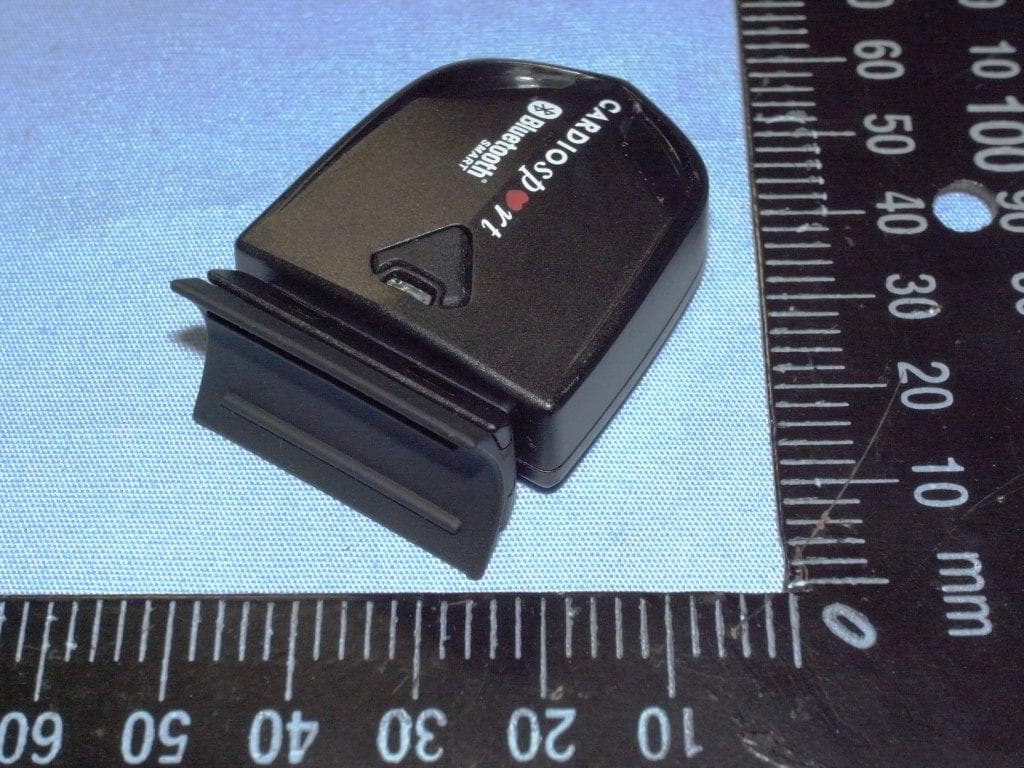
QSWBSPDCS
Sep 29, 2013SPEED (ZAS1B)/CADENCE (ZAS1B-C)
Equipment Class
DTS - Digital Transmission System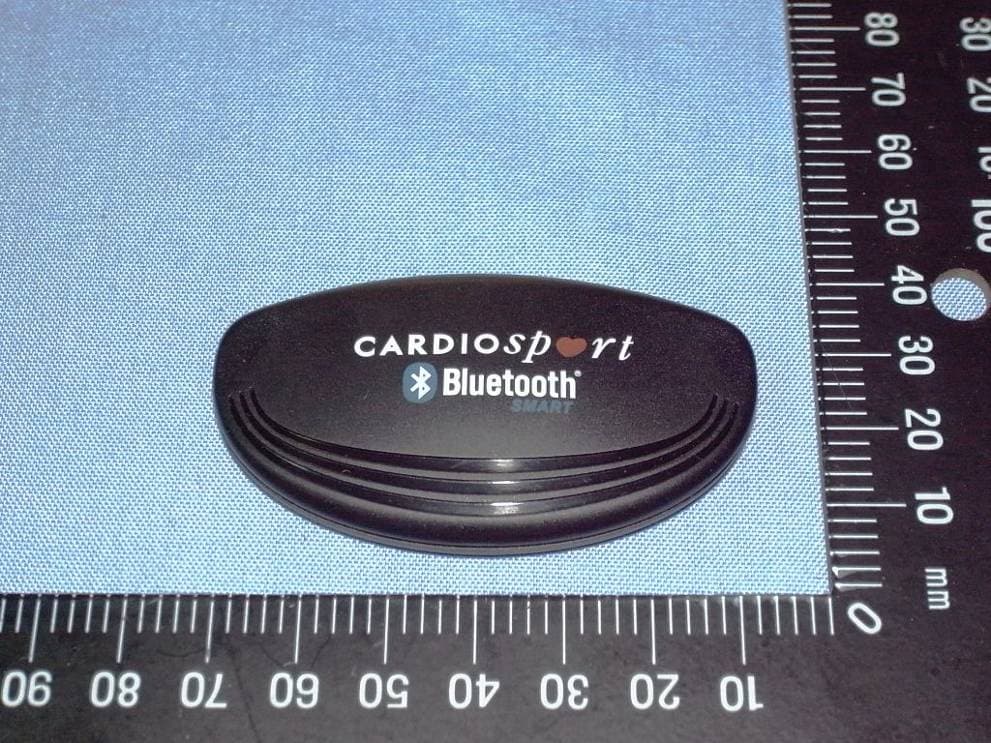
QSWBHRCS1
Feb 07, 2013TP3 SMART HEART RATE TRANSMITTER (ZT26B)
Equipment Class
DXX - Part 15 Low Power Communication Device Transmitter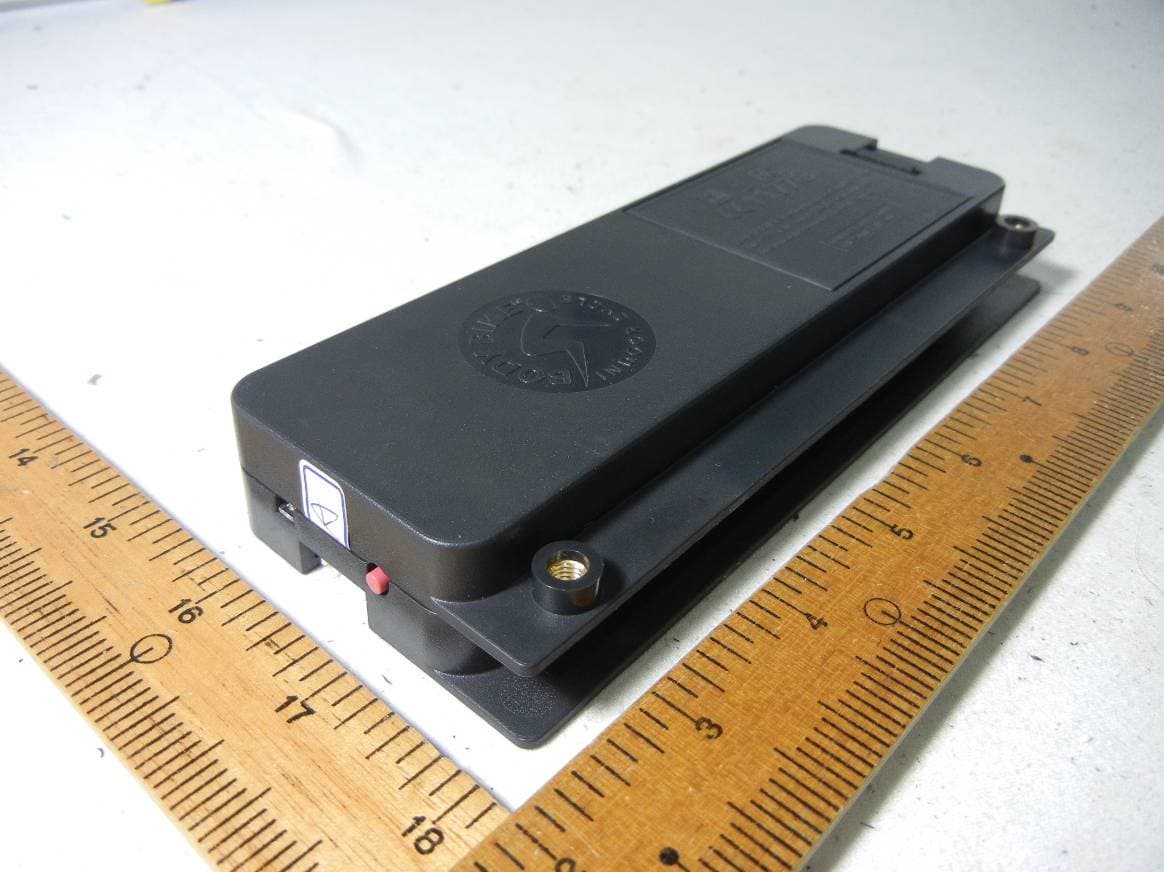
QSWAPWDBB
Jun 18, 2012Performance console and control box
Equipment Class
DXX - Part 15 Low Power Communication Device Transmitter