QZFCML710M17 " LCD Monitor
DAEWOO Lucoms Co., Ltd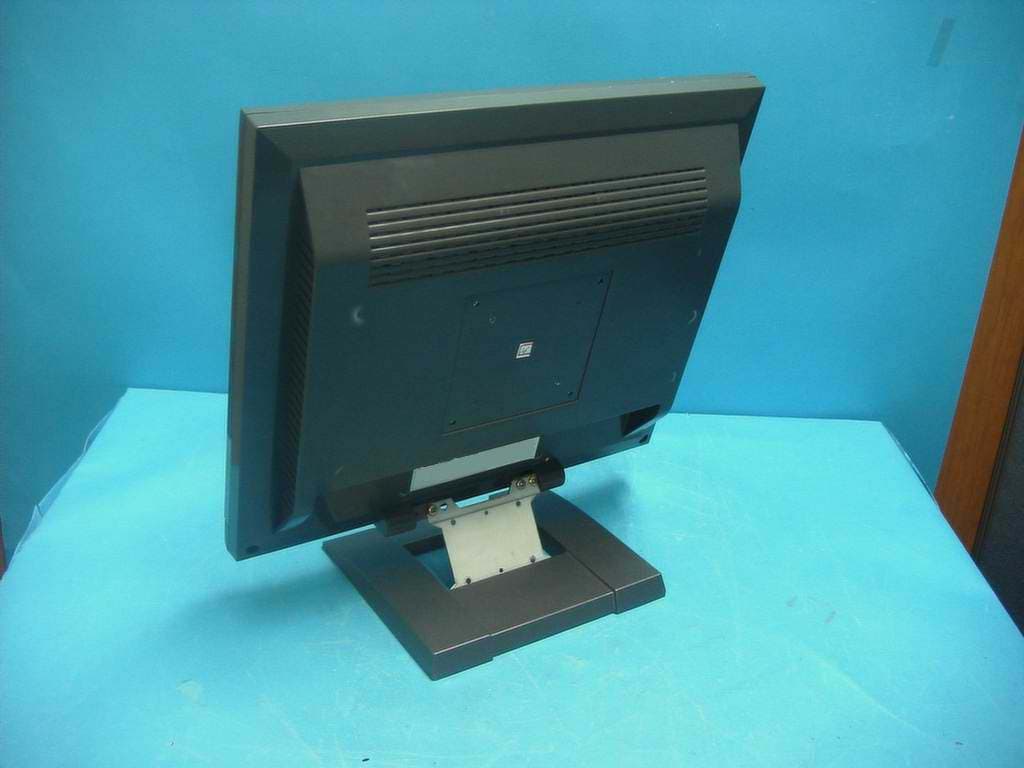
Click to zoom
Application Details
- Equipment Class
- JBP - Part 15 Class B Computing Device Peripheral
- Date of Grant
- Feb 08, 2004
- Application Purpose
- Original Equipment
- Date of Application
- Feb 08, 2004
- Equipment Note
- 17 " LCD Monitor
- Company
- DAEWOO Lucoms Co., Ltd
- Country
- South Korea
Documents & Files
Document Text
Text extracted from the exhibit documents filed with the FCC. Open a document above to read the original.
Users Manual
COLOR MONITOR USER’S GUIDE Model No :L710/L710M As an E NERGY S TA R ® Partner, Daewoo Lucoms Co., Ltd. has determined that this product meets the Energy Star ® guidelines for energy efficiency. FEDERAL COMMUNICATIONS COMMISSION RADIO FREQUENCY INTERFERENCE STATEMENT NOTE : This equipment has been tested and found to comply with the limits for a Class B digital device, pursuant to Part 15 of the FCCRules. These limits are designed to provide reasonable protectionagainst harmful interference in a residential installation. Thisequipment generates, uses and can radiate radio frequency energy and,if not installed and used in accordance with the instructions, maycause harmful interference to radio communications. However, thereis no guarantee that interference will not occur in a particularinstallation. If this equipment does cause harmful interference toradio or television reception, which can be determined by turning theequipment off and on, the user is encouraged to try to correct theinterference by one or more of the following measures : - Reorient or relocate the receiving antenna. - Increase the separation between the equipment and receiver. - Connect the equipment to an outlet on a circuit different from that to which the receiver is connected. - Consult the dealer or an experienced radio or TV technician for help. CAUTION : Any changes or modifications not expressly approved by the party responsible for compliance could void the user ’ s authority to operate the equipment. CANADIAN NOTICEAVIS CANADIEN This Class B digital apparatus meets all requirements of the CanadianInterference-Causing Equipment Regulations. Cet appareil numérique de la Class B respecte toutes les exigences duRèglement sur le matériel brouilleur du Canada. English - 1 INTRODUCTION This manual explains how to correctly install, operate and get thebest performance from your monitor. Please read this user’s guidecarefully before installing your monitor, then keep it near yourmonitor for quick reference. First, please check that the contents of the box corresponds with thefollowing checklist : TFT LCD monitor Power cord15 pin signal cableUser’s guide Audio cable(L710M only) Warranty card (Optional) If any item is missing or damaged, please contact your dealer. Pleasekeep the box and packing materials so that you may properly store ortransport your monitor. CONTENTS Introduction ............................................................................. 1 Product Features ................................................................. 2 Setup ......................................................................................... 3 Connecting the 15 Pin Signal Cable and Power Cord ..........3 Operation & Adjustment ...................................................... 4 Specifications ......................................................................... 11 Factory Preset Timings ......................................................... 12 Changing the Stand ............................................................... 13 Troubleshooting ..................................................................... 15 English - 3 English - 2 PRODUCT FEATURES The monitor is designed for use in a small work area or forthose who need more work space on the desk. The convenient and user-friendly on-screen display allows foreasy and accurate adjustments of screen size, position andscreen color. The monitor supports a safe working environment in strictcompliance with the TCO 99 standard for low emissions .The monitor complies with the VESA Display Data Channel(DDC) specification for Plug and Play compatibility.Advanced microcircuitry makes setup and configuration fastand effortless.The monitor features Advanced Color Controls for fine-tuningto meet your own personal tastes or application requirements.Use the on-screen controls to adjust the color temperature,RGB gain value for the best possible screen color andintensity. Press the menu button and activate the Self-Diagnosis menu todetermine whether your monitor is functioning normally, notreceiving a signal or is receiving a signal that is out ofscanning range.Activate the higher refresh rates of the monitor to stabilize thescreen and eliminate the annoying flicker that contributes toeye-strain and headaches. The monitor supports the optimal display performance with1280x1024 at 75Hz. With the POWER LIGHT function added,you can enjoy thebright screen for movie or any other multimedia utilization.This product has the stereo speaker(L710M only). ! Plug the power cord into the AC receptacle located on the back of themonitor. @ Connect the 15 pin signal cable to the output port of the video card inyour computer and monitor. # Connect the Audio cable to the sound card of computer(L710M only). $ Headphone jack(L710M only). CONNECTING THE 15 PIN SIGNAL CABLE AND POWER CORD SETUP AC POWER 15 pin signal cable Power Cord English - 5 OPERATION & ADJUSTMENT English - 4 POWER LIGHT MENU/EXIT Swithes the monitor on and off. Shows both normal operation and power management statuswith power indicator light. POWER Indicator POWER 13 4 57 2 Moves cursor to the right or low window in the OSDwindow and increases thevalue of any selected function. Moves cursor to the left or high window in the OSDwindow and decreases valueof any selected function. While the OSD screen is off, you can adjust the screenbrightness according to eachsituation. SELECT 6 Moves from top menu to submenu in the OSD window andopens the function window forthe selected icon. Turns the OSD window on.Turns the OSD (On-ScreenDisplay) window off and movesfrom sub menu to top menu inthe OSD window. AUTO 8 Launches the AUTO TRACKING function directly. * ( ) * ( ) * ( ) * ( ) : Hot Key CONTROL PANEL Swithes the monitor on and off. Shows both normal operation and power management statuswith power indicator light. POWER Indicator POWER 1 3 4 2 Moves cursor to the right or low window in the OSDwindow and increases thevalue of any sel…
Text truncated - open the document above for the full version.
ID Label/Location Info
ID Label Sample & Location Information
Test Report
File No. 04-IST-0017/FB IST EMC LAB. Page 1 of 23 IST EMC Lab. San 21-8 Goan-Ri, Baekam-Myun, Yongin-Si, Kyunggi-Do, KOREA International - Tel : 82-31 - 333 - 4093. Fax : 82-31 - 333 - 4094. Domestic - Tel : 031 - 333 - 4093. Fax : 031 - 333 - 4094. IST EMC LAB. EMISSION TEST REPORT Test report file No. : 04-IST-0017/FB Date of issue : Feb. 3, 2004 Model / Type No. : L710M ■ Basic □ Alternate Kind of product Brand name Applicant Manufacturer License holder Address : 17” LCD Monitor : DAEWOO Lucoms : DAEWOO Lucoms co., ltd. : DAEWOO Lucoms co., ltd. : DAEWOO Lucoms co., ltd. : Gaya-Venture B/D, 28-130, Yeongdeungpo-Dong, Yeondeungpo-Gu, Seoul, Korea Test result according to the regulation(s) ■ Positive □ Negative at page 3. This test report with appendix consists of 23 pages. The test result only responds to the tested sample. It is not allowed to copy this report even partly without the allowance of the Test Laboratory. This equipment is complied with the applicable technical standards as indicated in the measurement report and was tested in accordance with the measurement procedures specified in ANSI C63.4:2001. File No. 04-IST-0017/FB IST EMC LAB. Page 2 of 23 IST EMC Lab. San 21-8 Goan-Ri, Baekam-Myun, Yongin-Si, Kyunggi-Do, KOREA International - Tel : 82-31 - 333 - 4093. Fax : 82-31 - 333 - 4094. Domestic - Tel : 031 - 333 - 4093. Fax : 031 - 333 - 4094. DIRECTORY A) Documentation. Page Directory Test regulations Information of Test Regulation Equipment under Test Test Conditions Test Result Measurement Uncertainty Test-setup Summary 2 3 3 4 5 ~ 6 7 ~ 8 9 10 ~ 12 23 B) Test Data. Conducted emissions (Mains) Radiated emissions : 150 kHz - 30 MHz : 30 MHz – 1 GHz 13 ~ 18 19 ~ 22 C) Appendix File No. 04-IST-0017/FB IST EMC LAB. Page 3 of 23 IST EMC Lab. San 21-8 Goan-Ri, Baekam-Myun, Yongin-Si, Kyunggi-Do, KOREA International - Tel : 82-31 - 333 - 4093. Fax : 82-31 - 333 - 4094. Domestic - Tel : 031 - 333 - 4093. Fax : 031 - 333 - 4094. TEST REGULATIONS The tests were performed according to the following regulations ; ■ - FCC Part 15, Subpart B (Unintentional Radiators, Class B) Information of Test Laboratory IST EMC Lab. San 21-8 Goan-Ri, Baekam-Myun, Yongin-Si, Kyunggi-Do, Korea International - Tel : 82-31 - 333 - 4093. Fax : 82-31 - 333 - 4094. Domestic - Tel : 031 - 333 - 4093. Fax : 031 - 333 - 4094. File No. 04-IST-0017/FB IST EMC LAB. Page 4 of 23 IST EMC Lab. San 21-8 Goan-Ri, Baekam-Myun, Yongin-Si, Kyunggi-Do, KOREA International - Tel : 82-31 - 333 - 4093. Fax : 82-31 - 333 - 4094. Domestic - Tel : 031 - 333 - 4093. Fax : 031 - 333 - 4094. EQUIPMENT UNDER TEST Equipment Description : Pannel : Size : 17-inch(43.2cm) diagonal Pixel Pitch : 0.264 x 0.264 mm Max Resolution : 1280 x 1024, 75Hz Colors : 16M colors PC Input Signal : Sync : H/V separate(TTL) Video : 15 pin mini D-sub(Analog RGB) Dimensions(W x H x D) : 386mm(W) x 398mm(H) x 190mm(D) (with stand) 386mm(W) x 346mm(H) x 190mm(D) (without stand) Power Source : 100-240Vac, 50/60Hz(Free Voltage) Power Consumption : 35W Operating Temperature : 10 ~ 40 °C /50~104 °F EUT Type : Table-Top. Floor-Standing. Table-Top and Floor-Standing(Combination). Operation – mode of the E.U.T. : The equipment under test was operated during the measurement under following conditions : Standby. Operational Condition : Scrolling “H” characters under MS Windows, at test mode of 1280 X 1024, 75 Hz Configuration of the equipment under test : Following peripheral devices and interface cables were connected during the measurement : Equipment Type Brand Serial No. PC Brio BA600/550 HP SG01901711 Keyboard SK-2502C HP M0004102892 PS/2 Mouse M-S48A HP LZE01251424 Serial Mouse M-M28 Logitech LCA53305547 Printer A0302384 Northern Telecom 26633S60168 Connecting Interface Cables : - Unshielded AC power cable : 1.8 m - Shielded monitor’s signal cable(with two ferrite core) : 1.5 m - Shielded printer’s signal cable (with two ferrite core): 1.5 m - Unshielded Sound cable(with one ferrite core) : 1.5 m File No. 04-IST-0017/FB IST EMC LAB. Page 5 of 23 IST EMC Lab. San 21-8 Goan-Ri, Baekam-Myun, Yongin-Si, Kyunggi-Do, KOREA International - Tel : 82-31 - 333 - 4093. Fax : 82-31 - 333 - 4094. Domestic - Tel : 031 - 333 - 4093. Fax : 031 - 333 - 4094. TEST CONDITIONS The measurement of the conducted emissions (Interference voltage) was performed in a shielded room. Test location : Shielded room. No.1 Compact chamber 2 Used testing instruments : Name Type Manufacturer Calibration. Date Serial Number ESH 3 Test Receiver Rohde & Schwarz Jul. 22, 2003 892108/018 KNW-407 LISN Hyup-Rip Jul. 23, 2003 8-883-10 ESH 3-Z2 Pulse Limiter Rohde & Schwarz Jul. 23, 2003 357.8810.52 Test - accessories : Type Manufacturer Aneroid Barometer Sato Hygrometer Sato Measurement Procedures : Conducted emissions measurments were made in accordance with ANSI C63.4:2001, “Method of Measurement of Radio-Noise Emissions from Low-Voltage Electrical and Electronic Equipment in the Range of 9 kHz to 40 GHz”. The measurement were performed over the frequency range of 0.15MHz to 30MHz using a 50 Ω /50uH LISN as the input transducer to an EMI/Field Intensity Meter. The measurements were made with the detector set for “Peak” amplitude within an IF bandwidth of 10kHz or for “quasi-peak” within a bandwidth of 9kHz. All used test-instruments as well as the test-accessories are calibrated regularly. Test Engineer : S.J.Oh / Research Engineer IST EMC Lab. File No. 04-IST-0017/FB IST EMC LAB. Page 6 of 23 IST EMC Lab. San 21-8 Goan-Ri, Baekam-Myun, Yongin-Si, Kyunggi-Do, KOREA International - Tel : 82-31 - 333 - 4093. Fax : 82-31 - 333 - 4094. Domestic - Tel : 031 - 333 - 4093. Fax : 031 - 333 - 4094. The measurement of the radiated emissions (Electric field) in the frequency range from 30 MHz to 1GHz was performed in horizontal and vertical antenna polarization at a open-site which meet the site attenuation requirement of ANSI C63.4:2001 and a test distance of : Location : Open Site No. 1 Open Site No. 2 Op…
Text truncated - open the document above for the full version.
Contact Information
Applicant
Byung-Sun Hwang(Chief Engineer)
Test Firm
IST Co., LtdBong Kyoon Bae
Technical Specifications
| # | Rule Parts | Frequency Range | Power Output |
|---|---|---|---|
| 1 | 15B | - | - |
Other Applications from DAEWOO Lucoms Co., Ltd
QZFL2200
Dec 21, 2006LCD Monitor
Equipment Class
JBP - Part 15 Class B Computing Device Peripheral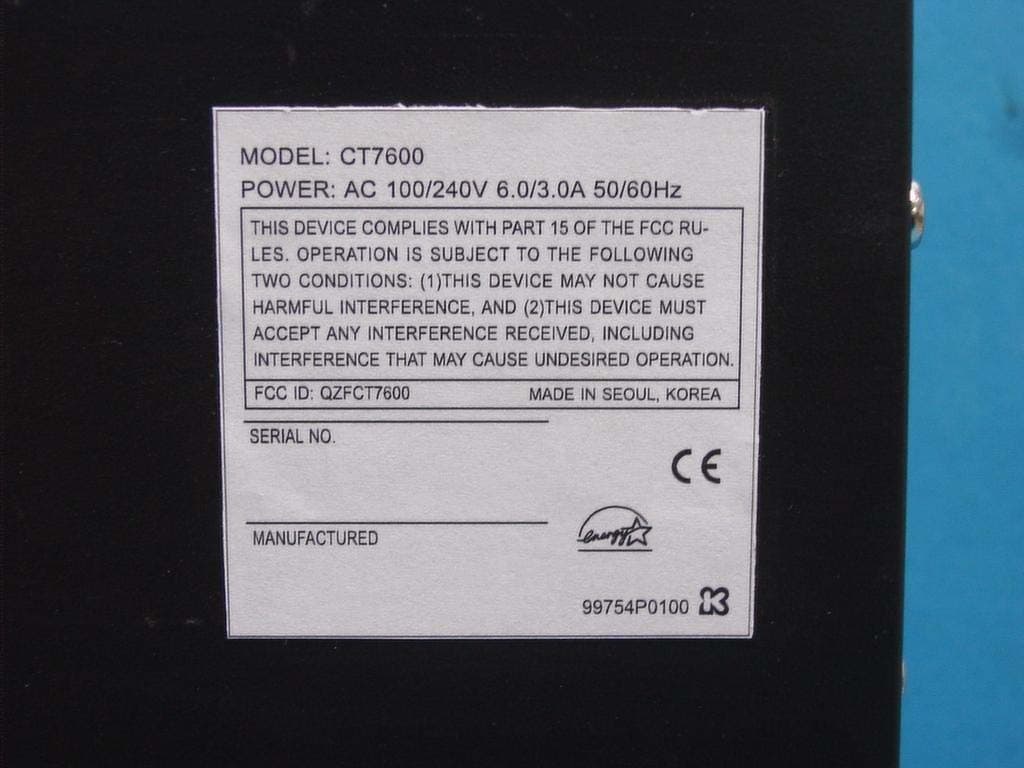
QZFCT7600
Apr 06, 2006Personal Computer
Equipment Class
JBC - Part 15 Class B Computing Device/Personal Computer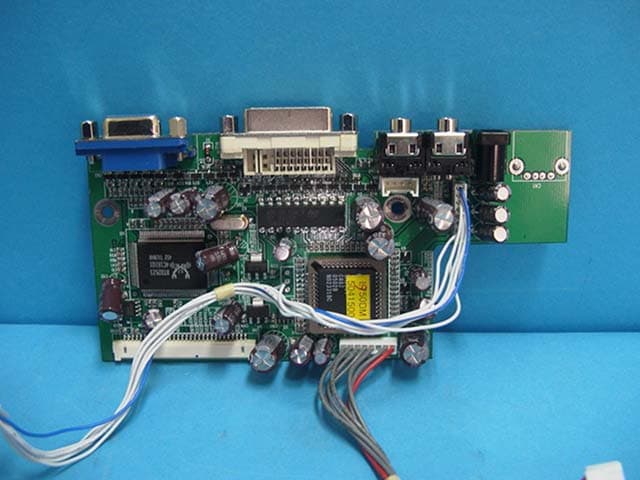
QZFCML950
Jul 13, 200519" LCD Monitor
Equipment Class
JBP - Part 15 Class B Computing Device Peripheral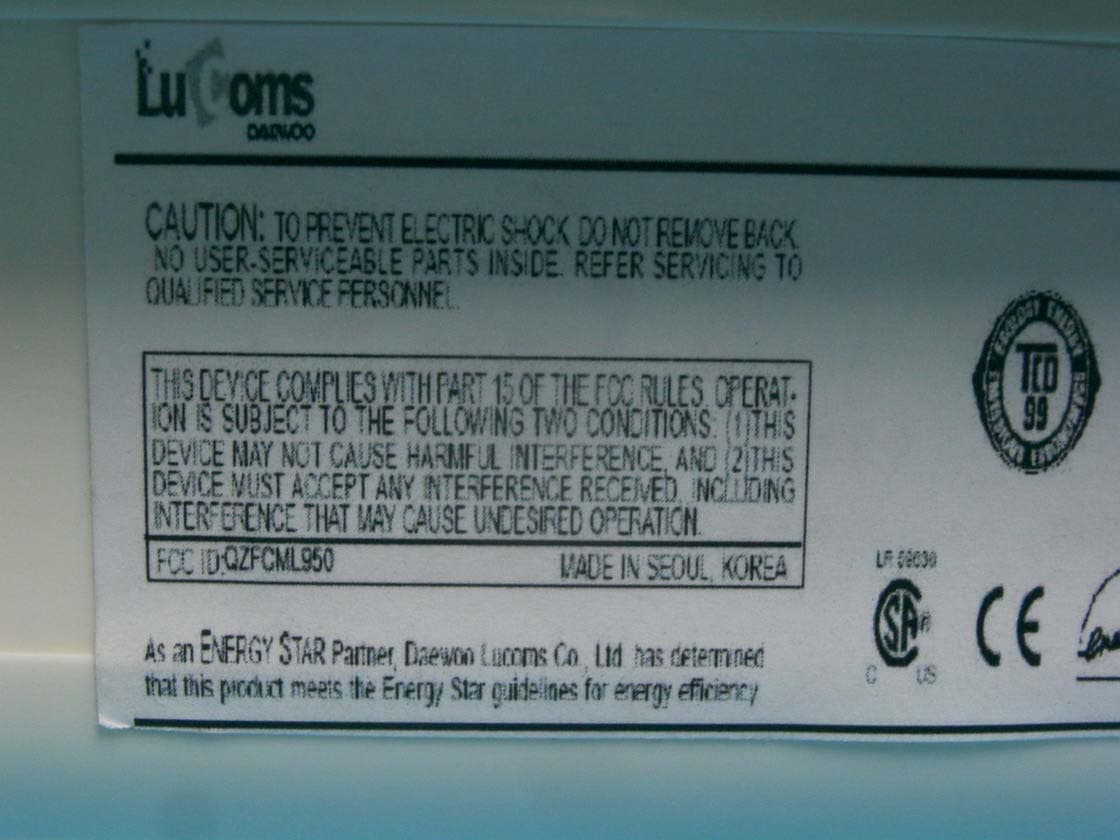
QZFCML750
Jul 13, 200517" LCD Monitor
Equipment Class
JBP - Part 15 Class B Computing Device Peripheral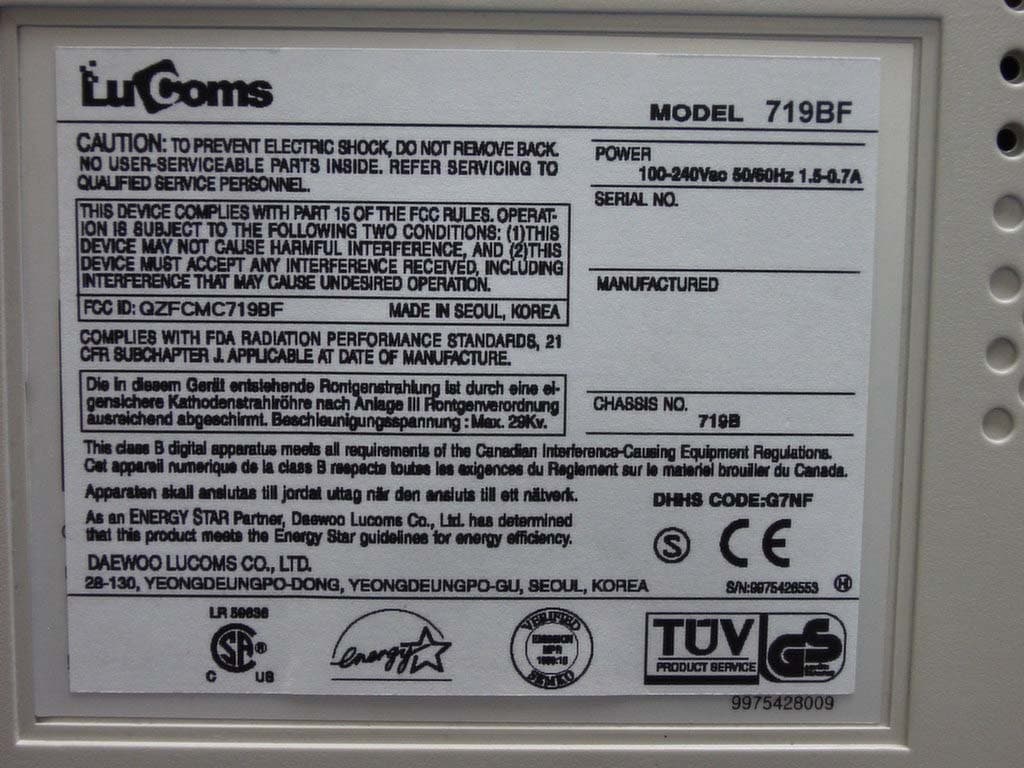
QZFCMC719BF
Sep 03, 200317" Color Monitor
Equipment Class
JBP - Part 15 Class B Computing Device Peripheral