R2M-BTR001Wireless Receiver
AVLINK INDUSTRIAL CO., LTD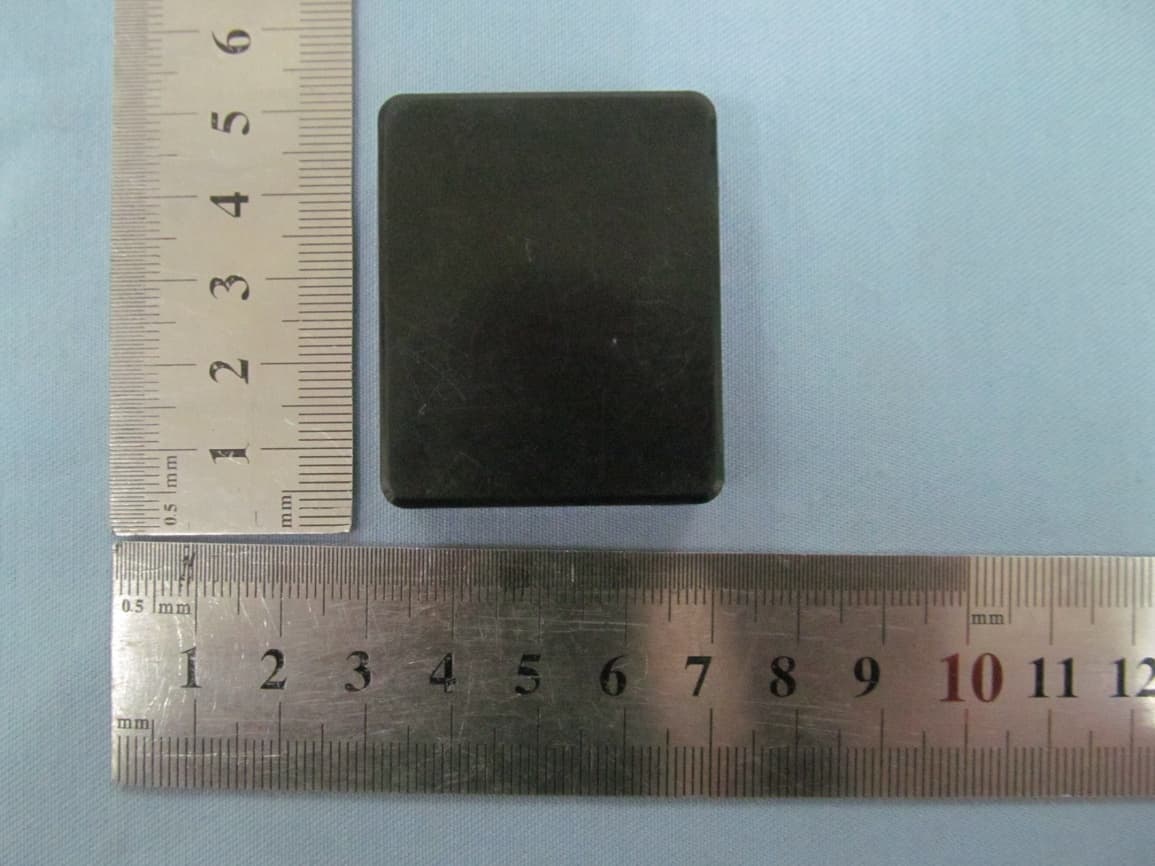
Click to zoom
Application Details
- Equipment Class
- DXX - Part 15 Low Power Communication Device Transmitter
- Date of Grant
- Dec 03, 2012
- Application Purpose
- Original Equipment
- Date of Application
- Dec 03, 2012
- Equipment Note
- Wireless Receiver
- Frequency Range
- 2402.00000000 - 2480.00000000
- Company
- AVLINK INDUSTRIAL CO., LTD
- Country
- China
Documents & Files
Document Text
Text extracted from the exhibit documents filed with the FCC. Open a document above to read the original.
Users Manual
Bluetooth Receiver FCC ID:R2M-BTR001 User manual Model:i5,i6,i7,MR100 1 MFB Multi -‐function button 2 LED indicator 3 Volume + / next track 4 Volume -‐ / last track 5 Jack 3.5 mm line out 6 Charging connector CONNECT i5 to a MUSIC PLAYER I5 has several options to connect to different music players: 1) Can be connected to docking station equipped with a Dock Apple connector to make wireless every docking station, and make every old docking station work well with iPhone5. 2) Can be connected to a plug AUX IN / LINE IN with standard 3.5mm of a stereo audio system through included jack 3.5mm, for instance: amplifier, car radio and compact systems. 3) Can be connected to wired headphones and earphones MAIN FUNCTIONS 1) Switch on i5 To switch on i5 hold the button (1) for 3 seconds until the LED (2) turns on. Afterwards i5 automatically connects itself to the last paired device, if available, and the LED (2) flashes slowly (every 3 seconds) in blue to confirm the connection. If there is no available paired device or if it is out of reach of i5, it turns off in about 4 minutes in order to avoid battery discharging. The LED (2) flashes twice in blue every 2 seconds. 2) Pair i5 with a compatible device The first time you switch on i5, it is set in pairing mode, identified by the LED (2), which flashes quickly and alternately red and blue. Now you can select i5 from the list of found devices on your mobile phone or other Bluetooth compatible devices. As soon as the device is paired the indication LED (2) flashes slowly in blue (every 3 seconds). Now is possible to listen to the music or make and receive calls. 3) Switch off i5 To switch i5 hold the central button (1) for 5 seconds until the LED (2) flashes in red. i5 will turn off immediately. 4) i5 will automatically turn on if charging, and it will automatically connect with the last pairing devices, or yo u can press twice the button(1) to connect. If the pairing cannot be completed, the pairing mode will be acti vated. COOL FUNCTIONS 1) i5 can be paired with two mobile phones at the same time. If i5 was previously paired to one mobile phone, it is possible to be paired with a 2nd mobile phone: restart i5 (switch off and switch on) to enter pairing mode; repeat the above pairing procedure to pair i5 with the 2nd mobile phone; and then reconnect i5 with 1 st mobile phone; finally two mobile phones connect with i5 successfully. 2) If i5 connects with your iPhone, you can see the battery meter automatically display on the status bar, so you can know better when i5 should be charged. ◆ Paired to a mobile phone, it is possible to make and receive calls as using a Bluetooth headset. PLAYING MUSIC Thanks to the buttons on i5 front side it is possible to play, pause and select previous and next songs on the paired device. The volume control on i5 affects both jack and Dock output. 1) To play music press shortly the button (1), when music is playing the LED (2) turns on in blue. 2) To adjust the volume hold at least for 2 seconds the volume button “ + ” (3) to increase it (until you hear a long tone means the maximum volume) or hold at least for 2 seconds the volume button “ -‐ ” ( 4) to reduce it (until you hear a long tone means the minimum volume). 3) To move to the next song in your playlist press shortly the button “ + ” (3). To move the previous song in your playlist press shortly the button “ -‐ ” ( 4). 4) To stop the music press shortly the button (1). The LED (2) flashes in blue every 3 seconds. 5) It is even possible to control all the functions previously explained from the paired device, if supported. WARNING: Before using i5, play the music without wearing the earphones or reducing the volume of the stereo system, in order to be sure that is not to too loud to avoid ear damage. MAK E AND RECEIVE A CALL If i5 is paired to a mobile phone it is possible to make and receive calls, as using a Bluetooth headset, thanks to the internal microphone (7) and to the buttons on the front side, which works as the controls of a Bluetooth headset. Remember that when i5 is connected to the docking station it is in hands free mode and audio of phone calls is transmitted to the docking station. 1) Accept a call. To accept a call press briefly the button (1). 2) End a call. To end a call press briefly the button (1) during the call. 2) Reject an incoming call. To reject an incoming call hold the button (1) for 2 seconds until you hear a long tone, then release the button. The incoming call is rejected. 3) Activate voice dialing / voiceover / Siri. If your phone supports voice dialing / voiceover / Siri you can activate it when no call is in progress. To activate voice dialing /voiceover / Siri hold the button (1) for 2 seconds until you hear a tone from the i5; When you hear the second tone you can pronounce the command. Then hold the button (1) for 2 seconds to end the command. 4) Call the last selected number. Press twice (double click) the button (1). 5) Transfer a call. During the call, press twice the button (1) to transfer the call from your docking station or headset to your mobile phone, repeat the above procedure to transfer the call from mobile phone to your docking station or headset. If the paired device supports it, you can perform all the functions described in this chapter while you are listening to the music. CHARGE i5 When i5 battery is discharged, indication LED (2) starts flashing red. It indicates that in few minutes i5 will be turning off in order to protect the battery. To charge the battery, directly connect i5 to a compatible docking station. It is possible to charge i5 while in use. As soon as the docking station is connected to a power source, the LED (2) turns on red and it turns off once the charging is completed. When i5 is fully charged is possible to unplug it from the Docking station. Instead of using a docking station is possible to charge i5 through a charger or a cable with Dock connector. TECHNICAL SPECIFICATIONS : ●Batt…
Text truncated - open the document above for the full version.
Cover Letter(s)
Nov.30, 2012 Federal Communication Commission Authorization and Evaluation Division FCC ID: R2M-BTR001 Re: Confidentiality Request Pursuant to Sections 0.457 and 0.459 of the Commission’s Rules, the applicant hereby requests confidential treatment of information applied this application as outlined below: 1: Block Diagram 2: Circuit Diagram 3: Operational Description 4: Parts List The above materials contain trade secrets and proprietary information not customarily released to the public. The public disclosure of these matters might be harmful to the applicant and provide unjustified benefits to its competitors. The Applicant understands that pursuant to Rules 0.457, disclosure of this Application and all accompanying documentation will not be made before the date of the Grant for this application. Sincerely, AVLINK INDUSTRIAL CO., LTD Contact Person: Charles Lau
External Photos
PHOTOGRAPHS OF THE EUT TOP VIEW OF EUT BOTTOM VIEW OF EUT FRONT VIEW OF EUT BACK VIEW OF EUT LEFT VIEW OF EUT RIGHT VIEW OF EUT
ID Label/Location Info
FCC Label Location wireless receiver Model: i5, i6, i7, MR100 FCC ID: R2M‐BTR001
Internal Photos
OPEN VIEW OF EUT-1 OPEN VIEW OF EUT-2 OPEN VIEW OF EUT-3 INTERNAL VIEW OF EUT-1 Bluetooth Antenna INTERNAL VIEW OF EUT-2
Test Report
Report No.: AGC23K121006-1F2 Page 1 of 38 FCC Test Report Report No.: AGC23K121006‐1F2 FCC ID : R2M‐BTR001 PRODUCT DESIGNATION : wireless receiver BRAND NAME : N/A MODEL NAME : i5, i6, i7, MR100 CLIENT : AVLINK INDUSTRIAL CO., LTD DATE OF ISSUE : Nov.30,2012 STANDARD(S) : FCC Part 15 Rules REPORT VERSION : V1.0 Attestation of Global Compliance Co., Ltd. CAUTION: This report shall not be reproduced except in full without the written permission of the test laboratory and shall not be quoted out of context. Report No.: AGC23K121006-1F2 Page 2 of 38 VERIFICATION OF COMPLIANCE Applicant AVLINK INDUSTRIAL CO., LTD 7/F,A1 Bldg, Shuichanjingwan Industrial Area, Nanchang Viliage,Gushu, Bao’an Dis., Shenzhen, 518216, P.R. China Manufacturer AVLINK INDUSTRIAL CO., LTD 7/F,A1 Bldg, Shuichanjingwan Industrial Area, Nanchang Viliage,Gushu, Bao’an Dis., Shenzhen, 518216, P.R. China Product Designation wireless receiver Brand Name N/A Test Model i5 Series Model i6, i7,MR100 Model Difference All the same except for the model name. FCC ID R2M-BTR001 Report Number AGC23K121006-1F2 Date of Test Nov.23, 2012 to Nov.30, 2012 WE HEREBY CERTIFY THAT: The above equipment was tested by Attestation of Global Compliance Co., Ltd. The test data, data evaluation, test procedures, and equipment configurations shown in this report were made in accordance with the procedures given in ANSI C63.4 (2003) and the energy emitted by the sample EUT tested as described in this report is in compliance with radiated emission limits of FCC Rules Part 15.249. Tested By: Jane Wu Nov.30, 2012 Reviewed By: Forrest Lei Nov.30, 2012 Approved By: Solger Zhang Nov.30, 2012 Report No.: AGC23K121006-1F2 Page 3 of 38 TABLE OF CONTENTS 1 .GENERAL INFORMATION .................................................................................................................................................... 4 1.2 TEST STANDARDS .............................................................................................................................................................. 4 1.3 RELATED SUBMITTAL(S)/GRANT(S) .............................................................................................................................. 4 1.4TEST METHODOLOGY ........................................................................................................................................................ 4 1.5 TEST FACILITY ........................................................................................................................................................... 5 1.7 EQUIPMENT MODIFICATIONS ................................................................................................................................ 5 2 SYSTEM TEST CONFIGURATION ....................................................................................................................................... 6 2.1 CONFIGURATION OF TESTED SYSTEM .............................................................................................................. 6 2.2 EQUIPMENT USED IN TESTED SYSTEM ............................................................................................................. 6 3 SUMMARY OF TEST RESULTS ............................................................................................................................................ 7 4. DESCRIPTION OF TEST MODES ....................................................................................................................................... 7 5.§15.203 - ANTENNA REQUIREMENT ............................................................................................................................... 8 5.1. STANDARD APPLICABLE ................................................................................................................................................ 8 5.2. TEST RESULT ...................................................................................................................................................................... 8 6. §15.209, §15.249 RADIATED EMISSION ........................................................................................................................... 9 6.1. MEASUREMENT UNCERTAINTY .................................................................................................................................... 9 6.2. STANDARD APPLICABLE ................................................................................................................................................ 9 6.3. TEST EQUIPMENT LIST AND DETAILS ....................................................................................................................... 10 6.4. TEST PROCEDURE .......................................................................................................................................................... 10 6.5. TEST SET-UP (BLOCK DIAGRAM OF CONFIGURATION) ...................................................................................... 10 6.6. TEST RESULTS ................................................................................................................................................................. 12 7. §15.249 EMISSION BANDWIDTH ...................................................................................................................................... 25 7.1. STANDARD APPLICABLE .............................................................................................................................................. 25 7.2. TEST EQUIPMENT LIST AND DETAILS ....................................................................................................................... 25 7.3. TEST PROCEDURE .......................................................................................................................................................... 25 7.4. SUMMARY OF TEST RESULTS/PLOTS ........................................................................…
Text truncated - open the document above for the full version.
Contact Information
Applicant
Charles Lau
Test Firm
Attestation of Global Compliance Shenzhen Co. Ltd.Forrest Lei
Technical Specifications
| # | Rule Parts | Frequency Range | Power Output |
|---|---|---|---|
| 1 | 15C | 2.40 GHz - 2.48 GHz | - |
Other Applications from AVLINK INDUSTRIAL CO., LTD
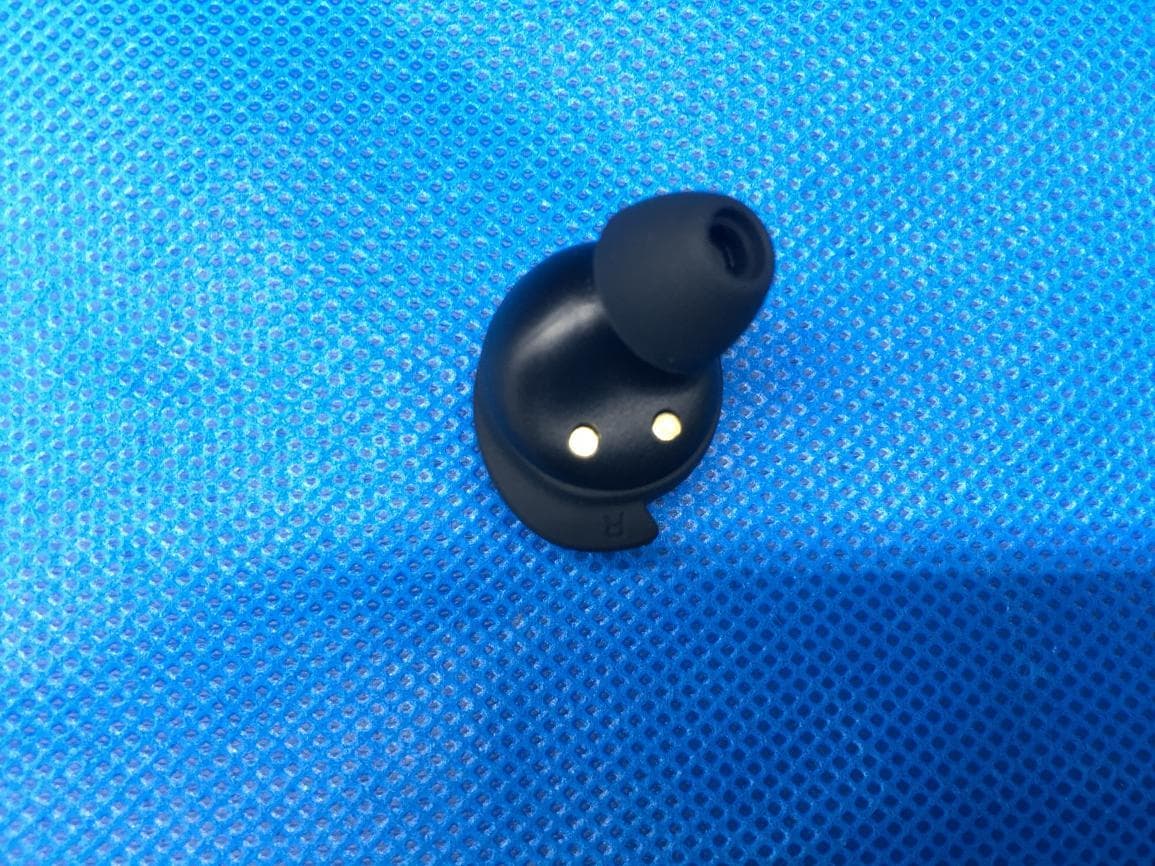
R2M-TWS20
Jun 30, 2021TWS Earphone
Equipment Class
DSS - Part 15 Spread Spectrum Transmitter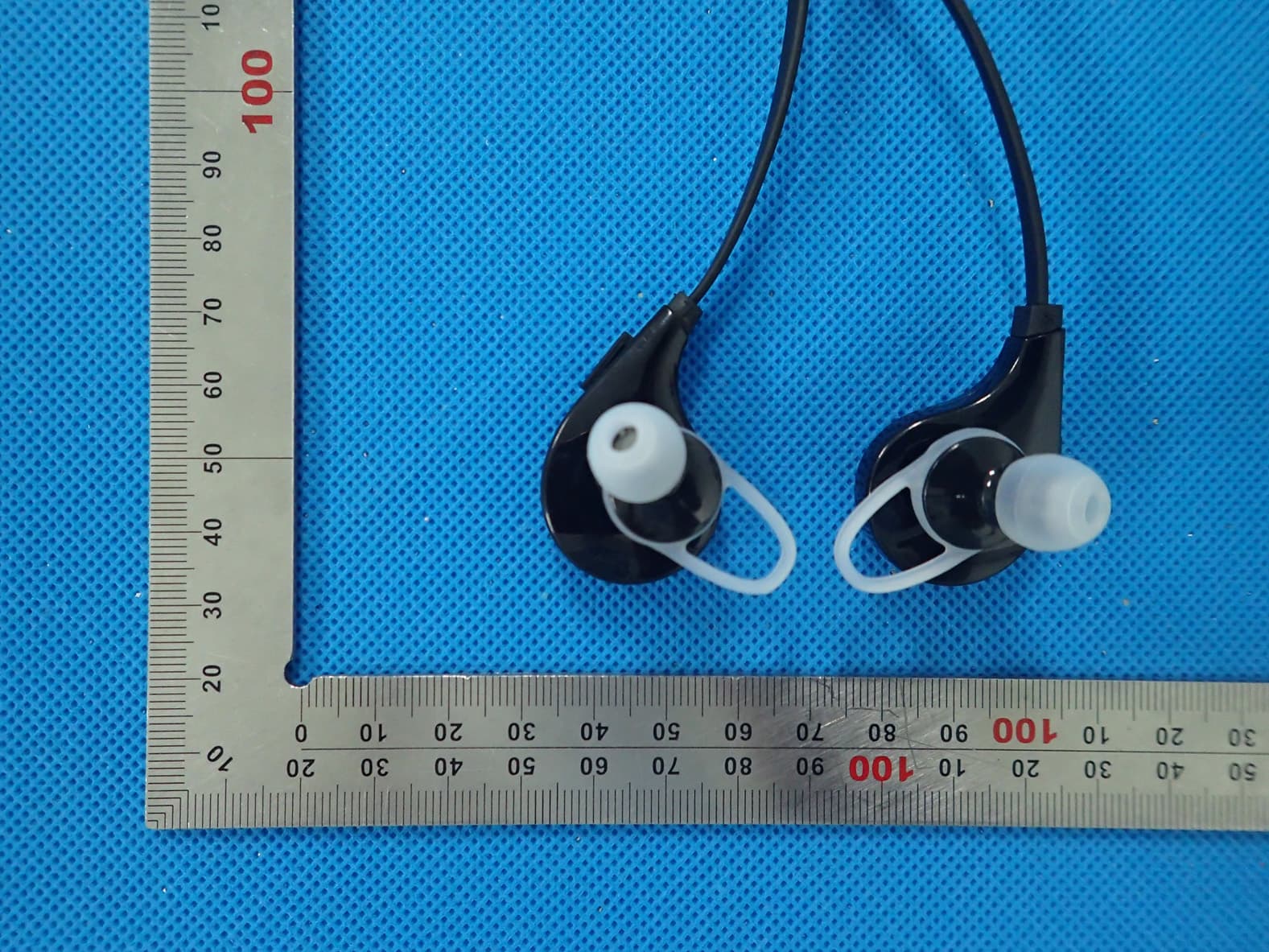
R2MAE01
Aug 31, 2015Bluetooth headset
Equipment Class
DXX - Part 15 Low Power Communication Device Transmitter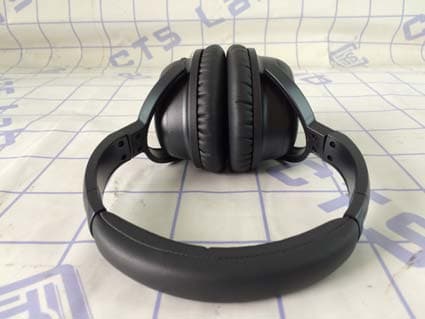
R2M-BHT001
May 03, 2015Bluetooth Active Noise Cancelling Headphones
Equipment Class
DXX - Part 15 Low Power Communication Device Transmitter
R2MHI-BOMB
Mar 06, 2015Bluetooth Speaker
Equipment Class
DSS - Part 15 Spread Spectrum Transmitter
R2MHI-TUBE
Feb 17, 2015Bluetooth Speaker
Equipment Class
DSS - Part 15 Spread Spectrum Transmitter