R4WTTTB10Touch Board Plus
Turning Technologies, LLC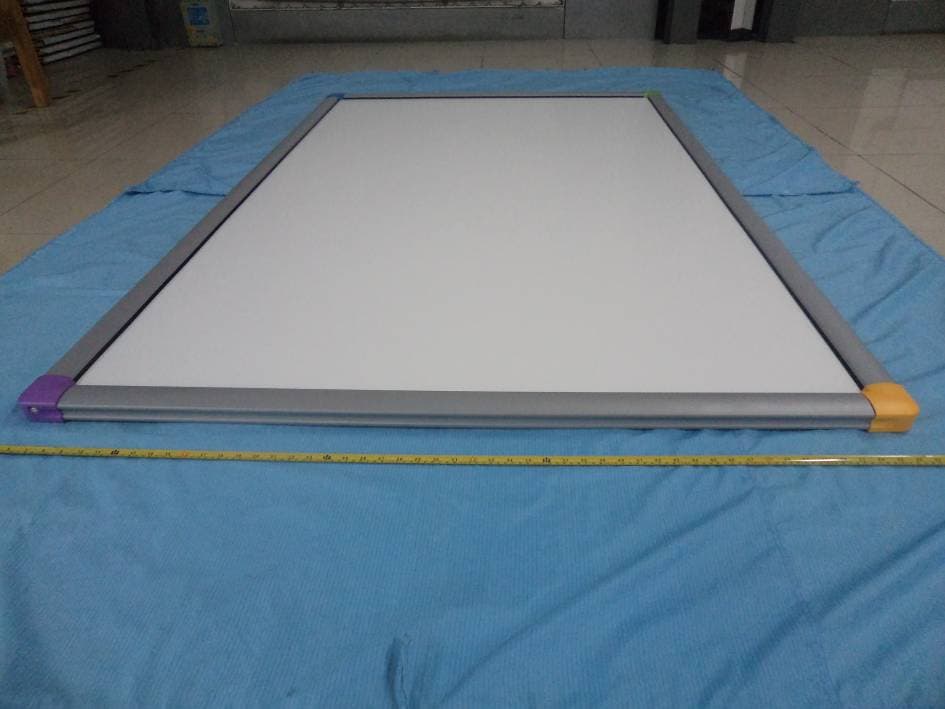
Click to zoom
Application Details
- Equipment Class
- JBP - Part 15 Class B Computing Device Peripheral
- Date of Grant
- Oct 26, 2014
- Application Purpose
- Original Equipment
- Date of Application
- Oct 26, 2014
- Equipment Note
- Touch Board Plus
- Company
- Turning Technologies, LLC
- Country
- United States
Documents & Files
Document Text
Text extracted from the exhibit documents filed with the FCC. Open a document above to read the original.
Users Manual
einstruction.com/touchboard eInstruction ® Touch Board Quick Start Guide eInstruction ® Touch Board • Quick Start Guide • einstruction.com/touchboard 2 Contents Overview and What’s in the Box 3 Setting Up 4 Hang Up the Touch Board 4 Install the Content and Software 5 WorkSpace User Guide 6 Connect the eInstruction ® Touch Board 6 Connect the Video Projector 7 Touch Board Calibration (Windows ® 7) 8 Device Manager Calibration 9 Using Touch Board 10 Gestures (Windows 7) 10 Mouse Actions on the Touch Board 11 Saving, Exporting, and Printing your WorkSpace Presentation 11 Caring for your eInstruction ® Touch Board 12 Mobile Solution of eInstruction ® Touch Board 13 Software Requirements 14 Warranty 16 Technical Support 19 All copyright, trademark, and intellectual properties associated with eInstruction ® are reserved to eInstruction Corporation. All other trademarks are property of their respective holders or owners. Overview Congratulations on your new eInstruction ® Touch Board. eInstruction gives teachers the ability to engage all types of learners with a high level of interactivity. Built on the popular functionality of the eInstruction ® DualBoard™, Touch Board features touch technology. You and your students can interact with the whiteboard using an eInstruction Touch Board pen, Touch Board wand or their finger. When the eInstruction ® Touch Board is combined with one or more Mobi™ mobile interactive devices, they create an interactive, collaborative learning environment that is unsurpassed. Mobi is the first mobile interactive whiteboard designed to support student-centered collaborative learning and give you the freedom and flexibility to manage your class and deliver engaging lessons from anywhere in the room. The eInstruction ® Touch Board comes with the award-winning WorkSpace software. WorkSpace enables you to create and assemble the interactive lesson content, and gives you the ability to control the content using the eInstruction Touch Board. It also gives you the ability to incorporate and work with teaching material in multiple formats from any source, including ExamView ® content, web-based content or third-party curricula. do not assemble or use this product before reading the installation instructions. assemble and use this product only in accordance with the installation instructions. What’s in the Box eInstruction ® Touch Board is compatible with most Mac ® , Windows ® , or Linux ® operating systems. Please see page 14 for complete software requirements. You will need an available USB port and DVD drive to install Touch Board and WorkSpace software. • USB Cable • 2 bottom anchor clips • 4 mounting-brackets • 8 bracket screws • Touch wand • WorkSpace DVD • WorkSpace Content DVD • Wall hanger • 4 non-electronic eInstruction Touch Board Pens • eInstruction Touch Board Getting Started Guide NOTE: We recommend that a skilled professional assess the strength of the wall and determine the appropriate hardware required to securely attach the board to the wall. It will require at least two people to safely lift and mount the board on the wall. 2 eInstruction ® Touch Board • Quick Start Guide • einstruction.com/touchboard 2 3 Setting Up Mount wall hanger Hang the Touch Board Attach the bottom anchor clips. Use bracket screws to attach anchor clips to board. Wall hanger taped to back of Touch Board HANG UP THE TOUCH BOARD * Please source appropriate hardware depending on wall contruction 4 INSTALL THE CONTENT AND SOFTWARE WorkSpace Software and WorkSpace Content (Windows) 1. In order to install the software, your logged-in computer profile should have administrator rights. 2. Insert the WorkSpace DVD into your DVD drive. The DVD will autorun. If the DVD does not autorun, navigate to your DVD drive and double click the autorun.exe file. 3. Follow the on-screen instructions to proceed through the installation process. You will know WorkSpace has installed successfully by the appearance of the eInstruction icon in the Windows notification area.* 4. Repeat steps 2 and 3 using the WorkSpace Content DVD to install the WorkSpace Content. WorkSpace Software and WorkSpace Content (Macintosh) 1. Insert the WorkSpace DVD into your DVD drive. Double click on the WorkSpace DVD icon that will now show on the desktop. 2. Follow the on-screen instructions to proceed through the installation process. You will know WorkSpace has installed successfully by the appearance of the eInstruction icon in the Menu Extras (Munulets) area.* 3. Repeat steps 1 and 2 using the WorkSpace Content DVD to install the WorkSpace Content. WorkSpace Software and WorkSpace Content (Linux) 1. Login as “root” or use “sudo”. 2. Insert the WorkSpace DVD into your DVD drive. Double click on the WorkSpace DVD icon that will now show on the desktop. 3. Under permissions: Select Allow executing file as program. 4. Follow the on-screen instructions to proceed through the installation process. You will know WorkSpace has installed successfully by the appearance of the eInstruction icon in the panel.* 5. Repeat steps 2, 3, and 4 using the WorkSpace Content DVD to install the WorkSpace Content. * If the eInstruction icon does not appear, reboot. eInstruction ® Touch Board • Quick Start Guide • einstruction.com/touchboard 2 5 WORKSPACE USER GUIDE WorkSpace provides the tools to create and deliver presentations, enhance material with special effects, annotate to highlight key points, add notes incorporating additional information or audience comments, and much more. Look for the WorkSpace Getting Started Guide or look on the included DVD for an in-depth view of WorkSpace’s functions, features and tools, and the basics on how they can be used to prepare, present, save, and distribute presentations. CONNECT THE EINSTRUCTION TOUCH BOARD The eInstruction ® Touch Board connects to your computer via a USB cable. A separate power supply is not necessary since the eInstruction Touch Board is powered through the USB connection. Plug the USB ca…
Text truncated - open the document above for the full version.
Cover Letter(s)
Turning Technologies 255 West Federal Street, Youngstown, OH 44503, USA Tel: 330-599-4948 Fax: 330-884-6065 FCC Confidential Authorization 10/21/2014 FEDERAL COMMUNICATIONS COMMISSIONS Authorization and Evaluation Division 7435 Oakland Mills Road Columbia, MD 21046 Confidentiality Request regarding application for certification of FCC ID: R4WTTTB10 Pursuant to Sections 0.457 and 0.459 of the Commission’s Rules, we hereby request confidential treatment of information accompanying this application as outlined below: Block Diagram--- (Long term) Circuit Description--- (Long term) Detailed Circuit Schematics of EUT--- (Long term) The above materials contain trade secrets and proprietary information not customarily released to the public. The public disclosure of these materials may be harmful to the applicant and provide unjustified benefits to its competitors. The applicant understands that pursuant to Section 0.457 of the Rules, disclosure of this application and all accompanying documentation will not be made before the date of the grant for this application. Sincerely Yours, Signature: Jeff Cunningham Director of Hardware Research and Development
External Photos
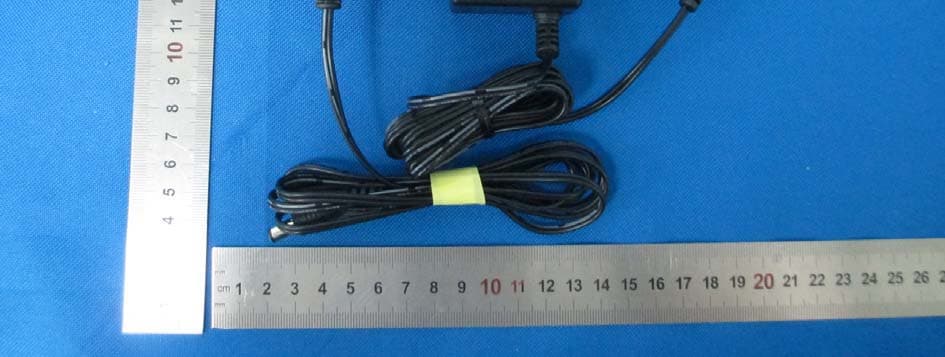
EXHIBIT B - EUT EXTERNAL PHOTOGRAPHS EUT – Front View EUT – Rear View EUT – Top View EUT – Bottom View EUT – Left Side View EUT – Right Side View
ID Label/Location Info
EXHIBIT A - FCC ID LABELING AND LOCATION FCC ID Label FCC ID Label Location
Internal Photos
EXHIBIT C - EUT INTERNAL PHOTOGRAPHS EUT – Cover off View 1 EUT – Cover off View 2 EUT – Cover off View 3 EUT – Cover off View 4 EUT – Mainboard 1 Front View EUT – Mainboard 1 Rear View EUT – Mainboard 2 Front View EUT – Mainboard 2 Rear View EUT – Mainboard 3 Front View EUT – Mainboard 3 Rear View EUT – Mainboard 4 Front View EUT – Mainboard 4 Rear View
Test Report
Note: This test report is prepared for the customer shown above and for the device described herein. It may not be duplicated or used in part without prior written consent from Bay Area Compliance Laboratories Corp. FCC PART 15, CLASS B MEASUREMENT AND TEST REPORT For Turning Technologies 255 West Federal Street, Youngstown, OH 44503, USA Report Type: Original Report Product Type: Touch Board Plus Test Engineer: Webb Liu Report Number: RSZ140801001-00 Report Date: 2014-10-13 Reviewed By: Dick Zhang EMC Leader Prepared By: Bay Area Compliance Laboratories Corp. (Shenzhen) 6/F, the 3rd Phase of WanLi Industrial Building ShiHua Road, FuTian Free Trade Zone Shenzhen, Guangdong, China Tel: +86-755-33320018 Fax: +86-755-33320008 www.baclcorp.com.cn FCC ID: R4WTTTB10 Bay Area Compliance Laboratories Corp. (Shenzhen) Report No.: RSZ140801001-00 FCC Part 15, Class B Page 2 of 16 TABLE OF CONTENTS GENERAL INFORMATION ....................................................................................................................................... 3 PRODUCT DESCRIPTION FOR EQUIPMENT UNDER TEST (EUT) ..................................................................................... 3 OBJECTIVE ................................................................................................................................................................... 3 RELATED SUBMITTAL(S)/GRANT(S) ............................................................................................................................. 3 TEST METHODOLOGY .................................................................................................................................................. 3 TEST FACILITY ............................................................................................................................................................. 4 SYSTEM TEST CONFIGURATION (FCC §15.27) .................................................................................................. 5 JUSTIFICATION ............................................................................................................................................................. 5 EUT EXERCISE SOFTWARE .......................................................................................................................................... 5 SPECIAL ACCESSORIES ................................................................................................................................................. 5 EQUIPMENT MODIFICATIONS ....................................................................................................................................... 5 SUPPORT EQUIPMENT LIST AND DETAILS .................................................................................................................... 5 EXTERNAL I/O CABLE .................................................................................................................................................. 6 BLOCK DIAGRAM OF TEST SETUP ................................................................................................................................ 6 SUMMARY OF TEST RESULTS ............................................................................................................................... 7 FCC §15.107 – AC LINE CONDUCTED EMISSIONS ............................................................................................. 8 APPLICABLE STANDARD .............................................................................................................................................. 8 MEASUREMENT UNCERTAINTY .................................................................................................................................... 8 EUT SETUP .................................................................................................................................................................. 8 EMI TEST RECEIVER SETUP ......................................................................................................................................... 9 TEST PROCEDURE ........................................................................................................................................................ 9 TEST EQUIPMENT LIST AND DETAILS ........................................................................................................................... 9 CORRECTED FACTOR & MARGIN CALCULATION ....................................................................................................... 10 TEST RESULTS SUMMARY .......................................................................................................................................... 10 TEST DATA ................................................................................................................................................................ 10 FCC§15.109 - RADIATED EMISSIONS .................................................................................................................. 13 APPLICABLE STANDARD ............................................................................................................................................ 13 MEASUREMENT UNCERTAINTY .................................................................................................................................. 13 EUT SETUP ................................................................................................................................................................ 13 EMI TEST RECEIVER SETUP ....................................................................................................................................... 14 TEST PROCEDURE ...................................................................................................................................................... 14 TEST EQUIPMENT LIST AND DETAILS .................................................................…
Text truncated - open the document above for the full version.
Test Setup Photos
EXHIBIT B - TEST SETUP PHOTOGRAPHS Conducted Emissions - Front View Conducted Emissions - Side View Radiated Emissions – Front View (Below 1 GHz) Radiated Emissions – Rear View (Below 1 GHz)
Contact Information
Applicant
Rob Kerber(Director of Operations)
Test Firm
Bay Area Compliance Laboratory Corp. (Shenzhen)John Chan
Technical Specifications
| # | Rule Parts | Frequency Range | Power Output |
|---|---|---|---|
| 1 | 15B | - | - |
Other Applications from Turning Technologies, LLC
R4WRRAP01
Mar 23, 2015Turning
Equipment Class
DTS - Digital Transmission System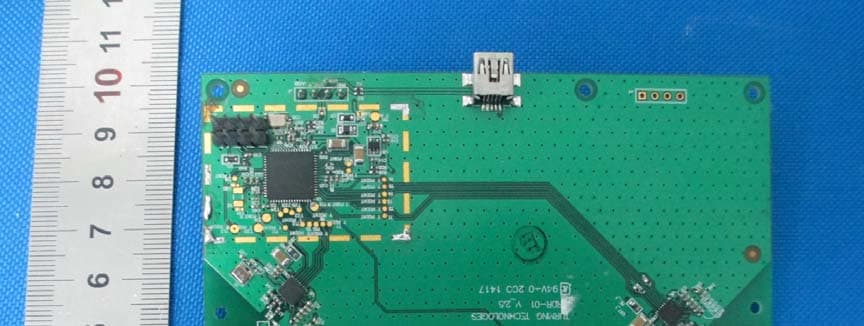
R4WRRDR01
Mar 11, 20152.4GHz RF module
Equipment Class
DXX - Part 15 Low Power Communication Device Transmitter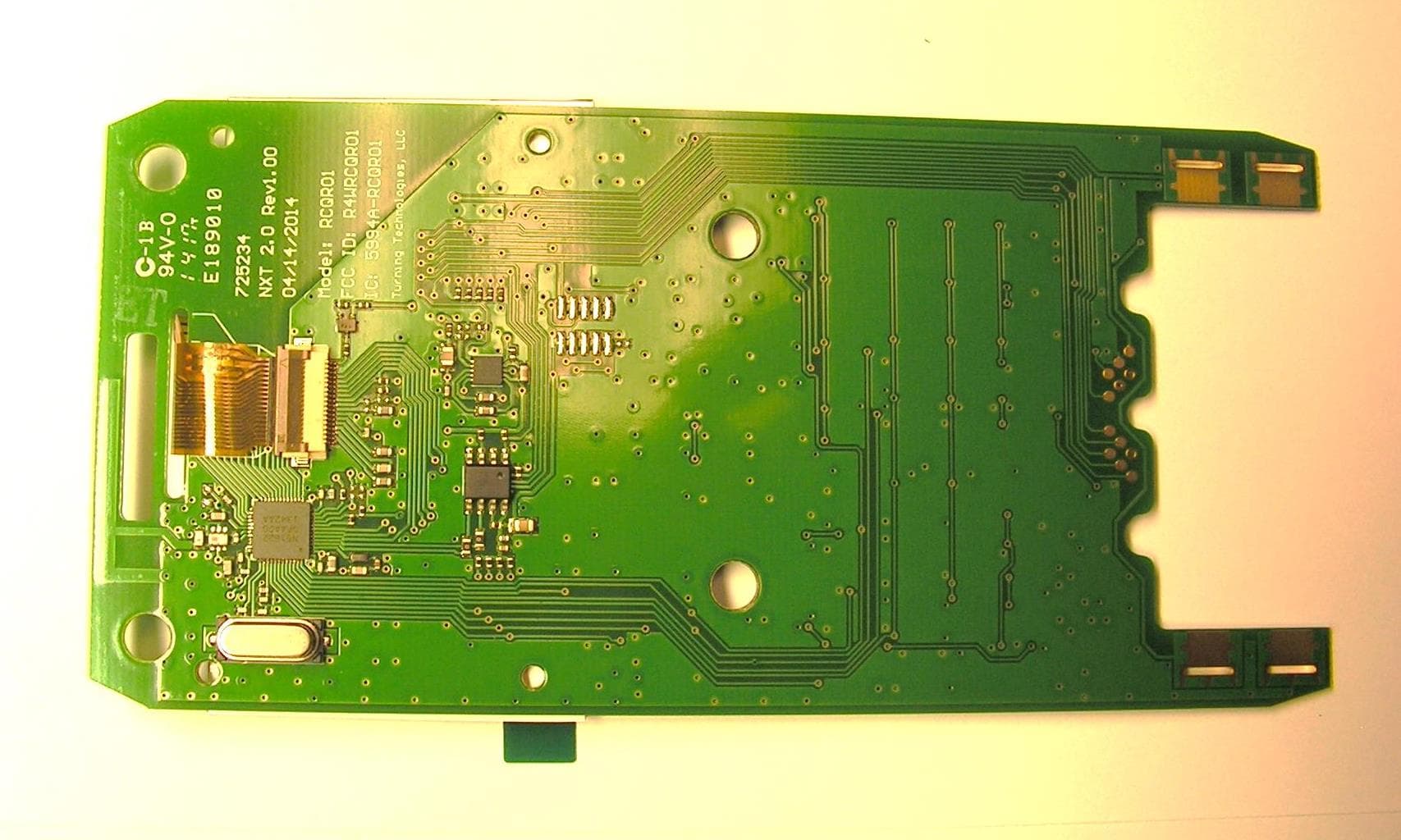
R4WRCQR01
May 05, 2014Low Power RF Module
Equipment Class
DXT - Part 15 Low Power Transceiver, Rx Verified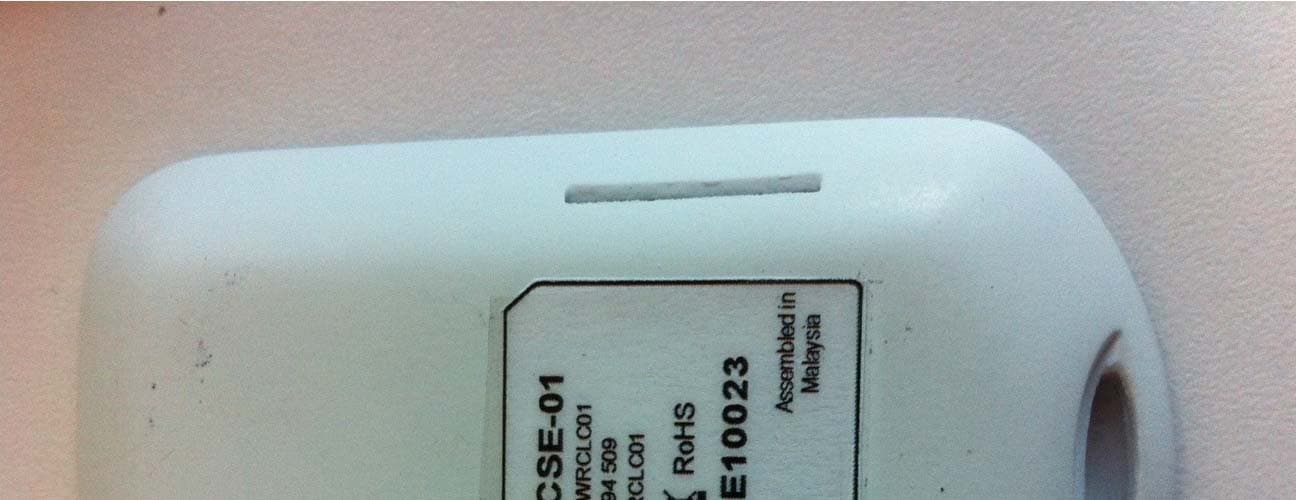
R4WRCLC01
Jul 14, 2013ResponseCard Single Event
Equipment Class
DXX - Part 15 Low Power Communication Device Transmitter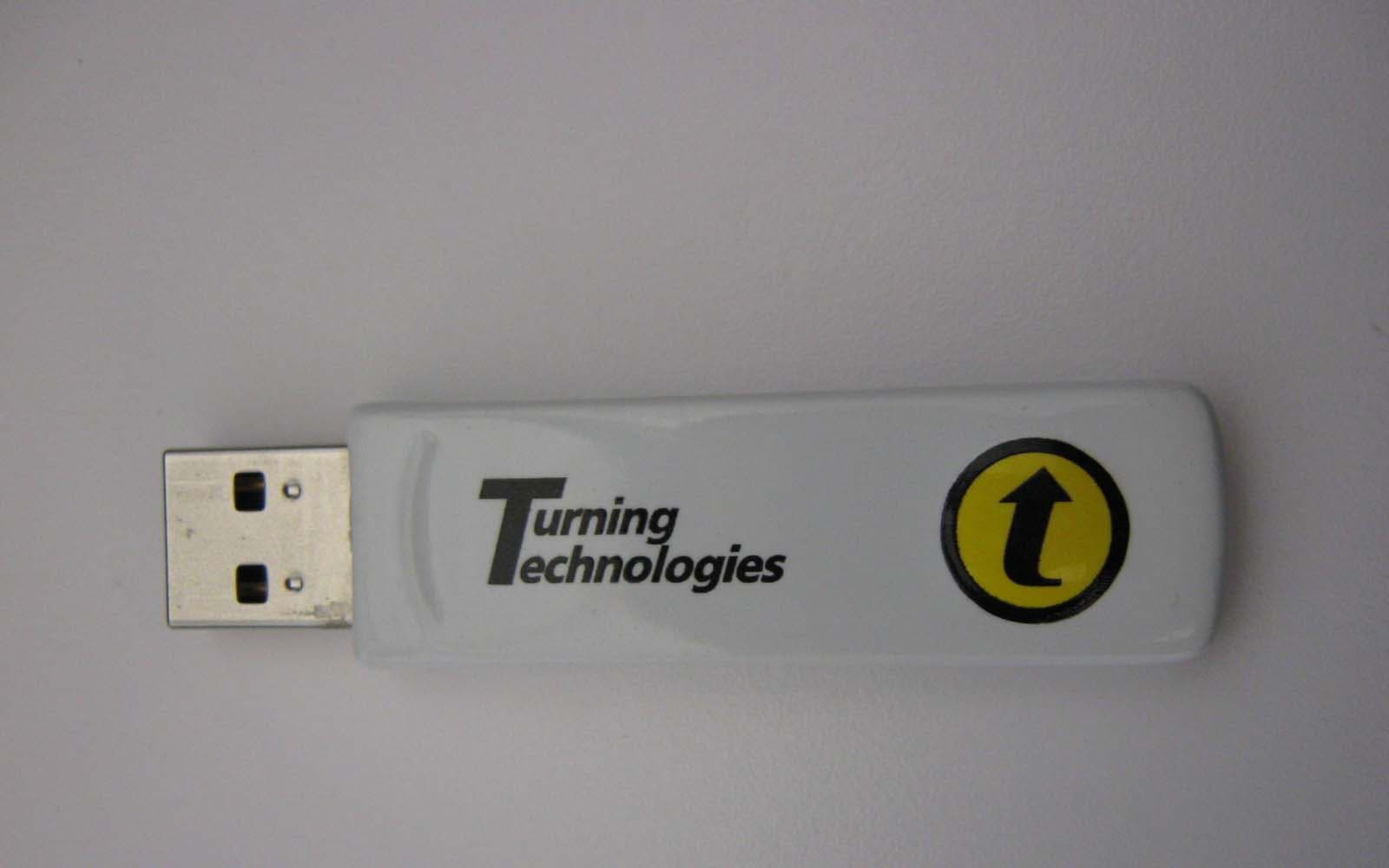
R4WRRRF04
Aug 06, 2012RF Receiver
Equipment Class
DXX - Part 15 Low Power Communication Device Transmitter