RFSMPIO-FG100MP3 Player
DigitalWay Co., Ltd.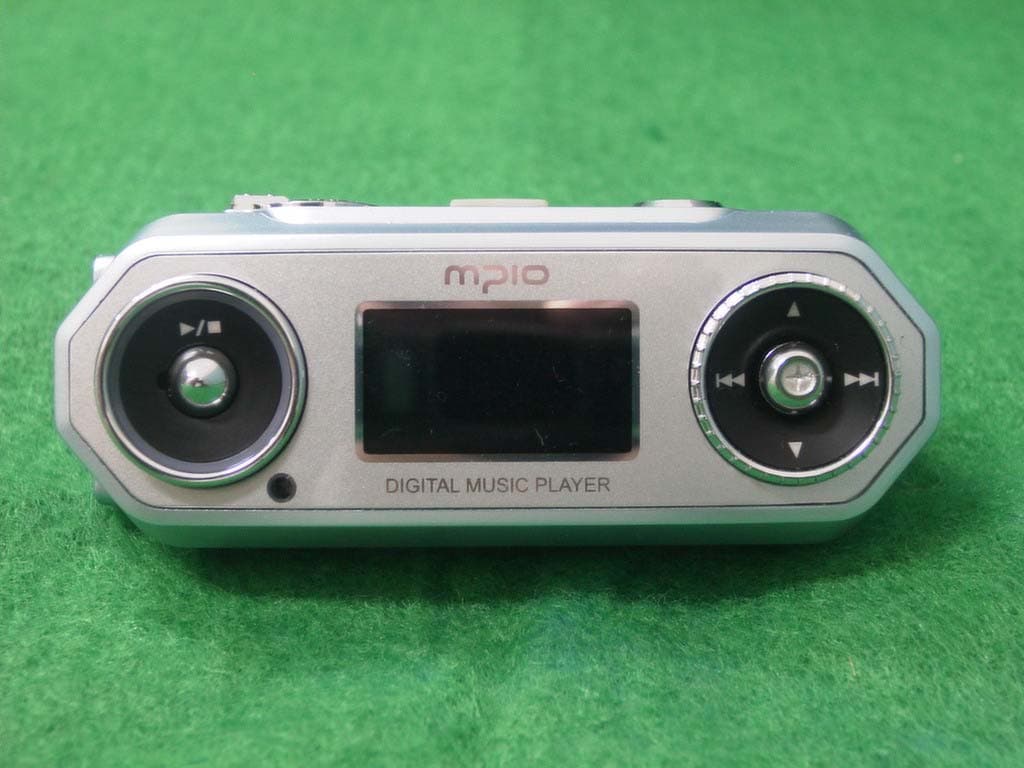
Click to zoom
Application Details
- Equipment Class
- JBP - Part 15 Class B Computing Device Peripheral
- Date of Grant
- Aug 01, 2004
- Application Purpose
- Original Equipment
- Date of Application
- Aug 01, 2004
- Equipment Note
- MP3 Player
- Company
- DigitalWay Co., Ltd.
- Country
- South Korea
Documents & Files
Document Text
Text extracted from the exhibit documents filed with the FCC. Open a document above to read the original.
Users Manual
Contents . Technical Specifications . Control’s Overview . Listening to Music . Listening to FM Radio . Recording Technical Specifications Dimensions 31(W) x 82(H) x 28.5(D)/mm Weights Display Device 4-line2 Areas Color OLED (Orange & Blue) Memory 256MB, 512MB, 1GB Decoding MP3, WMA Encoding MP3 Frequency Range 20Hz ~ 20KHz S/N ratio 90dB THD 0.1 Audio Out Power 18mW/Channel (EU: 6mW/Channel) Frequency Band 76 ~ 108MHz S/N ratio 50dB FM Preset Station 20 Menu English Languages File Information 55 languages PC Interface USB 2.0(Compatible with USB 1.1) File Transfer Speed Approx. 40Mbps PC Interface Supported OS Windows: 98/SE/ME/2000/XP Macintosh: Mac OS Version 9.2 and higher Type AA × 1 Battery Playing Time Approx. 45 hours Operating Temperature 0 ̊C ~ 40 ̊C . Actual usable capacity can be changed via the logic file system regardless of the physical capacity of FG100. . The warranty does not cover PC connections with the use of extended cords like the USB hub, etc. . Data transfer rate may vary depending on the computer systems. . Playing time may vary depending on the usage, configuration and condition. Control’s Overview Listening to Music Step 1. Driver Installation It isn’t needed to install driver with windows me/2000/XP. The software should be installed before connect player and computer. 1. Insert the Install CD into the CD-ROM driver. : The Install Menu Screen will display automatically. 2. Click on the Driver in install Menu. Step 2. Transfer Music 1. Turn the player on by pressing ▶/■ button for long. 2. When you connect your player and PC, the PC recognizes it as a removable disk that you can use to transport music files. This means you can drag and drop files using Microsoft Windows Explorer or save a file by selecting the player. 3. Once you're finished transferring files, be sure to Disconnect the USB Cable from the player as described in the next section. Step 3. Disconnect the Player and PC It is important to follow this procedure to disconnect the USB cable from your player and PC. If you do not, you risk losing files as they are transferring to your player. 1. Click the USB icon on the Windows taskbar usually located at the bottom right of the Desktop. 2. From the popup menu, select the Stop command. 3. After a notification message displays, you may disconnect the cable from the player. Step 4. Listening to Music . Power On/Off: Pressing ▶/■ button for long. . Playback/Pause: Pressing ▶/■ button. ※ Information for Playback Mode Selecting the previous/next track & Forward/Rewind function In case of pause status: If you push the stick button to right or left, player plays the next track or previous track. In case of during playback: If you push the stick button to right or left, player performs the forward or rewind function. Volume control Turn the Wheel key to down or up (Volume Level: 0 ~30). Down: To increase volume UP: To decrease volume Navigation 1. Press the stick button during playback. 2. Select the music file by push the stick button. 3. Press the ▶/■ button to play music. ※ Enter the Folder & Escape the Folder To move to the sub-folder, press the stick button. To move to the upper folder, press the FUNC button. Repeat Segmentation 1. Press the REC button at the start point. 2. Press the REC button again at the end point. 3. If you want to cancel this function, press the REC button again. Menu Structure for Playback Mode Mode Select the Main Mode. 1. Playback 2. Recording 3. FM Tuner EQ Select the EQ by music genre 1. Normal 2. Pop 3. Rock 4. Jazz 5. Classic 6. Vocal 7. User 8. Reset Sound Effect Select the sound effect. 1. Off 2. Pure Studio 3. Concert 4. Groove 5. Dynamic Bass Repeat Select the repeat order. 1. Normal 2. Repeat One 3. Repeat All 4. Random 5. Directory Normal 6. Directory All 7. Directory Random Erase Delete the file. 1. Erase File 2. Erase All Language Select the language to display file Information (or ID3 Tag) on the display device. A: Afrikaans, Albania, Arabic, Azeri B: Basque, Byelorussian, Bulgrian C: Catalan, Chinese(Simple), Chinese(Trandition), Croatian, Czech D: Danish, Dutch E: English, Estonian F: Faeroese, Farsi, Finnish, French G: Galician, German, Greek H: Hebrew, Hungarian I: Icelandic, Indonesian, Italian J: Japanese K: Kazakh, Korean, Kyrgyz L: Latvian, Lithuanian M: Macedonian, Malay, Mongolian N: Norwegian P: Polish, Portuguese R: Romanian, Russian S: Serbian, Slovak, Slovenian, Spanish, Swahili, Swedish T: Tatar, Thai, Turkish U: Ukrainian, Urdu, Uzbek V: Vietnamese 1. Human Eye Control automatically contrast of OLED by outside brightness. 1. On 2. Off 2. File Info Select the file information to display. 1. Tag Info 2. File Name 3. Scroll Width Control the scroll speed of file information. 2 ~ 16(Default) ~ 128 4. Time Info Select the display for elapsed track time. 1. Discount 2. Count Display 5. Cycle LED Select the status of LED. 1. On 2. Off System 1. Auto Play After turning up the power, control the auto play of music. 1. Off 2. On 2. Resume Remembers and plays the part played right before the power was turned off. 1. Initial 2. Stopped 3. Sleep You can power off the device at the reserved time. 0(Default) ~ 60min 4. Auto Power Off Set the function of Auto Power off when no button is pressed for a certain time in the pause state. 3(Default) ~ 30min 5. Fade When activated, volume increases gradually at playback to prevent sudden loudness. 1. Off 2. On 6. Information Display the Firmware Version, Internal Total/Free Memory, External Total/Free Memory information. Change the Setup Status of the REPEAT Menu 1. Enter the menu by pressing the stick button for long. 2. Select the system menu by pushing the stick button and enter the fade menu by pressing the stick button. 3. Move to the ON using the stick button. Save the setup status by pressing the stick button. 4. Move to the Playback pressing the FUNC button. Listening to the FM Radio Move to FM Radio Mode 1. Move to Menu by pressing the stick button. And press the st…
Text truncated - open the document above for the full version.
External Photos
KTI04EF07003 FCC ID:RFSMPIO-FG100 Korea Technology Institute Co., Ltd. Page 1 of 4 External photo (front) KTI04EF07003 FCC ID:RFSMPIO-FG100 Korea Technology Institute Co., Ltd. Page 2 of 4 External photo (Rear) KTI04EF07003 FCC ID:RFSMPIO-FG100 Korea Technology Institute Co., Ltd. Page 3 of 4 External photo (Left) KTI04EF07003 FCC ID:RFSMPIO-FG100 Korea Technology Institute Co., Ltd. Page 4 of 4 External photo (Right)
ID Label/Location Info
KTI04EF07003 FCC ID:RFSMPIO-FG100 Korea Technology Institute Co., Ltd. Page 1 of 1 Label location FCC Label Location
ID Label/Location Info
KTI04EF07003 FCC ID:RFSMPIO-FG100 Korea Technology Institute Co., Ltd. Page 1 of 1 FCC ID Sample Label Model Number: MPIO-FG100 FCC ID: RFSMPIO-FG100 S/N: DIGITALWAY CO., LTD. Made in Korea
Internal Photos
KTI04EF07003 FCC ID:RFSMPIO-FG100 Korea Technology Institute Co., Ltd. Page 1 of 8 Internal photo (Front) KTI04EF07003 FCC ID:RFSMPIO-FG100 Korea Technology Institute Co., Ltd. Page 2 of 8 Internal photo 1 (Front1) KTI04EF07003 FCC ID:RFSMPIO-FG100 Korea Technology Institute Co., Ltd. Page 3 of 8 Internal photo 1 (Front2) KTI04EF07003 FCC ID:RFSMPIO-FG100 Korea Technology Institute Co., Ltd. Page 4 of 8 Internal photo 1 (Rear) KTI04EF07003 FCC ID:RFSMPIO-FG100 Korea Technology Institute Co., Ltd. Page 5 of 8 Internal photo 2 (Front) KTI04EF07003 FCC ID:RFSMPIO-FG100 Korea Technology Institute Co., Ltd. Page 6 of 8 Internal photo 2 (Rear) KTI04EF07003 FCC ID:RFSMPIO-FG100 Korea Technology Institute Co., Ltd. Page 7 of 8 Internal photo 3 (Front) KTI04EF07003 FCC ID:RFSMPIO-FG100 Korea Technology Institute Co., Ltd. Page 8 of 8 Internal photo 3 (Rear)
Test Report
KTI04EF07003 FCC ID:RFSMPIO-FG100 Korea Technology Institute Co., Ltd. Page 1 of 13 Test Report Test Report No.: KTI04EF07003 Registration No.: 99058 Applicant: Digitalway Co., Ltd. Applicant Address: #202, Fine Venture Bldg. 345-1, Yatap-dong, Bundang-gu Seongnam, Gyeonggi-do, Korea, 463-070 Product: MP3 Player FCC ID: RFSMPIO-FG100 Model No. MPIO-FG100 Receipt No.: 04-0704 Date of receipt:July 12, 2004 Date of Issue: July 27, 2004 Testing location Korea Technology Institute Co., Ltd. 51-19, Sanglim3-Ri, Docheok-Myeun, Gwangju-Shi, Gyeungki-Do, Korea Test Standards: FCC/ANSI. C63.4: 2001 Rule Parts: FCC Part 15, Class B Equipment Class: Computing Device Peripheral Test Result: The above-mentioned product has been tested with compliance. Tested by: H. Kim / Engineer Approved by: G. C. Min /President Signature Date Signature Date Other Aspects: Abbreviations: * OK, Pass=passed * Fail=failed * N/A=not applicable ☞ - This test report is not permitted to copy partly without our permission. - This test result is dependent on only equipment to be used. - This test result is based on a single evaluation of one sample of the above mentioned. - This test report must not be used by the client to claim product endorsement by NVLAP or any agency of the U.S Government. - We certify this test report has been based on the measurement standards that is traceable to the national or international standards. KTI04EF07003 FCC ID:RFSMPIO-FG100 Korea Technology Institute Co., Ltd. Page 2 of 13 ≫≫ Contents ≪≪ 1. 2. 3. 4. 5. 6. Annex1 Annex2 Contents List of Tables List of Figures List of Photographs General Test Site 2.1 Location 2.2 List of Test and Measurement Instruments 2.3 Test Data 2.4 Test Environment Description of the tested samples 3.1 Rating and Physical characteristics 3.2 Submitted documents Measurement conditions 4.1 Modes of operation 4.2 List of peripherals 4.3 Uncertainty 4.4 Test Setup Emission Test 5.1 Conducted Emissions 5.2 Radiated Emissions Photographs of the Test Set-up Label Photographs of EUT 2 2 2 2 3 3 3 4 4 4 5 5 5 6 6 6 6 7 8 8 12 14 16 18~29 ≫ List of Tables Table 1 List of test and measurement equipment Table 2 Test Data. Conducted Emissions Table 3 Test Data. Radiated Emissions ≫ List of Figures Figure 1 Spectral Diagram, LINE-PE Figure 2 Spectral Diagram, Neutral-PE ≫ List of Photographs Photograph 1 Setup for Radiated Emissions Photograph 2 Setup for Conducted Emissions 4 11 13 9 10 14 15 KTI04EF07003 FCC ID:RFSMPIO-FG100 Korea Technology Institute Co., Ltd. Page 3 of 13 1. General This equipment has been shown to be capable of compliance with the applicable technical standards and was tested in accordance with the measurement procedures as indicated in this report. We attest to the accuracy of data. Korea Technology Institute Co., Ltd. performed all measurements reported herein. And were made under Chief Engineer’s supervisor. We assume full responsibility for the completeness of these measurements and vouch for the qualifications of all persons taking them. 2. Test Site Korea Technology Institute Co., Ltd. 2.1 Location 51-19, Sanglim3-Ri, Docheok-Myeun, Gwangju-Shi, Gyeungki-Do, Korea The Test Site is in compliance with ANSI C63.4/2001 for measurement of radio Interference. KTI04EF07003 FCC ID:RFSMPIO-FG100 Korea Technology Institute Co., Ltd. Page 4 of 13 2.2 List of Test and Measurement Instruments Table 1: List of Test and Measurement Equipment - Conducted Emissions Kind of Equipment Type S/N Calibrated until Spectrum Analyzer R3261C 61720417 11.2004 Field Strength Meter ESPC 832827/011 9.2004 LISN KNW407 8-1157-2 10.2004 LISN EM-7823 115019 4.2005 Conducted Cable N/A N/A 11.2004 - Radiated Emissions Kind of Equipment Type S/N Calibrated until Field Strength Meter ESIB40 100093 3.2005 Spectrum Analyzer R3261C 61720417 11.2004 Pre Amplifier 8447D 2944A06874 11.2004 BiconiLog Antenna 3142B 1705 2.2005 Horn Antenna 3115 6443 6.2005 Open Site Cable N/A N/A 11.2004 Antenna Mast DETT-03 N/A N/A Antenna & Turntable controller DETT-04 91X519 N/A 2.3 Test Date Date of Application: July 12, 2004 Date of Test: July 15, 2004 2.4 Test Environment See each test item’s description. KTI04EF07003 FCC ID:RFSMPIO-FG100 Korea Technology Institute Co., Ltd. Page 5 of 13 3. Description of the tested samples The EUT is a MP3 Player. 3.1. Rating and Physical Characteristics Dimensions 31(W) x 82(H) x 28.5(D)/mm Weights Display Device 4-line2 Areas Color OLED (Orange & Blue) Memory 256MB, 512MB, 1GB Decoding MP3, WMA Encoding MP3 Frequency Range 20Hz ~ 20KHz S/N ratio 90dB THD 0.1 Audio Out Power 18mW/Channel (EU: 6mW/Channel) Frequency Band 76 ~ 108MHz S/N ratio 50dB FM Preset Station 20 Menu English Languages File Information 55 languages PC Interface USB 2.0(Compatible with USB 1.1) File Transfer Speed Approx. 40Mbps PC Interface Supported OS Windows: 98/SE/ME/2000/XP Macintosh: Mac OS Version 9.2 and higher Type AA × 1 Battery Playing Time Approx. 45 hours Operating Temperature 0 ̊C ~ 40 ̊C 3.2 Submitted Documents - User’s Guide - Block Diagram KTI04EF07003 FCC ID:RFSMPIO-FG100 Korea Technology Institute Co., Ltd. Page 6 of 13 4. Measurement Conditions Testing Input Voltage: AC 220V 4.1 Modes of Operation The EUT was in the following operation mode during all testing; 1) File transfer each disk. 4.2 Additional Equipment DEVICE TYPE Manufacturer M/N S/N FCC ID PC COMPAQ COMPUTER CORPORATION EvoD5M 6F28KN8ZH110 - Monitor Samsung Electronics 750S P223HVAR502035 - Keyboard COMPAQ COMPUTER CORPORATION KB-9963 B26960GBUKKOVW - Mouse logitech M-S69 3892D101 - Mouse SEJIN ELECTRON INC.SMB-400 0CIM004047 GJJS965M3 Printer HEWLETT PACKARD C4569A SG6A7160PJ - 4.3 Uncertainty 1) Radiated disturbance Uc (Combined standard Uncertainty) = ± 1.8dB Expanded uncertainty U=KUc K = 2 ∴ U = ± 3.6dB 2) Conducted disturbance Uc = ± 0.88dB U = KUc=2 x Uc = ± 1.8dB KTI04EF07003 FCC ID:RFSMPIO-FG100 Korea Technology Institute Co., Ltd. Page 7 of 13 4.4 Test Setup Signal Line Power Line Printer PC Monitor Keyboard Mou…
Text truncated - open the document above for the full version.
Test Setup Photos
KTI04EF07003 FCC ID:RFSMPIO-FG100 Korea Technology Institute Co., Ltd. Page 1 of 2 6. Photograph of the Test Set-Up Photograph 1 : Setup for radiated Emissions KTI04EF07003 FCC ID:RFSMPIO-FG100 Korea Technology Institute Co., Ltd. Page 2 of 2 Photograph 2 : Setup for Conducted Emissions
Contact Information
Applicant
Jang-Kwan Park(Assistant Manager)
Test Firm
Korea Technology Institute Co., Ltd.Seung Hyun Song
Technical Specifications
| # | Rule Parts | Frequency Range | Power Output |
|---|---|---|---|
| 1 | 15B | - | - |
Other Applications from DigitalWay Co., Ltd.
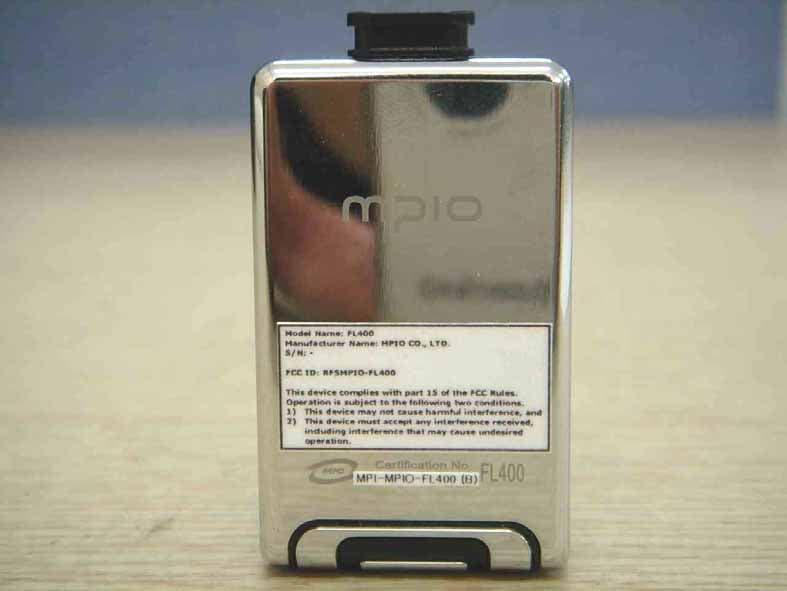
RFSMPIO-FL400
Oct 13, 2005MP3 Player
Equipment Class
JBP - Part 15 Class B Computing Device Peripheral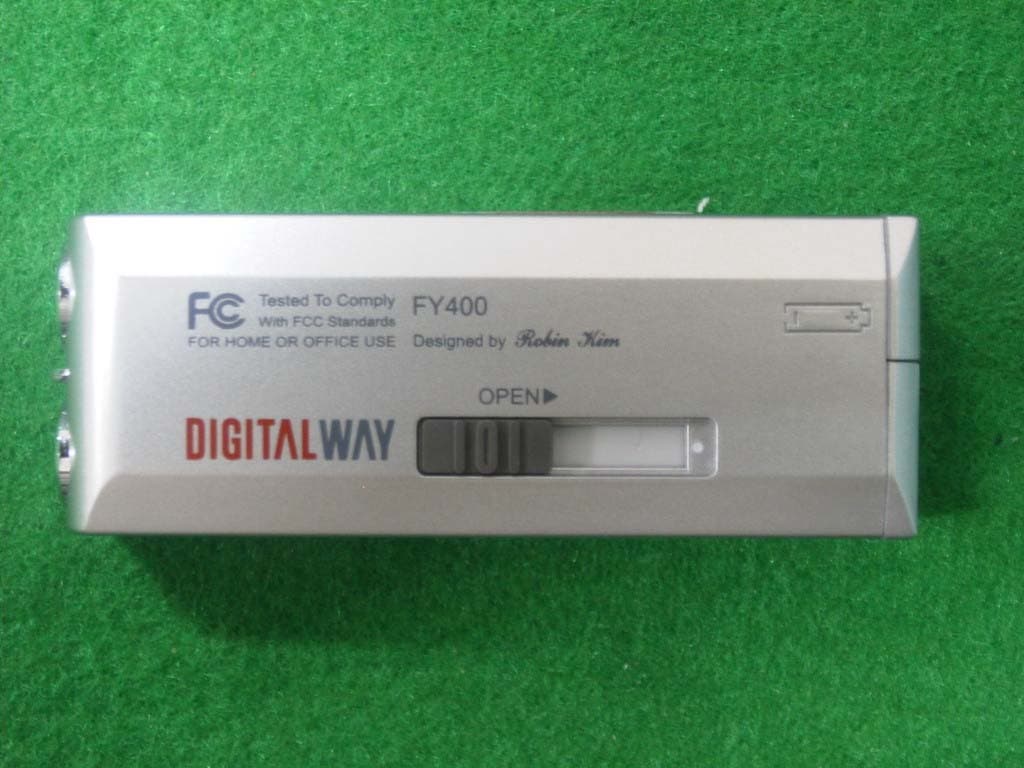
RFSMPIO-FY400
Aug 18, 2004MP3 PLAYER
Equipment Class
JBP - Part 15 Class B Computing Device Peripheral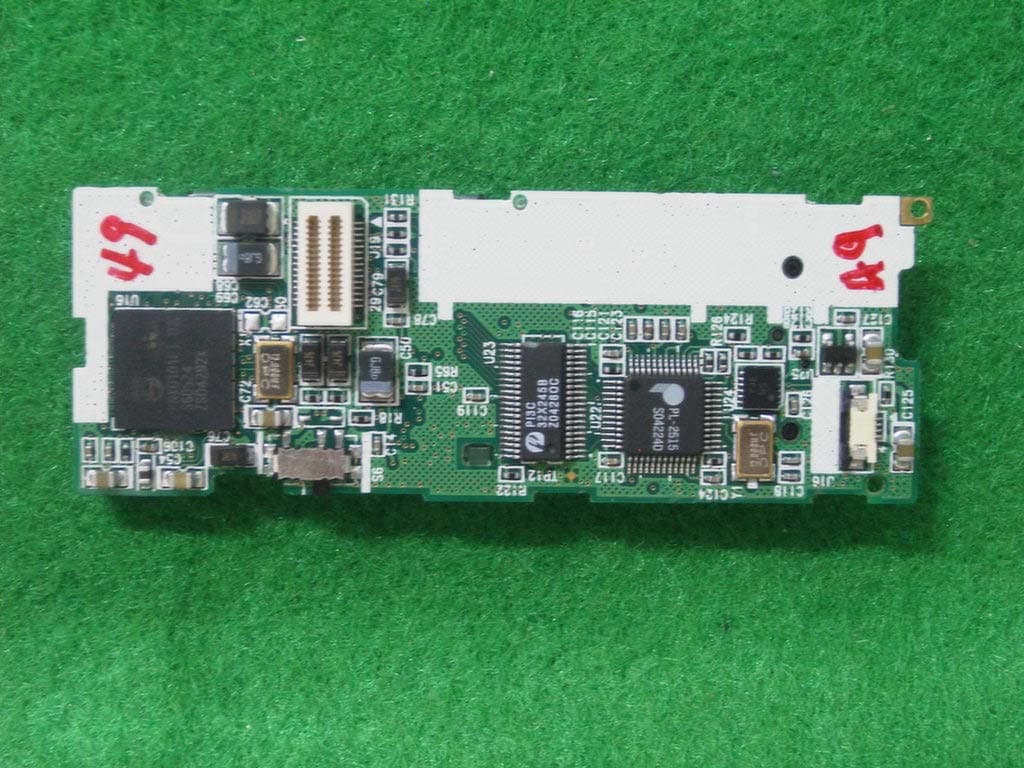
RFSMPIO-FU400
Aug 11, 2004MP3 PLAYER
Equipment Class
JBP - Part 15 Class B Computing Device Peripheral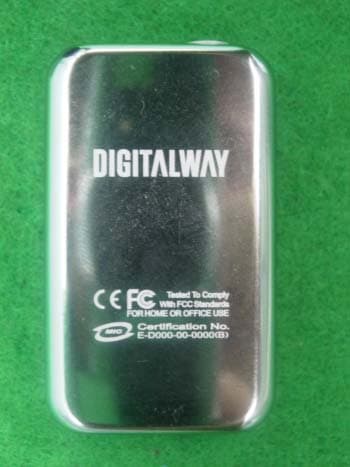
RFSMPIO-FL300
Jul 05, 2004MP3 PLAYER
Equipment Class
JBP - Part 15 Class B Computing Device Peripheral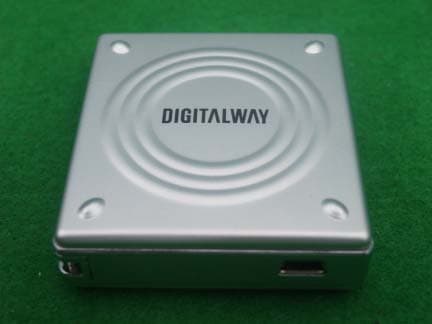
RFSMPIO-HS200
Jul 05, 2004MASS STORAGE
Equipment Class
JBP - Part 15 Class B Computing Device Peripheral