RFSMPIO-HS200MASS STORAGE
DigitalWay Co., Ltd.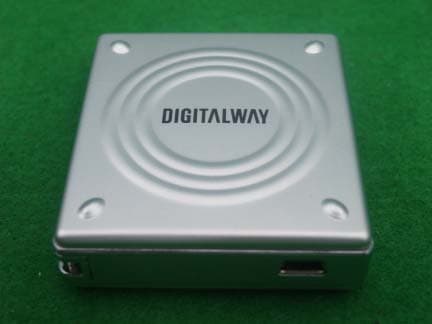
Click to zoom
Application Details
- Equipment Class
- JBP - Part 15 Class B Computing Device Peripheral
- Date of Grant
- Jul 05, 2004
- Application Purpose
- Original Equipment
- Date of Application
- Jul 05, 2004
- Equipment Note
- MASS STORAGE
- Company
- DigitalWay Co., Ltd.
- Country
- South Korea
Documents & Files
Document Text
Text extracted from the exhibit documents filed with the FCC. Open a document above to read the original.
Users Manual
Table of Contents 2. 3. 4. 5. HS200 Using STEP 1 Driver Installation STEP 2 Data Storage STEP 3 Removing HS200 From Your Computer 6. Formatting 7. Troubleshooting 1. Safety Precautions * You should be fully aware of the notice below, before using the product. * The company does not take the responsibility for the defect of the product (accessory, connecting device etc.), damage, data loss, accident & disorder etc., occurred from not fully understanding the notice below, so please be sure to check this notice. . Do not use the product for the other purpose except for the matters described in the manual. . Pay attention not to hurt your hand while you touch a product box, manual, accessory etc. . Hard disk is sensitive to impact. Pay attention not to have a severe impact on the product, might cause a trouble or a damage. . Pay attention not to use the device or leave it alone in places with high temperature and humidity or of high thermal difference, and by the strong magnetic body. . Remember that liquid (water, beverage etc.) not leaked into the device. . The device that you discretionary disassembled or remodeled can not be provided with a free service and can be excluded from the service areas, so pay special attention to this. . The company shall not be held liable for data lost and damaged during data transmissions between HS200 and your computer. . Be sure to backup your data during data storage. Device malfunction, operational errors, external shock, or power failure can cause loss of stored data. The company does not assume any liability for such occurrences. Please take proper precaution . Customers must back up the data stored in the device before requesting for the service. For the service- requested device, the data are assumed to have been backed up by customers ; we do not provide any data backup service separately. We assume no liability for any data loss during the service. . Please plug or unplug the cable by holding the plugs not by pulling out the cable, to prevent internal line breaking. . Do not give an impact to the connected part while the Computer is connected to the device. . When the device is covered with foreign particles, please wipe off it with soft cloth or clean towel and be careful not to use chemicals 2. Composition 1. HS200 2. Manual 3. Installation CD 4. USB Long Cable 5. USB Short Cable (Optional) 6. Case (Optional) 7. Necklace & Mini USB Adapter 3. Introduction & Specifications 1. Introduction HS200 is a small, light storage device with a capacity of 4GB of its 1-inch hard disk. It commands the strength of both a large capacity HDD and a small Flash Memory storage device. It is also capable of fast data transmission by using the USB 2.0 Interface. 2. Specifications Product Code HS200 Capacity 4 GB Interface USB 2.0(compatible with USB 1.1) Transfer Rate Approx. 38Mbps Operating Temperature Range -5C ~ 45C Dimensions (mm) 51.56(W)56.5(H)16.7(D) Weight (g) 43g Platform OS Windows 98/SE/ME/2000/XP Macintosh OS Version 9.2 and higher HS200 is initially formatted in FAT32. Actual usable capacity can be changed via the logic file system regardless of the physical capacity of HS200 (4GB). * The warranty does not cover PC connections with the use of extended cords like the USB hub, etc. * Connection of HS200 to the USB 1.1 Host Adapter enables you to operate at the speed of the USB 1.1. * You need to mount a USB 2.0 Host Adapter on the computer to achieve maximum transmission speed when using the device. 4. HS200 Overview A. USB Terminal When connecting the device to the computer with a USB cable, connect terminal A of this cable to the USB terminal of the computer. Then insert the HS200 Body USB terminal into USB cable B. B. LED Green light – this indicates the connection of the device to the computer when power is turned on. Red light – indicates that the disk is transmitting the data. C. Hole for necklace 5. HS200 Using 1. Driver Installation ! You can use HS200 without installing the Driver in Windows ME/2000/XP. How to Install the Driver in Windows 98/SE Computer If HS200 is connected to the Windows 98 computer, a new hardware wizard is executed. If you find a location for the new device driver in Windows while the wizard is executed, insert the Installation CD in the CD ROM and designate such location as the driver location. 2. Data Storage After connecting HS200 to your computer, open the My Computer icon on your desktop to see whether the device has been recognized as a Removable Disk. Use HS200 like any ordinary hard disk. 3. Removing HS200 From Your computer ! To remove the device safely from your computer, just go through the following steps. Be sure to double- check each step so as to avoid the risk of data loss or damage to the device. 1. Direct the mouse’s pointer on the hot plug icon of the work tray and then right click it. 2. If you select “Safely Remove Hardware” the following message pops up. 3. When the window for the “Safely Remove Hardware” appears, select the “USB Mass Storage Device” in the window. This indicates the hardware device. Click the [Stop] button. 4. When the “Stop a Hardware Device” window appears, confirm the “USB Mass Storage Device” item and then press the [OK] button. 5. When the window for the “Safe Detachment of Hardware” appears, press the [Close] button, remove HS200 from the computer. 6. Formatting 1. Run Windows Explorer after connecting the HS200 to the computer. 2. Select the [Format] item by right clicking the HS200 icon. 3. Designate “FAT32” for the File System and select the default value for the Allocation unit size. If you want quick formatting, select the Perform a quick format ! Warning: Removing the device from the computer while formatting is going on may cause device damage. Please take extra precautions. 7. Troubleshooting Q: What happens when I see a message saying, “Hi-Speed USB device plugged into Non-Hi-Speed USB Hub”? A: This message is displayed when the USB2.0 product is connected to the USB1.1…
Text truncated - open the document above for the full version.
External Photos
KTI04EF07005 FCC ID:RFSMPIO-HS200 Korea Technology Institute Co., Ltd. Page 1 of 2 External photo (front) KTI04EF07005 FCC ID:RFSMPIO-HS200 Korea Technology Institute Co., Ltd. Page 2 of 2 External photo (Rear)
ID Label/Location Info
KTI04EF07005 FCC ID:RFSMPIO-HS200 Korea Technology Institute Co., Ltd. Page 1 of 1 Label location FCC Label Location
ID Label/Location Info
KTI04EF07005 FCC ID:RFSMPIO-HS200 Korea Technology Institute Co., Ltd. Page 1 of 1 CC ID Sample Label Model Number: MPIO-HS200 FCC ID: RFSMPIO-HS200 S/N: DIGITALWAY CO., LTD. Made in Korea F
Internal Photos
KTI04EF07005 FCC ID:RFSMPIO-HS200 Korea Technology Institute Co., Ltd. Page 1 of 4 Internal photo (Front) KTI04EF07005 FCC ID:RFSMPIO-HS200 Korea Technology Institute Co., Ltd. Page 2 of 4 Internal photo (Rear) KTI04EF07005 FCC ID:RFSMPIO-HS200 Korea Technology Institute Co., Ltd. Page 3 of 4 Internal photo 2 (Front) KTI04EF07005 FCC ID:RFSMPIO-HS200 Korea Technology Institute Co., Ltd. Page 4 of 4 Internal photo 2 (Rear)
Test Report
KTI04EF07005 FCC ID:RFSMPIO-HS200 Korea Technology Institute Co., Ltd. Page 1 of 13 Test Report Test Report No.: KTI04EF07005 Registration No.: 99058 Applicant: Digitalway Co., Ltd. Applicant Address: Korea Design Center, 344-1 Ya’tap 1-dong, Bundang-gu, Seongnam City Gyeonggi-do, 463-828 Korea Product: Mass storage FCC ID: RFSMPIO-HS200 Model No. MPIO-HS200 Receipt No.: 04-0630 Date of receipt:June 25, 2004 Date of Issue: July 6, 2004 Testing location Korea Technology Institute Co., Ltd. 51-19, Sanglim3-Ri, Docheok-Myeun, Gwangju-Shi, Gyeungki-Do, Korea Test Standards: FCC/ANSI. C63.4: 2001 Rule Parts: FCC Part 15, Class B Equipment Class: Computing Device Peripheral Test Result: The above-mentioned product has been tested with compliance. Tested by: H. Kim / Engineer Approved by: G. C. Min /President Signature Date Signature Date Other Aspects: Abbreviations: OK, Pass=passed Fail=failed N/A=not applicable - This test report is not permitted to copy partly without our permission. - This test result is dependent on only equipment to be used. - This test result is based on a single evaluation of one sample of the above mentioned. - This test report must not be used by the client to claim product endorsement by NVLAP or any agency of the U.S Government. - We certify this test report has been based on the measurement standards that is traceable to the national or international standards. KTI04EF07005 FCC ID:RFSMPIO-HS200 Korea Technology Institute Co., Ltd. Page 2 of 13 Contents 1. 2. 3. 4. 5. 6. Annex1 Annex2 Contents List of Tables List of Figures List of Photographs General Test Site 2.1 Location 2.2 List of Test and Measurement Instruments 2.3 Test Data 2.4 Test Environment Description of the tested samples 3.1 Rating and Physical characteristics 3.2 Submitted documents Measurement conditions 4.1 Modes of operation 4.2 List of peripherals 4.3 Uncertainty 4.4 Test Setup Emission Test 5.1 Conducted Emissions 5.2 Radiated Emissions Photographs of the Test Set-up Label Photographs of EUT 2 2 2 2 3 3 3 4 4 4 5 5 5 6 6 6 6 7 8 8 12 14 16 18~23 List of Tables Table 1 List of test and measurement equipment Table 2 Test Data. Conducted Emissions Table 3 Test Data. Radiated Emissions List of Figures Figure 1 Spectral Diagram, LINE-PE Figure 2 Spectral Diagram, Neutral-PE List of Photographs Photograph 1 Setup for Radiated Emissions Photograph 2 Setup for Conducted Emissions 4 11 13 9 10 14 15 KTI04EF07005 FCC ID:RFSMPIO-HS200 Korea Technology Institute Co., Ltd. Page 3 of 13 1. General This equipment has been shown to be capable of compliance with the applicable technical standards and was tested in accordance with the measurement procedures as indicated in this report. We attest to the accuracy of data. Korea Technology Institute Co., Ltd. performed all measurements reported herein. And were made under Chief Engineer’s supervisor. We assume full responsibility for the completeness of these measurements and vouch for the qualifications of all persons taking them. 2. Test Site Korea Technology Institute Co., Ltd. 2.1 Location 51-19, Sanglim3-Ri, Docheok-Myeun, Gwangju-Shi, Gyeungki-Do, Korea The Test Site is in compliance with ANSI C63.4/2001 for measurement of radio Interference. KTI04EF07005 FCC ID:RFSMPIO-HS200 Korea Technology Institute Co., Ltd. Page 4 of 13 2.2 List of Test and Measurement Instruments Table 1: List of Test and Measurement Equipment Conducted Emissions Kind of Equipment Type S/N Calibrated until Spectrum Analyzer R3261C 61720417 11.2004 Field Strength Meter ESPC 832827/011 9.2004 LISN KNW407 8-1157-2 10.2004 LISN EM-7823 115019 4.2005 Conducted Cable N/A N/A 11.2004 - Radiated Emissions Kind of Equipment Type S/N Calibrated until Field Strength Meter ESIB40 100093 3.2005 Spectrum Analyzer R3261C 61720417 11.2004 Pre Amplifier 8447D 2944A06874 11.2004 BiconiLog Antenna 3142B 1705 2.2005 Horn Antenna 3115 6443 6.2005 Open Site Cable N/A N/A 11.2004 Antenna Mast DETT-03 N/A N/A Antenna & Turntable controller DETT-04 91X519 N/A 2.3 Test Date Date of Application: June 25, 2004 Date of Test: June 27, 2004 2.4 Test Environment See each test item’s description. KTI04EF07005 FCC ID:RFSMPIO-HS200 Korea Technology Institute Co., Ltd. Page 5 of 13 3. Description of the tested samples The EUT is a Mass storage. 3.1. Rating and Physical Characteristics 3.2 Submitted Documents - User’s Guide - Block Diagram Product Code HS200 Capacity 4 GB Interface USB 2.0(compatible with USB 1.1) Transfer Rate Approx. 38Mbps Operating Temperature Range -5C ~ 45C Dimensions (mm) 51.56(W)56.5(H)16.7(D) Weight (g) 43g Platform OS Windows 98/SE/ME/2000/XP Macintosh OS Version 9.2 and higher KTI04EF07005 FCC ID:RFSMPIO-HS200 Korea Technology Institute Co., Ltd. Page 6 of 13 4. Measurement Conditions Testing Input Voltage: AC 220V 4.1 Modes of Operation The EUT was in the following operation mode during all testing; 1) File transfer each disk. 4.2 Additional Equipment DEVICE TYPE Manufacturer M/N S/N FCC ID PC COMPAQ COMPUTER CORPORATION EvoD5M 6F28KN8ZH110 - Monitor Samsung Electronics 750S P223HVAR502035 - Keyboard COMPAQ COMPUTER CORPORATION KB-9963 B26960GBUKKOVW - Mouse logitech M-S69 3892D101 - Mouse SEJIN ELECTRON INC.SMB-400 0CIM004047 GJJS965M3 Printer HEWLETT PACKARD C4569A SG6A7160PJ - 4.3 Uncertainty 1) Radiated disturbance Uc (Combined standard Uncertainty) = 1.8dB Expanded uncertainty U=KUc K = 2 U = 3.6dB 2) Conducted disturbance Uc = 0.88dB U = KUc=2 x Uc = 1.8dB KTI04EF07005 FCC ID:RFSMPIO-HS200 Korea Technology Institute Co., Ltd. Page 7 of 13 4.4 Test Setup Signal Line Power Line Printer PC Monitor Keyboard Mouse Mouse KTI04EF07005 FCC ID:RFSMPIO-HS200 Korea Technology Institute Co., Ltd. Page 8 of 13 5. EMISSION Test 5.1.Conducted Emissions Result: Pass The line-conducted facility is located inside a 2.3M x 3.5M x 5.5M shielded closure. The shielding effectiveness of the shielded room is in accordance with MIL-Std-285 or NSA 605- 05. A 1m x 1.5m wooden table 80cm high is placed 80cm away fro…
Text truncated - open the document above for the full version.
Test Setup Photos
KTI04EF07005 FCC ID:RFSMPIO-HS200 Korea Technology Institute Co., Ltd. Page 1 of 2 6. Photograph of the Test Set-Up Photograph 1 : Setup for radiated Emissions KTI04EF07005 FCC ID:RFSMPIO-HS200 Korea Technology Institute Co., Ltd. Page 2 of 2 Photograph 2 : Setup for Conducted Emissions
Contact Information
Applicant
Jang-Kwan Park(Assistant Manager)
Test Firm
Korea Technology Institute Co., Ltd.Seung Hyun Song
Technical Specifications
| # | Rule Parts | Frequency Range | Power Output |
|---|---|---|---|
| 1 | 15B | - | - |
Other Applications from DigitalWay Co., Ltd.
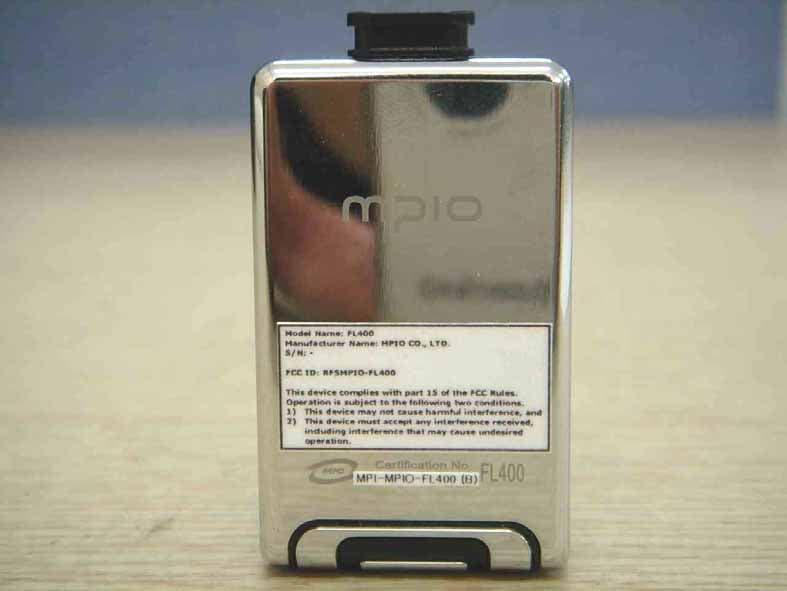
RFSMPIO-FL400
Oct 13, 2005MP3 Player
Equipment Class
JBP - Part 15 Class B Computing Device Peripheral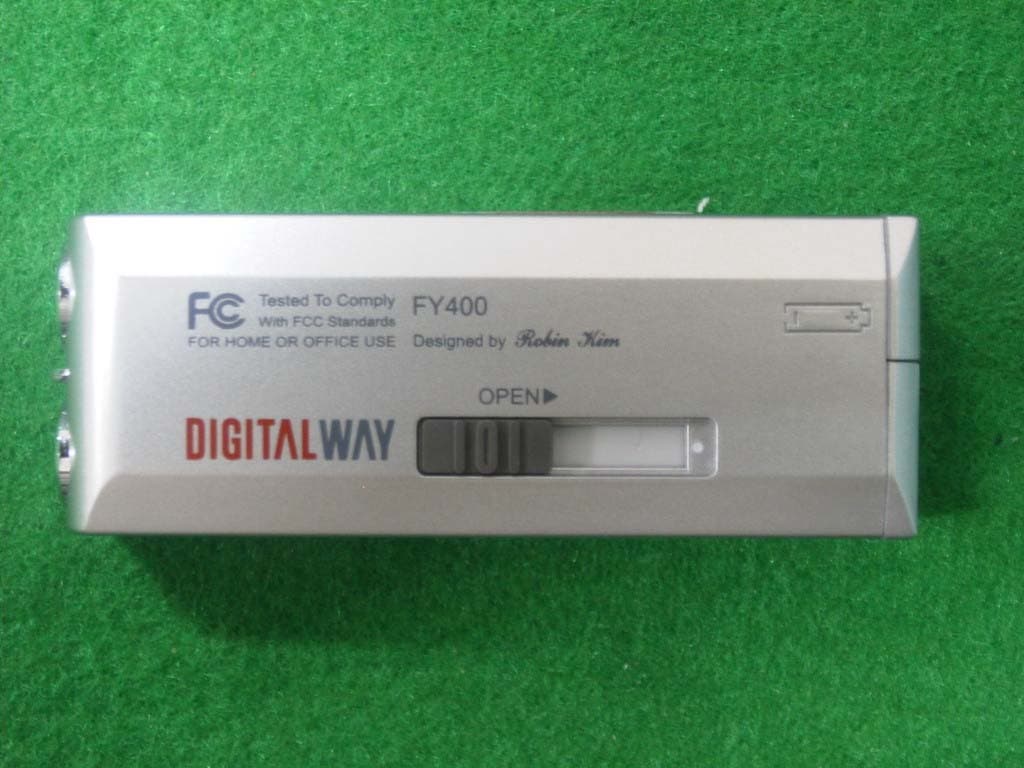
RFSMPIO-FY400
Aug 18, 2004MP3 PLAYER
Equipment Class
JBP - Part 15 Class B Computing Device Peripheral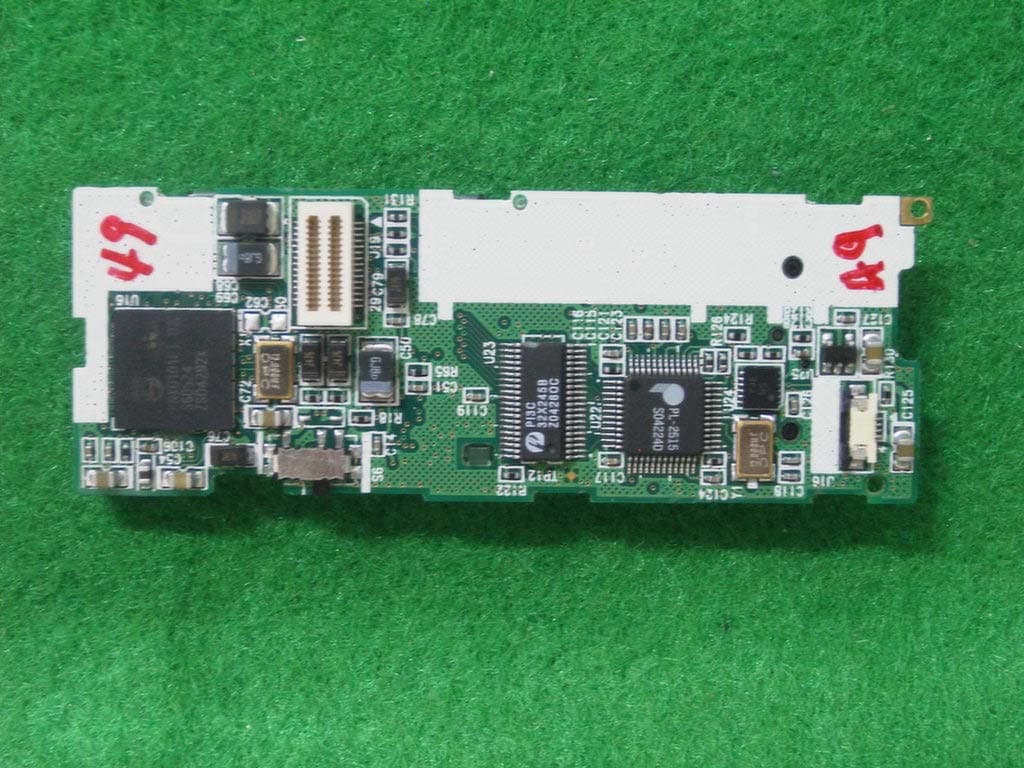
RFSMPIO-FU400
Aug 11, 2004MP3 PLAYER
Equipment Class
JBP - Part 15 Class B Computing Device Peripheral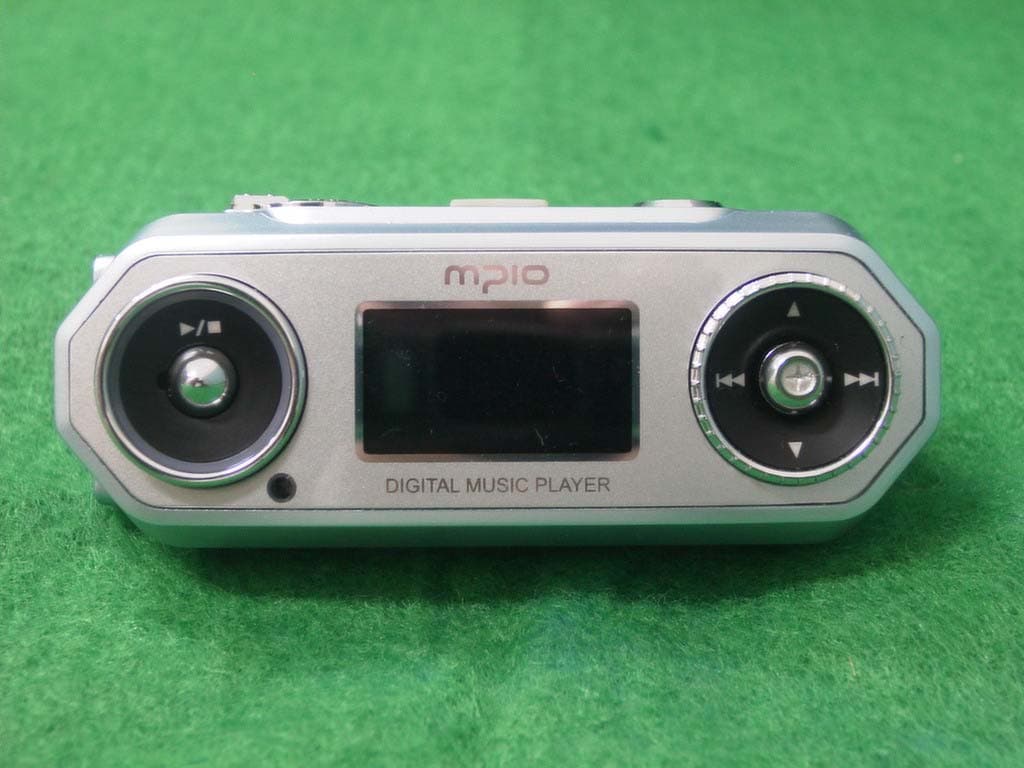
RFSMPIO-FG100
Aug 01, 2004MP3 Player
Equipment Class
JBP - Part 15 Class B Computing Device Peripheral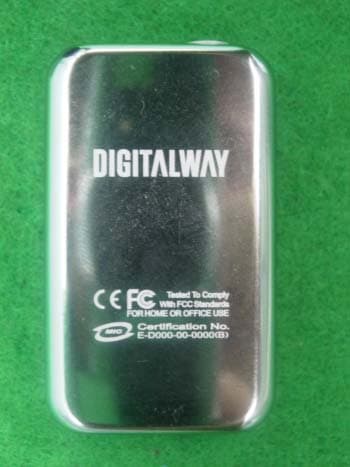
RFSMPIO-FL300
Jul 05, 2004MP3 PLAYER
Equipment Class
JBP - Part 15 Class B Computing Device Peripheral