RFSMPIO-FY300MP3 Player
DigitalWay Co., Ltd.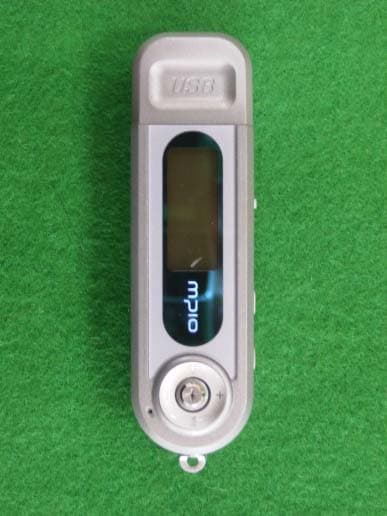
Click to zoom
Application Details
- Equipment Class
- JBP - Part 15 Class B Computing Device Peripheral
- Date of Grant
- Apr 29, 2004
- Application Purpose
- Original Equipment
- Date of Application
- Apr 29, 2004
- Equipment Note
- MP3 Player
- Company
- DigitalWay Co., Ltd.
- Country
- South Korea
Documents & Files
Document Text
Text extracted from the exhibit documents filed with the FCC. Open a document above to read the original.
Users Manual
Cover Front . The contents of user’s guide could be changed without prior notice, depending on updates and changes in specification, etc. About Copyrights Any form of imitation, copying, reproduction or translation in part or in whole of both the product and its accompanying documents or shrinking the product in such a form as to be read by electronic means without Digitalway’s prior consent is prohibited by the Copyrights Act. . Microsoft, Windows, Windows Explorer, and Windows Logo are trademarks or registered trademarks of Microsoft Corporation. . Intel & Pentium are registered trademarks of Intel Corporation. . Macintosh, Macintosh Logo is trademarks or registered trademarks of Apple Computer, Inc. . The system and products appearing in this manual are covered by trademarks or registered trademarks of each company or organization concerned; the mark ™ or ® is not always indicated. Warning * You should be fully aware of the notice below, before using the product. * The company does not take the responsibility for the defect of the product (accessory, connecting device etc.), damage, data loss, accident & disorder etc., occurred from not fully understanding the notice below, so please be sure to check this notice. . Do not use the product for the other purpose except for the matters described in the manual. . Pay attention not to hurt your hand while you touch a product box, manual, accessory etc. Keep the manual to use at any time. . Pay attention not to have a severe impact on the product, might cause a trouble or a damage. . Pay attention not to use the device or leave it alone in places with high temperature and humidity or of big thermal difference, and by the strong magnetic field. . Do not spill any liquid (water, beverage etc.) on this device. . The device that you discretionary disassembled or remodeled can be exempted from the free service, so pay special attention to this. . The company does not take the responsibility for data loss caused by the defect of the product, failed operation and other reason, so pay attention to this. . Pay attention not to use the earphone continuously for many hours that might cause a hearing problem. . Please plug or unplug the earphone and cable by holding the plugs not by pulling out the earphone or cable, to prevent internal line breaking. . Do not give an impact to the connected part while the USB cable is connected to the device. . Maintain and keep clean the USB connection of the device. . When the device is covered with foreign particles, please wipe off it with soft cloth or clean towel and be careful not to use chemicals. Accessory 1. Earphones 2. USB Expansion Cable 3. Line-In Cable 4. Manual 5. CD 6. Warranty Card * Accessories can be changed without notice to increase the performance or quality of the product. Features 1. MP3, WMA File Formats Playback 2. Support 35 languages 3. FM Radio Reception & Record 4. Direct Encoding 5. Voice Record 6. Built-in Lithium Polymer Battery . Actual usable capacity may be less than the storage’s capacity marked on box and user’s guide. . Data transfer rate may vary depending on the computer systems. . Playing time may vary depending on the usage, configuration and condition. ! Connecting MPIO Player to the PC via USB Hub & Extension Cord may cause the failure of Device, operation. Overview <Listening to Music> Step 1. Charge the Battery Insert USB terminal of player to computer’s USB port. Or connect the USB cable to the player and the computer. Player’s backlight will turn on when charging is complete. ! Disconnect player from computer when charging is complete. In condition of player turn off: The built-in battery is fully charged in about 2 hours. In condition of player turn on: The built-in Battery is fully charged in about 4 hours. Step 2. Install the Windows 98/SE driver It isn’t needed to install driver with windows me/2000/XP. The software should be installed before connect player and computer. 1. Insert the player CD into your computer. 2. “USB disk software manager” run automatically. (If it does not run automatically, run “setup.exe” file from the install CD) 3. Click [Install/Uninstall] button with Windows Drivers. Step 3. Transfer Music 1. Turn the player on by pressing PWR button for long. 2. When you connect your player and PC, the PC recognizes it as a removable disk that you can use to transport music files. This means you can drag and drop files using Microsoft Windows Explorer or save a file by selecting the player. 4. Once you're finished transferring files, be sure to Disconnect the USB Cable from the player as described in the next section. Step 4. Disconnect the Player and PC 1. Connect the USB cable It is important to follow this procedure to disconnect the USB cable from your player and PC. If you do not, you risk losing files as they are transferring to your player. 1. Click the USB icon on the Windows taskbar usually located at the bottom right of the Desktop. 2. From the popup menu, select the Stop command. 3. After a notification message displays, you may disconnect the cable from the player. Step 5. Play Music Tip. Enter the Folder & Escape the Folder To move to the sub-folder, press the stick button To move to the upper folder, push the stick button to the direction. 1. Connect the earphones to player. 2. Press the PWR button to turn on the player 3. Select the music file by push the stick button. 4. Press the stick button to play music. Press it again to pause. * LCD Information ` In case of pause status: If you push the stick button to right or left, player plays the next track or previous track. In case of during playback: If you push the stick button to right or left, player performs the forward or rewind function. Volume control (Volume Level: 0 ~30): +: To increase volume -: To decrease volume <Additional Functions> Repeat Segmentation 1. Press the function button at the start point. 2. Press the function button again at the end point. 3. If you want to cancel …
Text truncated - open the document above for the full version.
Block Diagram
FY300 BLOCK DIAGRAM MICOM FLASH MEMORY FM TUNER KEY X-TAL 32.768KHz LCD DISPLAYCODEC USB PORT BATTERY EAR PHONE LINE IN
External Photos
KTI04EF04007 FCC ID:RFSMPIO-FY300 Korea Technology Institute Co., Ltd. Page 1 of 4 External photo (front) KTI04EF04007 FCC ID:RFSMPIO-FY300 Korea Technology Institute Co., Ltd. Page 2 of 4 External photo (Rear) KTI04EF04007 FCC ID:RFSMPIO-FY300 Korea Technology Institute Co., Ltd. Page 3 of 4 External photo (Left Side) KTI04EF04007 FCC ID:RFSMPIO-FY300 Korea Technology Institute Co., Ltd. Page 4 of 4 External photo (Right Side)
ID Label/Location Info
KTI04EF04007 FCC ID:RFSMPIO-FY300 Korea Technology Institute Co., Ltd. Page 1 of 1 Label location FCC Label Location
ID Label/Location Info
KTI04EF04007 FCC ID:RFSMPIO-FY300 Korea Technology Institute Co., Ltd. Page 1 of 1 FCC ID Sample Label Model Number: MPIO-FY300 FCC ID: RFSMPIO-FY300 S/N: DIGITALWAY CO., LTD. Made in Korea
Internal Photos
KTI04EF04007 FCC ID:RFSMPIO-FY300 Korea Technology Institute Co., Ltd. Page 1 of 2 Internal photo (Front) KTI04EF04007 FCC ID:RFSMPIO-FY300 Korea Technology Institute Co., Ltd. Page 2 of 2 Internal photo (Rear)
Test Report
KTI04EF04007 FCC ID:RFSMPIO-FY300 Korea Technology Institute Co., Ltd. Page 1 of 13 Test Report Test Report No.: KTI04EF04007 Registration No.: 99058 Applicant: Digitalway Co., Ltd. Applicant Address: Korea Design Center, 344-1 Ya’tap 1-dong, Bundang-gu, Seongnam City Gyeonggi-do, 463-828 Korea Product: MP3 Player FCC ID: RFSMPIO-FY300 Model No. MPIO-FY300 Receipt No.: 04-0424 Date of receipt:April 23, 2004 Date of Issue: April 29, 2004 Testing location Korea Technology Institute Co., Ltd. 51-19, Sanglim3-Ri, Docheok-Myeun, Gwangju-Shi, Gyeungki-Do, Korea Test Standards: FCC/ANSI. C63.4: 2001 Rule Parts: FCC Part 15, Class B Equipment Class: Computing Device Peripheral Test Result: The above-mentioned product has been tested with compliance. Tested by: E.S.Park / Engineer Approved by: G. C. Min /President Signature Date Signature Date Other Aspects: Abbreviations: OK, Pass=passed Fail=failed N/A=not applicable - This test report is not permitted to copy partly without our permission. - This test result is dependent on only equipment to be used. - This test result is based on a single evaluation of one sample of the above mentioned. - This test report must not be used by the client to claim product endorsement by NVLAP or any agency of the U.S Government. - We certify this test report has been based on the measurement standards that is traceable to the national or international standards. KTI04EF04007 FCC ID:RFSMPIO-FY300 Korea Technology Institute Co., Ltd. Page 2 of 13 Contents 1. 2. 3. 4. 5. 6. Annex1 Annex2 Contents List of Tables List of Figures List of Photographs General Test Site 2.1 Location 2.2 List of Test and Measurement Instruments 2.3 Test Data 2.4 Test Environment Description of the tested samples 3.1 Rating and Physical characteristics 3.2 Submitted documents Measurement conditions 4.1 Modes of operation 4.2 List of peripherals 4.3 Uncertainty 4.4 Test Setup Emission Test 5.1 Conducted Emissions 5.2 Radiated Emissions Photographs of the Test Set-up Label Photographs of EUT 2 2 2 2 3 3 3 4 4 4 5 5 5 6 6 6 6 7 8 8 12 14 16 18~20 List of Tables Table 1 List of test and measurement equipment Table 2 Test Data. Conducted Emissions Table 3 Test Data. Radiated Emissions List of Figures Figure 1 Spectral Diagram, LINE-PE Figure 2 Spectral Diagram, Neutral-PE List of Photographs Photograph 1 Setup for Radiated Emissions Photograph 2 Setup for Conducted Emissions 4 11 13 9 10 14 15 KTI04EF04007 FCC ID:RFSMPIO-FY300 Korea Technology Institute Co., Ltd. Page 3 of 13 1. General This equipment has been shown to be capable of compliance with the applicable technical standards and was tested in accordance with the measurement procedures as indicated in this report. We attest to the accuracy of data. Korea Technology Institute Co., Ltd. performed all measurements reported herein. And were made under Chief Engineer’s supervisor. We assume full responsibility for the completeness of these measurements and vouch for the qualifications of all persons taking them. 2. Test Site Korea Technology Institute Co., Ltd. 2.1 Location 51-19, Sanglim3-Ri, Docheok-Myeun, Gwangju-Shi, Gyeungki-Do, Korea The Test Site is in compliance with ANSI C63.4/2001 for measurement of radio Interference. KTI04EF04007 FCC ID:RFSMPIO-FY300 Korea Technology Institute Co., Ltd. Page 4 of 13 2.2 List of Test and Measurement Instruments Table 1: List of Test and Measurement Equipment Conducted Emissions Kind of Equipment Type S/N Calibrated until Spectrum Analyzer R3261C 61720417 11.2004 Field Strength Meter ESPC 832827/011 9.2004 LISN KNW407 8-1157-2 10.2004 LISN EM-7823 115019 4.2005 Conducted Cable N/A N/A 11.2004 - Radiated Emissions Kind of Equipment Type S/N Calibrated until Field Strength Meter ESPC 832827/011 9.2004 Spectrum Analyzer R3261C 61720417 11.2004 Pre Amplifier 8447D 2944A06874 11.2004 BiconiLog Antenna 3142B 1705 12.2004 Bilog Antenna CBL6140A 1217 5.2004 Open Site Cable N/A N/A 11.2004 Antenna Mast DETT-03 N/A N/A Antenna & Turntable controller DETT-04 91X519 N/A 2.3 Test Date Date of Application: April 23, 2004 Date of Test: April 26, 2004 2.4 Test Environment See each test item’s description. KTI04EF04007 FCC ID:RFSMPIO-FY300 Korea Technology Institute Co., Ltd. Page 5 of 13 3. Description of the tested samples The EUT is MP3 Player. 3.1. Rating and Physical Characteristics Item Detail Specification FM Frequency range 76 – 108 MHz FM Tuner S/N ratio 50dB Frequency Range 20Hz – 20KHz Headphone Output 12mW(EU: 6mW) S/N ratio 90dB Audio THD 0.1% File Type of Decoding MP3, WMA File Support File Type of Recording MP3, TVF LCD 3 lines Full Graphic LCD with Blue LED Backlight Languages 35 languages Battery Li-ion 3.7V 420mA Playing time Approx. 10hours Condition of measuring: 1. 128Kbps MP3 repeatedly plays 2. Volume level: 15 3. EQ Setting: Flat Operational Temperature -5 - 40 Memory 128MB, 256MB PC Interface USB 1.1 Dimension 16.8 x 26 x 89(H x W x L) mm Weight 40g 3.2. Submitted Documents - User’s Guide - Block Diagram KTI04EF04007 FCC ID:RFSMPIO-FY300 Korea Technology Institute Co., Ltd. Page 6 of 13 4. Measurement Conditions Testing Input Voltage: AC 220V 4.1 Modes of Operation The EUT was in the following operation mode during all testing; 1) File transfer each disk. 4.2 Additional Equipment DEVICE TYPE Manufacturer M/N S/N FCC ID PC Compaq computer Corp.ARMADA M7003J14FmpzBD2C - 4.3 Uncertainty 1) Radiated disturbance Uc (Combined standard Uncertainty) = 1.8dB Expanded uncertainty U=KUc K = 2 U = 3.6dB 2) Conducted disturbance Uc = 0.88dB U = KUc=2 x Uc = 1.8dB KTI04EF04007 FCC ID:RFSMPIO-FY300 Korea Technology Institute Co., Ltd. Page 7 of 13 4.4 Test Setup Signal Line Power Line Monitor PC Printer MOUSE MOUSE Keyboard KTI04EF04007 FCC ID:RFSMPIO-FY300 Korea Technology Institute Co., Ltd. Page 8 of 13 5. EMISSION Test 5.1.Conducted Emissions Result: Pass The line-conducted facility is located inside a 2.3M x 3.5M x 5.5M shielded closure. The shielding effectiveness of the shielded room is in accordanc…
Text truncated - open the document above for the full version.
Test Setup Photos
KTI04EF04007 FCC ID:RFSMPIO-FY300 Korea Technology Institute Co., Ltd. Page 1 of 2 6. Photograph of the Test Set-Up Photograph 1 : Setup for radiated Emissions KTI04EF04007 FCC ID:RFSMPIO-FY300 Korea Technology Institute Co., Ltd. Page 2 of 2 Photograph 2 : Setup for Conducted Emissions
Contact Information
Applicant
Jang-Kwan Park(Assistant Manager)
Test Firm
Korea Technology Institute Co., Ltd.Seung Hyun Song
Technical Specifications
| # | Rule Parts | Frequency Range | Power Output |
|---|---|---|---|
| 1 | 15B | - | - |
Other Applications from DigitalWay Co., Ltd.
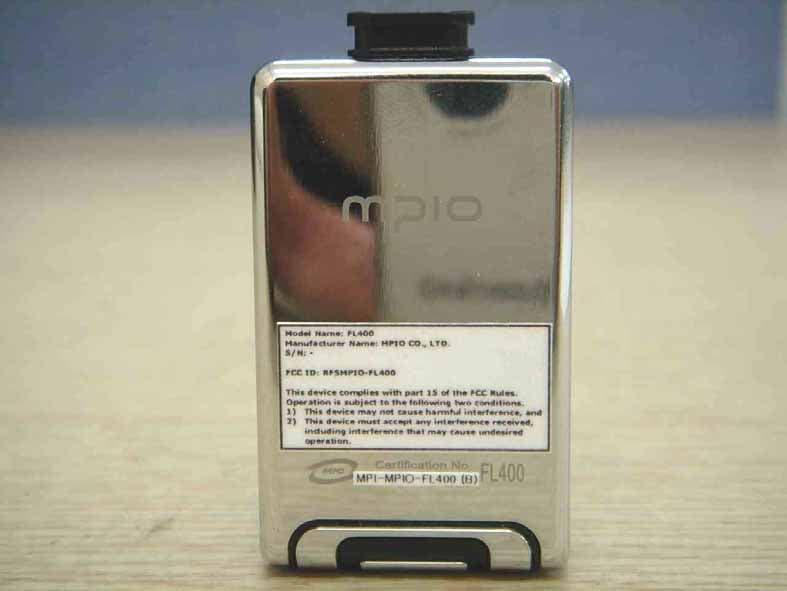
RFSMPIO-FL400
Oct 13, 2005MP3 Player
Equipment Class
JBP - Part 15 Class B Computing Device Peripheral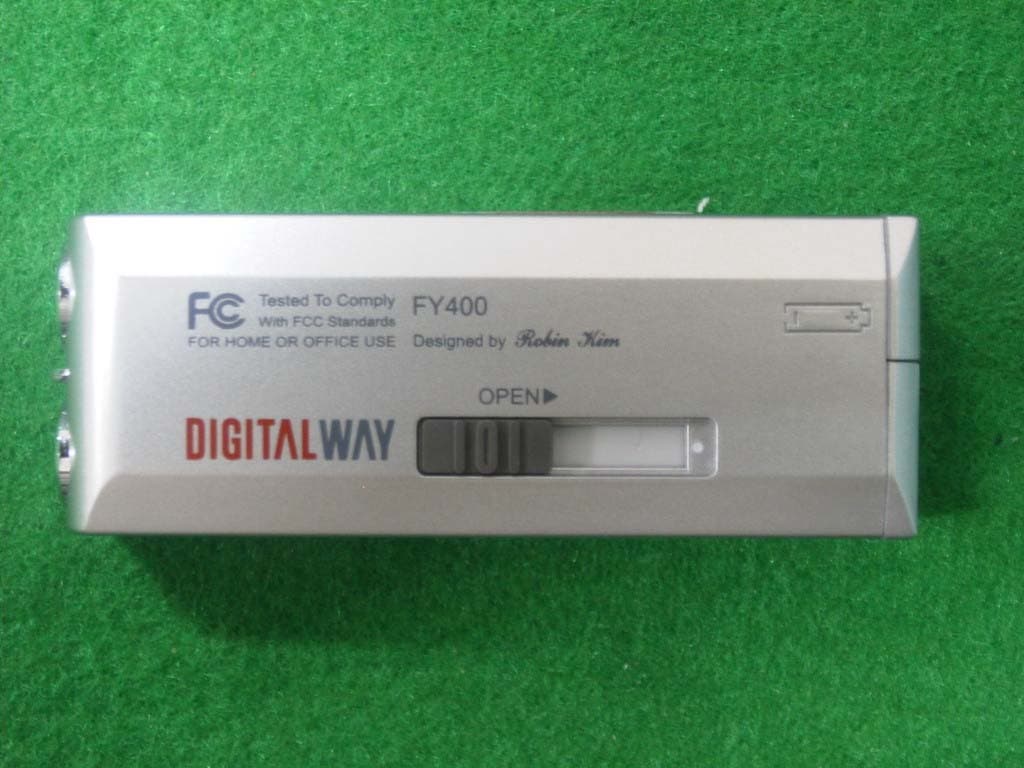
RFSMPIO-FY400
Aug 18, 2004MP3 PLAYER
Equipment Class
JBP - Part 15 Class B Computing Device Peripheral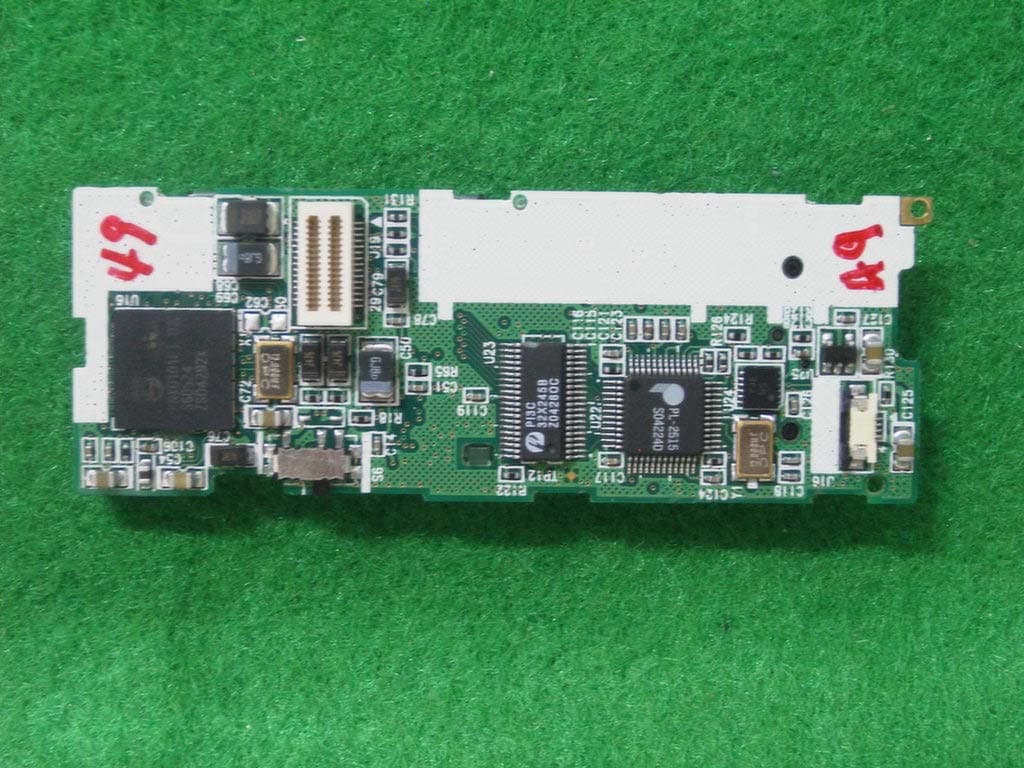
RFSMPIO-FU400
Aug 11, 2004MP3 PLAYER
Equipment Class
JBP - Part 15 Class B Computing Device Peripheral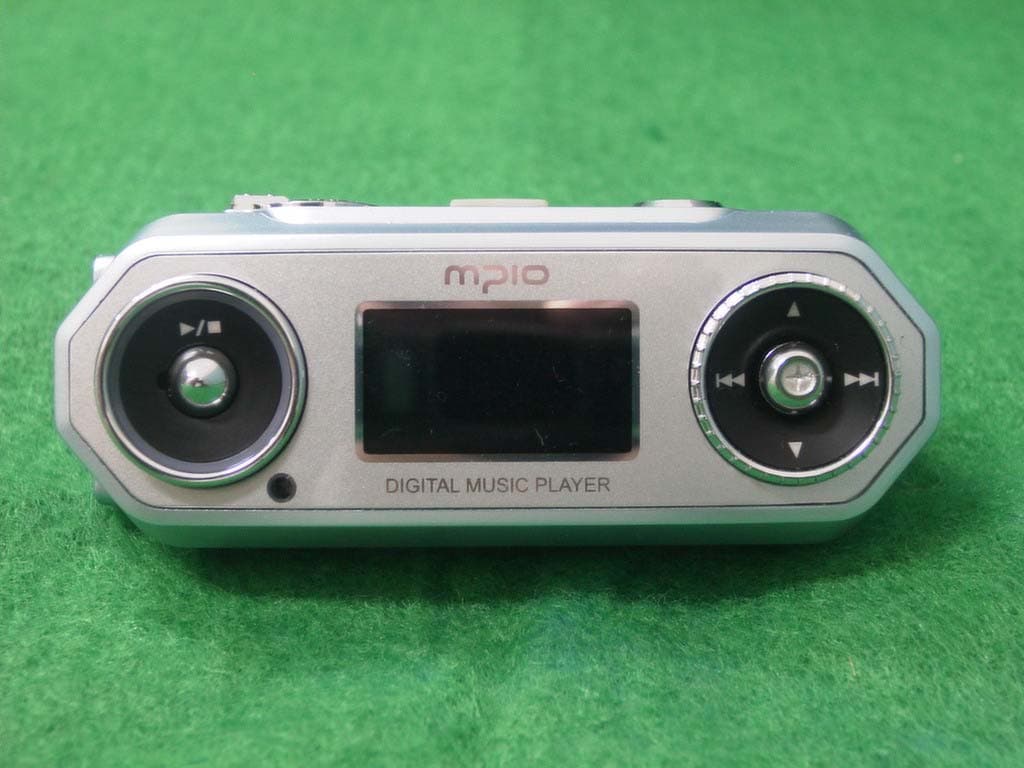
RFSMPIO-FG100
Aug 01, 2004MP3 Player
Equipment Class
JBP - Part 15 Class B Computing Device Peripheral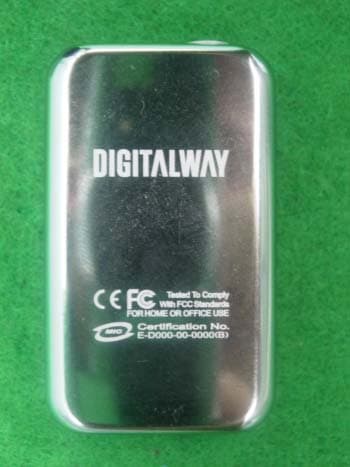
RFSMPIO-FL300
Jul 05, 2004MP3 PLAYER
Equipment Class
JBP - Part 15 Class B Computing Device Peripheral