RKVATBPAC5V450FM Transmitter
Aerielle, Inc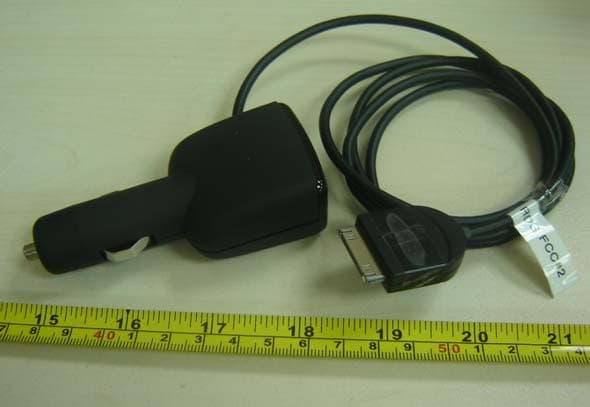
Click to zoom
Application Details
- Equipment Class
- DXX - Part 15 Low Power Communication Device Transmitter
- Date of Grant
- Oct 14, 2007
- Application Purpose
- Original Equipment
- Date of Application
- Oct 14, 2007
- Equipment Note
- FM Transmitter
- Frequency Range
- 88.10000000 - 107.90000000
- Company
- Aerielle, Inc
- Country
- United States
Documents & Files
Document Text
Text extracted from the exhibit documents filed with the FCC. Open a document above to read the original.
Users Manual
USER GUIDE GUIDE DE L’UTILISATEUR • GUÍA DEL USUARIO Mobile FM Transmitter and Charger for the Apple iPod® Émetteur FM mobile avec chargeur pour iPod MD d'Apple Transmisor de FM portátil y cargador para iPod® de Apple DX-FMRDS USER GUIDE GUIDE DE L’UTILISATEUR • GUÍA DEL USUARIO DX-FMRDS_07-399_Final revised.fm Page 1 Wednesday, September 5, 2007 2 Dynex DX-FMRDS Mobile FM Transmitter and Charger for the Apple iPod® Contents Introduction ............................................................................... 2 Important safety instructions ..................................................... 3 Mobile FM transmitter and charger components........................ 4 Using the mobile FM transmitter and charger ............................ 6 Specifications ........................................................................... 10 Legal notices ............................................................................ 11 One-Year Limited Warranty ...................................................... 13 French ...................................................................... 17 Spanish .................................................................... 33 Introduction Thank you for purchasing the Dynex DX-FMRDS Mobile FM Transmitter and Charger for the Apple iPod®. This product features patented wireless technology and is engineered to provide easy listening to your favorite tunes while on the road. The mobile FM transmitter sends high-fidelity stereo signals from any iPod to your FM car radio or stereo within 15 feet. DX-FMRDS_07-399_Final revised.fm Page 2 Wednesday, September 5, 2007 3 Simple and convenient, the mobile FM transmitter and charger transmits all FM frequencies and simultaneously charges your iPod. Aerielle Enabled is a trademark of Aerielle Inc. Important safety instructions Read these instructions thoroughly before using your mobile FM transmitter and charger. Do not attempt to set up or tune your mobile FM transmitter while your vehicle is in motion. Do not attempt to open the casing of the mobile FM transmitter. Doing so voids your warranty. Do not allow moisture of any kind to come in contact with the mobile FM transmitter. Keep away from humidity and never immerse in water. Do not drop the mobile FM transmitter. A severe jolt may cause permanent damage and is not covered by your warranty. Follow this User Guide carefully and keep it for future reference. Follow the correct procedures when setting up the mobile FM transmitter. DX-FMRDS_07-399_Final revised.fm Page 3 Wednesday, September 5, 2007 4 Have the mobile FM transmitter checked by a service technician if any the following conditions are true: •The mobile FM transmitter has been exposed to moisture. •The mobile FM transmitter has been dropped and damaged. •The mobile FM transmitter has obvious signs of breakage. •The mobile FM transmitter is not working correctly or you can’t get it to work according to this User Guide. Mobile FM transmitter and charger components LCD display Station preset buttons Tune up button Tune down button DX-FMRDS_07-399_Final revised.fm Page 4 Wednesday, September 5, 2007 5 LCD display Cable to connect to your iPod Plugs into your car’s power or cigarette lighter socket DX-FMRDS_07-399_Final revised.fm Page 5 Wednesday, September 5, 2007 6 Using the mobile FM transmitter and charger To set up and use your mobile FM transmitter and charger: 1Insert the mobile FM transmitter firmly into your car’s cigarette lighter or power socket. 2Tune your car's FM stereo to an unused FM frequency. 3Plug the connector on the end of the cable into your iPod. Note: To disconnect, unplug it from your iPod. 4Start your iPod player. Your mobile FM transmitter turns on when an audio signal is detected. 5Select the frequency from Step two above using the up and down arrows on the front of your mobile FM transmitter. Tip: The mobile FM transmitter works best when the iPod volume is set between 50% to 75% of maximum. After you have tuned to the frequency and begun transmitting, adjust the volume to a comfortable level. Tip: Your iPod may not automatically turn off. Be sure to unplug it to stop playback and to deactivate charging before exiting your car. DX-FMRDS_07-399_Final revised.fm Page 6 Wednesday, September 5, 2007 7 Tip: The best station for transmitting is one that may not be perfectly clear but also has clear or weak stations to either side of it in the FM band. Using the mobile FM transmitter presets To use the mobile FM transmitter presets: 1Tune the transmitter to the desired FM frequency using the tune up and tune down buttons. Firmly press and hold one of the three preset buttons on the front of the mobile FM transmitter for two seconds. This stores the station in memory. The display will blink briefly. A small indicator bar appears on the display opposite the newly programmed preset button. Caution: Do not watch the display while driving. 2Repeat steps one and two to store two additional stations with the two remaining buttons. Tip: When the mobile FM transmitter is turned off and restarted, it tunes to the last frequency used and the preset stations are in memory. DX-FMRDS_07-399_Final revised.fm Page 7 Wednesday, September 5, 2007 8 Using your mobile FM transmitter with an RDS-enabled radio receiver To set up and use your mobile FM transmitter with an RDS-enabled radio receiver: 1Tune your receiver to the same frequency displayed on the face of the transmitter (or vice-versa).If your FM receiver is RDS enabled, the radio automatically shows 'Dynex' in its display (if no song is playing). 2Enable "AF" mode in your receiver for advanced functionality. (See your RDS-enabled receiver instruction manual for directions. Methods may vary.) 3Plug the connector on the end of the cable into your iPod. 4Start your iPod player. Your mobile FM transmitter turns on whenever an audio signal is detected. 5The song title is automatically displayed on the FM receiver after a few seconds. DX-FMRDS…
Text truncated - open the document above for the full version.
External Photos
External Photos
ID Label/Location Info
Note: This photo is for label location only, the label contents please refer to the following.
Internal Photos
Internal Photos Antenna Antenna
Test Report
October 10, 2007 Aerielle, Inc. 625 Ellis Street, Suite 206 Mountain View, CA 94043, USA Dear Irving: Enclosed you will find your file copy of a Part 15 report (FCC ID: RKVATBPAC5V450). For your reference, TCB will normally take another 15-20 days for reviewing the report. Approval will then be granted when no query is sorted. Please contact me if you have any questions regarding the enclosed material. Sincerely, Shawn Xing Assistant Manager Enclosure Intertek Testing Services Shenzhen Ltd. Guangzhou Branch 1~8th floor, Block E2, 11 Cai Pin Road, Science city, Guangzhou Economic Development Zone, Guangzhou, P. R. China Tel: (8620) 8213 9688 Fax: (8620) 3205 7538 Aerielle, Inc. Application For Certification (FCC ID: RKVATBPAC5V450) FM Transmitter JGZ0709630-1 Louisa Lu October 10, 2007 • The test results reported in this test report shall refer only to the sample actually tested and shall not refer or be deemed to refer to bulk from which such a sample may be said to have been obtained. • This report shall not be reproduced except in full without prior authorization from Intertek Testing Services Shenzhen Ltd. Guangzhou Branch • For Terms And Conditions of the services, it can be provided upon request. • The evaluation data of the report will be kept for 3 years from the date of issuance. Intertek Testing Services Shenzhen Ltd. Guangzhou Branch 1~8th floor, Block E2, 11 Cai Pin Road, Science city, Guangzhou Economic Development Zone, Guangzhou, P. R. China Tel: (8620) 8213 9688 Fax: (8620) 3205 7538 INTERTEK TESTING SERVICES FCC ID: RKVATBPAC5V450 i LIST OF EXHIBITS INTRODUCTION EXHIBIT 1: General Description EXHIBIT 2: System Test Configuration EXHIBIT 3: Emission Results EXHIBIT 4: Equipment Photographs EXHIBIT 5: Product Labelling EXHIBIT 6: Technical Specifications EXHIBIT 7: Instruction Manual EXHIBIT 8: Miscellaneous Information INTERTEK TESTING SERVICES FCC ID: RKVATBPAC5V450 ii MEASUREMENT / TECHNICAL REPORT Aerielle, Inc. − MODEL: DX-FMRDS FCC ID: RKVATBPAC5V450 October 10, 2007 This report concerns (check one:) Original Grant X Class II Change Equipment Type: Low Power Transmitter (example: computer, printer, modem, etc.) Deferred grant requested per 47 CFR 0.457(d)(1)(ii)? Yes No X If yes, defer until: date Company Name agrees to notify the Commission by: date of the intended date of announcement of the product so that the grant can be issued on that date. Transition Rules Request per 15.37? Yes No X If no, assumed Part 15, Subpart C for intentional radiator − the new 47 CFR [05-04-07 Edition] provision. Report prepared by: Shawn Xing Intertek Testing Services Shenzhen Ltd. Guangzhou Branch 1~8th floor, Block E2, 11 Cai Pin Road, Sciencecity, Guangzhou Economic Development Zone, Guangzhou, P. R.China. Phone: (8620) 8213 9688 Fax: (8620) 3205 7538 INTERTEK TESTING SERVICES FCC ID: RKVATBPAC5V450 iii Table of Contents 1.0 General Description......................................................................................... 2 1.1 Product Description................................................................................... 2 1.2 Related Submittal(s) Grants ...................................................................... 2 1.3 Test Methodology...................................................................................... 3 1.4 Test Facility ............................................................................................... 3 2.0 System Test Configuration............................................................................. 5 2.1 Justification ............................................................................................... 5 2.2 EUT Exercising Software .......................................................................... 5 2.3 Special Accessories .................................................................................. 5 2.4 Equipment Modification............................................................................. 6 2.5 Measurement Uncertainty ......................................................................... 6 2.6 Support Equipment List and Description ................................................... 6 3.0 Emission Results............................................................................................. 8 3.1 Field Strength Calculation ......................................................................... 9 3.2 Radiated Emission Configuration Photograph ........................................ 11 3.3 Radiated Emission Data.......................................................................... 12 4.0 Equipment Photographs............................................................................... 16 5.0 Product Labelling.......................................................................................... 18 6.0 Technical Specifications............................................................................... 20 7.0 Instruction Manual......................................................................................... 22 8.0 Miscellaneous Information........................................................................... 24 8.1 Measured Bandwidth.............................................................................. 25 8.2 Discussion of Pulse Desensitization........................................................ 26 8.3 Calculation of Average Factor ................................................................. 27 8.4 Emissions Test Procedures .................................................................... 28 INTERTEK TESTING SERVICES FCC ID: RKVATBPAC5V450 iv List of attached file Exhibit Type File Description Filename Test Report Test Report report.pdf Operation Description Technical Description descri.pdf Test Setup Photo Radiated Emission radiated photos.pdf Test Report Bandwidth Plot bw.pdf External Photo External Photo external photos.pdf Internal Photo Internal Photo internal photos.pdf Block Diagram Block Diagram block.pdf Schematic…
Text truncated - open the document above for the full version.
Test Setup Photos
Radiated Emission Photos
Contact Information
Applicant
Art Cohen(President & CEO)
Technical Contact
Intertek Testing Services Shenzhen Ltd. GuangzhouShawn Xing
[email protected]86-755-8614-0603
1 - 8th floor, Block E2, 11 Cai Pin Road, Science · China
Non-Technical Contact
Intertek Testing Services Shenzhen Ltd. GuangzhouShawn Xing
[email protected]86-755-8614-0603
Test Firm
ShenZhen Electronic Product Quality Testing CenterXingsun Lin
Technical Specifications
| # | Rule Parts | Frequency Range | Power Output |
|---|---|---|---|
| 1 | 15C | 88.1 MHz - 107.9 MHz | - |
Other Applications from Aerielle, Inc
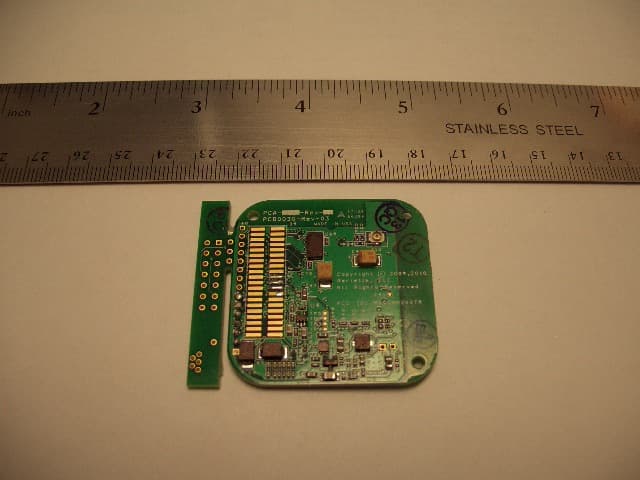
RKVSAM200TR
Jan 13, 2010Audio Streaming Module
Equipment Class
DTS - Digital Transmission System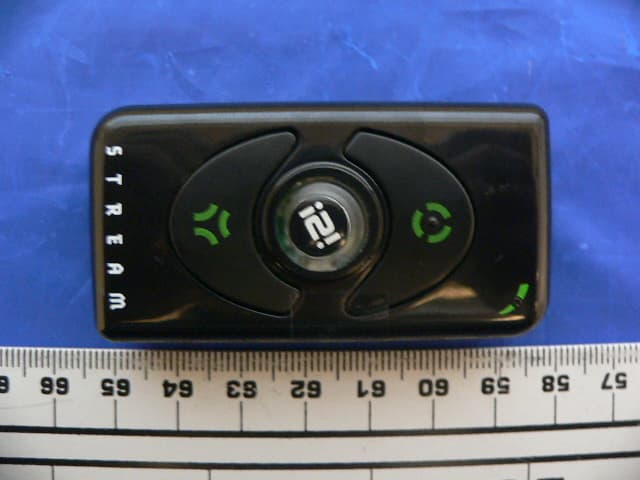
RKVI2I200
Feb 07, 2008I2i Stream Wireless Digital Audio Device
Equipment Class
DTS - Digital Transmission System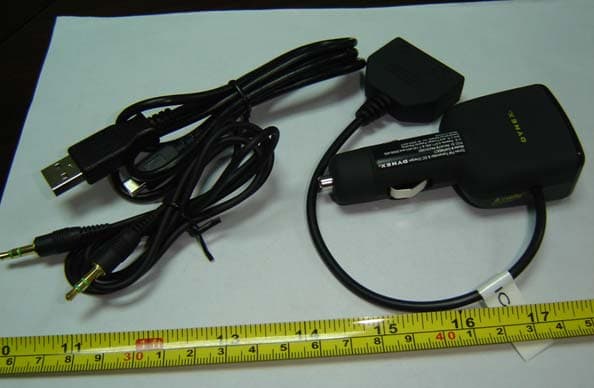
RKVATBPA5V350U
Oct 14, 2007FM Transmitter
Equipment Class
DXX - Part 15 Low Power Communication Device Transmitter
RKVAB450K
Feb 01, 2006Low Power FM Transceiver
Equipment Class
DXX - Part 15 Low Power Communication Device Transmitter
RKVAB350K
Feb 01, 2006Low Power FM Transmitter
Equipment Class
DXX - Part 15 Low Power Communication Device Transmitter