RL9-HCC02BLUETOOTH HANDS-FREE CAR KIT
Huey Chiao Internatinal Co., Ltd.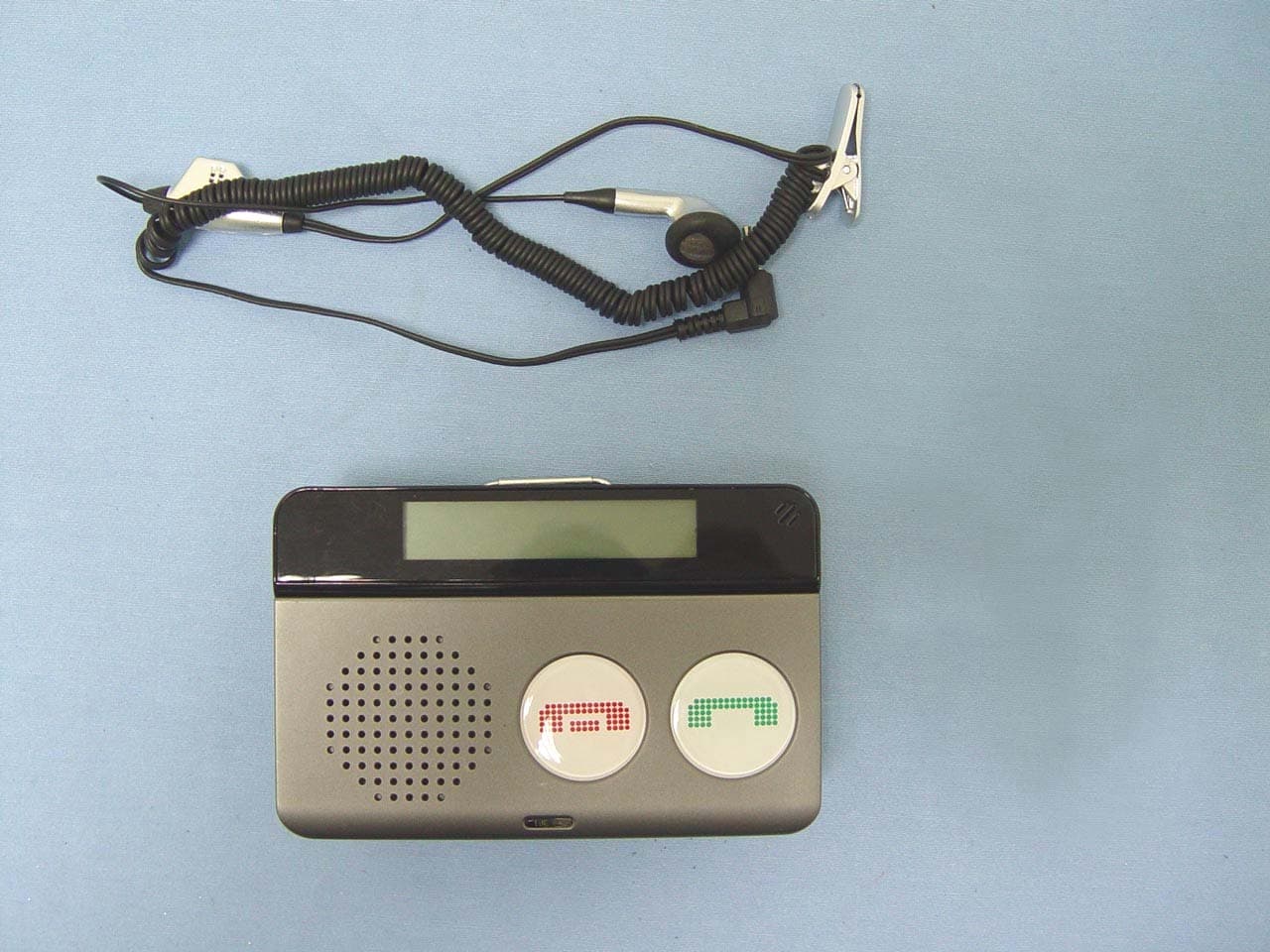
Click to zoom
Application Details
- Equipment Class
- DSS - Part 15 Spread Spectrum Transmitter
- Date of Grant
- Sep 11, 2007
- Application Purpose
- Original Equipment
- Date of Application
- Sep 11, 2007
- Equipment Note
- BLUETOOTH HANDS-FREE CAR KIT
- Frequency Range
- 2402.00000000 - 2480.00000000
- Country
- Taiwan
Documents & Files
Document Text
Text extracted from the exhibit documents filed with the FCC. Open a document above to read the original.
Users Manual
Bluetooth® LCD Portable Carkit 1. Introduction The Portable Hands-free car kit is base on Bluetooth wireless technology connects to a compatible phone without wires. To enjoy its convenience, just pair with your mobile phone, you can easily answer the coming call, return incoming calls, and dial from memory list to keep your hands free The latest Bluetooth hands free car kit provides optimum audio qual ity thanks to its internal digital signal processor (DSP). T he LCD shows the number or names of callers. The hands free car kit has been designed for professional life style. You put it on t he sun visor to get the best voice quality, and put it on the char ging cradle when the battery is low. The intelligent software auto-detects the microphone changing, and adjusts the parameter, without interrupting the call. 2. Product out looking Car kit Directional Microphone Y es No Speaker V ol. + V ol. - LED LCD Batteries 3. How to use it 1. Position: you can put the car kit on a 、 Sun visor b 、 Dash board of your car c 、 Office/home for conference 2. Charging battery: 1. Put 2 rechargeable batteries into batteries case. 2. You have to fully charge the battery before the first time you use it. It takes 8 hours to fully charge the battery. 3. How to charge a 、 You can use regular AC adapter with the following requirement to charge it. ♦ Standard mini USB interface ♦ Output current: 300~500 mA ♦ Output voltage: 5 V b. Plug the cigarette power adapter into the power source on the car, and charge the carkit. 3. Open the microphone : you should open the microphone when you use it, and face the microphone to your mouth. 4. General Function description a. Turn on Device : During Off, press “No” to turn it on, the LCD shows “Blue Voice” b. Turn off Device: During No link/stand by mode (LCD shows “B lue Voice”), press “No” to turn it off. c. Pairing: During No link/stand by mode (LCD shows “Blue Voice”), press and hold “Yes” and “No” together to enter the pairing mode. The LCD shows the Pin code. If you don’t like to pair, just press “No” to escape the pairing mode. d. LCD flips over: During No link/stand by mode (LCD shows “Blue Voice”), press “V+” and “V-“ together. e. Connect to the last linked phone: During No link/stand by mode (LCD shows “B lue Voice”), press “Yes” to link to the last linked phone. f. Connect to other paired phone: ♦ During No link/stand by mode (LCD shows “Blue Voice”), press “Yes” for 3 seconds to enter the paired phone list. The LCD shows the paired phone name. ♦ Press “V+” or “V-“ to select the phone you like to link. ♦ Press “Yes” to link. LCD shows the phone name. g. Disconnect the carkit and mobile phone ♦ During the connection mode, you could see the phone name on LCD. Press “Yes” for 3 seconds to disconnect. h. Answer ♦ While an incoming call, the car kit rings and the caller’s ID of the call is shown on the LCD. ♦ Press “ Yes ” to answer the call. i. Reject an coming call ♦ While an incoming call, press “ NO ” to reject the call. j. Terminate a call ♦ During an active call, press “ NO ” to terminate. k. Voice Transfer between carkit and phone, while an on-going call ♦ Press “ Yes ” for 3 seconds to transfer voice between the car kit and your mobile phone, during an on-going call, for your privacy. l. Adjusting the Volume ♦ Press “ Vol (+) button ” for higher volume in talking mode. ♦ Press “ Vol (-) button ” for lower volume in talking mode. m. Mute ♦ Press and hold “ Vol (-) button ” to enable Mic mute function in during an on-going call. ♦ Press and hold “ Vol (+) button ” to disable Mic mute function in during an on-going call. 5. call back from receiving list ♦ After you receive a coming call, the caller numb er will be stored in the receiving list. ♦ The memory could keep 4 numbers in the receiving list. ♦ You can dial out these 4 numbers in the carkit Operation: a 、 Press “V-“ for 3 seconds to enter the receiving list, during link/stand-by mode. The LCD shows the last receiving number. b 、 Press “V+” or “V-“ to select the number you like to call c 、 Press “Yes” to make a call. d 、 If you don’t want to call, press “No” to escape it and back to Stand by mode. 6. Store numbers from receiving list ♦ After you receive a coming call, the caller numb er will be stored in the receiving list. ♦ You can save 4 numbers from receiving to the memory. Operation: a. You have to be in the no link/stand by mode. b. Press “V-“ for 3 seconds to enter the receiving list, the LCD shows the last receiving number. c. Press “V+” or “V-“ to select the number you like to store. d. Press “Yes” for 3 seconds, then the LCD shows “M1?”, it means you store this number in the memory one. You can press “V+” or “V-“ to select the memory space from “M1”, “M2” to “M3”, and “M4” e. Press “Yes” for 3 seconds to confirm. The LCD shows “Save OK”. Be careful it erases the previous saving. f. If you don’t want to save, press “No” to escape it and back to Stand-by mode. 7. Make a call from memory Operation: a. Press “V+“ for 3 seconds to enter the memory list, during link/stand-by mode. The LCD shows the “memory 1” number. Press “V+” or “V-“ to select the number you like to call b. Press “Yes” to make a call. c. If you don’t want to call, press “No” to escape it and back to Stand by mode. 8. Trouble shooting a. anytime the carkit doesn’t perform right, press “No” for 3 seconds to restart the device. b. If you still cannot solve the problem, open the battery case, and remove the battery. Put the battery in again, close the ba ttery case. Then restart the device. b. If you still cannot solve problem, Press “V-“ and “No” together, for 3 seconds. It will reset the device to the factory stat us. Be careful you will lose every data in the carkit, after doing the factory reset. Warning T his equipment has been tested and found to comply with the limits for a class B digital device, pursuant to part 15 of the FCC rules. These limits are designed to provide to provide reasonable protection against harmful interference…
Text truncated - open the document above for the full version.
External Photos
Compliance Certification Services Inc. Report No.: 70806001 Date of Issue: September 6, 2007 Page 1 Total Page: 5 Rev. 00 EXTERNAL PHOTOGRAPHS OF EUT Compliance Certification Services Inc. Report No.: 70806001 Date of Issue: September 6, 2007 Page 2 Rev.00 Compliance Certification Services Inc. Report No.: 70806001 Date of Issue: September 6, 2007 Page 3 Rev.00
Internal Photos
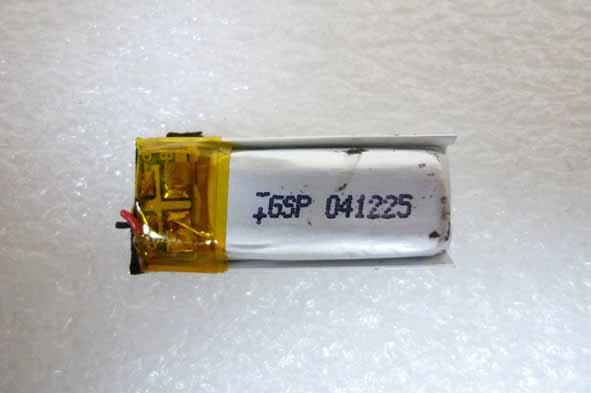
Compliance Certification Services Inc. Report No.: 70806001 Date of Issue: September 6, 2007 Page 4 Rev.00 INTERNAL PHOTOGRAPHS OF EUT Compliance Certification Services Inc. Report No.: 70806001 Date of Issue: September 6, 2007 Page 5 Rev.00
Parts List/Tune Up Info
ACX Adv anced Ceram ic X Mark L W T a Dimensions 5.00.2 2.00.2 1.00.2 0.50.3 Application of AT5020 Series Multilayer Chip Antenna Features Monolithic SMD with small, low-profile and light-weight type. Wide bandwidth Applications Bluetooth/Wireless LAN/Home RF ISM band 2.4GHz applications Part Number AT 5020 - B 2R8 HAA ghfe dc c Type AT : Antenna d Dimensions ( L × W ) 5.0× 2.0 mm e Material Code B f Frequency Range 2R8=2800MHz g Specification Code HAA h Packaging T: Tape & Reel B: Bulk Terminal Configuration No. Terminal Name No. Terminal Name c Feeding Point d NC d c Dimensions and Recommended PC Board Pattern Unit : mm a W T L ACX Adv anced Ceram ic X Signal feed in 1mm 3.5mm 1.8nH 2.2pF 3.9pF 0.5mm 4.1mm 3.9mm 8.5mm 1.8mm *Line width should be designed to match 50Ω characteristic impedance, depending on PCB material and thickness. Typical Electrical Characteristics (T=25 o C) Test Board 11.5mm 53mm 7mm No Ground 10mm Antenna 21.5mm 60mm Matching Circuit Ground ACX Adv anced Ceram ic X Return Loss ACX Adv anced Ceram ic X Radiation Patterns XZ cut @2.45GHz Vertical Horizontal YZ cut @2.45GHz Vertical Horizontal XZ-V/XZ-H YZ-V/YZ-H XY cut @2.45GHz Vertical Horizontal Z 270 o 0 o X Y XY-cut scanning direction Y 270 o 0 o X Z XZ-cut scanning direction Y X 0 o 270 Z YZ-cut scanning direction 180 180 180 o XY-V/XY-H 90 o 90 o 90 o ACX Adv anced Ceram ic X Maximum & Average Gain (dBi) XY-V XY-H XZ-V XZ-H YZ-V YZ-H Maximum -12.04 -0.3 -5.21 -5.84 -7.83 -0.21 Average -17.22 -4.99 -10.01 -10.9 -10.51 -5.75 Advanced Ceramic X Corp. 16 Tzu Chiang Road, Hsinchu Industrial District Hsinchu Hsien 303, Taiwan TEL:886-3-5987008 FAX:886-3-5987001 E-mail: [email protected] http://www.acxc.com.tw
Test Setup Photos
Compliance Certification Services Inc. Reference No.: 70226005 Report No.: 70806001-RP1 FCC ID: RL9-HCC02 Date of Issue: September 6, 2007 Page 46 Rev. 00 APPENDIX II PHOTOGRAPHS OF TEST SETUP CONDUCTED EMISSION SETUP PHOTO Compliance Certification Services Inc. Reference No.: 70226005 Report No.: 70806001-RP1 FCC ID: RL9-HCC02 Date of Issue: September 6, 2007 Page 47 Rev. 00 RADIATED EMISSION SETUP PHOTOS Compliance Certification Services Inc. Reference No.: 70226005 Report No.: 70806001-RP1 FCC ID: RL9-HCC02 Date of Issue: September 6, 2007 Page 48 Rev. 00 POWERLINE CONDUCTED EMISSIONS SETUP PHOTOS
Contact Information
Applicant
Irene Shih
Test Firm
Compliance Certification Services Inc.Kurt Chen
Technical Specifications
| # | Rule Parts | Frequency Range | Power Output |
|---|---|---|---|
| 1 | 15C | 2.40 GHz - 2.48 GHz | 2.79 mW |
Other Applications from Huey Chiao Internatinal Co., Ltd.
RL9-HCB86
Aug 23, 2011Bluetooth Headset
Equipment Class
DSS - Part 15 Spread Spectrum Transmitter
RL9-HCBD-004
Jan 27, 2008Bluetooth USD Dongle V2.0+EDR
Equipment Class
DSS - Part 15 Spread Spectrum Transmitter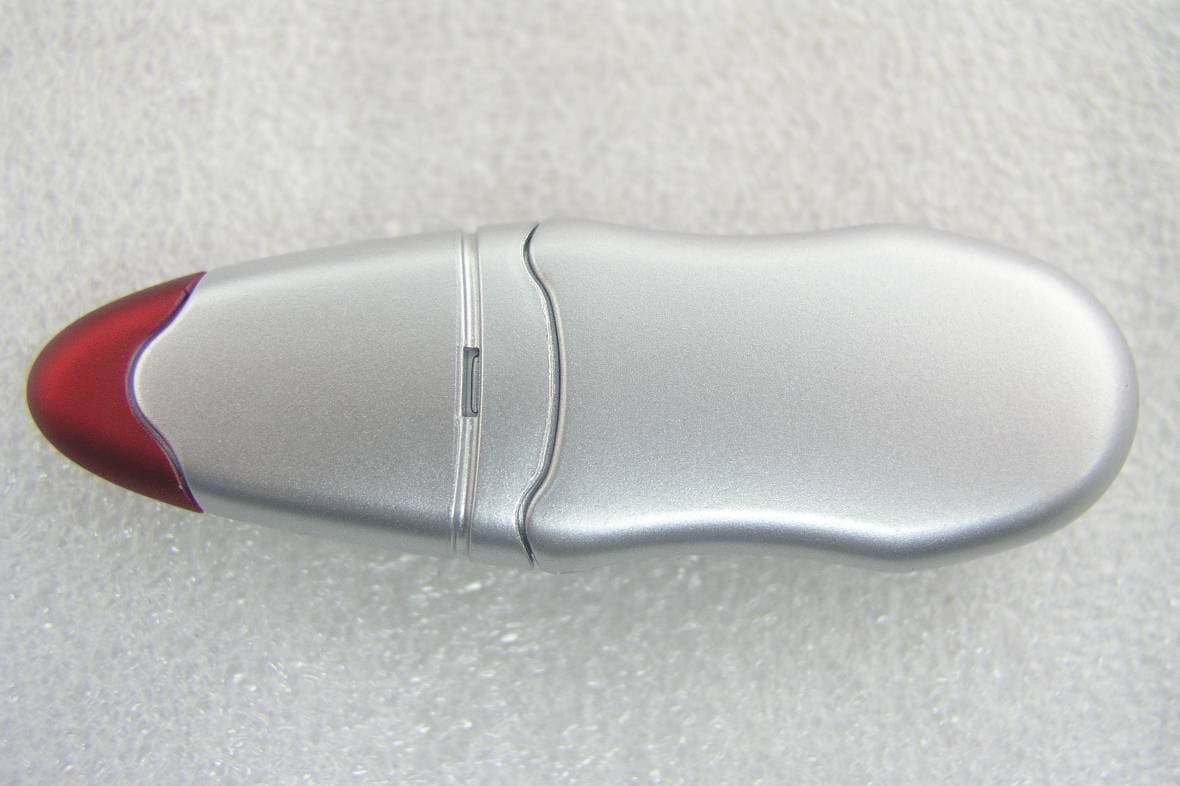
RL9-HCBD015
Jul 31, 2007Bluetooth 2.0+ EDR USB Adaptor
Equipment Class
DSS - Part 15 Spread Spectrum Transmitter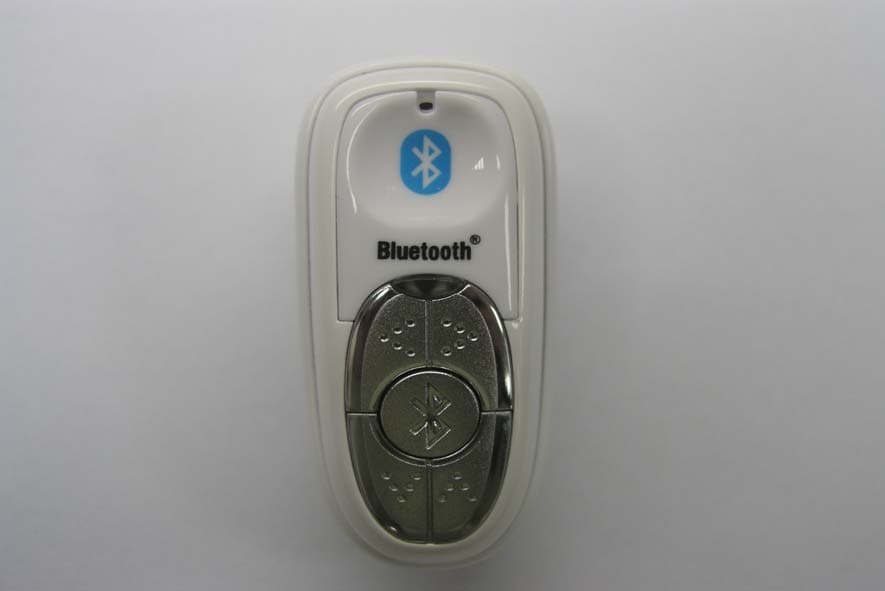
RL9-HS889
Jul 22, 2006Bluetooth Stereo Device
Equipment Class
DSS - Part 15 Spread Spectrum Transmitter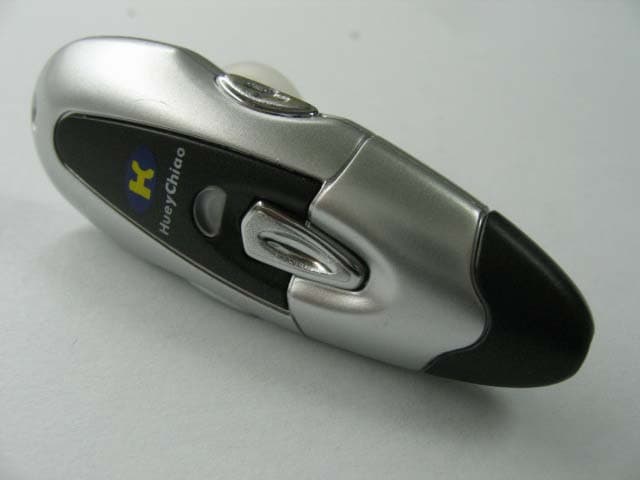
RL9-HCB08
Apr 21, 2005Bluetooth Headset
Equipment Class
DSS - Part 15 Spread Spectrum Transmitter