RLQBH1000-1CStereo Bluetooth Adaptor
Zhongshan K-mate Electronics Co. Ltd.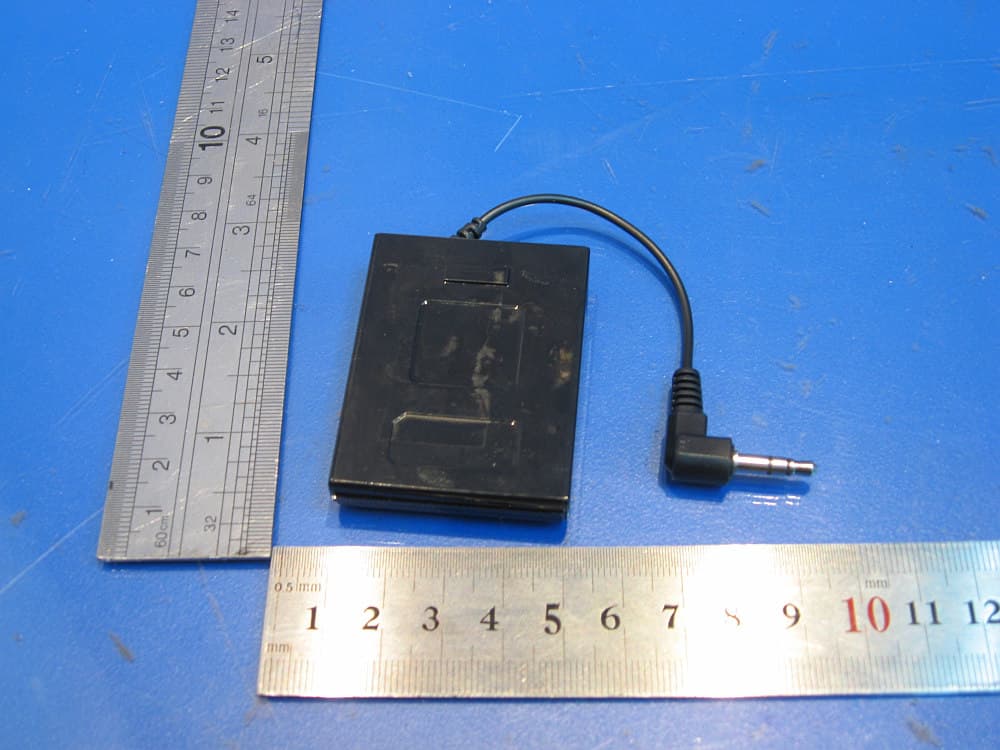
Click to zoom
Application Details
- Equipment Class
- DSS - Part 15 Spread Spectrum Transmitter
- Date of Grant
- Feb 19, 2008
- Application Purpose
- Original Equipment
- Date of Application
- Feb 19, 2008
- Equipment Note
- Stereo Bluetooth Adaptor
- Frequency Range
- 2402.00000000 - 2480.00000000
- Country
- China
Documents & Files
Document Text
Text extracted from the exhibit documents filed with the FCC. Open a document above to read the original.
Users Manual
BH1000-1C Bluetooth Stereo Adapter User Manual 一. Safety-----------------------------------------------------------1 1.1 In public---------------------------------------------------------------------------1 1.2 In air--------------------------------------------------------------------------------1 1.3 For medical device-------------------------------------------------------------1 二. Overview--------------------------------------------------------1-2 三. How to use BH1000-1C---------------------------------------4-6 2.1 Charge the battery of BH1000-1C---------------------------------------------4 2.2 Pair BH1000-1 with Bluetooth headset ------------------------------------4 2.3 Wear the BH1000-1C-------------------------------------------------------------4 2.4 Indicator light ---------------------------------------------------------------------4-5 四. Maintenance and care--------------------------------------7 五. FAQs--------------------------------------------------------------7 六. Technical specification-------------------------------------7 Copyright @ 2006 K-mate. All rights reserved. 一. Safety 2 For smoothly and safely enjoying BH1000-1, please read following information carefully. 1.1 In public Please switch off BH1000-1C in some public for avoiding electromagnetism disturbance or configuration confliction. The device using in hospital or other organization is sensitive for transmission signal. 1.2 In air Before boarding, please switch off BH1000-1C. 1.3 For medical device Some devices may disturb hearing aids. If you happen to this, please contact with manufacturer of hearing aids for solution. If you still use other personal medical device, please consult with the manufacturer and make sure the device can shield surrounding frequency signal or not. You can ask help for doctor also. 二. Overview 1. Indicator light 2. Switch on/off 3. Audio cable 4. Back clip 5. Charging jack 三. How to use 2.1 Charge the battery of BH1000-1C First time charge BH1000-1C 3 Before the first time to use BH1000-1C, you should charge the battery of BH1000-1C for about 2 hours. Next time charge BH1000-1C When you see the indicator light turns to red from blue, the battery capacity of adapter is not enough and need to be recharged. If you don’t charge the battery at this time, it will be switched of automatically in 10 minutes. Remark: After using the battery for long time, the battery performance will gradually decline and the charging time will be longer than before. Notice: 1.Please recycle the battery and reuse. 2.Don’t put battery in the fire, in case of explosion. Charge the battery of BH1000-1C as below, Step1 Plug Mini USB of charger into charging jack Step 2 Connect charger with power outlet Step3 While charging, indicator light color is red. It takes about 2 to 3 hours to charge buttery full. Step4 After finish charging, indicator light will turn off. At that time, you can disable BH1000-1C with the USB cable. When the battery is full, you can enjoy the stereo music for about 9 hours. 2.2 Pair BH1000-1C with Bluetooth music devices BH1000-1C can pair with Bluetooth music devices which support A2DP profile, such as Bluetooth stereo headset and Bluetooth speaker whose pin code is “0000” Before using BH1000-1C to enjoy your music, BH1000-1C must pair with Bluetooth music device. Keep BH1000-1C and Bluetooth music device in one meter. For example, pair BH1000-1C with Bluetooth Stereo Headset as below, Step1 Make sure your headset is under pairing status. For the detail of pairing status of headset, please refer to your user manual of headset. Step2 Make sure BH1000-1C is under pairing status. When the adapter is turned off, press the switch on/off button until the red light and blue light blink alternately ( the time is about 2~3 seconds). 4 Step3 After enter into pairing status, adapter will search Bluetooth devices automatically in function range and connect with proper Bluetooth Stereo Headset. The adapter will turn off automatically if it can’t find proper Bluetooth devices in 5 minutes. Step4 After BH1000-1C connects with Bluetooth device successfully, Blue light blinks once every 2s. Now, you can enjoy stereo music wirelessly. 2.3 Wear BH1000-1C BH1000-1C can be wore on the belt with Back Clip or fixed it on audio device with Magic Button, fixed location as below, 2.4 Indicator light BH1000-1C has two indicator lights, one is red, another color is blue. They can indicate following status: When BH1000-1C is charging, When BH1000-1C is not charging, Indicator light Adapter status Red light and Blue light blink alternately Pairing mode Blue light blinks once every 2s Has connected with Headset(Bluetooth music device) Red light blinks once every 2s Battery capacity is not enough 四. Maintenance and care Please refer to following suggestion that will help you to fulfill any warranty Indicator light Adapter status Red light is always bright (BH1000-1C is switched off) Being charged Red light is always turns off Finish charging 5 obligations and to enjoy this product many years. 1. Keep this kit dry. Humidity and all types of liquids or moisture will corrode electronic circuits 2. Don’t store the adapter in hot areas. High temperatures can shorten the life of electronic devices, damage batteries and warp or melt certain plastics. 3. Don’t attempt to open the adapter. Non-expert handling may damage it. 4. Don’t drop, knock or shake the adapter. Rough handling can break internal circuit boards. 5. Don’t use harsh chemicals, cleaning solvents, or strong detergents to clean the adapter. 6. Don’t scratch the cover of adapter. 7. Store the adapter in the package when you don’t use it in long time. If the adapter can’t work properly, please carry it to the nearest qualified dealer. The personnel there will assist and help you warmly. 五. FAQs 1. What does it mean when red indicator light is bright? Battery capacity is not enough. 2. How far is the function range between BH1000-1C and headset? According to the Bl…
Text truncated - open the document above for the full version.
Cover Letter(s)
Federal Communications Commission 7435 Oakland Mills Road Columbia, MD 21046 Gentlemen: This letter is to comply with Section 0.457(d)(2)(i) pertaining to confidential material. Zhongshan K-mate General Elec. Co., Ltd. would like the following documents regarding this submission for FCC ID: RLQBH1000-1C to be kept confidential. 1. BLOCK DIAGRAM 2. SCHEMATICS & BOM The above material contains trade secrets or technical data, which would customarily be guarded from competitors. We do not want these documents to be accessible to the general public. Sincerely, Zhongshan K-mate General Elec. Co., Ltd.
ID Label/Location Info
FCC ID: RLQBH1000-1C
Operational Description
BH1000-1C is a Bluetooth stereo adaptor with working frequency from 2.4GHz to 2.4835GHz. Intergraded antenna is used. BH1000-1C can pair with Bluetooth music devices which support A2DP profile, such as Bluetooth stereo headset and Bluetooth speaker whose pin code is “0000” BH1000-1C is powered by the build-in Li-ion DC 3.7V battery and it can be charged by the mini USB port. BH1000-1C can not operate when it is being charged and there is no data transmission via the USB port. BH1000-1C has two indicator lights, one is red, and another color is blue. They can indicate following status: When BH1000-1C is charging, When it is not charging,
Test Report
Produkte Products Prüfbericht - Nr.: Test Report No.: 16011141 001 Seite 2 von 31 Page 2 of 31 Test Summary FCC Rules Paragraph Released Date Test items Result Part 15 Per Section 15.109(a) 20. Sep, 2007 Radiated Spurious Emission Pass Part 15 Per Section 15.203 20. Sep, 2007 Antenna requirement Pass Part 15 Per Section 15.247(b)(1) 20. Sep, 2007 Maximum Peak Output power Pass Part 15 Per Section 15.247(a)(1) 20. Sep, 2007 20dB Bandwidth Pass Part 15 Per Section 15.247(a)(1) 20. Sep, 2007 Hopping Channel Carrier Frequency Separation Pass Part 15 Per Section 15.247(a)(1)(iii) 20. Sep, 2007 Number of Hopping Frequency Used Pass Part 15 Per Section 15.247(a)(1)(iii) 20. Sep, 2007 Time of Occupancy (Dwell Time) Pass Part 15 Per Section 15.247(d) 20. Sep, 2007 Out-Of-Band Emission measurement Pass Produkte Products Prüfbericht - Nr.: Test Report No.: 16011141 001 Seite 3 von 31 Page 3 of 31 Contents 1 GENERAL REMARKS...................................................................................................................5 1.1 C OMPLEMENTARY MATERIALS.................................................................................................................. 5 2 TEST SITES..................................................................................................................................5 2.1 T EST FACILITIES......................................................................................................................................... 5 2.2 L IST OF TEST AND MEASUREMENT INSTRUMENTS..................................................................................... 6 2.3 T RACE ABILITY........................................................................................................................................... 6 2.4 C ALIBRATION.............................................................................................................................................. 6 2.5 M EASUREMENT UNCERTAINTY.................................................................................................................. 6 2.6 L OCATION OF ORIGINAL DATA.................................................................................................................... 6 2.7 S TATUS OF FACILITY USED FOR TESTING.................................................................................................... 6 3 GENERAL PRODUCT INFORMATION...........................................................................................6 3.1 P RODUCT FUNCTION AND INTENDED USE.................................................................................................. 6 3.2 R ATINGS AND SYSTEM DETAILS................................................................................................................. 6 3.3 I NDEPENDENT OPERATION MODES............................................................................................................. 6 3.4 S UBMITTED DOCUMENTS............................................................................................................................ 6 4 TEST SET-UP AND OPERATION MODE.......................................................................................6 4.1 P RINCIPLE OF CONFIGURATION SELECTION................................................................................................ 6 4.2 T EST OPERATION AND TEST SOFTWARE..................................................................................................... 6 4.3 S PECIAL ACCESSORIES AND AUXILIARY EQUIPMENT................................................................................. 6 4.4 C OUNTERMEASURES TO ACHIEVE EMC COMPLIANCE............................................................................... 6 4.5 T EST SET-UP................................................................................................................................................ 6 5 TEST RESULTS E M I S S I O N ...............................................................................................6 5.1 R ADIATED SPURIOUS EMISSION.................................................................................................................. 6 5.2 A NTENNA REQUIREMENT............................................................................................................................ 6 5.3 M AXIMUM PEAK OUTPUT POWER.............................................................................................................. 6 5.4 20 DB BANDWIDTH...................................................................................................................................... 6 5.5 H OPPING CHANNEL CARRIER FREQUENCY SEPARATION........................................................................... 6 5.6 N UMBER OF HOPPING FREQUENCY USED................................................................................................... 6 5.7 T IME OF OCCUPANCY (DWELL TIME) ......................................................................................................... 6 5.8 O UT-OF-BAND EMISSION MEASUREMENT.................................................................................................. 6 6 PHOTOGRAPHS OF THE TEST SET-UP........................................................................................6 Produkte Products Prüfbericht - Nr.: Test Report No.: 16011141 001 Seite 4 von 31 Page 4 of 31 7 LIST OF TABLES..........................................................................................................................6 8 LIST OF PHOTOGRAPHS..............................................................................................................6 Produkte Products Prüfbericht - Nr.: Test Report No.: 16011141 001 Seite 5 von 31 Page 5 of 31 1 General Remarks 1.1 Complementary Materials All attachments are integral parts of this test report. This applies especially to the following appendix: Appendix 1: Test result 2 Test Sites 2.1 Test Facilities TÜV Rheinland (Guangd…
Text truncated - open the document above for the full version.
Test Setup Photos
Produkte Products Prüfbericht - Nr.: Test Report No.: 16011141 001 Seite 28 von 31 Page 28 of 31 6 Photographs of the Test Set-Up Photograph 1: Set-up for Radiation Measurement below 1GHz Produkte Products Prüfbericht - Nr.: Test Report No.: 16011141 001 Seite 29 von 31 Page 29 of 31 Produkte Products Prüfbericht - Nr.: Test Report No.: 16011141 001 Seite 30 von 31 Page 30 of 31 Photograph 2: Set-up for Radiation Measurement above 1GHz
Contact Information
Applicant
Christine Wu(Sales Manager)
Test Firm
TUV Rheinland (GuangDong) Ltd.Yuxin Huang
Technical Specifications
| # | Rule Parts | Frequency Range | Power Output |
|---|---|---|---|
| 1 | 15C | 2.40 GHz - 2.48 GHz | 1.59 mW |
Other Applications from Zhongshan K-mate Electronics Co. Ltd.
RLQSB2008
Mar 05, 2008Bluetooth Speaker
Equipment Class
DSS - Part 15 Spread Spectrum Transmitter
RLQBH501
Oct 30, 2007Bluetooth Earphone
Equipment Class
DSS - Part 15 Spread Spectrum Transmitter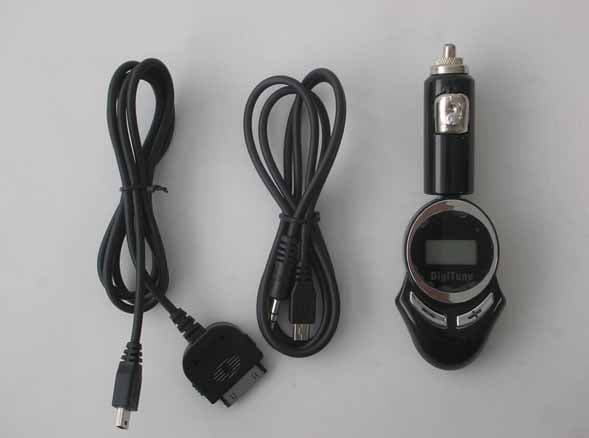
RLQAT400-2
Jul 17, 2006Audio FM Transmitter
Equipment Class
DXX - Part 15 Low Power Communication Device Transmitter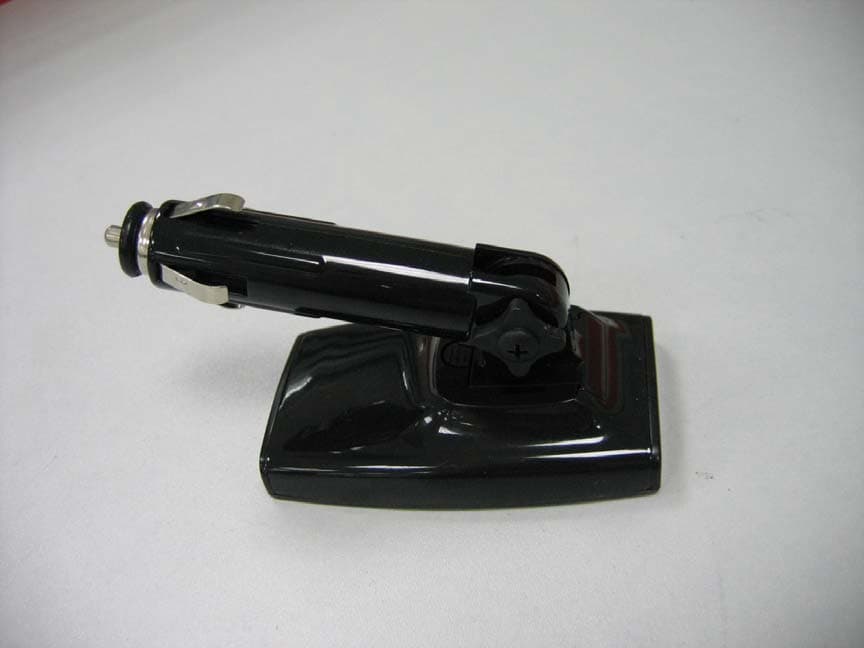
RLQAT600
Jun 12, 2006FM Transmitter Holder & Car Charger for iPod Nano
Equipment Class
DXX - Part 15 Low Power Communication Device Transmitter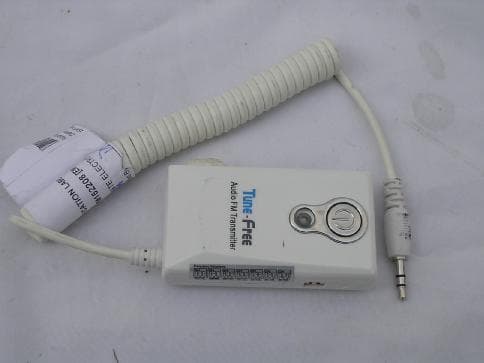
RLQAT100
Nov 10, 2004Audio FM Transmitter
Equipment Class
DXX - Part 15 Low Power Communication Device Transmitter