RR7OT-020COT-020C
Great Well Electronic Limited
Click to zoom
Application Details
- Equipment Class
- DSS - Part 15 Spread Spectrum Transmitter
- Date of Grant
- Aug 05, 2007
- Application Purpose
- Original Equipment
- Date of Application
- Aug 05, 2007
- Equipment Note
- OT-020C
- Frequency Range
- 2402.00000000 - 2480.00000000
- Country
- China
Documents & Files
Document Text
Text extracted from the exhibit documents filed with the FCC. Open a document above to read the original.
Users Manual
OT-020C User's Guide 1. Introduction 1.1 Bluetooth technology Bluetooth is a standard of wireless communication. Bluetooth technology is a kind of short distance wireless communication technology and an open global criterion. The Bluetooth products work on universal industry, science, medical (ISM) frequency. In order to avoid interference, adopt jumping frequency technique, divide 2.4GHz ~ 2.48GHz into 79 channels, transmit data at 1600 time/sec. The transmission distance is about 10m (Class II). ISM frequency of 2.4GHz is free open frequency, no need to apply for license. 2. Operation instructions: Introduction 2.1 OT-020C Bluetooth headset key-press’s image and key-press function explanation A. MFB key-press: realize power on, power off, receiving, voice dialing, hang-up, pairing etc. B. Volume +: realize increasing volume, mute, rejecting incoming call, redialing etc C. Volume -: realize decreasing volume etc. 2.2 Power on In the state of power off, long press MFB, speaker will make a short BEEP sound. Blue light flashes. Then OT-020C will power on. 2.3 Power off In the standby state, long press MFB, speaker will make a long BEEP sound. Blue light closes. Then OT-020C will power off. 2.4 Pairing Firstly, confirm OT-020C Bluetooth headset is in the state of power off and is in the effective distance with other Bluetooth devices. a. Long press MFB, speaker will make a BEEP sound two times. Blue and red indicator will flash alternately. Then OT-020C will in pairing state. b. Open Bluetooth function of mobile phone, choose mobile phone ‘s search function of bluetooth device, and proceed to search for OT-020C Bluetooth headset until “OT-020C” shows on mobile phone. c. Select Bluetooth device”OT-020C” d. Input ID code “0000”, and confirm, then mobile phone pairing with OT-020C Bluetooth headset. e. After successful pairing, before’s Blue and red indicator flash alternately now changes to blue light flashes. Then the whole pairing process is done automatically. 2.5 Power-saving mode a. When OT-020C Bluetooth headset fail in the process of pairing, after about 60sec, the bluetooth headset will enter the standby state automatically, after more 10 minutes, OT-020C will power off automatically. b. When OT-020C Bluetooth headset disconnect with any Bluetooth device in the state of power on, it will close automatically after 10 minutes. 2.6 Receiving an incoming call When OT-020C Bluetooth headset is power on and connect with mobile phone, telephone in. a. Short press MFB. b. Then blue indicator changes from slow flash to quick flash. c. If OT-020C Bluetooth headset is power off, please make it power on firstly. After re-link mobile phone automatically (press one time to connect with mobile phone), press MFB again, then you can receive the incoming call. 2.7 Voice dialing When OT-020C Bluetooth headset is power on and connects with mobile phone, you are going to dial by voice. a. Short press MFB, you can hear short BEEP sound, then enter voice dialing. b. Speak the people’ name saved in telephone book of mobile phone, such as David. c. Mobile phone will dial according to the number in telephone book of mobile phone. The function demands Bluetooth mobile phone have voice recognition function. 2.8 Rejecting an incoming call When OT-020C Bluetooth headset is power on and connects with mobile phone, telephone in but don’t want to receive, long press VOL+, then the incoming call is rejected. Last number redialing: In the standby state, long press volume +. 2.9 Volume adjustment In the state of standby, speaking and calling waiting, short pressing volume + or volume -, you can adjust volume. Short pressing volume +, the volume adds one step; Short press volume -, the volume decreases one step. When volume is adjusted to maximum or minimum, it will sound a warning by “Du Du”. 2.10 Switch between headset and mobile phone With the successful connection between the phone and headset when speaking is made, by long pressing the volume button, the BEEP sound can be heard, the voice will be transferred to the phone from the headset, by long pressing the volume again, the BEEP sound can be heard ,then the voice will be transferred to the headset from the phone.(these functions are different according to the different operations of the phone .please see the instructions of the mobile phone for details about the concrete ways of switching. 2.11 Low battery warning When the battery of OT-020C Bluetooth headset is not enough, blue light closes, red light flashes, and speaker make short BEEP sound. Then you should charge OT-020C Bluetooth headset. 2.12 Redial automatically When OT-020C Bluetooth headset is power on but disconnects with devices, also in effective distance with mobile phone, if mobile phone had connected and paired with OT-020C, it will rebuild connection with mobile phone automatically. 2.13 Charging Plug DC jack of power adapter into charging interface of charging socket, then place OT-020C Bluetooth headset into charging box, close the upper cover of charging box, then plug in power supply of power adapter, if red light flashes, then charging begin; after red light goes out, then charging end. 2.14 End speaking In the process of speaking, short press MFB, it can end speaking. 3 Performance parameter Item Parameter Standard Bluetooth V2.0+EDR Effective range 10m without obstacle Audio frequency 15bits S/N 70db Frequency 2.4GHZ-2.48GHZ ISM Band Connection Point-to-Point Speaking time 4-5hrs Standby time after pairing About 70hrs Standby time while power on and non-pairing Close automatically after 10 minutes RF Power 0dBm (class II) Power consumption of power supply 18~25mA when speaking Battery capacity Rechargeable Lithium Polymer Battery 70mAh Charging 5V DC, AC adapter input/100-240V Charging time 2~3hrs Using temperature 0 °C to +60°C Storage temperature -20°C to +85°C Pairing code 0000 Pairing One-to-one, allow many primary device but need to connect by turns Operation voltage 3.0~4.2V Receivin…
Text truncated - open the document above for the full version.
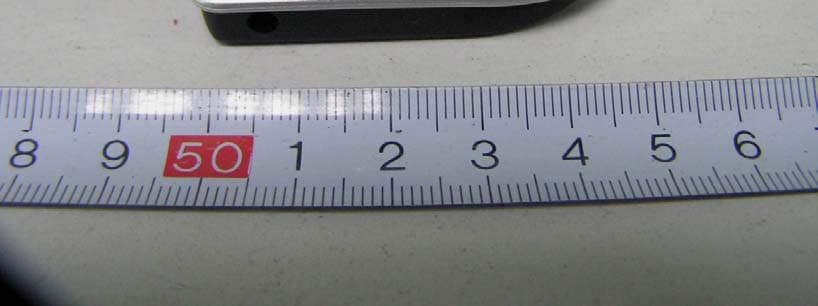
External Photos
Project No.: 0707C007 Page 2 of 9 Neutron Engineering Inc. 0707C007 0707C007 Project No.: 0707C007 Page 2 of 9 Neutron Engineering Inc. 0707C007 0707C007 Project No.: 0707C007 Page 3 of 9 Neutron Engineering Inc. 0707C007 0707C007 Project No.: 0707C007 Page 3 of 9 Neutron Engineering Inc. 0707C007 0707C007 Project No.: 0707C007 Page 4 of 9 Neutron Engineering Inc. 0707C007 0707C007 Project No.: 0707C007 Page 4 of 9 Neutron Engineering Inc. 0707C007 0707C007 Project No.: 0707C007 Page 5 of 9 Neutron Engineering Inc. 0707C007
Internal Photos
Project No.: 0707C007 Page 6 of 9 Neutron Engineering Inc. 0707C007 0707C007 Project No.: 0707C007 Page 6 of 9 Neutron Engineering Inc. 0707C007 0707C007 Project No.: 0707C007 Page 7 of 9 Neutron Engineering Inc. 0707C007 0707C007 Project No.: 0707C007 Page 7 of 9 Neutron Engineering Inc. 0707C007 0707C007 Project No.: 0707C007 Page 8 of 9 Neutron Engineering Inc. 0707C007 0707C007 Project No.: 0707C007 Page 8 of 9 Neutron Engineering Inc. 0707C007 0707C007 Project No.: 0707C007 Page 9 of 9 Neutron Engineering Inc. 0707C007
Test Report
Report No.: NEI-FCCP-1-0707C007 Page 2 of 69 Neutron Engineering Inc. Declaration Neutron represents to the client that testing is done in accordance with standard procedures as applicable and that test instruments used has been calibrated with the standards traceable to National Measurement Laboratory (NML) of R.O.C., or National Institute of Standards and Technology (NIST) of U.S.A. Neutron's reports apply only to the specific samples tested under conditions. It is manufacture’s responsibility to ensure that additional production units of this model are manufactured with the identical electrical and mechanical components. Neutronshall have no liability for any declarations, inferences o r generalizations drawn by the client or others from Neutron issued reports. Neutron’s reports must not be used by the client to claim product endorsement by the authorities or any agency of the Government. This report is the confidential property of the client. As a mutual protection to the clients, the public and Neutron-self, extracts from the test report shall not be reproduced except in full with Neutron’s authorized written approval. Neutron’s laboratory quality assurance procedures are in compliance with the ISO Guide 17025 requirements, and accredited by the conformity assessment authorities listed in this test report. Limitation For the use of the authority's logo is limited unless the Test Standard(s)/Scope(s)/Item(s) mentioned in this test report is (are) included in the conformity assessment authorities acceptance respective. Report No.: NEI-FCCP-1-0707C007 Page 3 of 69 Neutron Engineering Inc. Table of Contents Page 1 . CERTIFICATION 6 2 . SUMMARY OF TEST RESULTS 7 2.1 TEST FACILITY 8 2.2 MEASUREMENT UNCERTAINTY 8 3 . GENERAL INFORMATION 9 3.1 GENERAL DESCRIPTION OF EUT 9 3.2 DESCRIPTION OF TEST MODES 11 3.3 TABLE OF PARAMETERS OF TEXT SOFTWARE SETTING 11 3.4 BLOCK DIGRAM SHOWING THE CONFIGURATION OF SYSTEM TESTED 12 3.5 DESCRIPTION OF SUPPORT UNITS 13 4 . EMC EMISSION TEST 14 4.1 CONDUCTED EMISSION MEASUREMENT 14 4.1.1 POWER LINE CONDUCTED EMISSION LIMITS 14 4.1.2 MEASUREMENT INSTRUMENTS LIST AND SETTING 14 4.1.3 TEST PROCEDURE 15 4.1.4 DEVIATION FROM TEST STANDARD 15 4.1.5 TEST SETUP 15 4.1.6 EUT OPERATING CONDITIONS 16 4.1.7 TEST RESULTS 17 4.2 RADIATED EMISSION MEASUREMENT 19 4.2.1 RADIATED EMISSION LIMITS 19 4.2.2 MEASUREMENT INSTRUMENTS LIST ANS SETTING 20 4.2.3 TEST PROCEDURE 21 4.2.4 DEVIATION FROM TEST STANDARD 21 4.2.5 TEST SETUP 22 4.2.6 EUT OPERATING CONDITIONS 22 4.2.7 TEST RESULTS (BETWEEN30 – 1000 MHZ) 23 4.2.8 TEST RESULTS (ABOVE 1000 MHZ) 25 4.2.9 TEST RESULTS (RESTRICTED BANDS REQUIREMENTS) 37 5 . NUMBER OF HOPPING CHANNEL 41 5.1 APPLIED PROCEDURES / LIMIT 41 5.1.1 MEASUREMENT INSTRUMENTS LIST AND SETTING 41 5.1.2 TEST PROCEDURE 41 5.1.3 DEVIATION FROM STANDARD 41 5.1.4 TEST SETUP 41 5.1.5 EUT OPERATION CONDITIONS 41 Report No.: NEI-FCCP-1-0707C007 Page 4 of 69 Neutron Engineering Inc. Table of Contents Page 5.1.6 TEST RESULTS 42 6 . AVERAGE TIME OF OCCUPANCY 43 6.1 APPLIED PROCEDURES / LIMIT 43 6.1.1 MEASUREMENT INSTRUMENTS LIST 43 6.1.2 TEST PROCEDURE 43 6.1.3 DEVIATION FROM STANDARD 43 6.1.4 TEST SETUP 44 6.1.5 EUT OPERATION CONDITIONS 44 6.1.6 TEST RESULTS 45 7 . HOPPING CHANNEL SEPARATION MEASUREMENT 51 7.1 APPLIED PROCEDURES / LIMIT 51 7.1.1 MEASUREMENT INSTRUMENTS LIST AND SETTING 51 7.1.2 TEST PROCEDURE 51 7.1.3 DEVIATION FROM STANDARD 51 7.1.4 TEST SETUP 51 7.1.5 EUT OPERATION CONDITIONS 51 7.1.6 TEST RESULTS 52 8 . BANDWITH TEST 54 8.1 APPLIED PROCEDURES / LIMIT 54 8.1.1 MEASUREMENT INSTRUMENTS LIST AND SETTING 54 8.1.2 TEST PROCEDURE 54 8.1.3 DEVIATION FROM STANDARD 54 8.1.4 TEST SETUP 54 8.1.5 EUT OPERATION CONDITIONS 54 8.1.6 TEST RESULTS 55 9 . PEAK OUTPUT POWER TEST 57 9.1 APPLIED PROCEDURES / LIMIT 57 9.1.1 MEASUREMENT INSTRUMENTS LIST AND SETTING 57 9.1.2 TEST PROCEDURE 57 9.1.3 DEVIATION FROM STANDARD 57 9.1.4 TEST SETUP 57 9.1.5 EUT OPERATION CONDITIONS 57 9.1.6 TEST RESULTS 58 10 . ANTENNA CONDUCTED SPURIOUS EMISSION 60 10.1 APPLIED PROCEDURES / LIMIT 60 10.1.1 MEASUREMENT INSTRUMENTS LIST AND SETTING 60 10.1.2 TEST PROCEDURE 60 10.1.3 DEVIATION FROM STANDARD 60 10.1.4 TEST SETUP 61 Report No.: NEI-FCCP-1-0707C007 Page 5 of 69 Neutron Engineering Inc. Table of Contents Page 10.1.5 EUT OPERATION CONDITIONS 61 10.1.6 TEST RESULTS 62 11 . RF EXPOSURE TEST 64 11.1 APPLIED PROCEDURES / LIMIT 64 11.1.1 MEASUREMENT INSTRUMENTS LIST 64 11.1.2 MPE CALCULATION METHOD 64 11.1.3 DEVIATION FROM STANDARD 65 11.1.4 TEST SETUP 65 11.1.5 EUT OPERATION CONDITIONS 65 11.1.6 TEST RESULTS 66 12 . EUT TEST PHOTO 67 Report No.: NEI-FCCP-1-0707C007 Page 6 of 69 Neutron Engineering Inc. 1. CERTIFICATION E q u i p m e n t : Bluetooth Headset Trade Name : N/A Model Name : OT-020C A p p l i c a n t : GREAT WELL ELECTRONIC LIMITED T e s t I t e m : ENGINEERING SAMPLE Standards : FCC Part15, Subpart C(15.247) / ANCI C63.4 : 2003 The above equipment has been tested and found compliance with the requirement of the relative standards by Neutron Engineering Inc. EMC Laboratory. The test data, data evaluation, and equipment configuration contained in our test report (Ref No. NEI-FCCP-1-0707C007) were obtained utilizing the test procedures, test instruments, test sites that has been accredited by the Authority of NVLAP and CNLA according to the ISO-17025 quality assessment standard and technical standard(s). Report No.: NEI-FCCP-1-0707C007 Page 7 of 69 Neutron Engineering Inc. 2. SUMMARY OF TEST RESULTS Test procedures according to the technical standards: FCC Part15 (15.247) , Subpart C Standard Section Test Item Judgment Remark 15.207 Conducted Emission PASS 15.247 (c) Antenna conducted Spurious EmissionPASS 15.247 (a)(1) Hopping Channel Separation PASS 15.247 (b)(1) Peak Output Power PASS 15.247 (c) Radiated Spurious Emission PASS 15.247 (b)(1) Number of Hopping Frequency PASS 15.247 (a)(1) Dwell Time PASS 15.205 Restricted Bands PASS 15.203 Antenna Requirement PASS 1.1307 1.1310 2.109…
Text truncated - open the document above for the full version.
Test Setup Photos
Report No.: NEI-FCCP-1-0707C007 Page 67 of 69 Neutron Engineering Inc. Conducted Measurement Photos Charge Mode Report No.: NEI-FCCP-1-0707C007 Page 67 of 69 Neutron Engineering Inc. Conducted Measurement Photos Charge Mode Report No.: NEI-FCCP-1-0707C007 Page 68 of 69 Neutron Engineering Inc. Radiated Measurement Photos TX mode Report No.: NEI-FCCP-1-0707C007 Page 68 of 69 Neutron Engineering Inc. Radiated Measurement Photos TX mode Report No.: NEI-FCCP-1-0707C007 Page 69 of 69 Neutron Engineering Inc. Radiated Measurement Photos Charge Mode Report No.: NEI-FCCP-1-0707C007 Page 69 of 69 Neutron Engineering Inc. Radiated Measurement Photos Charge Mode
Contact Information
Applicant
Jie Chen
Test Firm
BTL Inc.Andy Yeh
Technical Specifications
| # | Rule Parts | Frequency Range | Power Output |
|---|---|---|---|
| 1 | 15C | 2.40 GHz - 2.48 GHz | 2.28 mW |
Other Applications from Great Well Electronic Limited
RR7CLBLUEHOOK
Aug 07, 2007Bluetooth Earphone
Equipment Class
DSS - Part 15 Spread Spectrum Transmitter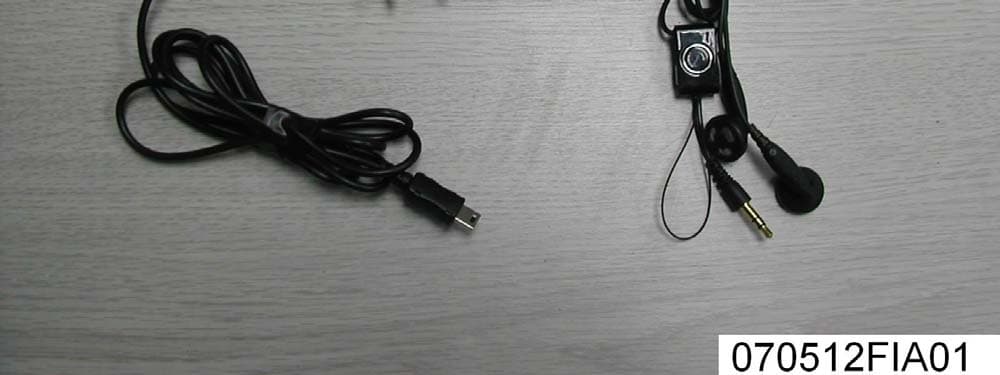
RR7BTH-012
Jul 02, 2007Stereo Bluetooth Headset
Equipment Class
DSS - Part 15 Spread Spectrum Transmitter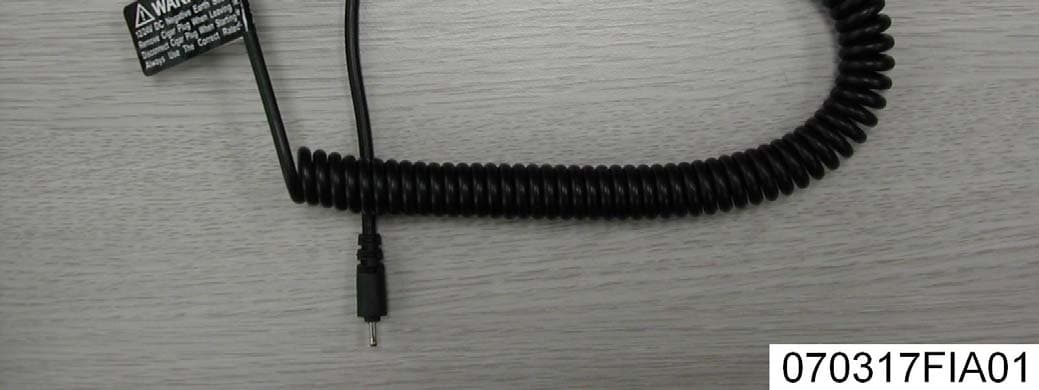
RR7GPS-005
Apr 09, 2007Bluetooth GPS Receiver
Equipment Class
DSS - Part 15 Spread Spectrum Transmitter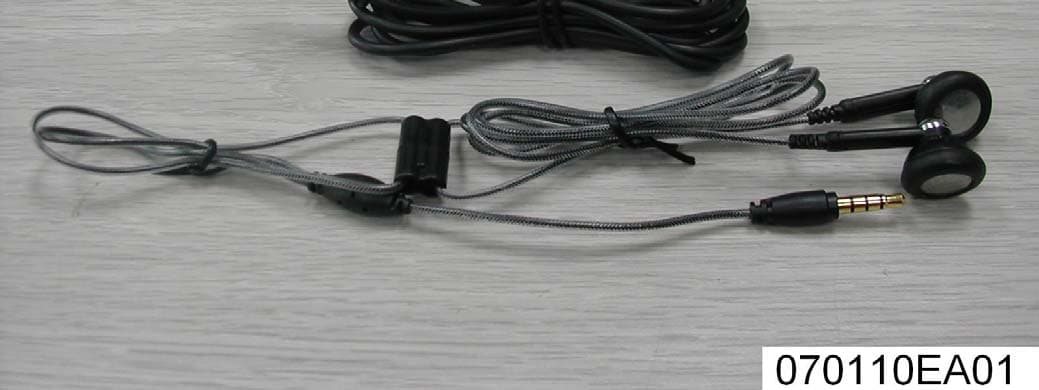
RR7BT-019
Feb 28, 2007Bluetooth Headset
Equipment Class
DSS - Part 15 Spread Spectrum Transmitter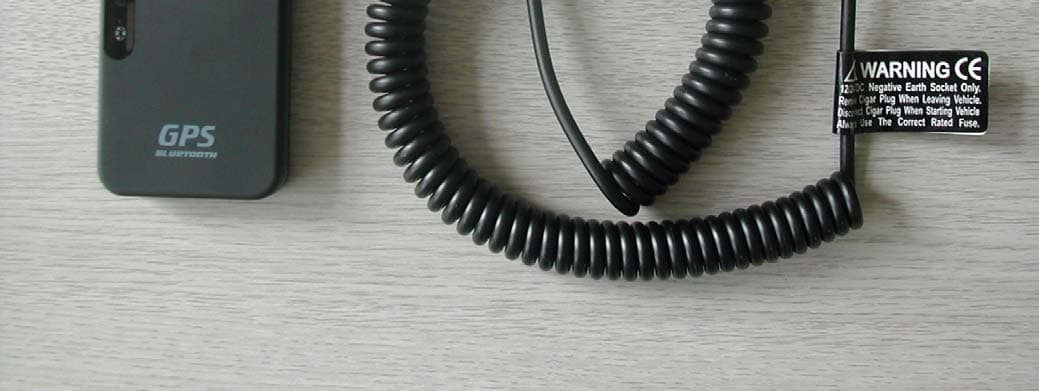
RR7GPS-009
Feb 14, 2007Bluetooth GPS Receiver
Equipment Class
DSS - Part 15 Spread Spectrum Transmitter