RYD-ICB284Bluetooth Speaker with Clock
JETOP INDUSTRIAL LIMITED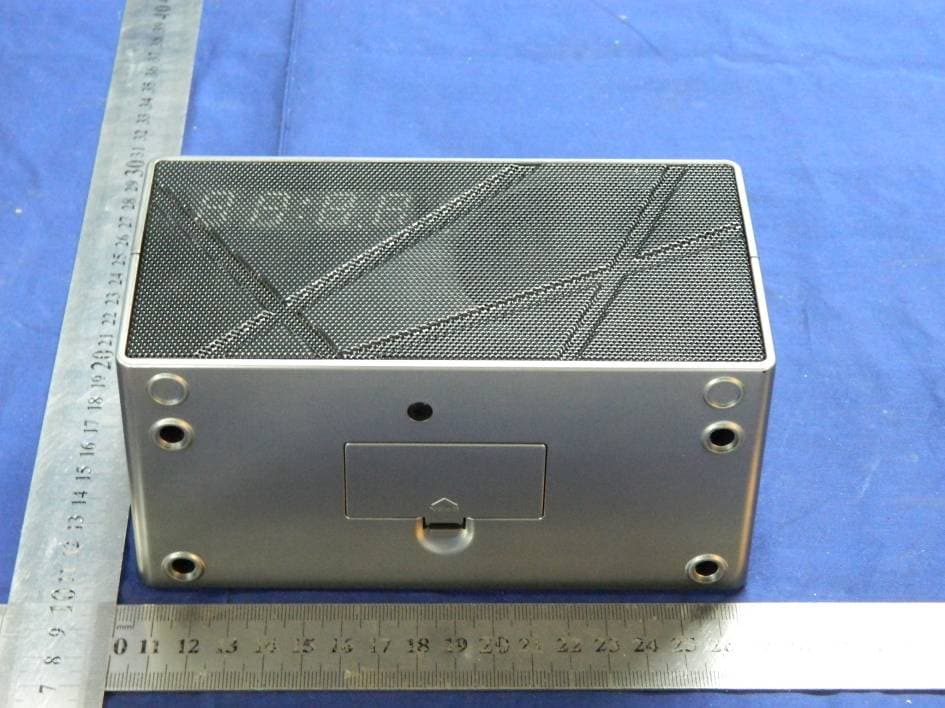
Click to zoom
Application Details
- Equipment Class
- DSS - Part 15 Spread Spectrum Transmitter
- Date of Grant
- Feb 13, 2014
- Application Purpose
- Original Equipment
- Date of Application
- Feb 13, 2014
- Equipment Note
- Bluetooth Speaker with Clock
- Frequency Range
- 2402.00000000 - 2480.00000000
- Company
- JETOP INDUSTRIAL LIMITED
- Country
- Hong Kong
Documents & Files
Document Text
Text extracted from the exhibit documents filed with the FCC. Open a document above to read the original.
Users Manual
Any Changes or modifications not expressly approved by the party responsible for compliance could void the user’s authority to operate the equipment. Note: This equipment has been tested and found to comply with the limits for a Class B digital device, pursuant to part 15 of the FCC Rules. These limits are designed to provide reasonable protection against harmful interference in a residential installation. This equipment generates uses and can radiate radio frequency energy and, if not installed and used in accordance with the instructions, may cause harmful interference to radio communications. However, there is no guarantee that interference will not occur in a particular installation. If this equipment does cause harmful interference to radio or television reception, which can be determined by turning the equipment off and on, the user is encouraged to try to correct the interference by one or more of the following measures: • Reorient or relocate the receiving antenna. • Increase the separation between the equipment and receiver. • Connect the equipment into an outlet on a circuit different from that to which the receiver is connected. • Consult the dealer or an experienced radio/TV technician for help. Snooze/Dimmer Press to snooze the alarm after it sounds. Press and hold to dim the brightness of the LED display. Press to set the Sleep Timer. Bluetooth Speaker with Clock User’s Guide for Model ICB284S v982-01 FunCtionS anD ControlS Volume +/- /al1/al2 Press to adjust the volume, or to set Alarm 1 or Alarm 2. tun +/- Press to tune the radio, or set the time for the clock/alarm. Power Press to power the radio on or off. Mem/Clock With the Radio on, press it and TUN +/- to cycle through preset radio stations. In off mode, press and hold to adjust the clock. While paired to a Bluetooth device, press to play or pause media from the speaker. lED Display Source Press to switch between Radio, Line In, and Bluetooth Pair Press to pair Bluetooth devices to the unit. Bluetooth indicator lights alarm 1 Speaker removable Back Stand alarm 2 PM Additional Warnings • The apparatus shall not be exposed to dripping or splashing and that no objects filled with liquids, such as vases, shall be placed on apparatus. • Do not place the unit on top of any soft, porous, or sensitive surfaces to avoid damaging the surface. Use a protective barrier between the unit and surface to protect the surface. • Keep new and used batteries away from children. If the battery compartment does not close securely, stop using the product and keep it away from children. • If you think batteries might have been swallowed or placed inside any part of the body, seek immediate medical attention. • Do not mix old and new batteries. • Do not mix alkaline, standard (carbon-zinc), or rechargeable (ni-cad, ni-mh, etc) batteries. • Batteries should be recycled or disposed of as per state and local guidelines. RF Warnings The device has been evaluated to meet general RF exposure requirement. The device can be used in portable exposure condition without restriction. FCC Caution This device complies with part 15 of the FCC Rules. Operation is subject to the following two conditions: (1) This device may not cause harmful interference, and (2) this device must accept any interference received, including interference that may cause undesired operation. AAA AAA Battery Backup The battery backup is intended for short power outages only. The clock radio’s primary functions cannot run off of the battery backup alone. Requires 2, AAA-size, batteries (not included). Bottom View rear View Power Plug the AC/DC power adapter (included) into the DC Power input on the unit, and a standard power outlet. The unit can be used to charge mobile devices through a USB charging port in the rear, as seen on the below (USB cable not included). DC Power input uSB Charging Port line in Setting the Clock 1. With the unit off, press and hold the MEM/Clk button until the display begins flashing. 2. Press the tun ± buttons to adjust the time in hours. The PM indicator will light when the hour is set in the PM. 3. While the display is still flashing, press MEM/Clk again to switch to minutes, then press the tun ± buttons to set the time in minutes. 4. Press MEM/Clk to finish, or wait for the display to stop flashing. Saving a Station as a Preset 1. With the radio on, tune to your desired frequency, press and hold the MEM/Clk button until the screen flashes. 2. Press the tun ± buttons to choose the desired preset station, 1 though 20. 3. Press MEM/Clk again to set the frequency to that preset station. 4. Once set, press MEM/Clk to select your presets (Pxx will apear on the display), then press the tun ± buttons to cycle through your preset stations. CloCk raDio linE in anD BluEtooth Radio Reception An FM antenna is built into the clock radio. To improve FM radio reception, adjust the position of the clock radio. Tuning the FM Radio 1. Power on the radio by pressing the Power button. 2. Press the Source button to select radio mode, then press the tun ± buttons to find the desired radio frequency. 3. Press the Vol ± buttons to adjust the volume of the radio. Line In An auxiliary line in port is built into the rear of the unit and can be used to play media directly from a mobile device using a 3.5mm audio cable (not included). To do this, simply plug the cable into the line in port on the unit and on your device. Press the Source button to select au on the display, and your music should be heard through the speaker. Pairing a Bluetooth Device Refer to the user’s manual for your specific device for instructions on pairing and connecting Bluetooth devices. When pairing, the device should remain within 3 feet of the speakers. 1. Press the Source button to select bt on the display. A blue light above the display will also indicate this. 2. Press the Pair button. The blue light will begin to flash quickly. 3. Using the native controls on your Bluetooth device, scan for and sel…
Text truncated - open the document above for the full version.
Cover Letter(s)
Family models declaration letter 2014-1-23 We JETOP INDUSTRIAL LIMITED Of Unit 11, 2/F., Sing Win Factory Building, 15-17 Shing Yip Street, Kwun Tong, Kowloon (address) Declare under our sole responsibility that the product FCC ID: RYD-ICB284 Product: Bluetooth Speaker with Clock Model Number : ICB284S, ICB284BU, ICB284PR, ICB284R Note: all the models are the same, except their model number, trademark and the color of appearance. Unless otherwise stated Thanks Sincerely, Cathie Lian/Manager E-mail: [email protected] Phone: 00852-25153978 Fax: 00852-25583209 Address: Unit 11, 2/F., Sing Win Factory Building, 15-17 Shing Yip Street, Kwun Tong, Kowloon, Hong Kong
Cover Letter(s)
SCS-F18: Project and Product Certification Representative Authorization Letter Page 1 of 2 Rev 3.0 775 Montague Expressway Milpitas, CA 95035 Tel: 408-526-1188 Fax: 408-526-1088 Email: [email protected] Project and Product Certification Representative Authorization Letter Revision History Reason for Amendment (current / obsolete) From To Approved Date Initial Release (obsolete) 1.0 1.0 Nov-14-2006 Revised wording (obsolete) 1.0 2.0 Sept–25-2007 Updated company template (current) 2.0 3.0 Jan-31-2012 SCS-F18: Project and Product Certification Representative Authorization Letter Page 2 of 2 Rev 3.0 JETOP INDUSTRIAL LIMITED 2014-1-23 To: SIEMIC, INC. 775 Montague Expressway, Milpitas, CA 95035 USA Dear Sir/Madam, Re: Project and Product Certification Representative Authorization Letter We, JETOP INDUSTRIAL LIMITED hereby authorize SIEMIC, INC. to act as a Certification Body for certifying for the following project(s): FCC ID: RYD-ICB284 (Bluetooth Speaker with Clock MODEL No.: ICB284S, ICB284BU, ICB284PR, ICB284R) We affirm that between SIEMIC and JETOP INDUSTRIAL LIMITED, any difference in understanding, including test plan, measurement methods, applicable standards and relevant procedures and processes have been resolved prior to commencement of testing activities. Sincerely, Cathie Lian/Manager E-mail: [email protected] Phone: 00852-25153978 Fax: 00852-25583209 Address: Unit 11, 2/F., Sing Win Factory Building, 15-17 Shing Yip Street, Kwun Tong, Kowloon, Hongkong
Cover Letter(s)
Confidentiality Request Letter JETOP INDUSTRIAL LIMITED 2014-1-23 To: Federal Communications Commission Office of Engineering and Technology Equipment Authorization Division 7345 Oakland Mills Road Columbia, Maryland 21046 Subject: Permanent Confidentiality Request for FCC ID: RYD-ICB284 We hereby request confidential treatment of information accompanying this application as outlined below: - Block diagram - Operation description - Schematic The above materials contain trade secrets and proprietary information not customarily released to the public. The public disclosure of these materials may be harmful to the applicant and provide unjustified benefits to its competitors. The applicant understands that pursuant to Section 0.457 & 0.459 of the Rules, disclosure of this application and all accompanying documentation will not be made before the date of the Grant for this application. Cathie Lian/Manager E-mail: [email protected] Phone: 00852-25153978 Fax: 00852-25583209 Address: Unit 11, 2/F., Sing Win Factory Building, 15-17 Shing Yip Street, Kwun Tong, Kowloon, Hongkong
ID Label/Location Info
Serial label ICB284S LABEL POSITION 14 JAN 2014 RATING LABEL SERIAL LABEL
Internal Photos
Bluetooth module Antenna
RF Exposure Info
FCC ID: RYD-ICB284 Portable device According to §15.247(e)(i) and §1.1307(b)(1), systems operating under the provisions of this section shall be operated in a manner that ensures that the public is not exposed to radio frequency energy level in excess of the Commission’s guidelines. According to KDB447498 D01 General RF Exposure Guidance V05 The 1-g and 10-g SAR test exclusion thresholds for 100 MHz to 6 GHz at test separation distances ≤ 50 mm are determined by: [(max. power of channel, including tune-up tolerance, mW)/(min. test separation distance, mm)] * [√f(GHz)] ≤ 3.0 for 1-g SAR and ≤ 7.5 for 10-g extremity SAR, where f(GHz) is the RF channel transmit frequency in GHz; Power and distance are rounded to the nearest mW and mm before calculation; The result is rounded to one decimal place for comparison; The test exclusions are applicable only when the minimum test separation distance is ≤ 50 mm and for transmission frequencies between 100 MHz and 6 GHz. When the minimum test separation distance is < 5 mm, a distance of 5 mm is applied to determine SAR test exclusion. We use 5mm as separation distance to calculated. Maximum measured transmitter power: Transmit Frequency (GHz) Mode Max Conducted Power (dBm) Result calculation 1-g SAR 2.402 GFSK 2.05 0.497 3.0 2.441 GFSK 1.66 0.458 3.0 2.480 GFSK 0.93 0.390 3.0 2.402 1/4Π-DQPSK 0.85 0.377 3.0 2.441 1/4Π-DQPSK 1.02 0.395 3.0 2.480 1/4Π-DQPSK 0.89 0.387 3.0 2.402 8DPSK 0.53 0.350 3.0 2.441 8DPSK 0.64 0.362 3.0 2.480 8DPSK 0.99 0.396 3.0 Conclusion: For the max result 0.497≤ 3.0 for 1-g SAR extremity SAR, No SAR is required.
Test Setup Photos
Radiated Emission Test Conducted Emissions Test
Contact Information
Applicant
Cathie Lian(Manager)
Test Firm
EMTEK (Shenzhen) Co., Ltd.David Lee
Technical Specifications
| # | Rule Parts | Frequency Range | Power Output |
|---|---|---|---|
| 1 | 15C | 2.40 GHz - 2.48 GHz | 1.60 mW |
Other Applications from JETOP INDUSTRIAL LIMITED
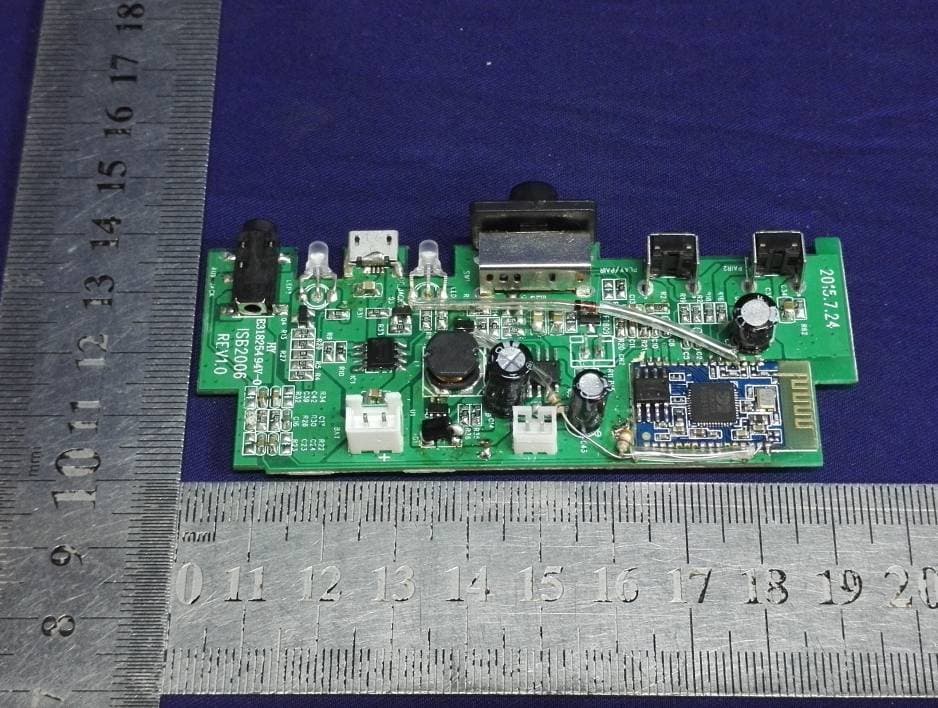
RYD-ISB2006B
Oct 25, 2015DUAL PORTABLE WIRELESS SPEAKERS
Equipment Class
DSS - Part 15 Spread Spectrum Transmitter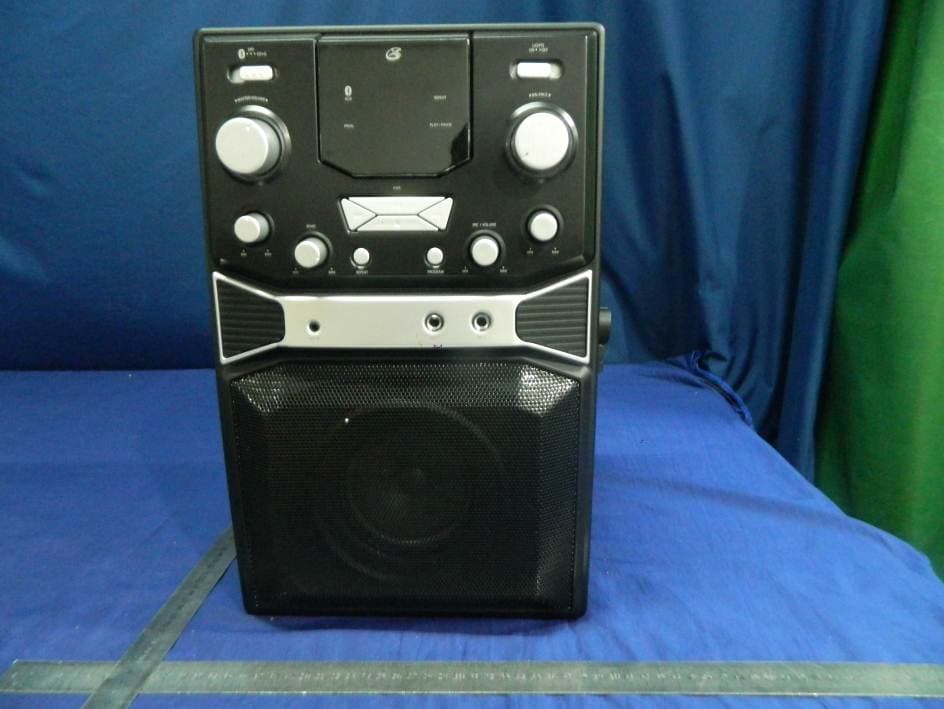
RYD-J185B
Aug 18, 2015Bluetooth Karaoke Party Machine
Equipment Class
DSS - Part 15 Spread Spectrum TransmitterRYD-ITB124B
Aug 06, 2014Bluetooth Tower Speaker
Equipment Class
DSS - Part 15 Spread Spectrum Transmitter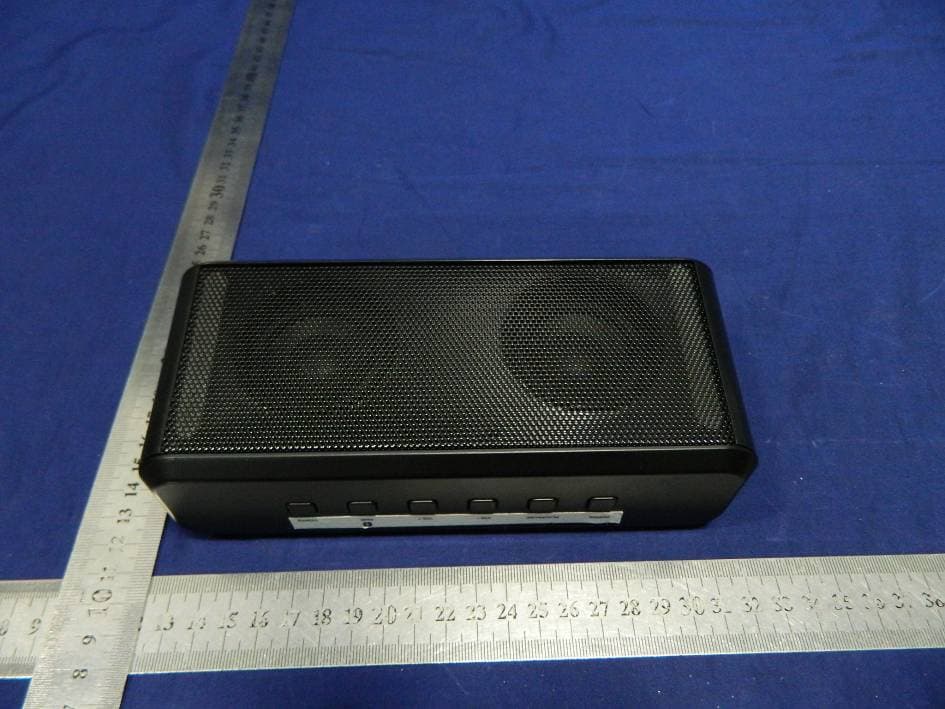
RYD-ISB224B
Jul 14, 2014Bluetooth Boombox with PLL FM radio
Equipment Class
DSS - Part 15 Spread Spectrum Transmitter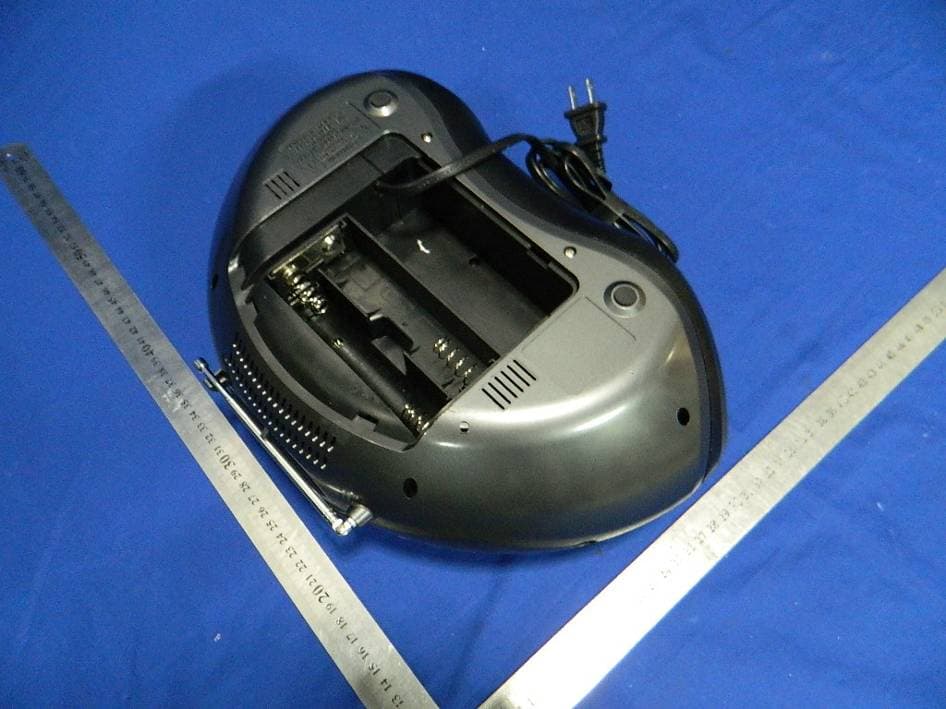
RYD-IBC233B
Sep 09, 2013BLUETOOTH CD/RADIO BOOMBOX
Equipment Class
DSS - Part 15 Spread Spectrum Transmitter