SSNBTS1Bluetooth Stereo Headset
LG Electronics Inc.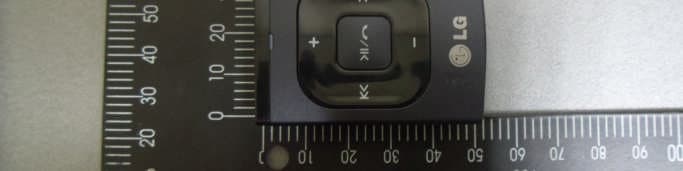
Click to zoom
Application Details
- Equipment Class
- JBP - Part 15 Class B Computing Device Peripheral
- Date of Grant
- Jul 09, 2013
- Application Purpose
- Original Equipment
- Date of Application
- Jul 09, 2013
- Equipment Note
- Bluetooth Stereo Headset
- Company
- LG Electronics Inc.
- Country
- South Korea
Documents & Files
Document Text
Text extracted from the exhibit documents filed with the FCC. Open a document above to read the original.
Users Manual
OWNER’S MANUAL TV & MOBILE Stereo Headset BTS1 Please read this manual carefully before operating your set and retain it for future reference. ENGLISH Rev 1.0 US All rights reserved. LG Electronics Inc., 2013 www.lg.com 1 Getting Started Getting Started 2 Getting Started 1 Safety Information Declaration of Confirmation FCC Notice to Users: This device complies with part 15 of the FCC rules. Operation is subject to the following two conditions: (1) This device may not cause harmful interference and (2) This device must accept any interference received, including interference that may cause undesired operation. Important Note: To comply with the FCC RF exposure compliance requirements, no change to the antenna or the device is permitted. Any change to the antenna or the device could result in the device exceeding the RF exposure requirements and void user’s authority to operate the device. Federal Communication Commission Interference Statement: This equipment has been tested and found to comply with the limits for a Class B digital device, pursuant to part 15 of the FCC Rules. These limits are designed to provide reasonable protection against harmful interference in a residential installation. This equipment generates, uses and can radiate radio frequency energy and, if not installed and used in accordance with the instructions, may cause harmful interference to radio communications. However, there is no guarantee that interference will not occur in a particular installation. If this equipment does cause harmful interference to radio or television reception, which can be determined by turning the equipment off and on, the user is encouraged to try to correct the interference by one or more of the following measures: -Reorient or relocate the receiving antenna. -Increase the separation between the equipment and receiver. -Connect the equipment into an outlet on a circuit different from that to which the receiver is connected. -Consult the dealer or an experienced Radio/TV technician for help. CE Notice to Users: Hereby, LG Electronics Inc. declares that this device is in compliance with the essential requirements and other relevant provisions of Directive 1999/5/ EC. FCC ID: SSNBTS1 Additional Information 1. Radio frequency exposure This device is a radio transmitter and receiver. When in operation it communicates with a Bluetooth® equipped mobile device by receiving and transmitting radio frequency (RF) electromagnetic fields (microwaves) in the frequency range 2.4 to 2.4835 GHz. The output power of the radio transmitter is low (0.001 W ). This device is designed to operate in compliance with the RF exposure guidelines and limits set by national authorities and international health agencies when used any compatible LG Electronics mobile phone. 2. Potentially explosive atmosphere Turn off your electronic device when in any area with a potentially explosive atmosphere. Although this is uncommon, your electronic device could generate sparks. Sparks in such areas could cause an explosion or fire resulting in bodily injury or even death. Areas with a potentially explosive atmosphere are often, but not always, clearly marked. 3. Emergency calls IMPORTANT! This device and the electronic device connected to the headset operate using radio signals, mobile and landline networks as well as user - programmed functions, which cannot guarantee connection under all conditions. Therefore you should never rely solely upon any electronic device for essential communications (e.g. medical emergencies). Remember, in order to make or receive calls, the headset and the electronic device connected to the headset must be switched on and in a service area with adequate mobile signal strength. Emergency calls may not be possible on all mobile phone networks or when certain network services and/ or phone features are in use. Check with your local service provider. Getting Started 3 Getting Started 1 4. Battery information A rechargeable battery has a long service life if treated properly. A new battery or one that has not been used for a long period of time could have reduced capacity the first few times it is used. Do not expose the battery to extreme temperatures, never above +60 °C(+140 °F) or under -20 °C (-4 °F). For maximum battery capacity, use the battery at room temperature. If the battery is used in low temperatures, the battery capacity will be reduced. The battery can only be charged in temperatures between +10 °C(+50 °F) and +45 °C (+113 °F). For your safety, do not remove the battery incorporated in the product. If you need to replace the battery, take it to the nearest authorised LG Electronics service point or dealer for assistance. 5. Recycling the battery in this device The battery in this device must be disposed of properly and should never be placed in municipal waste. The LG Electronics service partner who removes the battery will dispose of it according to local regulations. 6. Conditions -The warranty is valid only if the original receipt issued to the original purchaser by the dealer, specifying the date of purchase and serial number, is presented with the product to be repaired or replaced. LG Electronics reserves the right to refuse warranty service if this information has been removed or changed after the original purchase of the product from the dealer. -If LG Electronics repairs or replaces the product, the repaired or replaced product shall be warranted for the remaining time of the original warranty period or for ninety (90) days from the date of repair, whichever is longer. Repair or replacement may involve the use of functionally equivalent reconditioned units. Replaced parts or components will become the property of LG Electronics. -This Warranty does not cover any failure of the product due to normal wear and tear, or due to misuse, including but not limited to use in other than the normal and customary manner, in accordance with instructions for use and maintenance of the product.…
Text truncated - open the document above for the full version.
Users Manual
L ED Indications and voice in formation PowerLED indicatorVoice information OnBlue / Blinks four times.Power on OffRed / Blinks four times.Power off PerformanceLED indicatorVoice information Ready to pairBlue / Turned on.Discovering ConnectedViolet / Blinks twice.Your devies is connected BatteryLED indicatorVoice information High (more than 60%)Blue / Blinks.Batterty high Medium (more than 20%)Violet / Blinks.Batterty medium Low (less than 20%)Red / Blinks.Batterty low ChargingRed / Turned on.- ChargedBlue / Turned on.- Product Overview Mode selsection switch : On the mobile mode this device does not connect TV. : On the TV mode this device does not connect Bluetooth device. Press and hold to turn on (2 sec.) or off (3 sec.) LED Previous / Next Clip Charging y Plug the USB cable into the USB port at the bottom of the unit. And connect the adapter to charge. y LED lights on red while charging and turns into blue when charged. MIC Micro USB port Basic operation TV Connection 1 4 2 3 Select “LG BTS-1” on your Bluetooth device. Press and hold 1 button for 2 seconds and wait 5 seconds. Additional Information y Keep the distance less than 10 m between Bluetooth device and the device. y TV connecting time is approx. 10 ~ 20 seconds. y Depending on the Bluetooth device, you need to enter the PIN code “0000”. Handsfree This device supports a handsfree function via Bluetooth. Before using this function, pair the device with your Bluetooth device. y Receiving/Finishing a call: Press button to accept an incoming call. Press button to hang up the call. y Rejecting a call: Press and hold button to ignore an incoming call. y Switching the voice output: Press and hold o button for more than 3 seconds during a call. Additional Information y This device may not work properly depending on the manufacturer or device. y Refer to LG Electronics homepage for more information about handsfree function. (www. lge.com) Bluetooth Connection This device can be paired with LG smart TV. You can listen to the TV sound comfortably via Bluetooth using this device. TV connection has available only if your smart TV has LG sound sync function. 1 4 2 3 Slide down to TV mode. Slide up to mobile mode. Press and hold 1 button for 2 seconds and wait 5 seconds. LG smart TV [SETTING] menu / [SOUND] / select [Sound out] [LG Sound Sync. (Wireless)] / select “LG BTS1” Refer to the LG smart TV manual for more information. Quick Guide TV & MOBILE STEREO HEADSET BTS1 Rev 1.0 US Please read this manual carefully before operating your set and retain it for future reference. Adapter is not supplied. Precautions In the Box Device Earphone /Two sets of ear tips USB cable Trubleshooting SymptomCause & Solution No power. y The battery is discharged. Recharge the battery. Bluetooth pairing does not work well. y Check ı selection switch. y Initialize the paring list by pressing 1 button and button for more than 3 seconds at the same time, and then reconnect to Bluetooth device. y Be sure your Bluetooth device is on. y Remove the obstacle in the path of the Bluetooth device and the device. y Depending on the type of the Bluetooth device or surrounding environment, your device may not be paired with the device. No sound or sound distortion. y Be sure your Bluetooth device is on. y The volume of this device or your Bluetooth device is set to minimum. y When you use the other device at high volume, the sound quality may distorted. Lower the volume of the devices. y If you use this device for purposes other than listening to music, the sound quality may be lowered or the unit may not work properly. Can not connect a call with the device. y Make sure your phone supports the Bluetooth ® profile. y Check the battery status by pressing 1 button twice. The device does not operate normally. y Please contact customer service. Specifications General Power Supply5 V 0 2.0 A (USB cable) / Built-in rechargeable battery. Earphone jackØ 3.5 mm Communication y Bluetooth® V 3.0 y Range of Frequency: 2.402 GHz — 2.480 GHz Operating time y Stand by: Up to 10 days. y Talk and Music play: Up to 8 hrs. Charging timeLess than 2 hrs. Dimensions (W x H x D)Approx. 35.9 mm x 50.2 mm x 19.2 mm Net Weight (Approx.)18.4 g Operating temperature5 °C — 45 °C Operating humidityLess than 65 % y Design and specifications are subject to change without notice. Safety Information Declaration of Confirmation FCC Notice to Users: This device complies with part 15 of the FCC rules. Operation is subject to the following two conditions: (1) This device may not cause harmful interference and (2) This device must accept any interference received, including interference that may cause undesired operation. Important Note: To comply with the FCC RF exposure compliance requirements, no change to the antenna or the device is permitted. Any change to the antenna or the device could result in the device exceeding the RF exposure requirements and void user’s authority to operate the device. Federal Communication Commission Interference Statement. This equipment has been tested and found to comply with the limits for a Class B digital device, pursuant to part 15 of the FCC Rules. These limits are designed to provide reasonable protection against harmful interference in a residential installation. This equipment generates, uses and can radiate radio frequency energy and, if not installed and used in accordance with the instructions, may cause harmful interference to radio communications. However, there is no guarantee that interference will not occur in a particular installation. If this equipment does cause harmful interference to radio or television reception, which can be determined by turning the equipment off and on, the user is encouraged to try to correct the interference by one or more of the following measures: y Reorient or relocate the receiving antenna. y Increase the separation between the equipment and receiver. y Connect the equipment into an outlet on a circuit different from that to wh…
Text truncated - open the document above for the full version.
Cover Letter(s)
Date (26/06/2013) TUV SUD BABT Octagon House, Concorde Way, Segensworth North, Fareham, Hampshire, PO15 5RL, United Kingdom Dear Sir or Madam, We, (LG Electronics Inc., 50, Hyangjeong-dong, Heungdeok-gu, Cheongju-si, Chungcheongbuk-do, +82-43-279-3052) hereby authorize (TUV SUD BABT, Octagon House, Concorde Way, Segensworth North, Fareham, Hampshire, PO15 5RL, United Kingdom) to act as our agent in all matters relating to applications for equipment authorization, including the signing of all documents relating to these matters. This authorization expires on (31/12/2013). Sincerely, Name: Hyun Su Park Telephone Number: +82-43-279-3308 Email: [email protected]
Cover Letter(s)
Date (26/06/2013) TUV SUD BABT Octagon House, Concorde Way, Segensworth North, Fareham, Hampshire, PO15 5RL, United Kingdom Confidentiality Request FCC ID: SSNBTS1 Pursuant to Sections 0.457(d)(1)(ii) and 0.459 of the Commission’s Rules, LG Electronics Inc. hereby requests permanent confidential treatment of information accompanying this application as outlined below: Schematics Bill of Materials/Parts List Block Diagrams Theory of Operation The above materials contain trade secrets and proprietary information not customarily released to the public. The public disclosure of these matters might be harmful to the Applicant and provide unjustified benefits to its competitors. The Applicant understands that pursuant to Rule 0.457(d)(1)(ii), disclosure of this Application and all accompanying materials will not be made before the date of the Grant for this Application. Yours sincerely, Name: Hyunsu Park Telephone Number: +82-43-279-3308 Email: [email protected]
External Photos
Model : BTS1 External photos of EUT Model : BTS1 Front view of EUT Rear view of EUT Model : BTS1 Top view of EUT Bottom view of EUT Model : BTS1 Side view of EUT
Internal Photos
Model :BTS1 Internal photos of EUT Model :BTS1 Internal view of EUT Model :BTS1 Top view of PCB Bottom view of PCB Bluetooth Antenna
Test Report
Contents 1. General Information ................................................................................................... 3 1.1 Client Information ................................................................................................ 3 1.2 Test Laboratory ................................................................................................... 3 1.3 General Information of E.U.T. ............................................................................. 3 1.4 Operating Modes and Conditions ........................................................................ 3 1.5 Auxiliary Equipments .......................................................................................... 4 1.6 Cable List ............................................................................................................ 4 1.7 System Configurations ........................................................................................ 4 1.8 Test System Layout ............................................................................................ 4 1.9 Modifications ....................................................................................................... 4 1.10 Applicable Standards for Testing ...................................................................... 5 1.11 Summary of Test Results .................................................................................. 5 2. Emission Test ............................................................................................................ 6 2.1 Test Results ........................................................................................................ 6 2.2 Test Method and Limits ....................................................................................... 6 2.2.1 Test Method ............................................................................................... 6 2.2.2 Test Limits .................................................................................................. 6 2.3 Conducted Emission ........................................................................................... 7 2.3.1 Test Equipments ........................................................................................ 7 2.3.2 Test Site ..................................................................................................... 7 2.3.3 Environment Conditions ............................................................................. 8 2.4 Radiated Emission .............................................................................................. 9 2.4.1 Test Equipments ........................................................................................ 9 2.4.2 Test Site ..................................................................................................... 9 2.4.3 Environment Conditions ........................................................................... 10 2.5 Photographs of Conducted Emission ................................................................ 11 2.6 Photographs of Radiated Emission (3 method below 1) ............................ 12 3. Photographs of EUT ................................................................................................ 13 Appendix A : Conducted Emission .............................................................................. 16 Appendix B : Radiated Emission (3 Scan Data) ....................................................... 17 1. General Information 1.1 Client Information Applicant : LG Electronics Inc. Address of Applicant : 50, Hyangjeong-dong, Heungdeok-gu, Cheongju-si, Chungcheongbuk-do, 361-480 Korea Manufacturer : LG Electronics Inc. Address of Manufacturer : 50, Hyangjeong-dong, Heungdeok-gu, Cheongju-si, Chungcheongbuk-do, 361-480 Korea 1.2 Test Laboratory Name and Address : SGS Korea Co., Ltd. (Gunpo Laboratory) 18-34, Sanbon-dong, Gunpo, Gyeonggi-do, Korea 435-040 FCC Registration No. : 367021 IC Company No. : 4620F Phone : + 82 31 428 5700 Fax : + 82 31 427 2370 e-mail : [email protected] 1.3 General Information of E.U.T. Product Name Bluetooth Stereo Headset Model Name BTS1 Serial No. - EMI Classification Class B FCC ID SSNBTS1 Rated Voltage (Travel Adapter) Input : (100 ~ 240)., (50 ~ 60) Output : 5.0 ., 2.0 Test Voltage 120 ., 60 (Travel Adapter) Battery 3.7 ., 200 Operating Frequency (2 402 ~ 2 480) Internal Highest Frequency 26 1.4 Operating Modes and Conditions Operating mode Operating condition Charging ModeCharging 1.5 Auxiliary Equipments Description Model Serial No. Manufacturer Travel Adapter ETA- U90KWK RT2D201DV/B-E RF Tech Ear Phone - - LG 1.6 Cable List Start END Cable Spec. Name I/O Port Name I/O Port Length Shield EUT USB Port Travel Adapter USB 0.6 Shield Ear Phone Port Ear Phone - 0.8 Shield Travel Adapter AC IN AC Source - - - 1.7 System Configurations 1.8 Test System Layout 1.9 Modifications There was no modified item during the test. Description Model Serial No. Manufacturer Main Board BTP-LGE01BTGMB Ver 1.0C 130411 - Battery - 3212 BATTRONIX AC Source Travel Adapter EUT Ear Phone 1.10 Applicable Standards for Testing 1.11 Summary of Test Results Note : Test methods of all test items are performed according to the basic standards in this table. Standards Status Deviation FCC Part 15 Subpart B, Class B Applicable No Deviation Test Item Basic Standards Results Conducted Emission ANSI C63.4 : 2009 Complied Radiated Emission ANSI C63.4 : 2009 Complied EMISSION 2. Emission Test 2.1 Test Results Test Items Basic Standards Test Results Conducted Emission ANSI C63.4 : 2009 Complied Radiated Emission ANSI C63.4 : 2009 Complied 2.2 Test Method and Limits 2.2.1 Test Method Test Items Measuring Frequency Range RBW Measuring Distance Conducted Emission 0.15 ~ 30 9 N/A Radiated Emission 30 ~ 1 120 10 3 Above 1 1 3 Note : 10 method of radiated emission measurement is only applied to Class A equipment over the frequency range of 30 ~ 1 . Except this, 3 method is applied to …
Text truncated - open the document above for the full version.
Test Setup Photos
Test setup photo of EUT A. Photo of Test setup for RSE
Contact Information
Applicant
Hyun Su Park(Research Engineer)
Test Firm
SGS KOREA CO., Ltd.Jackie Jeon
Technical Specifications
| # | Rule Parts | Frequency Range | Power Output |
|---|---|---|---|
| 1 | 15B | - | - |
Other Applications from LG Electronics Inc.
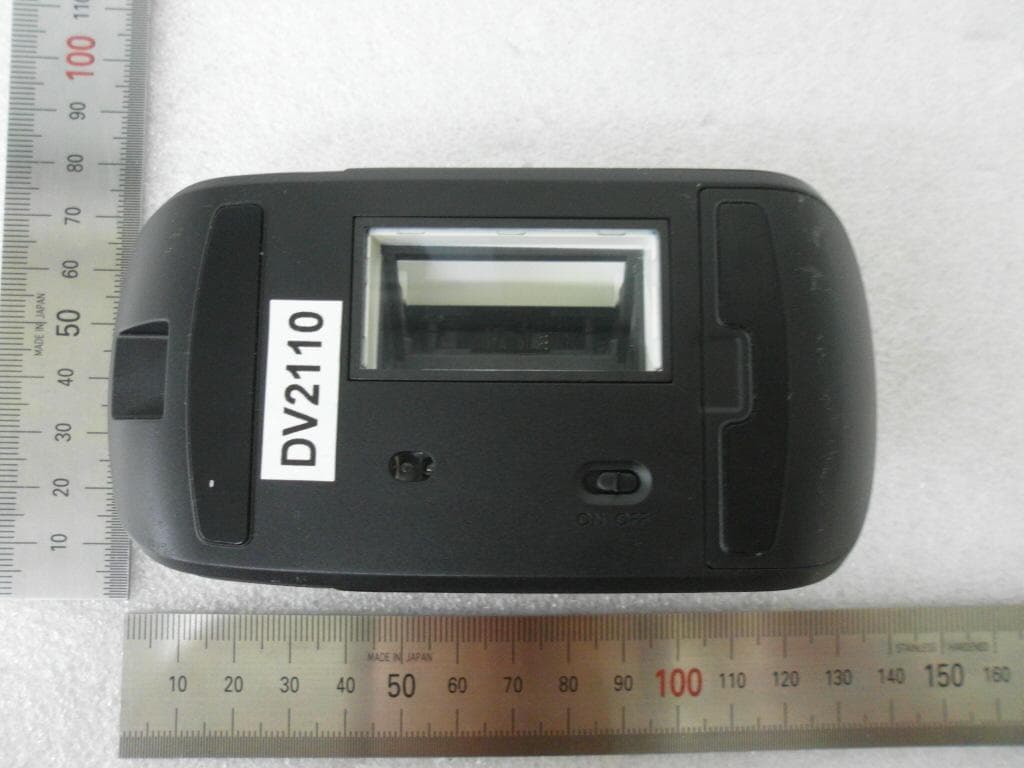
SSNLSM3001306
Aug 11, 2013Wireless Scanner Mouse
Equipment Class
DXX - Part 15 Low Power Communication Device Transmitter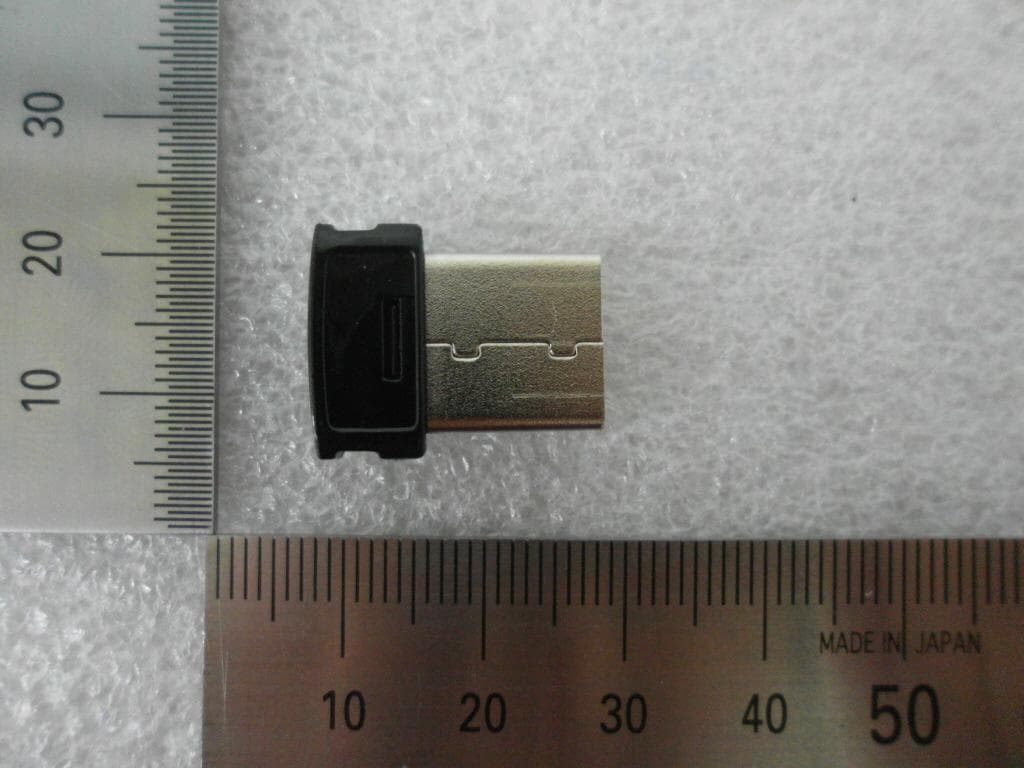
SSNLSM300R
Aug 11, 2013Wireless USB Receiver
Equipment Class
DXX - Part 15 Low Power Communication Device TransmitterSSNCMR1400
Apr 22, 2013Mouse Dongle
Equipment Class
JBP - Part 15 Class B Computing Device PeripheralSSNCM1400
Apr 22, 2013Wireless MOUSE
Equipment Class
DSS - Part 15 Spread Spectrum Transmitter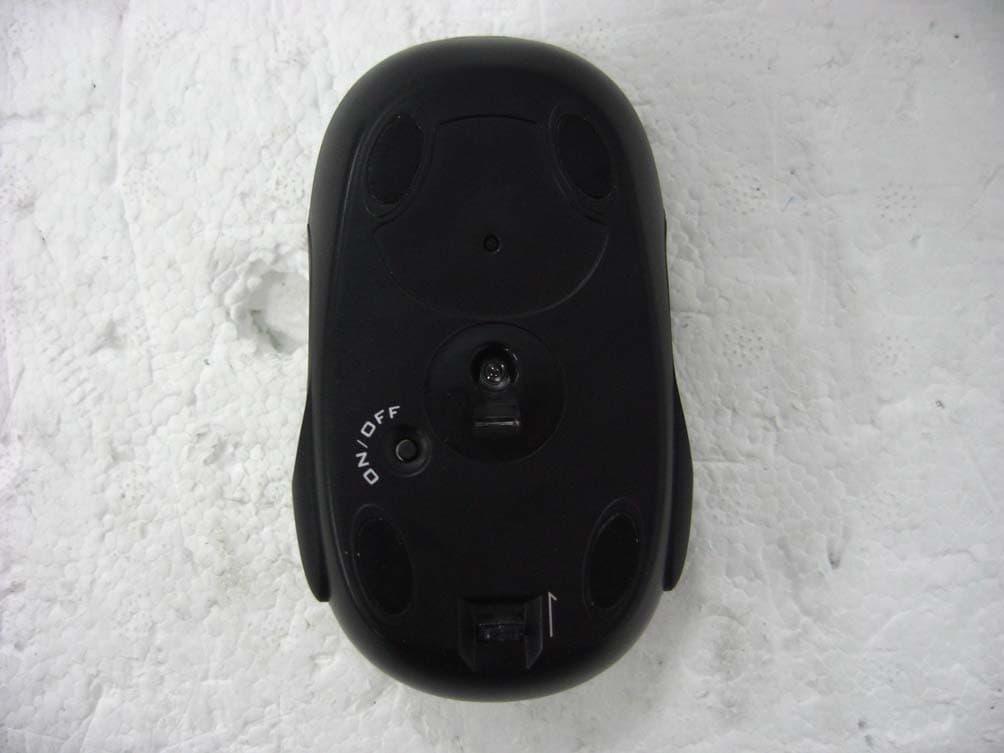
SSNMNC4U1106
Jun 27, 2011Wireless Mouse
Equipment Class
DXX - Part 15 Low Power Communication Device Transmitter