SU3-2600PGM-2600
RAE Systems, Inc
Click to zoom
Application Details
- Equipment Class
- DXX - Part 15 Low Power Communication Device Transmitter
- Date of Grant
- Jan 24, 2016
- Application Purpose
- Original Equipment
- Date of Application
- Jan 21, 2016
- Equipment Note
- PGM-2600
- Frequency Range
- 2402.00000000 - 2480.00000000
- Company
- RAE Systems, Inc
- Country
- United States
Documents & Files
Document Text
Text extracted from the exhibit documents filed with the FCC. Open a document above to read the original.
Users Manual
Wireless Personal Four-Gas Monitor © 2016 RAE Systems by Honeywell Product Registration Register your product online by visiting: http://www.raesystems.com/support/product-registration By registering your product, you can: Receive notification of product upgrades or enhancements Be alerted to Training classes in your area Take advantage of RAE Systems special offers and promotions Contents 1. Standard Contents ......................................................................................................... 10 2. General Information ...................................................................................................... 11 3. User Interface ................................................................................................................ 12 3.1. Display Overview ............................................................................................... 12 3.1.1. Status Indicator Icons .................................................................................. 12 3.1.2. Keys & Interface ......................................................................................... 14 3.2. Screen Display For Various Numbers Of Active Sensors ................................. 14 3.3. Menus ................................................................................................................. 15 3.4. Glance Mode ...................................................................................................... 16 3.5. Panic Alarm ........................................................................................................ 16 3.6. Confidence LED ................................................................................................. 16 4. Mesh Wireless Control And Submenus ........................................................................ 17 5. Battery Charging ........................................................................................................... 18 6. External Filter ............................................................................................................... 21 7. Turning The MicroRAE On And Off ........................................................................... 22 7.1. Turning The MicroRAE On ............................................................................... 22 7.2. Turning The MicroRAE Off .............................................................................. 22 7.3. Testing Alarm Indicators .................................................................................... 23 7.4. Glance Mode ...................................................................................................... 23 7.4.1 Enter Glance Mode ..................................................................................... 23 7.4.2 Screens ........................................................................................................ 24 7.4.3 Exit Glance Mode ....................................................................................... 24 8. Modes Of Operation ..................................................................................................... 27 9. Programming................................................................................................................. 27 9.1. Enter Programming In Basic Mode .................................................................... 27 9.2. Enter Programming In Advanced Mode ............................................................ 28 9.3. Menus And Submenus ....................................................................................... 28 9.3.1. Calibration....................................................................................................... 29 9.3.2. Sensor On/Off ................................................................................................. 31 9.3.3. Clear Datalog .................................................................................................. 31 9.3.4. Monitor Setup ................................................................................................. 31 9.3.4.1. GPS On/Off ........................................................................................ 31 9.3.4.2. Set User ID ......................................................................................... 31 9.3.4.3. Set Site ID .......................................................................................... 32 9.3.5. Set Radio ......................................................................................................... 32 9.3.5.1. BLE On/Off ....................................................................................... 32 9.3.5.2. WiFi On/Off ....................................................................................... 32 9.3.5.3. Sent History ....................................................................................... 32 9.3.5.4. Roaming On/Off ................................................................................ 32 9.3.5.5. Radio On/Off ..................................................................................... 33 9.3.5.6. Set PAN ID ........................................................................................ 33 9.3.5.7. Set Channel ........................................................................................ 33 9.3.5.8. Join Network ...................................................................................... 33 9.3.5.9. Factory Reset ..................................................................................... 34 9.3.5.10. Exit ................................................................................................... 34 9.4. Parameters Accessed Through ProRAE Studio II.............................................. 35 10. Policy Enforcement ..................................................................................................... 37 11. Calibration And Testing .................................…
Text truncated - open the document above for the full version.
Cover Letter(s)
Authority to Act as Agent Date: _Jan 04,2016_ ______ American Certification Body, Inc. 6731 Whittier Avenue Suite C110 McLean, VA 22101 To Whom It May Concern: ______Intertek Shanghai_____ is authorized to act on our behalf, until otherwise notified, for applications to American Certification Body, Inc. (ACB). We certify that we are not subject to denial of federal benefits, that includes FCC benefits, pursuant to Section 5301 of the Anti-Drug Abuse Act of 1988, 21 U.S.C. 862. Further, no party, as defined in 47 CFR 1.2002 (b) , to the application is subject to denial of federal benefits, that includes FCC benefits. Thank you, Agency Agreement Expiration Date: __ ____Dec 31, 2016__ ____ By: _________ ____ _______ _James Liu____ (Signature 1 ) (Print name) Title: ______Wireless Director_________ On behalf of: _______ __ _RAE Systems__________ (Company Name) Telephone: _________________408-9528200________________
Cover Letter(s)
Request for Confidentiality Date: ___Jan 04, 2016_ ____ Subject: Confidentiality Request for: FCC ID: SU3-2600 Pursuant to FCC 47 CRF 0.457(d) and 0.459 and IC RSP-100, Section 10, the applicant requests that a part of the subject FCC application be held confidential. Type of Confidentiality Requested Exhibit Short Term Permanent Block Diagrams Short Term External Photos Short Term Permanent* 1 Internal Photos Short Term Permanent Operation Description/Theory of Operation Short Term Permanent Parts List & Placement/BOM Short Term Permanent Tune-Up Procedure Short Term Permanent Schematics Short Term Test Setup Photos Short Term Permanent* User’s Manual *Note: ______(Insert Explanation as Necessary)______ RAE Systems Inc.has spent substantial effort in developing this product and it is one of the first of its kind in industry. Having the subject information easily available to "competition" would negate the advantage they have achieved by developing this product. Not protecting the details of the design will result in financial hardship. Permanent Confidentiality: The applicant requests the exhibits listed above as permanently confidential be permanently withheld from public review due to materials that contain trade secrets and proprietary information not customarily released to the public. Short-Term Confidentiality: The applicant requests the exhibits selected above as short term confidential be withheld from public view for a period of ___(specify number of days not to exceed 180) 2 ___ days from the date of the Grant of Equipment Authorization and prior to marketing. This is to avoid premature release of sensitive information prior to marketing or release of the product to the public. Applicant is also aware that they are responsible to notify ACB in the event information regarding the product or the product is made available to the public. ACB will then release the documents listed above for public disclosure pursuant to FCC Public Notice DA 04-1705. NOTE for Industry Canada Applications: The applicant understands that until such time that IC distinguishes between Short Term and Permanent Confidentiality, either type of marked exhibit above will simply be marked Confidential when submitted to IC. Sincerely, By: James Liu Wireless Director 1 - The asterisked items (*) require further justification before permanent confidentiality will be allowed. These also currently require review by the FCC under their Permit-But-Ask policy before the grant is issued and can delay completion of an application. Further justification should be added to the note above. One such example for a potted device would be: “The EUT is FULLY potted using a non-removable epoxy based material. Removal of potting material causes irreparable damage to internal circuitry. See photographs exhibits that outline the device before and after potting.” 2 - Please refer to http://acbcert.com/documents/misc-docs/Memo-Short-Term-Vs-Standard-Confidentiality.pdf for complete details.
External Photos
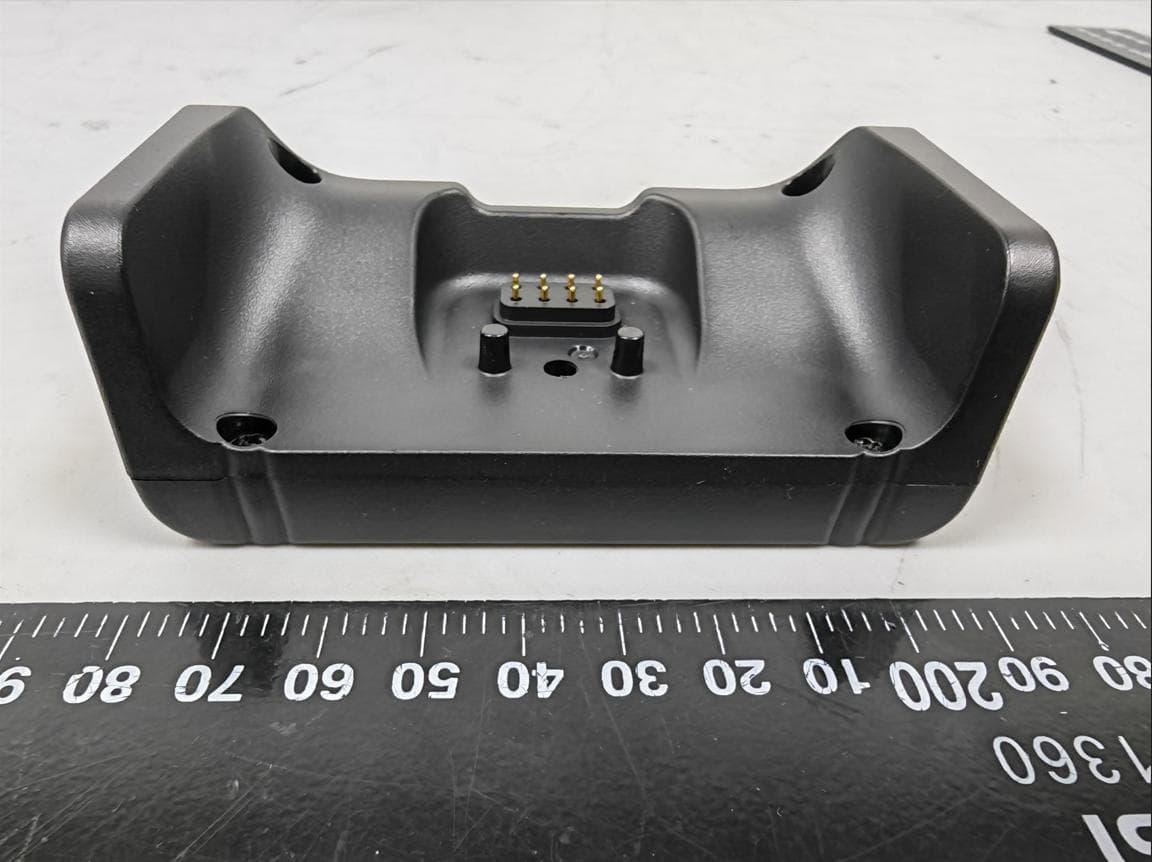
FCC ID: SU3-2600 IC:20969-2600 Page 1 of 4 External Picture FCC ID: SU3-2600 IC:20969-2600 Page 2 of 4 FCC ID: SU3-2600 IC:20969-2600 Page 3 of 4 FCC ID: SU3-2600 IC:20969-2600 Page 4 of 4
Internal Photos
FCC ID: SU3-2600 IC:20969-2600 Page 1 of 4 Internal Picture FCC ID: SU3-2600 IC:20969-2600 Page 2 of 4 FCC ID: SU3-2600 IC:20969-2600 Page 3 of 4 BLE module FCC ID: SU3-2600 IC:20969-2600 Page 4 of 4 Battery
Test Setup Photos
FCC ID: SU3-2600 IC:20969-2600 Page 1 of 3 Test Setup FCC ID: SU3-2600 IC:20969-2600 Page 2 of 3 1. Radiated Emission Above 1GHz Below 1GHz FCC ID: SU3-2600 IC:20969-2600 Page 3 of 3 2. Conducted Emission
Contact Information
Applicant
Richard King
Technical Contact
Intertek Testing Services Limited ShanghaiJesse Xu
[email protected]86 21 61215147
Building No.86, 1198 Qinzhou Road(North) · Shanghai · China
Test Firm
Intertek Testing Services Limited ShanghaiJonny Jing
Technical Specifications
| # | Rule Parts | Frequency Range | Power Output |
|---|---|---|---|
| 1 | 15C | 2.40 GHz - 2.48 GHz | - |
Other Applications from RAE Systems, Inc
SU3RM6800
Jun 26, 2026ModRAE LoRa
Equipment Class
DTS - Digital Transmission System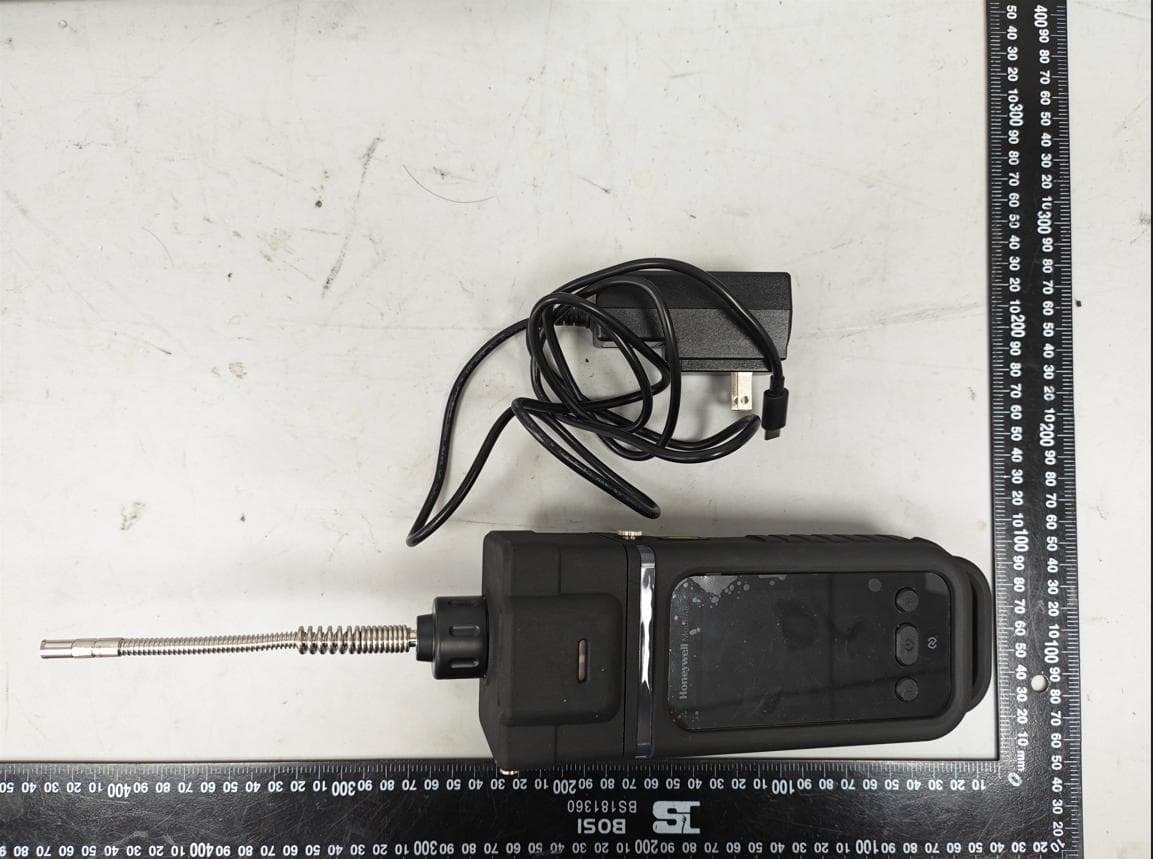
SU3PGM6810
Jun 17, 2026ModRAE
Equipment Class
DTS - Digital Transmission System
SU3-2602
Jan 25, 2016PGM-2602
Equipment Class
DTS - Digital Transmission System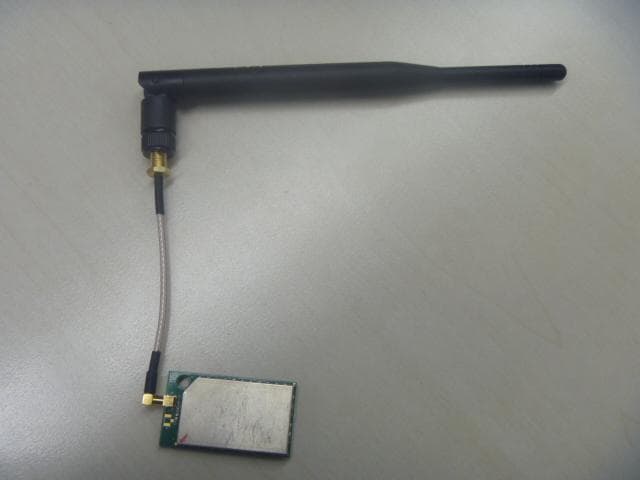
SU3RM2400
Apr 02, 2015RAE Mesh Module
Equipment Class
DTS - Digital Transmission System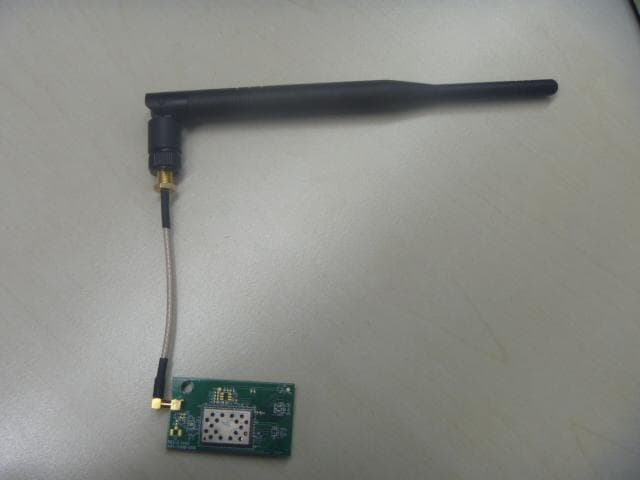
SU3RMWIFI
Apr 02, 2015RAE WIFI Module
Equipment Class
DTS - Digital Transmission System