T2DV820Wireless Presenter
Vson Technology Co.,Ltd.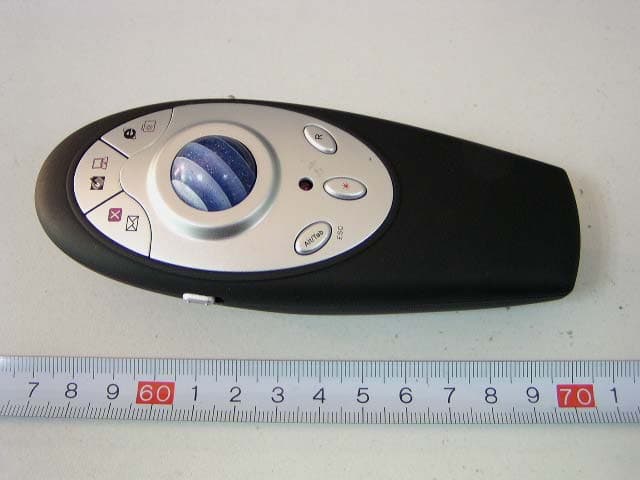
Click to zoom
Application Details
- Equipment Class
- DXX - Part 15 Low Power Communication Device Transmitter
- Date of Grant
- Jan 09, 2007
- Application Purpose
- Original Equipment
- Date of Application
- Jan 09, 2007
- Equipment Note
- Wireless Presenter
- Frequency Range
- 2453.00000000 - 2453.00000000
- Company
- Vson Technology Co.,Ltd.
- Country
- China
Documents & Files
Document Text
Text extracted from the exhibit documents filed with the FCC. Open a document above to read the original.
Users Manual
0 Wireless Presenter User’s Manual Be sure to carefully read this user’s manual first for the proper use of the wireless multimedia presenter and keep it for future reference. 1 Table of Contents Introduction..................................................................... 2 I. Operation system ........................................................ 2 II. Parts description ......................................................... 3 III. Installation ................................................................. 4 IV. Functions ................................................................... 5 V. Functions table ........................................................... 6 VI. Operating Hints ......................................................... 10 VII. Battery installation .................................................. 10 VIII. Troubleshooting....................................................... 12 IX. Technical parameters ................................................ 12 Safety Measures............................................................. 13 2 Instruction It is a great tool for PowerPoint presentations! With it, you don't need to stand beside your computer or have an additional person click the slide for you! It works as a laser pointer, a optical mouse, a PC remote, a multimedia keyboard and a portable storage device. It comes with a transmitter and a USB receiver. Advantage: 1. Easily control the pace of your presentation Advanced radio frequency (RF) technology that works through walls and control distance up to 15-meters / 50-feet away, so you never have to stand at beside of your computer. 2. Multifunctional presenter It combines the functions of a laser pointer, a optical mouse and keyboard hotkeys etc. If you need flash memory, the receiver supports to be added built-in flash memory. ( 64/128/256/512/1024MB optional ). 3. Easy to use It is USB plug-and-play. No driver required. Just plug the receiver into the USB port on a PC and it works within seconds. 4. Save power design The device will go to sleep mode after there is no any operation for 30 seconds. It will wake up when any key is pressed. I. Operation System Windows 98,Se,Me,2000,XP, Mac OS, Linux 3 II. Parts Description 4 Transmitter side view Transmitter back view USB receiver LED 5 III. Installation Plug the receiver into the USB port on your PC. The system will automatically drive it. (Attention PLS: you may need Win98 disk if your computer runs Win98/SE operating system.) IV. Functions z Laser pointer z Trackball mouse z Desktop / My computer z Close / E-mail z Internet / Favorite z Page up / Zoom out z Page down / Zoom in z Alt/Tab z ESC 6 V. Functions table: The presenter provides two working modes ---- M1 & M2. Mode: M1. 7 Corresponding Function Working On Mode Email M1 Desktop M1 Internet M1 Page Up M1 Page down M1 Alt +Tab M1 Laser M1 & M2 Mouse Right Button M1 & M2 Mouse Left Button M1 & M2 A) When switch to M1 mode. It functions as below: z Outlook Express: press “ ” key to open outlook. z Desktop: press “ ” key to go to desktop. z Internet: press “ “key to go to internet. z Page up: Press “ “ key to page up. z Page down: Press “ “ key to page down. z Alt / Tab: Press “Alt / Tab” key to switch screens. z Laser: press “ ” key to generate red laser light z Mouse Right button: Press “R “ key z Mouse Left button: Press “L “ key z Trackball: it works as a optical mouse (The LED will be light when work) R L Alt /Tab Key 8 Mode: M2. 9 Corresponding Function Working On Mode Close M2 My Computer M2 Favorite M2 Zoom Out M2 Zoom In M2 ESC M2 Laser M1 & M2 Mouse Right Button M1 & M2 Mouse Left Button M1 & M2 B) When switch to M2 mode. It functions as below: z Close: press “ ” key to close current window. z My computer : press “ ” key to open my computer. z Favorite: press “ “key to open favorite. z Zoom out: Press “ “ key to enlarge picture. z Zoom in : Press “ “ key to dwindle picture. z Laser: press “ ” key to generate red laser light z Mouse Right button: Press “R “ key z Mouse Left button: Press “ L “ key z Trackball: it works as a optical mouse (The LED will be light when work) R L ESC Key 10 C) Built-in flash memory is optional (No memory/64/128/256/512/1024 MB) VI. Operating Hints For optimal performance and RF reception: Place the receiver at least 15 cm away from all electrical devices, such as your monitor, speakers or external storage devices. The presenter will enter a sleep mode when no act. To activate, press any key. VII. Battery installation z The unit is powered by AAAx2 battery. z Push and remove the battery cover located on the bottom of the device. z Insert 2xAAA batteries into the battery holder and make sure that the Positive (+) and Negative (-) ends of each battery match the polarity indicators inside the battery housing. z Push the battery cover back into position until it “clicks” firmly into place. 11 Note I. Do not insert battery into the device in the wrong direction. 2. Do not leave bad or exhausted battery in the device. 3. Never combine an alkaline with a Ni-MH/Ni-CD battery in a device 4.If you do not use the device for a long period of time, remove the battery to avoid possible damage from battery corrosion. 5. If the device does not function correctly or if the operating range becomes reduced, try to replace the battery with new one. VIII. Troubleshooting Push 12 What should I do if the presenter does not work? Make sure that the polarity of the batteries is correct. The Positive (+) and Negative (-) ends of each battery must match the Positive (+) and Negative (-) connections in the battery housing. Check to see if the receiver’s USB connector is firmly attached to the USB port on your computer. IX. Technical parameters Presenter Interface Wireless/Radio Frequency Control distance Up to 15 meters RF Frequency 2.453GHz RF Power 0dbm Trackball Resolution Up to 400 DPI Battery AAAx2 Working voltage 3V Battery Power consumption Working mode 40 mA Sleep mode <1 u…
Text truncated - open the document above for the full version.
Block Diagram
MCU MCU
External Photos
External Photos EUT - Front View EUT - Back View
ID Label/Location Info
ID Label FCC Label FCC ID: T2DV820 This device complies with part 15 of the FCC Rules. Operation is subject to the following two conditions: (1) This device may not cause harmful interference, and (2) this device must accept any interference received, including interference that may cause undesired operation.
ID Label/Location Info
ID Label/Location Label Location Information Specifications: Text is Black or white in color and is left justified. Labels are printed in indelible ink on permanent adhesive backing or silk-screened onto the EUT or shall be affixed at a conspicuous location on the EUT. Refer to the below arrow.
Internal Photos
Internal Photos EUT – Cover off View EUT - PCB View-1 EUT - PCB View-2
Operational Description
Circuit Description Keyboard circuit is consist of k1-K9 LED indication is consist of D1, R6 Laser pointer is consist of U2, Q6, R9, R10 2.4GHz RF transmitter is consist of U3 (CC2500) etc, Antenna MCU is EM78P447S Optic Mouse is consist of U1 (A5030) etc, DC/DC up Voltage is consisting of U4 (BL8530-332) etc, While Key is pressed, MCU command U3 (CC2500) sends 2.4GHz RF signal.
Schematics
V820_CC25_V1.0(5030).sch-1 - Fri Dec 15 10:06:25 2006
Test Report
Note: This test report is for the customer shown above and their specific product only. It may not be duplicated or used in part without prior written consent from Bay Area Compliance Laboratory Corp. (Shenzhen). This report must not be used by the customer to claim product certification, approval, or endorsement by NVLAP, NIST or any agency of the U.S. Government. FCC PART 15.249 EMI MEASUREMENT AND TEST REPORT For Vson Technology Co., Ltd. 5 Floor, A Building, Weixinda Xichen Industrial Park, Xixiang Town, Baoan District, Shenzhen, China FCC ID: T2DV820 This Report Concerns: Original Report Equipment Type: Wireless Presenter Test Engineer: Hansen Hu Report No.: RSZ06121301 Test Date: 2007-01-02 Report Date: 2007-01-05 Reviewed By: EMC Manager: Boni Baniqued Prepared By: Bay Area Compliance Laboratory Corp. (Shenzhen) 6/F, the 3rd Phase of WanLi Industrial Building, ShiHua Road, FuTian Free Trade Zone Shenzhen, Guangdong, China Tel: +86-755-33320018 Fax: +86-755-33320008 Vson Technology Co., Ltd. FCC ID: T2DV820 Report # RSZ06121301 Page 2 of 12 FCC Part 15.249 Report TABLE OF CONTENTS GENERAL INFORMATION.......................................................................................................................................3 PRODUCT DESCRIPTION FOR EQUIPMENT UNDER TEST (EUT) .....................................................................................3 OBJECTIVE...................................................................................................................................................................3 RELATED SUBMITTAL(S)/GRANT(S).............................................................................................................................3 TEST METHODOLOGY..................................................................................................................................................3 TEST FACILITY.............................................................................................................................................................3 SYSTEM TEST CONFIGURATION ..........................................................................................................................4 JUSTIFICATION.............................................................................................................................................................4 EQUIPMENT MODIFICATIONS.......................................................................................................................................4 CONFIGURATION OF TEST SETUP.................................................................................................................................5 BLOCK DIAGRAM OF TEST SETUP................................................................................................................................5 SUMMARY OF TEST RESULTS ...............................................................................................................................6 §15.203 - ANTENNA REQUIREMENT......................................................................................................................7 STANDARD APPLICABLE..............................................................................................................................................7 ANTENNA CONNECTOR CONSTRUCTION......................................................................................................................7 §15.205 §15.209(A) §15.249(A) - RADIATED EMISSION ........................................................................................8 MEASUREMENT UNCERTAINTY....................................................................................................................................8 EUT SETUP..................................................................................................................................................................8 EMI TEST RECEIVER SETUP.........................................................................................................................................9 TEST EQUIPMENT LIST AND DETAILS...........................................................................................................................9 TEST PROCEDURE........................................................................................................................................................9 CORRECTED AMPLITUDE & MARGIN CALCULATION...................................................................................................9 TEST RESULTS SUMMARY..........................................................................................................................................10 TEST DATA................................................................................................................................................................10 §15.249(D) – OUT OF BAND EMISSION ................................................................................................................12 STANDARD APPLICABLE............................................................................................................................................12 TEST PROCEDURE......................................................................................................................................................12 TEST EQUIPMENT LIST AND DETAILS.........................................................................................................................12 TEST DATA................................................................................................................................................................12 Vson Technology Co., Ltd. FCC ID: T2DV820 Report # RSZ06121301 Page 3 of 12 FCC Part 15.249 Report GENERAL INFORMATION Product Description for Equipment under Test (EUT) The Vson Technology Co., Ltd.’s product, model number: V-820 or the "EUT" as referred to in this report is a Wireless P…
Text truncated - open the document above for the full version.
Test Setup Photos
Test Setup Photos 30 MHz – 1000 MHz: Radiated Emission - Front View 30 MHz – 1000 MHz: Radiated Emission - Rear View Above 1 GHz: Radiated Emission - Front View Above 1 GHz: Radiated Emission - Rear View
Contact Information
Applicant
Ivy Wong(Sales manager)
Test Firm
Bay Area Compliance Laboratory Corp. (Shenzhen)John Chan
Technical Specifications
| # | Rule Parts | Frequency Range | Power Output |
|---|---|---|---|
| 1 | 15C | 2.45 GHz - 2.45 GHz | - |
Other Applications from Vson Technology Co.,Ltd.
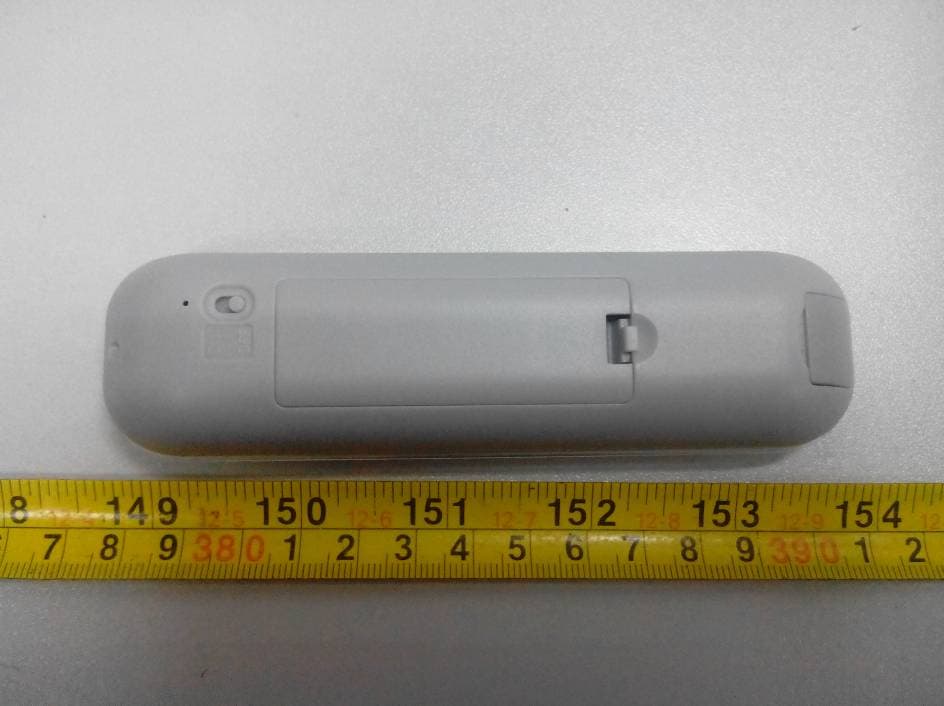
T2DV832
Sep 05, 2013Wireless Presenter
Equipment Class
DXX - Part 15 Low Power Communication Device Transmitter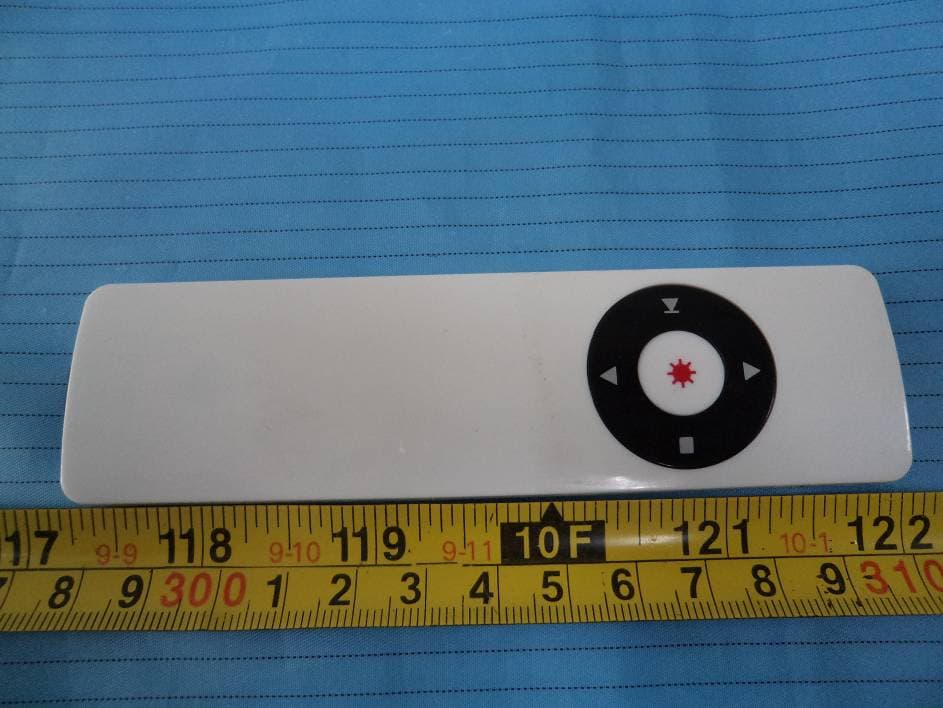
T2DV215
Dec 26, 2012Wireless Presenter
Equipment Class
DXX - Part 15 Low Power Communication Device Transmitter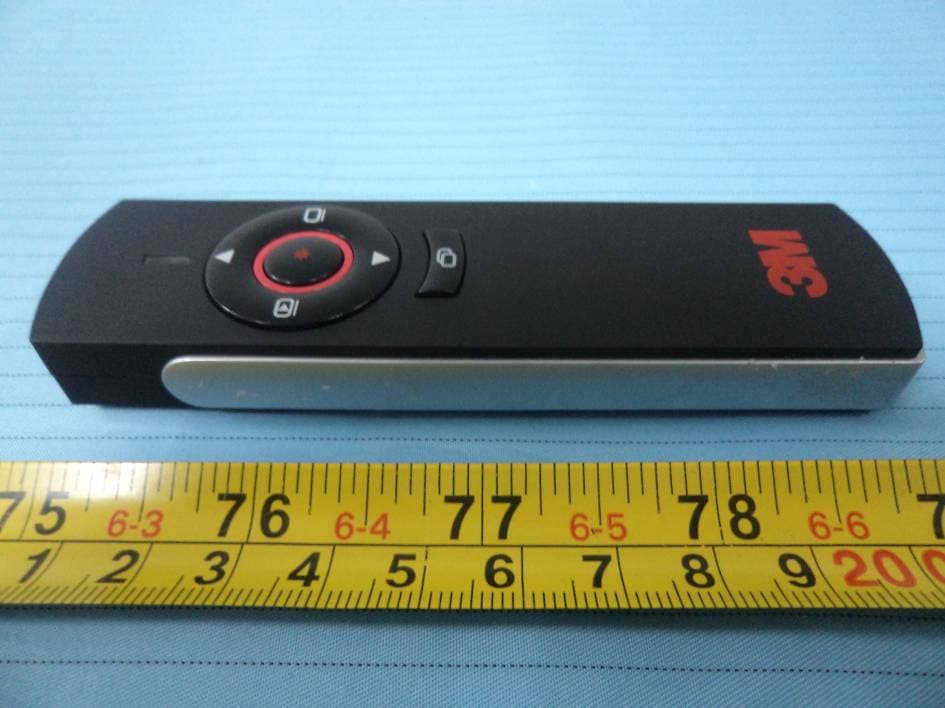
T2DV829
Jan 19, 2012Wireless Presenter
Equipment Class
DXX - Part 15 Low Power Communication Device Transmitter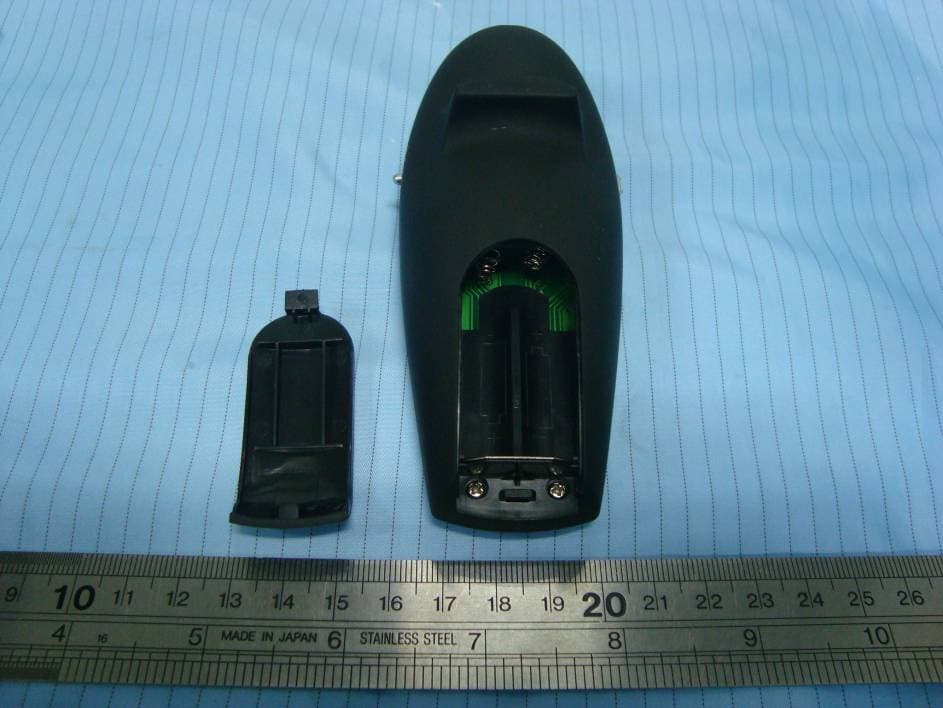
T2DV820515
Mar 21, 2011Wireless Presenter
Equipment Class
DXX - Part 15 Low Power Communication Device Transmitter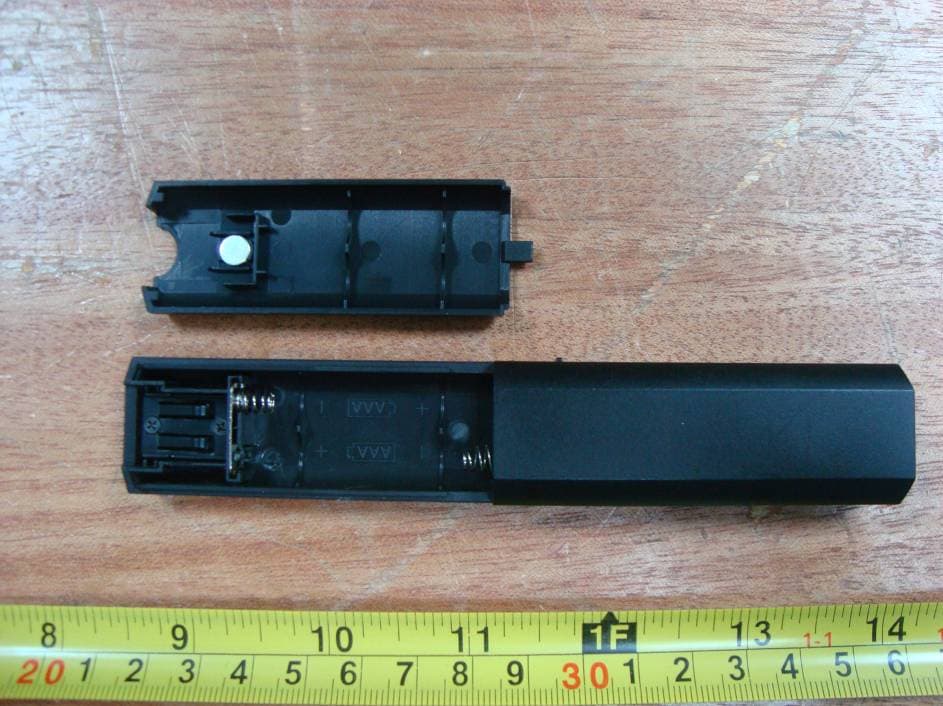
T2DG1202
Mar 01, 20112.4 GHz Wireless Transmitter
Equipment Class
DXX - Part 15 Low Power Communication Device Transmitter