T38CT9A9MGSM/GPRS Mobile Phone with Bluetooth
Cellon Communications Technology (Shenzhen) Co.,Ltd.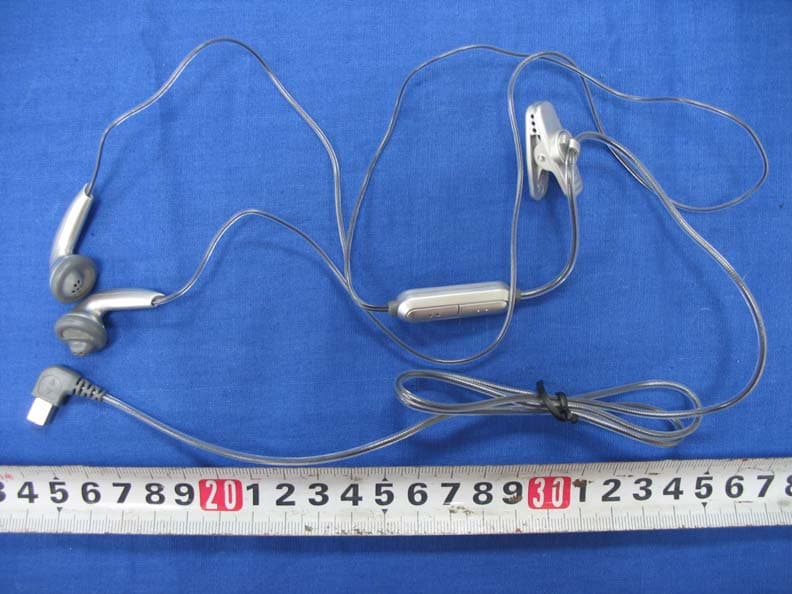
Click to zoom
Application Details
- Equipment Class
- DSS - Part 15 Spread Spectrum Transmitter
- Date of Grant
- Oct 16, 2006
- Application Purpose
- Original Equipment
- Date of Application
- Oct 15, 2006
- Equipment Note
- GSM/GPRS Mobile Phone with Bluetooth
- Frequency Range
- 2402.00000000 - 2480.00000000
- Country
- China
Documents & Files
Document Text
Text extracted from the exhibit documents filed with the FCC. Open a document above to read the original.
Users Manual
Discover your phone Philips continuously strives to improve its products.Therefore, Philips reserves the rights to revise thisuser guide or withdraw it at any time without prior notice. Philips provides this user guide "as is" anddoes not accept, ex cept as required by the applicable law, liability for any error, omission or discrepancy between this user guide and the product described. The device is meant to be connected to GSM/GPRS networks.How to... , keys 262,000 colour main screen Pick up key Hang up, cancel and on/off key USB Port/ charging & headset Left soft key Right soft key Volume &zoom key Back of the p hone: speaker & Camera Hard key Switch the phone On/Off Long press ) 。 Enter your PIN code Enter your PIN code usingthe keypad and press , to confirm. Make a call Enter the phone number onthe keypad and press ( to dial 。 Answer a call Enter the phone number onthe keypad and press ( to dial. Activate/deactivate handsfree mode During a call, press ( t to acces the handsfree option. End a call Press ) . Reject a call Press ) when your phone rings. Access Main Menu Press , in idle mode. Hard keys Quickly returnto idle when browsing menus Short press ) . Access the menu functions Press , , and use the stylus to enter the sub-menu. Repeat the processuntil you reached yourdesired function. Active the camera/video function In idle mod , long press camera key. Switch On/ Off Press and hold ) 。 Enter PIN code Enter PIN code with thekeypad and press , to confirm. ) Hang up Key • In menu or edit mode, short press to return to idle mode. • During an incoming call or call in progress , press to end the call or reject the call. • When the phone is switched off, long press to switch onthe phone. • When the phone is switched on, long press to switch offthe phone anytime. ( Answer key • Answer a call or dial a phone number. • In idle mode, press to view the dialed calls list. SoftkeysThe left and right soft keys ( L 和 R ) located on top of the keypad allow you to select thecorresponding options that appear on the screenimmediately above them, including during calls.These keys are contextual: they vary according to thecurrent context. Hard iconsThere are 4 permanent hard icons at the top ofthe touch screen, namely (from left to right):Main menu, Messages, Contacts, Dial screen. The 4 hard icons are available in idle mode.When not in idle mode, only the Main menu andDial screen hard icons are available. During acall, only the Dial screen hard icon is available. Tap on the first hard icon to enter the Main menu.Tap on the second hard icon to enter Messages menu.Tap on the third hard icon to enter Contacts menu.Tap on the fourth hard icon to open the Dial screen, whereby you can tap to enternumbers. Touch screenWarning! The stylus pen supplied with yourproduct is the only tool that you can use whentapping the touch screen. Do NOT use any othertool on the touch screen.Your mobile phone features a touch screen whichprovides a faster and mo re intuitive way for you to navigate through lists and menus. The touch screenis operated with a stylus pen located at the side ofthe phone. It becomes availa ble as soon as you enter any of the available menus. Use the stylus pen to taponce or twice on any ava ilable screen zone to carry Side camera key • In idle mode, short press to enter the camera, longpress to enter videocamera. • When in camera/video camera preview mode,short press to take aphoto. When in videocamera mode, short pressto start/end recording. • When the camera/video camera is activated, longpress to exit. out the corresponding operations (such as menupage header, menu items , lists, left and right softkeys, options menu, function keys, text inputarea, selection area, pull-d own menu box, selection box, etc).You will not be able to use the touch screen insome cases, as they are not able to replace the keysto carry out certain operations. The screen will display lists and menus that can beselected with the stylus pen. You can select an item,move up and down or select a few itemssimultaneously. Main Menu The main menu gives you access to all the differentfeatures of your Xenium 9@9m presented in theform of a grid. The table below indicates thearrangement of the Main Menu , the meanings of the various icons found there, and the page in thismanual where more detailed informationconcerning the subject can be found. Entertainment Browser Music page 17 page 20 page 24 Camera Messages My Files page 27 page 32 page 46 Business Contacts Profiles page 48 page 53 page 57 Connectivity Calls Settings page 58 page 62 page 64 1 Table of contents 1. Getting Started ........................................... 3 Insert the SIM card .......................................... 3Switching on the ph one .................................. 5 Charging the battery ....................................... 5Setting hotkeys ................................................. 6 2. Calling ............................................................... 7 Answer and end a call ..................................... 7Call handsfree ................................................... 7Options during a call ....................................... 8Adjust the earpiece volume ........................... 8 Quickcall ............................................................ 9MMS Foto talk .................................................. 9Handling multiple calls .................................... 9 3. Text Entry ................................................... 12 T9 text input ................................................... 12Basic text input ............................................... 13Handwriting recognition .............................. 14 4. Entertainment ........................................... 16 Western Horoscope ..................................... 16Lunar Calendar ............................................... 16Chinese Festival .............................................. 16Stopwatch ....................…
Text truncated - open the document above for the full version.
External Photos
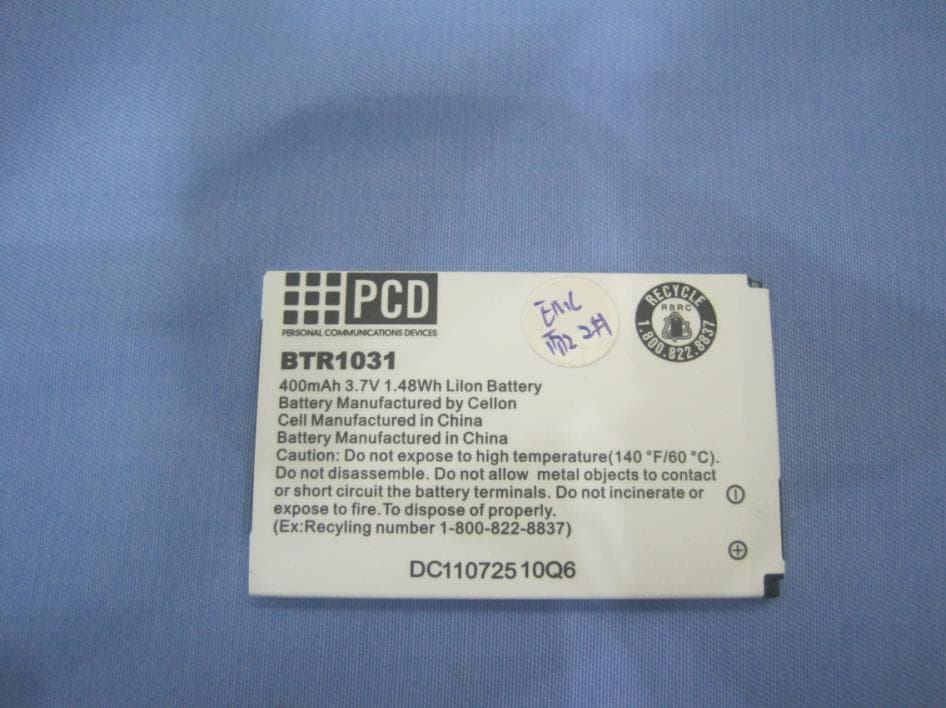
Report No: 069S017-RF-US-P01V02 Page: 5 of 17 Attachment ¾ EUT Photograph (1) EUT Photo (2) EUT Photo Report No: 069S017-RF-US-P01V02 Page: 6 of 17 (3) EUT Photo (4) EUT Photo Report No: 069S017-RF-US-P01V02 Page: 7 of 17 (5) EUT Photo (6) EUT Photo Report No: 069S017-RF-US-P01V02 Page: 8 of 17 (7) EUT Photo (8) EUT Photo Report No: 069S017-RF-US-P01V02 Page: 15 of 17 (21) EUT Photo (22) EUT Photo Report No: 069S017-RF-US-P01V02 Page: 16 of 17 (23) EUT Photo (24) EUT Photo Report No: 069S017-RF-US-P01V02 Page: 17 of 17 (25) EUT Photo
RF Exposure Info
Report No. 069S017 Page: 1 of 3 Version: 1.0 RF Exposure Evaluation declaration Product Name : Philips 900/1800/1900 Model No. : Xenium9@9m FCC ID. : T38CT9A9M Applicant : Cellon Communications Technology (Shenzhen) Co.,Ltd. Address : 13/F, Skyworth C Building, Gaoxin S.Ave1, Hi-Tech Industrial Park, Nanshan, Shenzhen, China Date of Receipt : 2006/09/18 Issued Date : 2006/09/28 Report No. : 069S017 The declaration results relate only to the samples calculated. The declaration shall not be reproduced except in full without the written approval of QuieTek Corporation. Report No. 069S017 Page: 2 of 3 Version: 1.0 1. RF Exposure Evaluation 1.1. Limits According to FCC 1.1310: The criteria listed in the following table shall be used to evaluate the environment impact of human exposure to radio frequency (RF) radiation as specified in 1.1307(b) LIMITS FOR MAXIMUM PERMISSIBLE EXPOSURE (MPE) Frequency Range (MHz) Electric Field Strength (V/m) Magnetic Field Strength (A/m) Power Density (mW/cm 2 ) Average Time (Minutes) (A) Limits for Occupational/ Control Exposures 300-1500 -- -- F/300 6 1500-100,000 -- -- 5 6 (B) Limits for General Population/ Uncontrolled Exposures 300-1500 -- -- F/1500 6 1500-100,000 -- -- 1 30 F= Frequency in MHz Friis Formula Friis transmission formula: Pd = (Pout*G)/(4*pi*r 2 ) Where Pd = power density in mW/cm 2 Pout = output power to antenna in mW G = gain of antenna in linear scale Pi = 3.1416 R = distance between observation point and center of the radiator in cm Pd id the limit of MPE, 1 mW/cm 2 . If we know the maximum gain of the antenna and the total power input to the antenna, through the calculation, we will know the distance r where the MPE limit is reached. 1.2. Test Procedure Software provided by client enabled the EUT to transmit and receive data at lowest, middle and highest channel individually. The temperature and related humidity: 18°Cand 78% RH. Report No. 069S017 Page: 3 of 3 Version: 1.0 1.3. Test Result of RF Exposure Evaluation Product : Philips 900/1800/1900 Test Item : RF Exposure Evaluation Test Site : AC-3 Test Mode : Transmitter Antenna Gain Antenna Gain: The maximum Gain measured in fully anechoic chamber is –5.7 dBi or 0.27 in linear scale. Output Power Into Antenna & RF Exposure Evaluation Distance: Channel Channel Frequency (MHz) Output Power to Antenna (mW) Power Density at R = 2.5 cm (mW/cm 2 ) 0 2402.00 0.3055 0.0010 39 2441.00 0.2831 0.0010 78 2480.00 0.2576 0.0009 The power density Pd (4th column) at a distance of 2.5 cm calculated from the Friis transmission formula is far below the limit of 1 mW/cm 2 .
Test Report
Report No. 069S017-RF-US-P06V01 Page: 1 of 86 Version:1.0 Test Report Product Name : Philips 900/1800/1900 Model No. : Xenium9@9m FCC ID No. : T38CT9A9M Applicant : Cellon Communications Technology (Shenzhen) Co.,Ltd. Address : 13/F, Skyworth C Building, Gaoxin S.Ave1, Hi-Tech Industrial Park, Nanshan, Shenzhen, China Date of Receipt : 2006/09/18 Issued Date : 2006/09/28 Report No. : 069S017-RF-US-P06V01 The test results relate only to the samples tested. The test results shown in the test report are traceable to the national/international standard through the calibration of the equipment and evaluated measurement uncertainty herein. This report must not be used to claim product endorsement by CNLA, NVLAP or any agency of the Government. The test report shall not be reproduced except in full without the written approval of QuieTek Corporation. Report No. 069S017-RF-US-P06V01 Page: 2 of 86 Version:1.0 Test Report Certification Issued Date : 2006/09/28 Report No. : 069S017-RF-US-P06V01 Product Name : Philips 900/1800/1900 Applicant : Cellon Communications Technology (Shenzhen) Co.,Ltd. Address : 13/F, Skyworth C Building, Gaoxin S.Ave1, Hi-Tech Industrial Park, Nanshan, Shenzhen, China Manufacturer : Cellon Communications Technology (Shenzhen) Co.,Ltd. Model No. : Xenium9@9m FCC ID No. : T38CT9A9M Rated Voltage : AC 120V/60Hz EUT Voltage : DC 3.7V Trade Name : Philips Applicable Standard : FCC CFR Title 47 Part 15 Subpart C: 2005 ANSI C63.4: 2003 CISPR 22: 2005 Test Result : Complied Performed Location : SuZhou EMC Laboratory No.99 Hongye Rd., Suzhou Industrial Park Loufeng Hi-Tech Development Zone., SuZhou, China TEL:+86-512-6251-5088 / FAX:+86-512-6251-5098 Documented By : ( Mandy Liu ) Reviewed By : ( Dream Cao ) Approved By : ( Gene Chang ) Report No. 069S017-RF-US-P06V01 Page: 3 of 86 Version:1.0 Laboratory Information We , QuieTek Corporation, are an independent EMC and safety consultancy that was established the whole facility in our laboratories. The test facility has been accredited by the following accreditation Bodies in compliance with ISO 17025, EN 45001 and Guide 25: The related certificate for our laboratories about the test site and management system can be downloaded from QuieTek Corporation’s Web Site : http://tw.quietek.com/modules/myalbum/ The address and introduction of QuieTek Corporation’s laboratories can be founded in our Web site : http://www.quietek.com/ If you have any comments, Please don’t hesitate to contact us. Our contact information is as below: HsinChu Testing Laboratory : No.75-2, 3rd Lin, Wangye Keng, Yonghxing Tsuen, Qionglin Shiang, Hsinchu County 307, Taiwan, R.O.C. TEL:+886-3-592-8858 / FAX:+886-3-592-8859 E-Mail : [email protected] LinKou Testing Laboratory : No. 5, Ruei-Shu Valley, Ruei-Ping Tsuen, Lin-Kou Shiang, Taipei, Taiwan, R.O.C. TEL : 886-2-8601-3788 / FAX : 886-2-8601-3789 E-Mail : [email protected] Suzhou Testing Laboratory : No.99 Hongye Rd., Suzhou Industrial Park Loufeng Hi-Tech Development Zone., SuZhou, China TEL : +86-512-6251-5088 / FAX : 86-512-6251-5098 E-Mail : [email protected] Taiwan R.O.C. :BSMI, DGT, CNLA Germany :TUV Rheinland Norway :Nemko, DNV USA :FCC, NVLAP Japan :VCCI 0914 1313 1596 Report No. 069S017-RF-US-P06V01 Page: 4 of 86 Version:1.0 TABLE OF CONTENTS Description Page 1. General Information..................................................................................................................... 6 1.1. EUT Description ...................................................................................................................... 6 1.2. Operational Description ........................................................................................................... 8 1.3. Mode of Operation ................................................................................................................... 9 1.4. Tested System Details ............................................................................................................ 10 1.5. Configuration of Tested System..............................................................................................11 1.6. EUT Exercise Software.......................................................................................................... 12 2. Technical Test............................................................................................................................. 13 2.1. Summary of Test Result ......................................................................................................... 13 2.2. List of Test Equipment ........................................................................................................... 14 2.3. Measurement Uncertainty ...................................................................................................... 16 2.4. Test Environment ................................................................................................................... 17 3. Conducted Emission .................................................................................................................. 18 3.1. Test Specification................................................................................................................... 18 3.2. Test Setup............................................................................................................................... 18 3.3. Limit....................................................................................................................................... 18 3.4. Test Procedure........................................................................................................................ 19 3.5. Deviation from Test Standard ................................................................................................ 19 3.6. Test Result.............................................................................................................................. 20 3.7. Test Photograph …
Text truncated - open the document above for the full version.
Test Setup Photos
Report No: 069S017-RF-US-P01V02 Page: 2 of 17 Test Photograph Test Mode : Mode 1: Receive Description : Front View of Conducted Test Test Mode : Mode 1: Receive Description : Back View of Conducted Test Report No: 069S017-RF-US-P01V02 Page: 3 of 17 Test Photograph Test Mode: Mode1: Receive Description: Front View of Radiated Test for Under 1GHz Test Mode: Mode1: Receive Description: Back View of Radiated Test for Under 1GHz Report No: 069S017-RF-US-P01V02 Page: 4 of 17 Test Mode: Mode1: Receive Description: Front View of Radiated Test for Above 1GHz Test Mode: Mode1: Receive Description: Back View of Radiated Test for Above 1GHz Test Mode : Mode 1: PCS1900 GSM Description : Peak Output Power for Radiated Test Test Mode : Mode 2: PCS1900 GPRS Description : Peak Output Power for Radiated Test Test Mode : Mode 1: PCS1900 GSM Description : Spurious Emission for Radiated Test Under 1GHz Test Mode : Mode 1: PCS1900 GSM Description : Spurious Emission for Radiated Test Above 1GHz Test Mode : Mode 2: PCS1900 GPRS Description : Spurious Emission for Radiated Test Under 1GHz Test Mode : Mode 2: PCS1900 GPRS Description : Spurious Emission for Radiated Test Above 1GHz Report No: 069L144-HP-US-P05V01 Page: 1 of 10 Version:1.0 Test Setup Photographs Right Head (EUT Cheek) Left Head (EUT Cheek) Report No: 069L144-HP-US-P05V01 Page: 2 of 10 Version:1.0 Right Head (EUT Tilted) Left Head (EUT Tilted) Report No: 069L144-HP-US-P05V01 Page: 3 of 10 Version:1.0 Body Note: The positions used in the measurements were according to IEEE 1528-2003.
Contact Information
Applicant
maggie xu(TA manager)
Technical Contact
Cellon Comm.Jane Wang
[email protected]86-10-5827-0302
13F Skyworth C Bld. Gaoxin s. Ave 1 Hi-Tech Pk. · Nanshan Shenzhen · China
Test Firm
DEKRA Testing and Certification (Suzhou) Co., Ltd.Jerry Pan
Technical Specifications
| # | Rule Parts | Frequency Range | Power Output |
|---|---|---|---|
| 1 | 15C | 2.40 GHz - 2.48 GHz | 310.00 µW |
Other Applications from Cellon Communications Technology (Shenzhen) Co.,Ltd.
T38C1037
Aug 22, 2013GSM quad band mobile phone
Equipment Class
PCE - PCS Licensed Transmitter held to ear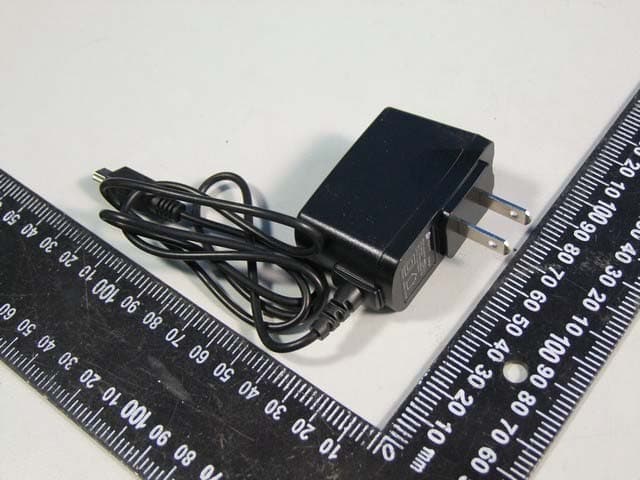
T38C1021ECL
Jul 28, 2013GSM850/1900 Moblie Phone
Equipment Class
PCE - PCS Licensed Transmitter held to ear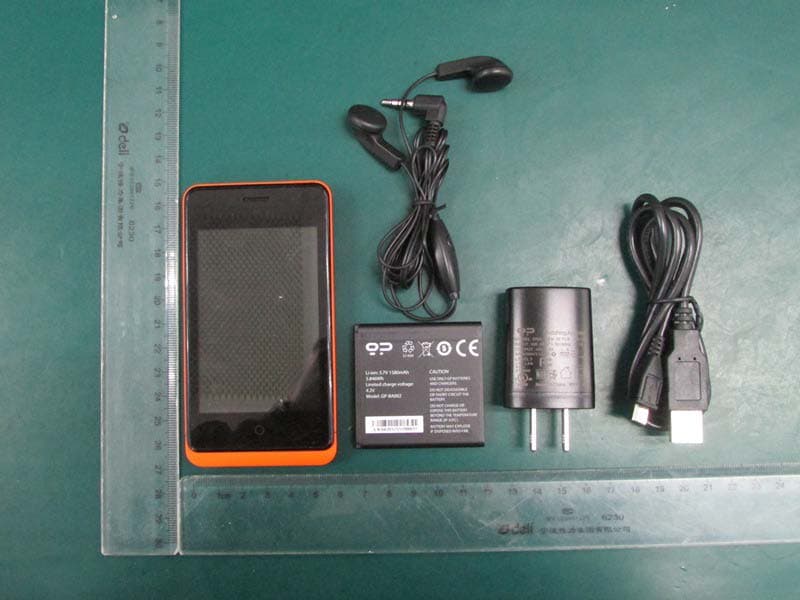
T38C8666GP
Apr 18, 2013GSM/GPRS/WCDMA/BT/WIFI/GPS Mobile Phone
Equipment Class
JBP - Part 15 Class B Computing Device Peripheral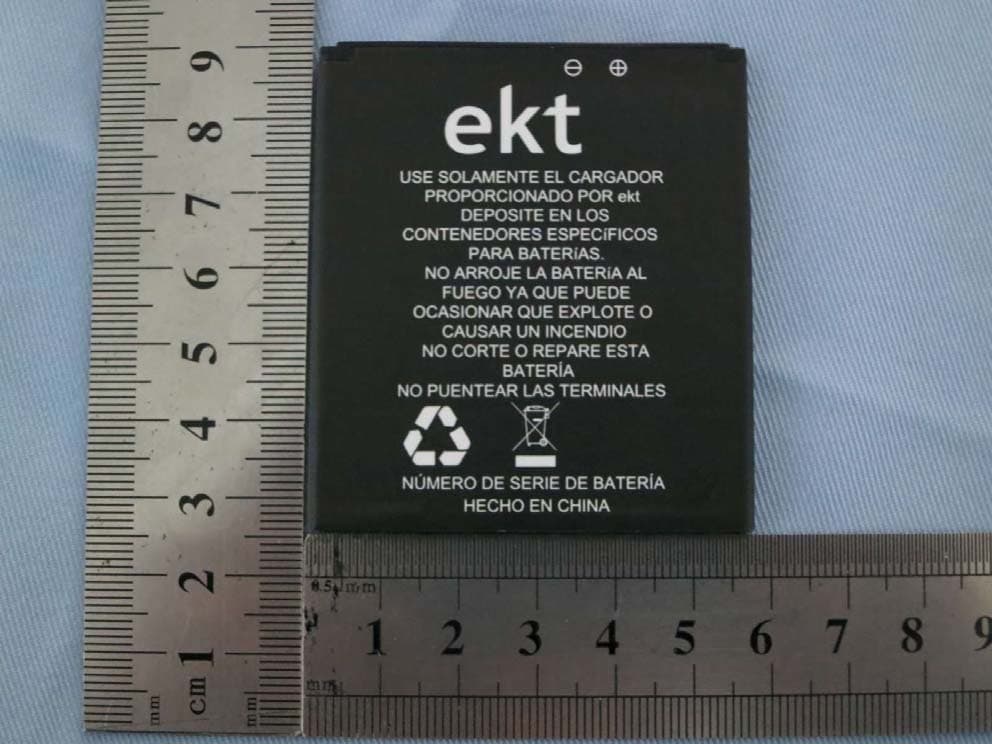
T38C8680EK
Mar 26, 2013WCDMA mobile phone
Equipment Class
DSS - Part 15 Spread Spectrum Transmitter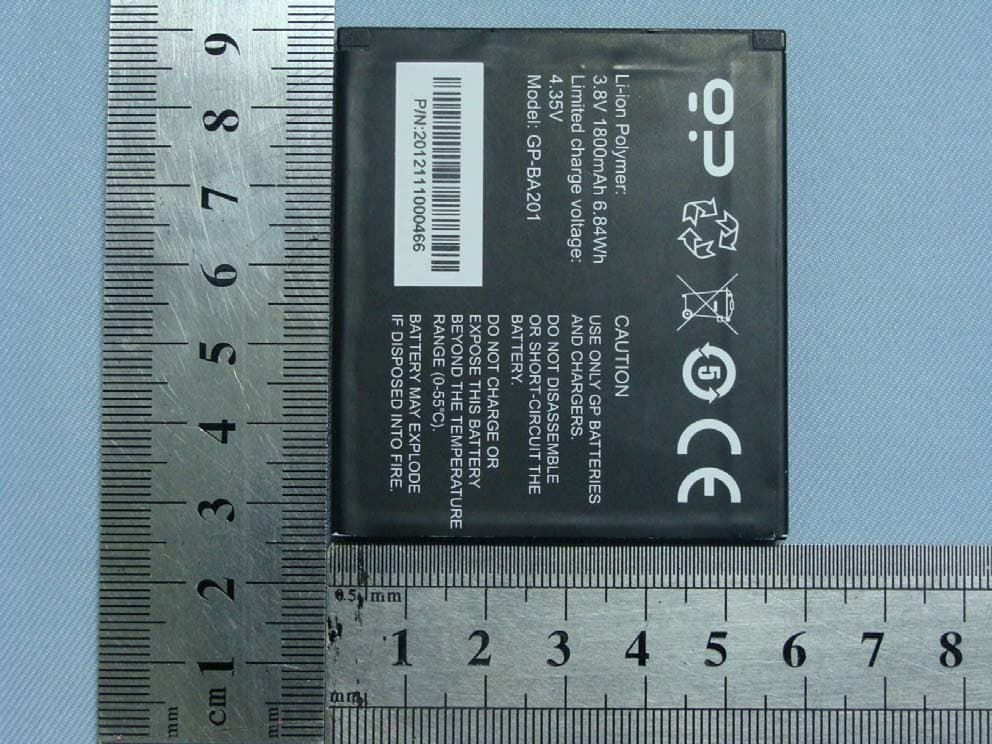
T38C8680GP
Jan 27, 2013WCDMA mobile phone
Equipment Class
JBP - Part 15 Class B Computing Device Peripheral