TTC-BT-400Bluetooth headset
Fujikon Industrial Co., Ltd.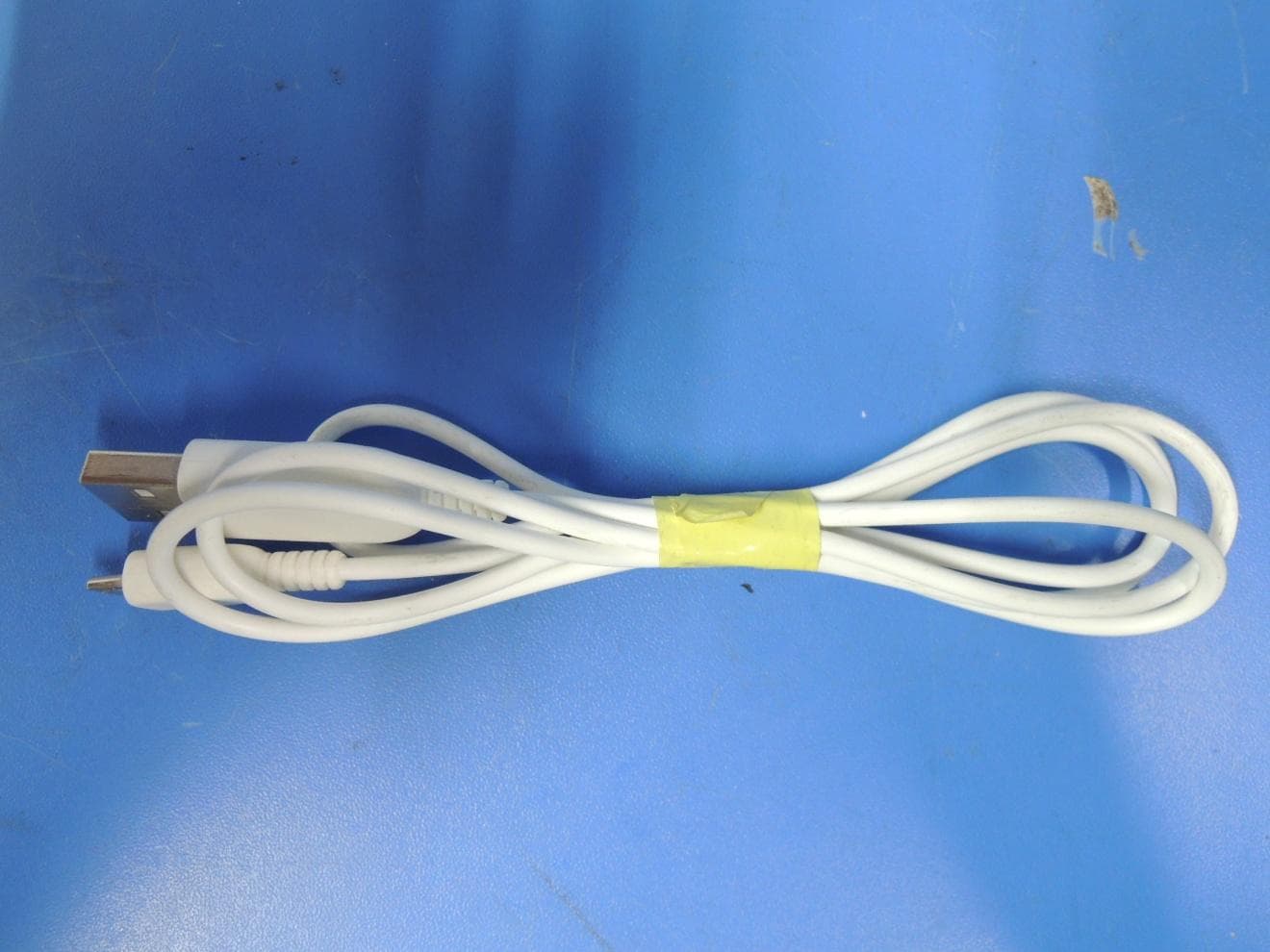
Click to zoom
Application Details
- Equipment Class
- DSS - Part 15 Spread Spectrum Transmitter
- Date of Grant
- Jun 20, 2013
- Application Purpose
- Original Equipment
- Date of Application
- Jun 20, 2013
- Equipment Note
- Bluetooth headset
- Frequency Range
- 2402.00000000 - 2480.00000000
- Company
- Fujikon Industrial Co., Ltd.
- Country
- Hong Kong
Documents & Files
Document Text
Text extracted from the exhibit documents filed with the FCC. Open a document above to read the original.
Users Manual
BT-400 Instructions guide Keys and parts The headphone contains several technological features to improve the experience of the user. The following section is an overview of the parts: Before using the headphone, you must fully charge the battery and connect the headset to your respective Bluetooth device. Charge of battery The headphone contains a battery capable of up to 14 hours of usage. To charge the battery, the headset has to be connected with the included USB cable. The cable has two different sized ends. First, take the Micro USB end and plug into the USB entry port in the right side of the headset. The point of entry is covered by a protective layer which needs to be temporarily removed. Gently pull the protection away so that the Micro USB can be entered. The other end of the cable is fitted with a standard USB end which needs to be compatible with the respective unit. Plug the end in the USB port of the computer, wall charger with USB port or other compatible devices. The indicating light on the right side of the headset will now flash a light. When the battery is fully charged, the green indicating light will be on constantly. If the battery is charging the LED-lamp will blink green. Turn on headphone When you want to turn on the headphone, locate the On/Off button on the right side of the headphone. The button is located just above the volume controller. To turn on the headphone, press the button and hold for 3 seconds and the indicating light will show a constant blue flash followed by a red blink. The headphone is now turned on and ready for Bluetooth pairing. Pairing of wireless devices To pair the headphone with your music player, ensure that the respective device is turned on and the Bluetooth function is active. When setting the headphone for pairing mode, press down the button and hold for 5 seconds. The indicating light will show the below process. 1. First the light will show a constant blue 2. Then for a few seconds it will flash red 3. After red it will blink blue and the headphone is now in pairing mode On your respective device you should search for the signal and use the device's functions to connect. On the list of found devices you select "BT-400" to establish the connection. Some devices require a passcode to connect with a newly established Bluetooth apparatus. Enter passcode: 0000 if necessary. When the connection is established, the headphone's light indicator will flash a blue light two times every 5 second to verify the connection. Pairing with NFC Bluetooth The headset has the newest NFC (Near Field Communication) Bluetooth technology incorporated and can be used if your respective music device is compatible. The NFC is a new technology only available in a limited amount of products and is build-in the headset. If you would like to pair with this new possibility please follow the steps: 1. Enable the NFC function on your music device. 2. Gently let the headset and your music device meet, by holding them close together. The NFC is located on the center of the right earcup. 3. Your music device should now recognize the signal from the headset. a. If the music device and the headset are pairing for the first time, you will need to accept the pairing on the music device 4. When the signal has been accepted on your gadget, the headset will be paired and ready for use. Listening to music - volume control Your connection should now be established and the headset can be used to listen to music, accept phone calls and much more. To adjust the volume of the headset use the volume button located on the right side of the headphone. The button will display a plus (+) and minus (-) symbol. The upper end of the button is related to the plus symbol and will turn up the volume if pressed. The lower part of the volume button is related to the minus symbol and will turn down the volume of the headphone. Listening to music - use of AUX cable The headphone has an AUX entry build-in on the left side of the headset. The AUX can be used to listen to music, movies, news etc. on any device with a 3.5 mm AUX entry, which is the standard AUX size. The headphone does not need to be turned on for the AUX technology to function. Simply plug the cable in the point of entry on the headphone and your respective device. Note: When the AUX cable is inserted, the Bluetooth function and the build-in microphone will be disabled. Use of multifunctional key The headphone is installed with a multifunctional key located on the right side of the headphone. Listening to music or general use of the headset can be improved by use of this key. The key should be pressed lightly when used. The key holds several functions and the following is an overview and user guide of these: i. Play and pause music When the headphone is connected to your music player, you can easily and quickly start listening to music by pushing the key one time. The headphone will make a brief sound indicating the pause of the song which will be further revealed with the missing sound in the headphone. When you want to resume the paused song, you push the key once again and the song will begin. ii. Next and previous track The multifunctional key can also easily be used to navigate between the various songs on your music player. If you wish to skip to the next track, push the key two times. If you wish to go back to the previous song, push the key three times. iii. Receive calls If the headphone is connected to your smartphone you can use it to answer phone calls. You can again use the multifunctional key to navigate your incoming calls. Making a call - in order to make a call when your headphone is connected to your cell, you will have to use your mobile in the normal way or by using voice dialing (if enabled by your respective phone). Answering a call - to answer an incoming call press the multifunctional key one time. To end a call - when finishing the call press the key once more. Rejecting a call - if you wish to…
Text truncated - open the document above for the full version.
Cover Letter(s)
Date (07/May/2013) BABT TCB Balfour House, Churchfield Road, Walton-on-Thames, Surrey, KT12 2TD Dear Sir or Madam, We, Fujikon Industrial Co. Ltd. 16/F Grand Central Plaza, 138 Shatin Rural Committee Rd. Shatin NT HONG KONG hereby authorize TUV-SUD China Shenzhen Branch 6/F, H Hall, Culture Creative Park, No. 4001 Fuqiang Road, Futian District, Shenzhen 518048 P. R. China Felix Li Phone: +86-755-88286998-3243 e-mail: [email protected] to act as our agent in all matters relating to applications for equipment authorization, including the signing of all documents relating to these matters. We also hereby certify that neither we nor any party to this application are subject to denial of U.S Federal benefits, which include FCC benefits, pursuant to section 5301 of Anti-Drug Abuse Act of 1988, U.S.C 862 because of conviction for possession or distribution of controlled substance. This authorization is application to product: Type of equipment: Bluetooth headset Model name: BT-400 FCC ID: TTC-BT-400 This authorization expires one year from the current date. Sincerely, Company Officer: Dennis Chan Telephone Number: +852 9067 5029 Email: [email protected] Fax: +852 2694 1338
Cover Letter(s)
Date (07/May/2013) BABT TCB Balfour House, Churchfield Road, Walton-on-Thames, Surrey, KT12 2TD Confidentiality Request FCC ID: TTC-BT-400 Pursuant to Sections 0.457(d)(1)(ii) and 0.459 of the Commission’s Rules, we Fujikon Industrial Co., Ltd. hereby requests permanent confidential treatment of information accompanying this application as outlined below: Schematics Parts List PCB Layout Block Diagrams Operational Description The above materials contain trade secrets and proprietary information not customarily released to the public. The public disclosure of these matters might be harmful to the Applicant and provide unjustified benefits to its competitors. The Applicant understands that pursuant to Rule 0.457(d)(1)(ii), disclosure of this Application and all accompanying materials will not be made before the date of the Grant for this Application. Yours sincerely, Company Officer: Dennis Chan Telephone Number: +852 9067 5029 Email: [email protected] Fax: +852 2694 1338
External Photos
External Photos of BT-400
ID Label/Location Info
Approved by /Date Prepared by /Date Scale Fujikon Model No.: Bom No.: Color 顏色 Film No. 菲林編號 準備(日期): 批準(日期): 比例 Unit Rev. MM 單位版本 1:1 PRINTING INFORMATION 印 字 資 料 編號: No. 富士高實業有限公司 Input From 資料輸入: Film No. 菲林編號 Film No. 菲林編號 Film No. 菲林編號 Film No. 菲林編號 Color Color 顏色 顏色 Color 顏色 Color 顏色 SLIDING INNER COVER(R) T3411107 905-00038-000-049 CTL-BT0060 1 T3411107-01 A TA 5 m m 210-02257-XXX-XXX 200-02257-XXX-XXX(COOL GRAY 2C) 安瑋 2013.05.14 Printing To: From: WHITE 20mm 2 3 m m 7 m m 6 m m PDB12-0026
ID Label/Location Info
Label location Label location
Internal Photos
Internal Photos of BT-400 BT Antenna NFC Antenna
RF Exposure Info
Jiangsu TÜV Product Service Ltd. – Shenzhen Branch 6 floor, H Hall, Culture Creative Park, No. 4001, Fuqiang Road, Futian District, Shenzhen 518048, P. R. China, Tel. +86 755 8828 6998, Fax: +86 755 8828 5299 RF exposure Estimation for BT-400 1. Introduction BT-400 is Bluetooth Headphone, which contain Bluetooth function inside. 2. Limit and Guidelines on Exposure to Electromagnetic Fields According to§15.247(e)(i) and §1.1307(b)(1), systems operating under the provisions of this section shall be operated in a manner that ensure that the public is not exposed to radio frequency energy level in excess of the Commission’s guideline. According to KDB 447498 D01 Mobile Portable RF Exposure v05r01, no SAR required if power is lower than the flowing threshold: The 1-g and 10-g SAR test exclusion thresholds for 100 MHz to 6 GHz at test separation distances ≤ 50 mm are determined by: [(max. power of channel, including tune-up tolerance, mW)/(min. test separation distance, mm)] [√f(GHz)] ≤ 3.0 for 1-g SAR and ≤ 7.5 for 10-g extremity SAR, where • f(GHz) is the RF channel transmit frequency in GHz • Power and distance are rounded to the nearest mW and mm before calculation25 • The result is rounded to one decimal place for comparison • 3.0 and 7.5 are referred to as the numeric thresholds in the step 2 below The test exclusions are applicable only when the minimum test separation distance is ≤ 50 mm and for transmission frequencies between 100 MHz and 6 GHz. When the minimum test separation distance is < 5 mm, a distance of 5 mm according to 5) in section 4.1 is applied to determine SAR test exclusion. 3. Calculation method [(max. power of` channel, including tune-up tolerance, mW)/(min. test separation distance, mm)] ·[√f(GHz)] ≤ 3.0 Conducted Power + tune up tolerance = 2.25mW Distance = 5 mm f = 2.480 GHz [2.25/5] * SQRT(2.480) =0.71 0.71 ≤ 3.0 Therefore, excluded from SAR testing. Jiangsu TUV Product Service Ltd. Shenzhen Branch Reviewed by: Prepared By: Cookies Bu/ Senior EMC Project Manager Felix Li/EMC Project Engineer Date: 2013-6-20 Date: 2013-6-20
Test Report
Report Number: 68.950.13.016.01 Page 1 of 57 Jiangsu TÜV Product Service Ltd. – Shenzhen Branch 6 floor, H Hall, Culture Creative Park, No. 4001, Fuqiang Road, Futian District, Shenzhen 518048, P. R. China, Tel. +86 755 8828 6998, Fax: +86 755 8828 5299 FCC - TEST REPORT Report Number : 68.950.13.016.01 Date of Issue: 25 Mar, 2013 Model : BT-400 Product Type : Bluetooth Headset Applicant : Fujikon Industrial Co., Ltd. Address : 16/F Tower 1, Grand Central Plaza 138 Shatin Rural Committee Road, Shatin N.T. Hong Kong Production Facility : Charter Media (Dongguan) Co., Ltd. Address : Dabandi Industrial Zone, Daning District, Humen Town 523930 Dongguan City, Guangdong Province PEOPLE'S REPUBLIC OF CHINA Test Result : Positive Negative Total pages including Appendices : 57 Jiangsu TÜV Product Service Ltd. – Shenzhen Branch is a subcontractor to TÜV SÜD Product Service GmbH according to the principles outlined in ISO 17025. Jiangsu TÜV Product Service Ltd. – Shenzhen Branch reports apply only to the specific samples tested under stated test conditions. Construction of the actual test samples has been documented. It is the manufacturer's responsibility to assure that additional production units of this model are manufactured with identical electrical and mechanical components. The manufacturer/importer is responsible to the Competent Authorities in Europe for any modifications made to the production units which result in non-compliance to the relevant regulations. Jiangsu TÜV Product Service Ltd. – Shenzhen Branch shall have no liability for any deductions, inferences or generalizations drawn by the client or others from Jiangsu TÜV Product Service Ltd. – Shenzhen Branch issued reports. This report is the confidential property of the client. As a mutual protection to our clients, the public and ourselves, extracts from the test report shall not be reproduced except in full without our written approval Report Number: 68.950.13.016.01 Page 2 of 57 Jiangsu TÜV Product Service Ltd. – Shenzhen Branch 6 floor, H Hall, Culture Creative Park, No. 4001, Fuqiang Road, Futian District, Shenzhen 518048, P. R. China, Tel. +86 755 8828 6998, Fax: +86 755 8828 5299 1 Table of Contents 1 Table of Contents............................................................................................ 2 2 Details about the Test Laboratory..................................................................... 3 3 Description of the Equipment Under Test............................................................ 4 4 Summary of Test Standards............................................................................. 5 5 Summary of Test Results................................................................................ 6 6 General Remarks.......................................................................................... 7 7 Test Setups 8 8 List of Test Instruments................................................................................. 9 9 Technical Requirements................................................................................. 10 9.1 Conducted Emission AC Power Port......................................................... 10 9.2 Conducted Peak Power......................................................................... 13 9.3 Band edge compliance of RF emission...................................................... 14 9.4 Spurious RF Conducted emission............................................................ 23 9.5 Spurious radiated emissions for transmitter and receiver .............................. 33 9.6 20dB Bandwidth................................................................................... 37 9.7 Carrier Frequency Separation................................................................. 43 9.8 Number of Hopping Frequencies ............................................................. 45 9.9 Dwell Time.......................................................................................... 47 9 System Measurement Uncertainty................................................................... 57 Report Number: 68.950.13.016.01 Page 3 of 57 Jiangsu TÜV Product Service Ltd. – Shenzhen Branch 6 floor, H Hall, Culture Creative Park, No. 4001, Fuqiang Road, Futian District, Shenzhen 518048, P. R. China, Tel. +86 755 8828 6998, Fax: +86 755 8828 5299 2 Details about the Test Laboratory Details about the Test Laboratory Test Site 1 Company name: Jiangsu TÜV Product Service Ltd. – Shenzhen Branch 6th Floor, H Hall, Culture Creative Park, No. 4001, Fuqiang Road, Futian District 518048, Shenzhen,P.R.C. Telephone: 86 755 8828 6998 Fax: 86 755 8828 5299 Test Site 2 Company name: Audix Technology (Shenzhen) Co., Ltd Block Shenzhen, Science & Industry Park, Nantou, Shenzhen, Guangdong, China Telephone: 86 755 2663 9496 Fax: 86 755 2663 2877 Report Number: 68.950.13.016.01 Page 4 of 57 Jiangsu TÜV Product Service Ltd. – Shenzhen Branch 6 floor, H Hall, Culture Creative Park, No. 4001, Fuqiang Road, Futian District, Shenzhen 518048, P. R. China, Tel. +86 755 8828 6998, Fax: +86 755 8828 5299 3 Description of the Equipment Under Test Description of the Equipment Under Test Product: Bluetooth headset Model no.: BT-400 FCC ID: TTC-BT-400 Brand Name: Options and accessories: NIL Rating: 3.7VDC (Supplied by Li-ion rechargeable battery) 5VDC (Charged by PC USB Port) RF Transmission Frequency: 2402-2480MHz No. of Operated Channel: 79 Modulation: GFSK, π/4-DQPSK, 8-DPSK Duty Cycle: 36.69% Antenna Type: Ceramic antenna Antenna Gain: 0dBi Description of the EUT: The Equipment Under Test (EUT) is a wireless headset with Bluetooth function operating at 2.4GHz Auxiliary Equipment Used during Test: DESCRIPTION MANUFACTURER MODEL NO.(SHIELD) S/N(LENGTH) NoteBook Lenovo X220 --- Report Number: 68.950.13.016.01 Page 5 of 57 Jiangsu TÜV Product Service Ltd. – Shenzhen Branch 6 floor, H Hall, Culture Creative Park, No. 4001, Fuqiang Road, Futian District, Shenzhen 518048, P. R. China, Tel. +86 755 …
Text truncated - open the document above for the full version.
Test Setup Photos
Conducted emission AC power port Spurious radiated emission (30MHz-1000MHz) Spurious radiated emission (1GHz-18GHz)
Contact Information
Applicant
Dennis Chan(Electronic Engineering Manager)
Test Firm
Audix Technology (Shenzhen) Co., Ltd.Smart Tsai
Technical Specifications
| # | Rule Parts | Frequency Range | Power Output |
|---|---|---|---|
| 1 | 15C | 2.40 GHz - 2.48 GHz | 2.30 mW |
Other Applications from Fujikon Industrial Co., Ltd.
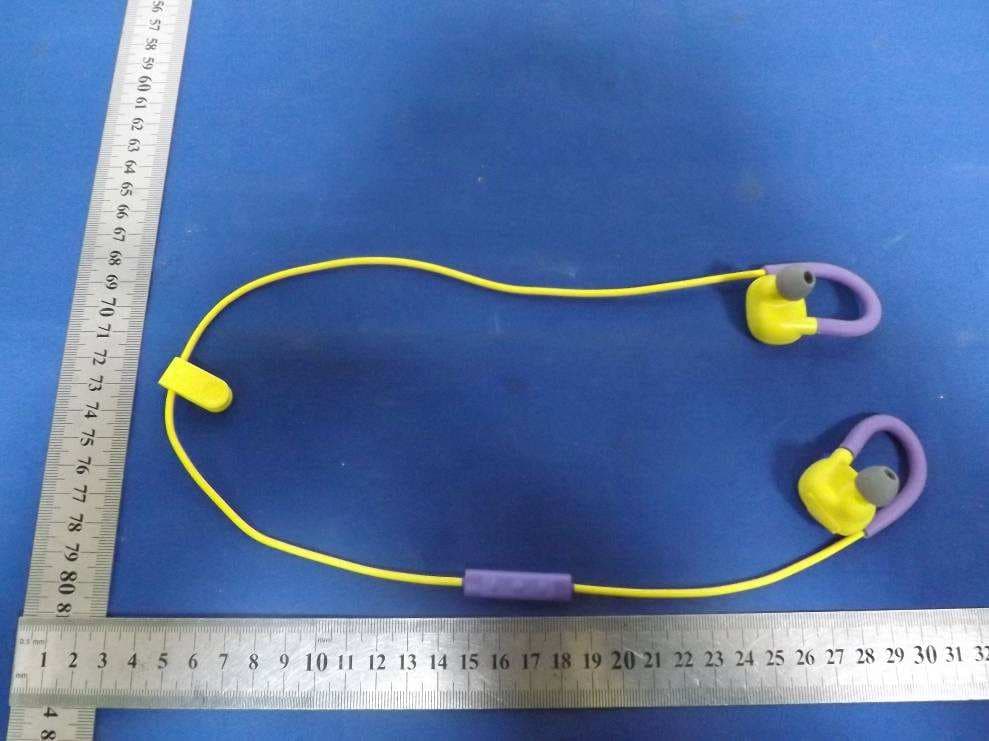
TTC-BT-100
Mar 01, 2015Bluetooth EarPhone
Equipment Class
DSS - Part 15 Spread Spectrum Transmitter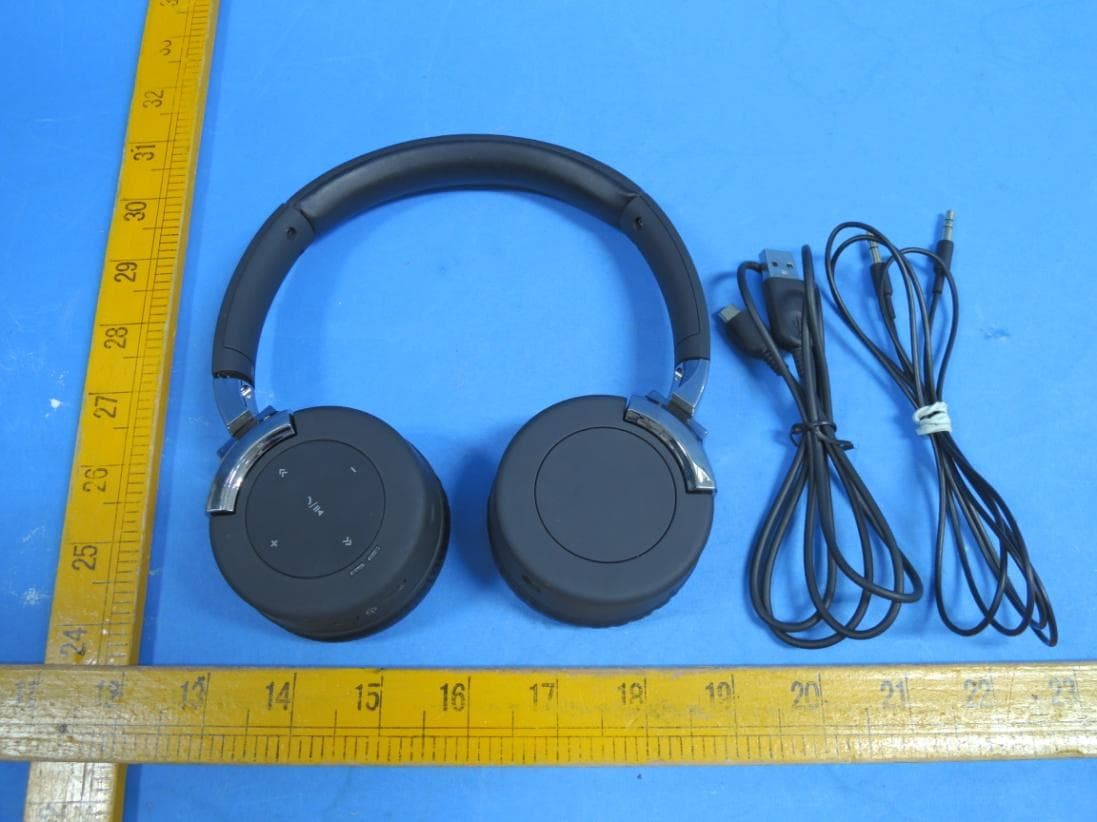
TTC-BT-310
Jul 29, 2014Bluetooth Headset
Equipment Class
DSS - Part 15 Spread Spectrum Transmitter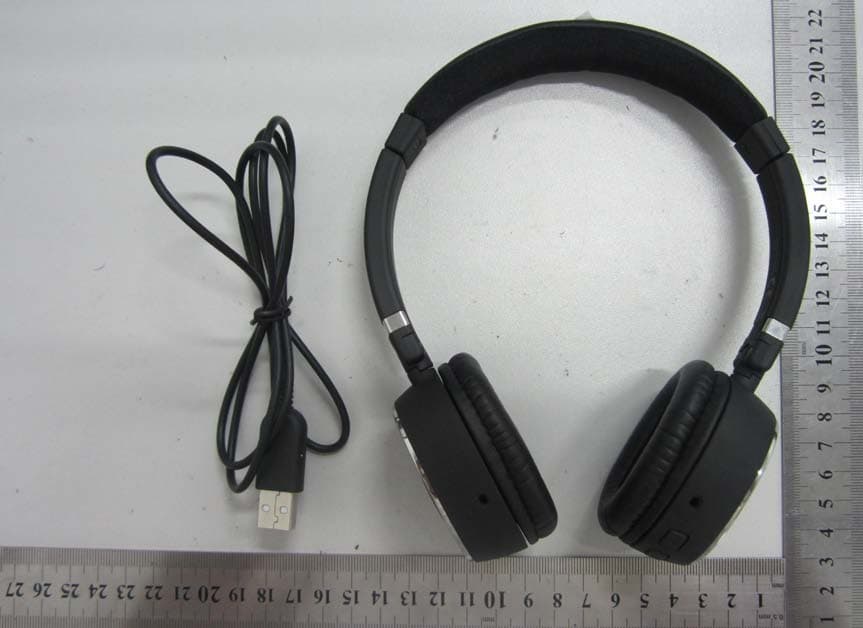
TTC-BT-0301
Sep 15, 2013Bluetooth Headphones
Equipment Class
DSS - Part 15 Spread Spectrum Transmitter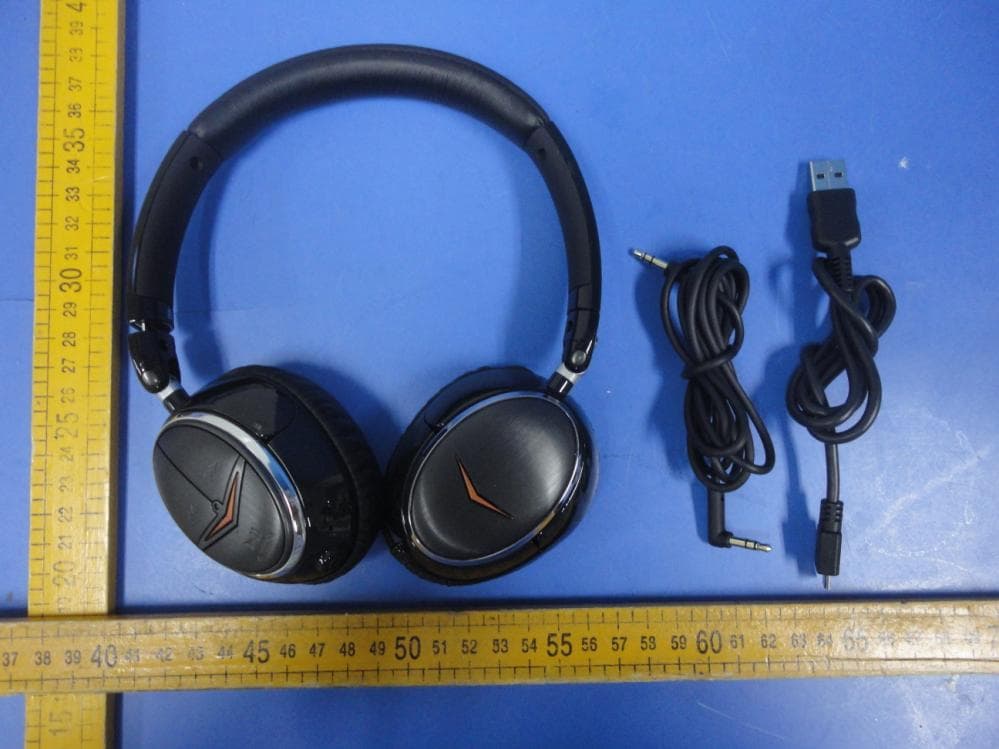
TTC-BT5122
Aug 13, 2012Image ONE Bluetooth headset
Equipment Class
DSS - Part 15 Spread Spectrum Transmitter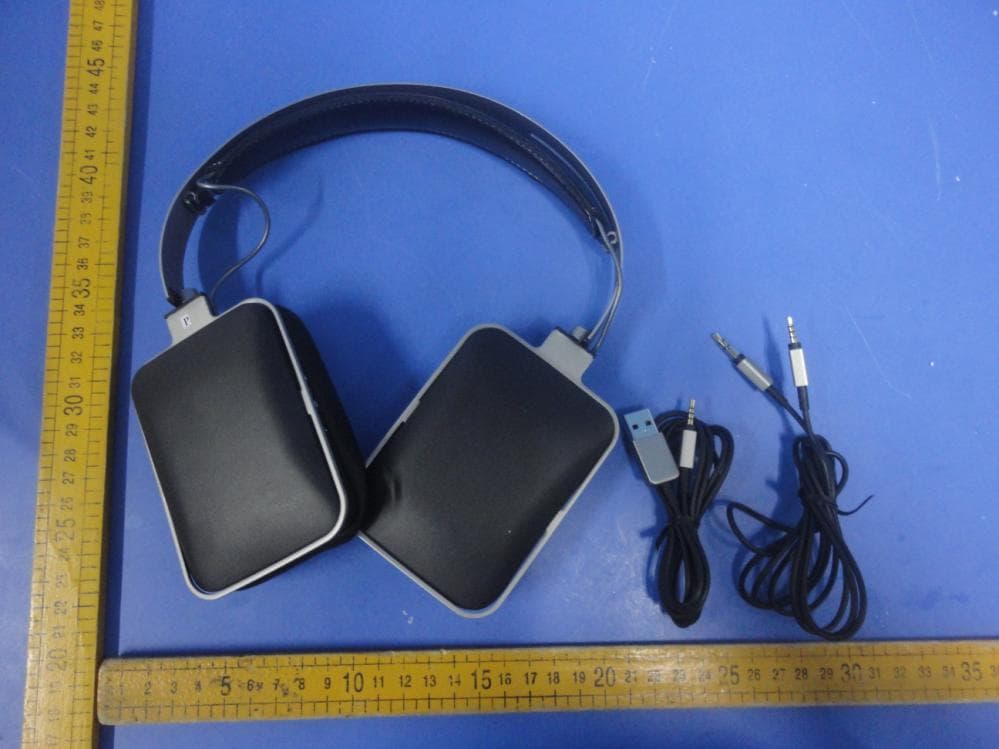
TTC-BT-HARMANBT
May 23, 2012Bluetooth headset
Equipment Class
DSS - Part 15 Spread Spectrum Transmitter