TVRDSCS500Digital Still Camera
Hon Hai Precision Industry Co., Ltd. Nei-Hu Branch Office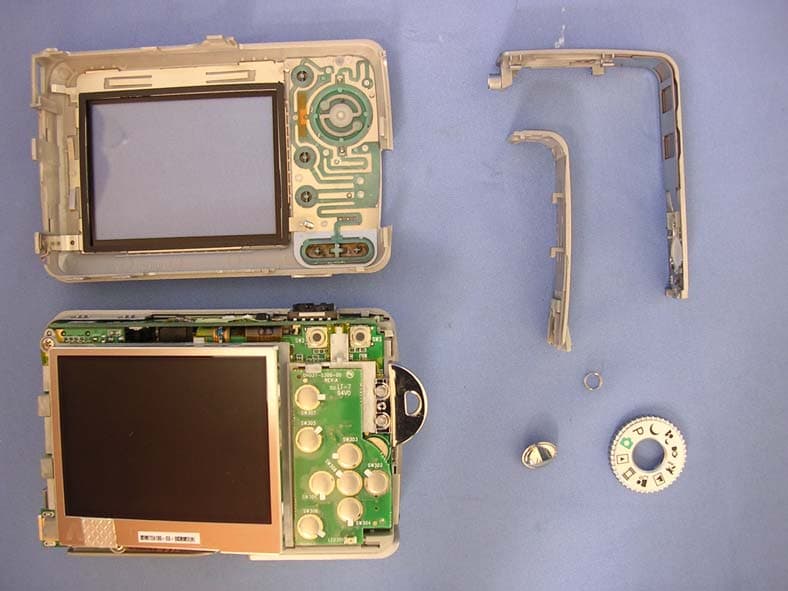
Click to zoom
Application Details
- Equipment Class
- JBP - Part 15 Class B Computing Device Peripheral
- Date of Grant
- Apr 24, 2006
- Application Purpose
- Original Equipment
- Date of Application
- Apr 24, 2006
- Equipment Note
- Digital Still Camera
- Country
- Taiwan
Documents & Files
Document Text
Text extracted from the exhibit documents filed with the FCC. Open a document above to read the original.
Users Manual
2-689-526-11(1)© 2006 Sony Corporation Digital Still Camera Cyber-shot Handbook Digital Still Camera Cyber-shot Handbook DSC-S500 “Instruction Manual” (separate volume) Explains the set-up and basic operations for shooting/playback with your camera. Handbook Before operating the unit, please read this handbook and “Instruction Manual” (separate volume) thoroughly, and retain it for future reference. Owner’s Record The model and serial numbers are located on the bottom. Record the serial number in the space provided below. Refer to these numbers whenever you call upon your Sony dealer regarding this product. Model No. DSC-S500 Serial No. ___________________________ Enjoying the camera Using the menu Using the Setup screen Using your computer Printing still images Connecting your camera to your TV Troubleshooting Others Index 2 To reduce fire or shock hazard, do not expose the unit to rain or moisture. WARNING For Customers in the U.S.A. This symbol is intended to alert the user to the presence of uninsulated “dangerous voltage” within the product’s enclosure that may be of sufficient magnitude to constitute a risk of electric shock to persons. This symbol is intended to alert the user to the presence of important operating and maintenance (servicing) instructions in the literature accompanying the appliance. 3 IMPORTANT SAFEGUARDS For your protection, please read these safety instructions completely before operating the appliance, and keep this manual for future reference. Carefully observe all warnings, precautions and instructions on the appliance, or the one described in the operating instructions and adhere to them. Power Sources This set should be operated only from the type of power source indicated on the marking label. If you are not sure of the type of electrical power supplied to your home, consult your dealer or local power company. For those sets designed to operate from battery power, or other sources, refer to the operating instructions. Polarization This set may be equipped with a polarized ac power cord plug (a plug having one blade wider than the other). This plug will fit into the power outlet only one way. This is a safety feature. If you are unable to insert the plug fully into the outlet, try reversing the plug. If the plug should still fail to fit, contact your electrician to have a suitable outlet installed. Do not defeat the safety purpose of the polarized plug by forcing it in. Overloading Do not overload wall outlets, extension cords or convenience receptacles beyond their capacity, since this can result in fire or electric shock. Object and Liquid Entry Never push objects of any kind into the set through openings as they may touch dangerous voltage points or short out parts that could result in a fire or electric shock. Never spill liquid of any kind on the set. Attachments Do not use attachments not recommended by the manufacturer, as they may cause hazards. Cleaning Unplug the set from the wall outlet before cleaning or polishing it. Do not use liquid cleaners or aerosol cleaners. Use a cloth lightly dampened with water for cleaning the exterior of the set. Water and Moisture Do not use power-line operated sets near water – for example, near a bathtub, washbowl, kitchen sink, or laundry tub, in a wet basement, or near a swimming pool, etc. Power-Cord Protection Route the power cord so that it is not likely to be walked on or pinched by items placed upon or against them, paying particular attention to the plugs, receptacles, and the point where the cord exits from the appliance. Accessories Do not place the set on an unstable cart, stand, tripod, bracket, or table. The set may fall, causing serious injury to a child or an adult, and serious damage to the set. Use only a cart, stand, tripod, bracket, or table recommended by the manufacturer. Ventilation The slots and openings in the cabinet are provided for necessary ventilation. To ensure reliable operation of the set, and to protect it from overheating, these slots and openings must never be blocked or covered. – Never cover the slots and openings with a cloth or other materials. – Never block the slots and openings by placing the set on a bed, sofa, rug, or other similar surface. – Never place the set in a confined space, such as a bookcase, or built-in cabinet, unless proper ventilation is provided. – Do not place the set near or over a radiator or heat register, or where it is exposed to direct sunlight. Use Installation 4 Lightning For added protection for this set during a lightning storm, or when it is left unattended and unused for long periods of time, unplug it from the wall outlet and disconnect the antenna or cable system. This will prevent damage to the set due to lightning and power-line surges. Damage Requiring Service Unplug the set from the wall outlet and refer servicing to qualified service personnel under the following conditions: – When the power cord or plug is damaged or frayed. – If liquid has been spilled or objects have fallen into the set. – If the set has been exposed to rain or water. – If the set has been subject to excessive shock by being dropped, or the cabinet has been damaged. – If the set does not operate normally when following the operating instructions. Adjust only those controls that are specified in the operating instructions. Improper adjustment of other controls may result in damage and will often require extensive work by a qualified technician to restore the set to normal operation. – When the set exhibits a distinct change in performance – this indicates a need for service. Servicing Do not attempt to service the set yourself as opening or removing covers may expose you to dangerous voltage or other hazards. Refer all servicing to qualified service personnel. Replacement parts When replacement parts are required, be sure the service technician has used replacement parts specified by the manufacturer that have the same characteristics as the original parts. Unauthori…
Text truncated - open the document above for the full version.
External Photos
Report No: 064H002-IT-US-P01V02 Page: 28 of 48 5. Attachment ¾ EUT Photograph (1) EUT Photo (2) EUT Photo Report No: 064H002-IT-US-P01V02 Page: 29 of 48 (3) EUT Photo (4) EUT Photo Report No: 064H002-IT-US-P01V02 Page: 30 of 48 (5) EUT Photo (6) EUT Photo Report No: 064H002-IT-US-P01V02 Page: 31 of 48 (7) EUT Photo (8) EUT Photo
ID Label/Location Info
FCC ID.: TVRDSCS500 FCC ID AND DoC Label FCC ID.: TVRDSCS500
Internal Photos
Report No: 064H002-IT-US-P01V02 Page: 31 of 48 (7) EUT Photo (8) EUT Photo Report No: 064H002-IT-US-P01V02 Page: 32 of 48 (9) EUT Photo (10) EUT Photo Report No: 064H002-IT-US-P01V02 Page: 33 of 48 (11) EUT Photo (12) EUT Photo Report No: 064H002-IT-US-P01V02 Page: 34 of 48 (13) EUT Photo (14) EUT Photo Report No: 064H002-IT-US-P01V02 Page: 35 of 48 (15) EUT Photo (16) EUT Photo Report No: 064H002-IT-US-P01V02 Page: 36 of 48 (17) EUT Photo (18) EUT Photo Report No: 064H002-IT-US-P01V02 Page: 37 of 48 (19) EUT Photo (20) EUT Photo Report No: 064H002-IT-US-P01V02 Page: 38 of 48 (21) EUT Photo Report No: 064H002-IT-US-P01V02 Page: 39 of 48 (22) EUT Photo Report No: 064H002-IT-US-P01V02 Page: 40 of 48 (23) EUT Photo (24) EUT Photo Report No: 064H002-IT-US-P01V02 Page: 41 of 48 (25) EUT Photo (26) EUT Photo Report No: 064H002-IT-US-P01V02 Page: 42 of 48 (27) EUT Photo (28) EUT Photo Report No: 064H002-IT-US-P01V02 Page: 43 of 48 (29) EUT Photo (30) EUT Photo Report No: 064H002-IT-US-P01V02 Page: 44 of 48 (31) EUT Photo (32) EUT Photo Report No: 064H002-IT-US-P01V02 Page: 45 of 48 (33) EUT Photo (34) EUT Photo Report No: 064H002-IT-US-P01V02 Page: 46 of 48 (35) EUT Photo (36) EUT Photo Report No: 064H002-IT-US-P01V02 Page: 47 of 48 (37) EUT Photo (38) EUT Photo Report No: 064H002-IT-US-P01V02 Page: 48 of 48 (39) EUT Photo (40) EUT Photo
Operational Description
Report No: 064H002-IT-US-P01V02 Page: 9 of 48 1.5. EUT Exercise Software 1 Setup EUT and PC as shown on 1.4. 2 The lens of EUT was covered with black tape. 3 Turn on the power of all equipment. 4 Press REC key. 5 Save black file.
Test Report
Test Report Product Name : Digital Still Camera Model No. : DSC-S500 FCC ID : TVRDSCS500 Applicant : PREMIER IMAGE TECHNOLOGY CORPORATION Address : 5F, No.9, LI-SHIN RD. V, SCIENCE-BASED INDUSTRIAL PARK, HSINCHU, TAIWAN, R.O.C. Date of Receipt : 2006/03/27 Issued Date : 2006/04/13 Report No. : 064H002-IT-US-P01V02 The test results relate only to the samples tested. The test results shown in the test report are traceable to the national/international standard through the calibration of the equipment and evaluated measurement uncertainty herein. This report must not be used to claim product endorsement by CNLA, NVLAP, NIST or any agency of the Government. The test report shall not be reproduced except in full without the written approval of QuieTek Corporation. Report No: 064H002-IT-US-P01V02 Page: 2 of 48 Test Report Certification Issued Date : 2006/04/13 Report No. : 064H002-IT-US-P01V02 Product Name : Digital Still Camera Applicant : PREMIER IMAGE TECHNOLOGY CORPORATION Address : 5F, No.9, LI-SHIN RD. V, SCIENCE-BASED INDUSTRIAL PARK, HSINCHU, TAIWAN, R.O.C. Manufacturer : PREMIER IMAGE TECHNOLOGY CORPORATION Model No. : DSC-S500 Rated Voltage : AC 120 V / 60 Hz EUT Voltage : AC 120 V / 60 Hz Trade Name : SONY Applicable Standard : FCC CFR Title 47 Part 15 Subpart B: 2005 Class B, CISPR 22: 2005 Test Result : Complied Performed Location : Hsinchu EMC Laboratory N0. 75-2, 3rd Lin, Wangye Keng, Yonghxing Tsuen, Qionglin Shiang, Hsinchu County 307, Taiwan, R.O.C. TEL:+886-3-592-8858 / FAX:+886-3-592-8859 Documented By : ( Demi Chang ) Reviewed By : ( Gavin Chen ) Approved By : ( Bob Fang ) Report No: 064H002-IT-US-P01V02 Page: 3 of 48 Laboratory Information We , QuieTek Corporation, are an independent EMC and safety consultancy that was established the whole facility in our laboratories. The test facility has been accredited by the following accreditation Bodies in compliance with ISO 17025, EN 45001 and Guide 25: The related certificate for our laboratories about the test site and management system can be downloaded from QuieTek Corporation’s Web Site : http://tw.quietek.com/modules/myalbum/ The address and introduction of QuieTek Corporation’s laboratories can be founded in our Web site : http://www.quietek.com/ If you have any comments, Please don’t hesitate to contact us. Our contact information is as below: HsinChu Testing Laboratory : No.75-2, 3rd Lin, Wangye Keng, Yonghxing Tsuen, Qionglin Shiang, Hsinchu County 307, Taiwan, R.O.C. TEL:+886-3-592-8858 / FAX:+886-3-592-8859 E-Mail : [email protected] LinKou Testing Laboratory : No. 5, Ruei-Shu Valley, Ruei-Ping Tsuen, Lin-Kou Shiang, Taipei, Taiwan, R.O.C. TEL : 886-2-8601-3788 / FAX : 886-2-8601-3789 E-Mail : [email protected] Taiwan R.O.C. : BSMI, DGT, CNLA Germany : TUV Rheinland Norway : Nemko, DNV USA : FCC, NVLAP Japan : VCCI 0914 1313 Report No: 064H002-IT-US-P01V02 Page: 4 of 48 TABLE OF CONTENTS Description Page 1. General Information ................................................................................................................. 5 1.1. EUT Description ............................................................................................................... 5 1.2. Mode of Operation ........................................................................................................... 6 1.3. Tested System Details...................................................................................................... 7 1.4. Configuration of Tested System ....................................................................................... 8 1.5. EUT Exercise Software .................................................................................................... 9 2. Technical Test......................................................................................................................... 10 2.1. Summary of Test Result ................................................................................................. 10 2.2. List of Test Equipment .................................................................................................... 10 2.3. Measurement Uncertainty .............................................................................................. 11 2.4. Test Environment ........................................................................................................... 11 3. Conducted Emission ..............................................................................................................12 3.1. Test Specification ........................................................................................................... 12 3.2. Test Setup ......................................................................................................................12 3.3. Limit................................................................................................................................ 12 3.4. Test Procedure ............................................................................................................... 13 3.5. Test Result .....................................................................................................................14 3.6. Test Photograph ............................................................................................................. 18 4. Radiated Emission ................................................................................................................. 19 4.1. Test Specification ........................................................................................................... 19 4.2. Test Setup ......................................................................................................................19 4.3. Limit................................................................................................................................ 20 4.4. Test Procedure ....................................................................................…
Text truncated - open the document above for the full version.
Test Setup Photos
Report No: 064H002-IT-US-P01V02 Page: 18 of 48 3.6. Test Photograph Test Mode : Mode 2:REC Description : Front View of Conducted Emission Test Setup Test Mode : Mode 2:REC Description : Back View of Conducted Emission Test Setup Report No: 064H002-IT-US-P01V02 Page: 26 of 48 4.6. Test Photograph Test Mode : Mode 2:REC Description : Front View of Radiated Emission Test Setup Test Mode : Mode 2:REC Description : Back View of Radiated Emission Test Setup Report No: 064H002-IT-US-P01V02 Page: 27 of 48 Test Mode : Mode 2:REC Description : Front View of Radiated Emission Test Setup (Horn)
Contact Information
Applicant
MING-SHENG WEI(Engineer)
Technical Contact
QuieTek CorporationMicki Ho
+886 2 8792 6808
2F, No. 345, Xinhu 2nd Rd · Taipei · Taiwan
Non-Technical Contact
Primere Image Technology Corp.Ming Wei
[email protected]+886 3 567 9799
Test Firm
QuieTek CorporationWarren Lin
Technical Specifications
| # | Rule Parts | Frequency Range | Power Output |
|---|---|---|---|
| 1 | 15B | - | - |
Other Applications from Hon Hai Precision Industry Co., Ltd. Nei-Hu Branch Office
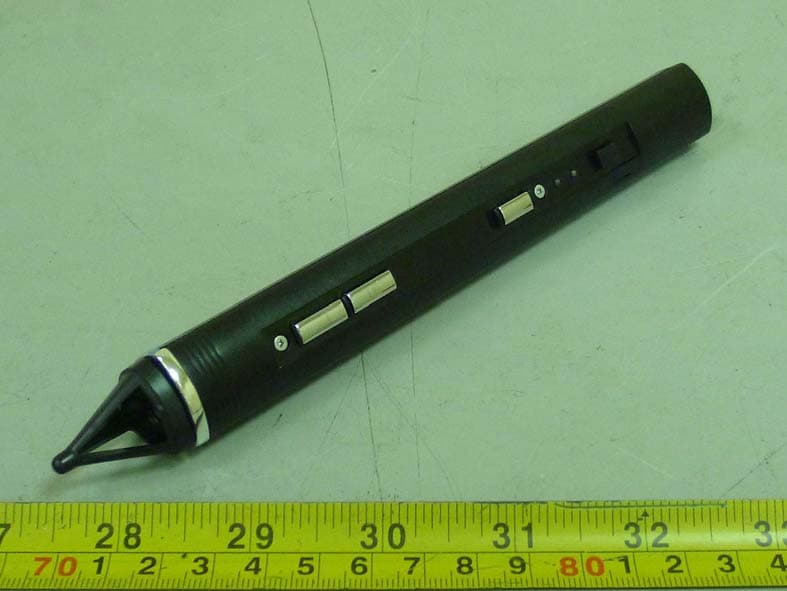
TVR-RC380P1
Oct 30, 2011Interactive pen
Equipment Class
DXX - Part 15 Low Power Communication Device Transmitter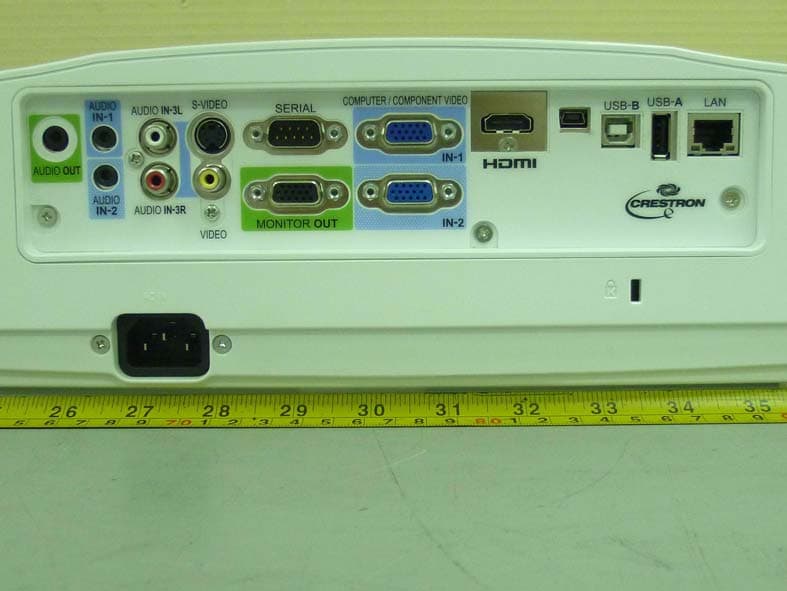
TVR-XD365UEST
Oct 30, 2011Data Projector
Equipment Class
DXX - Part 15 Low Power Communication Device Transmitter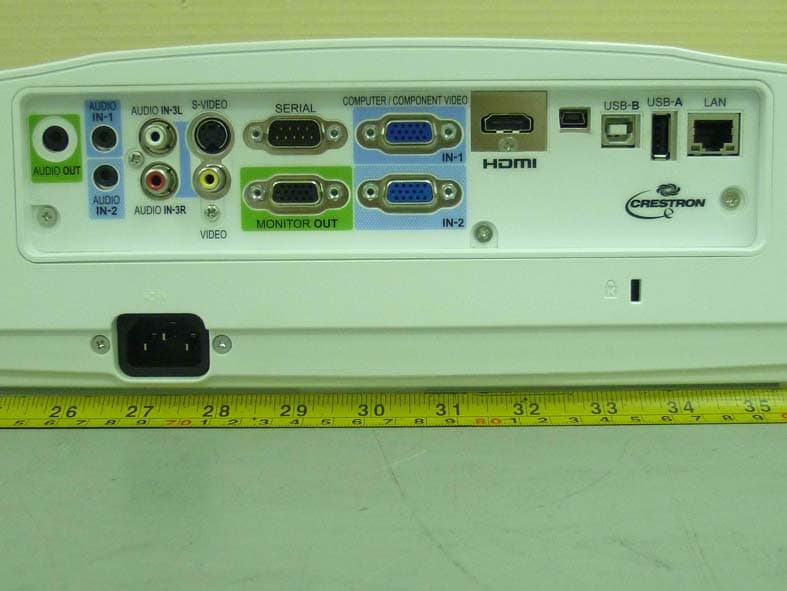
TVR-WD385UEST
Oct 27, 2011Data Projector
Equipment Class
DXX - Part 15 Low Power Communication Device Transmitter
TVRDSCS780
Dec 24, 2007Digital Still Camera
Equipment Class
JBP - Part 15 Class B Computing Device Peripheral
TVRDSCS730
Sep 09, 2007Digital Still Camera
Equipment Class
JBP - Part 15 Class B Computing Device Peripheral