U28STREAM01Hearing Device Accessory
Oticon A/S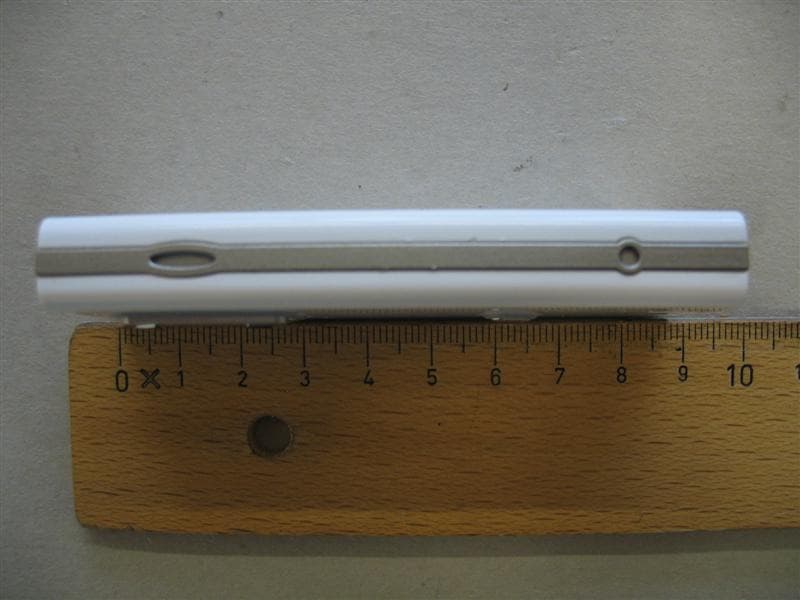
Click to zoom
Application Details
- Equipment Class
- DSS - Part 15 Spread Spectrum Transmitter
- Date of Grant
- May 22, 2007
- Application Purpose
- Original Equipment
- Date of Application
- May 22, 2007
- Equipment Note
- Hearing Device Accessory
- Frequency Range
- 2402.00000000 - 2480.00000000
- Company
- Oticon A/S
- Country
- Denmark
Documents & Files
Document Text
Text extracted from the exhibit documents filed with the FCC. Open a document above to read the original.
Users Manual
Instructions for Use 23 Introduction We would like to congratulate you on selecting one of the most user friendly and advanced hearing device accessories on the market to enhance your hearing solution for important and valuable everyday purposes. At Oticon we believe that people should live the life they want with the hear- ing they have. The Oticon Epoq Streamer is the key to connecting your hearing instruments to the expanding world of electronic media. The Streamer allows signals from modern communication devices such as mobile phones to be streamed directly into your hearing instruments. This solution gives you the world’s smallest hands-free headset and personal headphones for many listening and communication purposes. The Streamer uses Bluetooth to connect to electronic media and will support connectivity with most Bluetooth enabled sound sources in the market. The Streamer is designed for premium comfort and ease of use. To get a quick understanding of the basic functions and operations, we ask you to study the “Getting Started” guide included in the package. We furthermore advise you to carefully read these instructions and familiarise yourself with the entire content before using the Streamer. This will help you to achieve the optimal benefi ts of the product for the longest time possible. Table of Contents 1. Typical package content 5 2. Product overview Buttons and connectors 6 3. Basic use and wearing 8 3.1 What is a Streamer 8 3.2 How to wear it 9 3.3 How to use the Streamer 11 4. Streamer wireless ranges 14 4.1 EarStream range 14 4.2 Bluetooth range 15 5. Battery life and maintenance 16 5.1 Charging the Streamer 17 6. Functional description 20 6.1 Key lock 20 6.2 Principle Operation 22 6.3 Using a mobile phone 24 6.3.1 Preparing the Streamer and mobile phone 25 6.3.2 Incoming Call 26 6.3.3 Making a phone call 27 6.3.4 Phone button 28 6.4 Listening to Audio sources 30 6.4.1 Connecting to wired audio input 31 45 1. Typical package content Streamer Neck Strap Pocket Clip This manual Getting Started guide Power supply (charger) USB charger cord Audio cable, 1 m (40 inches) Make sure to identify all components and check that the package content is complete. 6.4.2 Connecting to Bluetooth audio 33 6.4.3 Audio button 34 6.5 Volume Control 35 6.6 Bluetooth 37 6.7 Connecting to Bluetooth device 40 6.8 Out of range handling Bluetooth 40 6.9 Pairing to a Bluetooth device 41 6.10 Microphone 43 6.11 Call Waiting 44 6.12 Mobile phone sounds 45 7. Visual indicators 47 8. Audible indicators 50 9. Resetting the Streamer 52 10. Cleaning and maintenance 53 11. Trouble shooting 54 12. International Warranty 59 13. Product Approval, precautions and markings 61 Warnings Yellow Pages 67 2. Product overview Buttons and connectors Phone Button Short press: Accept incoming call Disconnect call Long press: Reject incoming call Audio Button Short press: Start / stop audio Long press: Enable / disable hearing instrument microphones Bluetooth Button Long press: Enable / disable Bluetooth Very long press: Start pairing mode Jack connector for audio input Mini USB connector for charging the battery Volume Control Short press: Volume up / down Battery status indicator Key lockMicrophone 89 3. Basic use and wearing 3.1 What is a Streamer The Streamer is a body-worn device that can connect your hearing instruments wirelessly to many diff erent sound and communication media and thus, ena- bles your instruments to function as wireless headphones. If you have two hearing instruments, the sound will be directed to both ears. Through the Streamer, your hearing instruments can connect to a number of audio sources and allows you to • use a mobile phone fully hands-free. • listen to music and audio from the radio, computer, portable music players (like mp3’s) You can also use the Streamer as a remote control of the volume in the hearing instruments. 3.2 How to wear it To make sure that you receive the best signal through the Streamer, it must be kept inside the Body Area Network. This is the area surround- ing the hearing instruments within a range of approx. 0,5 meter. The wireless function ena- bling the Streamer and hearing instruments to communicate, called EarStream, operates at extremely low power levels. The Streamer can be worn and carried in various ways to satisfy your personal taste, clothing and life style. 1011 When using the Streamer the best result is always achieved by using the neck strap. The following accessories are included: • neck strap to be used to carry and use the Streamer hands-free in a lavaliere. • pocket clip to be used to attach the Streamer to a pocket / inside a pocket / or belt while not streaming audio. Only one of the carrying devices can be attached to the Streamer at a time. The devices are clicked onto the Streamer by pressing the device onto the back of the streamer aligning the two points of attachments. Use a fi nger nail to lift and release the device from the Streamer again. ON OFF 3.3 How to use the Streamer 1. The best listening quality is achieved by using the neck strap, i.e. hands free around the neck. The neck strap enhances the sound quality because it has an additional antenna built-in. 2. The Streamer can be kept in a pocket when not streaming audio, however still ready to receive a phone call. 3. The Streamer can be handheld during a phone conversation by holding it close to the mouth. This ensures good quality of your speech brought to the other person. 4. When using the Streamer outside in strong wind, the sensitive microphone should be protected against wind noise, i.e. avoid the wind going directly into the microphone. IMPORTANT NOTICE Please, use the neck strap carefully. Due to security reasons (to avoid strangulation) the neck strap will automatically break if it gets caught in something. Do not shorten or modify the neck strap in any way, i.e. such as tie a knob to shorten the length. If a neck strap breaks, it cannot be repaired and must be renewed. New n…
Text truncated - open the document above for the full version.
External Photos
CETECOM ICT Services GmbH Untertürkheimer Str. 6-10, 66117 Saarbruecken Phone: +49 (0) 681 598-0 Fax: -9075 RSC-Laboratory Phone: +49 (0) 681 598-0 Fax: -9075 Test report no.: 2-4458-01-04/06 Date: 2007-01-30 Page 40 of 50 5 Photographs of EUT Photo 1: Photo 2: CETECOM ICT Services GmbH Untertürkheimer Str. 6-10, 66117 Saarbruecken Phone: +49 (0) 681 598-0 Fax: -9075 RSC-Laboratory Phone: +49 (0) 681 598-0 Fax: -9075 Test report no.: 2-4458-01-04/06 Date: 2007-01-30 Page 41 of 50 Photo 3: Photo 4: CETECOM ICT Services GmbH Untertürkheimer Str. 6-10, 66117 Saarbruecken Phone: +49 (0) 681 598-0 Fax: -9075 RSC-Laboratory Phone: +49 (0) 681 598-0 Fax: -9075 Test report no.: 2-4458-01-04/06 Date: 2007-01-30 Page 42 of 50 Photo 5: Photo 6:
ID Label/Location Info
Streamer 15 x 24 ID:U28STREAM01 IC:1350B-STREAM01 Serial No. 1234567 Oticon R 202NYLJMS0624458 N 1175 With Serial no.
Internal Photos
CETECOM ICT Services GmbH Untertürkheimer Str. 6-10, 66117 Saarbruecken Phone: +49 (0) 681 598-0 Fax: -9075 RSC-Laboratory Phone: +49 (0) 681 598-0 Fax: -9075 Test report no.: 2-4458-01-04/06 Date: 2007-01-30 Page 43 of 50 Photo 7: Photo 8: CETECOM ICT Services GmbH Untertürkheimer Str. 6-10, 66117 Saarbruecken Phone: +49 (0) 681 598-0 Fax: -9075 RSC-Laboratory Phone: +49 (0) 681 598-0 Fax: -9075 Test report no.: 2-4458-01-04/06 Date: 2007-01-30 Page 44 of 50 Photo 9: Photo 10: CETECOM ICT Services GmbH Untertürkheimer Str. 6-10, 66117 Saarbruecken Phone: +49 (0) 681 598-0 Fax: -9075 RSC-Laboratory Phone: +49 (0) 681 598-0 Fax: -9075 Test report no.: 2-4458-01-04/06 Date: 2007-01-30 Page 45 of 50 Photo 11: Photo 12: CETECOM ICT Services GmbH Untertürkheimer Str. 6-10, 66117 Saarbruecken Phone: +49 (0) 681 598-0 Fax: -9075 RSC-Laboratory Phone: +49 (0) 681 598-0 Fax: -9075 Test report no.: 2-4458-01-04/06 Date: 2007-01-30 Page 46 of 50 Photo 13: Photo 14: CETECOM ICT Services GmbH Untertürkheimer Str. 6-10, 66117 Saarbruecken Phone: +49 (0) 681 598-0 Fax: -9075 RSC-Laboratory Phone: +49 (0) 681 598-0 Fax: -9075 Test report no.: 2-4458-01-04/06 Date: 2007-01-30 Page 47 of 50 Photo 15: Photo 16: CETECOM ICT Services GmbH Untertürkheimer Str. 6-10, 66117 Saarbruecken Phone: +49 (0) 681 598-0 Fax: -9075 RSC-Laboratory Phone: +49 (0) 681 598-0 Fax: -9075 Test report no.: 2-4458-01-04/06 Date: 2007-01-30 Page 48 of 50 Photo 17: Photo 18:
Test Report
CETECOM ICT Services GmbH Untertürkheimer Str. 6-10, 66117 Saarbruecken Phone: +49 (0) 681 598-0 Fax: -9075 RSC-Laboratory Phone: +49 (0) 681 598-0 Fax: -9075 Test report no.: 2-4458-01-04/06 Date: 2007-01-30 Page 1 of 51 P:\06\4458_1\Task4(SRD FCC 15.247)\2-4458-01-04_06 FCC Part15.247.doc Recognized by the Federal Communications Commission Anechoic chamber registration no.: 90462 (FCC) Anechoic chamber registration no.: IC 3463A-1 TCB ID: DE 0001 Accredited by the German Accreditation Council DAR–Registration Number DAT-P-176/94-D1 Independent ETSI compliance test house ETSI Accredited Bluetooth ® Test Facility (BQTF) Test report no. : 2-4458-01-04/06 Applicant : Oticon A/S Type : Streamer Test Standard : FCC Part 15.247 RSS210 Issue 6 FCC ID : U28STREAM01 Certification No. IC : 1350B-STREAM01 The Bluetooth word mark and logos are owned by the Bluetooth SIG, Inc. and any use of such marks by Cetecom ICT is under license CETECOM ICT Services GmbH Untertürkheimer Str. 6-10, 66117 Saarbruecken Phone: +49 (0) 681 598-0 Fax: -9075 RSC-Laboratory Phone: +49 (0) 681 598-0 Fax: -9075 Test report no.: 2-4458-01-04/06 Date: 2007-01-30 Page 2 of 51 Table of contents 1. ADMINISTRATIVE DATA ......................................................................................................................................3 1.1. ADMINISTRATIVE DATA OF THE TEST FACILITY..................................................................................................... 3 1.1.1 Identification of the testing laboratory ......................................................................................................... 3 1.1.2 Organizational items.....................................................................................................................................3 1.1.3 Applicant ́s details ........................................................................................................................................ 4 1.2 ADMINISTRATIVE DATA OF MANUFACTURER / MEMBER........................................................................................ 4 1.3 DESCRIPTION OF THE EQUIPMENT UNDER TEST (EUT) .......................................................................................... 5 1.3.1 EUT: Type, S/N etc. ......................................................................................................................................5 1.3.2 If RF component testing only, describtion of additional used HW/SW ......................................................... 5 1.3.3 Additional EUT information For IC Canada (appendix 2)........................................................................... 6 1.3.4 EUT operating modes ................................................................................................................................... 7 1.3.5 Extreme conditions testing values................................................................................................................. 7 2. TESTSTANDARD & SUMMARY LIST OF ALL PERFORMED TEST CASES .............................................. 8 3. RF MEASUREMENT TESTING ............................................................................................................................. 9 3.1 DESCRIPTION OF TEST SET-UP................................................................................................................................ 9 3.1.1 Radiated measurements ................................................................................................................................ 9 3.1.2 Conducted measurements ............................................................................................................................. 9 3.2 REFERENCED DOCUMENTS................................................................................................................................... 10 3.3 ADDITIONAL COMMENTS..................................................................................................................................... 10 3.4 ANTENNA GAIN................................................................................................................................................... 10 3.5 CARRIER FREQUENCY SEPARATION §15.247(A)(1) .............................................................................................. 11 3.6 NUMBER OF HOPPING CHANNELS §15.247(A)(1)..................................................................................................12 3.7 TIME OF OCCUPANCY (DWELL TIME) §15.247(A)(1)(III)...................................................................................... 13 3.8 POWER SPECTRAL DENSITY (HYBRID SYSTEM IN INQUIRY MODE/PAGE SCAN) §15.247(E) ................................. 14 3.9 SPECTRUM BANDWIDTH OF A FHSS SYSTEM / 20DB BANDWITH §15.247(A)(1)................................................. 15 3.10 MAXIMUM OUTPUT POWER (CONDUCTED) § 15.247 (B)(1) .................................................................................. 17 3.11 MAX. PEAK OUTPUT POWER (RADIATED) § 15.247 (B)(1) .................................................................................... 19 3.12 BAND-EDGE COMPLIANCE OF CONDUCTED EMISSIONS §15.247 (D) ..................................................................... 20 3.13 BAND-EDGE COMPLIANCE OF RADIATED EMISSIONS §15.205 .............................................................................. 23 3.14 SPURIOUS EMISSIONS - CONDUCTED (TRANSMITTER) § 15.247 (C)(1) ................................................................ 26 3.15 SPURIOUS EMISSIONS > 30 MHZ- RADIATED (TRANSMITTER) § 15.247 (C)(1) .................................................... 28 3.16 SPURIOUS EMISSIONS - RADIATED (RECEIVER) § 15.109 ..................................................................................... 32 3.17 SPURIOUS EMISSIONS < 30 MHZ - TRANSMITTER RADIATED § 15.209 ................................................................ 34 3.18 CONDUCTE…
Text truncated - open the document above for the full version.
Test Setup Photos
CETECOM ICT Services GmbH Untertürkheimer Str. 6-10, 66117 Saarbruecken Phone: +49 (0) 681 598-0 Fax: -9075 RSC-Laboratory Phone: +49 (0) 681 598-0 Fax: -9075 Test report no.: 2-4458-01-04/06 Date: 2007-01-30 Page 38 of 50 4 Photographs of Test Set-up Photo 1: Radiated Emissions Photo 2: Radiated Emissions CETECOM ICT Services GmbH Untertürkheimer Str. 6-10, 66117 Saarbruecken Phone: +49 (0) 681 598-0 Fax: -9075 RSC-Laboratory Phone: +49 (0) 681 598-0 Fax: -9075 Test report no.: 2-4458-01-04/06 Date: 2007-01-30 Page 39 of 50 Photo 3: Conducted Emissions
Contact Information
Applicant
Per Klaus Nielsen(Certification Manager)
Test Firm
cetecom advanced GmbHGerald Schmidt
Technical Specifications
| # | Rule Parts | Frequency Range | Power Output |
|---|---|---|---|
| 1 | 15C | 2.40 GHz - 2.48 GHz | 2.80 mW |
Other Applications from Oticon A/S
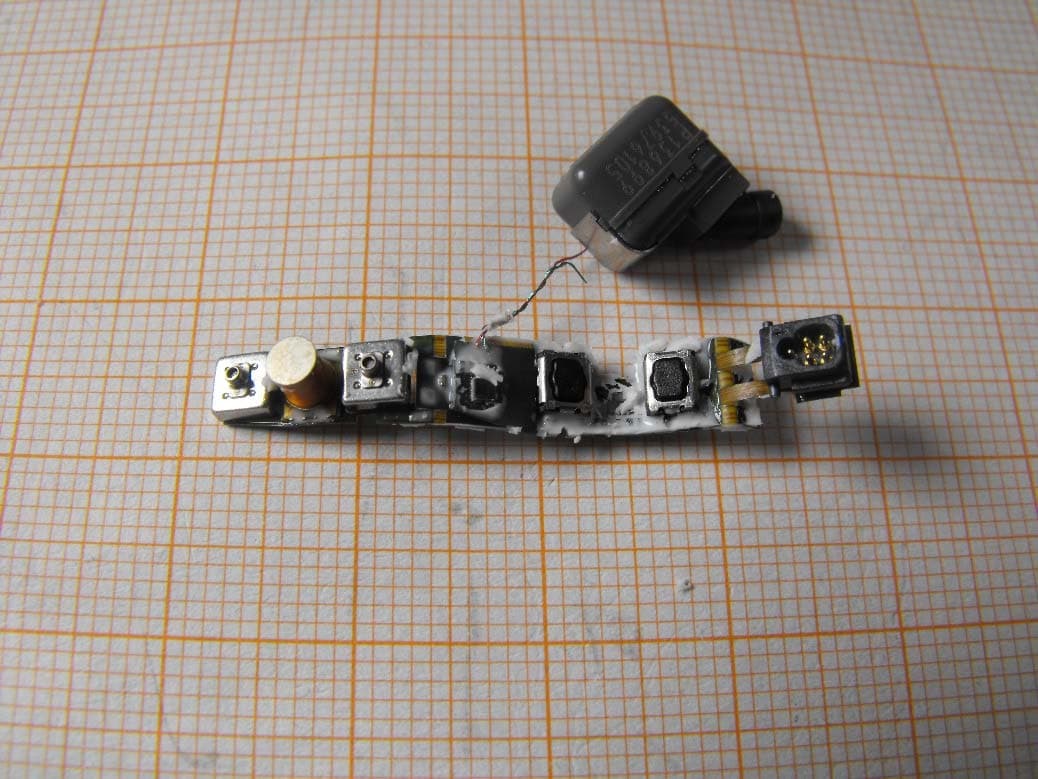
U28FU2BTEPP
Jun 29, 2015hearing instrument with short range low power wireless radio
Equipment Class
DXX - Part 15 Low Power Communication Device Transmitter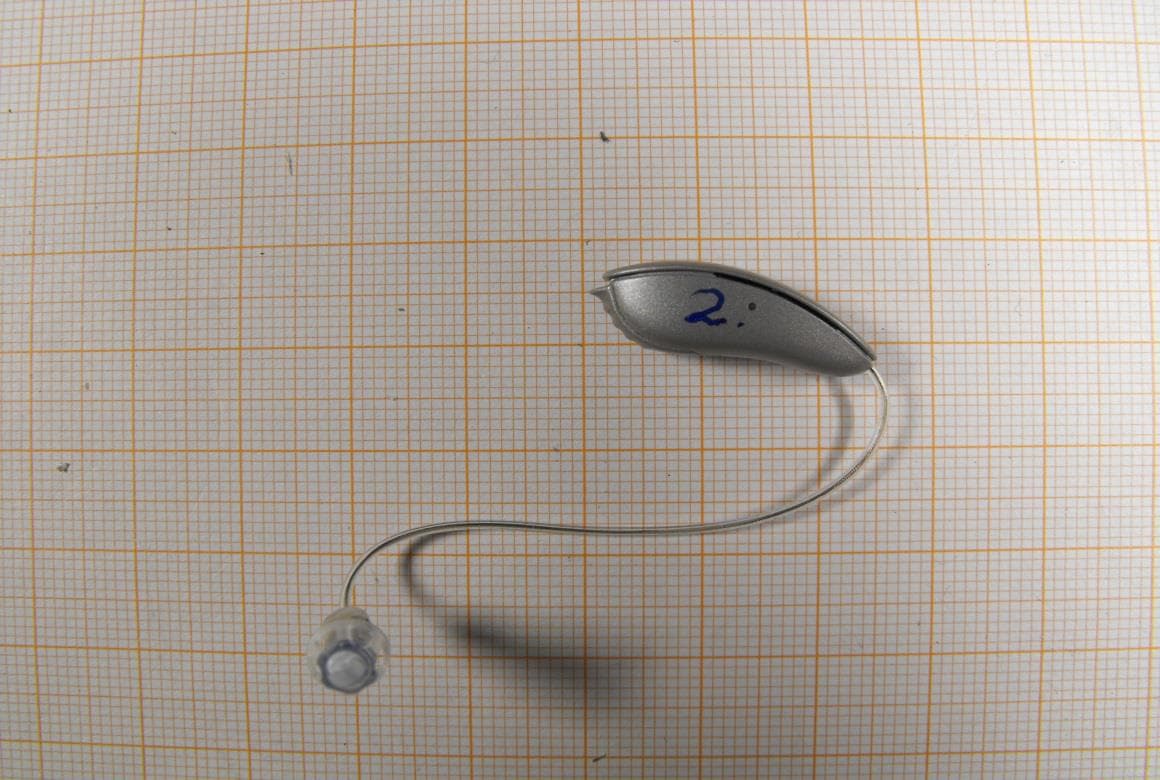
U28FU2DRIT
Aug 10, 2014Hearing Aid Module
Equipment Class
DXX - Part 15 Low Power Communication Device Transmitter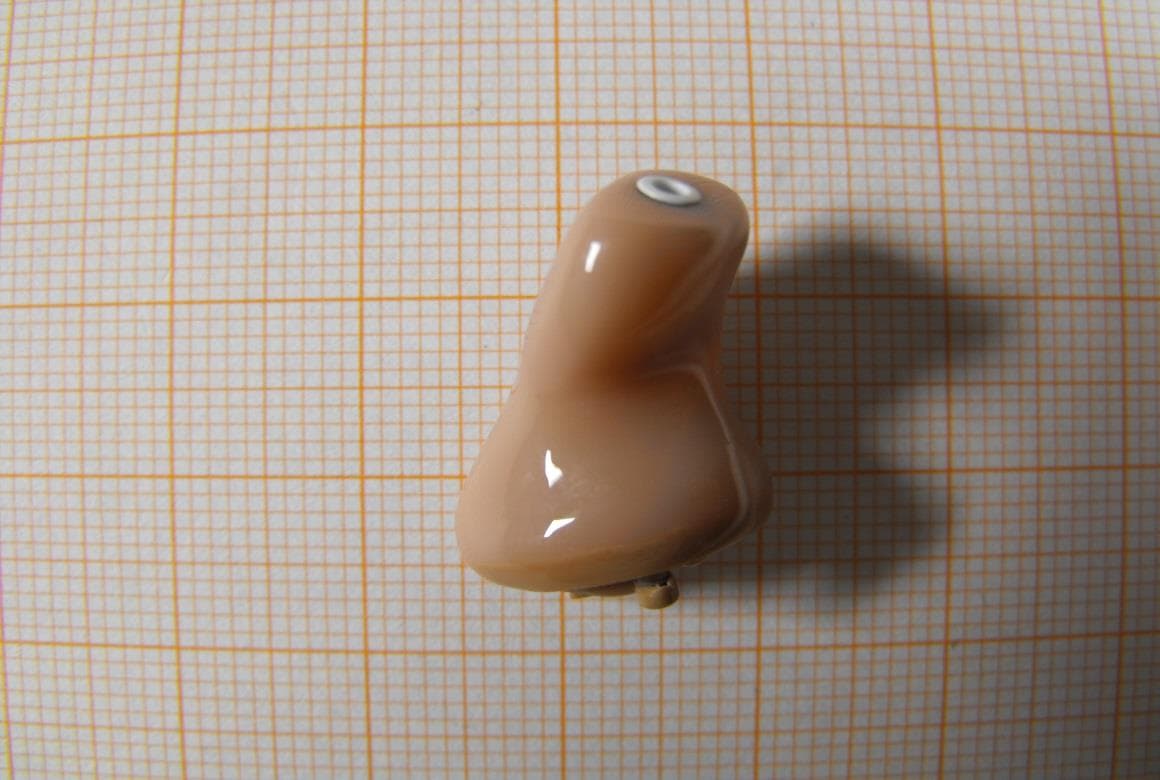
U28FU2CICWL
Jun 22, 2014Hearing Aid
Equipment Class
DXX - Part 15 Low Power Communication Device Transmitter
U28WLPS10
Apr 09, 2014WLP Special
Equipment Class
DXX - Part 15 Low Power Communication Device Transmitter
U28TVBOX03
Aug 19, 2013TV Adapter 2.0
Equipment Class
DSS - Part 15 Spread Spectrum Transmitter