U28STREAM02Link device to wireless hearing aids
Oticon A/S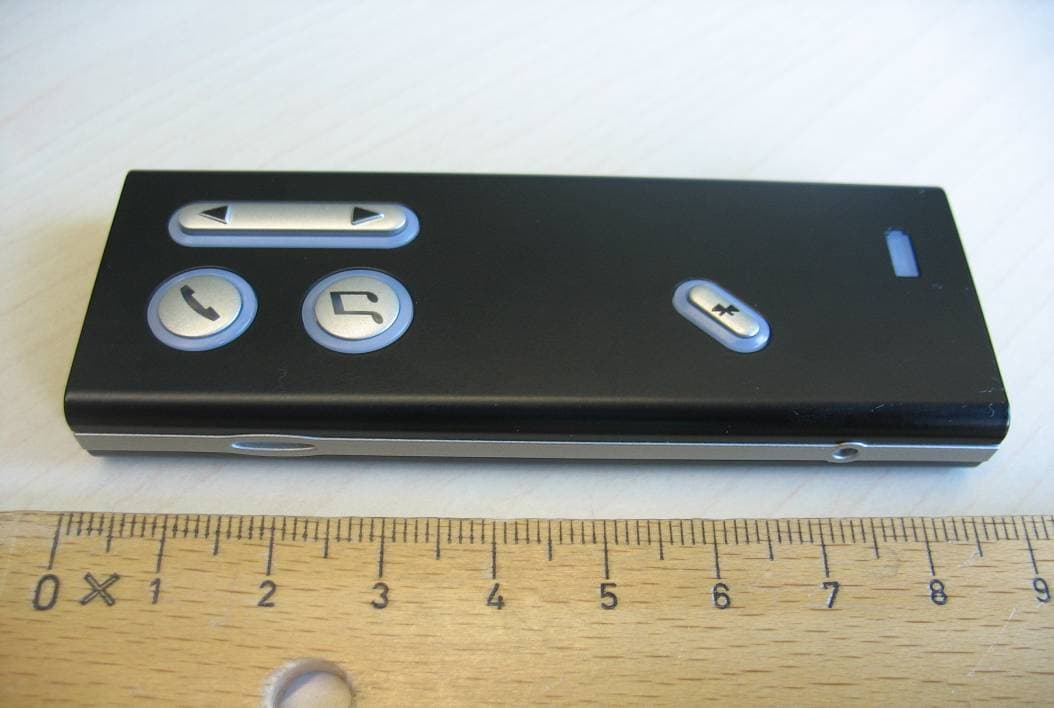
Click to zoom
Application Details
- Equipment Class
- DXX - Part 15 Low Power Communication Device Transmitter
- Date of Grant
- Jan 31, 2011
- Application Purpose
- Original Equipment
- Date of Application
- Jan 31, 2011
- Equipment Note
- Link device to wireless hearing aids
- Frequency Range
- 3.80000000 - 3.80000000
- Company
- Oticon A/S
- Country
- Denmark
Documents & Files
Document Text
Text extracted from the exhibit documents filed with the FCC. Open a document above to read the original.
Users Manual
INSTRUCTIONS FOR USESTREAMER 1.4 3 Introduction We would like to congratulate you on selecting the oticon Streamer. The Oticon Streamer is the key to connecting your hearing instruments to the expanding world of electronic media. The Streamer allows Audio Sound from modern communication devices such as cell phones to be streamed directly into your hearing instruments. The Streamer uses Bluetooth to connect to electronic media and will support connectivity with most Bluetooth-enabled sound sources in the market. To get a quick understanding of the basic functions and operations, We ask you to study the “Getting Started” guide included in the package. We furthermore advise you to care- fully read these instructions and familiarize yourself with the entire contents before using Streamer. This will help you to achieve the optimal benefits of the product for the longest time possible. 3 Table of Contents 1. Package contents 6 2. Product overview 8 3. Basic use and wearing 10 3.1 What is a Streamer? 10 3.2 How to wear it 11 3.3 Protective skin 13 3.4 How to achieve the best experience 14 4. Streamer wireless ranges 16 4.1 EarStream range 16 4.2 Connect range 17 5. Battery life and maintenance 18 5.1 Charging Streamer 19 45 6. Functional description 22 6.1 Key lock 22 6.2 General operation 24 6.3 Using a cell phone 26 6.3.1 Preparing Streamer and cell phone 27 6.3.2 Incoming call 28 6.3.3 Making a phone call 29 6.3.4 Phone button 30 6.3.5 Microphone 31 6.3.6 Call waiting 32 6.3.7 Cell phone sounds 33 6.4 Listening to audio sources 35 6.4.1 Connecting to wired audio input 36 6.4.2 Connecting to wireless audio source 37 6.4.3 Audio button 39 6.5 Up-Down button 41 6.5.1 Volume control 41 6.5.2 Programme shift 43 6.6 Connect button 44 6.7 Connecting to Bluetooth device 47 45 6.8 Out of Connect range handling 47 6.9 Pairing to a Bluetooth device 48 6.9.1 Clearing stored pairings 50 7. Visual indicators 51 8. Audible indicators 54 9. Resetting Streamer 56 10. Cleaning and maintenance 57 11. Trouble shooting 58 12. International Warranty 66 13. Product approval, precautions and markings 69 Warnings Yellow Pages 67 1. Package contents USB charger cord Dedicated power supply (charger) Audio cable, 1 m (40 inches) Streamer Protective skin (cover) Neck strap x 2 (1 short + 1 long) 67 Optional Getting Started guidePocket clip Charger cradle This manual 89 2. Product overview Buttons and connectors A. Phone button – Short press: Accept incoming calls Hook off for outgoing calls Disconnect calls Activate Voice Dial* – Long press: Reject call* Last number re-dial* B. Audio button – Short press: Start/Stop TV, music * Only with Bluetooth cell phones B D AC E C. Up-Down button – Short press: Volume control – Long press: Program change D. Connect button – Short press: Connect on – Long press: Connect off – Very long press: Start pairing mode E. Battery status indicator 89 Jack connector for audio input Mini USB connector for charging the battery Key lockMicrophone Operate Locked 1011 3. Basic use and wearing 3.1 What is a Streamer? Streamer is a body-worn device that can connect your hearing instruments wirelessly to many different sound and communication media, thus enabling your instruments to func- tion as wireless headphones. If you have two hearing instruments, the sound will be streamed to both ears. Through Streamer, your hearing instruments can connect to a number of ConnectLine devices and other audio sources which allows you to • use the home phone hands-free • use a cell phone hands-free • listen to TV sound • listen to music and audio from portable music players, etc. Streamer also works as a remote control for the hearing instruments. 1011 3.2 How to wear it To make sure that you receive the best signal through Streamer, it must be kept inside the Body Area Network. This is the area sur- rounding the hearing instruments within a range of approx. 0.5 me- tres. The wireless function enabling Streamer and hearing instru- ments to communicate, called EarStream, operates at extremely low power levels. When using Streamer the best result is always achieved by using the neck strap. Fig: Body Area Network definition ON OFF 1213 IMPORTANT NOTICE Please use the neck strap carefully. Due to security reasons (to avoid strangulation) the neck strap will automatically break if it gets caught in something. Do not shorten or modify the neck strap in any way, i.e. such as tie a knot to shorten the length. If a neck strap breaks, it cannot be repaired and must be replaced. Consult your Hearing Care Professional for a replacement. 3.3 Protective skin The included skin is a silicone cover, which can be used to protect Streamer against scratches and moisture and in general prolonging its fresh appearance. 1234 1213 3.4 How to achieve the best experience 1. The best listening quality is achieved by using the neck strap, i.e. hands-free around the neck. The neck strap enhances the sound quality because it has an additional antenna built-in. 2. Streamer can be kept in a pocket when not streaming audio, however still ready to receive a phone call. 3. Streamer can be handheld during a phone conversation by holding it close to the mouth. This ensures good quality of your speech brought to the remote party. 4. When using Streamer outside in strong wind, the sensitive microphone should be pro- tected against wind noise, i.e. avoid the wind going directly into the microphone. 5. Like a normal phone, Streamer microphone is sensitive to mechanical noise (handling, knocking and scratching). Make sure that Streamer is positioned and held still during a phone conversation. 1415 6. The microphone must be oriented directly towards your mouth while speaking within a distance from 10 to 30 cm (4 – 12 inches). This is ensured when using the neck strap. 7. Depending on the placement of Streamer, minor dropouts of sound can occur. If you have two hearing instruments, sound should remain in one ear even though a dropout is happening. (To pre…
Text truncated - open the document above for the full version.
Cover Letter(s)
PEOPLE FIRST CONFIDENTIALITY REQUEST for Certification Service in USA Federal Communication Commission Equipment Authorization Division, Application Processing Branch 7435 Oakland Mills Road Columbia, MD 21048 January 26, 2011. TO WHOM IT MAY CONCERN Pursuant to Paragraphs §0.457 and 0.459 of the Commission’s Rules (47 C.F.R.) and Section §552(b)(4) of the Freedom of Information Act, we request confidentiality for the following products: FCC ID Model name U28STREAM02 Streamer 1.4 For the product stated above, we request that the following information be held confidential: 1. Circuit diagrams, BOM, and PCBs submitted as Equipment Authorization Electronic Filing attachment: "schematics”. 2. Block diagram submitted as Equipment Authorization Electronic Filing attachment: “blockdiagram”. 3. Operational description submitted as Equipment Authorization Electronic Filing attachment: “operational description” The above exhibits contain our trade secrets and proprietary information that could be of benefit to our competitors. If you have any questions, please feel free to contact me at the address shown below. Sincerely, Lars Bresler, QM-manager Oticon A/S Kongebakken 9 2765 Smorum DK-Denmark Phone: +45 3913 7100
Cover Letter(s)
PEOPLE FIRST SHORT-TERM CONFIDENTIALITY REQUEST Federal Communication Commission Equipment Authorization Division, Application Processing Branch 7435 Oakland Mills Road Columbia, MD 21048 January 26, 2011. TO WHOM IT MAY CONCERN Pursuant to the recent upgrade to the Office of Engineering and Technology’s (OET) Equipment Authorization System on 6/15/04 (ref. DA 04 –1705), Oticon A/S requests temporarily confidentiality for the following product: FCC ID Number Product Title/Model U28STREAM02 Streamer 1.4 For the product stated above, we request that the following information be held confidential: 1. External and Internal Photographs 2. Test Setup Photos 3. User Manual We request this confidentiality on the basis of ensuring that business sensitive information remains confidential for 90 days. If you have any questions, please feel free to contact me at the address shown below. Sincerely, Lars Bresler, QM-manager Oticon A/S Kongebakken 9 2765 Smorum DK-Denmark Phone: +45 3913 7100
External Photos
Test report no.: 1-2555-01-02/10 2010-12-21 Page 61 of 69 An ne x B Ex t e r na l p ho t o g ra p hs o f t he EUT Photo 1: Photo 2: Test report no.: 1-2555-01-02/10 2010-12-21 Page 62 of 69 Photo 3: Photo 4:
ID Label/Location Info
PEOPLE FIRST Oticon A/S Kongebakken 9 DK ‐ 2765 Smørum www.oticon.com Main +45 39 17 71 00 Fax +45 39 27 79 00 Denmark CVR ‐ no. 42334219 1 Oticon Radio Model - Label Info - Extract from User Manual Radio Model Name: Streamer 1.4 FCC ID: U28STREAM02 IC: 1350B-STREAM02 NOTICE: This device complies with Part 15 of the F CC Rules and with RSS- 210 of Industry Canada. Operation is subject to th e following two conditions: (1) This device may not cau se harmful interference, and (2) This device must accept any interference received, including interference that may cause undesired operation. PEOPLE FIRST Oticon A/S Kongebakken 9 DK ‐ 2765 Smørum www.oticon.com Main +45 39 17 71 00 Fax +45 39 27 79 00 Denmark CVR ‐ no. 42334219 2 Oticon Radio Model - Label Location Info Radio Model Name: Streamer 1.4 Since the Streamer 1.4 is a device big enough to make space for a readable product label (CFR47- FCC §15.19), such a label is pl aced on the plastic cover on the back side of the device. The product label has a size of 15 x 24 mm and its graphic layout can be seen below (scal ed up 4x) :
Internal Photos
Test report no.: 1-2555-01-02/10 2010-12-21 Page 64 of 69 An ne x C Int e r na l p ho t o g ra p hs o f t he EUT Photo 1: Photo 2: Test report no.: 1-2555-01-02/10 2010-12-21 Page 65 of 69 Photo 3: (coil antenna) Photo 4: Test report no.: 1-2555-01-02/10 2010-12-21 Page 66 of 69 Photo 5: Photo 6: Test report no.: 1-2555-01-02/10 2010-12-21 Page 67 of 69 Photo 7: Photo 8: Test report no.: 1-2555-01-02/10 2010-12-21 Page 68 of 69 Photo 9: Photo 10:
Test Report
2011-01-31 Page 1 of 27 TEST REPORT Test report no.: 1-2555-01-03/10-A Testing laboratory Applicant CETECOM ICT Services GmbH Untertuerkheimer Straße 6 – 10 66117 Saarbruecken / Germany Phone: + 49 681 5 98 - 0 Fax: + 49 681 5 98 - 9075 Internet: http://www.cetecom.com e-mail: [email protected] Accredited test laboratory: The test laboratory (area of testing) is accredited according to DIN EN ISO/IEC 17025 DAR registration number: DGA-PL-176/94-D1 Area of Testing: Radio/Satellite Communications Oticon A/S Kongebakken 9 2765 Smørum / Denmark Phone: +45 39 17 71 00 Contact: Jørgen Peter Hanuscheck e-mail: [email protected] Phone: +45 39 13 85 38 Manufacturer Oticon A/S Kongebakken 9 2765 Smørum / Denmark Test standard/s 47 CFR Part 15 Title 47 of the Code of Federal Regulations; Chapter I-Federal Communications Commission subchapter A - general, Part 15-Radio frequency devices RSS-210, Issue 8 Low-power Licence-exempt Radiocommunication Devices (All Frequency Bands): Category I Equipment For further applied test standards please refer to section 3 of this test report. Test item Kind of test item: Nearlink 3,8 MHz Model name: Streamer 1.4 FCC ID: U28STREAM02 IC: 1350B-STREAM02 Frequency [MHz]: 3.8MHz Power supply: 3.7 V DC by Battery / switching power adapter Temperature range: +10 °C to +45 °C This test report is electronically signed and valid without handwriting signature. For verification of the electronical signatures, the public keys can be requested at the testing laboratory. Test performed: Test report authorised: Andreas Keller Stefan Bös Test report no.: 1-2555-01-03/10-A 2011-01-31 Page 2 of 27 1 Table of contents 1 Table of contents............................................................................................................................................2 2 General information .......................................................................................................................................3 2.1 Notes.....................................................................................................................................................3 2.2 Application details...............................................................................................................................3 3 Test standard/s ...............................................................................................................................................3 4 Test environment............................................................................................................................................3 5 Test item ..........................................................................................................................................................4 6 Test laboratories sub-contracted .................................................................................................................4 7 Summary of measurement results ...............................................................................................................5 8 RF measurement testing................................................................................................................................6 8.1 Description of test setup ....................................................................................................................6 8.1.1 Radiated measurements.............................................................................................................6 8.1.2 Conducted measurements..........................................................................................................7 8.2 Additional comments ..........................................................................................................................7 8.3 RSP100 test report cover sheet / performance test data ................................................................8 9 Measurement results......................................................................................................................................9 9.1 Timing of the transmitter ....................................................................................................................9 9.2 Bandwidth of the modulated carrier ................................................................................................10 9.3 Field strength of the fundamental ...................................................................................................12 9.4 Field strength of the harmonics and spurious ...............................................................................14 9.5 Receiver spurious emissions...........................................................................................................18 9.6 Conducted limits ...............................................................................................................................22 10 Test equipment and ancillaries used for tests ...................................................................................25 Annex A Document history ..........................................................................................................................27 Annex B Further information........................................................................................................................27 Test report no.: 1-2555-01-03/10-A 2011-01-31 Page 3 of 27 2 General information 2.1 Notes The test results of this test report relate exclusively to the test item specified in this test report. CETECOM ICT Services GmbH does not assume responsibility for any conclusions and generalisations drawn from the test results with regard to other specimens or samples of the type of the equipment represented by the test item. The test report may only be reproduced or published in full. Reproduction or publication of extracts from the report requires the prior written approval of CETECOM ICT Services GmbH. This test report is electronically signed a…
Text truncated - open the document above for the full version.
Test Setup Photos
Test report no.: 1-2555-01-02/10 2010-12-21 Page 59 of 69 An ne x A Pho t o g ra p hs o f t he t e s t s e t up Photo 1: Photo 2: Test report no.: 1-2555-01-02/10 2010-12-21 Page 60 of 69 Photo 3:
Contact Information
Applicant
Per Klaus Nielsen(Certification Manager)
Test Firm
cetecom advanced GmbHGerald Schmidt
Technical Specifications
| # | Rule Parts | Frequency Range | Power Output |
|---|---|---|---|
| 1 | 15C | 3.8 MHz - 3.8 MHz | - |
Other Applications from Oticon A/S
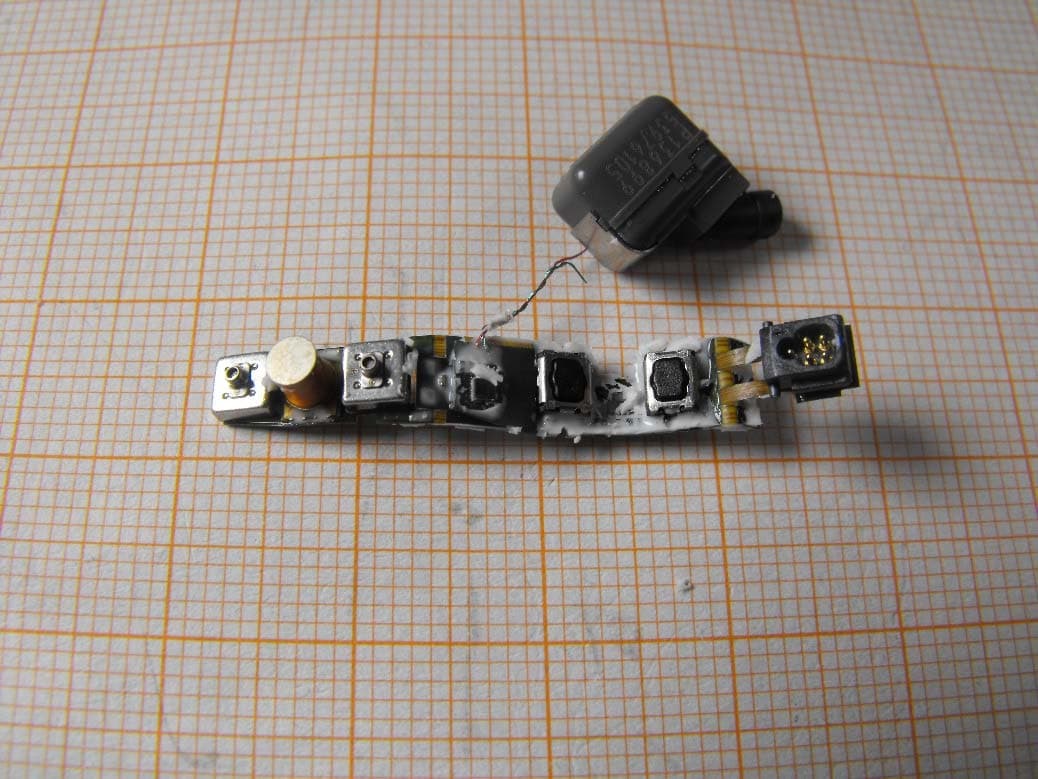
U28FU2BTEPP
Jun 29, 2015hearing instrument with short range low power wireless radio
Equipment Class
DXX - Part 15 Low Power Communication Device Transmitter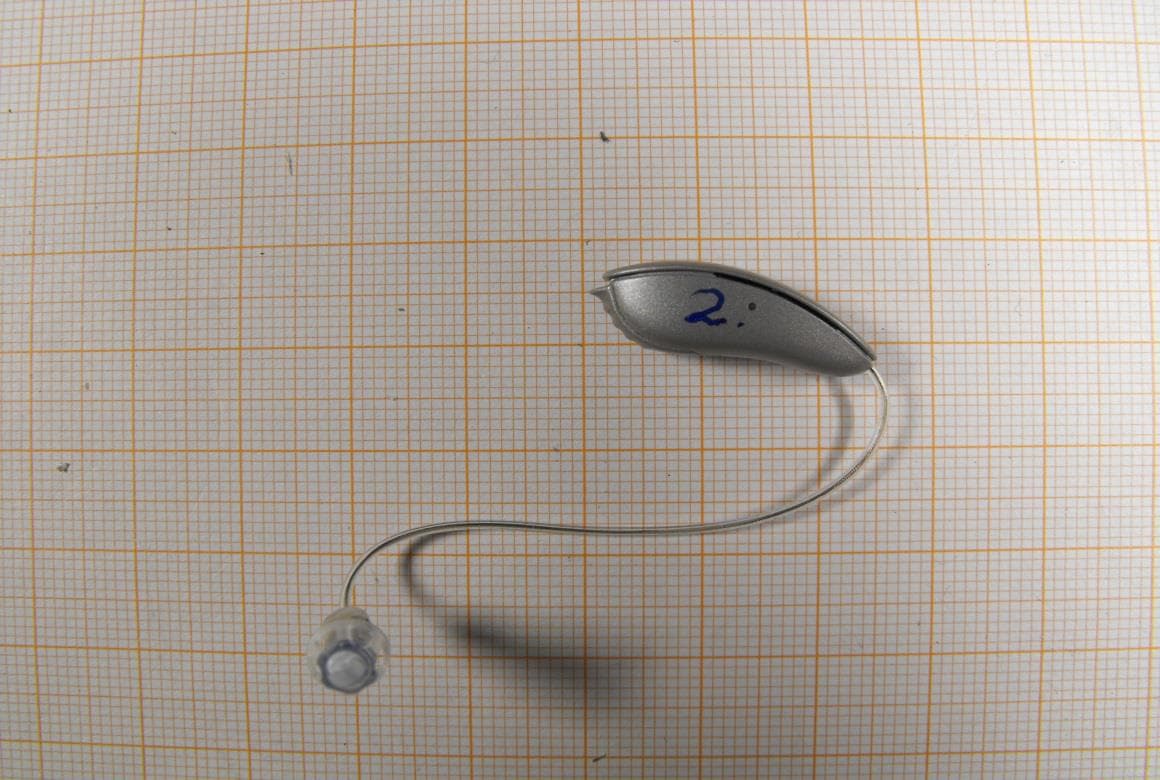
U28FU2DRIT
Aug 10, 2014Hearing Aid Module
Equipment Class
DXX - Part 15 Low Power Communication Device Transmitter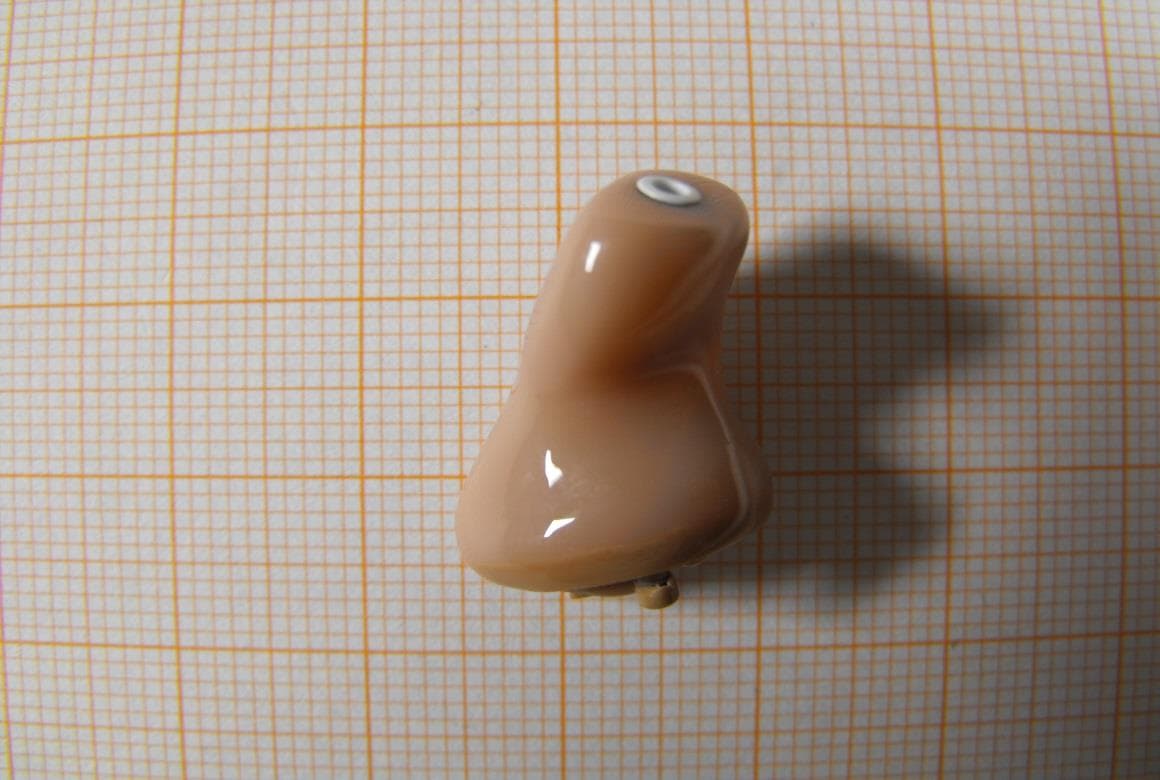
U28FU2CICWL
Jun 22, 2014Hearing Aid
Equipment Class
DXX - Part 15 Low Power Communication Device Transmitter
U28WLPS10
Apr 09, 2014WLP Special
Equipment Class
DXX - Part 15 Low Power Communication Device Transmitter
U28TVBOX03
Aug 19, 2013TV Adapter 2.0
Equipment Class
DSS - Part 15 Spread Spectrum Transmitter