UQS-CZ-190TBluetooth Headset
J-TEK Incorporation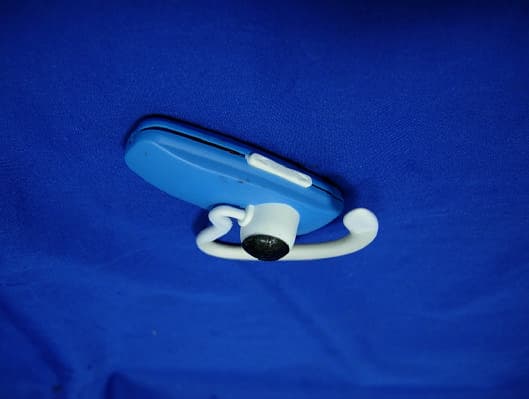
Click to zoom
Application Details
- Equipment Class
- DSS - Part 15 Spread Spectrum Transmitter
- Date of Grant
- Dec 31, 2006
- Application Purpose
- Original Equipment
- Date of Application
- Dec 30, 2006
- Equipment Note
- Bluetooth Headset
- Frequency Range
- 2402.00000000 - 2480.00000000
- Company
- J-TEK Incorporation
- Country
- Taiwan
Documents & Files
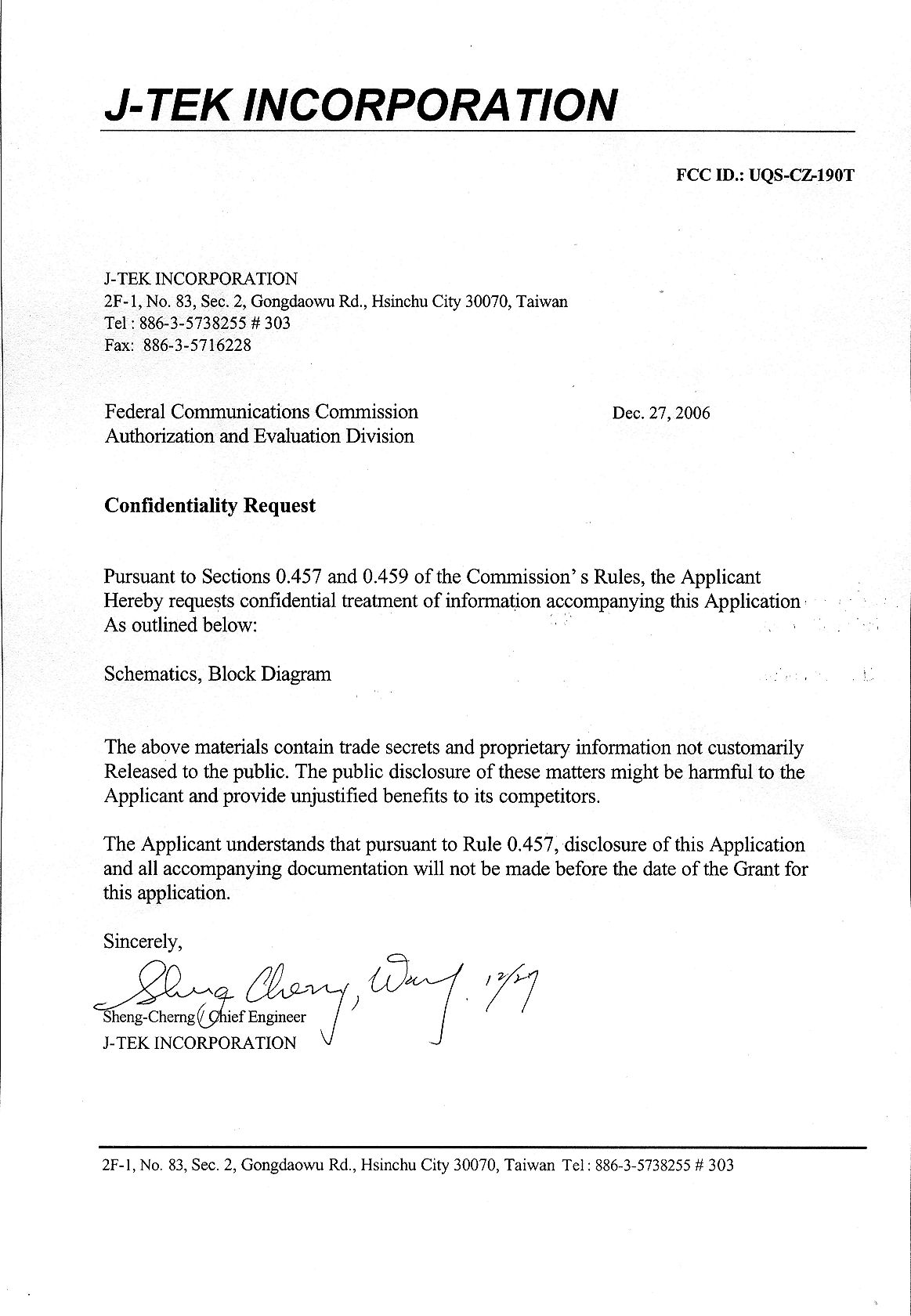
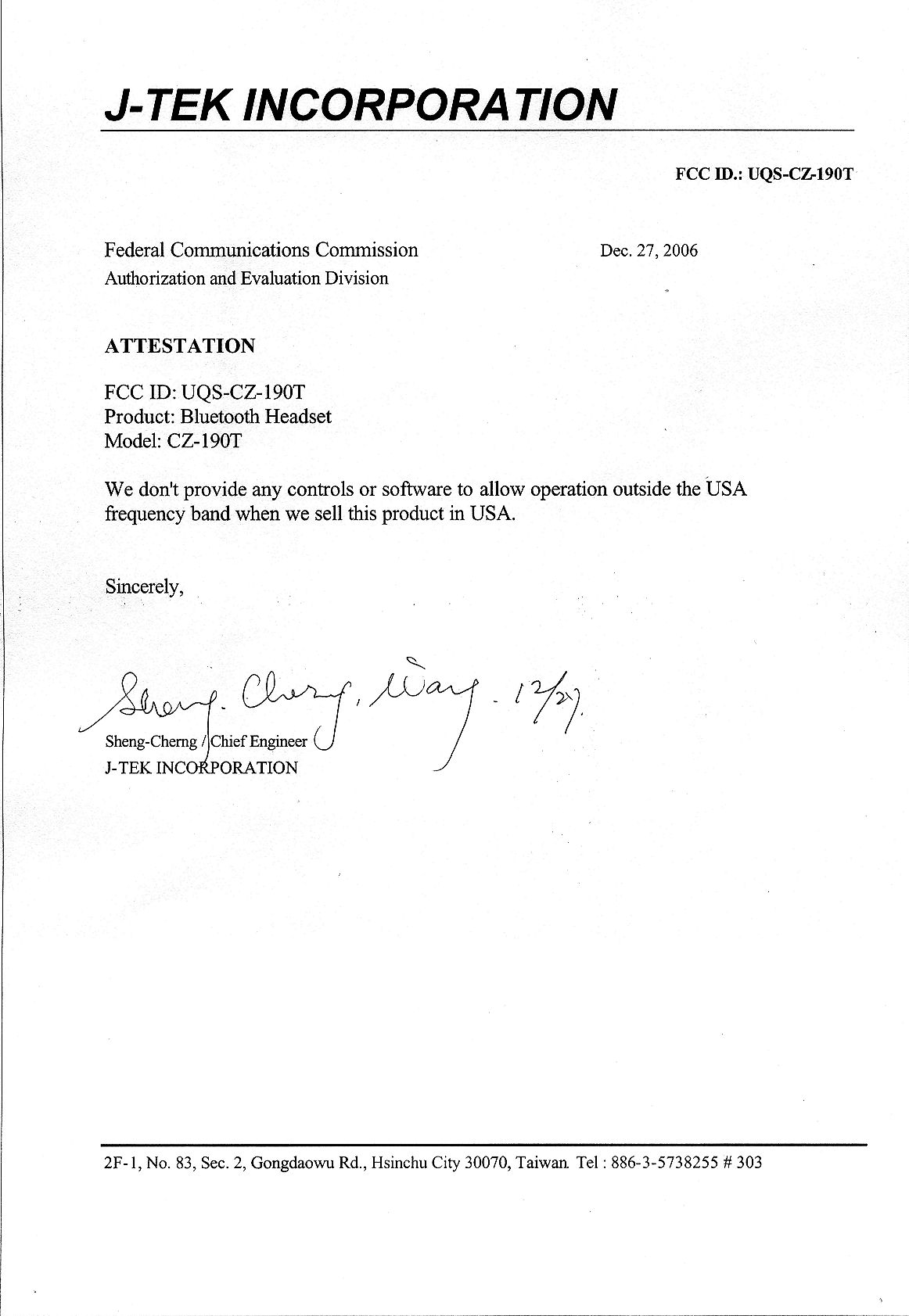
Document Text
Text extracted from the exhibit documents filed with the FCC. Open a document above to read the original.
Users Manual
CZ-190T / JTI CZ-190T 藍 芽 耳 機 Bluetooth headset 使用手冊 User’s Manual 17 Welcome Thank you for purchasing the Bluetooth headset CZ-190T, we hope the headset will bring you a whole new delightful feeling of wireless technology. 18 Contents BEFORE YOU BEGIN .................................................. .......................19 (1)CHARGE YOUR HEADSET ′ S BATTERY.........................................20 (2)START BLUETOOTH FEATURE ON YOUR HANDSET...................21 (3)PAIR YOUR HEADSET.................. ...................... .................22 (3)PAIR YOUR HEADSET (CONTINU ED)..................... ..................23 (4)TEST AND USE......... ............................................. ....................24 USING YOUR CZ-190T ........................................... .........................25 TURNING ON AND OFF ............................................. .....................25 WEARING THE HEADSET...............................................................26 MAKING CALLS............................. ........................... ....................27 MAKING CALLS (CONTINU ED)........................................................28 INDICATOR LIGHTS...................... .............................. ..................29 AUDIO TONES.............................. ........................... ....................31 TROUBLE SHOOTING.... ............................................. ...................33 19 Volume Down Volume UP Call Button Microphone LED Display Loud Speake r Ear Hook Charger Jack BEFORE YOU BEGIN Take a moment to familiarize your self with your CZ-190T Headset. 20 (1) CHARGE YOUR HEADSET’S BATTERY Charge your headset ’ s battery for about 2 hours: 1 Plug the charger into the charger jack on top of the headset. The red indicator light turns on when the batt ery is charging. It may take up to 1 minute for the light to turn on. When the headset’s battery is fully charged (about 2 hours), the red indicator turns off. 2 Unplug the charger from the headset. Note: Headset is not functional while charging. 21 (2) START BLUETOOTH FEATURE ON YOUR HANDSET Your phone’s Bluetooth feature is off by default. To use your headset, turn on the Bluetooth feature in your phone. For most phones: 1 Select Menu ﹥ Additional Function ﹥ Bluetooth . 2 Select SWITCH ON . Bluetooth feature remains on until you turn it off. Note: These steps are for most phones. For your phone, see your phone’s user’s guide. 22 (3) PAIR YOUR HEADSET STEP ONE - PUT HEADSET IN PAIRING NODE Before your can use your headset, yo u must pair (link) it with your phone. 1 With the headset power off, press and hold the Call button for 3 to 5 seconds until the blue indicator ligh t turns on and flash. (The light will flash when you first press the Call button.) 2 If the indicator light is remain st eadily lit, turn off the headset and repeat the step 1. Note : To turn off headset, see “Turning On and Off” page. Call Button LED Indicator 23 (3) PAIR YOUR HEADSET (CONTINUED) STEP TWO - SET THE PHONE TO LOOK FOR YOUR HEADSET For most phones: 1 On your phone, select Menu ﹥ Additional Function ﹥ Bluetooth ﹥ Look for Devices . The phone lists all Blueto oth devices it finds. 2 Select CZ-190T . 3 Select OK or Yes to pair (link) the device. 4 Enter the passkey: 0000 5 Select OK . When your headset is successfully paired with your phone, the blue and red indicators will flash simultaneously. Note : These steps are for most phones. For your phone, see your phone’s user’s guide. 24 (4)TEST AND USE Your phone and headset are now paired and ready to make and receive calls. To confirm they are operating properly, make a call: 1 Place the headset over your ear. See “Wearing the Headset” 2 On your phone, dial the number you want to call and Press the Send Key. 3 If your phone and headset are successfully paired, you hear ringing on the headset. After you have successfully paired your phone and headset, you do not need to repeat these initial setup steps each time you use the headset. 25 USING YOUR CZ-190T Features and Functions Guide TURNING ON AND OFF To turn your headset on , press and hold the Call button for 3 to 5 seconds until the blue indicator light flashes. Then, release the button. To turn your headset off , press and hold the Call button for 3 to 5 seconds and then turns off. To conserve battery power, turn off your headset when you don ’t plan to use it for a while. Call Button 26 WEARING THE HEADSET 1 Open the earhook. 2 Loop the earhook over your ear. Adjust the hook to suit your ear for comfortable. 3 Press the headset to your ear. 27 MAKING CALLS Function Action Make a voice dial call Tap the Call button and Speak the name after the tone Reject a call Press and hold the two buttons of volume until you hear a beep, thenrelease them. End a call Tap the Call button. Receive a call Tap the Call button. Note: Your CZ-190T supports both Hand sfree and Headset Profiles. Accessing call functions depends upon which profile your phone supports. See your phone’s user’s guide for more information. 28 MAKING CALLS ( CONTINUED) Function Action Redial last call Press and hold the two button of volume and then release them atthe same time. Transfer a call from the phone to the headset Press and hold the two button ofvolume and then release them atthe same time. Transfer a call from the headset to the phone Press and hold the two button ofvolume and then release them atthe same time. 29 INDICATOR LIGHTS The indicator light provides information about your headset status. With the Charger Plugged In Headset Indicator Headset Status Red Led On (light steady) charging in progress Red Led Off charging complete With No Charger Plugged In Headset Indicator Headset Status Off Power off Red, blue light flash alternately Pairing mode (pairing first time) 30 Headset Indicator Headset Status Blue light flash Pairing successful/power on and paired Red, blue light flash simultaneously Connected (on a call) Blue light Slow pulse Standby (not on…
Text truncated - open the document above for the full version.
External Photos
Report No.: 06BL147-RFUSP06V01 Page : 1 of 5 Version:1.0 Attachment 2 : EUT Detailed Photographs (1) EUT Photo (2) EUT Photo
ID Label/Location Info
J-TEK INCORPORATION FCC ID.: UQS-CZ-190T 2F-1, No. 83, Sec. 2, Gongdaowu Rd., Hsinchu City 30070, Taiwan. Tel : 886-3-5738255 # 303 FCC ID Label The FCC ID will be placed on the equipment as shown in the photograph below.
Internal Photos
Report No.: 06BL147-RFUSP06V01 Page : 2 of 5 Version:1.0 (3) EUT Photo (4) EUT Photo Report No.: 06BL147-RFUSP06V01 Page : 3 of 5 Version:1.0 (5) EUT Photo (6) EUT Photo Report No.: 06BL147-RFUSP06V01 Page : 4 of 5 Version:1.0 (7) EUT Photo (8) EUT Photo Report No.: 06BL147-RFUSP06V01 Page : 5 of 5 Version:1.0 (9) EUT Photo (10) EUT Photo
Operational Description
Report No. 06BL147-RFUSP06V01 Page: 8 of 51 Version:1.0 1.2. Operational Description The EUT is a Bluetooth Headset with a built-in 2.4GHz transceiver. The signals are modulated by frequency hopping spread spectrum. The number of channels is 79 in 2402-2480MHz. The EUT provides wireless technology that revolutionizes personal connectivity. It is the solution for the seamless integration of Bluetooth technology into personal computer enabling short-range wireless connections between desktop/laptop computers, Bluetooth-enabled peripherals, and portable handheld devices.
RF Exposure Info
Report No. 06BL147-RFUSP06V01 Page: 1 of 3 Version: 1.0 RF Exposure Evaluation Declaration Product Name : Bluetooth Headset Model No. : CZ-190T FCC ID : UQS-CZ-190T Applicant : J-TEK INCORPORATION Address : 2F-1, No. 83, Sec. 2, Gongdaowu Rd., Hsinchu City 30070, Taiwan Date of Receipt : Nov. 21, 2006 Date of Declaration : Dec. 19, 2006 Report No. : 06BL147-RFUSP06V01 The declaration results relate only to the samples calculated. The declaration shall not be reproduced except in full without the written approval of QuieTek Corporation. This report must not be used to claim product endorsement by NVLAP any agency of the U.S. Government Report No. 06BL147-RFUSP06V01 Page: 2 of 3 Version: 1.0 1. RF Exposure Evaluation 1.1. Limits According to FCC 1.1310: The criteria listed in the following table shall be used to evaluate the environment impact of human exposure to radio frequency (RF) radiation as specified in 1.1307(b) LIMITS FOR MAXIMUM PERMISSIBLE EXPOSURE (MPE) Frequency Range (MHz) Electric Field Strength (V/m) Magnetic Field Strength (A/m) Power Density (mW/cm 2 ) Average Time (Minutes) (A) Limits for Occupational/ Control Exposures 300-1500 -- -- F/300 6 1500-100,000 -- -- 5 6 (B) Limits for General Population/ Uncontrolled Exposures 300-1500 -- -- F/1500 6 1500-100,000 -- -- 1 30 F= Frequency in MHz Friis Formula Friis transmission formula: Pd = (Pout*G)/(4*pi*r 2 ) Where Pd = power density in mW/cm 2 Pout = output power to antenna in mW G = gain of antenna in linear scale Pi = 3.1416 R = distance between observation point and center of the radiator in cm Pd id the limit of MPE, 1 mW/cm 2 . If we know the maximum gain of the antenna and the total power input to the antenna, through the calculation, we will know the distance r where the MPE limit is reached. 1.2. Test Procedure Software provided by client enabled the EUT to transmit and receive data at lowest, middle and highest channel individually. The temperature and related humidity: 18and 78 RH. Report No. 06BL147-RFUSP06V01 Page: 3 of 3 Version: 1.0 1.3. Test Result of RF Exposure Evaluation The maximum RF power of the EUT is 0.865 mW (-0.63dBm). It is below the limit 60mW/f(GHz) = 24mW at 2.45GHz and therefore no SAR evaluation is needed.
Test Report
Report No. 06BL147-RFUSP06V01 Page: 1 of 51 Version:1.0 Test Report Product Name Bluetooth Headset Model No. CZ-190T FCC ID. UQS-CZ-190T Applicant J-TEK INCORPORATION Address 2F-1, No. 83, Sec. 2, Gongdaowu Rd., Hsinchu City 30070, Taiwan Date of Receipt Nov. 21, 2006 Issued Date Dec. 19, 2006 Report No. 06BL147-RFUSP06V01 The Test Results relate only to the samples tested. The test report shall not be reproduced except in full without the written approval of QuieTek Corporation. This report must not be used to claim product endorsement by NVLAP any agency of the U.S. Government Report No. 06BL147-RFUSP06V01 Page: 2 of 51 Version:1.0 Test Report Certification Issued Date: Dec. 19, 2006 Report No.: 06BL147-RFUSP06V01 Product Name Bluetooth Headset Applicant J-TEK INCORPORATION Address 2F-1, No. 83, Sec. 2, Gongdaowu Rd., Hsinchu City 30070, Taiwan Model No. CZ-190T FCC ID. UQS-CZ-190T Rated Voltage AC 120V/60Hz Working Voltage AC 120V, 60Hz Trade Name JTI Applicable Standard FCC CFR Title 47 Part 15 Subpart C: 2005 ANSI C63.4: 2003 CISPR 22: 2005 Test Result Complied The Test Results relate only to the samples tested. The test report shall not be reproduced except in full without the written approval of QuieTek Corporation. This report must not be used to claim product endorsement by NVLAP any agency of the U.S. Government Documented By : ( Michelle Lin ) Tested By : ( Tom Hsieh ) Approved By : ( George Chen ) 0914 Report No. 06BL147-RFUSP06V01 Page: 3 of 51 Version:1.0 TABLE OF CONTENTS Description Page 1. GENERAL INFORMATION......................................................................................................5 1.1. EUT Description...........................................................................................................................5 1.2. Operational Description................................................................................................................8 1.3. Test System Details.......................................................................................................................9 1.4. Configuration of Test System........................................................................................................9 1.5. EUT Exercise Software................................................................................................................10 1.6. Test Facility................................................................................................................................11 2. CONDUCTED EMISSION.......................................................................................................12 2.1. Test Equipment............................................................................................................................12 2.2. Test Setup...................................................................................................................................12 2.3. Limits.........................................................................................................................................13 2.4. Test Procedure.............................................................................................................................13 2.5. Uncertainty.................................................................................................................................13 2.6. Test Result of Conducted Emission...............................................................................................14 3. PEAK POWER OUTPUT........................................................................................................16 3.1. Test Equipment............................................................................................................................16 3.2. Test Setup...................................................................................................................................16 3.3. Limit...........................................................................................................................................16 3.4. Uncertainty.................................................................................................................................16 3.5. Test Result of Peak Power Output.................................................................................................17 4. RADIATED EMISSION...........................................................................................................18 4.1. Test Equipment............................................................................................................................18 4.2. Test Setup...................................................................................................................................19 4.3. Limits.........................................................................................................................................19 4.4. Test Procedure.............................................................................................................................20 4.5. Uncertainty.................................................................................................................................20 4.6. Test Result of Radiated Emission..................................................................................................21 5. BAND EDGE............................................................................................................................26 5.1. Test Equipment............................................................................................................................26 5.2. Test Setup...................................................................................................................................26 5.3. Limit...........................................................................................................................................27 5.4. Test Procedure.......…
Text truncated - open the document above for the full version.
Test Setup Photos
Report No.: 06BL147-RFUSP06V01 Page : 1 of 4 Version:1.0 Attachment 1: EUT Test Setup Photographs Front View of Conducted Test Mode 1: Transmitter (Charger) Back View of Conducted Test Mode 1: Transmitter (Charger) Report No.: 06BL147-RFUSP06V01 Page : 2 of 4 Version:1.0 Front View of Radiated Test Mode 1: Transmitter (Charger) Back View of Radiated Test Mode 1: Transmitter (Charger) Report No.: 06BL147-RFUSP06V01 Page : 3 of 4 Version:1.0 Front View of Radiated Test Mode 1: Transmitter Back View of Radiated Test Mode 1: Transmitter Report No.: 06BL147-RFUSP06V01 Page : 4 of 4 Version:1.0 Front View of Radiated Test (Horn) Mode 1: Transmitter Back View of Radiated Test (Horn) Mode 1: Transmitter
Contact Information
Applicant
Sheng-Cherng Wang(Chief Engineer)
Technical Contact
QuieTek CorporationMicki Ho
[email protected]886 2 8792 6808
2F, No.345, Xinhu 2nd Rd. · Taipei · Taiwan
Test Firm
DEKRA Testing and Certification Co., Ltd.Sky Hsu
Technical Specifications
| # | Rule Parts | Frequency Range | Power Output |
|---|---|---|---|
| 1 | 15C | 2.40 GHz - 2.48 GHz | 900.00 µW |
Other Applications from J-TEK Incorporation
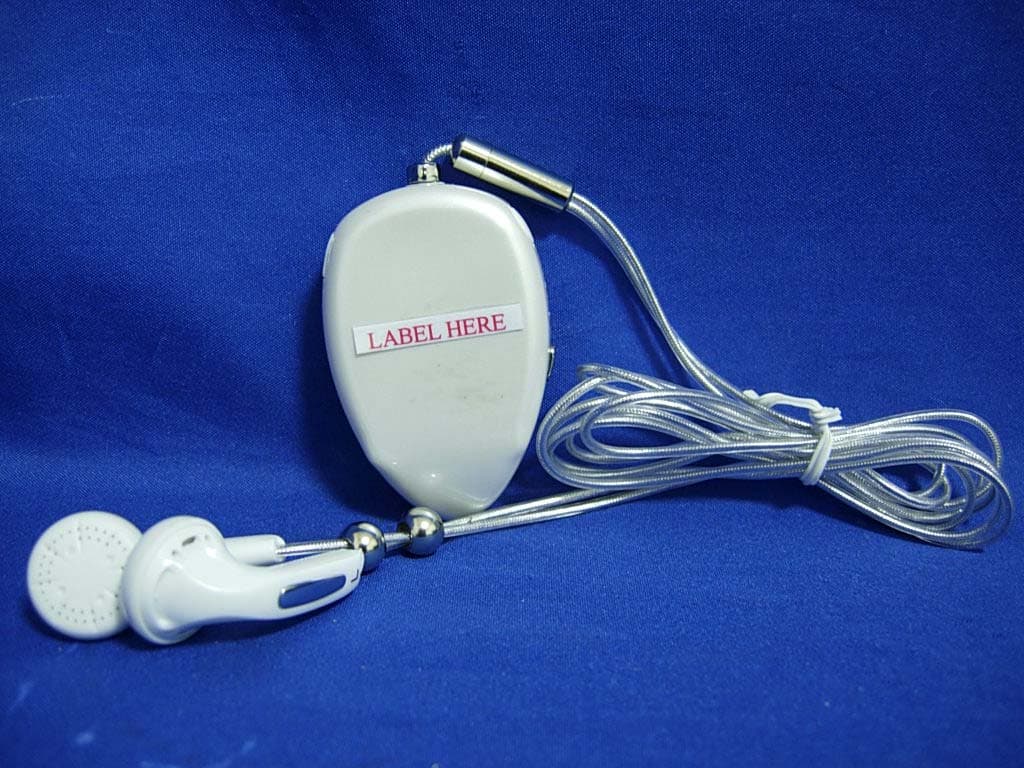
UQS-CZ-800S
Feb 06, 2007Bluetooth Stereo Headset
Equipment Class
DSS - Part 15 Spread Spectrum Transmitter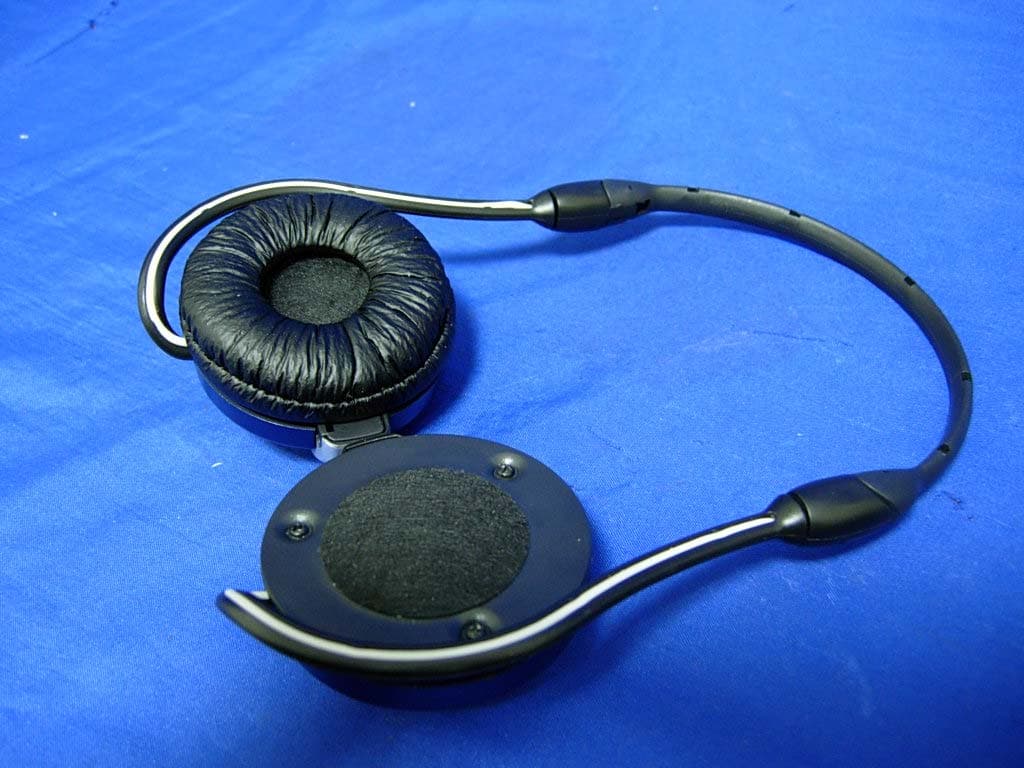
UQS-CZ-900S
Jan 31, 2007BLUETOOTH STEREO HEADSET
Equipment Class
DSS - Part 15 Spread Spectrum Transmitter
UQS-CZO-510
Nov 01, 2006Bluetooth Headset
Equipment Class
DSS - Part 15 Spread Spectrum Transmitter