UQS-CZ-800SBluetooth Stereo Headset
J-TEK Incorporation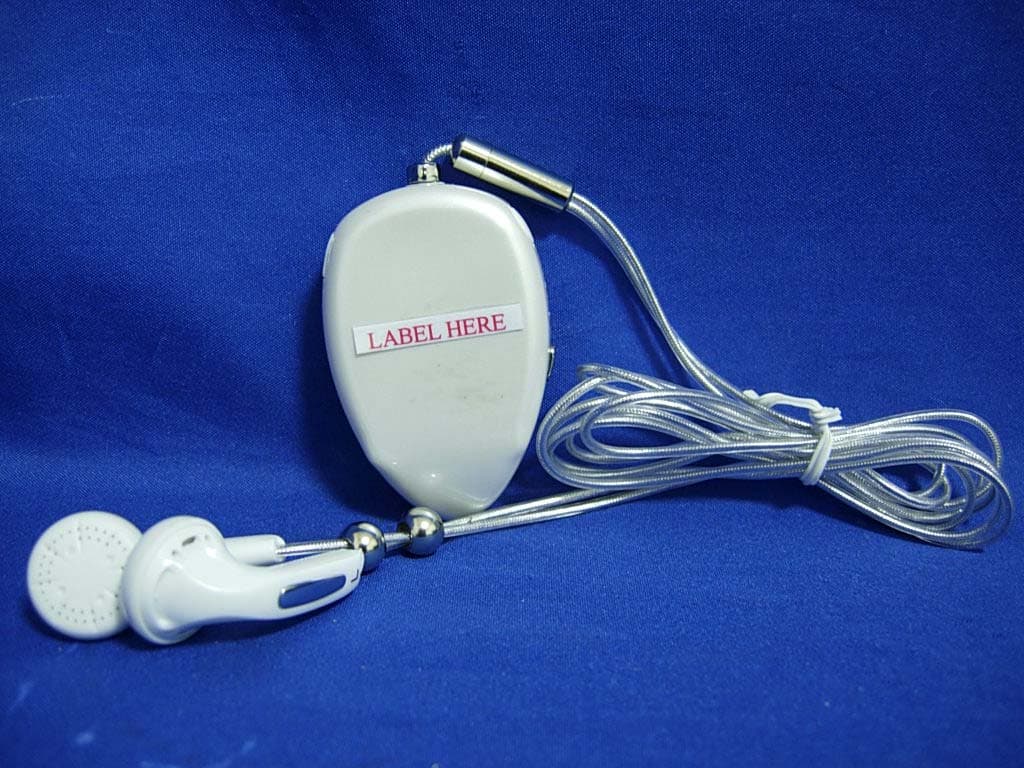
Click to zoom
Application Details
- Equipment Class
- DSS - Part 15 Spread Spectrum Transmitter
- Date of Grant
- Feb 06, 2007
- Application Purpose
- Original Equipment
- Date of Application
- Feb 05, 2007
- Equipment Note
- Bluetooth Stereo Headset
- Frequency Range
- 2402.00000000 - 2480.00000000
- Company
- J-TEK Incorporation
- Country
- Taiwan
Documents & Files
Document Text
Text extracted from the exhibit documents filed with the FCC. Open a document above to read the original.
Users Manual
1 CZ-800S Bluetooth stereo headset Operation Manual CZ-800S / JTI 2 Thank you for purchasing the Bluetooth stereo headset CZ800S, we hope the headset will bring you a whole new delightful feeling of wireless technology. You can make a phone call or answering phone call while you are enjoy your favorite music through this stereo headset. Do remember, driving safely always is the first priority. Please read the instruction manual to get start and to make best use of the headset’s features. 3 Contents Use safely ········································································································· 4 Warning············································································································· 5 Introduction ······································································································· 6 Features ············································································································ 7 Before using your CZ800S ················································································ 9 Charging the CZ800S ····················································································· 11 Wearing··········································································································· 13 “Pair” to your Bluetooth dongle/Notebook/Bluetooth phone ···························· 14 Basic operation ······························································································· 16 When connected to AV service········································································ 17 When connected with mobile phone ······························································· 18 4 Use Safely When using this headset with mobile phone or computer, please follow the general instruction posted for that particular location to avoid any possible disaster. These are some examples listed as following: 。 z Using the headset (connecting to mobile phone or computer) inside the aircraft may interfere with the aviation system and is prohibited. z Do not use the headset (with mobile phone or notebook) at gas station. z Do not use the headset (with mobile phone or notebook) near by flammable or explosive material. z Using the headset (with mobile phone or notebook) inside hospital might interfere with medical equipment and is prohibited in most hospitals. 5 Warning z Do not attempt to charge the headset with any devices other than the AC adaptor provided along with the headset. Using other AC adaptors may damage or destroy the headset. z Unless otherwise instructed in the User Guide, the user may not, under any circumstances, attempt to perform service, adjustments or repairs on the unit. Whether during warranty period or over, it is suggested to return to the purchase point, factory or authorized service agency for all such works. z This headset is not waterproof; avoid using the headset in rain. z Avoid exploring the headset in extremely temperature conditions. z Store the headset in a dry and clean place. 6 Introduction CZ800S stereo headset specification: Bluetooth specification: CZ800S is compliant with Bluetooth version 1.2 Supported profiles: headset, hand-free and A2DP Operating range: Up to 10 meters (30 feet) typically. Operation time: Up to 6 hours for continuous operation, music playback or phone calls. Standby time: Up to 250 hours Battery: Lithium polymer rechargeable battery, nominal voltage 3.7V, capacity 300 mAh. Charging time: The headset can be fully charged in approximately 2 to 3 hours. 7 Features Your CZ800S stereo headset has features listed as follows: When connected to a mobile phone: Answer a call Terminate a call Reject a call Make a call using last number redial function Make a call using voice recognition function (if your mobile phone supports this function) When connected to a computer: VOIP services if connect through the headset profile (headset service). Multimedia services if connect through the A2DP profile (AV service). Functions supported including: Play/Pause 8 Stop Forward (select next) Backward (select previous) You can connect your CZ800S to computer and mobile phone at the same time (pairing the computer and the mobile phone separately). The CZ800S will switch to headset automatically on an incoming call while you are enjoying music via your media player. 9 Before using your CZ800S Be familiar with your CZ800S Figure 1: CZ800S Buttons 1. Multifunction 2. Play/Pause Button 3. Volume Down/Backward Button 4. Volume Up/Forward Button 10 Figure 2: CZ800S 11 Charging the CZ800S When will charge CZ800S: First time use-- Fully charge the CZ800S before use. This will take about 2 to 3 hours. CZ800S low battery warning. Any time if you like to have a fully charged battery. Will not use the CZ800S for a long period of time (longer than two weeks). Charging steps: 1. Plug the mini-USB charging adaptor into the headset’s charging socket. 2. Plug the USB adaptor into the AC adaptor’s socket or computer’s USB socket. 3. Plug the AC adaptor into the mains outlet if AC adaptor is used. 4. Charge your headset until the red light turns off. 5. The stereo headset will be fully charged in approximately 2-3 hours. 6. Remove mini-USB charging adaptor from the headset. You are now ready to “pair” headset to your mobile phone. If the headset has already been paired to your phone, then you can use it now. 12 ! WARNING: Do not attempt to charge the headset with any devices other than the AC adaptor provided along with the headset. Using other AC adaptors may damage or destroy the headset. ! IMPORTANT: The red indicator will be turned on while charging and turned off when charging is complete. Removing the charger from the headset during charging will put the headset into standby mode and stop the charging sequence. ! IMPORTANT: Headset cannot be used while charging Figure 3: Charging the CZ800S 13 Wearing Figure 4: Wearing the stereo headset Step1 Step2 Step3 Step4 14 “P…
Text truncated - open the document above for the full version.
Attestation Statements
J-TEK INCORPORATION FCC ID.: UQS-CZ-800S 2F-1, No. 83, Sec. 2, Gongdaowu Rd., Hsinchu City 30070, Taiwan . Tel : 886-3-573-8255#303 Federal Communications Commission Feb. 01 , 2007 Authorization and Evaluation Division ATTESTATION FCC ID: UQS-CZ-800S Product: Bluetooth Stereo Headset Model: CZ-800S We don't provide any controls or software to allow operation outside the USA frequency band when we sell this product in USA. Sincerely, ----------------------------------------------- Sheng-Cherng/ Chief Engineer J-TEK INCORPORATION
Cover Letter(s)
J-TEK INCORPORATION FCC ID.: UQS-CZ-800S 2F-1, No. 83, Sec. 2, Gongdaowu Rd., Hsinchu City 30070, Taiwan . Tel : 886-3-573-8255#303 J-TEK INCORPORATION 2F-1, No. 83, Sec. 2, Gongdaowu Rd., Hsinchu City 30070, Taiwan Tel : 886-3-573-8255#303 Fax: 886-3-571-6228 Federal Communications Commission Feb. 01 , 2007 Authorization and Evaluation Division Confidentiality Request Pursuant to Sections 0.457 and 0.459 of the Commission’s Rules, the Applicant Hereby requests confidential treatment of information accompanying this Application As outlined below: Schematics, Block Diagram, Circuit description The above materials contain trade secrets and proprietary information not customarily Released to the public. The public disclosure of these matters might be harmful to the Applicant and provide unjustified benefits to its competitors. The Applicant understands that pursuant to Rule 0.457, disclosure of this Application and all accompanying documentation will not be made before the date of the Grant for this application. Sincerely, ----------------------------------------------- Sheng-Cherng/ Chief Engineer J-TEK INCORPORATION
External Photos
Report No.: 06CL109-RFUSP06V01 Page : 1 of 7 Version:1.0 Attachment 2 : EUT Detailed Photographs (1) EUT Photo (2) EUT Photo Report No.: 06CL109-RFUSP06V01 Page : 2 of 7 Version:1.0 (3) EUT Photo (4) EUT Photo
ID Label/Location Info
J-TEK INCORPORATION FCC ID.: UQS-CZ-800S 2F-1, No. 83, Sec. 2, Gongdaowu Rd., Hsinchu City 30070, Taiwan . Tel : 886-3-573-8255#303 FCC ID Label The FCC ID Label will be placed on the equipment as shown in the photograph below. JTI Bluetooth Stereo Headset Model No: CZ-800S • FCC ID : UQS-CZ-800S CCXXxxYYyyyZzW Made in China
Internal Photos
Report No.: 06CL109-RFUSP06V01 Page : 3 of 7 Version:1.0 (5) EUT Photo (6) EUT Photo Report No.: 06CL109-RFUSP06V01 Page : 4 of 7 Version:1.0 (7) EUT Photo (8) EUT Photo Report No.: 06CL109-RFUSP06V01 Page : 5 of 7 Version:1.0 (9) EUT Photo (10) EUT Photo Report No.: 06CL109-RFUSP06V01 Page : 6 of 7 Version:1.0 (11) EUT Photo (12) EUT Photo Report No.: 06CL109-RFUSP06V01 Page : 7 of 7 Version:1.0 (13) EUT Photo (14) EUT Photo
Test Report
Report No. 06CL109-RFUSP06V01 Page: 1 of 51 Version:1.0 Test Report Product Name Bluetooth Stereo Headset Model No. CZ-800S FCC ID. UQS-CZ-800S Applicant J-TEK INCORPORATION Address 2F-1, No. 83, Sec. 2, Gongdaowu Rd., Hsinchu City 30070, Taiwan Date of Receipt Dec.19, 2006 Issued Date Jan. 29, 2007 Report No. 06CL109-RFUSP06V01 The Test Results relate only to the samples tested. The test report shall not be reproduced except in full without the written approval of QuieTek Corporation. This report must not be used to claim product endorsement by NVLAP any agency of the U.S. Government Report No. 06CL109-RFUSP06V01 Page: 2 of 51 Version:1.0 Test Report Certification Issued Date: Jan. 29, 2007 Report No.: 06CL109-RFUSP06V01 Product Name Bluetooth Stereo Headset Applicant J-TEK INCORPORATION Address 2F-1, No. 83, Sec. 2, Gongdaowu Rd., Hsinchu City 30070, Taiwan Model No. CZ-800S FCC ID. UQS-CZ-800S Rated Voltage AC 120V/60Hz Working Voltage Battery 3.7V Trade Name JTI Applicable Standard FCC CFR Title 47 Part 15 Subpart C: 2005 ANSI C63.4: 2003 Test Result Complied The Test Results relate only to the samples tested. The test report shall not be reproduced except in full without the written approval of QuieTek Corporation. This report must not be used to claim product endorsement by NVLAP any agency of the U.S. Government Documented By : ( Leven Huang ) Tested By : ( Tom Hsieh ) Approved By : ( George Chen ) 0914 Report No. 06CL109-RFUSP06V01 Page: 3 of 51 Version:1.0 TABLE OF CONTENTS Description Page 1. GENERAL INFORMATION ...............................................................................................................5 1.1. EUT Description......................................................................................................................................5 1.2. Operational Description...........................................................................................................................7 1.3. Test System Details .................................................................................................................................8 1.4. Configuration of Test System ..................................................................................................................8 1.5. EUT Exercise Software ...........................................................................................................................9 1.6. Test Facility ...........................................................................................................................................10 2. CONDUCTED EMISSION ................................................................................................................ 11 2.1. Test Equipment ......................................................................................................................................11 2.2. Test Setup ..............................................................................................................................................11 2.3. Limits.....................................................................................................................................................12 2.4. Test Procedure .......................................................................................................................................12 2.5. Uncertainty ............................................................................................................................................12 2.6. Test Result of Conducted Emission .......................................................................................................13 3. PEAK POWER OUTPUT ..................................................................................................................17 3.1. Test Equipment ......................................................................................................................................17 3.2. Test Setup ..............................................................................................................................................17 3.3. Limit.. ....................................................................................................................................................17 3.4. Uncertainty ............................................................................................................................................17 3.5. Test Result of Peak Power Output .........................................................................................................18 4. RADIATED EMISSION .....................................................................................................................19 4.1. Test Equipment ......................................................................................................................................19 4.2. Test Setup ..............................................................................................................................................20 4.3. Limits.....................................................................................................................................................20 4.4. Test Procedure .......................................................................................................................................21 4.5. Uncertainty ............................................................................................................................................21 4.6. Test Result of Radiated Emission ..........................................................................................................22 5. BAND EDGE .......................................................................................................................................28 5.1. Test Equipment ......................................................................................................................................28 5.2. Tes…
Text truncated - open the document above for the full version.
Test Setup Photos
Report No.: 06CL109-RFUSP06V01 Page : 1 of 6 Version:1.0 Attachment 1: EUT Test Setup Photographs Front View of Conducted Test Mode 2: Charging with AC Adapter Back View of Conducted Test Mode 2: Charging with AC Adapter Report No.: 06CL109-RFUSP06V01 Page : 2 of 6 Version:1.0 Front View of Conducted Test Mode 3: Charging with the USB Back View of Conducted Test Mode 3: Charging with the USB Report No.: 06CL109-RFUSP06V01 Page : 3 of 6 Version:1.0 Front View of Radiated Test Mode 1 Back View of Radiated Test Mode 1 Report No.: 06CL109-RFUSP06V01 Page : 4 of 6 Version:1.0 Front View of Radiated Test Mode 2: Charging with AC Adapter Back View of Radiated Test Mode 2: Charging with AC Adapter Report No.: 06CL109-RFUSP06V01 Page : 5 of 6 Version:1.0 Front View of Radiated Test Mode 3: Charging with the USB Back View of Radiated Test Mode 3: Charging with the USB Report No.: 06CL109-RFUSP06V01 Page : 6 of 6 Version:1.0 Front View of Radiated Test (Horn) Back View of Radiated Test (Horn)
Contact Information
Applicant
Sheng-Cherng Wang(Chief Engineer)
Test Firm
DEKRA Testing and Certification Co., Ltd.Sky Hsu
Technical Specifications
| # | Rule Parts | Frequency Range | Power Output |
|---|---|---|---|
| 1 | 15C | 2.40 GHz - 2.48 GHz | 2.00 mW |
Other Applications from J-TEK Incorporation
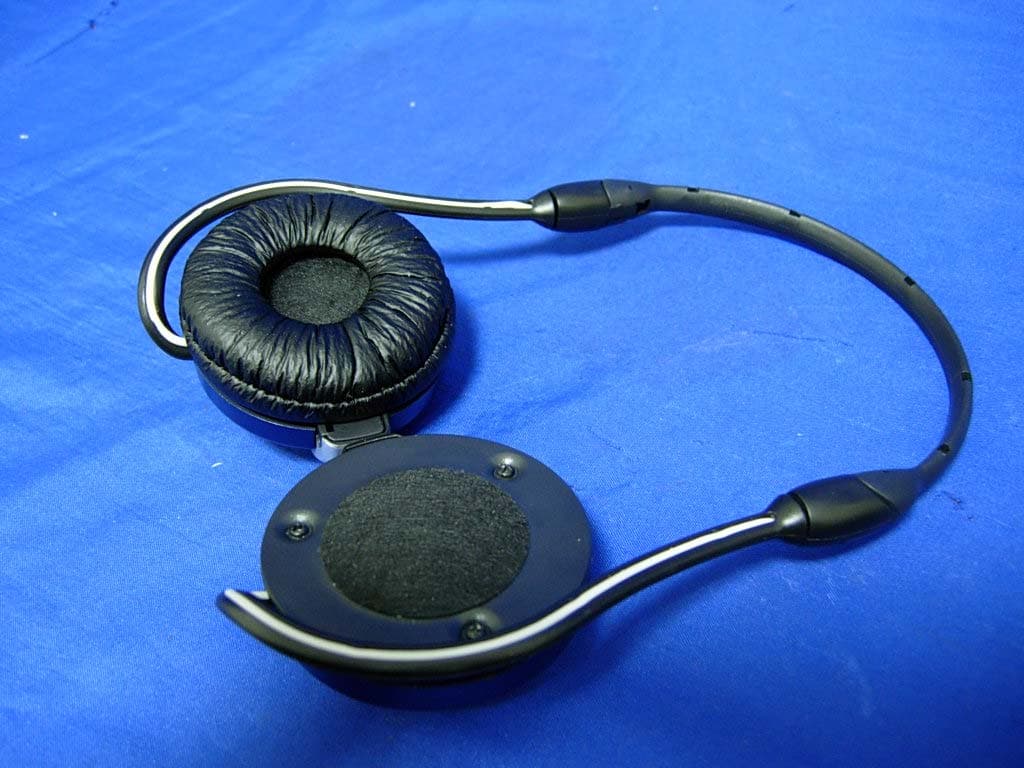
UQS-CZ-900S
Jan 31, 2007BLUETOOTH STEREO HEADSET
Equipment Class
DSS - Part 15 Spread Spectrum Transmitter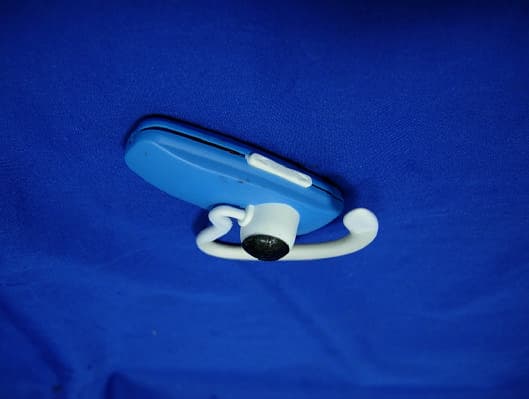
UQS-CZ-190T
Dec 31, 2006Bluetooth Headset
Equipment Class
DSS - Part 15 Spread Spectrum Transmitter
UQS-CZO-510
Nov 01, 2006Bluetooth Headset
Equipment Class
DSS - Part 15 Spread Spectrum Transmitter