UZ5-BHM060001BLUETOOTH MONO HEADSET
PHOENIX Solutions Co., Ltd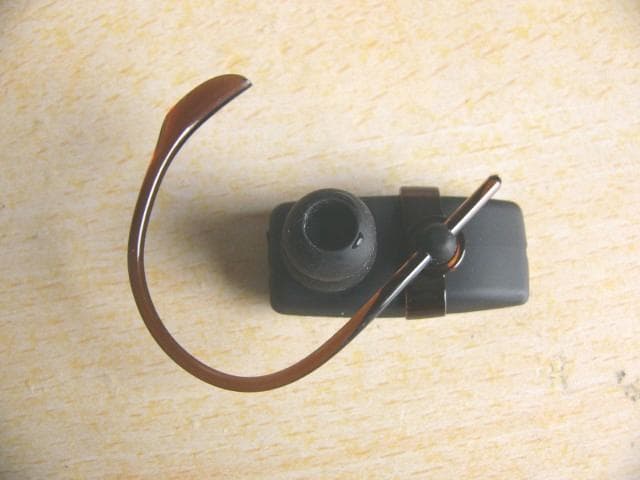
Click to zoom
Application Details
- Equipment Class
- DXX - Part 15 Low Power Communication Device Transmitter
- Date of Grant
- Mar 24, 2008
- Application Purpose
- Original Equipment
- Date of Application
- Mar 24, 2008
- Equipment Note
- BLUETOOTH MONO HEADSET
- Frequency Range
- 2402.00000000 - 2480.00000000
- Company
- PHOENIX Solutions Co., Ltd
- Country
- Taiwan
Documents & Files
Document Text
Text extracted from the exhibit documents filed with the FCC. Open a document above to read the original.
Users Manual
Table of Contents 1. Introduction........................................................ 2 2. The Packing Content..................................................................... 3 3. Getting Start - Charging the battery........................................................... 3 4. Pairing the Bluetooth headset with Mobile phone (Pin Code : 0000)...... 3 5. Disconnecting the Bluetooth headset from the phone.... 4 6. Reconnecting the paired Bluetooth headset to the compatible phone... 4 7. Powering Up........................................................................ 5 8. Making calls......................................................................... 5 9. Answering and ending a call.............................................. 5 10. Rejecting a call.................................................................... 5 11. Redialing the last dialed number....................................... 5 1. Introduction Thanks for purchasing BT Headset which is a stylish headset that enables comfortable handsfree communication with compatible phone that supports Bluetooth technology. The Key Feature: (1) Power / Answer n Switches the headset on and off n Answer incoming call n End active call n Reject incoming call (2) Indicator Light n Power on –Blue LED starts flash and beep once. n Pairing state –Blue/Red light flashing alternatively, the flashing continues for approximately 2 minutes or until the headset is connected to a compatible phone. If the headset can’t be connected to the phone during this time, the headset enters connectable status. n Connectable –Blue light flashing once every 8 seconds. n Connection active –Blue light flashing once every 6 seconds. (1) Power / Answer (3) Volume + Key (7) Ear Hook (2) Indication Light (6) Earpiece (4) Volume - Key (5) Charger Connector n Incoming call –Blue light flashing 2 times every 3 second. n Active call –Blue light flashing once every 6 seconds.. n Power off –Red light constant on for 1 seconds and beep once. n Low battery – The Led frequency is ten times of the Led current status, and beep on every 20 seconds (3) Volume up: Increase the earpiece volume (4) Volume down: Decrease the earpiece volume (5) Charger connector: For headset battery charging (6) Earpiece: Relay the caller’s voice. (7) Ear Hook Function Key – Operation Instructions Function Headset state Button LED Indicator Power on Power off Press (1) button for 2 seconds. Blue LED starts flash Power off Power on Press (1) button for 2 second Red LED displayed briefly Pairing Power off Press (1) button for 7 second Blue/red LED flash alternatively Answer call Connected/Ring hints Short press (1) button Blue light flashing 2 times every 3 seconds End call Ongoing call Short press (1) button Blue light flashing 1 times every 6 seconds Reject call Connected/Ring hints press (1) button for 2 second Blue light flashing 2 times every 3 seconds Volume + Ongoing call Short press (3) button Volume - Ongoing call Short press (4) button Blue light flashing 1 times every 6 seconds Redial Connected press (3) button for 2 second Voice dialing Connected Short press (1) button Blue light flashing 1 times every 6 seconds 2. The Packing content: 1. Headset 2. User Manual 3. Adjustable Angle Ear-hook 4. USB Charger 3. Getting Start - Charging the battery Before using BT Headset, you must charge the product for approximately 2 hours. When the battery is fully charged, it provides up to 4 ~ 6 hours of talk time and up to 200 hours of standby time. 1. Connect the charger cable to BT Headset 2. Plug the AC adapter into a wall outlet. When BT Headset is charging, red indicator light will display. 3. When the battery is fully charged, the Red light is off. 4. Pairing the Bluetooth headset with Mobile phone (Pin Code : 0000) Pairing is the process of linking the headset with your Bluetooth enabled mobile phone. After this process is completed, you can use the BT Headset only with this paired mobile phone. If you want to use it with another mobile phone, you must repeat the pairing process again. The BT Headset can be paired with up to 8 compatible phones but connected to only one phone at a time. 1. Make sure that the Mobile phone is turned on and within 10 meters of the headset. 2. Turn on BT Headset and make sure the headset is charged. Press “Power on/off” button for 7 seconds. The blue and red LEDs will flash alternatively. Release both buttons and the headset are now in pairing mode. 3. Activate the Bluetooth connection from the phone. You may need to consult with user guide of your phone regarding how to do that. 4. Set the phone to start searching for Bluetooth devices as instructed in user guide of your phone. 5. Enter the pin code 0000 to connect (or “pair”) BT Headset to the phone. BT Headset beeps once and an active Bluetooth connection is displayed by a blinking blue indicator light. 6. Start using the headset. 5. Disconnecting the Bluetooth headset from the phone To disconnect BT Headset from the phone, do one of the following: 1 Turn off 2. Disconnect BT Headset in the phone menu. 3. Move the headset more than 10 meters away from the phone. Note that you do not need to delete the pairing with the headset to disconnect it. When you reconnect a paired headset, you will not be asked for its pin code again. 6. Reconnecting the paired Bluetooth headset to the compatible phone To reconnect BT Headset to the last phone used, simply switch on the headset and it will automatically connect to the phone. There are occasions when headset is temporarily out of Bluetooth operating range (up to 10 meters, e.g. user wearing the headset walks away from the phone), the headset will be disconnected from the phone and user will hear a warning tone from the headset. Headset is now in powered on but no Bluetooth connection mode (blue light flashes once every 5 seconds). If the headset is back in range within 10 minutes, the BT Headset auto-reconnects with the last phone. If the headset is out of range…
Text truncated - open the document above for the full version.
Attestation Statements
Federal Communications Commission Authorization and Evaluation Division 1435 Oakland Mills Road Columbia, MD 21046 Date: March 5, 2008 SUBJECT: FCC Application for FCC ID: UZ5-BHM060001 To Whom It May Concern: We, the undersigned, hereby attest to the fact that we will apply the Declaration of Conformity procedure to the class B computer peripheral portion of this composite filing. Regards, Jack Li / Product & Engineering Dept. II Director
External Photos
EUT top view EUT bottom view
ID Label/Location Info
The Label must not be a stick-on paper label. The Label on these products must be permanently affixed to the product and readily visible at the time of purchase and must last the expected lifetime of the equipment not be readily detachable. Proposed Label Location on EUT EUT Bottom View/Proposed FCC ID Label Location FCC ID: UZ5-BHM060001
Internal Photos
EUT inside whole view Main board component side Main board solder side
Operational Description
Operational Description X1 is the 16MHz crystal that feed into 1601N/U3 . The system own 2 major chipset, one the IS 1601N/RF tranceiver, the other one is IS1010N/Baseband IC these are provided by ISSC. RF tranceiver works in 2.4GHz ISM band, GFSK modulation,. the battery uses Li-on battery. The product is the mono headset, which the audio band is 20-2KHz, The antenna is a PCB antenna, with omini direction, 0.2-1 db gain, others specification meets Bluetooth. C9 and L1 is the antenna matching circuit.R24 ,C25 and C27 is the loop filter circuits to lower down the internal 5GHz VCO radiation. PDF 文件使用 "pdfFactory" 试用版本创建 www.fineprint.com.cn
Test Report
The test report consists 24 pages in total. It may be duplicated completely for legal use with the allowance of the applicant. It shall not be reproduced except in full, without the written approval of Ke Mei Ou Laboratory Corporation. The test result in the report only applied to the tested sample. FCC TEST REPORT Under FCC 15 Subpart C, Paragraph 15.249: 2004 Prepared For : Phoenix International Co., Ltd 11F, No.42-1, Sec.1, Zhong-Yang N. Rd., Beitou Taipei 112, Taiwan, R.O.C March 17, 2008 FCC ID: UZ5-BHM060001 EUT: Bluetooth Mono Headset Model: BHM-600 Report Type: Original Report Test Engineer: Jacky Huang Test Date: February 27, 2008 Review By: Apollo Liu / Manager Ke Mei Ou Laboratory Co., Ltd. 7A, Jiaxiangge, Jiahuixincheng, No.3027, Shennan Rd., Futian, Shenzhen, Guangdong, P.R.China. Zip Code: 518033 Tel: + 86 755 83642690 Fax: + 86 755 83297077 www.kmolab.com FEDERAL COMMUNICATIONS COMMISSION Registration Number: 125782 INDUSTRY CANADA Registration Number: IC4986 Phoenix International Co., Ltd FCC ID: UZ5-BHM060001 KMO FCC ID Report Report #: KSZ2008022501J Page 2 of 24 TABLE OF CONTENTS 1. General Information....................................................................................................................................................3 1. 1 Notes......................................................................................................................................................................3 1. 2 Testing Laboratory..................................................................................................................................................3 1. 3 Details of Applicant................................................................................................................................................3 1. 4 Application Details..................................................................................................................................................3 1. 5 Test Item.................................................................................................................................................................3 1. 6 Test Standards.........................................................................................................................................................3 2. Technical Test...............................................................................................................................................................4 2. 1 Summary of Test Results.........................................................................................................................................4 3. EUT Modifications.......................................................................................................................................................4 4. Conducted Power Line Test.........................................................................................................................................5 4. 1 Test Equipment.......................................................................................................................................................5 4. 2 Test Procedure........................................................................................................................................................5 4. 3 Test Setup...............................................................................................................................................................5 4. 4 Configuration of the EUT........................................................................................................................................6 4. 5 EUT Operating Condition........................................................................................................................................7 4. 6 Conducted Power Line Emission Limits..................................................................................................................7 4. 7 Conducted Power Line Test Result...........................................................................................................................7 5. Radiated Emission Test................................................................................................................................................9 5. 1 Test Equipment.......................................................................................................................................................9 5. 2 Test Procedure........................................................................................................................................................9 5. 3 Radiated Test Setup.................................................................................................................................................9 5. 4 Configuration of the EUT......................................................................................................................................10 5. 5 EUT Operating Condition......................................................................................................................................10 5. 6 Radiated Emission Limit.......................................................................................................................................10 5. 7 Radiated Emission Test Result...............................................................................................................................11 6. Band Edge..................................................................................................................................................................13 6. 1 Test Equipment.....................................................................................................................................................13 6. 2 Test Procedure................................................................................................…
Text truncated - open the document above for the full version.
Test Setup Photos
Conducted emission test view Radiated emission test view
Contact Information
Applicant
Jack Li(Product & Engineering Dept. � Director)
Test Firm
SinTek Laboratory Co., Ltd.Eric Lin
Technical Specifications
| # | Rule Parts | Frequency Range | Power Output |
|---|---|---|---|
| 1 | 15C | 2.40 GHz - 2.48 GHz | - |
Other Applications from PHOENIX Solutions Co., Ltd
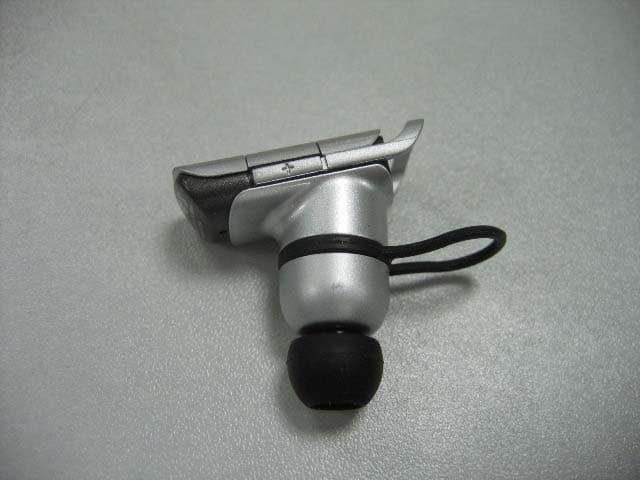
UZ5-BHM2100001
Jan 10, 2008Bluetooth Mono Headset
Equipment Class
DSS - Part 15 Spread Spectrum Transmitter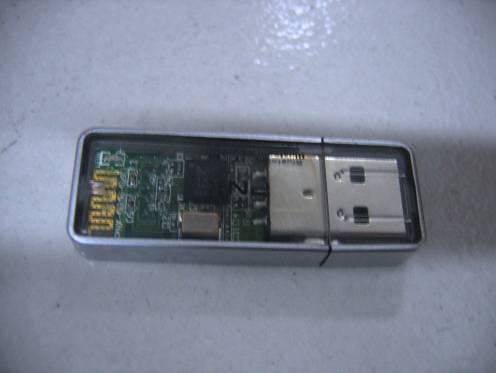
UZ5-BUD2000001
Aug 29, 2007Bluetooth USB Dongle
Equipment Class
DSS - Part 15 Spread Spectrum Transmitter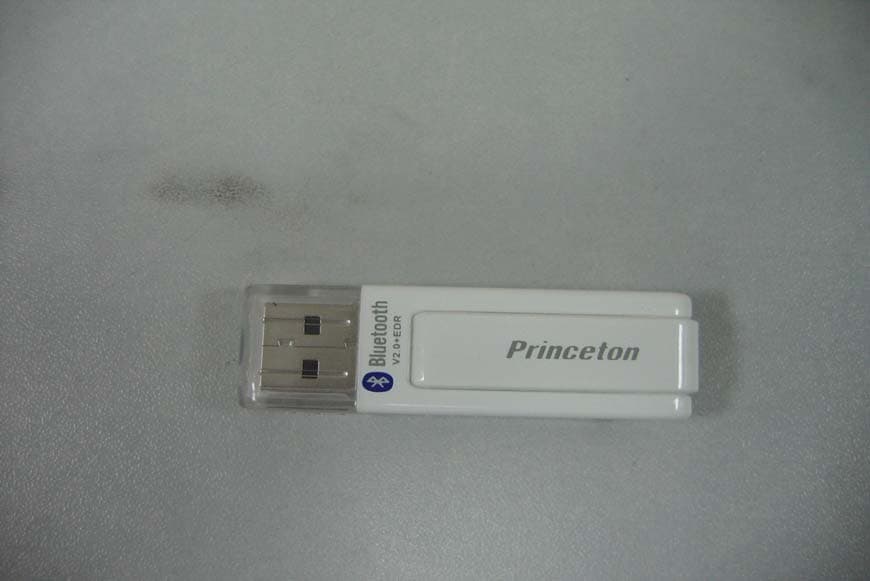
UZ5-BUD1000001
Jul 25, 2007Bluetooth USB Dongle
Equipment Class
DSS - Part 15 Spread Spectrum Transmitter
UZ5-BHS1100001
Jul 05, 2007Bluetooth Stereo Headset
Equipment Class
DSS - Part 15 Spread Spectrum Transmitter