W6YZP-200WEsmart Touch Lock
PASSTECH CO., LTD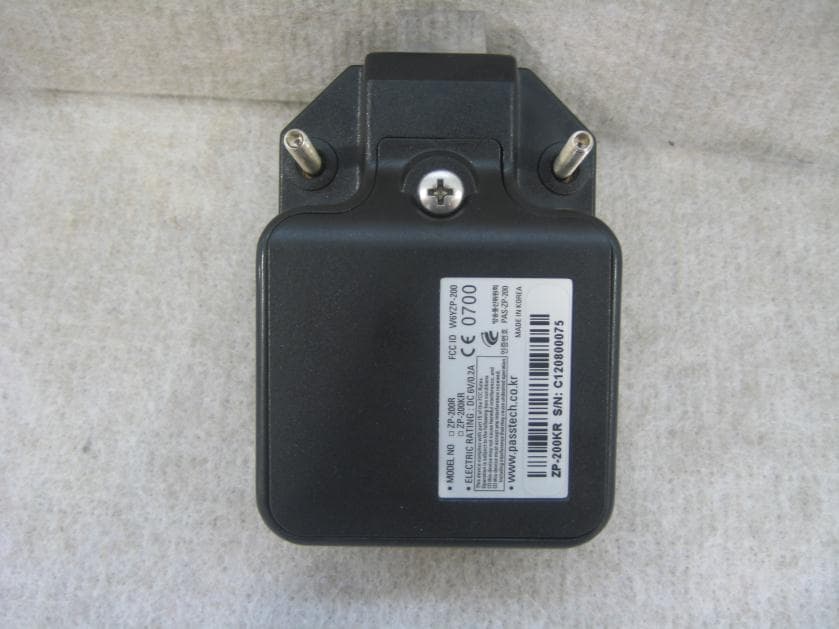
Click to zoom
Application Details
- Equipment Class
- DTS - Digital Transmission System
- Date of Grant
- Nov 26, 2012
- Application Purpose
- Original Equipment
- Date of Application
- Nov 26, 2012
- Equipment Note
- Esmart Touch Lock
- Frequency Range
- 2405.00000000 - 2480.00000000
- Company
- PASSTECH CO., LTD
- Country
- South Korea
Documents & Files
Document Text
Text extracted from the exhibit documents filed with the FCC. Open a document above to read the original.
Users Manual
http://www.emc2000.co.kr CE TEST REPORT Report No.: EMC-FCC-R0086 EMC compliance Ltd. Page: 1 of 1 480-5 Shin-dong, Yeongtong-gu, Suwon-city, Gyunggi-do, 443-390, Korea 82 31 336 9919 (Main) 82 31 336 4767 (Fax) This test report shall not be reproduced except in full, Without the written approval. Appendix 6. User manual HOW TO OPEN ESMART TOUCH Connect the power cable to the controller. Double click with a pointer. Double click HOW TO OPEN ESMART TOUCH Double click HOW TO OPEN ESMART TOUCH Double click HOW TO OPEN ESMART TOUCH Click HOW TO CREATE & REGISTER MASTER CARD Enter Password - initial password is 1234. 1234 HOW TO CREATE & REGISTER MASTER CARD After entering password, MASTER ADMINISTRATION MENU displays. Select Change Master card. HOW TO CREATE & REGISTER MASTER CARD Select Add to register Master Card. HOW TO CREATE & REGISTER MASTER CARD Place any kind of blank MIFARE card to create a Master Card. HOW TO CREATE & REGISTER MASTER CARD Now, Master Card for this controller has been created. HOW TO CREATE & REGISTER MASTER CARD Place Master Card on the controller to set the functions to operate the locks through controller. HOW TO SET CONTROLLER FUNCTION Click HOW TO SET CONTROLLER FUNCTION Enter Password - initial password is 1234. 1234 HOW TO SET CONTROLLER FUNCTION After entering password, MASTER ADMINISTRATION MENU displays. HOW TO SET CONTROLLER FUNCTION 1. CHANGE MASTER PASSWORD Enter current password and then, new password. HOW TO SET CONTROLLER FUNCTION 2. CHANGE MASTER CARD To add new or additional master cards, click Add. To delete the master cards in the use, click Delete selection. To delete all master cards, click Delete all. HOW TO SET CONTROLLER FUNCTION 3. LOCK CONTROL 1) Locks to cover : range the locks that the assigned controller covers. 2) Lock setting : Set Lock ID and latch lag time (by the seconds) on the menu and then wake-up by touching or pushing the lock front. Then, the lock ID is provided to the awaken lock. 3) Check Lock setting : Waking up (by touching or pushing the lock front), the lock ID already set displays on the controller. This function is to confirm the lock ID. HOW TO SET CONTROLLER FUNCTION Place MASTER CARD on the controller twice to register user cards & assign locks as well as opening locks with a master card at an emergency. HOW TO USE AND OPERATE THE LOCKS The menu for Register User, Open locks with Master Card displays. HOW TO USE AND OPERATE THE LOCKS 1.REGISTER USER Click Register User to register user card and select the lockers to occupy & un-occupy. HOW TO USE AND OPERATE THE LOCKS There are 2 ways to select free lockers & register user cards. Show one displays free lockers one by one. Show all displays free lockers at one sight. HOW TO USE AND OPERATE THE LOCKS 1) Show One Click Show one to select free locker one by one. HOW TO USE AND OPERATE THE LOCKS After selecting one free locker (e.g. locker No. 2), place user card on the controller to occupy the selected locker. HOW TO USE AND OPERATE THE LOCKS After selecting the locker No. and registered the user card to the selected locker, the user steps towards the assigned locker and wakes up or push the front of the lock to open the locker. Place the belongings inside the locker and close the door ( latch is full cycle mode – automatically opens and locks when the user closes the locker door) HOW TO USE AND OPERATE THE LOCKS 2) Show all Click Show all to select free locker from all locker list. HOW TO USE AND OPERATE THE LOCKS All available lockers display. HOW TO USE AND OPERATE THE LOCKS Select the locker to occupy. HOW TO USE AND OPERATE THE LOCKS After selecting the free locker, place user card on the controller to occupy the selected locker. HOW TO USE AND OPERATE THE LOCKS Click Issue User card to register a User card for the selected locker. HOW TO USE AND OPERATE THE LOCKS 3) Unlock and Re-use the locker To open the locker the user already occupied, place user card and then the locker No. the user occupied displays . - If you want to re-use the locker, click “YES”, then you can reoccupy the selected locker with your user card without re-registering. - If you select “No”, you can’t use the selected locker anymore and have to re-register user card to occupy other free locker. HOW TO USE AND OPERATE THE LOCKS 2. OPEN LOCKS WITH MASTER CARD Click Open locks with Master card to open the locks with Master card at the emergency. HOW TO USE AND OPERATE THE LOCKS There are 2 options to open lockers with a Master Card ; - Open selected locker with Open Selection - Open all lockers with Open all HOW TO USE AND OPERATE THE LOCKS 1) Open Selection - Select the lockers to open. - Click Open selection. HOW TO USE AND OPERATE THE LOCKS Confirm if the selected lockers are open with Master card. HOW TO USE AND OPERATE THE LOCKS Selected locker is open with Master card. HOW TO USE AND OPERATE THE LOCKS 2) Open all Click Open selection. HOW TO USE AND OPERATE THE LOCKS Confirm if all lockers are open with Master card. HOW TO USE AND OPERATE THE LOCKS Now all lockers are open with Master card. HOW TO USE AND OPERATE THE LOCKS
Cover Letter(s)
Federal Communications Commission Equipment Authorization Branch 7435 Oakland Mills Road Columbia, MD 21046 In re : PASSTECH CO., LTD. FCC ID : W6YZP-200W Request for Confidentiality Gentlemen In accordance with 0.459 of CFR47PASSTECH CO., LTD.Hereby requests confidentiality of theBlock Diagram(ZP- 200W Block Diagram), Schematics(ZP-200W Schematics), Part List(ZP-200W Part List) and Operational Description(ZP-200W Operational Description). These documents contain detailed system and equipment description and information about the product whichPASSTECH CO., LTD.considers to be proprietary, confidential, and a custom design and, otherwise, would not release to the general public. Since this design is a basis from which future technological product will evolve,PASSTECH CO., LTD.considers that this information would be of benefit to its competitors, and that the disclosure of the information in these documents would give competitors an unfair advantage in the market. Sincerely, In Soo, Kang/ Manager
External Photos
http://www.emc2000.co.kr FCC TEST REPORT Report No.: EMC-FCC-R0086 EMC compliance Ltd. Page: 1 of 3 480-5 SHIN-DONG, YEONGTONG-GU, SUWON-CITY, GYEONGGI-DO, KOREA 443-390 82 31 336 9919 (Main) 82 31 336 4767 (Fax) This test report shall not be reproduced except in full, Without the written approval. Appendix 2. External photo of EUT http://www.emc2000.co.kr FCC TEST REPORT Report No.: EMC-FCC-R0086 EMC compliance Ltd. Page: 2 of 3 480-5 SHIN-DONG, YEONGTONG-GU, SUWON-CITY, GYEONGGI-DO, KOREA 443-390 82 31 336 9919 (Main) 82 31 336 4767 (Fax) This test report shall not be reproduced except in full, Without the written approval. http://www.emc2000.co.kr FCC TEST REPORT Report No.: EMC-FCC-R0086 EMC compliance Ltd. Page: 3 of 3 480-5 SHIN-DONG, YEONGTONG-GU, SUWON-CITY, GYEONGGI-DO, KOREA 443-390 82 31 336 9919 (Main) 82 31 336 4767 (Fax) This test report shall not be reproduced except in full, Without the written approval.
ID Label/Location Info
http://www.emc2000.co.kr FCC TEST REPORT Report No.: EMC-FCC-R0086 EMC compliance Ltd. 480-5 Shin-dong, Yeongtong-gu, Suwon-city, Gyunggi-do, 443-390, Korea 82 31 336 9919 (Main) 82 31 336 4767 (Fax) This test report shall not be reproduced except in full, Without the written approval. Label Location www.passtech.co.kr
Internal Photos
http://www.emc2000.co.kr FCC TEST REPORT Report No.: EMC-FCC-R0086 EMC compliance Ltd. 480-5 SHIN-DONG, YEONGTONG-GU, SUWON-CITY, GYEONGGI-DO, KOREA 443-390 82 31 336 9919 (Main) 82 31 336 4767 (Fax) This test report shall not be reproduced except in full, Without the written approval. Appendix 3. Internal photo of EUT http://www.emc2000.co.kr FCC TEST REPORT Report No.: EMC-FCC-R0086 EMC compliance Ltd. 480-5 SHIN-DONG, YEONGTONG-GU, SUWON-CITY, GYEONGGI-DO, KOREA 443-390 82 31 336 9919 (Main) 82 31 336 4767 (Fax) This test report shall not be reproduced except in full, Without the written approval.
Test Report
http://www.emc2000.co.kr FCC TEST REPORT Report No.: EMC-FCC-R0086 EMCcomplianceLtd.Page: 1 of 34 480-5 Shin-dong, Yeongtong-gu, Suwon-city, Gyunggi-do, 443-390, Korea 82 31 336 9919 (Main) 82 31 336 4767 (Fax) This test report shall not be reproduced except in full, Without the written approval. FCC TEST REPORT Test report No:EMC- FCC- R0086 FCC ID:W6YZP-200W Type of Equipment:Esmart Touch Lock Model Name:ZP-200W Applicant: PASSTECH CO., LTD. FCC Rule Part(s):FCC Part 15 Subpart C Section 15.203, Section 15.209 Section 15.207, Section 15.247 Frequency Range: 2 405 MHz ~ 2 480 MHz Test result:Complied The above equipment was tested by EMC compliance Testing Laboratory for compliance with the requirements of FCC Rules and Regulations. The results of testing in this report apply to the product/system which was tested only. Other similar equipment will not necessarily produce the same results due to production tolerance and measurement uncertainties. Date of test: October 29, 2012 ~ October 31, 2012 Issued date: November 16, 2012 Tested by:Approved by:. SON, MIN GIKIM, CHANG MIN http://www.emc2000.co.kr FCC TEST REPORT Report No.: EMC-FCC-R0086 EMCcomplianceLtd.Page: 2 of 34 480-5 Shin-dong, Yeongtong-gu, Suwon-city, Gyunggi-do, 443-390, Korea 82 31 336 9919 (Main) 82 31 336 4767 (Fax) This test report shall not be reproduced except in full, Without the written approval. [ Contents ] 1. Client information.................................................................................................. 3 2. Laboratory information........................................................................................... 4 3. Description of E.U.T................................................................................................ 5 3.1 Basic description................................................................................................ 5 3.2 General description............................................................................................ 5 3.3 Test frequency................................................................................................... 6 3.4 Test Voltage..................................................................................................... 6 4. Summary of test results............................................................................................ 7 4.1 Standards & results............................................................................................. 7 4.2 Uncertainty...................................................................................................... 7 5. Test results.......................................................................................................... 8 5.1 Antenna Requirement........................................................................................... 8 5.2 Maximum Peak Output Power................................................................................. 9 5.3 Peak Power Spectral Density..................................................................................13 5.4 6 dB Bandwidth...............................................................................................17 5.5 SPURIOUS EMISSION, BAND EDGE, AND RESTRICTED BANDS..................................22 5.6 Conducted Emission(N/A)....................................................................................31 5.7 RF Exposure...................................................................................................33 6. Test equipment used for test.................................................................................... 34 Appendix 1 Test setup photos Appendix 2 External photos of EUT Appendix 3 Internal photos of EUT Appendix 4 Block diagram Appendix 5 Schematics Appendix 6 User manual Appendix 7 Part list Appendix 8 Layout diagram Appendix 9 Antenna Specification http://www.emc2000.co.kr FCC TEST REPORT Report No.: EMC-FCC-R0086 EMCcomplianceLtd.Page: 3 of 34 480-5 Shin-dong, Yeongtong-gu, Suwon-city, Gyunggi-do, 443-390, Korea 82 31 336 9919 (Main) 82 31 336 4767 (Fax) This test report shall not be reproduced except in full, Without the written approval. 1. Client information Applicant:PASSTECH CO., LTD. Address:#1305 Kranz techno,5442-1,Sangdaewon-dong, jungwon-gu, Seongnam-si, Gyeonggi-do, South Korea Telephone number:+82-31-743-7277 Facsimile number :+82-31-743-7276 Contact person:Insoo, Kang Manufacturer: PASSTECH CO., LTD. Address:#1305 Kranz techno,5442-1,Sangdaewon-dong, jungwon-gu, Seongnam-si, Gyeonggi-do, South Korea http://www.emc2000.co.kr FCC TEST REPORT Report No.: EMC-FCC-R0086 EMCcomplianceLtd.Page: 4 of 34 480-5 Shin-dong, Yeongtong-gu, Suwon-city, Gyunggi-do, 443-390, Korea 82 31 336 9919 (Main) 82 31 336 4767 (Fax) This test report shall not be reproduced except in full, Without the written approval. 2. Laboratory information Address EMC Compliance Ltd. 480-5 Shin-dong, Yeongtong-gu, Suwon-city, Gyunggi-do, 443-390, Korea Telephone Number: 82 31 336 9919 Facsimile Number: 82 31 336 4767 Certificate CBTL Testing Laboratory, KOLAS NO.: 231 FCC Filing No.: 508785 VCCI Registration No.: C-1713, R-1606, T-258 SITE MAP SUWON-CITY EMCComplianceLtd. http://www.emc2000.co.kr FCC TEST REPORT Report No.: EMC-FCC-R0086 EMCcomplianceLtd.Page: 5 of 34 480-5 Shin-dong, Yeongtong-gu, Suwon-city, Gyunggi-do, 443-390, Korea 82 31 336 9919 (Main) 82 31 336 4767 (Fax) This test report shall not be reproduced except in full, Without the written approval. 3. Description of E.U.T. 3.1 Basic description Applicant :PASSTECH CO., LTD. Address of Applicant: #1305 Kranz techno,5442-1,Sangdaewon-dong, jungwon-gu, Seongnam-si, Gyeonggi-do, South Korea Manufacturer:PASSTECH CO., LTD. Address of Manufacturer: #1305 Kranz techno,5442-1,Sangdaewon-dong, jungwon-gu, Seongnam-si, Gyeonggi-do, South Korea Type of equipment:Esmart Touch Lock Basic Model:ZP-200W Serial number:Proto Type 3.2 General description Model NameEsmart Touch Lock CommunicationIEEE 802.15…
Text truncated - open the document above for the full version.
Test Setup Photos
http://www.emc2000.co.kr FCC TEST REPORT Report No.: EMC-FCC-R0086 EMC compliance Ltd. 480-5 SHIN-DONG, YEONGTONG-GU, SUWON-CITY, GYEONGGI-DO, KOREA 443-390 82 31 336 9919 (Main) 82 31 336 4767 (Fax) This test report shall not be reproduced except in full, Without the written approval. Appendix 1. Test Setup photos - Below 30 MHz - Below 1 GHz http://www.emc2000.co.kr FCC TEST REPORT Report No.: EMC-FCC-R0086 EMC compliance Ltd. 480-5 SHIN-DONG, YEONGTONG-GU, SUWON-CITY, GYEONGGI-DO, KOREA 443-390 82 31 336 9919 (Main) 82 31 336 4767 (Fax) This test report shall not be reproduced except in full, Without the written approval. - Abobe 1GHz
Contact Information
Applicant
Hyung-Mo Park(CEO)
Test Firm
EMC Compliance Ltdchangmin kim
Technical Specifications
| # | Rule Parts | Frequency Range | Power Output |
|---|---|---|---|
| 1 | 15C | 2.40 GHz - 2.48 GHz | 743.00 µW |
Other Applications from PASSTECH CO., LTD
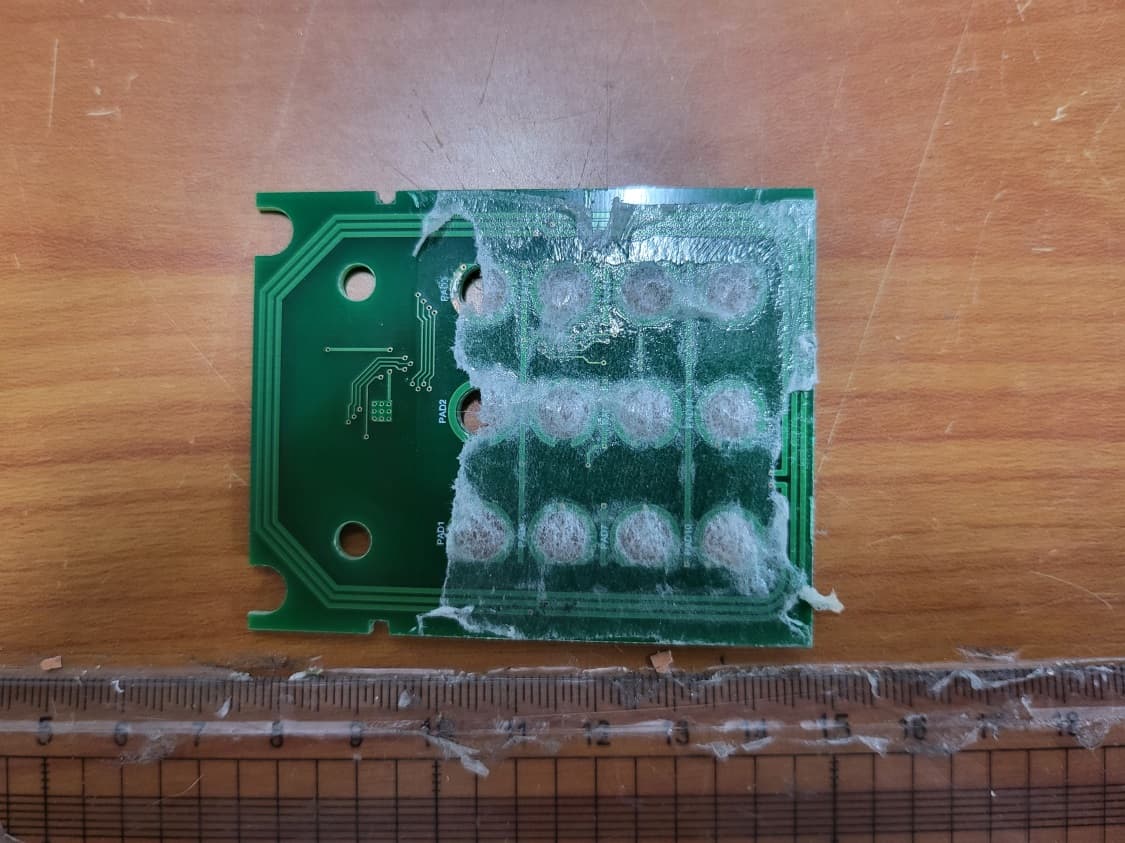
W6YHP400
Jun 19, 2022HOTEL DOOR LOCK
Equipment Class
DTS - Digital Transmission System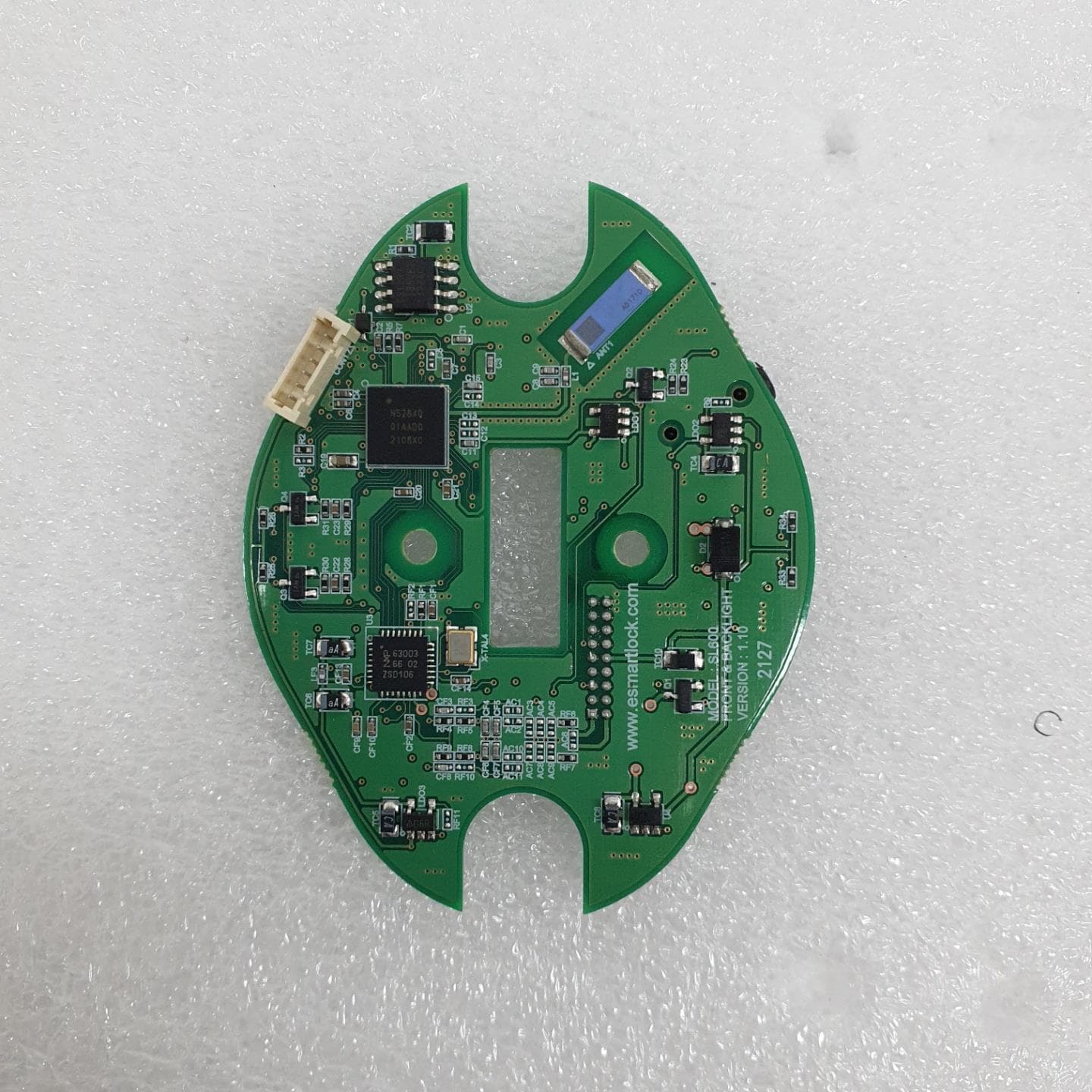
W6YSL600
Aug 26, 2021SLIM LOCK
Equipment Class
DXX - Part 15 Low Power Communication Device Transmitter
W6YAP300
May 25, 2021ACCESS POINT
Equipment Class
DTS - Digital Transmission System
W6Y-AP200
Dec 04, 2013ACCESS POINT
Equipment Class
DTS - Digital Transmission System
W6YSB-100
Dec 03, 2011Safebox
Equipment Class
DXX - Part 15 Low Power Communication Device Transmitter