WF5LKP12WMMOBILE PRINTER
Aroot Co., Ltd.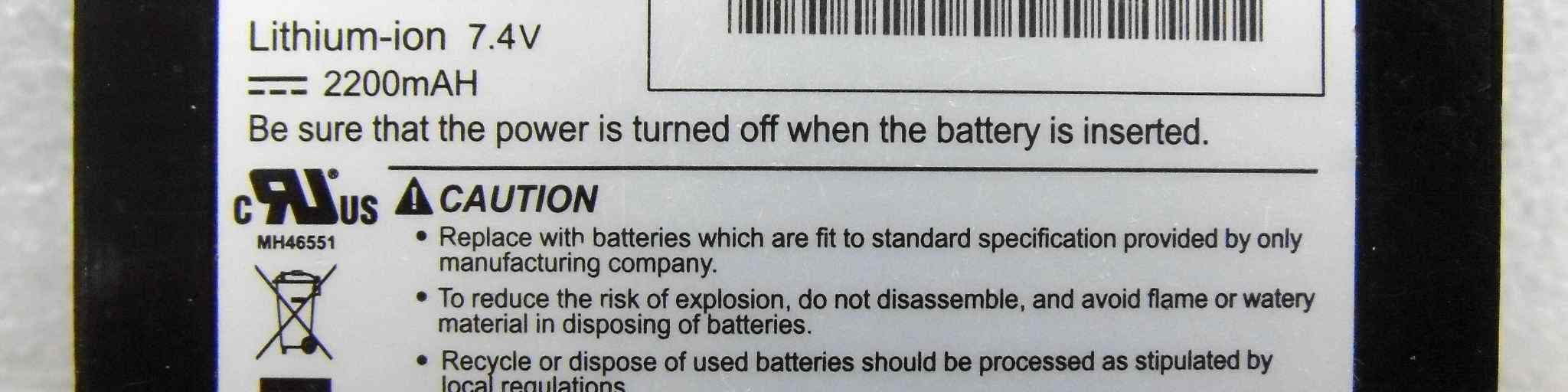
Click to zoom
Application Details
- Equipment Class
- JBP - Part 15 Class B Computing Device Peripheral
- Date of Grant
- Aug 22, 2012
- Application Purpose
- Original Equipment
- Date of Application
- Aug 22, 2012
- Equipment Note
- MOBILE PRINTER
- Company
- Aroot Co., Ltd.
- Country
- South Korea
Documents & Files
Document Text
Text extracted from the exhibit documents filed with the FCC. Open a document above to read the original.
Users Manual
All specifications are subject to change without notice USER’S MANUAL MODEL : LK-P12W SEWOO TECH CO.,LTD. 374-2, Gajang-dong, Osan-si, Gyeonggi-do, 447-210, Korea TEL : +82-31-459-8200 FAX : +82-31-459-8880 www.miniprinter.com Rev. 01 07/12 1 Table of Contents 1. Unpacking 2 2. Product overview 3 3. Installation & Usage 4 3-1. Display4 3-2. Installing the Battery5 3-3. Removing the Battery6 3-4. Charging the Battery7 3-5. Stock Installation8 3-6. Peel Mode 9 3-7. Diagnostic Test 11 4. Peripherals Connection13 4-1. Wifi(802.11b/g) Connection13 4-2. Interface Cable Connection14 5. Printer Cleaning15 5-1. PrintHead Cleaning15 5-2. Platen Roller Cleaning16 6. Pritner Specification17 6-1. Specification17 7. CPCL Command Compatibility19 RISK OF EXPLOSION IF BATTERY IS REPLACED BY AN INCORRECT TYPE. DISPOSE OF USED BATTERIES ACCORDING TO THE INSTRUCTION 2 3 1. Unpacking Printer Battery Recharger Optional Standard 2. Product overview CHARGER CONNECTOR COVER OPEN BUTTON Front Bottom CD USB Cable Quick Reference PEELER BODY PEELER WING BATTERY DOOR SERIAL USB DISPLAY Paper Serial cable 4 5 Button Name function Paper Feed/ Down button Advances the supply. Clears error message. Moves down through menu options. Enter button Selects the highlighted menu option. Up button Moves up through menu options. Power button Turns the printer on and off. Press to turn power on. Press for three seconds to turn power off. Wakes the printer from sleep mode. 3-2. Installing the Battery NOTE NOTE 3-1. Display 3. Setting Up the Product Remove the battery door. Insert the battery as shown. 1 2 Replace the battery door. You must fully charge the battery when you receive the printer. Batteries can be charged in the printer or in an optional external cradle 1. The battery status LEDs indicate amount of power remaining. Actual run-time remaining depends on factors such as the contents of output, distance to computer, etc. 2. When the battery level is very low, high density printing can result in the printer switching off during printing resulting in possible loss of data. 6 7 3-4. Charging the Battery 1. Turn off the printer. 2. Be sure that the AC plug is correct. If AC plug is wrong, change the plug to the correct one. 3. Open the DC jack by pulling on the rubber cover and insert DC jack into the printer. 4. Plug the AC plug into an electrical outlet. 5. The charge indicator LED (located on the AC charger as shown) shows red or green according to the status. 3-3. Removing the Battery 3-4-1 The status of lamp in charging Status charging charging complete Charging Lamp Red Green Remove the battery door. Lift out the battery. ② ① LED If there is trouble while charging the battery, the charge indicator LED blinks green. Try unplugging and reconnecting charger, charging should resume. Charging is complete when the LED changes to solid green. NOTE 8 9 3-5. Stock Installation 12 3 4 Put the stock in so it unrolls from the bottom. Remove the stock core when it is empty. Pull a short length of stock out of the printer. Press the Feed Key once to arrange the paper. Open the Paper cover by pressing the Open button and set the width of paper guide by turning the knob with finger. Close the cover. 3-6. Peel Mode 12 12 With a roll of stock installed, slide the peeler body towards the back of the printer. Lift the peeler wing and slide the peeler body towards the front of the printer. Press the feed button. Press the feed button. Peel Mode Non-Peel Mode 10 11 Badness Paper While Peeler mode is “On”, perhaps engraved lines of the label paper are cut too deep, peeling error might occur. Laper Paper Laper Paper Engraved Line Normal paper 3-7. Diagnostic Test 12 3 NOTE Turn off the printer. The information label prints. Press and hold the feed button and power button. 1. For Hex Dump mode, do steps 1-2 then press the feed button. 2. After printing ASCII pattern, the diagnostic test is complete. 3. If the feed button is not pressed to go to Hex Dump mode, the printer exits diagnostics after three seconds. 12 13 The sample of self test printout Upon initial installation or for troubleshooting, you can run the diagnostic test to get information about: Firmware version, emulation, codepage, sensor settings, interface settings, etc. If no issues are found with diagnostic test, examine other devices and software. The diagnostic test is working independent of devices and software. ● Do not overheat the motor To prevent the motor from overheating, stop the printer for at least 30 seconds after continuously printing 1.5 meters. 4. Peripherals Connection NOTE Refer to the wifi(802.11b/g) Manual for more details on connection. This printeThis product can communicate with other devices via Wifi(802.11b/g) communication and cable. 4-1 Wifi(802.11b/g) Connection 1. The Printer can be connected to devices equipped with wifi(802.11b/g) communication capacity (PDAs, PCs, etc.) 2. Use the wifi(802.11b/g) connection function supported by the device to connect to the printer. 14 15 4-2. Interface Cable Connection 1. Connect the USB or Serial cable to the cable connector on the printer. 2. Connect the interface cable into the USB or Serial port of the device (PDA, PC, etc.) NOTE Use only the cables offered by the printer manufacturer. Serial USB 5-1. PrintHead Cleaning 5. Printer cleaning If the interior of the printer is dusty, printing quality can be lowered. In this case, follow the instructions below to clean the printer. NOTE 1. Make sure to turn the printer power off prior to cleaning 2. The printhead can become very hot during printing; allow the printer approximately 10 minutes to cool before cleaning. 3. Do not touch the printhead, it can be damaged by static electricity. 4. Take care not to allow the print head to become scratched and /or damaged in any way. 1. Use an applicator swab moistened with an isopropyl alcohol to clean the print head and remove any dust. 2. Once cleaning is complete, allow the printer to dry then install the stock and close …
Text truncated - open the document above for the full version.
Cover Letter(s)
28-6, Gajangsaneopdong-ro, Osan-si, Gyeongi-do, 447-210, Korea Tel No : +82-70-4035-3372 Fax No : +82-31-459-7780 Federal Communications Commission Authorization and Evaluation Division In re : SEWOO TECH CO., LTD. FCC ID : WF5LKP12WM Label of this device will be located inside the battery compartment. If you remove the battery from the device, you will be able to identify the label. Sincerely, Date: August 23, 2012 City Osan-si Name: Hyung Hee Han Function: Senior Engineer Signature:
Cover Letter(s)
Rev 11/20/07 Federal Communications Commission Authorization and Evaluation Division Confidentiality Request regarding application for certification of FCC ID: WF5LKP12WM Pursuant to Sections 0.457 and 0.459 of the Commission’s Rules, we hereby request confidential treatment of information accompanying this application as outlined below: Exhibit Type File Name Block Diagram Schematics Parts List Block Diagram (LK-P12W).pdf Schematics (LK-P12W).pdf Part List (LK-P12W).pdf The above materials contain trade secrets and proprietary information not customarily released to the public. The public disclosure of these materials may be harmful to the applicant and provide unjustified benefits to its competitors. The applicant understands that pursuant to Section 0.457 of the Rules, disclosure of this application and all accompanying documentation will not be made before the date of the Grant for this application. Pursuant to DA04-1705 June 15, 2004 of the Commission’s public notice, we also request temporary confidential treatment of information accompanying this application as outlined below: Exhibit Type File Name - - Sincerely, Hyung Hee Han / Senior Engineer SEWOO TECH CO., LTD.
External Photos
CTK Co., Ltd. 386-1, Ho-dong, Cheoin-gu, Yongin-si, Gyeonggi-do, 449-100, Korea Tel: +82-31-339-9970 Fax: +82-31-339-9855 www.e-ctk.com EUT External Photographs CTK Co., Ltd. 386-1, Ho-dong, Cheoin-gu, Yongin-si, Gyeonggi-do, 449-100, Korea Tel: +82-31-339-9970 Fax: +82-31-339-9855 www.e-ctk.com CTK Co., Ltd. 386-1, Ho-dong, Cheoin-gu, Yongin-si, Gyeonggi-do, 449-100, Korea Tel: +82-31-339-9970 Fax: +82-31-339-9855 www.e-ctk.com CTK Co., Ltd. 386-1, Ho-dong, Cheoin-gu, Yongin-si, Gyeonggi-do, 449-100, Korea Tel: +82-31-339-9970 Fax: +82-31-339-9855 www.e-ctk.com Charger 1 CTK Co., Ltd. 386-1, Ho-dong, Cheoin-gu, Yongin-si, Gyeonggi-do, 449-100, Korea Tel: +82-31-339-9970 Fax: +82-31-339-9855 www.e-ctk.com Charger 2 CTK Co., Ltd. 386-1, Ho-dong, Cheoin-gu, Yongin-si, Gyeonggi-do, 449-100, Korea Tel: +82-31-339-9970 Fax: +82-31-339-9855 www.e-ctk.com Battery
ID Label/Location Info
CTK Co., Ltd. 386-1, Ho-dong, Cheoin-gu, Yongin-si, Gyeonggi-do, 449-100, Korea Tel: +82-31-339-9970 Fax: +82-31-339-9855 www.e-ctk.com Label and Location
Internal Photos
CTK Co., Ltd. 386-1, Ho-dong, Cheoin-gu, Yongin-si, Gyeonggi-do, 449-100, Korea Tel: +82-31-339-9970 Fax: +82-31-339-9855 www.e-ctk.com EUT Internal Photographs CTK Co., Ltd. 386-1, Ho-dong, Cheoin-gu, Yongin-si, Gyeonggi-do, 449-100, Korea Tel: +82-31-339-9970 Fax: +82-31-339-9855 www.e-ctk.com Main Board CTK Co., Ltd. 386-1, Ho-dong, Cheoin-gu, Yongin-si, Gyeonggi-do, 449-100, Korea Tel: +82-31-339-9970 Fax: +82-31-339-9855 www.e-ctk.com WLAN Board WLAN Antenna CTK Co., Ltd. 386-1, Ho-dong, Cheoin-gu, Yongin-si, Gyeonggi-do, 449-100, Korea Tel: +82-31-339-9970 Fax: +82-31-339-9855 www.e-ctk.com WLAN Module Label CTK Co., Ltd. 386-1, Ho-dong, Cheoin-gu, Yongin-si, Gyeonggi-do, 449-100, Korea Tel: +82-31-339-9970 Fax: +82-31-339-9855 www.e-ctk.com Sub Board
Operational Description
Operational Description Product: Mobile Printer Model Name: LK-P12W LK-P12W supports three interfaces (Wifi, USB, Serial). In case of Wifi interface, printer can be connected to the PDA and PC which can do wireless communication. 1. RF description The wireless module complies with IEEE 802.11 b/g/n standard and it can achieve up to a speed of about 90Mbps with single stream in 802.11n, 54Mbps as specified in IEEE 802.11g, or 11Mbps for IEEE 802.11b to connect to the wireless LAN. The integrated module provides UART, SPI, LAN, WLAN, WAN interface. This compact module is a total solution for a combination of Wi-Fi 802.11b/g/n technologies. The module is specifically developed for Mobile Printer and Portable Printer. § Frequency Range : 2.420~2.462 GHz § Modulation : DSSS, OFDM 2. Operating voltage - Wifi Module : 3.3V
Test Report
CTK Co., Ltd. 386-1, Ho-dong, Cheoin-gu, Yongin-si, Gyeonggi-do, 449-100, Korea Tel: +82-31-339-9970 Fax: +82-31-339-9855 www.e-ctk.com Test Report No.: CTK-2012-00664 Date: July 6, 2012 Page 1 of 38 This Report shall not be reproduced except in full without the written approval of CTK Form No.: CTK-RF-EF-Part15(Rev.5.7) EMC TEST REPORT For FCC Test Report No. : CTK-2012-00664 Date of Issue : July 6, 2012 FCC ID : WF5LKP12WM Model/Type No. : LK-P12W and LK-P12AW Kind of Product : Mobile Printer Applicant : SEWOO TECH CO., LTD. Applicant Address : 28-6, Gajangsaneopdong-ro, Osan-si, Gyeongi-do, 447-210, Korea Manufacturer : SEWOO TECH CO., LTD. Manufacturer Address : 28-6, Gajangsaneopdong-ro, Osan-si, Gyeongi-do, 447-210, Korea Contact Person : Min-Seok Song / Senior Engineer Telephone : +81-70-4035-3372 Received Date : April 10, 2012 Test period : Start : April 23, 2012 End : April 24, 2012 Test Results : In Compliance Not in Compliance The test results presented in this report relate only to the object tested. Tested by Reviewed by Bong-jun, Jang EMC Test Engineer James Hong EMC Technical Manager Date: July 6, 2012 Date: July 6, 2012 CTK Co., Ltd. 386-1, Ho-dong, Cheoin-gu, Yongin-si, Gyeonggi-do, 449-100, Korea Tel: +82-31-339-9970 Fax: +82-31-339-9855 www.e-ctk.com Test Report No.: CTK-2012-00664 Date: July 6, 2012 Page 2 of 38 This Report shall not be reproduced except in full without the written approval of CTK Form No.: CTK-RF-EF-Part15(Rev.5.7) REPORT REVISION HISTORY Date Revision Page No July 6, 2012 Issued (CTK-2012-00664) All This report shall not be reproduced except in full, without the written approval of CTK Co., Ltd. This document may be altered or revised by CTK Co., Ltd. personnel only, and shall be noted in the revision section of the document. Any alteration of this document not carried out by CTK Co., Ltd. will constitute fraud and shall nullify the document. CTK Co., Ltd. 386-1, Ho-dong, Cheoin-gu, Yongin-si, Gyeonggi-do, 449-100, Korea Tel: +82-31-339-9970 Fax: +82-31-339-9855 www.e-ctk.com Test Report No.: CTK-2012-00664 Date: July 6, 2012 Page 3 of 38 This Report shall not be reproduced except in full without the written approval of CTK Form No.: CTK-RF-EF-Part15(Rev.5.7) TABLE OF CONTENTS REPORT REVISION HISTORY ..........................................................................................2 1.0 General Product Description ...............................................................................4 1.1 Model Differences .............................................................................................4 1.2 Device Modifications .........................................................................................4 1.3 EUT Configuration(s).........................................................................................5 1.4 Test Software...................................................................................................6 1.5 EUT Operating Mode(s) .....................................................................................6 1.6 Configuration ...................................................................................................7 1.7 Calibration Details of Equipment Used for Measurement .........................................9 1.8 Test Facility......................................................................................................9 1.9 Measurement Procedure ....................................................................................9 1.10 Laboratory Accreditations and Listings ............................................................... 10 1.11 Measurement Uncertainty .................................................................................... 10 2.0 Emissions Test Regulations............................................................................... 11 2.1 Conducted Voltage Emissions ........................................................................... 12 2.2 Radiated Electric Field Emissions....................................................................... 13 APPENDIX A – TEST DATA ........................................................................................... 14 Conducted Voltage Emissions ................................................................................. 14 Radiated Electric Field Emissions ............................................................................. 22 APPENDIX B - Test Setup Photos and Configuration ......................................................... 26 Conducted Voltage Emissions ................................................................................. 26 Radiated Electric Field Emissions ............................................................................. 27 APPENDIX C – EUT Photographs ................................................................................... 28 EUT Internal Photographs ...................................................................................... 31 PCB .................................................................................................................... 32 Battery Charger 1&2 ............................................................................................. 35 Battery............................................................................................................... 37 Label and Location ................................................................................................ 38 CTK Co., Ltd. 386-1, Ho-dong, Cheoin-gu, Yongin-si, Gyeonggi-do, 449-100, Korea Tel: +82-31-339-9970 Fax: +82-31-339-9855 www.e-ctk.com Test Report No.: CTK-2012-00664 Date: July 6, 2012 Page 4 of 38 This Report shall not be reproduced except in full without the written approval of CTK Form No.: CTK-RF-EF-Part15(Rev.5.7) 1.0 General Product Description 1.0.1 Tested Equipment Unless otherwise indicated, all tests were conducted on Model LK-P12W. Tests performed on Model LK-P12W were considered to be representative of M…
Text truncated - open the document above for the full version.
Test Setup Photos
CTK Co., Ltd. 386-1, Ho-dong, Cheoin-gu, Yongin-si, Gyeonggi-do, 449-100, Korea Tel: +82-31-339-9970 Fax: +82-31-339-9855 www.e-ctk.com Test Setup Photographs and Configuration Conducted Voltage Emissions CTK Co., Ltd. 386-1, Ho-dong, Cheoin-gu, Yongin-si, Gyeonggi-do, 449-100, Korea Tel: +82-31-339-9970 Fax: +82-31-339-9855 www.e-ctk.com Radiated Electric Field Emissions
Contact Information
Applicant
Min Seok Song
Test Firm
CTK Co., Ltd.Young-Joon Park
Technical Specifications
| # | Rule Parts | Frequency Range | Power Output |
|---|---|---|---|
| 1 | 15B | - | - |
Other Applications from Aroot Co., Ltd.

WF5-ODS-156
Apr 09, 2026POS System
Equipment Class
DTS - Digital Transmission SystemWF5-BPR-10IIA
Sep 28, 2025Android Rugged Tablet
Equipment Class
NII - Unlicensed National Information Infrastructure TX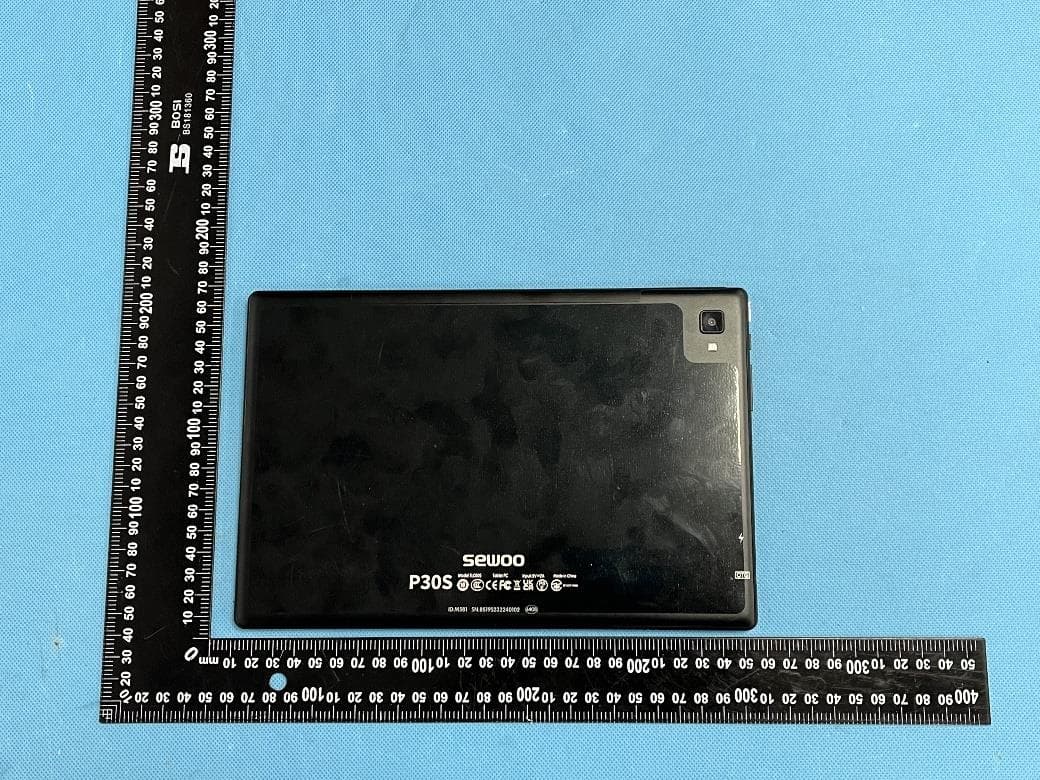
WF5-ST10
Oct 08, 2023Tablet PC
Equipment Class
DSS - Part 15 Spread Spectrum Transmitter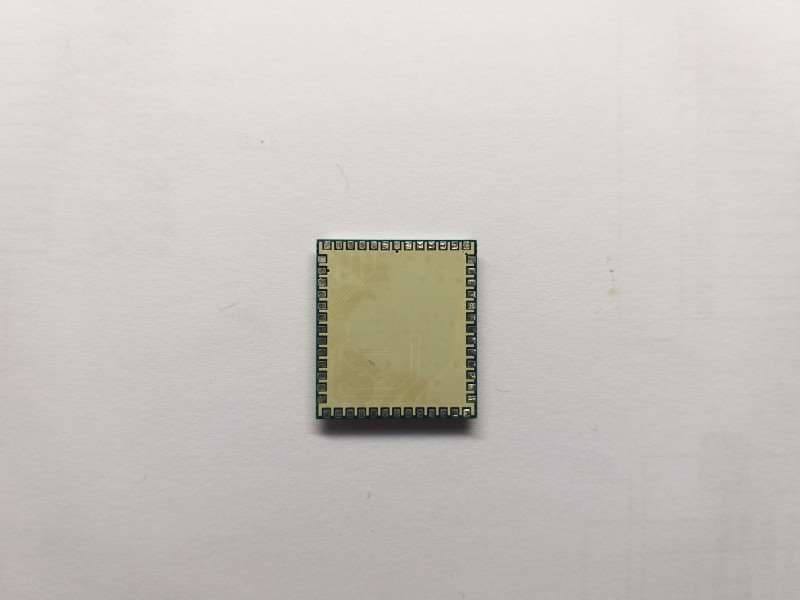
WF5SBWM3
Jul 14, 2020WiFi/BT Combo Module
Equipment Class
NII - Unlicensed National Information Infrastructure TX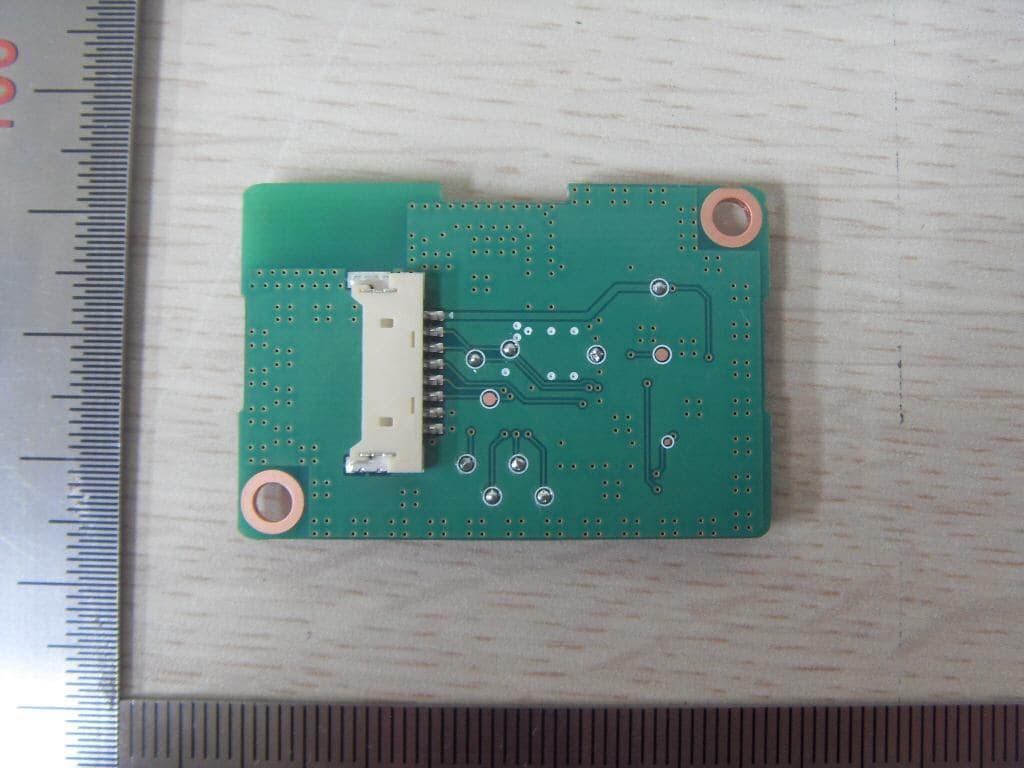
WF5SBTB1
Dec 03, 2015Bluetooth Module
Equipment Class
DSS - Part 15 Spread Spectrum Transmitter