WOQARRZ300IPBLUETOOTH WIRELESS DEVICE
Unify4Life Corporation
Click to zoom
Application Details
- Equipment Class
- DSS - Part 15 Spread Spectrum Transmitter
- Date of Grant
- Sep 07, 2010
- Application Purpose
- Original Equipment
- Date of Application
- Sep 06, 2010
- Equipment Note
- BLUETOOTH WIRELESS DEVICE
- Frequency Range
- 2402.00000000 - 2480.00000000
- Company
- Unify4Life Corporation
- Country
- Canada
Documents & Files
Document Text
Text extracted from the exhibit documents filed with the FCC. Open a document above to read the original.
Users Manual
AV Remote Control for iPhone® / iPod® touch Setup Guide 1. Unpack ...................................................................................2 2. Set up the Zentral Receiver ........................................2 3. Pair your BlackBerry with the Zentral Receiver.............................................6 4. Download the App ..........................................................7 5. Set up your AV Remote account .............................7 6. Set up the App with your Home Entertainment devices ....................................8 Using the Zentral AV Remote ..................11 Using UnifyGuide ..........................................15 Troubleshooting ...........................................19 TOC to be updated 2 Congratulations! You’re just a few steps from unlocking the true potential of your iPhone® or iPod® touch with the Zentral AV Remote Control. Just follow the directions in this Setup Guide—soon you’ll be in control of your home entertainment devices, all from the convenience of the Zentral App. Unpack Before you start, take everything out of the Zentral AV Remote Control package. Make sure you have the following parts: • Zentral AV Remote Control Receiver • power adapter • a 6-node IR emitter wire 1 2 Set up the Zentral Receiver The Zentral AV Remote Control Receiver is the link between the Zentral App and your home entertainment devices. It translates Bluetooth® commands from your iPhone or iPod touch into infrared (or “IR”) commands used to control your devices. There are three ways you can set up the Zentral Receiver to communicate with your home entertainment devices *Requires iPod touch Second Generation or later. 3 Using the IR emitter wire: This works for hidden or out-of-sight devices. Using the Zentral Receiver’s built-in IR emitter: This works for devices facing the Zentral Receiver or directly above it. Using a combination of both methods: The IR emitter wire for hidden devices, and the Zentral Receiver’s built-in IR emitter for your TV. Zentral Receiver IR Emitter Wire Zentral Receiver IR Commands Zentral Receiver IR Commands IR Emitter Wire Note: The Zentral AV Remote can control devices operated by IR commands. It cannot control devices (such as some brands of video game consoles) that use other remote control technologies. 4 Using the Zentral Receiver’s built-in IR emitters Zentral Receiver, Side View The Zentral Receiver blasts IR commands in two directions: up and forward. When you place the Zentral Receiver, make sure there’s an unobstructed path between it and the devices you want to control. TV Zentral Receiver Using the IR emitter wire 1. Plug the IR emitter wire into the IR Out jack on the back of the Zentral Receiver. IMPORTANT: When using the built-in IR emitters, correct placement of the Zentral Receiver is crucial. There must be a clear line of sight between the front or top emitters and the remote control sensor on the device(s) you want to control. If you are placing the Zentral Receiver beneath a device you want to control, put it slightly forward of the device’s front panel. This gives the Zentral Receiver a better angle to reach the device’s remote control sensor. 5 2. Find the IR sensor on each of the devices you want to control using the IR emitter wire—it’s usually on the device’s front panel. Satellite receiver A/V receiver DVD player Remote sensors 3. Place a node from the IR emitter wire over each device’s IR sensor: • Remove the protective film from the node. • Stick the node directly on the device’s IR sensor. 4. Plug the Zentral Receiver’s power adapter into the DC Input jack on the back of the Zentral Receiver. Plug the other end into a standard wall outlet or surge protector. Note: This power adapter should stay vertical or lie flat while plugged in. The indicator light on the front of the Zentral Receiver flashes while the Zentral Receiver waits to pair with your iPhone or iPod touch. Satellite receiver A/V receiver DVD player 6 3 Pair your iPhone or iPod touch with the Zentral Receiver Before you can establish a Bluetooth connection between your iPhone / iPod touch and the Zentral Receiver, you must first pair the two. 1. From the home screen on your iPhone or iPod touch, press the Settings icon. Note: Zentral Apps work with iPod touch second generation or later only. 2. In the Settings screen, press General. 3. In the General screen, press Bluetooth. 4. If Bluetooth is not already on, turn it on. Your iPhone or iPod touch searches for Bluetooth devices nearby. (Make sure you’re within 15 feet of the Zentral Receiver.) When your iPhone or iPod touch is finished searching, it displays the Bluetooth devices it’s found. Choose AV xxxx-xxxx Zentral (“xxxx-xxxx” is the serial number) to connect to it. 5. The next screen requests a passkey to connect to the AR Zentral AV Remote Receiver. Enter “0000”. 6. Once you’ve entered the passkey, your iPhone or iPod touch asks if you want to connect to the AR Zentral AV Remote Receiver. Choose Yes. The final screen shows you that your iPhone or iPod touch is connected. The blue indicator light on the front of the Zentral Receiver turns solid blue when the process is finished. Note: As long as it remains within Bluetooth range of the Zentral Receiver, your iPhone or iPod touch reconnects automatically when you wake it up. If you leave Bluetooth range, you will need to reconnect your iPhone or iPod touch when you return by choosing General, then Bluetooth, and finally selecting AV xxxx-xxxx Zentral to connect to the Zentral Receiver again. 7 4 Download the App Once you’ve paired, you’re ready to install the application (or “App”) on your iPhone or iPod touch that allows it to control your Zentral Receiver. Go to the App Store and search for “Acoustic Research Zentral AV Remote.” Click on the FREE button to install. Enter your App Store password. The application starts installing to your iPhone/iPod touch. Note: If you’re getting the app through your computer, you’ll have to co…
Text truncated - open the document above for the full version.
Cover Letter(s)
August 25, 2010 Federal Communications Commission Authorization and Evaluation Division Confidentiality Request regarding application for certification of FCC ID: WOQARRZ300IP Pursuant to Sections 0.457 and 0.459 of the Commission’s Rules, we hereby request confidential treatment of information accompanying this application as outlined below: Exhibit Type File Name Schematics CONF ARRZ300IP-Schematics.PDF Parts List CONF ARRZ300IP-Parts List.PDF Block diagrams CONF ARRZ300IP-Block Diagram.PDF The above materials contain trade secrets and proprietary information not customarily released to the public. The public disclosure of these materials may be harmful to the applicant and provide unjustified benefits to its competitors. The applicant understands that pursuant to Section 0.457 of the Rules, disclosure of this application and all accompanying documentation will not be made before the date of the Grant for this application. Sincerely, ___________________________ Minh Doan
Operational Description
Operational Description Audiovox Remote September 7, 2010 1 Overview The Audiovox Remote is a Bluetooth enabled hardware capable of receiving Bluetooth packets from select models of Bluetooth enabled devices and converting it into IR waveform to control the operation of IR Devices environment. 2 Basic Blocks The AV Hub consists of the following building blocks: Bluetooth Controller IR Engine 3 Theory of Operation 3.1 Bluetooth Controller The Bluetooth controller is configured to receive Bluetooth packets through a 2.4GHz RF link being transmitted from a paired and connected device. The Bluetooth packets received by the Audiovox Remote contains either the equivalent IR data corresponding to a specific command. Once the Bluetooth packets are received and processed, the Audiovox Remote then communicates through an on board serial protocol to the IR engine and/or to the end device. 3.2 IR Engine Once the Audiovox Remote processes the Bluetooth packets, it then communicates with the IR engine through a UART protocol with the IR waveform code set. The IR Engine will then commence firing the IR LED’s with the appropriate IR waveform as per instructions from the Audiovox Remote.
RF Exposure Info
Global EMC Prediction of MPE limit at a given distance Equation from page 18 of OET Bulletin 65, Edition 97-01 where:S = power density P = power input to the antenna G = power gain of the antenna in the direction of interest relative to an isotropic radiator R = distance to the center of radiation of the antenna Maximum peak output power at antenna input terminal:-0.60(dBm) Maximum peak output power at antenna input terminal:0.87096359(mW) Antenna gain(typical):2.4(dBi) Maximum antenna gain:1.737800829(numeric) Time Averaging:100(%) Prediction distance:20(cm) Prediction frequency:2480(MHz) MPE limit for uncontrolled exposure at prediction frequency:1(mW/cm^2) Power density at prediction frequency:0.000301(mW/cm^2) Margin of compliance:-35.2(dB) This equates to0.003011134W/m^2PASS For informationThis equates to1.065456559V/m Note: This device does not exceed the 60 / f (GHz) in mW limit as per FCC KDB 447498 2(a)(i), so it is allowable to be used in portable exposure conditions with no restrictions on host platforms 2 4R PG S
Test Report
Global EMC Inc. Labs EMC & RF Test Report As per RSS 210 Issue 7:2007 & FCC Part 15 Subpart C:2010 Unlicensed Intentional Radiators on the Audiovox Remote model ARRZ300IP Raymond Lee Au Project Engineer Global EMC Inc. 180 Brodie Drive, Unit 2 Richmond Hill, ON, L4B 3K8 Canada Ph: (905) 883-8189 Testing produced for See Appendix A for full customer & EUT details . LAB REGISTRATION #6844A-1 FCC REGISTRATION #612361 Testing Laboratory Certificate #2555.01 Page 1 of 70 Report issue date: 9/3/2010 GEMC File #:GEMC-FCC-19762bR1 © Global EMC Inc. This test report shall not be reproduced except in full, without written approval of Global EMC Inc. This report is based on GEMC Template “FCC 15 247 Rev2.” Client Unify4Life Product Audiovox Remote ARRZ300IP Standard(s) RSS 210 Issue 7:2007 / FCC Part 15 Subpart C 15:2010 Page 2 of 70 Report issue date: 9/3/2010 GEMC File #: GEMC-FCC-19762bR1 © Global EMC Inc. This test report shall not be reproduced except in full, without written approval of Global EMC Inc. Table of Contents Table of Contents ................................................................................................................... 2 Report Scope .......................................................................................................................... 3 Summary ................................................................................................................................ 4 Test Results Summary ....................................................................................................... 5 Justifications, Descriptions, or Deviations......................................................................... 6 Applicable Standards, Specifications and Methods ........................................................... 7 Sample calculation(s) ......................................................................................................... 8 Document Revision Status ................................................................................................. 8 Definitions and Acronyms ..................................................................................................... 9 Testing Facility .................................................................................................................... 10 Calibrations and Accreditations ....................................................................................... 10 Testing Environmental Conditions and Dates ................................................................. 11 Detailed Test Results Section .............................................................................................. 12 Spurious Radiated Emissions ........................................................................................... 13 Channel Carrier Separation for Frequency Hopping Systems ......................................... 25 Maximum Peak Envelope Conducted Power .................................................................. 28 Spurious Conducted Emissions........................................................................................ 31 Frequency Occupancy for Frequency Hopping Systems ................................................. 37 Number of Channels for Frequency Hopping Systems ................................................... 41 Channel Carrier Bandwidth of Frequency Hopping Systems .......................................... 52 Maximum Permissible Exposure ..................................................................................... 55 Power Line Conducted Emissions ................................................................................... 57 Appendix A – EUT Summary.............................................................................................. 64 Appendix B – EUT and Test Setup Photographs................................................................. 65 Client Unify4Life Product Audiovox Remote ARRZ300IP Standard(s) RSS 210 Issue 7:2007 / FCC Part 15 Subpart C 15:2010 Page 3 of 70 Report issue date: 9/3/2010 GEMC File #: GEMC-FCC-19762bR1 © Global EMC Inc. This test report shall not be reproduced except in full, without written approval of Global EMC Inc. Report Scope This report addresses the EMC verification testing and test results of the Audiovox Remote ,, herein referred to as EUT (Equipment Under Test) performed at Global EMC Labs. The EUT was tested for compliance against the following standards: RSS 210 Issue 7:2007 / FCC Part 15 Subpart C 15:2010 Test procedures, results, justifications, and engineering considerations, if any, follow later in this report. The results contained in this report relate only to the item(s) tested. This report does not imply product endorsement by A2LA or any other accreditation agency, any government, or Global EMC Inc. Opinions/interpretations expressed in this report, if any, are outside the scope of Global EMC Inc accreditation. Any opinions expressed do not necessarily reflect the opinions of Global EMC Inc, unless otherwise stated. Client Unify4Life Product Audiovox Remote ARRZ300IP Standard(s) RSS 210 Issue 7:2007 / FCC Part 15 Subpart C 15:2010 Page 4 of 70 Report issue date: 9/3/2010 GEMC File #: GEMC-FCC-19762bR1 © Global EMC Inc. This test report shall not be reproduced except in full, without written approval of Global EMC Inc. Summary The results contained in this report relate only to the item(s) tested. EUT FCC Certification #, FCC ID: WOQARRZ300IP EUT Industry Canada Certification #, IC: 7987A-ARRZ300IP EUT Passed all tests performed. Yes (see test results summary) Tests conducted by Raymond Lee Au Client Unify4Life Product Audiovox Remote ARRZ300IP Standard(s) RSS 210 Issue 7:2007 / FCC Part 15 Subpart C 15:2010 Page 5 of 70 Report issue date: 9/3/2010 GEMC File #: GEMC-FCC-19762bR1 © Global EMC Inc. This test report shall not be reproduced except in full, without written approval of Global EMC Inc. Test Results Summary Standard/Method Descript…
Text truncated - open the document above for the full version.
Test Setup Photos
Radiated Emissions 1 Radiated Emissions 2 Radiated Emissions Close up Antenna Conducted Measurements Power Line Conducted Emissions
Contact Information
Applicant
Winston van Schilt(Director of Operations)
Test Firm
Global EMC Inc.Scott Drysdale
Technical Specifications
| # | Rule Parts | Frequency Range | Power Output |
|---|---|---|---|
| 1 | 15C | 2.40 GHz - 2.48 GHz | 1.00 mW |
Other Applications from Unify4Life Corporation
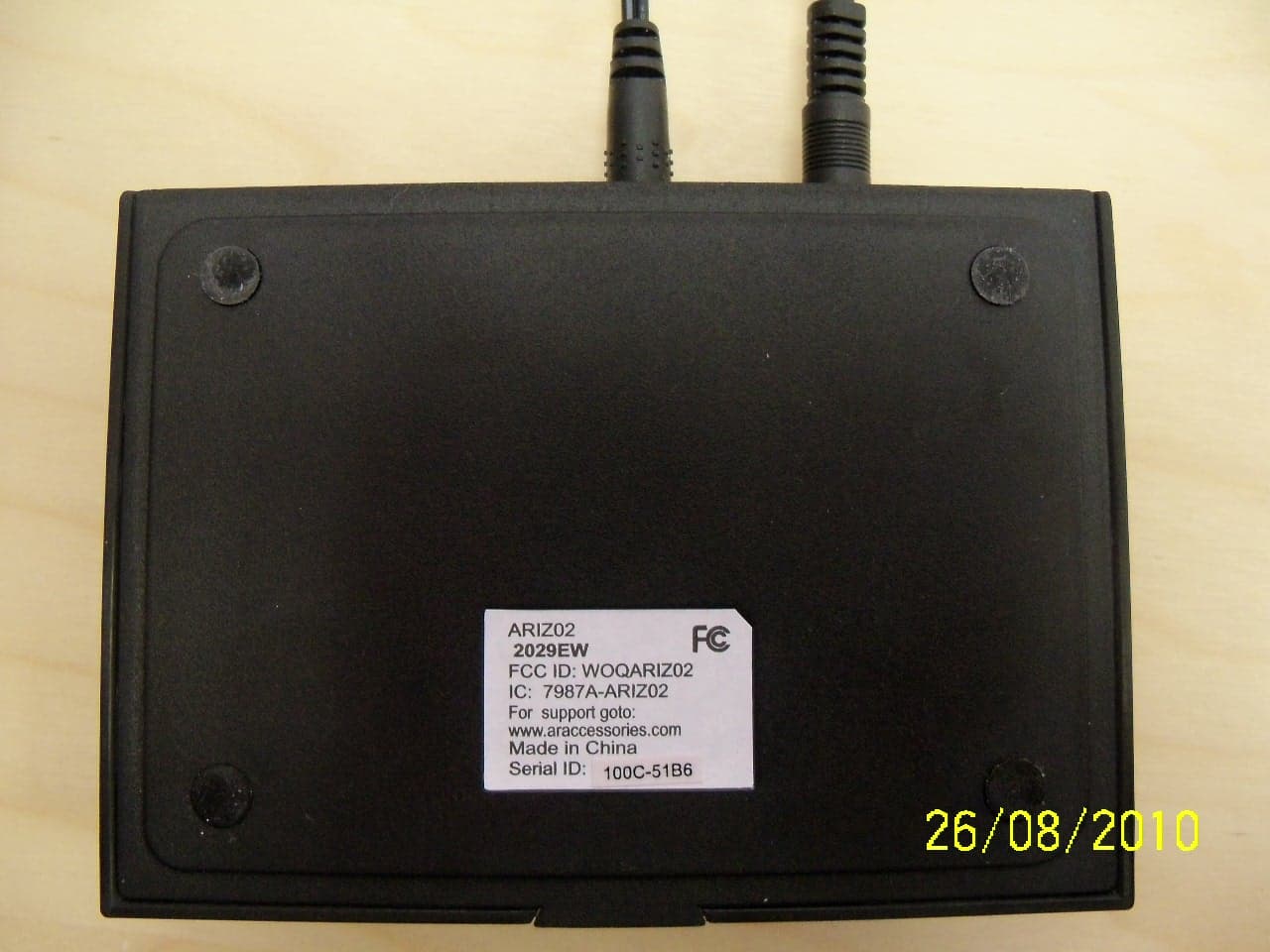
WOQARIZ02
Sep 07, 2010BLUETOOTH WIRELESS DEVICE
Equipment Class
DSS - Part 15 Spread Spectrum Transmitter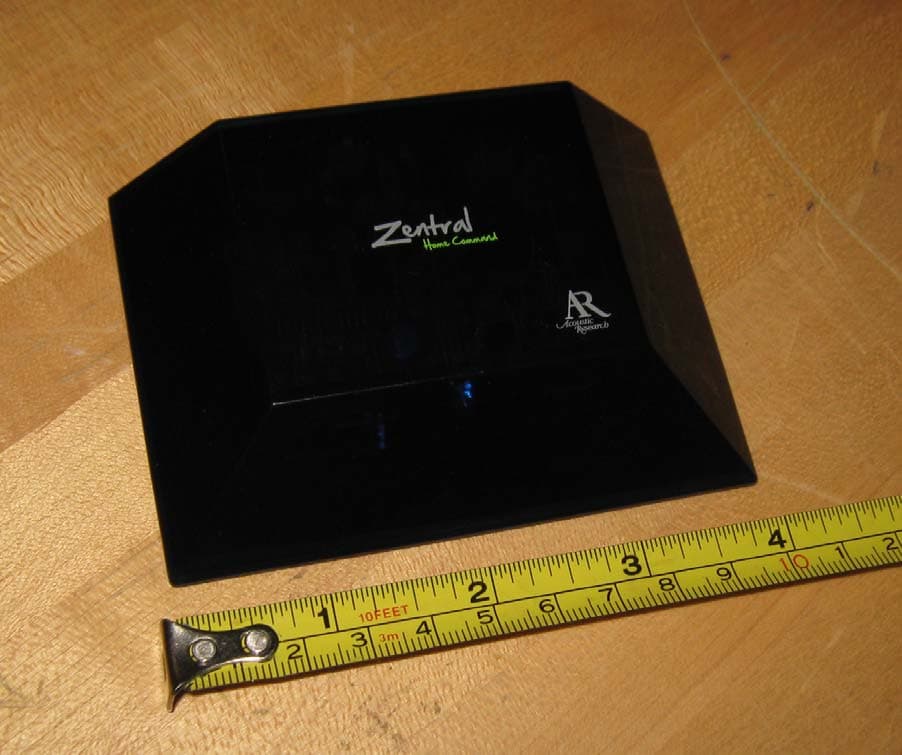
WOQARRZ100BB
Sep 07, 2010BLUETOOTH WIRELESS DEVICE
Equipment Class
DSS - Part 15 Spread Spectrum Transmitter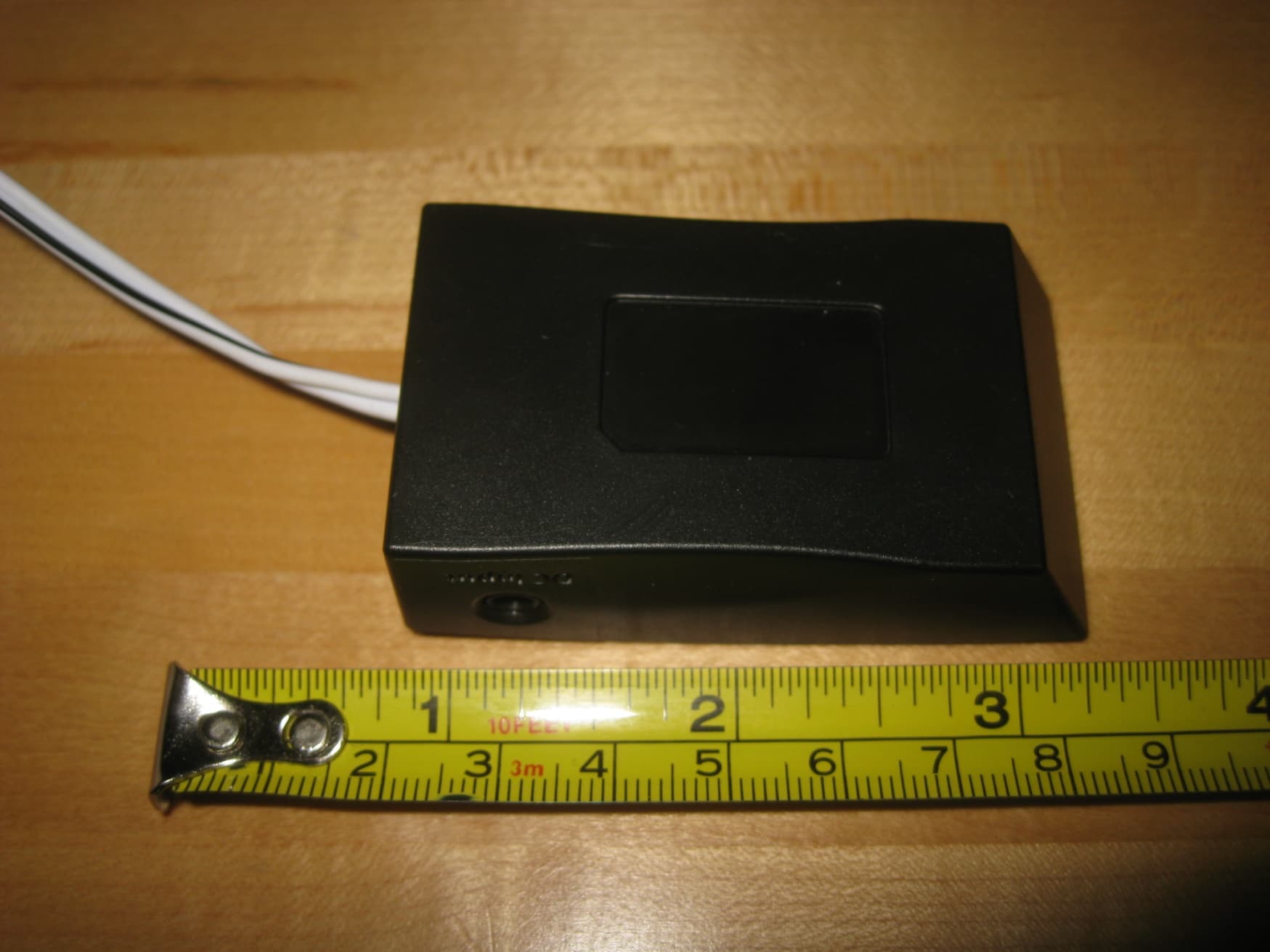
WOQARGZ01
Sep 07, 2010BLUETOOTH WIRELESS DEVICE
Equipment Class
DSS - Part 15 Spread Spectrum Transmitter