WS309KY7AC00WLAN (Multimedia Projector)
SANYO Electronics (Dongguan) Co., Ltd.Application Details
- Equipment Class
- JBC - Part 15 Class B Computing Device/Personal Computer
- Date of Grant
- May 25, 2009
- Application Purpose
- Original Equipment
- Date of Application
- May 25, 2009
- Equipment Note
- WLAN (Multimedia Projector)
- Country
- China
Documents & Files
Document Text
Text extracted from the exhibit documents filed with the FCC. Open a document above to read the original.
Users Manual
31 Computer Input Computer 2 Input Source Selection (Computer 2: RGB) Direct Operation Menu Operation Note: On1On2 1 2 3 Input Computer 2 Computer 2 Input Menu Top Control INPUT button Computer 1 HDMI Computer 2 S-video COMPUTER button Remote Control Computer 1 Computer 2 Network Video COMPUTER 2 32 Computer Input PC System Menu PC System Menu Computer System Selection Auto Auto ----- Mode 1-5 Mode 1 SVGA 1 *Mode 1SVGA 1 1 2 Selecting Computer System Manually Input Systerm 3 Mode (1–5) 33 Computer Input Fine syncTotal dotsHorizontalVertical ClampDisplay area H Display area V PC adjust Menu Auto PC adjustment To store adjustment parameters Mode (1–5) Store Note: Fine syncTotal dotsHorizontalVertical position 480i, 575i, 480p, 575p, 720p, 1035i1080i PC adjust 1 2 Auto PC adj. Auto PC adj. Menu Operation Auto PC adj. Please wait... 34 Computer Input PC adjust Menu Manual PC adjustment 1 2 Fine sync Total dots Horizontal Vertical Clamp PC adjust Display area V Display area H 35 Store Store Mode free Mode free Note: Display area (H/V) 480i, 575i, 480p, 575p, 720p, 1035i1080i PC adjust Reset Reset Yes Computer Input Total dotsHorizontal VerticalDisplay area H Display area V Mode free Store 36 Computer Input Image Select Menu IMAGE button Dynamic Real Image 1 Image 2 Image 3 Image Mode Selection Image 4 Standard Remote Control IMAGE button Dynamic Standard RealBlackboard (Green) Colorboard Image 1Image 2 Image 3 Image 4 Standard Real Blackboard (Green) Image 1–4 Dynamic Direct Operation 1 2 Menu Operation Colorboard Colorboard Image select 37 Computer Input Image Adjust Menu Image Adjustment Reset Image adjust 1 2 Note: White balance RedGreenBlue Color temp.User Blackboard(Green) Colorboard Color temp. BlackboardColorboard Contrast Brightness White balance (Red) White balance (Green) White balance (Blue) Color temp. Gamma Sharpness Reset Yes 38 Computer Input Store Screen Menu Screen Size Adjustment Normal True Full Note: NormalCustom720p(HDTV)1035i (HDTV) 1080i (HDTV) TrueFullDigital zoom +/–480i575i480p575p 1 2 Store Yes Image (1–4) Yes Screen 39 Computer Input Digital zoom + D. zoom + Digital zoom + Digital zoom - D. zoom – Digital zoom - For zooming in and out the images Note: TrueFullDigital zoom +/– 480i575i480p575p Digital zoom +/- Full True Custom Remote Control D.ZOOM + button POINT buttons SELECT button D.ZOOM - button Custom Custom Scale H/V H&VOn Scale V Scale H Position H/V Common Common Yes Custom Reset Reset Yes Custom Note: Normal Scale H/V Position H/V 40 VideoS-video 1 2 Video Input Menu Input Source Selection (Video, S-video) Video Input Direct Operation Menu Operation Video Video S-video S-video Note: Network On1On2 Top Control INPUT button Remote Control VIDEO button Input Video S-video Video S-video Computer 1 HDMI Computer 2 S-video Network Video COMPUTER 2 41 Video Input Computer 1 HDMI 1 Input Menu 2 Computer 1 HDMI Input Source Selection (Component, RGB Scart 21-pin, HDMI) Component RGB (Scart) Direct Operation Menu Operation Input Note: Network On1On2 COMPUTER button Top Control INPUT button Remote Control 3 Computer 1 ComponentRGB(Scart) Computer 1 Computer 2 HDMI HDMI HDMI button HDMI Computer 1 HDMI Computer 2 S-video Network Video COMPUTER 2 42 Video Input Video System Selection 1 AV System Menu (Video or S-video) AV System Menu (Component) 2 PAL SECAM, NTSCNTSC 4.43PAL-M PAL-N PAL/SECAM/NTSC/NTSC4.43/PAL-M/PAL-N 480i 575i 480p575p 720p 1035i1080i Auto COMPONENT VIDEO SIGNAL FORMAT Video or S-video Component PAL-MPAL-N Auto Note: RGB (Scart) Input VideoS-video Computer 1(Component) 3 System 43 Image Select Menu DynamicStandard CinemaBlackboard (Green)ColorboardImage 1 Image 2Image 3Image 4 Standard Cinema Blackboard (Green) Image 1–4 IMAGE button Dynamic Cinema Image Mode Selection Dynamic Standard Remote Control IMAGE button Direct Operation 1 2 Menu Operation Image 1 Image 2 Image 3 Image 4 Colorboard Colorboard Image select Video Input 44 Video Input Image Adjustment 1 2 Contrast Brightness White balance (Red) White balance (Green) White balance (Blue) Color temp. Color Tint Note: White balance RedGreenBlueUser TintPALSECAMPAL-MPAL-N Blackboard(Green)ColorboardColor temp. BlackboardColorboard Image adjust Menu Image adjust 45 Video Input Gamma Sharpness Off L1 L2 Film Progressive Noise reduction Off L1 L2 Note: Noise reduction Progressive 480p575p720p1035i1080i Reset Yes Reset Store Store Yes Image (1-4) Yes Store Menu 46 Video Input Normal Screen Size Adjustment Screen Menu 1 2 Custom CustomCustom Scale H/V H&VOn Scale V Scale H Position H/V Common Common YesCustom Reset Reset Yes Note: Normal Scale H/V Position H/V WideZoomNatural wide 720p1035i1080i Wide Screen Full Zoom Natural wide 47 Language English German French Italian Spanish Portuguese Dutch Swedish Finnish PolishHungarian Romanian Russian Chinese KoreanJapaneseThai Setting Menu Setting Setting Setting 1 2 Language Menu position Menu position 3 48 Setting Note: Auto Keystone Auto Keystone CeilingOn Keystone Fine syncTotal dotsHorizontalVertical Auto setup Input search Off On1 On2 * Auto PC adj. On Off Auto Keystone Auto Manual Off Auto setup Note: Input searchOn1On2 Input search, Auto PC adj. and Auto Keystone Off 49 Keystone Store Reset Keystone Background Blue User Black On Countdown Off Off Power off? No signal Please wait ... Display Setting Keystone 50 Setting Logo (Logo and Logo PIN code lock settings) Logo select Logo selectcaptureLogo PIN code lockLogo PIN code change Note: On Logo selectcaptureLogo PIN code change Logo select User Default Off 51 Capture Capture Capture Yes User Yes Note: Standard Logo PIN code lockOncapture User DefaultOff Logo PIN code lock Off On Logo PIN code lock Logo PIN code" Logo PIN code lock Setting 52 Setting Enter a Logo PIN code Set Logo PIN code Logo PIN code change On Off Change the Logo PIN code lock setting Enter a Logo PIN code CAUTION: WHEN YOU HAVE CHANGED THE LOGO PIN CODE, WRITE DOWN THE NEW PIN CODE IN COLUMN OF THE LOGO PIN CODE NO. MEMO ON PAGE 83, AN…
Text truncated - open the document above for the full version.
Users Manual
61 L1 L2 (L1 Fan Setting Fan control Fan Control Setting OffOff On 1 On 2 On 3 On 3 Note: On1On2On3 On1On2On3L2 Lamp counter Fig.1 Note: Note: Off 62 Setting Factory default User logoPIN code lockLogo PIN code lockFilter counter Factory default Warning log Note: Reset Filter counter Filter counter Timer Off/100H/ 200H/ 300H Fig.1 Note: Note: Off 63 Input Source Information Display H-sync freq. V-sync freq. Lamp counter Information Menu KHz - - - - - Hz - - - - - Direct Operation INFO. button Remote Control Information Menu Operation Power management Screen Off ReadyShut downTimer Input Lamp status Information Language Key lock PIN code lock OffOn 1On 2 Remote control 64 WARNING indicator The projector is shut down and the WARNING indicator is blinking red. The projector is shut down and the WARNING indicator lights red. CAUTION Maintenance and Cleaning Top Control Top Control Note: Then check the matters below: 65 Maintenance and Cleaning CAUTION RECOMMENDATION We recommend avoiding dusty/smoky environments when you operate the projector. Usage in these environments may cause poor image quality. Setting Filter counter Filter counter reset Filter counter Reset? Yes 1 2 Resetting the Filter Counter Filter counter Filter counter Reset? Yes Yes Yes 3 Cleaning the Filters 1 2 3 4 66 Maintenance and Cleaning Cleaning the Projector Cabinet Cleaning the Projection Lens Attaching the Lens Cap 1 2 67 Maintenance and Cleaning CAUTION Lamp Replacement CAUTION Top Control LAMP REPLACE indicator ORDER REPLACEMENT LAMP Model No. of your projector : PLC-WXU700 Replacement Lamp Type No. : POA-LMP111 (Service Parts No. 610 333 9740) 1 3 4 2 6 Reset the lamp counter. 5 WARNING: Note: Off 68 Maintenance and Cleaning IF A LAMP EXPLODES, THE FOLLOWING SAFETY PRECAUTIONS SHOULD BE TAKEN. LAMP HANDLING PRECAUTIONS Resetting the Lamp Counter Note: Lamp counter Reset? Yes Yes Setting Lamp counter Lamp counter reset Lamp counter Reset? Yes 1 2 Yes 3 70 Appendix Blackboard 480p, 575p, 720p, 480i, 575i, 1035i1080i Store Off On Manual No image No sound The color is strange. Some displays are not seen during the operation. Auto PC adjustment function does not work. The setting does not remain after turning off power. Power management does not work. Capture function does not work. Auto setup does not work properly. Auto keystone function does not work even when the projector is tipped. 71 Appendix 1234" ON Key lock Security The image is distorted or runs off. PIN code dialog box appears at start-up. Page Up/Down function does not work. The Remote Control does not work. Indicator blinks or lights. Wireless Mouse function does not work. The exclamation mark appears on the screen. Top control does not work. Unable to unlock the Logo PIN code lock, Security key lock or Security PIN code lock. 72 WARNING : High voltages are used to operate this projector. Do not attempt to open the cabinet. Appendix 73 Appendix Menu Tree Image Adjust – Computer Input PC adjust Image Select Screen Computer Input/HDMI Input/Video Input Sound Sound System User Input 74 Appendix HDMI Input / Video InputSetting Image Select System System Image Adjust Screen Setting User Information User 75 Projector Condition red/green Indicators yellow red Indicators and Projector Condition Appendix 76 Appendix Compatible Computer Specifications ON-SCREEN DISPLAY RESOLUTION H-Freq. (KHz) V-Freq. (Hz) ON-SCREEN DISPLAY RESOLUTION H-Freq. (KHz) V-Freq. (Hz) 77 Appendix ON-SCREEN DISPLAY RESOLUTION H-Freq. (KHz) V-Freq. (Hz) ON-SCREEN DISPLAY RESOLUTION H-Freq. (KHz) V-Freq. (Hz) Note: 78 List of Picture in Picture Note: X Appendix 79 Appendix Technical Specifications Mechanical Information Panel Resolution Signal Compatibility Optical Information Interface Audio Power Operating Environment Remote Control 80 Appendix COMPONENT~VGA Cable : SCART~VGA Cable : VGA-Cable (10 m): Optional Parts Accessories 81 PJ Link Notice Appendix 82 1 2 3 4 COMPUTER IN 1 /COMPONENT IN /MONITOR OUT (ANALOG) Terminal: Analog RGB (Mini D-sub 15 pin) Configurations of Terminals 1 5 2 4 3 6 7 8 9 13 10 12 11 14 15 2 3 4 5 6 7 8 1 USB CONNECTOR (Series B) LAN TERMINAL Appendix HDMI (19 Pin Type A) 83 Appendix PIN Code Number Memo PIN Code Lock No. Logo PIN Code Lock No. Hook and loop fastener USB Thumb Drive Case USB thumb drive case 84 Appendix Dimensions SANYO Electric Co., Ltd.
Cover Letter(s)
SAMPLE LETTER OF AUTHORIZATION Dongguan Huaqiang SANYO Electronics Co., Ltd. 2009-5-6 To whom it may concern: We the undersigned, hereby authorize CTI employees Lily Yan to act on our behalf in all manners relating to application for equipment authorization, including signing of all documents relating to these matters. Any and all acts carried out by CTI employees Lily Yan on our behalf shall have the same affect as acts of our own. This authorization is valid until further written notice from Dongguan Huaqiang SANYO Electronics Co., Ltd. Sincerely,
Cover Letter(s)
Ersteller: U. Rodemeier Revision: 04 Erstelldatum: 03.08.01 Datum: 11.05.07 Seite 1 von 1 Request for Confidentiality PHOENIX TESTLAB GmbH Date: May. 05, 2009 Product Certification Königswinkel 10 D 32825 Blomberg RE: Certification Application FCC ID: WS309KY7AC00 Confidentiality Request Pursuant to Sections 0.457 and 0.459 of the Commission’s Rule, the applicant hereby requests confidential treatment of information accompanying this application as outlined below: • Bill of material (if applicable) • Operation Description • Circuit Diagram • (XXXXX to be replaced by Schematics, Block Diagram, etc.) The above materials contain trade secrets and proprietary information not customarily released to the public. The public disclosure of these matters might be harmful to the applicant and provide unjustified benefits to its competitors. The applicant understands that pursuant to rule 0.457, disclosure of this application and all accompanying documentation will not be made before the date of the GRANT for this application. Thank you for your attention in this matter. Applicant’s Company: Centre Testing International address : Bldg. C, Hongwei Industrial Park, Block 70, Bao’an District, Shenzhen, Guangdong, China Signature : Job Title and Dept. :Leader, EMC Lab
ID Label/Location Info
FCC ID LABELING AND LOCATION FCC ID Label FCC ID Label Location Label Here
RF Exposure Info
Applicant RF Exposure / MPE Calculation : Dongguan Huaqiang SANYO Electronics Co., Ltd. Equipment : Multimedia Projector Model No. FCC ID : PLC-WXU700, LC-WB42N : WS309KY7AC00 Dongguan Huaqiang SANYO Electronics Co., Ltd. declares that Model : PLC-WXU700, LC-WB42N complies with FCC radiation exposure requirement specified in the FCC Rules 2.1091 (for mobile). RF Exposure Calculations: The following information provides the minimum separation distance for the highest gain antenna provided with the models as calculated from FCC OET Bulletin 65 Appendix A, Table (B) Limits for General Population / Uncontrolled Exposure. This calculation is based on the highest EIRP possible from the system, considering maximum power and antenna gain, and considering a 1.0mW/cm^2 uncontrolled exposure limit. The Friis formula used was: S = (P * G) / (4* π * r 2 ) Where P = 26.33 dBm = 429.54 mW (Maximum peak output power) G = 2.50 dBi = 1.78 (Antenna gain) r = 20.0 cm Thus: S = 0.15 mW/cm 2
Test Report
Report No. SZEE09030262698720-3 Page 1 of 43 FCC CLASS B CONFORMITY REPORT Product Name : Multimedia Projector Model Number : PLC-WXU700 LC-WB42N FCC ID : WS309KY7AC00 Report Number : SZEE09030262698720-3 Date : May 05, 2009 Prepared for: Dongguan Huaqiang SANYO Electronics Co., Ltd HongYe Industry Area,Tang Xia Town,Dongguan ,Gangdong TEL: 86-769-8775 3128 FAX: 86-769-8775 3123 Prepared by: CENTRE TESTING INTERNATIONAL CORPORATION Building C, Hongwei Industrial Zone, Baoan 70 District, Shenzhen, Guangdong, China TEL: +86-755-3368 3668 FAX: +86-755-3368 3385 This report shall not be reproduced, except in full, without the written approval of CENTRE TESTING INTERNATIONAL CORPORATION Building C, Hongwei Industrial Zone, Baoan 70 District, Shenzhen Standards Results FCC Part 15: 2008 PASS Report No. SZEE09030262698720-3 Page 2 of 43 TABLE OF CONTENTS Description Page 1. VERIFICATION OF CONFORMITY.................................................................................3 2. TEST SUMMARY ............................................................................................................4 3. MEASUREMENT UNCERTAINTY ..................................................................................4 4. PRODUCT INFORMATION .............................................................................................4 5. FACILITIES AND ACCREDITATIONS.............................................................................5 6. SETUP OF EQUIPMENT UNDER TEST .........................................................................6 6. AC POWER LINE CONDUCTED EMISSIONS MEASUREMENT ..................................7 6.1 LIMITS........................................................................................................................7 6.2 BLOCK DIAGRAM OF TEST SETUP .........................................................................7 6.3 TEST PROCEDURE...................................................................................................7 6.4 TEST RESULT ...........................................................................................................8 7. RADIATED EMISSION TEST ........................................................................................12 7.1 LIMITS......................................................................................................................12 7.2 BLOCK DIAGRAM OF TEST SETUP.......................................................................12 7.3 PROCEDURE ..........................................................................................................13 7.4 TEST RESULT OF RADIATED EMISSION TEST.....................................................14 7.4.1 RESULTS OF RADIATED EMISSIONS (MODE: VGA WITH MONITOR OUT)........................15 7.4.2 RESULTS OF RADIATED EMISSIONS (MODE: AV IN) ....................................................19 7.4.3 RESULTS OF RADIATED EMISSIONS (MODE: LAN)......................................................23 7.4.4 RESULTS OF RADIATED EMISSIONS (MODE: HDMI) ....................................................27 APPENDIX 1 PHOTOGRAPHS OF TEST SETUP............................................................31 APPENDIX 2 EXTERNAL PHOTOGRAPHS OF EUT ......................................................34 APPENDIX 3 INTERNAL PHOTOGRAPHS OF EUT .......................................................37 Report No. SZEE09030262698720-3 Page 3 of 43 1. CERTIFICATION INFORMATION Applicant & Address: Dongguan Huaqiang SANYO Electronics Co., Ltd HongYe Industry Area,Tang Xia Town,Dongguan ,Gangdong Manufacturer & Address: Dongguan Huaqiang SANYO Electronics Co., Ltd HongYe Industry Area,Tang Xia Town,Dongguan ,Gangdong Type of Test: FCC Part 15 Class B FCC ID: WS309KY7AC00 Equipment Under Test: Multimedia Projector Test Model: PLC-WXU700 Trade Name: Sanyo Additional Model: LC-WB42N Trade Name: EIKI Model Deviation: The two models above are identical except the printings and trade marks for different buyers. The test model is PLC-WXU700, and all the test results are applicable to LC-WB42N. Serial Number: N/A Date of test: Mar. 26,2009 to May 05, 2009 Condition of Test Sample: Normal The above equipment was tested by Centre Testing International for compliance with the requirements set forth in the FCC Rules and Regulations Part 15, Subpart B and the measurement procedure according to ANSI C63.4. The test results of this report relate only to the tested sample identified in this report. Pre pared by : Lily Yan Reviewed by : Christy Chen Approved by : Jim Zhang Mana ger Date : May. 05, 2009 Report No. SZEE09030262698720-3 Page 4 of 43 2. TEST SUMMARY The EUT has been tested according to the following specifications: EMISSION Standard Test Type ResultRemark Conducted emission at AC power port PASS See clause 7 in this report FCC Part 15 Radiated emission PASS See clause 8 in this report 3. MEASUREMENT UNCERTAINTY Where relevant, the following measurement uncertainty levels have been estimated for tests performed on the EUT as specified in CISPR 16-4-2. This uncertainty represents an expanded uncertainty expressed at approximately the 95% confidence level using a coverage factor of k=2. Measurement items Value Conducted emission 3.2 dB Radiated emission 4.6 dB 4. PRODUCT INFORMATION I/O Port of EUT I/O Port Type Quantity R/C JACK 1 USB 2 CONTROL PORT 1 COMPUTER IN1 / COMPONENT IN 1 COMPUTER IN2 / MONITOR OUT 1 HDMI 1 VIDEO IN 1 AUDIO IN 4 (L(MONO), R, COMPUTER1 / COMPONENT, COMPUTER2) AUDIO OUT (VARIABLE) 1 S-VIDEO 1 LAN 1 Report No. SZEE09030262698720-3 Page 5 of 43 5. FACILITIES AND ACCREDITATIONS 5.1 TEST FACILITY All measurement facilities used to collect the measurement data are located at Building C, Hongwei Industrial Zone, Baoan 70 District, Shenzhen, Guangdong, China. The sites are constructed in conformance with the requirements of ANSI C63.4, and CISPR 16. 5.2 TEST EQUIPMENT LIST Instrumentation: The following list contains equipments used at CTI for t…
Text truncated - open the document above for the full version.
Contact Information
Applicant
Zhao Yan(Technician)
Test Firm
Centre Testing InternationalHe Xiaojun
Technical Specifications
| # | Rule Parts | Frequency Range | Power Output |
|---|---|---|---|
| 1 | 15B | - | - |
Other Applications from SANYO Electronics (Dongguan) Co., Ltd.
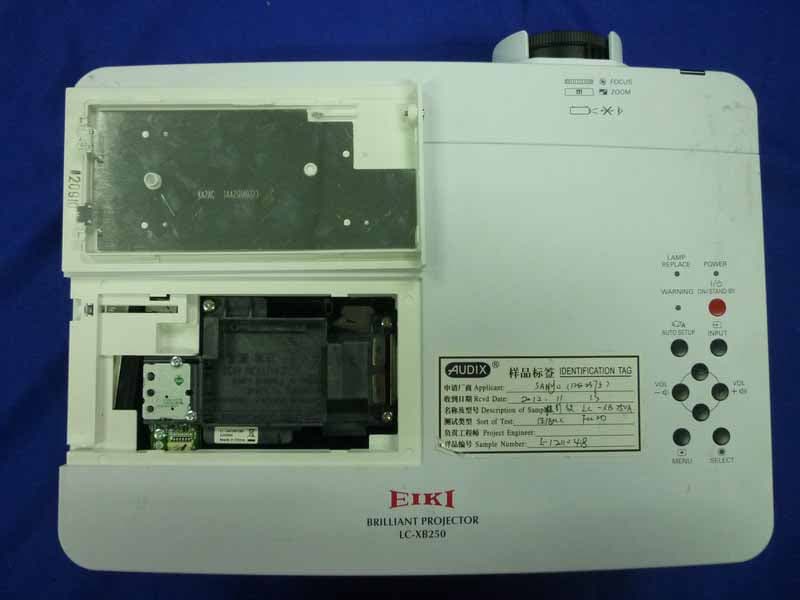
WS312WA2BC00
Dec 12, 2012Multimedia Projector
Equipment Class
JBP - Part 15 Class B Computing Device Peripheral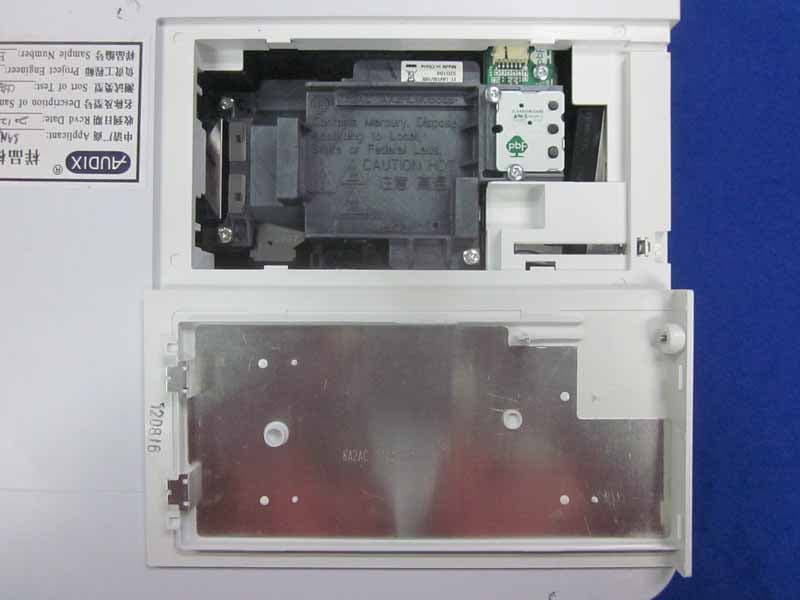
WS312WB2BC00
Dec 12, 2012Multimedia Projector
Equipment Class
JBP - Part 15 Class B Computing Device Peripheral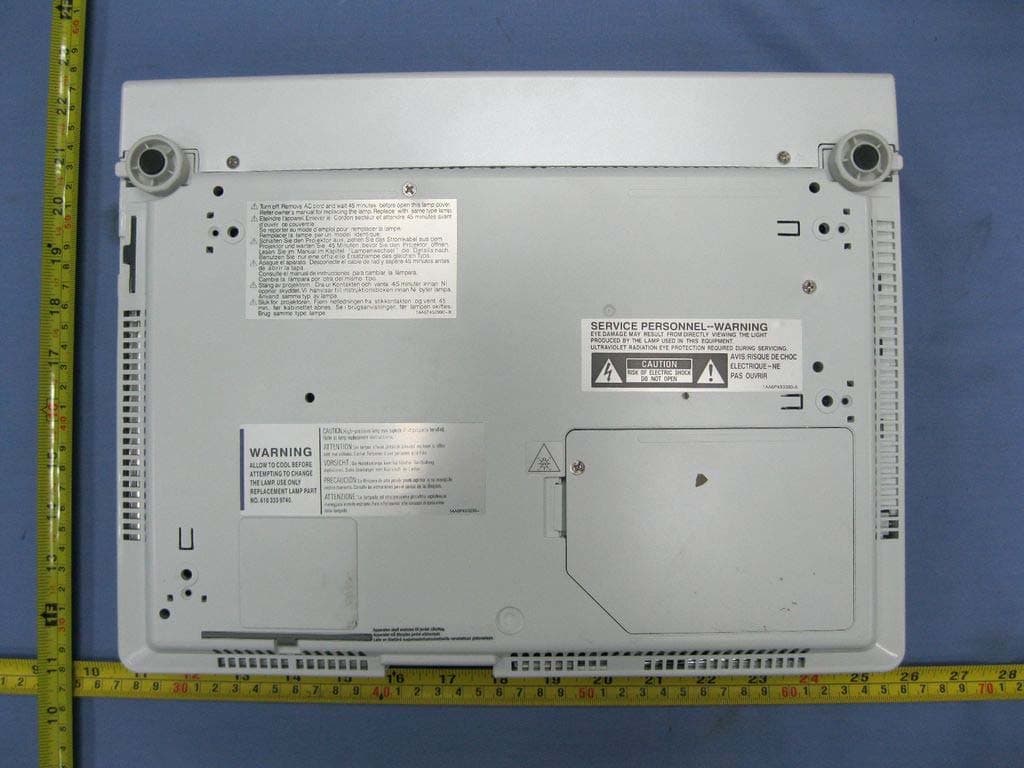
WS311KY7AF00
Jun 07, 2011Multimedia Projector
Equipment Class
JBP - Part 15 Class B Computing Device Peripheral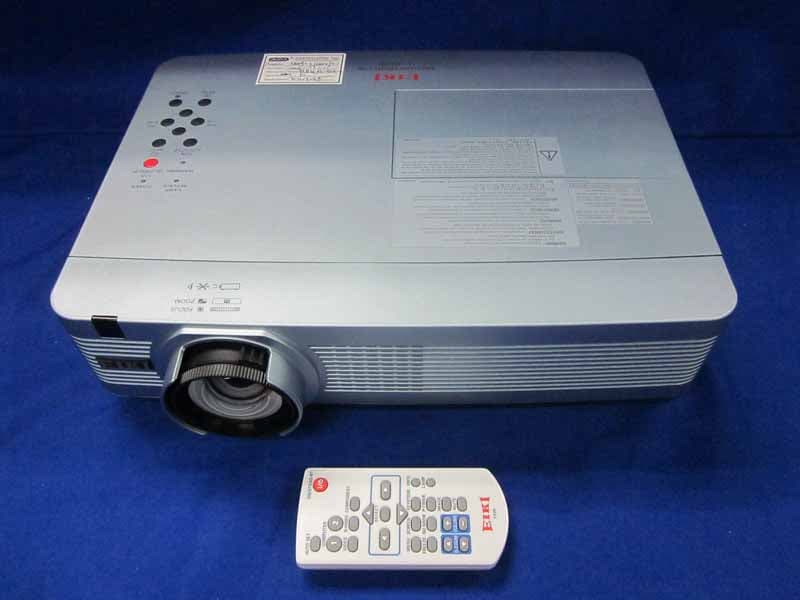
WS311KC2AC00
May 31, 2011LCD Projector
Equipment Class
JBP - Part 15 Class B Computing Device Peripheral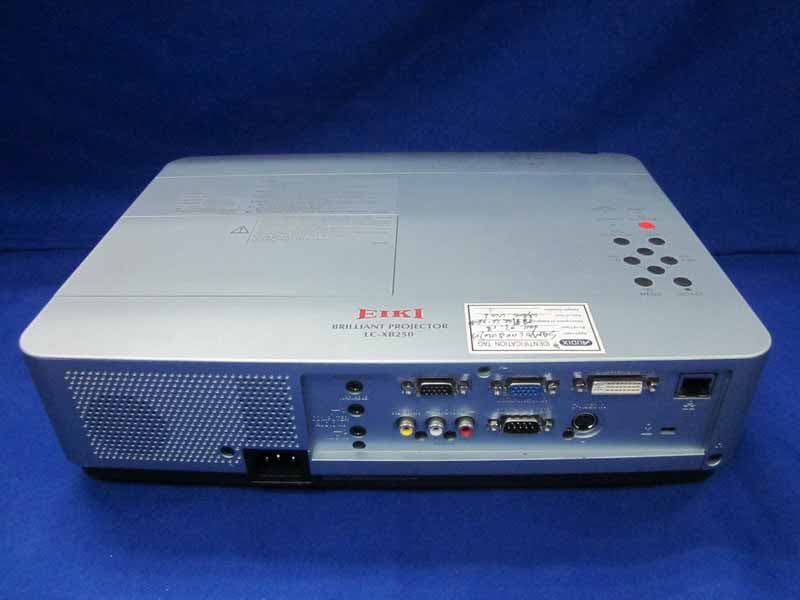
WS311KA2BC00
May 25, 2011LCD Projector
Equipment Class
JBP - Part 15 Class B Computing Device Peripheral