X280060Spread Spectrum Transceiver
Imagination Technologies Ltd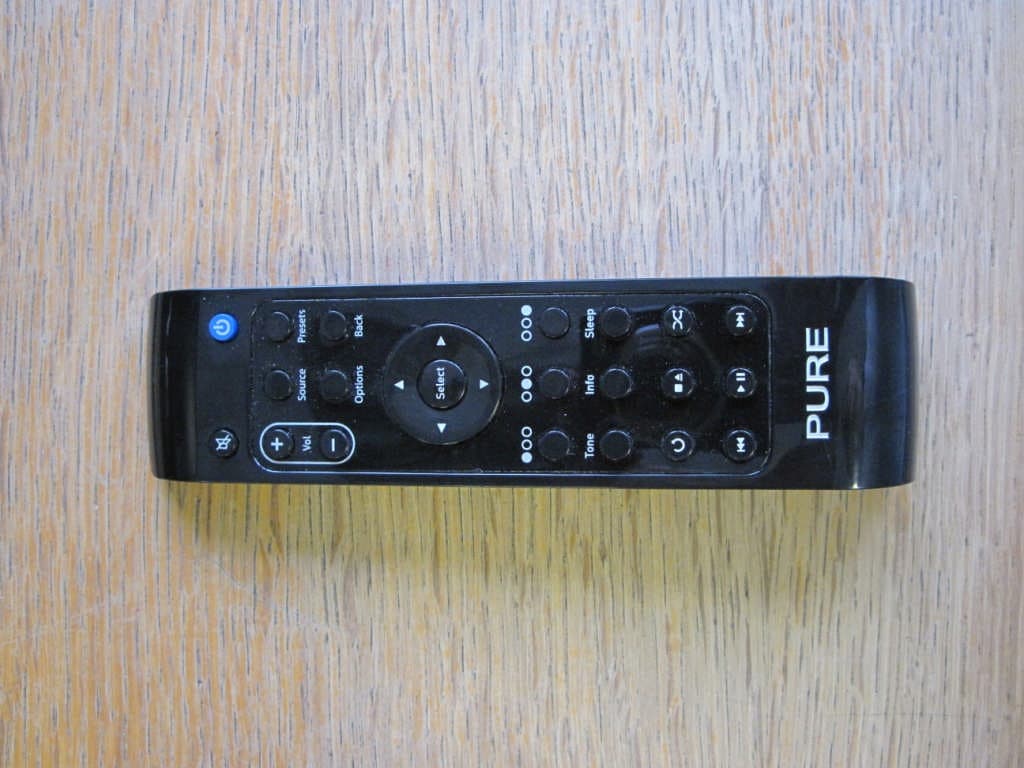
Click to zoom
Application Details
- Equipment Class
- DTS - Digital Transmission System
- Date of Grant
- Oct 01, 2010
- Application Purpose
- Original Equipment
- Date of Application
- Sep 30, 2010
- Equipment Note
- Spread Spectrum Transceiver
- Frequency Range
- 2402.00000000 - 2479.00000000
- Company
- Imagination Technologies Ltd
- Country
- United Kingdom
Documents & Files
Document Text
Text extracted from the exhibit documents filed with the FCC. Open a document above to read the original.
Users Manual
F1 0 1 2 3 4 5 6 7 8 9 10 11 12 13 14 15 16 17 18 19 20 21 22 Remote Control Button Guide 1. Mute - Mute speakers/headphones. 2. Power - Switch between On and Standby. 3. Sleep - Press to start a Sleep Timer. Repeat to increase time. 4. Source - Return to source menu screen. 5. Presets - Store and access your favourites. 6. Info - Change the information shown on screen. 7. Options - change settings. 8. Back - Return to the previous screen. 9. Select - Confirm a selection. 10. / - Select stations/tracks and menu options. / - Adjust volume. Context-sensitive 11. Left [ ] 12. Centre [ ] 13. Right [ ] AVANTI Flow only 14-16. Sub/Bass/Treble - adjust sound levels. 17. Stop - Stop current track (iPod). Media player/Podcast/Listen Again/iPod 18. Play - Play/pause current track. 19. Previous track - Play the last track listened to. Hold down for fast rewind. 20. Next track - Play the next track. Hold down for fast forward. Media Player/iPod only 21. Shuffle - Shuffle track order. 22. Repeat - Press once to repeat whole album, twice to repeat current track. Übersicht der Bedienelemente 1. Mute - Stummschalten von Lautsprechern / Kophörer. 2. Power - Umschalten zwischen Betrieb und Standby. 3. Sleep - Drücken Sie diese Taste zum Starten eines Sleep-Timers. Drücken Sie die Taste wiederholt, um die Dauer zu verlängern. 4. Source - Zurück zur Anzeige “Source”. 5. Presets - Speichern und Aufrufen von Favoriten. 6. Info - Ändern der angezeigten Informationen. 7. Options -Ändern von Einstellungen. 8. Back - Zurück zur vorherigen Anzeige. 9. Select - Bestätigen einer Auswahl. 10. / - Auswählen von Stationen/Titeln un Menüoptionen. / - Einstellen der Lautstärke. Kontextabhängig 11. Links [ ] 12. Mitte [ ] 13. Rechts [ ] Nur AVANTI Flow 14-16. Sub/Bass/Treble - Anpassen der Lautstärken. 17. Stopp - Stoppen des aktuellen Titels (ipod). Media player/Podcast/Listen Again/iPod 18. Wiedegarbe - Wiedergeben/Unterbrechen des aktuellen Titels. 19. Letzter Titel – Wiedergeben des zuletzt angehörten. Titels Halten Sie diese Taste gedrückt, um den Titel schnell zurückzuspulen. 20. Nächster Titel - Wiedergeben des nächsten Titels Halten Sie diese Taste gedrückt, um den Titel schnell vorzuspulen. Nur Media Player/iPod 21. Shuffle - Zufällige Wiedergabe der Titel. 22. Wiederholen - Drücken Sie diese Taste einmal, um das gesamte Album zu wiederholen, zweimal, um den aktuellen Titel zu wiederholen. Guide des commandes 1. Mute - Mettre les haut-parleurs/écouteurs en sourdine. 2. Power - Commuter entre en marche et en veille. 3. Sleep - Activer le temporisateur de mise en veille. Répéter pour augmenter le temps. 4. Source -Revenir à l’écran de menu source. 5. Presets - Enregistrer et accéder à vos favoris. 6. Info -Accéder aux informations à l’écran. 7. Options - Accéder aux paramètres. 8. Back - Retour à l’écran précédent. 9. Select - Confirmer une sélection. 10. / - Sélectionner des stations/plages et options de menu. / - Régler le volume. Fonction contextuelle 11. Gauche [ ] 12. Centre [ ] 13. Droite [ ] AVANTI Flow uniquement 14-16. Sub/Bass/Treble - Réglage des niveaux sonores. 17. Arrêt - Arrêt de la plage courante (iPod). Media player/Podcast/Listen Again/iPod 18. Lecture - Lecture/pause la plage courante. 19. Plage précédente - Lecture de la dernière plage écoutée. Maintenir enfoncé pour retour rapide. 20. Plage suivante - Lecture de la plage suivante. Maintenir enfoncé pour avance rapide. Media Player uniquement/iPod 21. Shuffle - Lecture des plages selon un ordre aléatoire. 22. Repeat - Appuyer une fois pour répéter tout l’album, deux fois pour répéter la plage courante. Guida ai comandi 1. Mute - la modalità silenziosa di altoparlanti/cuffie. 2. Power - Commutare tra le modalità On e Standby. 3. Sleep - Avviare il timer di autospegnimento. Premere ripetutamente per aumen tare il tempo. 4. Source - Tornare alla schermata del menu sorgenti. 5. Presets - Memorizzare e accedere ai preferiti. 6. Info - Modificare le informazioni visualizzate sullo schermo. 7. Options - Modificare le impostazioni 8. Back - Tornare alla schermata precedente. 9. Select - Confermare una selezione. 10. / - Selezionare stazioni/tracce e voci del menu. / - Regolare il volume. Tasti contestuali 11. Sinistra [ ] 12. Centro [ ] 13. Destra [ ] Solo AVANTI Flow 14-16. Sub/Bass/Treble - Regolare i livelli sonori. 17. Stop - Interrompere la traccia corrente (iPod). Media player/Podcast/Listen Again/iPod 18. Riproduci - Riprodurre/mettere in pausa la traccia corrente. 19. Traccia precedente - Riprodurre l’ultima traccia ascoltata. Tenerlo premuto per procedere al riavolgimento rapido. 20. Traccia successiva - Riprodurre la traccia successiva. Tenere premuto per procedere all’avanzamento rapido. Solo Media Player/iPod 21. Shuffle - Riprodurre le tracce in ordine casuale. 22. Repeat - una volta per ripetere l’intero album, due volte per ripetere la traccia corrente. Vejledning til knapper 1. Mute - afbryder lyden i højttalere/hovedtelefoner. 2. Power - tænder for radioen og aktiverer standby- tilstand. 3. Sleep - aktiverer sleep-timer-funktionen. Tryk igen for at øge tiden. 4. Source - vender tilbage til kildemenuskærmen. 5. Presets - gemmer og åbner dine foretrukne forudindstillinger. 6. Info - skifter mellem de oplysninger, der vises på skærmen. 7. Options - ændrer indstillinger 8. Back - vender tilbage til forrige skærmbillede. 9. Select - bekræfter et valg. 10. / - vælger stationer/spor og menupunkter. / - regulerer lydstyrken. Kontekstafhængig 11. Venstre [ ] 12. Center [ ] 13. Højre [ ] Kun AVANTI Flow 14-16. Sub/Bass/Treble - juster lydstyrker. 17. Stop - afbryder det aktuelle spor (iPod). Media player/Podcast/Listen Again/iPod 18. Play - afspiller/pauser det aktuelle spor. 19. Previous track - Pafspiller det sidste spor, der har været spillet. Hold knappen nede for at spole hurtigt tilbage. 20. Next track - Pafspiller det næste spor. Hold knap pen nede for at spole hurtigt frem. Kun Media Player/iPod 21. Shuffle - afspiller sporene i vilkårlig…
Text truncated - open the document above for the full version.
Cover Letter(s)
Part of the Imagination Technologies Group Registered in England No. 1306335 Registered office: Imagination House Home Park Estate, Kings Langley Hertfordshire. WD4 8LZ. UK FM 25748 Imagination Technologies Ltd. Pinnacle House Home Park Estate Kings Langley Herfordshire WD4 8LZ United Kingdom t: +44 (0)845 1489001 f: +44 (0)845 1489003 www.pure.com RequestforConfidentiality Date:1 st September2010__ Subject: Confidentiality Request for FCC ID:__X280060____ Pursuant to FCC 47 CRF 0.457(d) and 0.459 and IC RSP-100, Section 10,the applicantrequests that a part of the subject FCC application be held confidential. Type of Confidentiality RequestedExhibit Short TermPermanentBlock Diagrams Short TermExternal Photos Short TermPermanent* 1 Internal Photos Short TermPermanentOperation Description/Theory of Operation Short TermPermanentParts List & Placement/BOM Short TermPermanentTune-Up Procedure Short TermPermanentSchematics Short TermTest Setup Photos Short TermPermanent*User’s Manual *Note:______(Insert Explanation as Necessary)______ Imagination Technologies Ltd / Pure Digitalhas spent substantial effort in developing this product and it is one of the first of its kind in industry. Having the subject information easily available to "competition" would negate the advantage they have achieved by developing this product. Not protecting the details of the design will result in financial hardship. Permanent Confidentiality: The applicant requests the exhibits listed above as permanently confidential be permanently withheld from public reviewdue to materials that contain trade secrets and proprietary information not customarily released to the public. Short-Term Confidentiality: Not applicable. Sincerely, By:________________________________JASON MILLER___________
External Photos
ExternalPhotos Alternate cover (Sirocco 550 variant):
ID Label/Location Info
PURE 102HD/100XC FCC ID: X280060 IC: 8864A-0060 T h i s d e v i c e c o m p l i e s w i t h P a r t 1 5 o f t h e F C C R u l e s . O p e r a t i o n i s s u b j e c t t o t h e f o l l o w i n g t w o c o n d i t i o n s : ( 1 ) T h i s d e v i c e m a y n o t c a u s e h a r m f u l i n t e r f e r e n c e , a n d ( 2 ) t h i s d e v i c e m u s t a c c e p t a n y i n t e r f e r e n c e r e c e i v e d , i n c l u d i n g i n t e r f e r e n c e t h a t m a y c a u s e u n d e s i r e d o p e r a t i o n .
Internal Photos
PURE Reach F10 Remote Control – internal photos V1 15-June-2010 Internal View – Front and rear cabinets opened. Main PCB – top Main PCB – back
RF Exposure Info
F10 Reach RemoteRF Exposure:- The F10 Reach Remote is intended as a hand-held device (portable). The SAR limits, Annex A ofSupplement C ofOETBulletin65, must therefore be met: Limits for General Population/Uncontrolled Exposure (W/kg) Hands, Wrists, Feet and Ankles-4.0 SAR for hands, wrists, feet and ankles is averaged over any 10 grams of tissue defined as a volume in the shape of a cube. The simplestand most conservative assumptionis that all transmitted power is absorbed within 10g of tissue.Therefore anyhandhelddevice which supplies less than 40mW (4/100W) from its antenna port, averaged over 6 minutes, will meet thelimit. The F10 Reach Remoteaverage power at the antenna port when transmitting is 0.75mW (see R.N. Electronics Ltd.report#03-400/4203/2/10).
Test Report
File namePURE.400PAGE1OF51 QMF21J–3: FCC47CFR PART 15C: RNE ISSUE 01:-APR 10 FCC47CFRpart 15C Test Report For Remote Control Reach F10 Reference Standard: FCC47CFR part 15C Manufacturer: Pure Digital Ltd For type of equipment and serial number, refer to section 3 Report Number: 03-400A/4203/2/10 Supersedes report# 03-400/4203/2/10 Report Produced by:-R.N. Electronics Ltd. 1 Arnolds Court Arnolds Farm Lane Mountnessing Essex CM13 1UT U.K. www.RNelectronics.comTelephone+44 (0) 1277 352219 Facsimile+44 (0) 1277 352968 2004RN ELECTRONICS LIMITEDREPORT NUMBER03-400A/4203/2/10 ALL RIGHTS RESERVED File namePURE.400PAGE2OF51 QMF21J–3: FCC47CFR PART 15C: RNE ISSUE 01:-APR 10 1.Contents 1.CONTENTS..................................................................................................................................................................................2 2.SUMMARYOFTESTRESULTS..................................................................................................................................................3 3.EQUIPMENTUNDERTEST(EUT)..........................................................................................................................................4 3.1Equipment Specification............................................................................................................4 3.2EUT Configurations for testing.................................................................................................4 3.3EUT Modes.................................................................................................................................4 3.4Emissions Configuration...........................................................................................................5 4.SPECIFICATIONS.........................................................................................................................................................................6 4.1Deviations...................................................................................................................................6 4.2Tests at Extremes of Temperature and Voltage........................................................................6 4.3Measurement Uncertainties........................................................................................................6 5.TESTS,METHODS ANDRESULTS............................................................................................................................................7 5.1Conducted Emissions.................................................................................................................7 5.2Radiated Emissions....................................................................................................................8 5.3Peak Conducted power...............................................................................................................9 5.4Frequency Tolerance.................................................................................................................10 5.5Duty Cycle................................................................................................................................10 5.6Maximum Spectral Power Density..........................................................................................11 5.76dB Bandwidth.........................................................................................................................12 5.8Band Edge Compliance............................................................................................................13 5.9Frequency Separation...............................................................................................................14 5.10Number of hopping Channels..................................................................................................14 6.PLOTS ANDRESULTS.............................................................................................................................................................15 6.1Conducted Emissions...............................................................................................................15 6.2Radiated Emissions..................................................................................................................15 6.3Fundamental Emissions...........................................................................................................34 6.4Duty Cycle.................................................................................................................................34 6.56dB Bandwidth.........................................................................................................................35 6.6Band Edge Compliance............................................................................................................37 6.7Frequency separation................................................................................................................40 6.8Number of hopping channels...................................................................................................40 7.EXPLANATORYNOTES..........................................................................................................................................................41 7.1Explanation of FAIL LIMIT 1 Statement................................................................................41 7.2Explanation of limit line calculations for radiated measurements.........................................41 8.PHOTOGRAPHS.......................................................................................................................................................................42 9.SIGNALLEADS........................................................................................................................................................................45 10.TESTEQUIPMENTCALIBRATION LIST..........................................…
Text truncated - open the document above for the full version.
Test Report
TCB Questions. Applicant answers. Question 1: Please confirm that the device was operating at maximum power during the RF tests. The operation description document states that the device is capable of transmitting up to 4 dBm (2.5 mW) but the RF report shows a maximum of 0.77 mW (‐1.1 dBm). For the top channel, you measured a peak power of 0.57 mW and an average power of 0.58 mW. Although only a small amount, the Peak Power appears to be lower than the average power. Answer 1: We confirm that the device was operating on maximum power, with new batteries installed. The manufacturer’s rating is based on the technical data provided by the chip and antenna manufacturers. The actual power achieved is consistent with expectations of a small device using a chip antenna in close proximity to the case and other components. During testing, no observable difference was found between peak and average power for this device. The peak and average measurements were made using different test methods and different test equipment, at different times. Question 2: The spurious emissions plots at 18 GHz (pages 24 and 31) and 24 GHz (pages 26 and 32) show the noise floor close to the limit of 54 dBuV/m. The plot used a peak detector and when peak measurements comply with the average limit, it may not be necessary to demonstrate additional average measurements. However, the peak noise appears close to the average limit and the average limit is not shown on the plot. Answer 2: The EUT was not a continuous transmitter and therefore an average plot would not be directly measurable. Average results (duty cycle corrected on page 33 of test report) are estimated at 16.7 dB lower than peak and therefore a long way down from the average limit.
Test Setup Photos
Test Setup Photos Below 30MHz: 30MHz-1G Hz Site O ATS: 30MHz–1GHz Site M: 1–18GHz: Above 18GHz:
Contact Information
Applicant
Jason Miller(Quality Manager)
Technical Contact
Imagination Technologies LtdCarl French
Home Park Estate · Kings Langley · United Kingdom
Test Firm
R.N. Electronics Ltd.Roger Ray
Technical Specifications
| # | Rule Parts | Frequency Range | Power Output |
|---|---|---|---|
| 1 | 15C | 2.40 GHz - 2.48 GHz | 1.00 mW |
Other Applications from Imagination Technologies Ltd
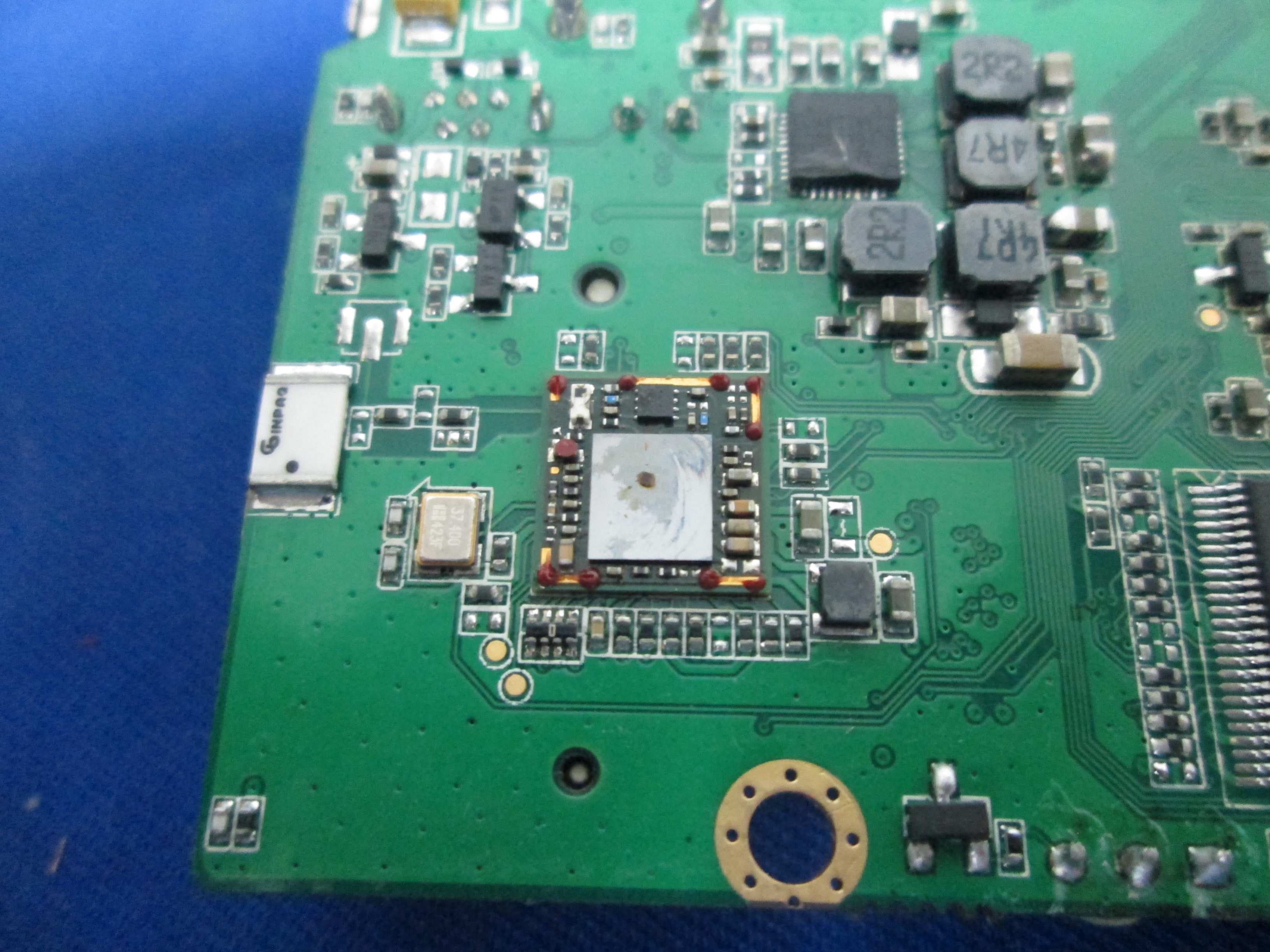
X280073
Jan 20, 2015MIPS Creator CI20 platform
Equipment Class
DTS - Digital Transmission System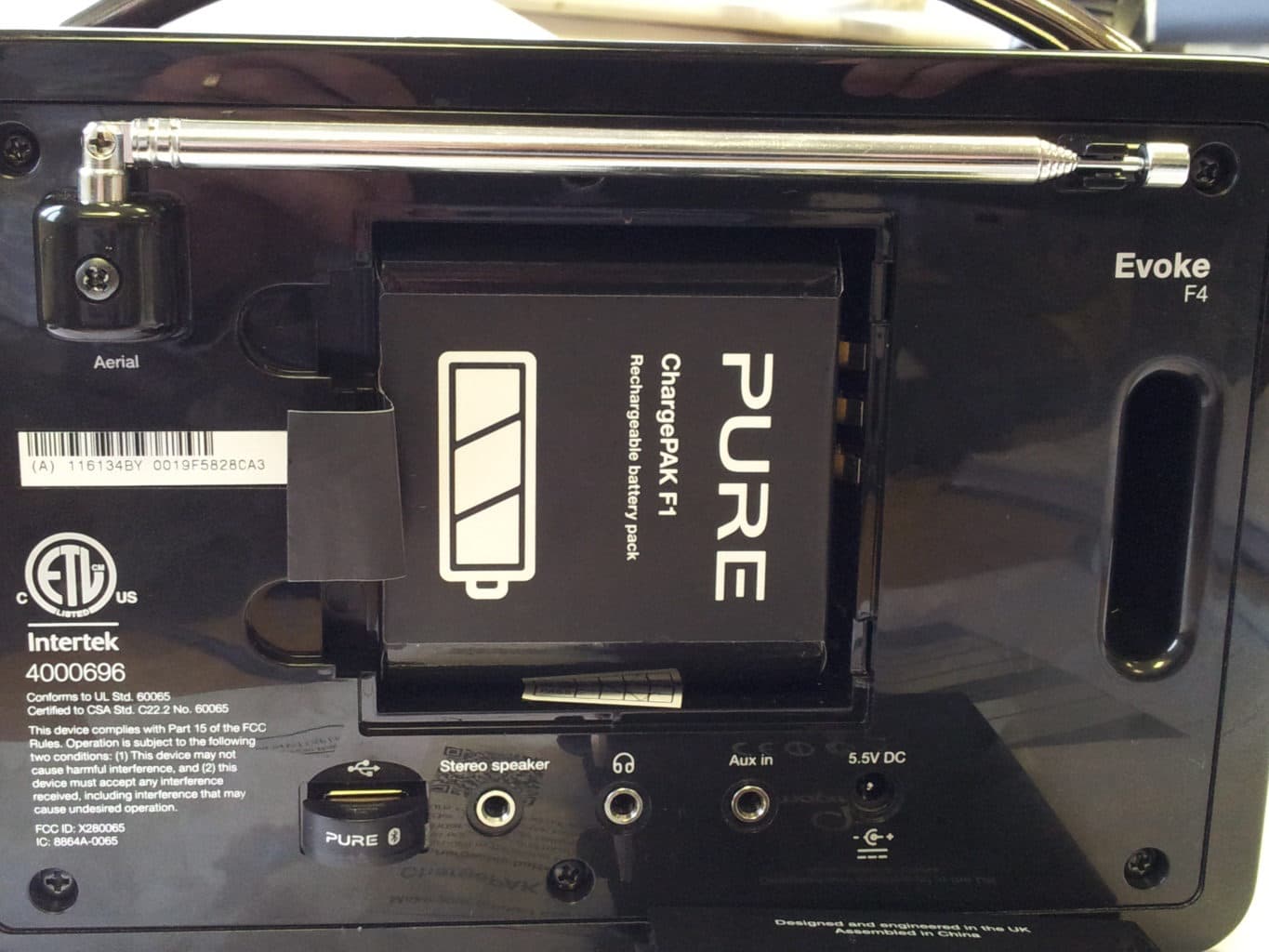
X280065
Feb 02, 2014Evoke F4
Equipment Class
DTS - Digital Transmission System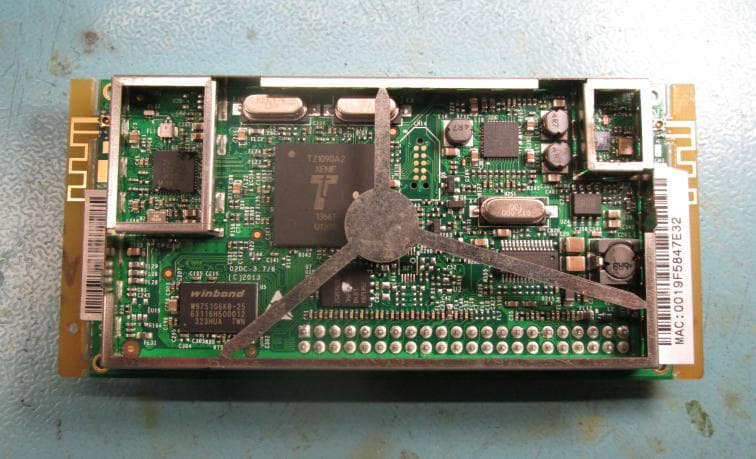
X280072
Feb 02, 2014Cougar Module Type A
Equipment Class
DSS - Part 15 Spread Spectrum Transmitter
X280067
Aug 11, 2013Jongo T6
Equipment Class
DTS - Digital Transmission System
X280070
Aug 03, 2013Jongo T2
Equipment Class
DTS - Digital Transmission System