XBAZW056Doorbell Gen5
Aeon Labs LLC.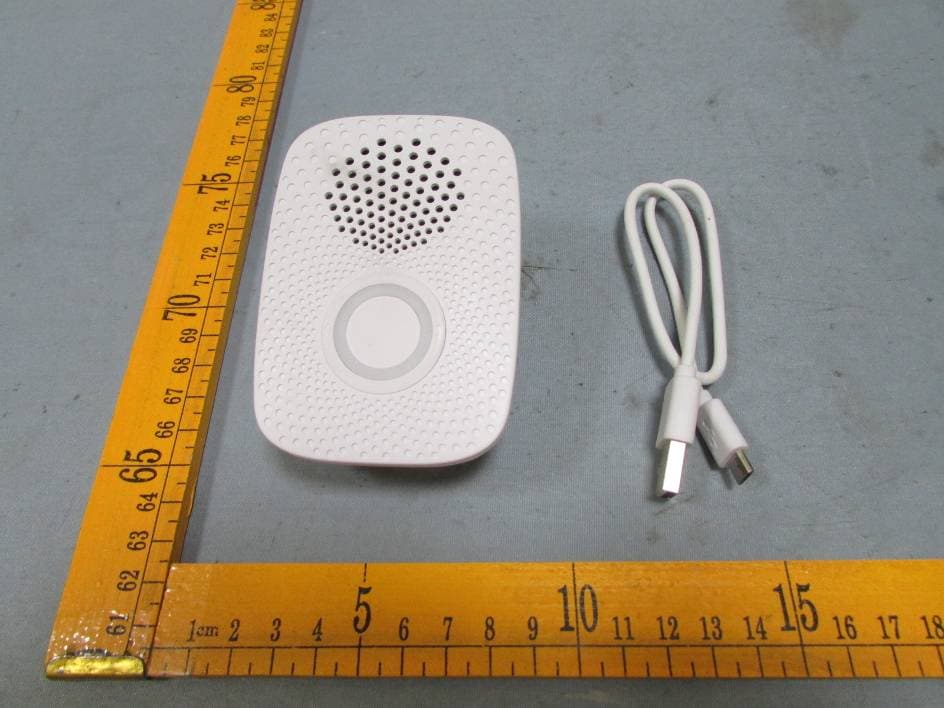
Click to zoom
Application Details
- Equipment Class
- DXT - Part 15 Low Power Transceiver, Rx Verified
- Date of Grant
- May 21, 2015
- Application Purpose
- Original Equipment
- Date of Application
- May 21, 2015
- Equipment Note
- Doorbell Gen5
- Frequency Range
- 908.40000000 - 908.42000000
- Company
- Aeon Labs LLC.
- Country
- United States
Documents & Files
Document Text
Text extracted from the exhibit documents filed with the FCC. Open a document above to read the original.
Users Manual
View the expanded manual: http://aeotec.com/support Aeotec by Aeon Labs Doorbell. Your Aeon Labs Doorbell supports playing MP3 music files with a press of this Doorbell. It has a 16MB flash memory that can store up to 100 ringtones. The volume can be adjusted manually via short press on the Volume Button, also you can switch the Doorbell sound to the next via long press on the Volume Button. You may change/update your Doorbell ringtone at any point in time you want by connecting your Doorbell to your PC to update the sound track on your Doorbell’s flash memory. Your Doorbell is a Z-Wave wireless control product. There is a small Wireless Button, which can trigger the Doorbell on the other side of the wall to play the selected Doorbell music when pressed. This Wireless Button has waterproof housing so it can be used in many weather conditions. The distance of wireless control is about 100 metres outdoors, and has a 2 year battery life that allows at least 10 Doorbell presses every day. After the Doorbell is paired into your Z-wave network, you can use your controller/gateway/phone application to control its ringing, or configure its advanced functions. ® Getting your Doorbell up and running is as simple as plugging it into a wall socket and linking it to your existing Z-Wave network. The following instructions tell you how to link your Doorbell to your Z-Wave network using an Aeotec by Aeon Labs’ Z-Stick or Minimote controller. If you are using other products as your main Z-Wave controller, such as a Z-Wave gateway, please refer to their respective manual that tells you how add new devices to your network. Your Doorbell can be removed from your Z-Wave network at any time. You’ll need to use your Z-Wave network’s main controller (or any other primary controller) to do this, the following instructions tell you how by using an Aeotec by Aeon Labs’ Z-Stick or Minimote controller. If you are using other products as your main Z-Wave controller, please refer to the part of their respective manuals that tells you how remove devices from your network. If you’re using a Z-Stick • Action Button • 80dB Speaker System • Volume Button • Network LED • Red LED • Wireless Button • USB connection port Familiarize yourself with your Doorbell. Quick start. 1. Decide where you want your Doorbell to be placed and plug it into a wall outlet. Its Network LED will begin to blink. 2. If your Z-Stick is plugged into a gateway or a computer, unplug it. 3. Take your Z-Stick to your Doorbell. 4. Press the Action Button on your Z-Stick. The LED on your Z-Stick should begin to blink slowly. 5. Press the Action Button on your Doorbell. 6. If your Doorbell has been successfully linked to your Z-Wave network, its Network LED will no longer blink. If the linking was unsuccessful and the Network LED continues to blink, repeat the steps above. 7. Press the Action Button on the Z-Stick to take it out of inclusion mode. 1. If your Z-Stick is plugged into a gateway or a computer, unplug it. 2. Take your Z-Stick to your Doorbell. 3. Press and hold the Action Button on your Z-Stick for 2 seconds then let go. The LED should begin to blink rapidly on your Z-Stick. 4. Press the Action Button on your Doorbell. 5. If your Doorbell has been successfully removed from your network, its Network LED will start to blink. If the removal was unsuccessful, the Network LED will not blink. 6. Press the Action Button on the Z-Stick to take it out of removal mode. If you’re using a Minimote: 1. Decide on where you want your Doorbell to be placed and plug it into a wall socket. Its Network LED will begin to blink. 2. Take your Minimote to your Doorbell. 3. Press the Include button on your Minimote. 4. Press the Action Button on your Doorbell. 5. If your Doorbell has been successfully linked to your Z-Wave network, its Network LED will no longer blink. If the linking was unsuccessful and the Network LED continues to blink, repeat the above steps. 6. Press any button on your Minimote to take it out of inclusion mode. If you’re using a Minimote: Removing your Doorbell from a Z-Wave network. Installation for the Wireless Button. Add/include/link your Doorbell to a Z-Wave network. 1. Open the Battery cover and put the CR2450 battery into Wireless Button. 2. Lock the Battery cover. 4. Lock your Wireless Button on the mount plate. 5. Your installation is complete. 3. Affix the mount plate to the wall. You can affix the mounting plate using two 20mm screws or double-sided tape. DOORBELL GEN5 With your Doorbell now working as a part of your smart home, you’ll be able to configure it from your home control software. Please refer to your software’s user guide for precise instructions on configuring your Doorbell to your needs. Put the battery in CR2450 Battery Battery cover Lock Unlock Lock You’re able to adjust your Doorbell’s ringtone volume manually by using the “Volume -“ or “Volume +” buttons. You can reduce its volume via short press on the “Volume -” button or increase the volume via short press on the “Volume +” button, at the same time the default doorbell music will be triggered to allow you to hear the volume change. If you want to change to the next ringtone, press and hold the Volume button, which will switch the current ringtone to the next one. Installation direction should face upward Double-sided tape Installation direction should face upward Or If you’re using a Z-Stick: 5. Click the "Update" button and wait a few minutes to complete the update. Note: Please do not disconnect the USB port until the update has completed. Technical specifications. Model Number: ZW056 Alarm Power: 2.5W. Max Standby Power: 0.5W. Max Volume: 80dB. Operating Temperature: -10 to 45 for Doorbell, -20 to 55 for Wireless Button. Storage Temperature: -20 to 70 . Wireless Button’s Battery: Lithium cell CR2450 3 volt battery. Supported Audio Formats: MP3 and WMV within the bit rate of 320 Kbps. Operating Distance: Up to 500 feet/150 metres outdoors in normal mode or 300 f…
Text truncated - open the document above for the full version.
Cover Letter(s)
Aeon Labs LLC. Federal Communications Commission Authorization and Evaluation Division Date:2015/03/25 Confidentiality Request regarding application for certification of FCC ID:XBAZW056. Pursuant to Sections 0.457 and 0.459 of the Commission’s Rules, we hereby request confidential treatment of information accompanying this application as outlined below: Exhibit Type Schematics Block Diagram Operational Description File Name XBAZW056_SCH.pdf XBAZW056_BlockDiagram.pdf XBAZW056_Operational Description.pdf The above materials contain trade secrets and proprietary information not customarily released to the public. The public disclosure of these materials may be harmful to the applicant and provide unjustified benefits to its competitors. The applicant understands that pursuant to Section 0.457 of the Rules, disclosure of this application and all accompanying documentation will not be made before the date of the Grant for this application. Sincerely, Aeon Labs LLC. ................................................... Signature ................................................... William Li / Director of Business Development
Cover Letter(s)
Aeon Labs LLC. FCC ID:XBAZW056 POWER OF ATTORNEY Date:2015/03/25 Federal Communications Commission Authorization and Evaluation Division 7435 Oakland Mills Road Columbia, MD 21046 To Whom It May Concern: We, the undersigned, hereby authorize Waltek Services (ShenZhen) Co., Ltd. (Philo Zhong) on our behalf, to apply to the Federal Communications Commiss ion on our equipment. A ny a nd a ll acts carried out by Waltek Services (ShenZhen) Co., Ltd. (Philo Zhong) on our behalf shall have the same effect as acts of our own. This authorization expires on 2016/03/24. This is to advise that we are in full compliance with the Anti-Drug Abuse Act. We,Aeon Labs LLC. are not subject to a denial of federal benefits pursuant to Section 5301 of the Anti-Drug Act of 1988, 21 USC853a, and no party to the application is subject to a denial of federal benefits pursuant to that section. Sincerely, Aeon Labs LLC. ................................................... Signature ................................................... William Li/Director of Business Development
External Photos
Waltek Services (Shenzhen) Co.,Ltd. http://www.waltek.com.cn Photographs - Constructional Details ZW056-A - External V iew Waltek Services (Shenzhen) Co.,Ltd. http://www.waltek.com.cn Waltek Services (Shenzhen) Co.,Ltd. http://www.waltek.com.cn Waltek Services (Shenzhen) Co.,Ltd. http://www.waltek.com.cn
ID Label/Location Info
FCC Label Location for model: XBAZW056 The Label must not be a stick-on paper. The Label on these products must be permanently affixed to the product and readily visible at the time of purchase and must last the expected lifetime of the equipment not be readily detachable. FCC ID: XBAZW056 This device complies with part 15 of the FCC Rules. Operation is subject to the following two conditions: (1) This device may not cause harmful interference, and (2) this device must accept any interference received, including interference that may cause undesired operation.
ID Label/Location Info
FCC/IC Label Sample for model: ZW056-A Model: ZW056-A FCC ID: XBAZW056 This device complies with Part 15 of the FCC Rules. Operation is subject to the following two conditions: (1) this device may not c ause harmful interference, and (2) this device must accept any interference received, including interference that may cause undesired operation.
Internal Photos
Waltek Services (Shenzhen) Co.,Ltd. http://www.waltek.com.cn ZW056-A - Internal View Waltek Services (Shenzhen) Co.,Ltd. http://www.waltek.com.cn Waltek Services (Shenzhen) Co.,Ltd. http://www.waltek.com.cn Waltek Services (Shenzhen) Co.,Ltd. http://www.waltek.com.cn Waltek Services (Shenzhen) Co.,Ltd. http://www.waltek.com.cn
Test Report
TEST REPORT Waltek Services (Shenzhen) Co.,Ltd. http://www.waltek.com.cn Page 1 of 28 Reference No. .................... : WTS15S0324173E FCC ID ................................ : XBAZW056 Applicant ............................ : Aeon Labs LLC. Address .............................. : 1228 NORVELL ST.EL CERRITO, CA 94530 USA Manufacturer .................... : Fantem Technologies (Shenzhen) Co.,Ltd Address .............................. : North,3/F, Yitoa Technology Industrial Park, Baihua Yuan Rd., The Second Industrial Area, Guangming Sub-district Office, Guangming New District, Shenzhen, Guangdong, China Product Name .................... : Doorbell Gen5 Model No. ........................... : ZW056-A Standards........................... : FCC CFR47 Part 15 Section 15.249: 2014 Date of Receipt sample .... : Mar. 23, 201 5 Da te of Test ....................... : Mar. 28 ~ Ma y. 05, 2015 Date of Issue ...................... : May. 05, 201 5 Test Res ult ......................... : Pass Remarks: The re sults shown in this test report refer only to the sample(s) tested, this test report cannot be reproduced, except in full, without prior written permission of the company. The report would be invalid without specific stamp of test institute and the signatures of compiler and approver. Prepared By: Waltek Services (Shenzhen) Co., Ltd. Address: 1/F., Fukangtai Building, West Baima Road, Songgang Street, Baoan District, Shenzhen, Guangdong, China Tel :+86-755-83551033 Fax:+86-755-83552400 Compiled by: Approved by: Zero Zhou / Project Engineer Philo Zhong / Manager Reference No.: WTS15S0324173E Page 2 of 28 Waltek Services (Shenzhen) Co.,Ltd. http://www.waltek.com.cn 2 Test Summary Test Items Test Requirement Result Conducted Emissions 15.207 PASS Radiated Emission 15.249(a) 15.209 15.205(a) PASS Periodic Operation 15.35(c) PASS Outside of Band Emission 15.249 15.205 15.209 PASS 20dB Bandwidth 15:215(c) PASS Antenna Requirement 15.203 PASS Reference No.: WTS15S0324173E Page 3 of 28 Waltek Services (Shenzhen) Co.,Ltd. http://www.waltek.com.cn 3 Contents Page 1 COVER PAGE ........................................................................................................................................... 1 2 TEST SUMMARY .................................................................................................................................................. 2 3 CONTENTS ............................................................................................................................................................ 3 4 GENERAL INFORMATION .................................................................................................................................. 4 4.1 GENERAL DESCRIPTION OF E.U.T. ............................................................................................................ 4 4.2 DETAILS OF E.U.T. ..................................................................................................................................... 4 4.3 TEST FACILITY ............................................................................................................................................ 4 5 EQUIPMENT USED DURING TEST .................................................................................................................. 5 5.1 EQUIPMENTS LIST ...................................................................................................................................... 5 5.2 MEASUREMENT UNCERTAINTY ................................................................................................................... 5 5.3 TEST EQUIPMENT CALIBRATION ................................................................................................................ 5 6 CONDUCTED EMISSION .................................................................................................................................... 6 6.1 E.U.T. OPERATION .................................................................................................................................... 6 6.2 EUT SETUP ................................................................................................................................................ 6 6.3 MEASUREMENT DESCRIPTION ................................................................................................................... 6 6.4 TEST RESULT ............................................................................................................................................. 7 7 RADIATION EMISSION TEST ............................................................................................................................ 9 7.1 EUT OPERATION ........................................................................................................................................ 9 7.2 TEST SETUP ............................................................................................................................................. 10 7.3 SPECTRUM ANALYZER SETUP ................................................................................................................. 11 7.4 TEST PROCEDURE .................................................................................................................................... 12 7.5 TEST RESULT ........................................................................................................................................... 13 8 PERIODIC OPERATION .................................................................................................................................... 14 9 OUTSIDE OF BAND EMISSION ....................................................................................................................... 15 9.1 TEST PROCEDURE .................................................................................................................................... 15 9.2 TEST RESULT ........................…
Text truncated - open the document above for the full version.
Test Setup Photos
Waltek Services (Shenzhen) Co.,Ltd. http://www.waltek.com.cn Photographs- Model ZW056-A Test Setup P hotograph – Conducted Emission Test Setup Radiat ion Emission From 30MHz-1GHz Test Site2# Waltek Services (Shenzhen) Co.,Ltd. http://www.waltek.com.cn Radiation Emission Above 1GHz Test S ite1#
Contact Information
Applicant
William Li(Director of Business Development)
Test Firm
Waltek Services(Shenzhen) Co., Ltd.philo zhong
Technical Specifications
| # | Rule Parts | Frequency Range | Power Output |
|---|---|---|---|
| 1 | 15C | 908.4 MHz - 908.42 MHz | - |
Other Applications from Aeon Labs LLC.
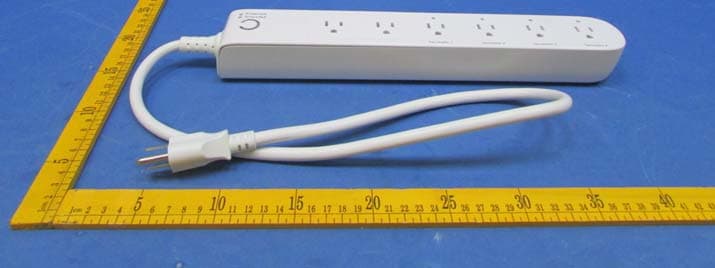
XBAZW069
Jan 25, 2016Smart Strip Gen5,Strip Gen5
Equipment Class
DXT - Part 15 Low Power Transceiver, Rx Verified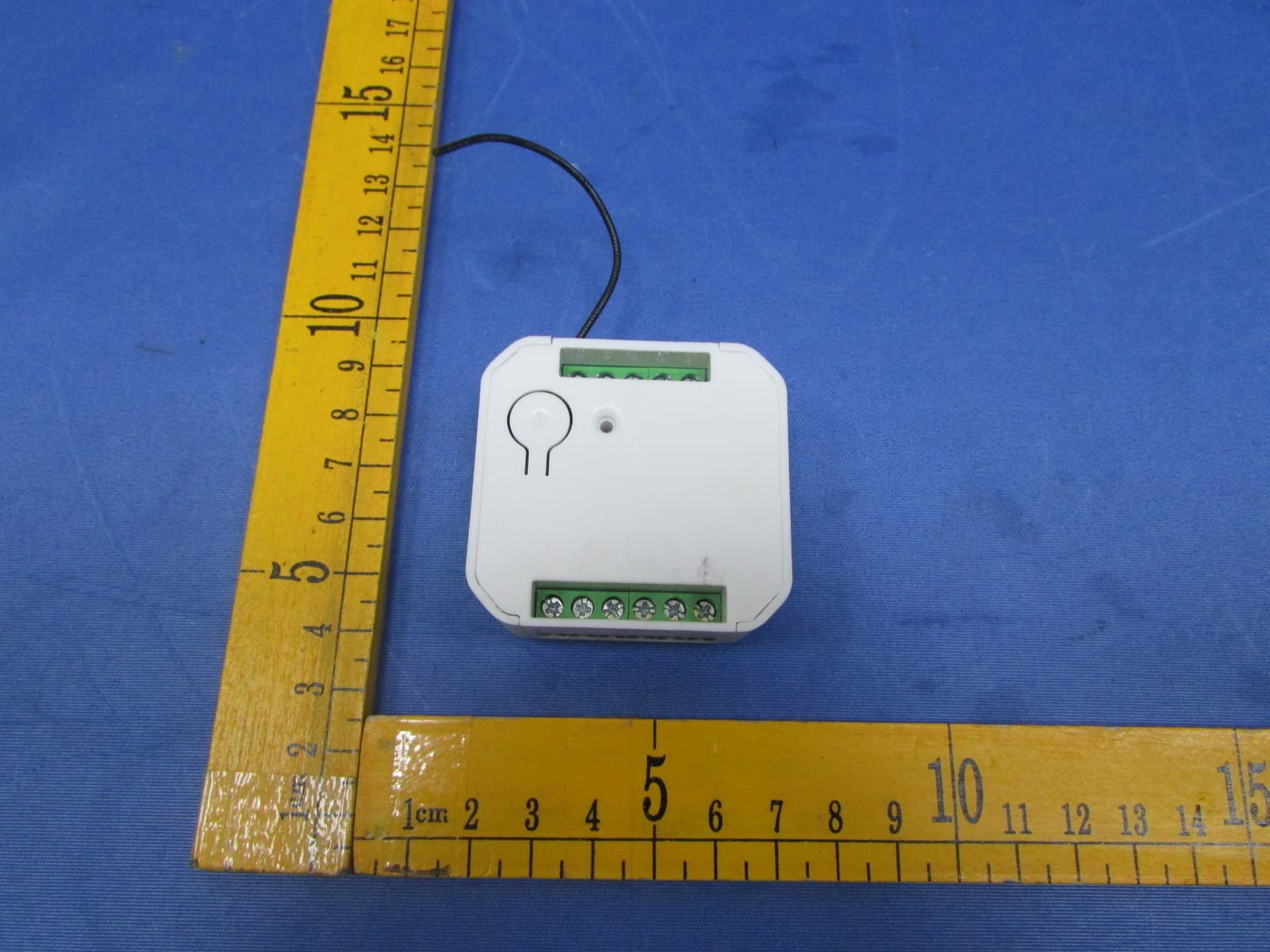
XBADSC14104
Dec 28, 2015DSC17103-ZWUS,DSC14104-ZWUS
Equipment Class
DXT - Part 15 Low Power Transceiver, Rx Verified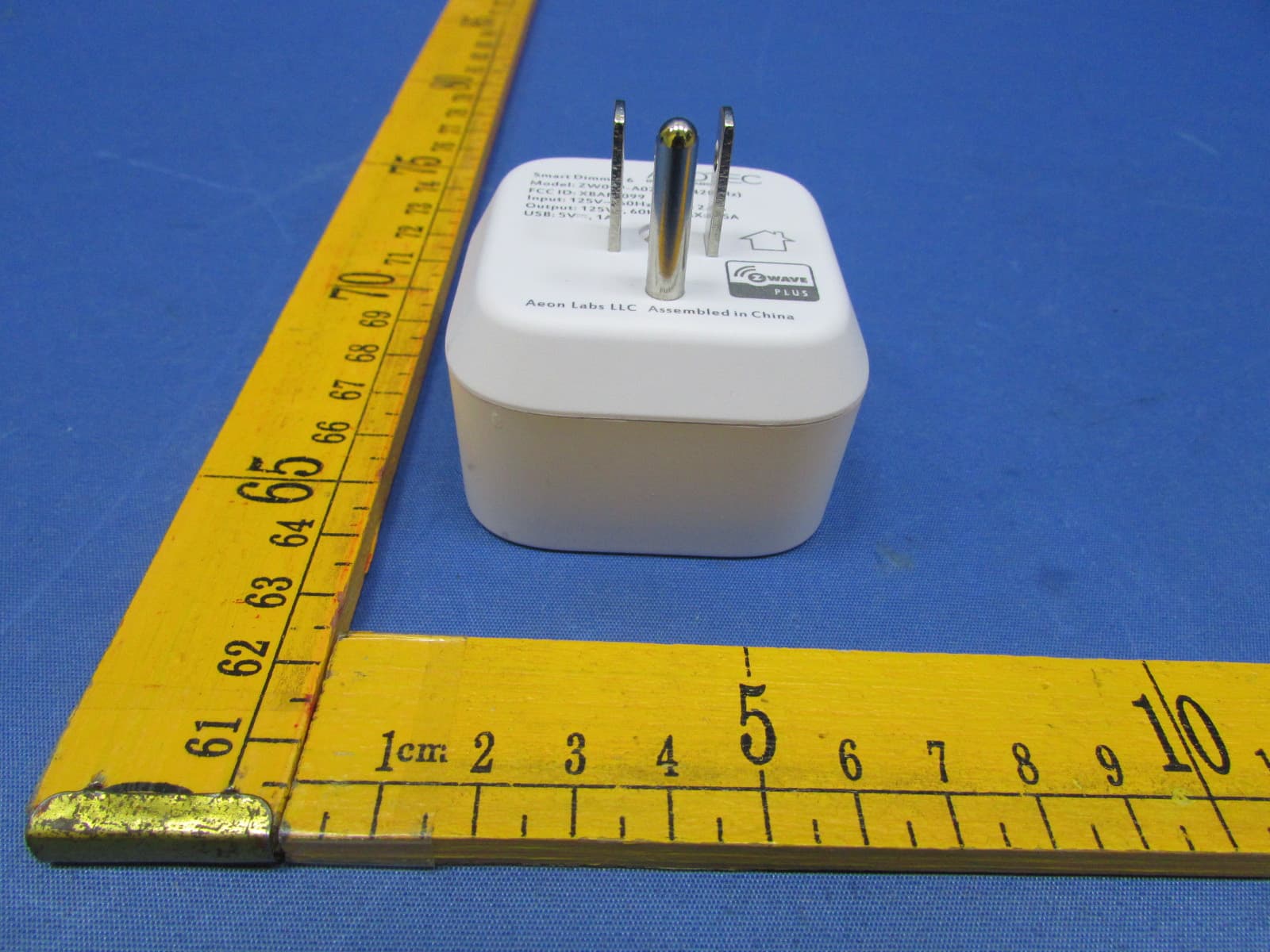
XBAFT099
Dec 23, 2015Smart Dimmer 6,Dimmer,Dimmer 6
Equipment Class
DXT - Part 15 Low Power Transceiver, Rx Verified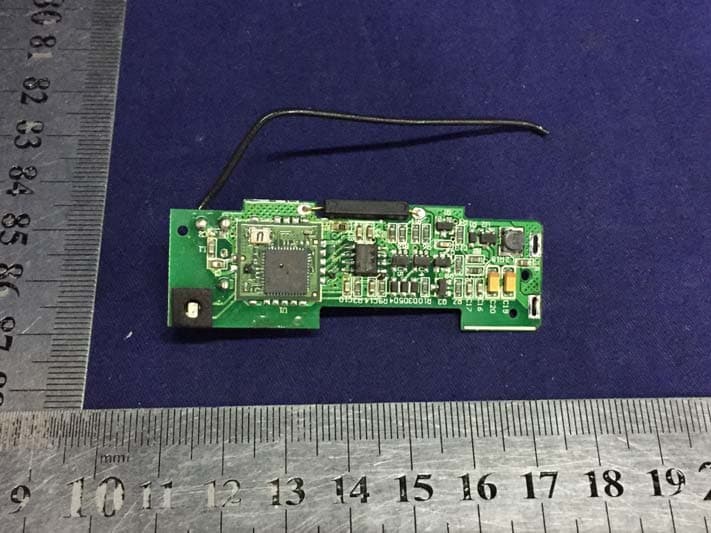
XBAZW120
Nov 30, 2015Door/Window Sensor Gen5
Equipment Class
DXT - Part 15 Low Power Transceiver, Rx Verified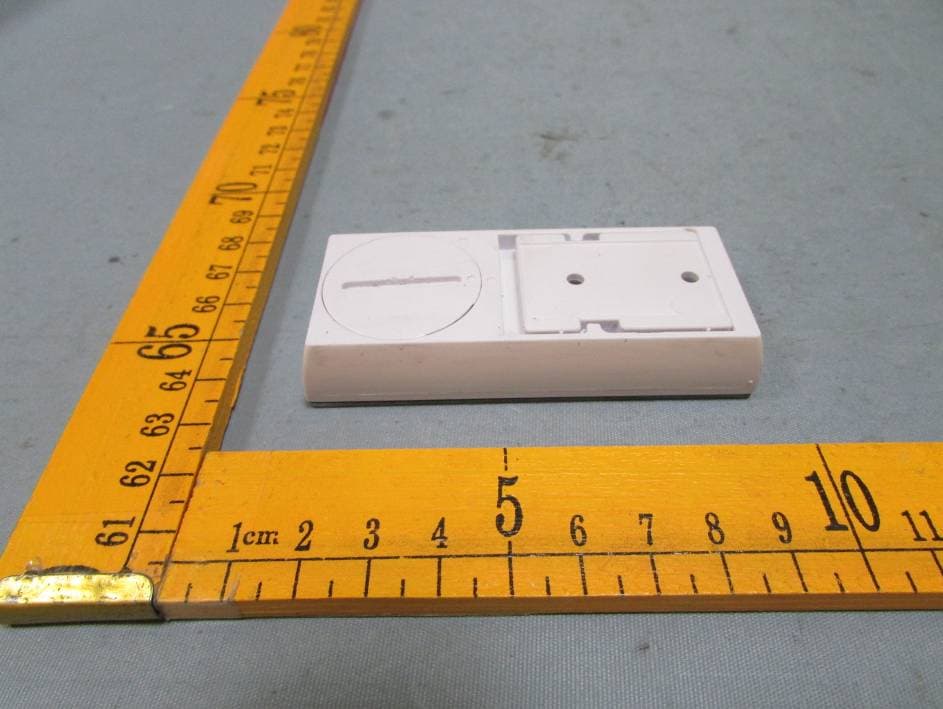
XBAZW056SENSOR
May 20, 2015Doorbell Gen5(Garage Sensor)
Equipment Class
DSC - Part 15 Security/Remote Control Transmitter