XJN-DV181SADIGITAL VIDEO CAMERA
SHUOYING INDUSTRIAL (SHENZHEN) CO., LTD.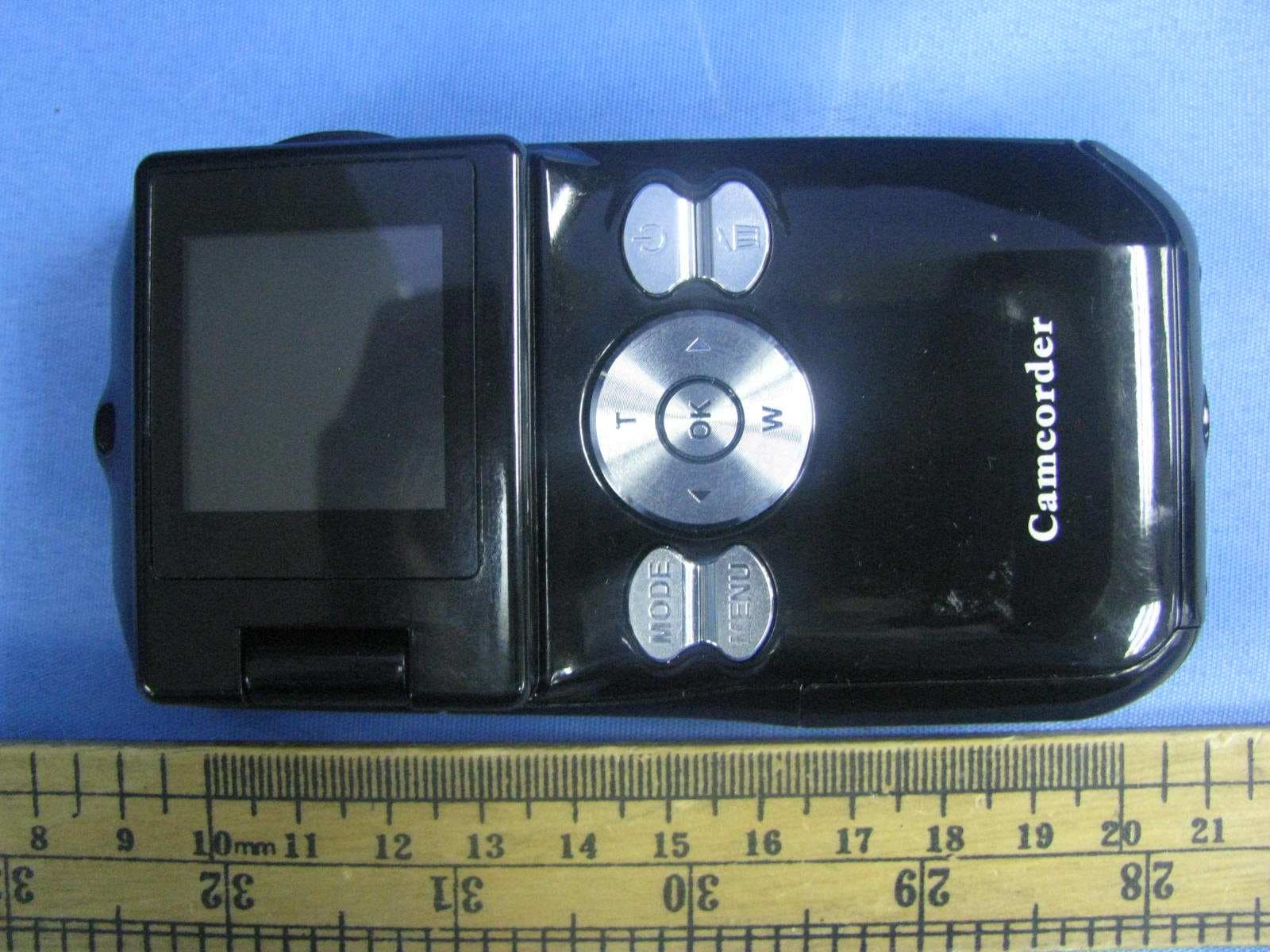
Click to zoom
Application Details
- Equipment Class
- JBP - Part 15 Class B Computing Device Peripheral
- Date of Grant
- Oct 12, 2011
- Application Purpose
- Original Equipment
- Date of Application
- Oct 12, 2011
- Equipment Note
- DIGITAL VIDEO CAMERA
- Country
- China
Documents & Files
Document Text
Text extracted from the exhibit documents filed with the FCC. Open a document above to read the original.
Users Manual
1 4 What’s Included 2 Parts of the Camera 3 Initial Setup 1. AV Out Port 2. Wrist Strap Connector 3. Tripod Socket 4. USB Connector 5. USB Lever 6. LED Indicator Light 7. Microphone 8. Lens 9. Speaker 10. Mode Button 11. Menu Button 12. Left / Resolution Button 13. Shutter / OK Button 14. LCD Screen 15. Up / Zoom In Button 16. SD Memory Card Slot 17. Power Button 18. Delete Button 19. Right Button 20. Down / Zoom Out Button 21. Battery Compartment Installing the Battery Installing the Memory Card Turning On the Camera Using the Camera SD Memory Card (up to 16 GB) needed for normal use. Insert 3 x AAA (1.5V) batteries. Alkaline batteries recommended (not inlcuded). Photo Capture Mode Video Capture Mode Playback Mode (Photos & Videos) Use this mode to capture photos with your camera. After powering on your camera, press the MODE button once to open the Photo Capture mode. To take a photo, aim your camera as desired and press the “Shutter” button. The photo will be automatically saved to the memory card. To access the various menus for the Photo Capture mode, press the MENU button while in the Photo Capture mode. For more information, please refer to the camera’s User Manual in the software or online. Your camera has di erent modes for the various camera functions. You can switch modes by pressing the MODE button on your camera after the camera has been powered ON. Use this mode to capture videos with your digital camera. This is the default mode when the camera is powered ON. To take a video, aim your camera as desired and press the “Shutter” button to start the recording. A red recording indicator will appear while the recording is in progress. To stop the recording, press the “Shutter” button again. The video will be automatically saved to the memory card. To access the various menus for the Video Capture mode, press the MENU button while in the Video Capture mode. For more information, please refer to the camera’s User Manual in the software or online. Use this mode to view and manage the videos and photos saved to the SD memory card. After powering on your camera, press the MODE button twice to open the Playback mode. You can scroll through the videos and photos that you captured with your camera to view or delete as desired. To access the various menus for the Playback mode for videos and photos, press the MENU button while in the Playback mode. For more information, please refer to the camera’s User Manual in the software or online. Main Camera Modes 1. Digital Camcorder 2. AV Cable 3. Installation CD 4. Wrist Strap 5. Built-in USB Connector (not shown) SD Memory Card not included Accessing the menu Selecting the modes 1 16 21 321 14 15 11 12 13 20 19 10 5 4 6 9 17 18 8 7 2 3 4 360x290mm 105 360x290mm 105 1. warning: Warning: Changes or modi cations to this unit not expressly approved by the party responsible for compliance could void the user’s authority to operate the equipment. 2Class B digital device or peripheral or cordless phone,Note: NOTE: This equipment has been tested and found to comply with the limits for a Class B digital device, pursuant to Part 15 of the FCC Rules. These limits are designed to provide reasonable protection against harmful interference in a residential installation. This equipment generates, uses and can radiate radio frequency energy and, if not installed and used in accordance with the instructions, may cause harmful interference to radio communications. However, there is no guarantee that interference will not occur in a particular installation. If this equipment does cause harmful interference to radio or television reception, which can be determined by turning the equipment o and on, the user is encouraged to try to correct the interference by one or more of the following measures: • Reorient or relocate the receiving antenna. • Increase the separation between the equipment and receiver. • Connect the equipment into an outlet on a circuit different from that to which the receiver is connected. • Consult the dealer or an experienced radio/TV technician for help. Shielded cables must be used with this unit to ensure compliance with the Class B FCC limits.
Block Diagram
Block Diagram DSP Working frequency: 96MHz SEENSOR Working frequency: 24MHz SDRAM (4*16 SDRAM ) USB Jack SD CARD POWER: 4.5Vdc Oscillator: 24.00MHZ AV Out LENS Key LCD Oscillator: 32.768kHz
External Photos
External Photos
ID Label/Location Info
Label Artwork and Location FCC ID: XJN-DV181SA This device complies with Part 15 of the FCC Rules. Operation is subject to the following two conditions : (1) this device may not cause harmful interference, and (2) this device must accept any interference received, including interference that may cause undesired operation. L LL Label size: 44 * 27mm abel size: 44 * 27mmabel size: 44 * 27mm abel size: 44 * 27mm Label Location
Internal Photos
Internal Photos
Test Report
Intertek Testing Services Shenzhen Ltd. Kejiyuan Branch 6F, D Block, Huahan Building, Langshan Road, Nanshan District, Shenzhen, P. R. China Tel: (86 755) 8601 6288 Fax: (86 755) 8601 6751 Website: www.china.intertek-etlsemko.com September 28, 2011 SHUOYING INDUSTRIAL (SHENZHEN) CO., LTD. NO.1 Shuoying Rd., Hebei Industry Area, Dalang, Longhua Town, Baoan, Shenzhen, China Dear Tony Pan, Enclosed you will find your file copy of a Part 15 report (FCC ID: XJN-DV181SA). For your reference, TCB will normally take another one week for reviewing the report. Approval will then be granted when no query is sorted. Please contact me if you have any questions regarding the enclosed material. Sincerely, Shawn Xing Manager Enclosure • The test results reported in this test report shall refer only to the sample actually tested and shall not refer or be deemed to refer to bulk from which such a sample may be said to have been obtained. • This report is for the exclusive use of Intertek's Client and is provided pursuant to the agreement between Intertek and its Client. Intertek's responsibility and liability are limited to the terms and conditions of the agreement. Intertek assumes no liability to any party, other than to the Client in accordance with the agreement, for any loss, expense or damage occasioned by the use of this report. Only the Client is authorized to copy or distribute this report. Any use of the Intertek name or one of its marks for the sale or advertisement of the tested material, product or service must first be approved in writing by Intertek. The observations and test results referenced from this report are relevant only to the sample tested. This report by itself does not imply that the material, product, or service is or has ever been under an Intertek certification program. • For Terms And Conditions of the services, it can be provided upon request. • The evaluation data of the report will be kept for 3 years from the date of issuance. TRF No.: FCC 15C_PC_a FCC ID: XJN-DV181SA Intertek Testing Services Shenzhen Ltd. Kejiyuan Branch 6F, D Block, Huahan Building, Langshan Road, Nanshan District, Shenzhen, P. R. China Tel: (86 755) 8601 6288 Fax: (86 755) 8601 6751 Website: www.china.intertek-etlsemko.com SHUOYING INDUSTRIAL (SHENZHEN) CO., LTD. Application For Certification (FCC ID: XJN-DV181SA) Computer Peripheral SZ11080290-1 Billy Li September 28, 2011 INTERTEK TESTING SERVICES TRF No.: FCC 15C_PC_a FCC ID: XJN-DV181SA i LIST OF EXHIBITS INTRODUCTION EXHIBIT 1: General Description EXHIBIT 2: System Test Configuration EXHIBIT 3: Emission Results EXHIBIT 4: Equipment Photographs EXHIBIT 5: Product Labeling EXHIBIT 6: Technical Specifications EXHIBIT 7: Instruction Manual EXHIBIT 8: Miscellaneous Information EXHIBIT 9: Test Equipment List INTERTEK TESTING SERVICES TRF No.: FCC 15C_PC_a FCC ID: XJN-DV181SA ii MEASUREMENT / TECHNICAL REPORT SHUOYING INDUSTRIAL (SHENZHEN) CO., LTD. − −− − MODEL: DV181SA FCC ID: XJN-DV181SA September 28, 2011 This report concerns (check one:) Original Grant X Class II Change Equipment Type: JBP-Class B Computing Device Peripheral Deferred grant requested per 47 CFR 0.457(d)(1)(ii)? Yes No X If yes, defer until: date Company Name agrees to notify the Commission by: date of the intended date of announcement of the product so that the grant can be issued on that date. Transition Rules Request per 15.37? Yes No X If no, assumed Part 15, Subpart C for intentional radiator − the new 47 CFR [10-1-10 Edition] provision. Report prepared by: Shawn Xing Intertek Testing Services Shenzhen Ltd. Kejiyuan Branch 6F, D Block, Huahan Building, Langshan Road Nanshan District, Shenzhen, P. R. China Phone: (86 755) 8601 6288 Fax: (86 755) 8601 6751 INTERTEK TESTING SERVICES TRF No.: FCC 15C_PC_a FCC ID: XJN-DV181SA iii Table of Contents 1.0 General Description......................................................................................... 2 1.1 Product Description...................................................................................2 1.2 Related Submittal(s) Grants ...................................................................... 2 1.3 Test Methodology......................................................................................3 1.4 Test Facility ............................................................................................... 3 2.0 System Test Configuration............................................................................. 5 2.1 Justification ............................................................................................... 5 2.2 EUT Exercising Software .......................................................................... 5 2.3 Special Accessories .................................................................................. 5 2.4 Equipment Modification............................................................................. 5 2.5 Measurement Uncertainty ......................................................................... 6 2.6 Support Equipment List and Description ................................................... 6 3.0 Emission Results.............................................................................................. 8 3.1 Field Strength Calculation ............................................................................. 9 3.2 Radiated Emission Configuration Photograph ............................................. 11 3.3 Radiated Emission Data ............................................................................. 12 3.4 Conducted Emission Configuration Photograph .......................................... 16 3.5 Conducted Emission Data..............................................................................17 4.0 Equipment Photographs................................................................................... 21 5.0 Product Labelling.............................................................................................. 23 6.0 Technical …
Text truncated - open the document above for the full version.
Test Setup Photos
Conducted Photos
Test Setup Photos
Radiated Photos
Contact Information
Applicant
Tony Pan
Technical Contact
Intertek Testing Services Shenzhen Ltd. Kejiyuan BShawn Xing
[email protected](86-755) 8614 0603
6F, D Block, Huahan Building, Langshan Road · Shenzhen · Christmas Island
Non-Technical Contact
Intertek Testing Services Shenzhen Ltd. Kejiyuan BShawn Xing
[email protected](86-755) 8614 0603
Test Firm
Intertek Testing Services Shenzhen Ltd.Shawn Xing
Technical Specifications
| # | Rule Parts | Frequency Range | Power Output |
|---|---|---|---|
| 1 | 15B | - | - |
Other Applications from SHUOYING INDUSTRIAL (SHENZHEN) CO., LTD.
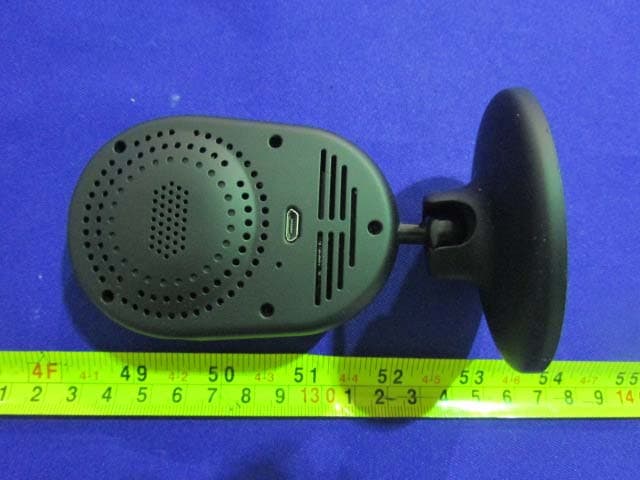
XJN-IPC019
Sep 07, 2015IP Camera
Equipment Class
DTS - Digital Transmission System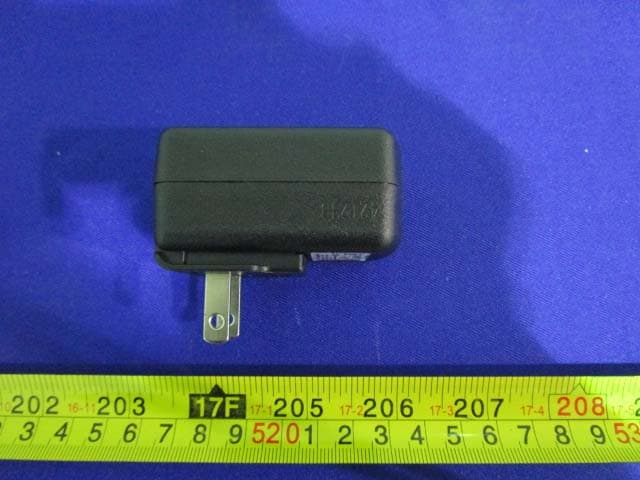
XJN-PA7062X
Dec 27, 2014Mobile Internet Devices
Equipment Class
JBP - Part 15 Class B Computing Device PeripheralXJN-PX4032
Sep 20, 2014Mobile internet device
Equipment Class
DTS - Digital Transmission System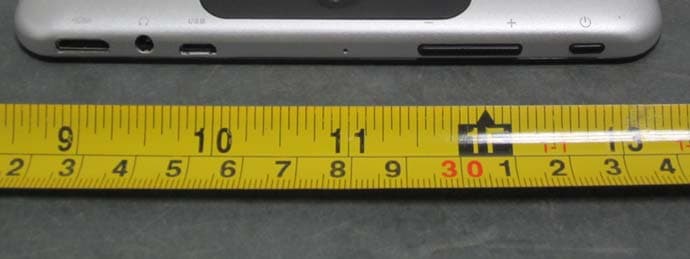
XJN-PA7810X
Jun 26, 2014Mobile Internet Devices
Equipment Class
DSS - Part 15 Spread Spectrum Transmitter
XJN-PR7062X
May 06, 2014Mobile Internet Device
Equipment Class
DTS - Digital Transmission System