XTE-ULPT100ULP Tracker
Ingenu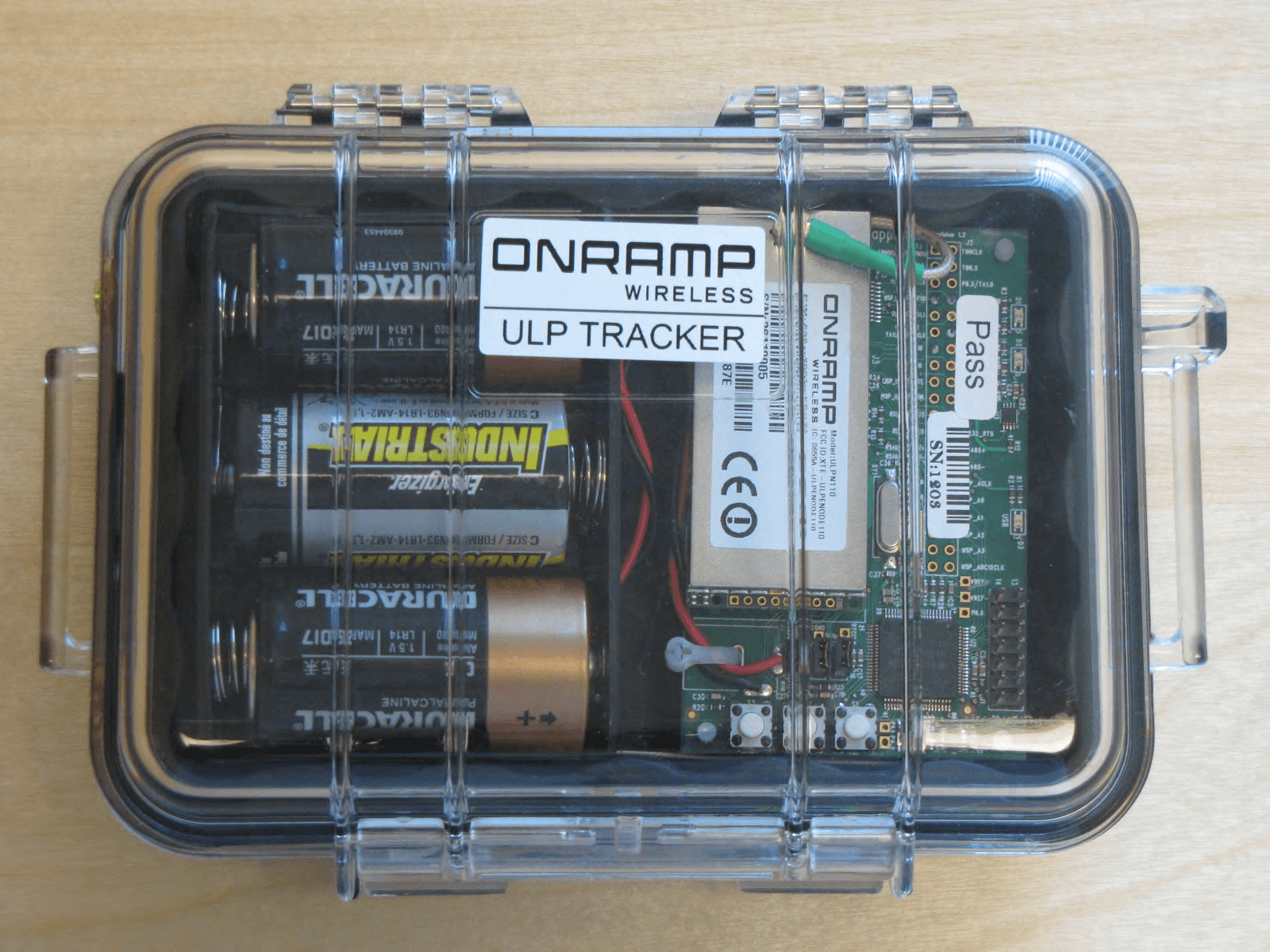
Click to zoom
Application Details
- Equipment Class
- DSS - Part 15 Spread Spectrum Transmitter
- Date of Grant
- Jun 10, 2012
- Application Purpose
- Original Equipment
- Date of Application
- Jun 06, 2012
- Equipment Note
- ULP Tracker
- Frequency Range
- 2402.00000000 - 2475.63000000
- Company
- Ingenu
- Country
- United States
Documents & Files
Document Text
Text extracted from the exhibit documents filed with the FCC. Open a document above to read the original.
Users Manual
On-Ramp Wireless Confidential and Proprietary. Restricted Distribution. This document is not to be used, disclosed, or distributed to anyone without express written consent from On-Ramp Wireless. The recipient of this document shall respect the security of this document and maintain the confidentiality of the information it contains. The master copy of this document is stored in electronic format, therefore any hard or soft copy used for distribution purposes must be considered as uncontrolled. Reference should be made to On-Ramp Wireless to obtain the latest revision. eNode User Manual On-Ramp Wireless Incorporated 10920 Via Frontera, Suite 200 San Diego, CA 92127 U.S.A. Copyright © 2011 On-Ramp Wireless Incorporated. All Rights Reserved. The information disclosed in this document is proprietary to On-Ramp Wireless Inc., and is not to be used or disclosed to unauthorized persons without the written consent of On-Ramp Wireless. The recipient of this document shall respect the security of this document and maintain the confidentiality of the information it contains. The master copy of this document is stored in electronic format, therefore any hard or soft copy used for distribution purposes must be considered as uncontrolled. Reference should be made to On-Ramp Wireless to obtain the latest version. By accepting this material the recipient agrees that this material and the information contained therein is to be held in confidence and in trust and will not be used, copied, reproduced in whole or in part, nor its contents revealed in any manner to others without the express written permission of On-Ramp Wireless Incorporated. On-Ramp Wireless Incorporated reserves the right to make changes to the product(s) or information contained herein without notice. No liability is assumed for any damages arising directly or indirectly by their use or application. The information provided in this document is provided on an “as is” basis. This document contains On-Ramp Wireless proprietary information and must be shredded when discarded. This documentation and the software described in it are copyrighted with all rights reserved. This documentation and the software may not be copied, except as otherwise provided in your software license or as expressly permitted in writing by On-Ramp Wireless, Incorporated. Any sample code herein is provided for your convenience and has not been tested or designed to work on any particular system configuration. It is provided “AS IS” and your use of this sample code, whether as provided or with any modification, is at your own risk. On-Ramp Wireless undertakes no liability or responsibility with respect to the sample code, and disclaims all warranties, express and implied, including without limitation warranties on merchantability, fitness for a specified purpose, and infringement. On-Ramp Wireless reserves all rights in the sample code, and permits use of this sample code only for educational and reference purposes. This technology and technical data may be subject to U.S. and international export, re-export or transfer (“export”) laws. Diversion contrary to U.S. and international law is strictly prohibited. Ultra-Link Processing™ is a trademark of On-Ramp Wireless. Other product and brand names may be trademarks or registered trademarks of their respective owners. eNode User Manual 010-0002-00 Rev. 08 November 8, 2011 On-Ramp Wireless Confidential and Proprietary iii 010-0002-00 Rev. 08 Contents 1 Introduction ........................................................................................................... 1 2 Ultra-Link Processing Overview .......................................................................... 2 3 Regulatory Approvals ........................................................................................... 3 3.1 Federal Communications Commission ...................................................................................... 3 3.2 Industry Canada ......................................................................................................................... 3 3.3 Usage ......................................................................................................................................... 4 3.3.1 Integrators ........................................................................................................................ 4 3.3.2 RF Exposure Statement ................................................................................................... 4 3.4 Antennas .................................................................................................................................... 4 4 eNode Interfaces ................................................................................................... 6 4.1 Hardware Interface..................................................................................................................... 6 4.1.1 SPI Slave Interface ........................................................................................................... 6 4.1.2 Pin Description ................................................................................................................. 6 4.1.3 Electrical Characteristics .................................................................................................. 7 4.1.4 eNode Dimensions ........................................................................................................... 7 4.2 Software Interface ...................................................................................................................... 9 4.3 Host Interface ............................................................................................................................. 9 4.3.1 Functional Description ...................................................................................................... 9 4.3.2 Host Interface Protocol .....................................................................…
Text truncated - open the document above for the full version.
Users Manual
On-Ramp Wireless Confidential and Proprietary. This document is not to be used, disclosed, or distributed to anyone without express written consent from On-Ramp Wireless. The recipient of this document shall respect the security of this document and maintain the confidentiality of the information it contains. The master copy of this document is stored in electronic format, therefore any hard or soft copy used for distribution purposes must be considered as uncontrolled. Reference should be made to On-Ramp Wireless to obtain the latest revision. ULP EMS Operator Guide On-Ramp Wireless Incorporated 10920 Via Frontera, Suite 200 San Diego, CA 92127 U.S.A. Copyright © 2011 On-Ramp Wireless Incorporated. All Rights Reserved. The information disclosed in this document is proprietary to On-Ramp Wireless Inc., and is not to be used or disclosed to unauthorized persons without the written consent of On-Ramp Wireless. The recipient of this document shall respect the security of this document and maintain the confidentiality of the information it contains. The master copy of this document is stored in electronic format, therefore any hard or soft copy used for distribution purposes must be considered as uncontrolled. Reference should be made to On-Ramp Wireless to obtain the latest version. By accepting this material the recipient agrees that this material and the information contained therein is to be held in confidence and in trust and will not be used, copied, reproduced in whole or in part, nor its contents revealed in any manner to others without the express written permission of On-Ramp Wireless Incorporated. On-Ramp Wireless Incorporated reserves the right to make changes to the product(s) or information contained herein without notice. No liability is assumed for any damages arising directly or indirectly by their use or application. The information provided in this document is provided on an “as is” basis. This document contains On-Ramp Wireless proprietary information and must be shredded when discarded. This documentation and the software described in it are copyrighted with all rights reserved. This documentation and the software may not be copied, except as otherwise provided in your software license or as expressly permitted in writing by On-Ramp Wireless, Incorporated. Any sample code herein is provided for your convenience and has not been tested or designed to work on any particular system configuration. It is provided “AS IS” and your use of this sample code, whether as provided or with any modification, is at your own risk. On-Ramp Wireless undertakes no liability or responsibility with respect to the sample code, and disclaims all warranties, express and implied, including without limitation warranties on merchantability, fitness for a specified purpose, and infringement. On-Ramp Wireless reserves all rights in the sample code, and permits use of this sample code only for educational and reference purposes. This technology and technical data may be subject to U.S. and international export, re-export or transfer (“export”) laws. Diversion contrary to U.S. and international law is strictly prohibited. Ultra-Link Processing™ is a trademark of On-Ramp Wireless. Other product and brand names may be trademarks or registered trademarks of their respective owners. ULP EMS Operator Guide 010-0045-00 June 8, 2011 On-Ramp Wireless Confidential and Proprietary iii 010-0045-00 Contents 1 Introduction ........................................................................................................... 1 2 ULP Network Overview ......................................................................................... 3 3 Maintaining and Operating the ULP Network ..................................................... 5 3.1 Logging in to the EMS ................................................................................................................ 5 3.2 Types of Accounts...................................................................................................................... 6 3.3 Maintaining a Local Account ...................................................................................................... 7 3.3.1 Adding a User Account ..................................................................................................... 8 3.3.2 Editing a User Account ..................................................................................................... 9 3.4 Configuring the ULP Network .................................................................................................... 9 3.4.1 Configuring the Network with the Ingest File - Initialization Steps ................................. 10 3.4.2 Configuring the Gateway with the Ingest File ................................................................. 10 3.4.3 Restarting the Gateway .................................................................................................. 11 3.4.4 Configuring Access Points with the Ingest File .............................................................. 11 3.5 Configuring the Network Manually ........................................................................................... 13 3.5.1 Adding the Gateway ....................................................................................................... 13 3.5.2 Configuring ULP Network Parameters ........................................................................... 15 3.5.3 Enabling the Gateway .................................................................................................... 20 3.5.4 Configuring an Access Point .......................................................................................... 20 3.5.5 Configuring an End Device ............................................................................................. 29 3.5.6 Adding an End Device .................................................................................................... 30 3.5.7 Confi…
Text truncated - open the document above for the full version.
Users Manual
On-Ramp Wireless Confidential and Proprietary. This document is not to be used, disclosed, or distributed to anyone without express written consent from On-Ramp Wireless. The recipient of this document shall respect the security of this document and maintain the confidentiality of the information it contains. The master copy of this document is stored in electronic format, therefore any hard or soft copy used for distribution purposes must be considered as uncontrolled. Reference should be made to On-Ramp Wireless to obtain the latest revision. ULP CIMA Operator Guide On-Ramp Wireless Incorporated 10920 Via Frontera, Suite 200 San Diego, CA 92127 U.S.A. Copyright © 2011 On-Ramp Wireless Incorporated. All Rights Reserved. The information disclosed in this document is proprietary to On-Ramp Wireless Inc., and is not to be used or disclosed to unauthorized persons without the written consent of On-Ramp Wireless. The recipient of this document shall respect the security of this document and maintain the confidentiality of the information it contains. The master copy of this document is stored in electronic format, therefore any hard or soft copy used for distribution purposes must be considered as uncontrolled. Reference should be made to On-Ramp Wireless to obtain the latest version. By accepting this material the recipient agrees that this material and the information contained therein is to be held in confidence and in trust and will not be used, copied, reproduced in whole or in part, nor its contents revealed in any manner to others without the express written permission of On-Ramp Wireless Incorporated. On-Ramp Wireless Incorporated reserves the right to make changes to the product(s) or information contained herein without notice. No liability is assumed for any damages arising directly or indirectly by their use or application. The information provided in this document is provided on an “as is” basis. This document contains On-Ramp Wireless proprietary information and must be shredded when discarded. This documentation and the software described in it are copyrighted with all rights reserved. This documentation and the software may not be copied, except as otherwise provided in your software license or as expressly permitted in writing by On-Ramp Wireless, Incorporated. Any sample code herein is provided for your convenience and has not been tested or designed to work on any particular system configuration. It is provided “AS IS” and your use of this sample code, whether as provided or with any modification, is at your own risk. On-Ramp Wireless undertakes no liability or responsibility with respect to the sample code, and disclaims all warranties, express and implied, including without limitation warranties on merchantability, fitness for a specified purpose, and infringement. On-Ramp Wireless reserves all rights in the sample code, and permits use of this sample code only for educational and reference purposes. This technology and technical data may be subject to U.S. and international export, re-export or transfer (“export”) laws. Diversion contrary to U.S. and international law is strictly prohibited. Ultra-Link Processing™ is a trademark of On-Ramp Wireless. Other product and brand names may be trademarks or registered trademarks of their respective owners. ULP CIMA Operator Guide 010-0046-00 Rev. E November 29, 2011 On-Ramp Wireless Confidential and Proprietary iii 010-0046-00 Rev. E Contents 1 Introduction ........................................................................................................... 1 2 ULP Network and CIMA Overview ....................................................................... 2 2.1 ULP Network Overview .............................................................................................................. 2 2.2 CIMA Overview .......................................................................................................................... 3 3 Operating CIMA ..................................................................................................... 4 3.1 Logging in to CIMA..................................................................................................................... 4 3.2 Maintaining an Active Directory Account ................................................................................... 4 3.2.1 Editing an Active Directory Account ................................................................................. 5 3.3 Maintaining a Local Account and Roles ..................................................................................... 5 3.3.1 Administrator Role ............................................................................................................ 5 3.3.2 Operator Role ................................................................................................................... 6 3.3.3 Guest Role ........................................................................................................................ 6 3.3.4 Adding a Local User Role ................................................................................................. 6 3.3.5 Editing a Local User Account ........................................................................................... 8 3.4 Configuring CIMA ....................................................................................................................... 9 3.4.1 Adding a Gateway ............................................................................................................ 9 3.4.2 Configuring CIMA Administrator Email ........................................................................... 10 3.4.3 Using Maintenance Mode ............................................................................................... 12 Appendix A Email Alert Examples ........................................................................ 14 Appendix B New Devices .........................................…
Text truncated - open the document above for the full version.
Users Manual
On-Ramp Wireless Confidential and Proprietary. Restricted Distribution. This document is not to be used, disclosed, or distributed to anyone without express written consent from On-Ramp Wireless. The recipient of this document shall respect the security of this document and maintain the confidentiality of the information it contains. The master copy of this document is stored in electronic format, therefore any hard or soft copy used for distribution purposes must be considered as uncontrolled. Reference should be made to On-Ramp Wireless to obtain the latest revision. LKS User Guide On-Ramp Wireless Incorporated 10920 Via Frontera, Suite 200 San Diego, CA 92127 U.S.A. Copyright © 2011 On-Ramp Wireless Incorporated. All Rights Reserved. The information disclosed in this document is proprietary to On-Ramp Wireless Inc., and is not to be used or disclosed to unauthorized persons without the written consent of On-Ramp Wireless. The recipient of this document shall respect the security of this document and maintain the confidentiality of the information it contains. The master copy of this document is stored in electronic format, therefore any hard or soft copy used for distribution purposes must be considered as uncontrolled. Reference should be made to On-Ramp Wireless to obtain the latest version. By accepting this material the recipient agrees that this material and the information contained therein is to be held in confidence and in trust and will not be used, copied, reproduced in whole or in part, nor its contents revealed in any manner to others without the express written permission of On-Ramp Wireless Incorporated. On-Ramp Wireless Incorporated reserves the right to make changes to the product(s) or information contained herein without notice. No liability is assumed for any damages arising directly or indirectly by their use or application. The information provided in this document is provided on an “as is” basis. This document contains On-Ramp Wireless proprietary information and must be shredded when discarded. This documentation and the software described in it are copyrighted with all rights reserved. This documentation and the software may not be copied, except as otherwise provided in your software license or as expressly permitted in writing by On-Ramp Wireless, Incorporated. Any sample code herein is provided for your convenience and has not been tested or designed to work on any particular system configuration. It is provided “AS IS” and your use of this sample code, whether as provided or with any modification, is at your own risk. On-Ramp Wireless undertakes no liability or responsibility with respect to the sample code, and disclaims all warranties, express and implied, including without limitation warranties on merchantability, fitness for a specified purpose, and infringement. On-Ramp Wireless reserves all rights in the sample code, and permits use of this sample code only for educational and reference purposes. This technology and technical data may be subject to U.S. and international export, re-export or transfer (“export”) laws. Diversion contrary to U.S. and international law is strictly prohibited. Ultra-Link Processing™ is a trademark of On-Ramp Wireless. Other product and brand names may be trademarks or registered trademarks of their respective owners. LKS User Guide 010-0059-00 Rev. A May 16, 2011 On-Ramp Wireless Confidential and Proprietary iii 010-0059-00 Rev. A Contents 1 Introduction ........................................................................................................... 1 2 ULP Key Management Overview ......................................................................... 2 3 Local Key Server ................................................................................................... 5 4 Installing the Software .......................................................................................... 6 4.1 System Requirements ................................................................................................................ 6 4.2 Security Requirements ............................................................................................................... 6 4.3 Installing Python Software ......................................................................................................... 6 4.4 Installing PyCrypto ..................................................................................................................... 8 4.5 Installing and Configuring an LKS Server .................................................................................. 8 5 Key Creation, Export, and Backup .................................................................... 12 5.1 Gateway Key and Code Download Key ................................................................................... 12 5.2 Node-Specific Root Key ........................................................................................................... 12 5.2.1 Node Root Key Creation................................................................................................. 12 5.2.2 Batch Number ................................................................................................................. 12 5.2.3 New Node Root Key ....................................................................................................... 13 5.3 Exporting Keys for KMS ........................................................................................................... 13 5.4 Exported Key File Format ........................................................................................................ 14 Appendix A Creating RSA Keys ........................................................................... 16 Appendix B Creating SSL Certificates ................................................................. 17 B.1 Generating a CA Certificate ..................................................................................…
Text truncated - open the document above for the full version.
Users Manual
On-Ramp Wireless Confidential and Proprietary. Restricted Distribution. This document is not to be used, disclosed, or distributed to anyone without express written consent from On-Ramp Wireless. The recipient of this document shall respect the security of this document and maintain the confidentiality of the information it contains. The master copy of this document is stored in electronic format, therefore any hard or soft copy used for distribution purposes must be considered as uncontrolled. Reference should be made to On-Ramp Wireless to obtain the latest revision. NPT User Guide On-Ramp Wireless Incorporated 10920 Via Frontera, Suite 200 San Diego, CA 92127 U.S.A. Copyright © 2011 On-Ramp Wireless Incorporated. All Rights Reserved. The information disclosed in this document is proprietary to On-Ramp Wireless Inc., and is not to be used or disclosed to unauthorized persons without the written consent of On-Ramp Wireless. The recipient of this document shall respect the security of this document and maintain the confidentiality of the information it contains. The master copy of this document is stored in electronic format, therefore any hard or soft copy used for distribution purposes must be considered as uncontrolled. Reference should be made to On-Ramp Wireless to obtain the latest version. By accepting this material the recipient agrees that this material and the information contained therein is to be held in confidence and in trust and will not be used, copied, reproduced in whole or in part, nor its contents revealed in any manner to others without the express written permission of On-Ramp Wireless Incorporated. On-Ramp Wireless Incorporated reserves the right to make changes to the product(s) or information contained herein without notice. No liability is assumed for any damages arising directly or indirectly by their use or application. The information provided in this document is provided on an “as is” basis. This document contains On-Ramp Wireless proprietary information and must be shredded when discarded. This documentation and the software described in it are copyrighted with all rights reserved. This documentation and the software may not be copied, except as otherwise provided in your software license or as expressly permitted in writing by On-Ramp Wireless, Incorporated. Any sample code herein is provided for your convenience and has not been tested or designed to work on any particular system configuration. It is provided “AS IS” and your use of this sample code, whether as provided or with any modification, is at your own risk. On-Ramp Wireless undertakes no liability or responsibility with respect to the sample code, and disclaims all warranties, express and implied, including without limitation warranties on merchantability, fitness for a specified purpose, and infringement. On-Ramp Wireless reserves all rights in the sample code, and permits use of this sample code only for educational and reference purposes. This technology and technical data may be subject to U.S. and international export, re-export or transfer (“export”) laws. Diversion contrary to U.S. and international law is strictly prohibited. Ultra-Link Processing™ is a trademark of On-Ramp Wireless. Other product and brand names may be trademarks or registered trademarks of their respective owners. NPT User Guide 010-0060-00 Rev. A May 16, 2011 On-Ramp Wireless Confidential and Proprietary iii 010-0060-00 Rev. A Contents 1 Introduction ........................................................................................................... 1 2 Node Provisioning Tools ...................................................................................... 2 2.1 System Requirements ................................................................................................................ 2 2.2 Setup and Configuration ............................................................................................................ 3 3 eNode Software Upgrade Utility .......................................................................... 4 3.1 Prerequisites .............................................................................................................................. 4 3.2 Performing an eNode Firmware Upgrade on an eHost ............................................................. 4 3.3 Performing an eNode Firmware Upgrade on a superHost ........................................................ 5 4 eNode Flash Configuration Utility ....................................................................... 7 4.1 Programming an eNode Using an eHost ................................................................................... 7 4.2 Programming an eNode Using a superHost .............................................................................. 7 5 eNode Key Provisioning Utility ............................................................................ 9 5.1 Setup and Configuration ............................................................................................................ 9 5.2 Starting the eNode Key Provisioning Utility on an eHost ......................................................... 11 5.3 Starting the eNode Key Provisioning Utility on a superHost .................................................... 13 5.4 Provisioning One or More eNodes ........................................................................................... 13 Appendix A Python Installation for a Windows-based Computer ..................... 16 A.1 Installing Python and Python Scripts ....................................................................................... 16 A.2 Identifying the Serial Port ........................................................................................................ 25 Appendix B Creating RSA Keys ........................................................................... 27 Appendix C Creating SSL Certificates .........................................…
Text truncated - open the document above for the full version.
Contact Information
Applicant
Eber Lambert(SR. DIRECTOR, ENGINEERING PROGRAM MANAGEMENT)
Test Firm
TUV SUD America, Inc.Chip Fleury
Technical Specifications
| # | Rule Parts | Frequency Range | Power Output |
|---|---|---|---|
| 1 | 15C | 2.40 GHz - 2.48 GHz | 108.40 mW |
Other Applications from Ingenu
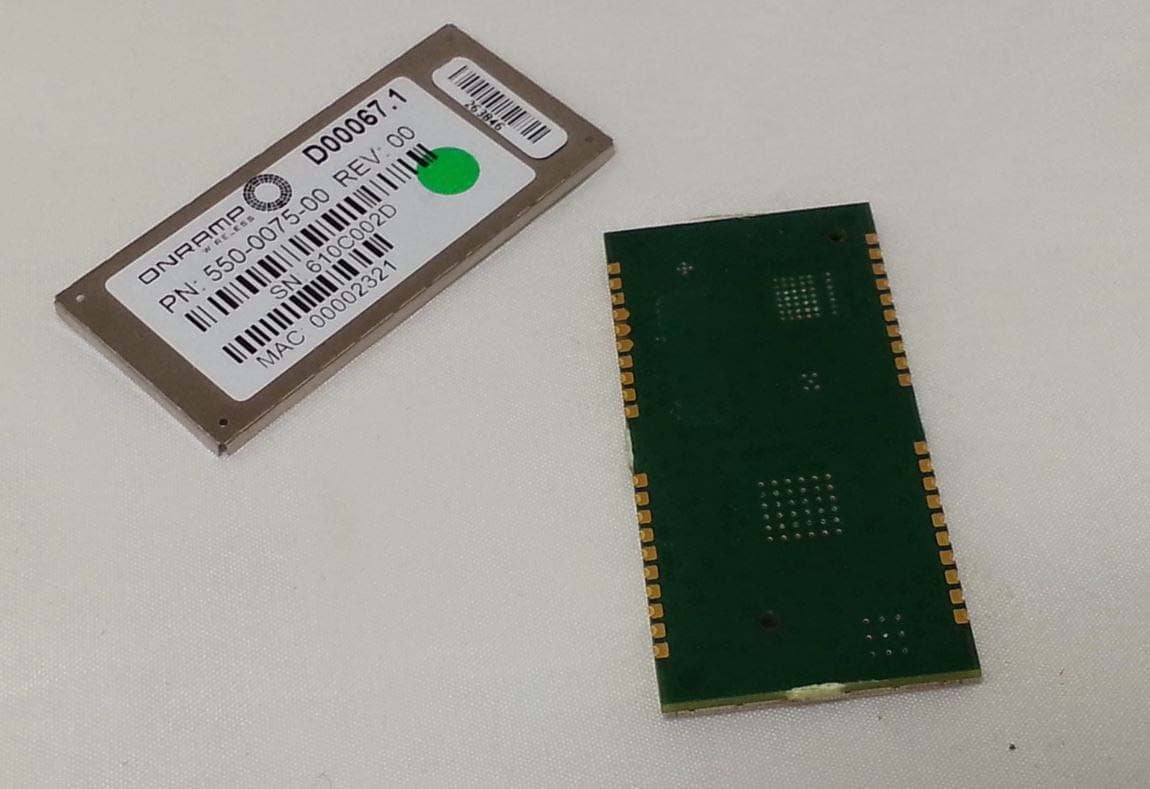
XTE-NODE102
Sep 21, 2015Wireless network module
Equipment Class
DSS - Part 15 Spread Spectrum Transmitter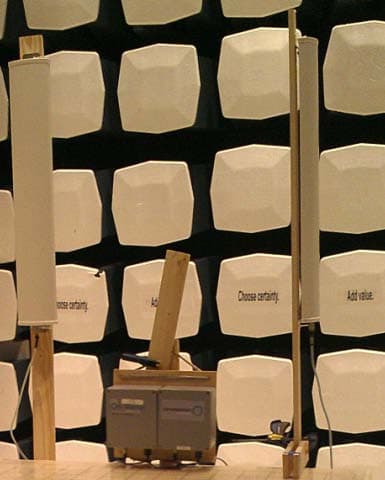
XTE-ULPAP210
May 12, 2015Sectorized RPMA Access Point
Equipment Class
DTS - Digital Transmission System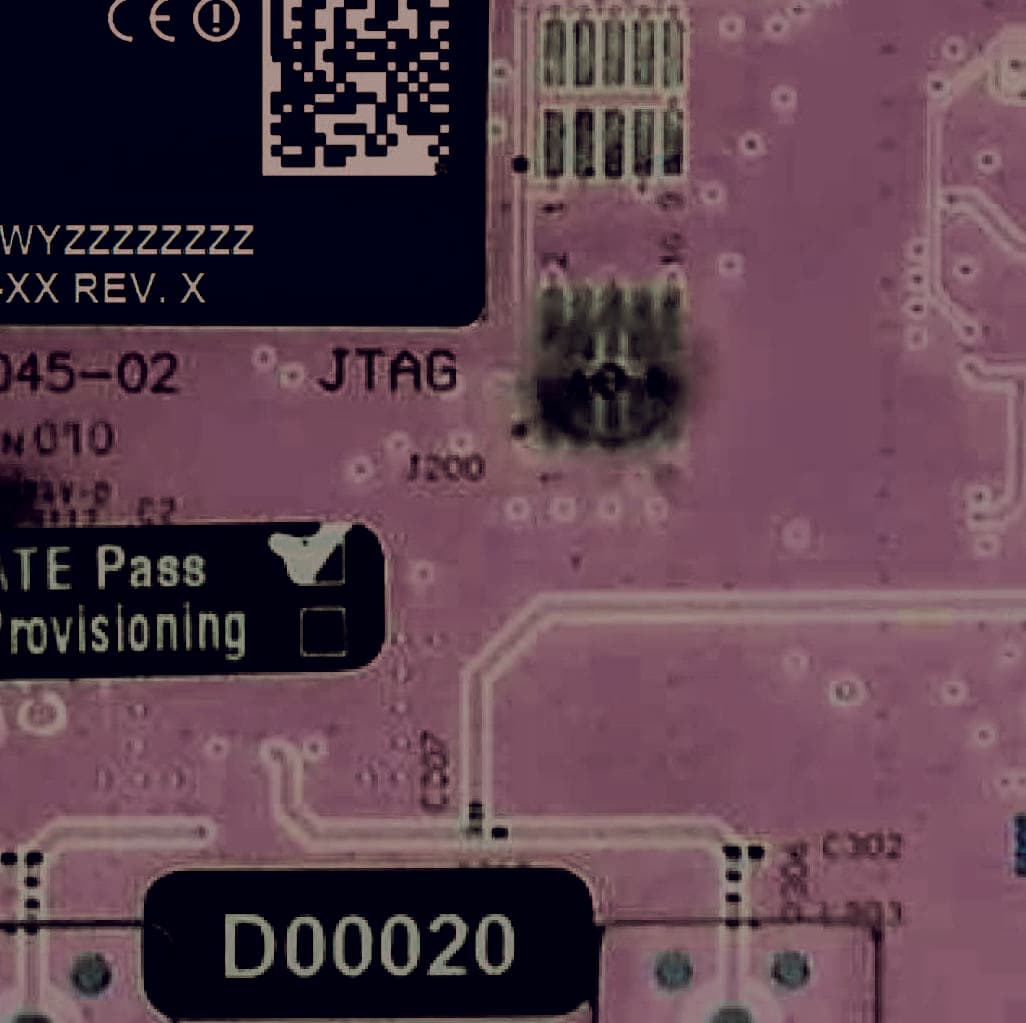
XTE-TRN-2012
Jun 02, 2013Meter Communication Module
Equipment Class
DTS - Digital Transmission System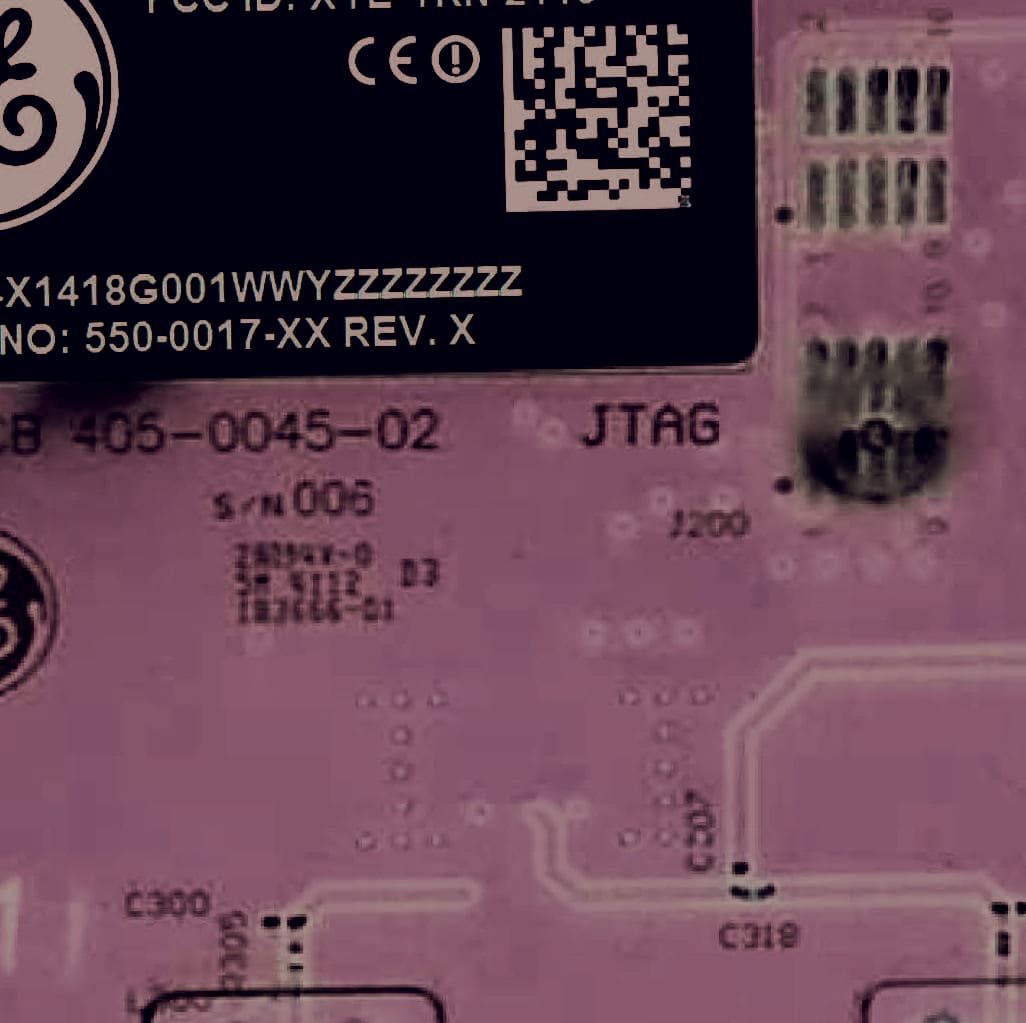
XTE-TRN-2113
Jun 02, 2013Meter Communications Module
Equipment Class
DTS - Digital Transmission System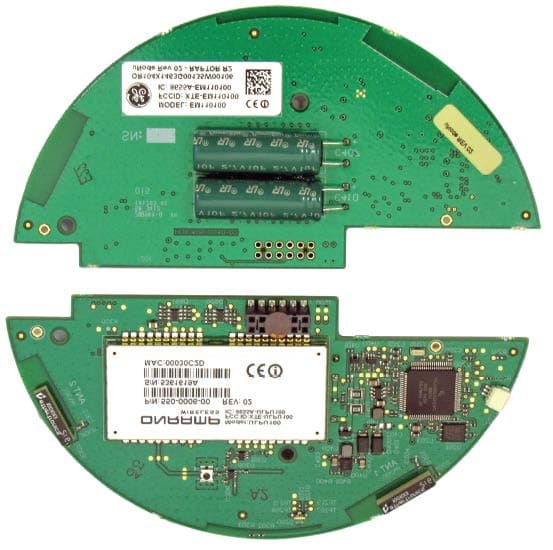
XTE-EM110100
Sep 30, 2012Electric Meter Communications Module
Equipment Class
DSS - Part 15 Spread Spectrum Transmitter