XUY0YX0MP04016Terminal Pro 125kHz ASK FSK
Y Soft Corporation, a.s.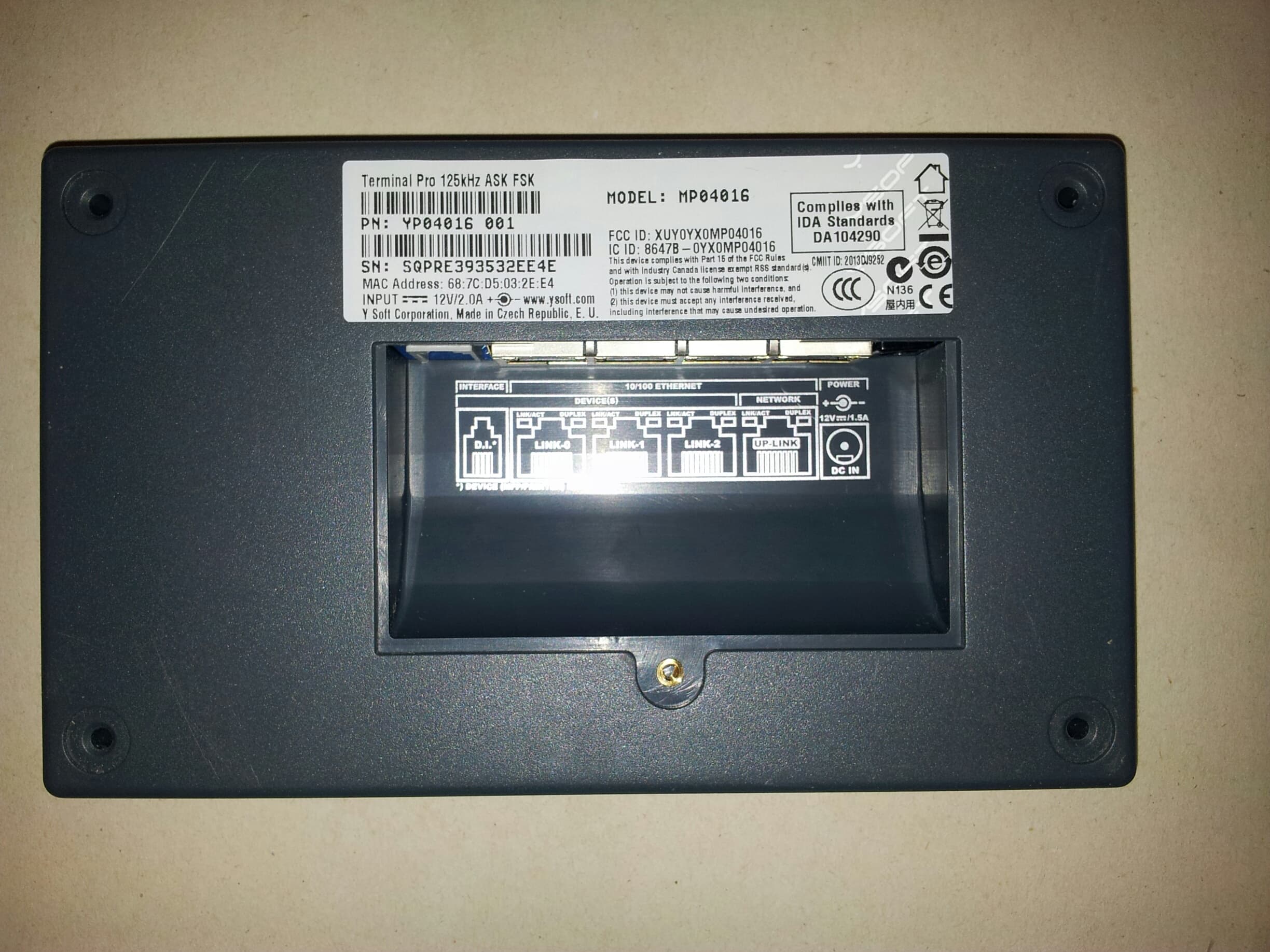
Click to zoom
Application Details
- Equipment Class
- DCD - Part 15 Low Power Transmitter Below 1705 kHz
- Date of Grant
- Oct 27, 2014
- Application Purpose
- Original Equipment
- Date of Application
- Oct 26, 2014
- Equipment Note
- Terminal Pro 125kHz ASK FSK
- Frequency Range
- 0.12500000 - 0.12500000
- Company
- Y Soft Corporation, a.s.
- Country
- Czech Republic
Documents & Files
Document Text
Text extracted from the exhibit documents filed with the FCC. Open a document above to read the original.
Users Manual
YSOFT SAFEQ TERMINAL PROFESSIONAL 3.8 USER’S GUIDE 1 2 YSOFT SAFEQ TERMINAL PROFESSIONAL USER’S GUIDE Copyright © 2014 Y Soft Corporation. All rights reserved. Edition 2.0 [EN] Date: 5 October 2014 YSoft SafeQ, the YSoft SafeQ logo, and the Y Soft logo are registered trademarks of Y Soft Corporation. All other trademarks and names stated in this document may be trademarks and/or registered trademarks of individual owners. www.ysoft.com Y Soft Corporation Y Soft Americas Podnikatelska 4 [email protected] Technology Park 612 00 Brno Czech Republic [email protected] YSOFT SAFEQ TERMINAL PROFESSIONAL USER’S GUIDE 3 Contents About this guide ......................................................................................... 4 About this guide .......................................................................................................... 5 SafeQ Terminal Professional—overview ..................................................................... 5 Terminology ................................................................................................................ 5 2 Logging in to the terminal .................................................................... 6 Changing the terminal’s language ............................................................................... 7 Logging in with an ID card ........................................................................................... 8 Registering your ID card by entering your PUK code .......................................... 8 Locating your PUK code ...................................................................................... 9 Logging in with a PIN .................................................................................................10 Logging in with an ID card and PIN............................................................................11 Logging in with an ID card or PIN ..............................................................................12 Logging in with an ID card and PIN or username/password .....................................13 Logging in with username/password ........................................................................14 Logging in with an ID card or username/password ...................................................15 Logging in with a PIN or username/password ..........................................................16 Logging in with an ID card or PIN or username/password ........................................17 3 Printing .............................................................................................. 19 Viewing lists of jobs ...................................................................................................19 Exiting the Jobs menu .......................................................................................19 Printing ......................................................................................................................20 Printing all your print jobs .................................................................................20 Printing or deleting specific jobs .......................................................................21 Printing your favorite jobs.................................................................................22 Reprinting or deleting jobs that have been printed ..........................................23 4 Copying and scanning ....................................................................... 24 5 Changing the screen’s brightness ..................................................... 25 4 YSOFT SAFEQ TERMINAL PROFESSIONAL USER’S GUIDE FCC Statements § 15.21 Information to user. The user’s manual or instruction manual for an intentional or unintentional radiator shall caution the user that changes or modifications not expressly approved by the party responsible for compliance could void the user's authority to operate the equipment. In cases where the manual is provided only in a form other than paper, such as on a computer disk or over the Internet, the information required by this section may be included in the manual in that alternative form, provided the user can reasonably be expected to have the capability to access information in that form. § 15.105 Information to the user This equipment has been tested and found to comply with the limits for a Class A digital device, pursuant to part 15 of the FCC Rules. These limits are designed to provide reasonable protection against harmful interference when the equipment is operated in a commercial environment. This equipment generates, uses, and can radiate radio frequency energy and, if not installed and used in accordance with the instruction manual, may cause harmful interference to radio communications. Operation of this equipment in a residential area is likely to cause harmful interference in which case the user will be required to correct the interference at his own expense. YSOFT SAFEQ TERMINAL PROFESSIONAL USER’S GUIDE 5 1 About this guide About this guide This guide provides instructions for using YSoft SafeQ ® Terminal Professional, firmware version 3.8.0 and higher. SafeQ Terminal Professional—overview Depending on how your SafeQ administrator has set up the terminal, you can use the terminal to: Access printers and MFPs to print, copy, and scan. View and select jobs (jobs to print, favorite jobs, and printed jobs). Print favorite jobs by selecting them at the terminal. Delete jobs from queues. View information about print/copying status and detailed price accounting Terminology In this guide, multifunction printers (MFPs) and network printers are both referred to as printers. YSOFT SAFEQ TERMINAL PROFESSIONAL USER’S GUIDE 6 2 Logging in to the terminal Before you can use the printer, you must log in at the terminal. Depending on how your SafeQ administrator has set up the terminal, use one of the following methods to log in: ID card PIN ID card and PIN ID card or PIN I…
Text truncated - open the document above for the full version.
Cover Letter(s)
DATE 09/29/2014 Equipment Autorisation Division Federal Communications Commission 7435 Oakland Mills Road Columbia, MD 21046 FCC ID: XUY0YX0MP04016 Product Name: Terminal Pro 125kHz ASK FSK Request for Confidentiality Pursuant to Sections 0.457 and 0.459 of the commissions rules, we hereby request that the following documents be held confidential: • Schematics • Block diagram • Operational Description • Parts List These materials contain trade secrets and proprietary information and are not customarily released to the public. The public disclosure of this information might be harmful to the company and provide unjustified benefits to our competitors. Dated this 29th Day of September 2014 By: Pavel Slovak Signature Printed Title: Logistics & Purchasing Manager On behalf of : Y Soft Corporation, a.s. Telephone: +420 533 031 755
Test Report
FCC ID: XUY0YX0MP04016 CSA Group Bayern GmbH File No. T38382-00-00GK, page 1 of 18 Ohmstrasse 1-4 94342 STRASSKIRCHEN GERMANY Tel.:+49(0)9424-94810 Fax:+49(0)9424-9481440 Rev. No. 3.0, 2014-01-30 EMI − T E S T R E P O R T - FCC Part 15.209 - Test Report No. : T38382-00-00GK 30. September 2014 ______________________________________________________________________________________________ Date of issue Type / Model Name : MP04016 Product Description : Terminal Pro 125kHz ASK FSK Applicant : Y SOFT Corporation, a.s. Address : Czech Technology Park, Podnikatelska 2902/4 612 00 BRNO, Czech Republic Manufacturer : Y SOFT Corporation, a.s. Address : Czech Technology Park, Podnikatelska 2902/4 612 00 BRNO, Czech Republic Licence holder : Y SOFT Corporation, a.s. Address : Czech Technology Park, Podnikatelska 2902/4 612 00 BRNO, Czech Republic Test Result according to the standards listed in clause 1 test standards: POSITIVE The test report merely corresponds to the test sample. It is not permitted to copy extracts of these test results without the written permission of the test FCC ID: XUY0YX0MP04016 CSA Group Bayern GmbH File No. T38382-00-00GK, page 2 of 18 Ohmstrasse 1-4 94342 STRASSKIRCHEN GERMANY Tel.:+49(0)9424-94810 Fax:+49(0)9424-9481440 Rev. No. 3.0, 2014-01-30 Contents 1 T E S T S T A N D A R D S 3 2 S U M M A R Y 4 3 E Q U I P M E N T U N D E R T E S T 5 3.1 Photo documentation of the EUT – Detailed photos see Attachment A 5 3.2 Power supply system utilised 5 3.3 Short description of the Equipment under Test (EUT) 5 4 T E S T E N V I R O N M E N T 6 4.1 Address of the test laboratory 6 4.2 Statement regarding the usage of logos in test reports 6 4.3 Environmental conditions 6 4.4 Statement of the measurement uncertainty 6 4.5 Measurement Protocol for FCC, VCCI and AUSTEL 7 5 T E S T C O N D I T I O N S A N D R E S U L T S 8 5.1 Conducted emissions 8 5.2 Field strength of the fundamental wave 12 5.3 Spurious emissions (magnetic field) 9 kHz – 30 MHz 14 5.4 Emission Bandwidth 16 6 U S E D T E S T E Q U I P M E N T A N D A C C E S S O R I E S 18 FCC ID: XUY0YX0MP04016 CSA Group Bayern GmbH File No. T38382-00-00GK, page 3 of 18 Ohmstrasse 1-4 94342 STRASSKIRCHEN GERMANY Tel.:+49(0)9424-94810 Fax:+49(0)9424-9481440 Rev. No. 3.0, 2014-01-30 1 T E S T S T A N D A R D S The tests were performed according to following standards: FCC Rules and Regulations Part 15, Subpart A - General (September, 2013) Part 15, Subpart A, Section 15.31 Measurement standards Part 15, Subpart A, Section 15.33 Frequency range of radiated measurements Part 15, Subpart A, Section 15.35 Measurement detector functions and bandwidths FCC Rules and Regulations Part 15, Subpart C - Intentional Radiators (September, 2013) Part 15, Subpart C, Section 15.203 Antenna requirement Part 15, Subpart C, Section 15.204 External radio frequency power amplifiers and antenna modifications Part 15, Subpart C, Section 15.205 Restricted bands of operation Part 15, Subpart C, Section 15.209 Radiated emission limits, general requirements ANSI C63.4: 2003 Methods of Measurement of Radio-Noise Emissions from Low- Voltage Electrical and Electronic Equipment in the Range of 9 kHz to 40 GHz. ANSI C95.1:1992 IEEE Standard for Safety Levels with respect to Human Exposure to Radio Frequency Electromagnetic Fields, 3 kHz to 300 GHz CISPR 16-4-2: 2003 Uncertainty in EMC measurement FCC ID: XUY0YX0MP04016 CSA Group Bayern GmbH File No. T38382-00-00GK, page 4 of 18 Ohmstrasse 1-4 94342 STRASSKIRCHEN GERMANY Tel.:+49(0)9424-94810 Fax:+49(0)9424-9481440 Rev. No. 3.0, 2014-01-30 2 S U M M A R Y GENERAL REMARKS: The carrier frequency is 125.0 kHz. FINAL ASSESSMENT: The equipment under test fulfills the EMI requirements cited in clause 1 test standards. Date of receipt of test sample : acc. to storage records Testing commenced on : 24. June 2014 Testing concluded on : 23. July 2014 Checked by: Tested by: Klaus Gegenfurtner Teamleader Radio Konrad Graßl FCC ID: XUY0YX0MP04016 CSA Group Bayern GmbH File No. T38382-00-00GK, page 5 of 18 Ohmstrasse 1-4 94342 STRASSKIRCHEN GERMANY Tel.:+49(0)9424-94810 Fax:+49(0)9424-9481440 Rev. No. 3.0, 2014-01-30 3 E Q U I P M E N T U N D E R T E S T 3.1 Photo documentation of the EUT – Detailed photos see Attachment A 3.2 Power supply system utilised Power supply voltage: : 100-240 V AC / 12.0 V DC / 50-60 Hz 3.3 Short description of the Equipment under Test (EUT) The EuT is a card reading terminal for reading of authentication cards.. Number of tested samples: 1 Serial number: See photo documentation of the EuT in Attachment A EUT operation mode: The equipment under test was operated during the measurement under the following conditions: - Continuous Tx mode at 125 kHz - - EUT configuration: The following peripheral devices and interface cables were connected during the measurements: - Model : - Model : - Model : - customer specific cables - unscreened power cables FCC ID: XUY0YX0MP04016 CSA Group Bayern GmbH File No. T38382-00-00GK, page 6 of 18 Ohmstrasse 1-4 94342 STRASSKIRCHEN GERMANY Tel.:+49(0)9424-94810 Fax:+49(0)9424-9481440 Rev. No. 3.0, 2014-01-30 4 T E S T E N V I R O N M E N T 4.1 Address of the test laboratory CSA Group Bayern GmbH Ohmstrasse 1-4 94342 STRASSKIRCHEN GERMANY 4.2 Statement regarding the usage of logos in test reports The accreditation and notification body logos displayed in this test report are only valid for standards listed in the accreditation or notification scope of CSA Group Bayern GmbH. 4.3 Environmental conditions During the measurement the environmental conditions were within the listed ranges: Temperature: 15-35 ° C Humidity: 30-60 % Atmospheric pressure: 86-106 kPa 4.4 Statement of the measurement uncertainty The data and results referenced in this document are true and accurate. It is noted that the expanded measurement uncertainty corresponds to the measurement results from the standard measurement uncertainty multiplied by the coverage factor k =…
Text truncated - open the document above for the full version.
Test Setup Photos
T38382-00-00GK FCC ID: XUY0YX0MP04016 Photo documentation of the test set-up Conducted emissions Field strength of the fundamental wave Spurious emissions (magnetic field) 9 kHz – 30 MHz Emission Bandwidth
Contact Information
Applicant
Michaela Sebkova(Logistics Manager)
Test Firm
CSA Group Bayern GmbHFrank Scharnowski
[email protected]+49 9931 9836 140
Technical Specifications
| # | Rule Parts | Frequency Range | Power Output |
|---|---|---|---|
| 1 | 15C | 0.125 MHz - 0.125 MHz | - |
Other Applications from Y Soft Corporation, a.s.
XUY0YX0MU04103
Jan 14, 2026MFX4 Ultimate Reader
Equipment Class
DTS - Digital Transmission System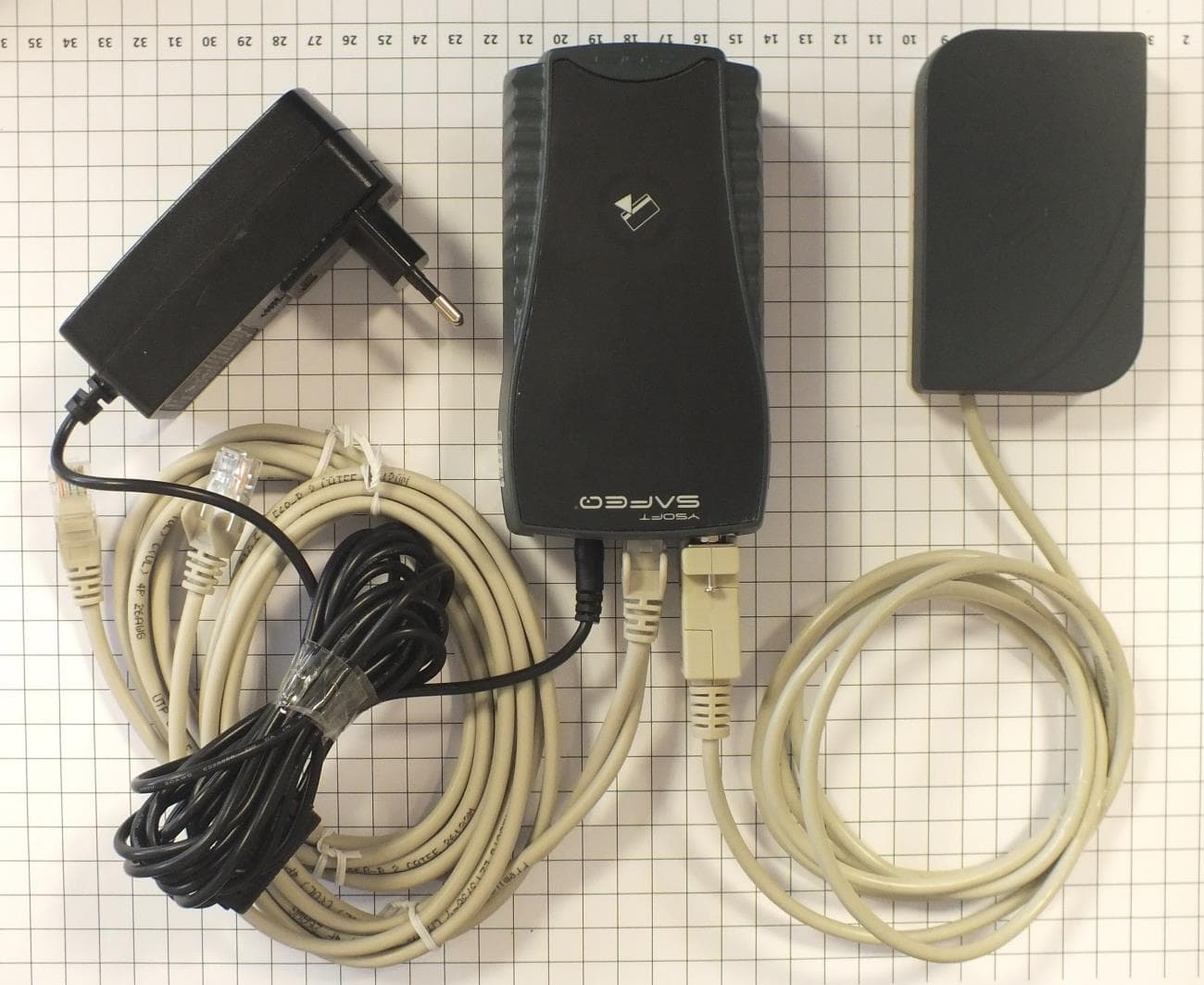
XUY0YX0ME01016
Oct 27, 2014External reader module ASK FSK
Equipment Class
DCD - Part 15 Low Power Transmitter Below 1705 kHz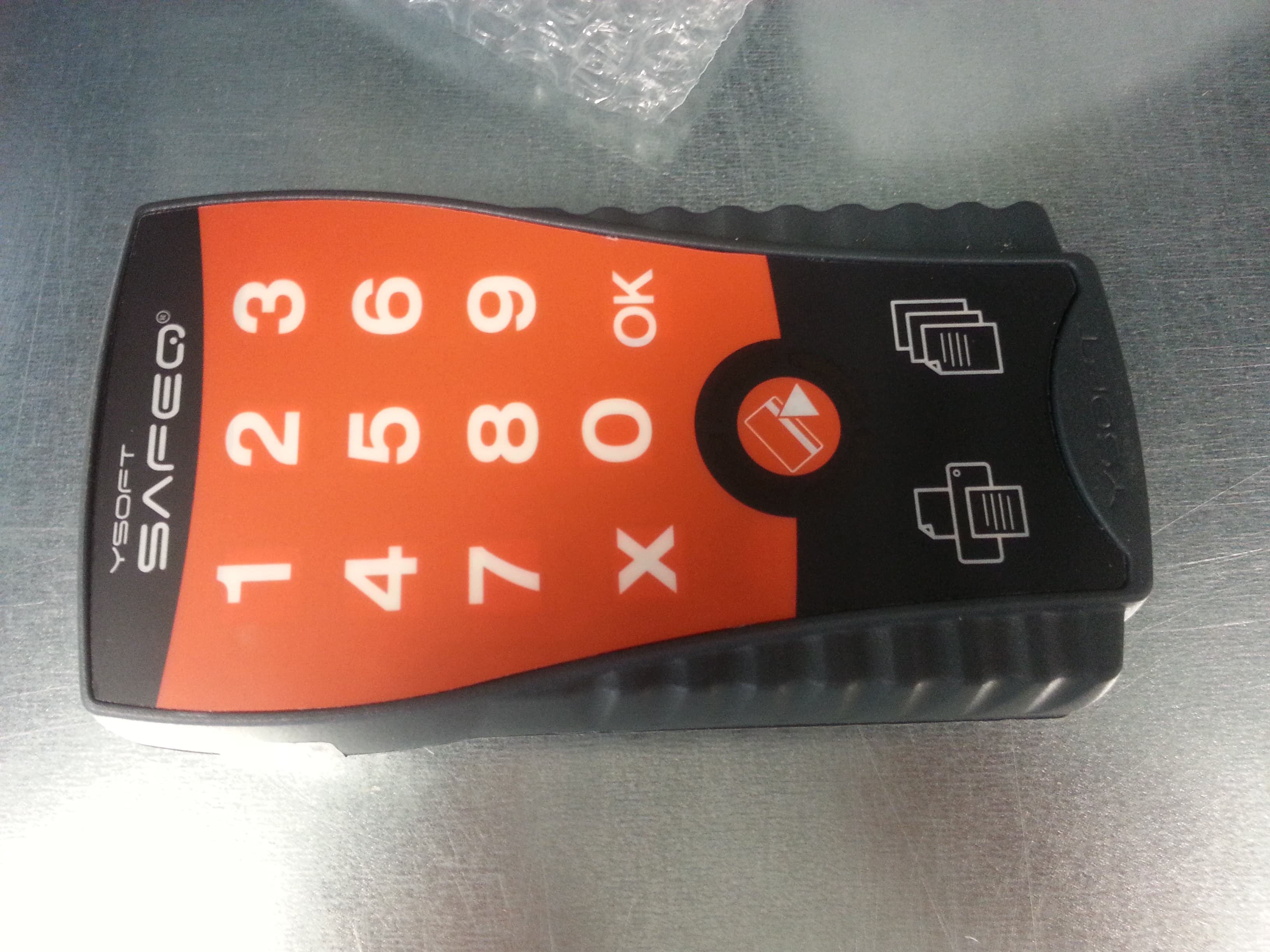
XUY0YX0ML01016
Oct 27, 2014Ultralight P&C 125kHz ASK FSK
Equipment Class
DCD - Part 15 Low Power Transmitter Below 1705 kHz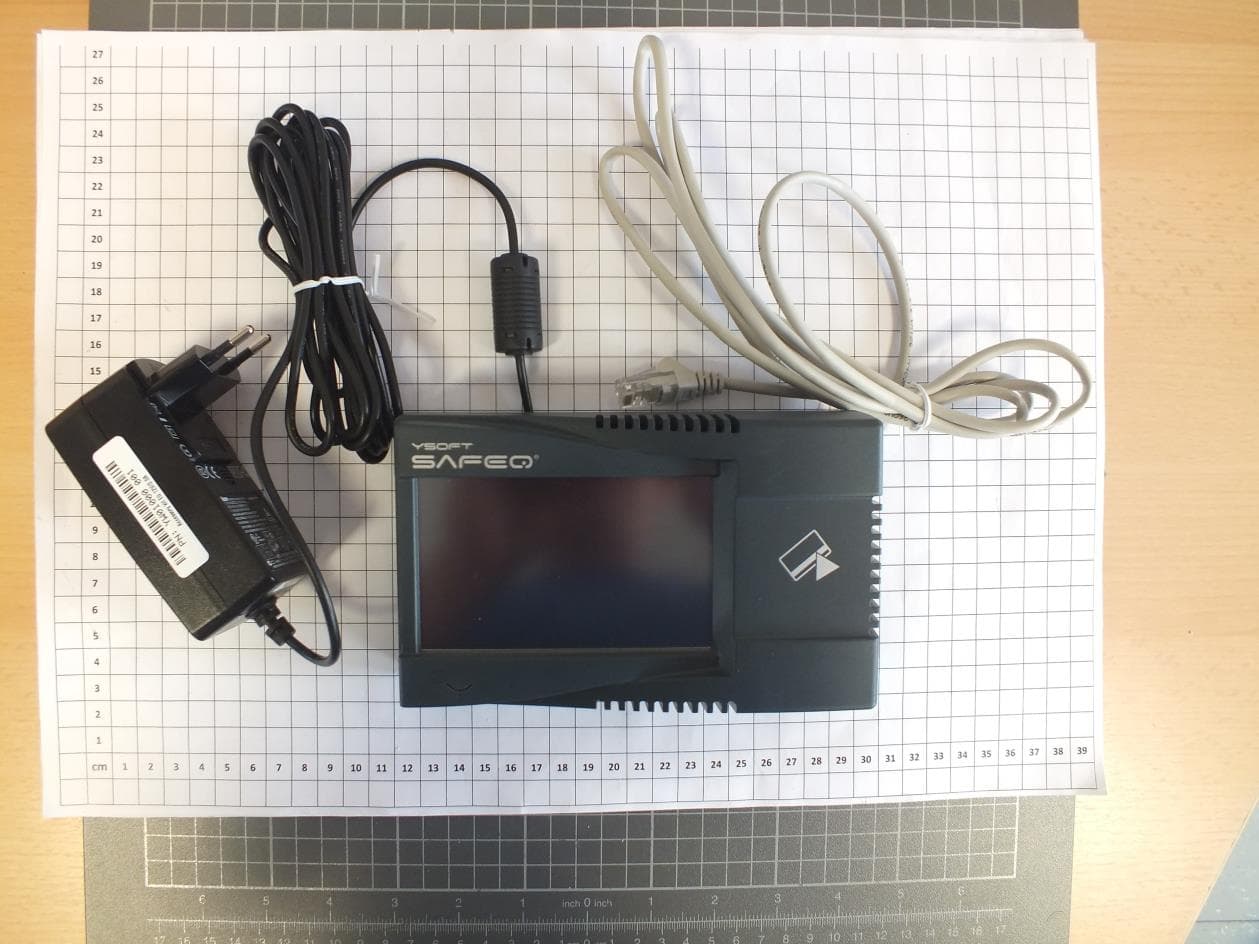
XUY0YX0MP04087
Oct 13, 2014Multireader HF
Equipment Class
DXX - Part 15 Low Power Communication Device Transmitter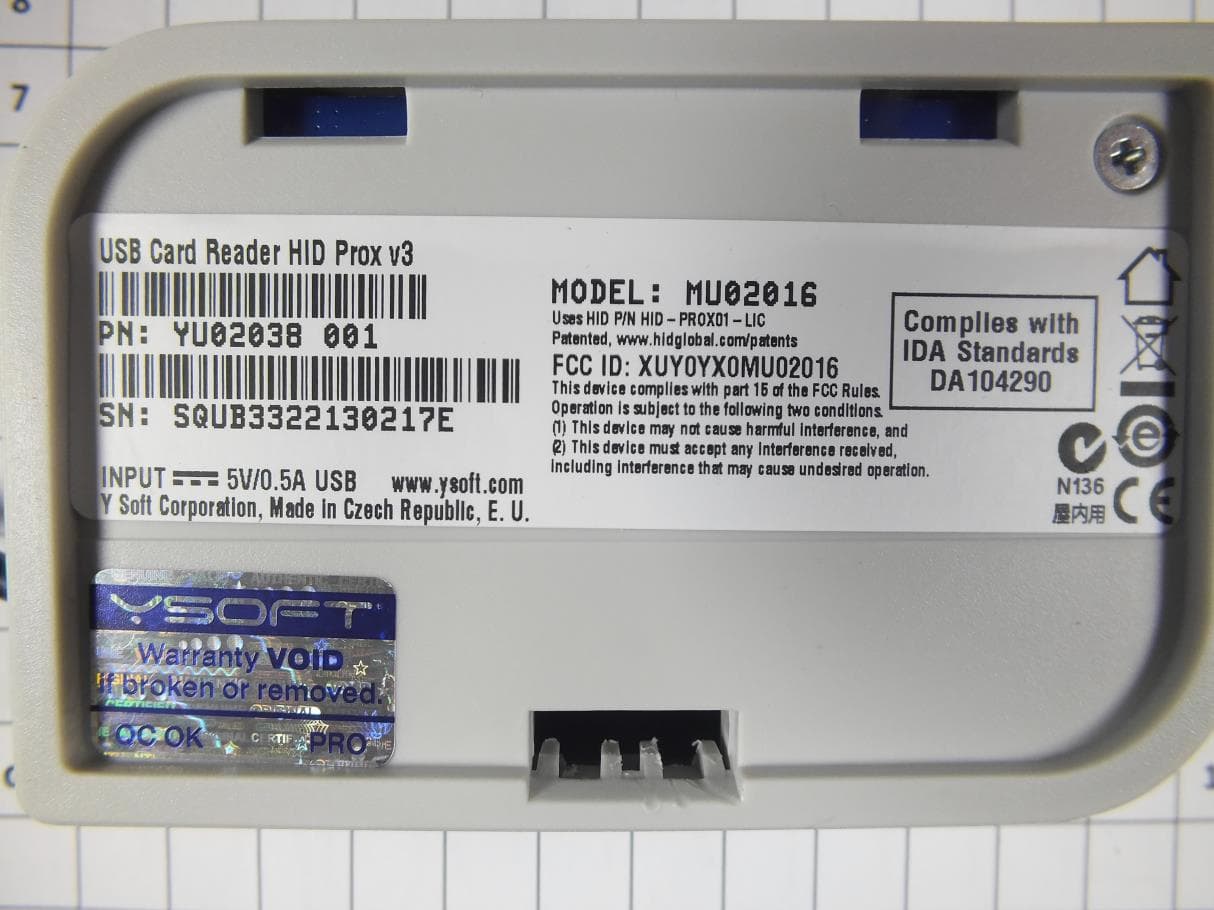
XUY0YX0MU02016
Sep 10, 2013USB Card Reader
Equipment Class
DCD - Part 15 Low Power Transmitter Below 1705 kHz