XUY0YX0X040000Terminal UltraLight Reader
Y Soft Corporation, a.s.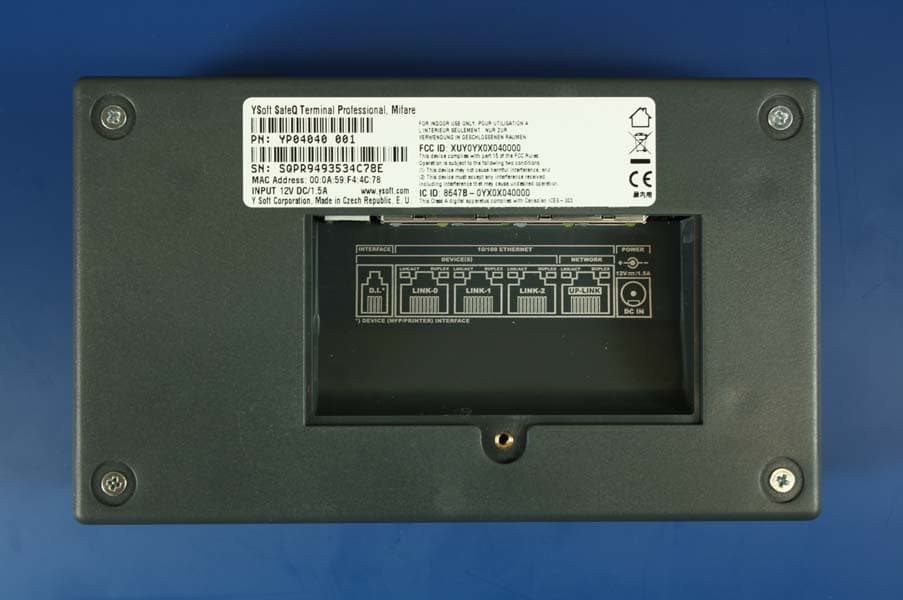
Click to zoom
Application Details
- Equipment Class
- DXX - Part 15 Low Power Communication Device Transmitter
- Date of Grant
- Jan 10, 2010
- Application Purpose
- Original Equipment
- Date of Application
- Jan 10, 2010
- Equipment Note
- Terminal UltraLight Reader
- Frequency Range
- 13.56000000 - 13.56000000
- Company
- Y Soft Corporation, a.s.
- Country
- Czech Republic
Documents & Files
Document Text
Text extracted from the exhibit documents filed with the FCC. Open a document above to read the original.
Users Manual
making the MFDs think™ YSoft SafeQ® Terminal UltraLight Administrator’s Guide Version 1.5 4.9.2009 YSOFT SA FEQ® TERM IN AL UL TRAL IGHT – AD M INISTRATOR S GUID E V1.5 [EN] 2/19 © 2009 by YSoft s.r.o. All rights to this document, domestic and international, are reserved by YSoft s.r.o.. No part of this publication may be reproduced, stored in a retrieval system, or transmitted in any form or by any means (electronic, me- chanical, photocopying, recording, or otherwise) without prior written permission of YSoft. YSoft®, YSoft SafeQ® and its logo are registered trademarks of YSoft s.r.o. All other brands and their products are trademarks or registered trademarks of their respective holders, and should be noted as such. 4.9.2009 YSOFT SA FEQ® TERM IN AL UL TRAL IGHT – AD M INISTRATOR S GUID E V1.5 [EN] 3/19 T AB LE OF C ON T EN T S Table of Contents .................................................................................................................................................... 3 1 Introduction ................................................................................................................................................... 4 1.1 Purpose of document ........................................................................................................................... 4 1.2 Goals and Objectives ............................................................................................................................. 4 1.3 Terms and Abbreviations ....................................................................................................................... 5 1.4 Disclaimer .............................................................................................................................................. 5 2 Overview ........................................................................................................................................................ 6 2.1 System Overview ................................................................................................................................... 6 2.2 Capacitive keyboard .............................................................................................................................. 7 2.3 Terminal UltraLight specification ........................................................................................................... 8 3 Terminal Installation and Configuration ........................................................................................................ 9 3.1 Connecting cables .................................................................................................................................. 9 3.2 Terminal mounting .............................................................................................................................. 10 3.3 Terminal configuration ........................................................................................................................ 10 4 Terminal Firmware ....................................................................................................................................... 13 4.1 Service firmware .................................................................................................................................. 13 4.2 Terminal firmware ............................................................................................................................... 13 4.3 Firmware update ................................................................................................................................. 13 5 Terminal beep and flash code sequences .................................................................................................... 14 5.1 Terminal UltraLight beep code sequences .......................................................................................... 14 5.2 Terminal UltraLight flash code sequences ........................................................................................... 14 6 Relationship with other documents ............................................................................................................. 18 7 Version history ............................................................................................................................................. 19 4.9.2009 YSOFT SA FEQ® TERM IN AL UL TRAL IGHT – AD M INISTRATOR S GUID E V1.5 [EN] 4/19 1 I N T RODUC TI ON 1 .1 P URP OSE OF D OCUM ENT This documentation provides essential information on installation, configuration and administration of YSoft SafeQ® Terminal UltraLight. It covers both YSoft SafeQ® Terminal UltraLight Print & Copy and YSoft SafeQ® Terminal UltraLight Print Only versions. 1 .2 GOAL S AND OBJE CTIVE S The YSoft SafeQ® Terminal UltraLight is a low-price version of Terminal Professional. YSoft SafeQ® Terminal UltraLight provides compact, fast and simple user interface for authorization to printer and copier and workflow improvements such as follow me feature, print job management, self-serve printing and copying and scan workflow improvements. It has no display available; therefore user interaction is limited to status leds and keyboard. User authentication is possible with card or pin. As already mentioned the YSoft SafeQ® Terminal UltraLight is produced in two versions: YSOFT SAFEQ® TERMINAL ULTRALIGHT PRINT & COPY YSOFT SAFEQ® TERMINAL ULTRALIGHT PRINT ONLY Picture 1 - YSoft SafeQ Terminal UltraLight Print & Copy 4.9.2009 YSOFT SA FEQ® TERM IN AL UL TRAL IGHT – AD M INISTRATOR S GUID E V1.5 [EN] 5/19 Picture 2 - YSoft SafeQ Terminal UltraLight Print Only Compatibility with following YSoft SafeQ editions is guaranteed: YSoft SafeQ PCAS 3.1.5.15 and newer YSoft SafeQ PCAS 3.5 Instant Edition (all releases) 1 .3 TERM S AND ABBREVI AT IONS Terminal UltraLight YSoft SafeQ® Terminal UltraLight MFD Multi-Functional Device 1 .4 D ISCL AIM ER The user that makes changes or modificati…
Text truncated - open the document above for the full version.
Users Manual
making the MFDs think™ YSoft SafeQ® Terminal UltraLight User’s Guide Version 1.4 4.9.2009 YSOFT SA FEQ® TERM IN AL UL TRAL IGHT – USER S GUID E V1.4 [EN ] 2/14 © 2009 by YSoft s.r.o. All rights to this document, domestic and international, are reserved by YSoft s.r.o.. No part of this publication may be reproduced, stored in a retrieval system, or transmitted in any form or by any means (electronic, me- chanical, photocopying, recording, or otherwise) without prior written permission of YSoft. YSoft®, YSoft SafeQ® and its logo are registered trademarks of YSoft s.r.o. All other brands and their products are trademarks or registered trademarks of their respective holders, and should be noted as such. 4.9.2009 YSOFT SA FEQ® TERM IN AL UL TRAL IGHT – USER S GUID E V1.4 [EN ] 3/14 T AB LE OF C ON T EN T S Table of Contents .................................................................................................................................................... 3 1 Introduction ................................................................................................................................................... 4 1.1 Purpose of document ........................................................................................................................... 4 1.2 Goals and Objectives ............................................................................................................................. 4 1.3 Terms and Abbreviations ....................................................................................................................... 4 1.4 Disclaimer .............................................................................................................................................. 4 2 Terminal UltraLight Overview ........................................................................................................................ 5 2.1 Keyboard usage ..................................................................................................................................... 6 3 Basic features ................................................................................................................................................. 8 3.1 User Authentication............................................................................................................................... 8 3.2 User Interface ........................................................................................................................................ 8 3.3 Administration ....................................................................................................................................... 8 3.4 Operating Environment ......................................................................................................................... 8 4 Status of Terminal UltraLight ......................................................................................................................... 9 4.1 Terminal UltraLight flash code sequences ............................................................................................. 9 4.2 Terminal beep code sequences ........................................................................................................... 11 5 Conclusion .................................................................................................................................................... 12 6 Relationship with other documents ............................................................................................................. 13 7 Version history ............................................................................................................................................. 14 4.9.2009 YSOFT SA FEQ® TERM IN AL UL TRAL IGHT – USER S GUID E V1.4 [EN ] 4/14 1 I N T RODUC TI ON 1 .1 P URP OSE OF D OCUM ENT This documentation provides essential information on usage of YSoft SafeQ® Terminal UltraLight. It covers both YSoft SafeQ® Terminal UltraLight Print & Copy and YSoft SafeQ® Terminal UltraLight Print Only versions. 1 .2 GOAL S AND OBJE CTIVE S The YSoft SafeQ® Terminal UltraLight is a low-price version of Terminal Professional. It is realized in form of an external hardware device. YSoft SafeQ® Terminal UltraLight has no display available; therefore user interaction is limited to status leds, keyboard and beep sequences. 1 .3 TERM S AND ABBREVI AT IONS Terminal UltraLight YSoft SafeQ® Terminal UltraLight MFD Multi-Functional Device 1 .4 D ISCL AIM ER The user that makes changes or modifications not expressly approved by the party responsible for compliance (Y Soft s.r.o.) could void the user’s authority to operate the equipment. 4.9.2009 YSOFT SA FEQ® TERM IN AL UL TRAL IGHT – USER S GUID E V1.4 [EN ] 5/14 2 T ERMI N AL ULT RALI G HT OVERVI EW The purpose of Terminal UltraLight is to provide user interface when interacting with printer and copier. The key function of the terminal is to handle user authentication and authorization to the device and the user inter- face for job queue management. As already mentioned the Terminal UltraLight is produced in two versions: YSOFT SAFEQ® TERMINAL ULTRALIGHT PRINT & COPY YSOFT SAFEQ® TERMINAL ULTRALIGHT PRINT ONLY Picture 1 - YSoft SafeQ Terminal UltraLight Print & Copy Picture 2 - YSoft SafeQ Terminal UltraLight Print Only 4.9.2009 YSOFT SA FEQ® TERM IN AL UL TRAL IGHT – USER S GUID E V1.4 [EN ] 6/14 User authentication is possible with card or pin or any combination. Only selected card readers are supported by Terminal UltraLight. The Terminal UltraLight is displayed on the Picture 3. It consist of keyboard, print and copy button and status leds. For more details on leds refer to chapter 4. Picture 3 - YSQ Terminal UltraLight 2 .1 KEYBOARD USAGE Capacitive touch keyboard utilized in the Terminal UltraLight is the latest technology providing better reliability and endurance than standard micro switch or membrane keyboard…
Text truncated - open the document above for the full version.
Users Manual
making the MFDs think™ YSoft SafeQ Terminal Professional v3.5 Administrator’s Guide Version 1.3 23.11.2009 YSOFT SAFEQ TERMINAL PROFESSIONAL V3.5 – ADMINISTRATOR’S GUIDE V1.3 [EN] 2/19 © 2009 by YSoft s.r.o. All rights to this document, domestic and international, are reserved by YSoft s.r.o.. No part of this publication may be reproduced, stored in a retrieval system, or transmitted in any form or by any means (electronic, me‐ chanical, photocopying, recording, or otherwise) without prior written permission of YSoft. YSoft®, YSoft SafeQ® and its logo are registered trademarks of YSoft s.r.o. All other brands and their products are trademarks or registered trademarks of their respective holders, and should be noted as such. 23.11.2009 YSOFT SAFEQ TERMINAL PROFESSIONAL V3.5 – ADMINISTRATOR’S GUIDE V1.3 [EN] 3/19 TABLE OF CONTENTS Table of Contents .................................................................................................................................................3 1 Introduction.................................................................................................................................................4 1.1 Purpose of document .........................................................................................................................4 1.2 Goals and Objectives ...........................................................................................................................4 1.3 Validity of document ...........................................................................................................................4 1.4 Disclaimer............................................................................................................................................4 2 Overview .....................................................................................................................................................5 3 Technical specifications ...............................................................................................................................6 3.1 Terminal properties and technical specificationS ................................................................................6 4 Terminal setting...........................................................................................................................................9 4.1 Terminal configuration ‐ Common.......................................................................................................9 4.2 Entering service menu.........................................................................................................................9 4.3 Network settings ...............................................................................................................................10 4.4 Server setting ....................................................................................................................................11 4.5 Card reader setting............................................................................................................................11 4.6 I/O Module settings...........................................................................................................................12 4.7 Interface settings...............................................................................................................................12 4.8 Language settings..............................................................................................................................14 4.9 Display settings .................................................................................................................................14 4.10 Diagnostic utils..................................................................................................................................15 4.11 Service...............................................................................................................................................15 5 Conclusion .................................................................................................................................................17 6 Relationship with other documents...........................................................................................................18 7 Version history...........................................................................................................................................19 23.11.2009 YSOFT SAFEQ TERMINAL PROFESSIONAL V3.5 – ADMINISTRATOR’S GUIDE V1.3 [EN] 4/19 1 INTRODUCTION 1.1 PURPOSE OF DOCUMENT This guide provides the essential information on the installation, configuration and usage of the YSoft SafeQ Terminal Professional v3.5 with color display. You are expected to understand some networking and printing concepts: in particular, you should be familiar with the client/server paradigm, with IP addressing and TCP/UDP ports. Ideally, you should know something about LDAP and SNMP as well. It assumes a deeper understanding of YSoft SafeQ on the common administra‐ tor level and knowledge of the YSoft SafeQ Administrator Guide. This guide also assumes the ownership and/or access to articles, such as service cables. 1.2 GOALS AND OBJECTIVES YSoft SafeQ® Terminal Professional provides user interface for authorization to printer and copier and work‐ flow improvements such as follow me feature, print job management, self‐serve printing and copying and scan workflow improvements. 1.3 VALIDITY OF DOCUMENT The information in this guide applies to YSoft SafeQ Terminal Professional version 3.6.2 and newer. The contents of this guide are up‐to‐date and apply to the following versions: YSoft SafeQ® Instant Edition v 3.5 YSoft SafeQ® Professional Edition v 3.1.5 YSoft SafeQ® Enterprise Edition v 3.1.5 1.4 DISCLAIMER The producer does not bear any responsibility for the use of any functions not specified here unless covered by a separate document. The …
Text truncated - open the document above for the full version.
Users Manual
making the MFDs think™ YSoft SafeQ Terminal Professional v3.5 User’s Guide Version 1.3 4.9.2009 YSOFT SAFEQ TERMINAL PROFESSIONAL V3.5 ‐ USER’S GUIDE (COLOR DISPLAY) V1.3 [EN] 2/14 © 2009 by Y Soft s.r.o. All rights to this document, domestic and international, are reserved by Y Soft s.r.o.. No part of this publication may be reproduced, stored in a retrieval system, or transmitted in any form or by any means (electronic, me‐ chanical, photocopying, recording, or otherwise) without prior written permission of Y Soft. Y Soft®, Y Soft SafeQ® and its logo are registered trademarks of Y Soft s.r.o. All other brands and their products are trademarks or registered trademarks of their respective holders, and should be noted as such. 4.9.2009 YSOFT SAFEQ TERMINAL PROFESSIONAL V3.5 ‐ USER’S GUIDE (COLOR DISPLAY) V1.3 [EN] 3/14 TABLE OF CONTENTS Table of Contents .................................................................................................................................................3 1 Annotation ................................................................................................................................................4 2 Overview ...................................................................................................................................................5 3 YSoft SafeQ Terminal usage.......................................................................................................................6 3.1 User authorization ....................................................................................................................6 3.2 Main menu ...............................................................................................................................7 3.3 Print..........................................................................................................................................8 3.4 Copy / scan session...................................................................................................................8 3.5 Job list.......................................................................................................................................9 3.5.1 Job lists management ..................................................................................................10 4 Conclusion...............................................................................................................................................12 5 Relationship with other documents.........................................................................................................13 6 Version history ........................................................................................................................................14 4.9.2009 YSOFT SAFEQ TERMINAL PROFESSIONAL V3.5 ‐ USER’S GUIDE (COLOR DISPLAY) V1.3 [EN] 4/14 1 ANNOTATION This guide provides the essential information on usage of the YSoft SafeQ Terminal Professional v3.5 (with color display) from the user point of view. The producer does not bear any responsibility for the use of any functions not specified here unless covered by a separate document. The producer rejects any and all responsibility for the consequences of improper, negligent or incorrect installation or settings of optional operational system parameters. Information to user: The user that makes changes or modifications not expressly approved by the party responsible for compliance (Y Soft s.r.o.) could void the user’s authority to operate the equipment. 4.9.2009 YSOFT SAFEQ TERMINAL PROFESSIONAL V3.5 ‐ USER’S GUIDE (COLOR DISPLAY) V1.3 [EN] 5/14 2 OVERVIEW The YSoft SafeQ Terminal Professional v3.5 has a color graphic touch screen and is equipped with a four‐port network adapter. It also features a microcomputer, flash ROM, network interface and a card reader. The card reader is optional, as PIN codes can be used for authentication instead of cards. Terminal is powered by external power supply that is also included in installation package. 4.9.2009 YSOFT SAFEQ TERMINAL PROFESSIONAL V3.5 ‐ USER’S GUIDE (COLOR DISPLAY) V1.3 [EN] 6/14 3 YSOFT SAFEQ TERMINAL USAGE 3.1 USER AUTHORIZATION Prior to any action on terminal every user has to authorize. Proceed with PIN or card authorization on Login screen (see Picture 1). To change a terminal language other than default, press button and list of available language will appear. Picture 1 ‐ Login screen There are four validation methods that may be set up in terminal by administrator. Authorization can be made by only card, by filling in PIN code or combinations of these two options – PIN or Card (user can choose), PIN and Card (user must authenticate with card and PIN). Refer to the terminal Administrators manual, if you want to change terminal behaviour. To login with PIN code, Press “PIN” button and you will see new screen (Picture 2). 4.9.2009 YSOFT SAFEQ TERMINAL PROFESSIONAL V3.5 ‐ USER’S GUIDE (COLOR DISPLAY) V1.3 [EN] 7/14 Picture 2 ‐ PIN code identification Fill in PIN code and press “OK” button. If a user is successfully identified “Main menu” will appear otherwise error message “Cannot verify user” will be shown. To authorize by card, simply place your card on the left side of terminal (left side from terminal screen). 3.2 MAIN MENU In the “Main menu” you can see basic information about logged user – name, login or credit available (if credit system is used). Choose from the following choices on terminal screen (Picture 3) to perform required action: Print – print out all your jobs that you have sent to print Copying/Scanning – start copy session or to scan documents Job list – manage your print jobs End button – log off the user from terminal will return to “Login screen” Picture 3 ‐ Main menu 4.9.2009 YSOFT SAFEQ TERMINAL PROFESSIONAL V3.5 ‐ USER’S GUIDE (COLOR DISPLAY) V1.3 [EN] 8/14 3.3 PRINT Number of waiting jobs is indicated on the Main menu “Print” button (see Picture 3 with one waiting job).…
Text truncated - open the document above for the full version.
External Photos
Page 1 of 8 Mifare Family External Photos YSoft SafeQ Terminal UltraLight Print and Copy External – Top View External – Bottom View / Label Location Page 2 of 8 External – Side View External – Connector View Page 3 of 8 YSoft SafeQ Terminal UltraLight Print Only External – Top View External – Bottom View / Label Location Page 4 of 8 External – Side View External – Connector View Page 5 of 8 YSoft SafeQ Terminal UltraLight Network Card Reader External – Top View External – Bottom View / Label Location Page 6 of 8 External – Side View External – Connector View Page 7 of 8 YSoft SafeQ Terminal Professional External – Top View External – Bottom View / Label Location Page 8 of 8 External – Side View
ID Label/Location Info
Label Label Location
Internal Photos
Page 1 of 15 Mifare Family Internal Photos HID Global – Mifare Photos Mifare Module Bottom View Mifare Module Top View Page 2 of 15 YSoft SafeQ Terminal UltraLight Print and Copy Internal – Main Board Bottom View Internal – Main Board Side View Page 3 of 15 Internal – Main Board Top View Internal – Board Stack Page 4 of 15 Internal – Board Stack Side View Internal – Top View Page 5 of 15 Internal – Side View YSoft SafeQ Terminal UltraLight Print Only Internal – Main Board Bottom View Page 6 of 15 Internal – Main Board Side View Internal – Main Board Top View Page 7 of 15 Internal – Board Stack Internal – Board Stack Side View Page 8 of 15 Internal – Top View Internal – Side View Page 9 of 15 YSoft SafeQ Terminal UltraLight Network Card Reader Internal – Main Board Bottom View Internal – Main Board Side View Page 10 of 15 Internal – Main Board Top View Internal – Board Stack Page 11 of 15 Internal – Board Stack Side View Internal – Top View Page 12 of 15 Internal – Side View YSoft SafeQ Terminal Professional Internal – Main Board Bottom View Page 13 of 15 Internal – Main Board Side View Internal – Main Board Top View Page 14 of 15 Internal – Board Stack Internal – Board Stack Side View Page 15 of 15 Internal – Top View Internal – Side View
Test Report
Compliance Testing 3356 N. San Marcos Place, Suite 107 Chandler, Arizona 85225-7176 (866) 311-3268 phone, (480) 926-3598 fax p0990004, d09b0027 Rev 1.0 Date: November 20, 2009 Federal Communications Commission Via: Electronic Filing Attention: Authorization & Evaluation Division Applicant: Y Soft, s.r.o. Equipment: Mifare Family Model Numbers YL01040 00C-YSoft SafeQ Terminal UltraLight Print and Copy YL01040 00P-YSoft SafeQ Terminal UltraLight Print Only YL01040 00R-YSoft SafeQ Terminal UltraLight Network Card Reader YL04040 001-YSoft SafeQ Terminal Professional FCC ID: XUY0YX0X04000 FCC Rules: 15.225 Gentlemen: On behalf of the Applicant, enclosed please find Application Form 731, Engineering Test Report and all pertinent documentation, the whole for approval of the referenced equipment as shown. We trust the same is in order. Should you need any further information, kindly contact the writer who is authorized to act as agent. Sincerely yours, John Erhard: Engineering Manager Compliance Testing 3356 N. San Marcos Place, Suite 107 Chandler, Arizona 85225-7176 (866) 311-3268 phone, (480) 926-3598 fax p0990004, d09b0027 Rev 1.0 List Of Exhibits (FCC Certification (Transmitters) - Revised 9/28/98) Applicant: Y Soft, s.r.o. FCC ID: XUY0YX0X04000 By Applicant: 1. Letter Of Authorization 2. Identification Drawings Id Label Location Info Attestation Statement(S) Location of Compliance Statement 3. Documentation: 2.1033(B) (3) User Manual(S) (4) Operational Description (5) Block Diagram (5) Schematic Diagram (7) External Photographs Internal Photographs Parts List Active Devices By Compliance Testing: A. Testimonial & Statement of Certification B. Statement of Qualifications Compliance Testing 3356 N. San Marcos Place, Suite 107 Chandler, Arizona 85225-7176 (866) 311-3268 phone, (480) 926-3598 fax p0990004, d09b0027 Rev 1.0 Test Report for FCC ID: XUY0YX0X04000 Model: Mifare Family Model Numbers YL01040 00C-YSoft SafeQ Terminal UltraLight Print and Copy YL01040 00P-YSoft SafeQ Terminal UltraLight Print Only YL01040 00R-YSoft SafeQ Terminal UltraLight Network Card Reader YL04040 001-YSoft SafeQ Terminal Professional to Federal Communications Commission Rule Part(s)15.225 Date Of Report: November 20, 2009 On the Behalf of the Applicant: Y Soft, s.r.o. Czech Technology Park Podnikatelska 2902/4 612 00 Brno Czech Republic Attention of: Martin Zikmund Ph: 011420 549 240 950 E-mail: [email protected] Supervised By: John Erhard: Engineering Manager Compliance Testing 3356 N. San Marcos Place, Suite 107 Chandler, Arizona 85225-7176 (866) 311-3268 phone, (480) 926-3598 fax p0990004, d09b0027 Rev 1.0 Test Report Revision History Revision Date Revised By Reason for revision 1.0 November 20, 2009 J. Erhard Original Document Compliance Testing 3356 N. San Marcos Place, Suite 107 Chandler, Arizona 85225-7176 (866) 311-3268 phone, (480) 926-3598 fax p0990004, d09b0027 Rev 1.0 The applicant has been cautioned as to the following: 15.21 Information to User. The users manual or instruction manual for an intentional radiator shall caution the user that changes or modifications not expressly approved by the party responsible for compliance could void the user's authority to operate the equipment. 15.27(a) Special Accessories. Equipment marketed to a consumer must be capable of complying with the necessary regulations in the configuration in which the equipment is marketed. Where special accessories, such as shielded cables and/or special connectors are required to enable an unintentional or intentional radiator to comply with the emission limits in this part, the equipment must be marketed with, i.e. shipped and sold with, those special accessories. However, in lieu of shipping or packaging the special accessories with the unintentional or intentional radiator, the responsible party may employ other methods of ensuring that the special accessories are provided to the consumer, without additional charge. Information detailing any alternative method used to supply the…
Text truncated - open the document above for the full version.
Contact Information
Applicant
Michaela Sebkova(Logistics Manager)
Technical Contact
Compliance TestingJohn Erhard
[email protected]480-926-3100
3356 S. San Marcos Pl. · Chandler, Arizona · United States
Test Firm
Compliance Testing, LLCMichael Schafer
Technical Specifications
| # | Rule Parts | Frequency Range | Power Output |
|---|---|---|---|
| 1 | 15C | 13.56 MHz - 13.56 MHz | - |
Other Applications from Y Soft Corporation, a.s.
XUY0YX0MU04103
Jan 14, 2026MFX4 Ultimate Reader
Equipment Class
DTS - Digital Transmission System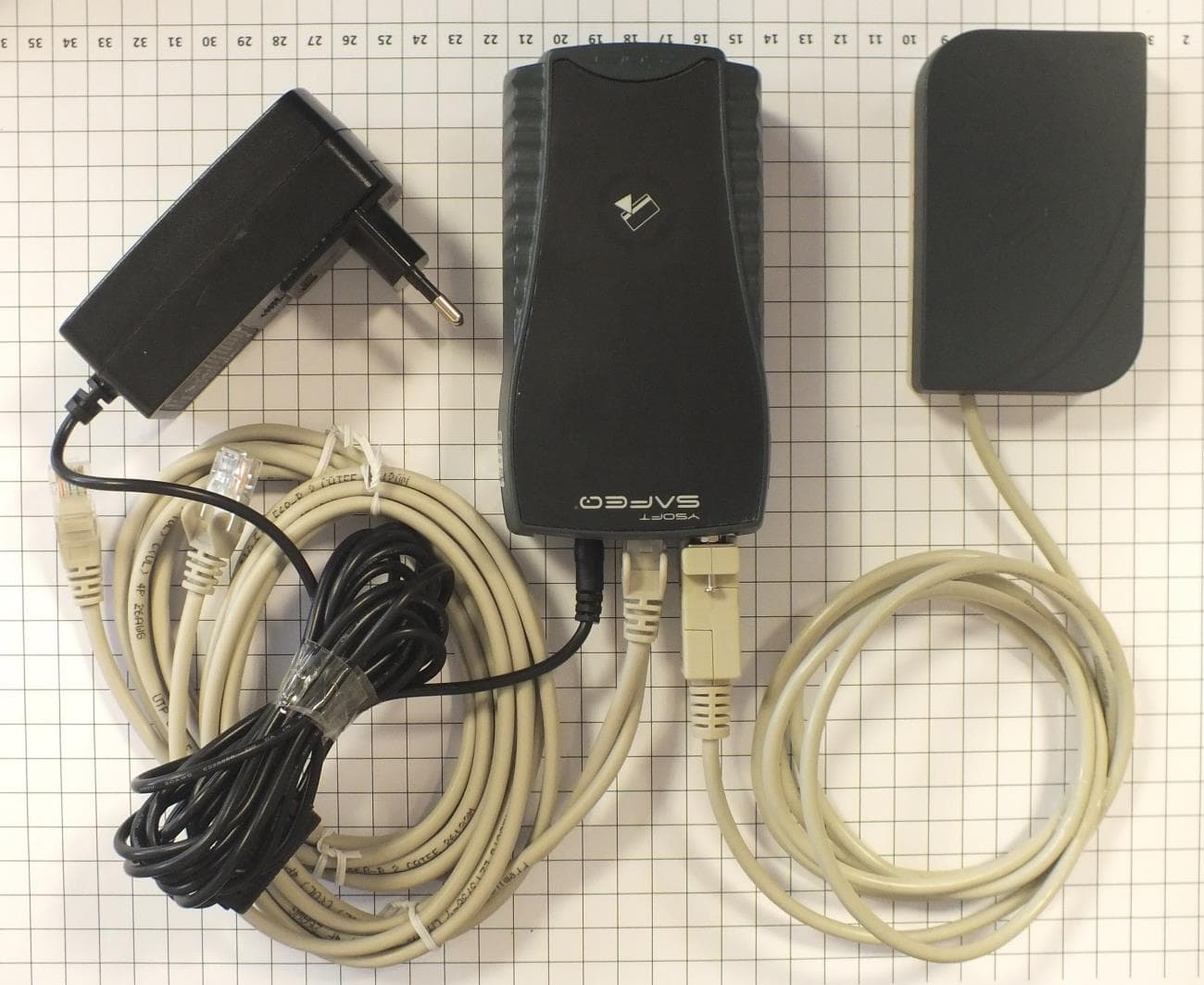
XUY0YX0ME01016
Oct 27, 2014External reader module ASK FSK
Equipment Class
DCD - Part 15 Low Power Transmitter Below 1705 kHz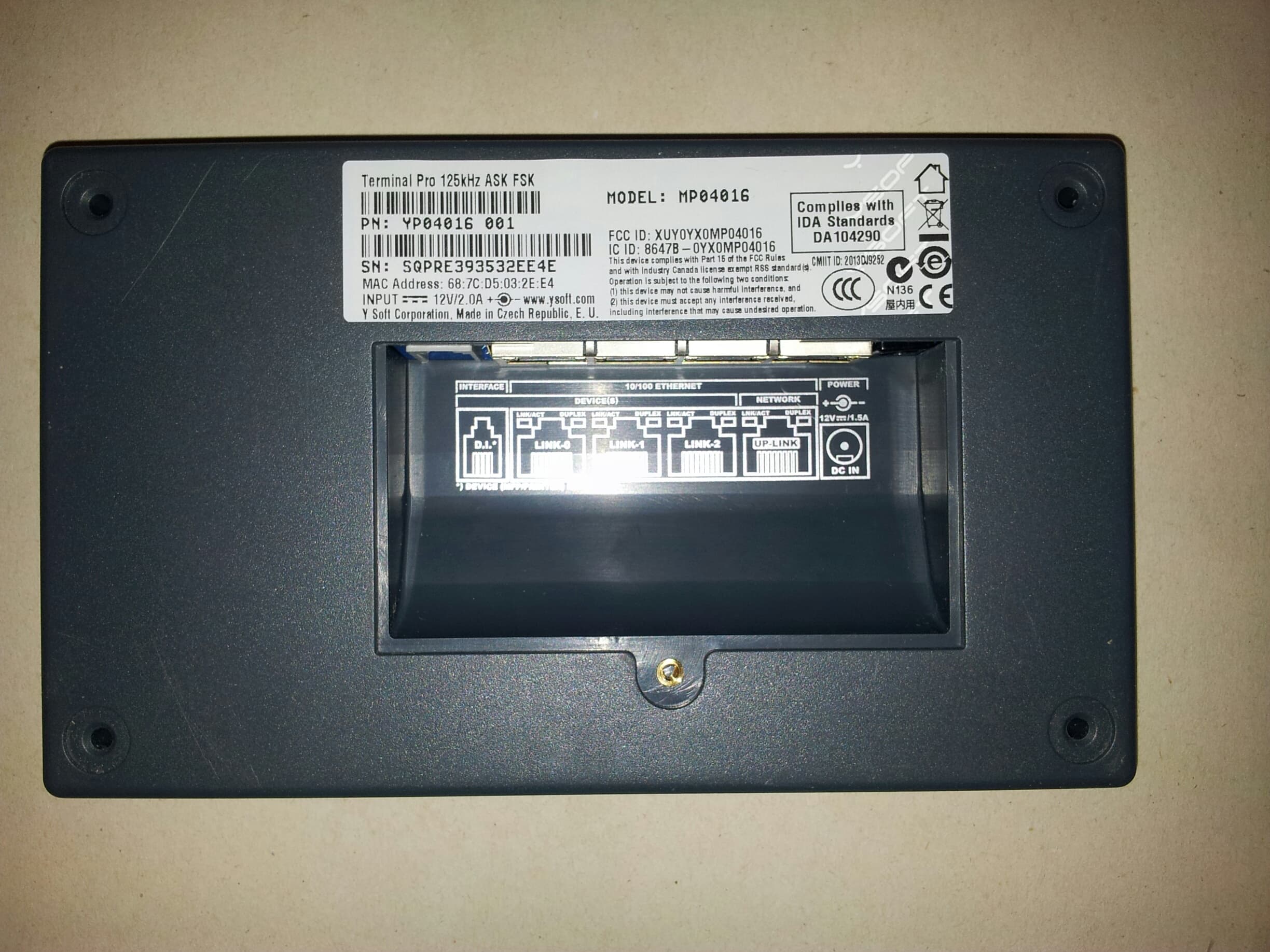
XUY0YX0MP04016
Oct 27, 2014Terminal Pro 125kHz ASK FSK
Equipment Class
DCD - Part 15 Low Power Transmitter Below 1705 kHz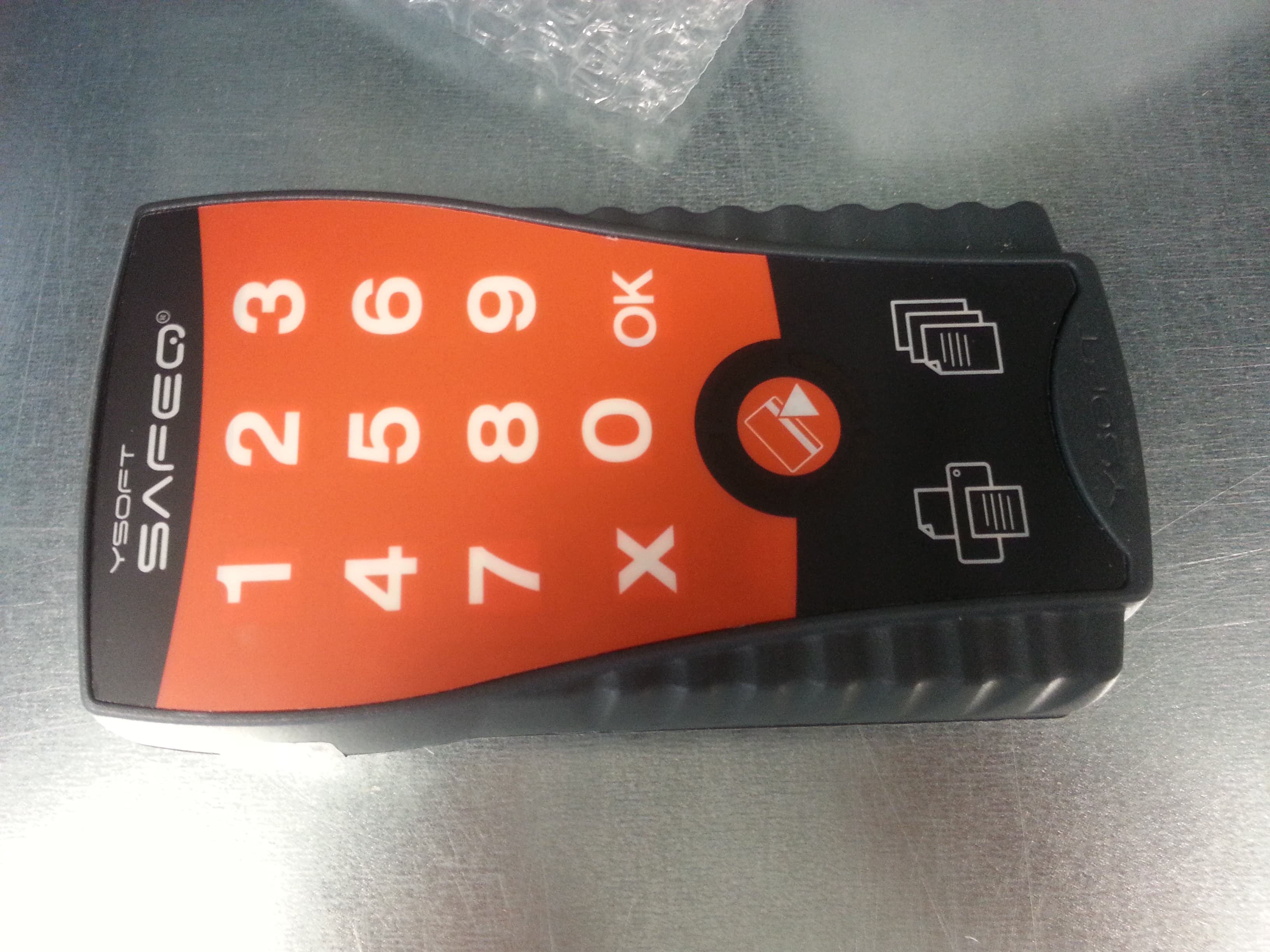
XUY0YX0ML01016
Oct 27, 2014Ultralight P&C 125kHz ASK FSK
Equipment Class
DCD - Part 15 Low Power Transmitter Below 1705 kHz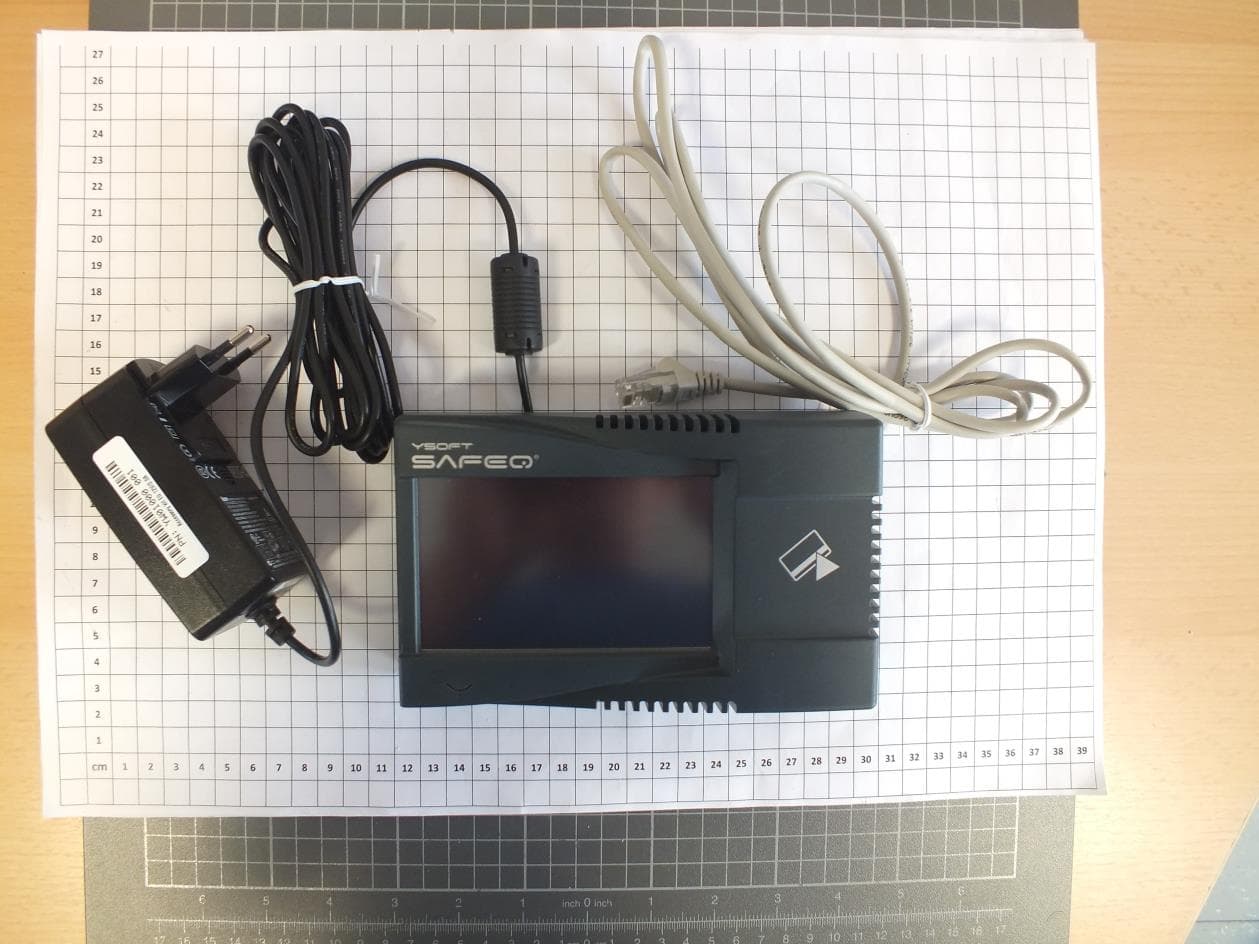
XUY0YX0MP04087
Oct 13, 2014Multireader HF
Equipment Class
DXX - Part 15 Low Power Communication Device Transmitter