Y7J-PP2002Instant Camera Printer
Canon Electronic Business Machines (H.K.) Co., Ltd.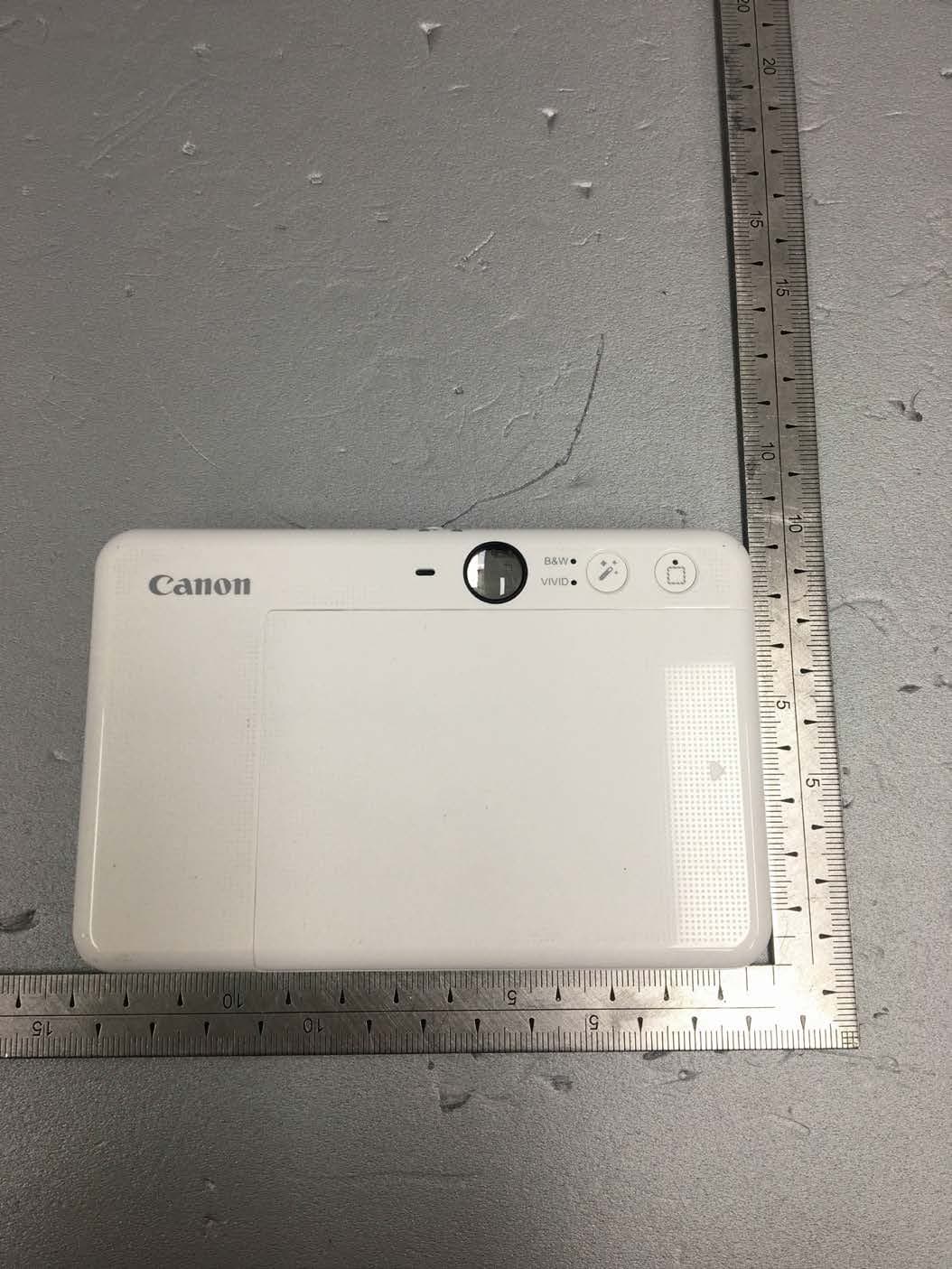
Click to zoom
Application Details
- Equipment Class
- DTS - Digital Transmission System
- Date of Grant
- Mar 11, 2020
- Application Purpose
- Original Equipment
- Date of Application
- Mar 11, 2020
- Equipment Note
- Instant Camera Printer
- Frequency Range
- 2402.00000000 - 2480.00000000
- Country
- Hong Kong
Documents & Files
Document Text
Text extracted from the exhibit documents filed with the FCC. Open a document above to read the original.
Users Manual
1 Updated : 2020.02.28 ZV-223 (RMN : PP2002) INSTANT CAMERA PRINTER USER MANUAL FOR COMPLIANCE USE R2 : Confidential 2 SAFETY INFORMATION READ BEFORE USE Please read the following instructions and safety precautions before using the device. For regulatory and additional safety information, refer to the Regulation and Warranty Information sheet included in your package contents. RMN : PP2002 Regulatory Model Identification Number is assigned for regulatory identification purpose. WARNING Keep away from children and infants. Improper use of this product may cause suffocation or accident. Stop using the device immediately if it emits smoke or a strange smell, or otherwise behaves abnormally. Do not look at the sun or bright lights through the viewfinder or the lens. Blindness or vision problems could result. Do not fire the flash near the eyes. It may hurt the eyes. A strap wound around a child’s neck may result in asphyxiation. If your product uses a power cord, mistakenly winding the cord around a child’s neck may result in asphyxiation. Turn the device off in places where camera use is prohibited. The electromagnetic waves emitted by the camera may interfere with operation of electronic instruments and other devices. Exercise adequate caution when using the product in places where use of electronic devices is restricted, such as inside airplanes and medical facilities. CAUTION When operating in extreme weather, the device might not print. Let the printer temperature adjust to the recommended operating temperature of 59 to 90F (15to 32C), before attempting to print again. When charging, please charge the device at the recommended temperature of 59 to 90F (15 to 32C). Use a soft dry cloth to clean the device. Do not clean with a damp cloth or volatile liquids such as paint thinner. Keep the top cover closed to avoid dust and other particles from entering the inside of the device. If the device is not functioning properly, please contact the dealer you purchased this product from or Canon Service & Support at www.usa.canon.com/support Never expose the battery to high temperatures, direct heat, or dispose by incineration. Electromagnetic interference or electrostatic discharge may cause the device to malfunction or the memory to be lost or altered. Should this occur, use a pin, or similar item to press the [RESET] button at the bottom of the device. 3 GETTING STARTED CHARGING Charging Status LED Charging : Red Full : Green The device has a built-in battery. Please fully charge the device via the USB cable provided before using. 1. Insert the smaller end of the supplied USB cable into the device and other end into a chargeable USB adapter. 2. The charging LED light, at the bottom of the device, will turn red to indicate charging. 3. Once fully charged, the charging LED will turn green. - Operating time may vary depending on the battery status, operational status and environment conditions. INSERTING SD CARD An external MicroSD card (up to 256 GB) is needed for saving captured photos. Only FAT16, FAT32 and exFAT format are supported. PREPARING A MEMORY CARD Use the following memory cards (sold separately) MicroSD memory cards *1 MicroSDHC memory cards *1*2 MicroSDXC memory cards *1*2 *1 Cards conforming to SD standards. However, not all memory cards have been verified to work with the camera. *2 UHS-I memory cards are also supported. INSTALL AND REMOVE THE MicroSD CARD Insert the MicroSD card into the slot at the bottom of the device. You will feel a slight click when the card is fully inserted. Push on the top of the card to release it. Gently pull to fully remove the card from the device. If there is an error on ready / writing to the MicroSD card, the MicroSD Error LED Indication will be displayed. Connect the device to a computer by USB cable. Double-click the external drive image when it appears on the computer to view and save the photos. 4 OPERATION POWER ON/OFF 1. Press and hold the Power Button unit the LED indicator light turns on. 2. When the LED indicator turns to a steady white, the device is ready to use. 3. Press and hold the Power Button to turn off the device. AUTO POWER OFF When the device is idle for about 3 minutes (default), it will automatically power off. User can resume the device by pressing the Power Button again. User can change the time (3 minutes / 5 minutes / 10 minutes) in the App. CAMERA MODES You can select the different camera modes by the Slide Switch at the top of the device for different scenarios. Slide Switch Mode Description Outdoor Flash Off Portrait Auto Flash Selfie Ring Light and Flash ON TAKING A PHOTO 1. Hold the device, confirm the desired composition of the image. 2. Press the Shutter Button to take a photo. - Half press for focus lock - Full press to take a photo 5 LED INDICATIONS Status Operation LED Indicator Power On Press and hold Power Button Standby After the device is powered on Power Off Press and hold Power Button SMART SHEET TM Error When the device detects wrong SMART SHEET TM is inserted, or other SMART SHEET TM error Processing SMART SHEET TM When the device is printing out SMART SHEET TM No Paper When the device has no paper Paper Jam / Cover Open When there is a paper jam or the printer cover is opened Get Ready for Printing When the device is preparing for printing Printing Photo When the device is printing a photo MS Mode (Mass Storage Mode) Device is connected to a computer MicroSD Card Error When the device cannot write data into MicroSD Card Temperature Too High When device temperature is too high Temperature Too Low When device temperature is too log Printer Head Cooling When the device is checking the printer head temperature and letting it cool down before printing 6 Low Battery When battery level down to 20% Very Low Battery When battery level is very log Firmware Updating When the device is updating firmware Selfie Photo When the device is taking a photo in Selfie Mode (Ring Li…
Text truncated - open the document above for the full version.
Cover Letter(s)
Canon Electronic Business Machines (H.K.) Co., Ltd. Office of Engineering Technology Federal Communications Commission 7435 Oakland Mills Road Columbia, MD 21046 USA Date: March 11, 2020 Subject; Request for Confidentiality FCC ID: Y7J-PP2002 To Whom It May Concern, Pursuant to the provisions of the Commission’s rules Title 47 Sections §0.457 and §0.459, we are requesting the Commission to withhold the following attachment(s) as confidential documents from public disclosure indefinitely. These documents contain detailed system and equipment descriptions and are considered as proprietary information in operation of the equipment. The public disclosure of these documents might be harmful to our company and would give competitors an unfair advantage in the market. Schematic Diagram Block Diagram Parts List Operational Description Tune-up Procedure In additional to above mentioned documents, in order to comply with the marketing regulations in Title 47 CFR §2.803 and the importation rules in Title 47 CFR §2.1204, while ensuring that business sensitive information remains confidential until the actual marketing of newly authorized devices, we request Short Term Confidentiality of the following attachment(s); External Photos Test Setup Photos Internal Photos User Manual For 45 days, pursuant to Public Notice DA 04-1705. OR For 180 days pursuant to KDB 726920 D01. It is our understanding that all measurement test reports, FCC ID label format and correspondence during the certification review process cannot be granted as confidential documents and this information will be available for public review once the grant of equipment authorization is issued. Sincerely, Name: Chi Tat, Leung Title: R&D Director
Cover Letter(s)
Letter of Authorization Company : Canon Electronic Business Machines (H.K.) Co., Ltd. Address : 17/F., Tower One, Ever Gain Plaza, 82-100 Container Port Road, Kwai Chung, New Territories, Hong Kong Product Name : Instant Camera Printer Model Number : PP2002 FCC Identifier : Y7J-PP2002 We authorize MiCOM Labs Inc, 575 Boulder Court, Pleasanton, California 94566, USA, to act on our behalf on all matters concerning the above named equipment. Any individual within MiCOM Labs is authorized to act on our behalf and take action on the application. We declare that MiCOM Labs Inc, 575 Boulder Court, Pleasanton, California 94566, USA, is allowed to forward all information related to the approval project to the Federal Communication Commission and to discuss any issues concerning the approval application. Any and all acts carried out by MiCOM Labs on our behalf shall have the same effect as acts of our own. Name: Chi Tat, Leung Date: March 11, 2020 Title: R&D Director Signature of applicant:
External Photos
Page 1 of 6 Page 2 of 6 Page 3 of 6 Page 4 of 6 Page 5 of 6 Page 6 of 6
ID Label/Location Info
Page 1 of 1 IDENTIFICATION LABEL: PROPOSED FCC ID LABEL The FCC ID shall be permanently affixed in the bottom side of the equipment.
Internal Photos
Page 1 of 21 Page 2 of 21 Page 3 of 21 Page 4 of 21 Page 5 of 21 Page 6 of 21 Page 7 of 21 Page 8 of 21 Page 9 of 21 Page 10 of 21 Page 11 of 21 Page 12 of 21 Page 13 of 21 Page 14 of 21 Page 15 of 21 Page 16 of 21 Page 17 of 21 Page 18 of 21 Page 19 of 21 Page 20 of 21 Page 21 of 21 Chip Antenna
RF Exposure Info
Page 1 of 7 Report No.: OT-203-RWD-032 It should not be reproduced except in full, without the written approval of ONETECH Corp. EMC-003 (Rev.2) ONETECH Corp.: 43-14, Jinsaegol-gil, Chowol-eup, Gwangju-si, Gyeonggi-do, 12735, Korea (TEL: 82-31-799-9500, FAX: 82-31-799-9599) ELECTROMAGNETIC EMISSION COMPLIANCE REPORT FOR LOW-POWER, NON-LICENSED TRANSMITTER Test Report No. : OT-203-RWD-032 AGR No. : A201A-176 Applicant : Canon Electronic Business Machines (H.K.) Co., Ltd. Address : 17/F., Tower One, Ever Gain Plaza, 82-100 Container Port Road, Kwai Chung, New Territories, Hong Kong Manufacturer : Canon Electronic Business Machines (H.K.) Co., Ltd. Address : 17/F., Tower One, Ever Gain Plaza, 82-100 Container Port Road, Kwai Chung, New Territories, Hong Kong Type of Equipment : Instant Camera Printer FCC ID. : Y7J-PP2002 Model Name : PP2002 Serial number : N/A Total page of Report : 7 pages (including this page) Date of Incoming : January 09, 2020 Date of issue : March 11, 2020 SUMMARY The equipment complies with the regulation; FCC PART 15 SUBPART C Section 15.247 This test report only contains the result of a single test of the sample supplied for the examination. It is not a generally valid assessment of the features of the respective products of the mass-production. Reviewed by: Approved by: Tae-Ho, Kim / Senior Manager Ki-Hong, Nam / General Manager ONETECH Corp. ONETECH Corp. Page 2 of 7 Report No.: OT-203-RWD-032 It should not be reproduced except in full, without the written approval of ONETECH Corp. EMC-003 (Rev.2) ONETECH Corp.: 43-14, Jinsaegol-gil, Chowol-eup, Gwangju-si, Gyeonggi-do, 12735, Korea (TEL: 82-31-799-9500, FAX: 82-31-799-9599) CONTENTS PAGE 1. VERIFICATION OF COMPLIANCE ............................................................................................................................. 4 2. GENERAL INFORMATION ............................................................................................................................................ 5 2.1 PRODUCT DESCRIPTION ................................................................................................................................................. 5 2.2 ALTERNATIVE TYPE(S)/MODEL(S); ALSO COVERED BY THIS TEST REPORT. ................................................................ 5 3. EUT MODIFICATIONS .................................................................................................................................................... 5 4. MAXIMUM PERMISSIBLE EXPOSURE ...................................................................................................................... 6 4.1 APPLICABLE STANDARD ................................................................................................................................................ 6 4.2 EUT DESCRIPTION ......................................................................................................................................................... 6 4.3 TEST RESULT ................................................................................................................................................................. 7 Page 3 of 7 Report No.: OT-203-RWD-032 It should not be reproduced except in full, without the written approval of ONETECH Corp. EMC-003 (Rev.2) ONETECH Corp.: 43-14, Jinsaegol-gil, Chowol-eup, Gwangju-si, Gyeonggi-do, 12735, Korea (TEL: 82-31-799-9500, FAX: 82-31-799-9599) Revision History Rev. No. Issue Report No. Issued Date Revisions Section Affected 0 OT-203-RWD-032 March 11, 2020 Initial Release All Page 4 of 7 Report No.: OT-203-RWD-032 It should not be reproduced except in full, without the written approval of ONETECH Corp. EMC-003 (Rev.2) ONETECH Corp.: 43-14, Jinsaegol-gil, Chowol-eup, Gwangju-si, Gyeonggi-do, 12735, Korea (TEL: 82-31-799-9500, FAX: 82-31-799-9599) 1. VERIFICATION OF COMPLIANCE Applicant : Canon Electronic Business Machines (H.K.) Co., Ltd. Address : 17/F., Tower One, Ever Gain Plaza, 82-100 Container Port Road, Kwai Chung, New Territories, Hong Kong Contact Person : Chi Tat, Leung / R&D Director Telephone No. : 852-2305-8400 FCC ID : Y7J-PP2002 Model Name : PP2002 Brand Name : Canon Serial Number : N/A Date : March 11, 2020 EQUIPMENT CLASS DTS – DIGITAL TRNSMISSION SYSTEM E.U.T. DESCRIPTION Instant Camera Printer THIS REPORT CONCERNS Original Grant MEASUREMENT PROCEDURES ANSI C63.10: 2013 TYPE OF EQUIPMENT TESTED Pre-Production KIND OF EQUIPMENT AUTHORIZATION REQUESTED Certification EQUIPMENT WILL BE OPERATED UNDER FCC RULES PART(S) FCC PART 15 SUBPART C Section 15.247 KDB 558074 D01 15.247 Meas Guidance v05r02 Modifications on the Equipment to Achieve Compliance None Final Test was Conducted On 3 m, Semi Anechoic Chamber -. The above equipment was tested by ONETECH Corp. for compliance with the requirement set forth in the FCC Rules and Regulations. This said equipment in the configuration described in this report, shows the maximum emission levels emanating from equipment are within the compliance requirements. Page 5 of 7 Report No.: OT-203-RWD-032 It should not be reproduced except in full, without the written approval of ONETECH Corp. EMC-003 (Rev.2) ONETECH Corp.: 43-14, Jinsaegol-gil, Chowol-eup, Gwangju-si, Gyeonggi-do, 12735, Korea (TEL: 82-31-799-9500, FAX: 82-31-799-9599) 2. GENERAL INFORMATION 2.1 Product Description The Canon Electronic Business Machines (H.K.) Co., Ltd., Model PP2002 (referred to as the EUT in this report) is a Instant Camera Printer. The product specification described herein was obtained from product data sheet or user’s manual. DEVICE TYPE Instant Camera Printer Temperature Range 5 °C ~ 40 °C OPERATING FREQUENCY Bluetooth LE 2 402 MHz ~ 2 480 MHz Bluetooth 2 402 MHz ~ 2 480 MHz MODULATION TYPE Bluetooth LE GFSK Bluetooth GFSK for 1Mbps, π /4-DQPSK for 2Mbps, 8-DPSK for 3Mbps RF OUTPUT POWER Bluetooth LE 1.55 dBm Bluetooth 1 Mbps 3.02 dBm 2 Mbps 1.76 dBm 3 Mbps 2.32 dBm ANTENNA TYPE Chip Antenna ANTENNA GAIN 1.80 dB…
Text truncated - open the document above for the full version.
Test Report
Page 1 of 34 Report No.: OT-203-RWD-030 It should not be reproduced except in full, without the written approval of ONETECH Corp. EMC-003 (Rev.2) ONETECH Corp.: 43-14, Jinsaegol-gil, Chowol-eup, Gwangju-si, Gyeonggi-do, 12735, Korea (TEL: 82-31-799-9500, FAX: 82-31-799-9599) ELECTROMAGNETIC EMISSION COMPLIANCE REPORT FOR LOW-POWER, NON-LICENSED TRANSMITTER Test Report No. : OT-203-RWD-030 AGR No. : A201A-176 Applicant : Canon Electronic Business Machines (H.K.) Co., Ltd. Address : 17/F., Tower One, Ever Gain Plaza, 82-100 Container Port Road, Kwai Chung, New Territories, Hong Kong Manufacturer : Canon Electronic Business Machines (H.K.) Co., Ltd. Address : 17/F., Tower One, Ever Gain Plaza, 82-100 Container Port Road, Kwai Chung, New Territories, Hong Kong Type of Equipment : Instant Camera Printer FCC ID. : Y7J-PP2002 Model Name : PP2002 Serial number : N/A Total page of Report : 34 pages (including this page) Date of Incoming : January 09, 2020 Date of issue : March 11, 2020 SUMMARY The equipment complies with the regulation; FCC PART 15 SUBPART C Section 15.247 This test report only contains the result of a single test of the sample supplied for the examination. It is not a generally valid assessment of the features of the respective products of the mass-production. Reviewed by: Approved by: Tae-Ho, Kim / Senior Manager Ki-Hong, Nam / General Manager ONETECH Corp. ONETECH Corp. Page 2 of 34 Report No.: OT-203-RWD-030 It should not be reproduced except in full, without the written approval of ONETECH Corp. EMC-003 (Rev.2) ONETECH Corp.: 43-14, Jinsaegol-gil, Chowol-eup, Gwangju-si, Gyeonggi-do, 12735, Korea (TEL: 82-31-799-9500, FAX: 82-31-799-9599) CONTENTS PAGE 1. VERIFICATION OF COMPLIANCE ............................................................................................................................. 5 2. TEST SUMMARY .............................................................................................................................................................. 6 2.1 TEST ITEMS AND RESULTS ............................................................................................................................................. 6 2.2 ADDITIONS, DEVIATIONS, EXCLUSIONS FROM STANDARDS ........................................................................................... 6 2.3 RELATED SUBMITTAL(S) / GRANT(S) ............................................................................................................................ 6 2.4 PURPOSE OF THE TEST ................................................................................................................................................... 6 2.5 TEST METHODOLOGY .................................................................................................................................................... 6 2.6 TEST FACILITY ............................................................................................................................................................... 6 3. GENERAL INFORMATION ............................................................................................................................................ 7 3.1 PRODUCT DESCRIPTION ................................................................................................................................................. 7 3.2 ALTERNATIVE TYPE(S)/MODEL(S); ALSO COVERED BY THIS TEST REPORT. ................................................................ 7 4. EUT MODIFICATIONS .................................................................................................................................................... 7 5. SYSTEM TEST CONFIGURATION ............................................................................................................................... 8 5.1 JUSTIFICATION ............................................................................................................................................................... 8 5.2 PERIPHERAL EQUIPMENT .............................................................................................................................................. 8 5.3 MODE OF OPERATION DURING THE TEST ...................................................................................................................... 8 5.4 CONFIGURATION OF TEST SYSTEM ............................................................................................................................. 10 6. PRELIMINARY TEST .................................................................................................................................................... 11 6.1 AC POWER LINE CONDUCTED EMISSIONS TESTS ....................................................................................................... 11 6.2 GENERAL RADIATED EMISSIONS TESTS ..................................................................................................................... 11 7. MINIMUM 6 DB BANDWIDTH .................................................................................................................................... 12 7.1 OPERATING ENVIRONMENT ......................................................................................................................................... 12 7.2 TEST SET-UP ................................................................................................................................................................. 12 7.3 TEST EQUIPMENT USED ................................................................................................................................................ 12 7.4 TEST DATA .................................................................................................................................................................... 13 8. MAXIMUM PEAK OUTPUT POWER ...................................................................................................................…
Text truncated - open the document above for the full version.
Test Setup Photos
Page 1 of 3 - CONDUCTED EMISSION TEST Page 2 of 3 - RADIATED EMISSION TEST Page 3 of 3
Contact Information
Applicant
Chi Tat Leung(R&D Director)
Technical Contact
Test Firm
ONETECH Corp.Ki Hong Nam
Technical Specifications
| # | Rule Parts | Frequency Range | Power Output |
|---|---|---|---|
| 1 | 15C | 2.40 GHz - 2.48 GHz | 1.00 mW |
Other Applications from Canon Electronic Business Machines (H.K.) Co., Ltd.
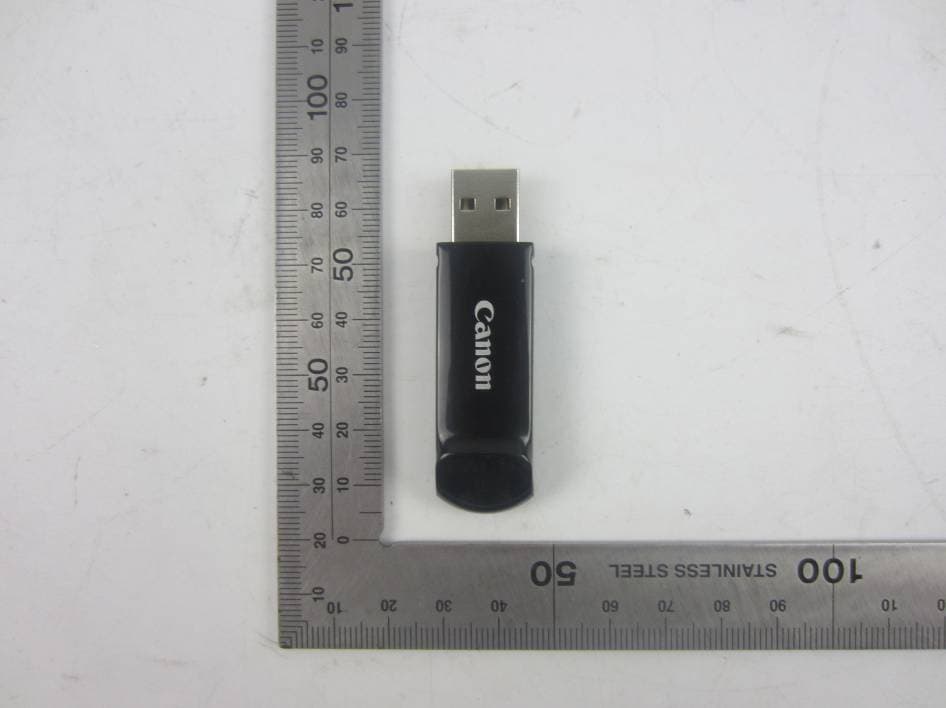
Y7J-PR100RR
Oct 25, 20152.4G wireless presenter (dongle)
Equipment Class
DXX - Part 15 Low Power Communication Device Transmitter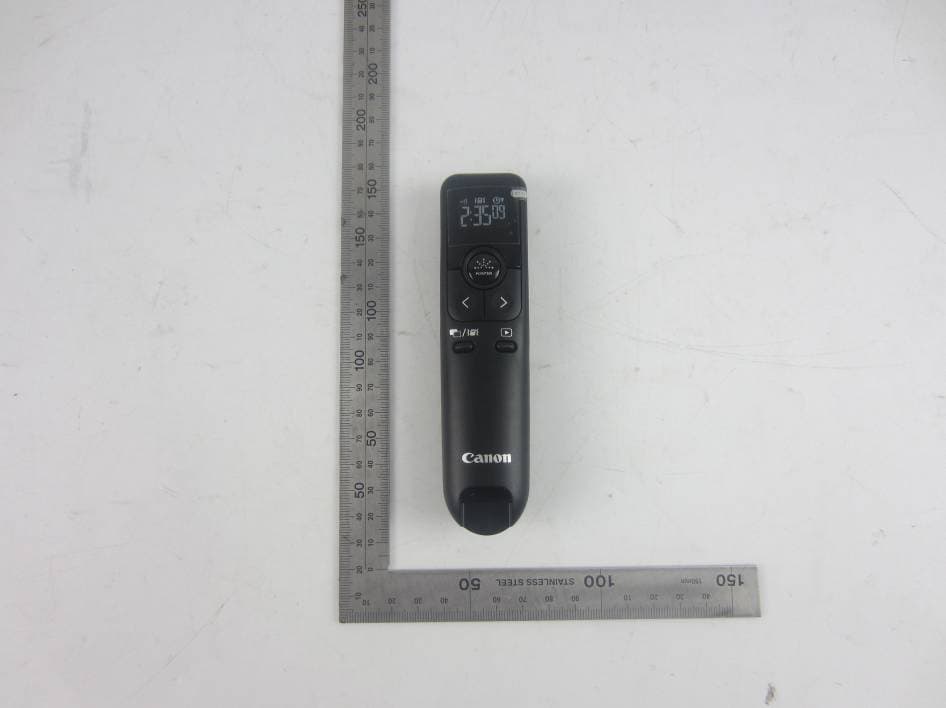
Y7J-PR100RT
Oct 22, 20152.4G wireless presenter (device)
Equipment Class
DXX - Part 15 Low Power Communication Device Transmitter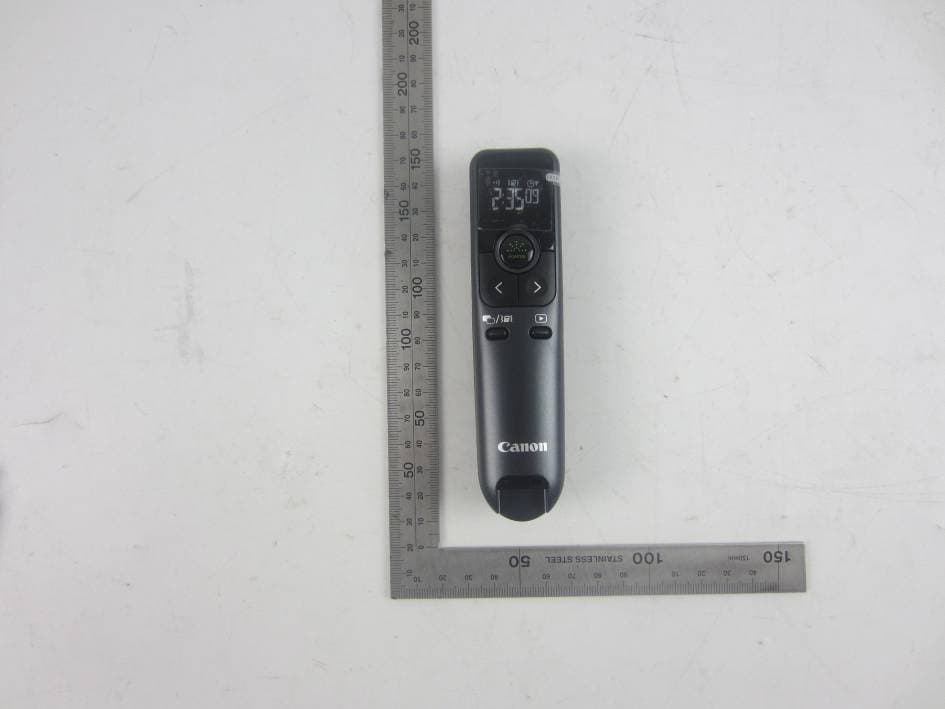
Y7J-PR10GT
Oct 22, 20152.4G wireless presenter (device)
Equipment Class
DXX - Part 15 Low Power Communication Device Transmitter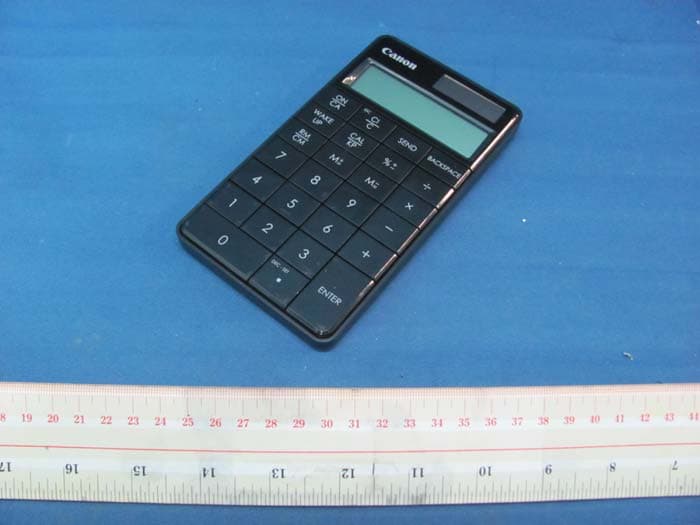
Y7J5094B01
Aug 11, 2011Keypad RF with Calculator
Equipment Class
DXX - Part 15 Low Power Communication Device Transmitter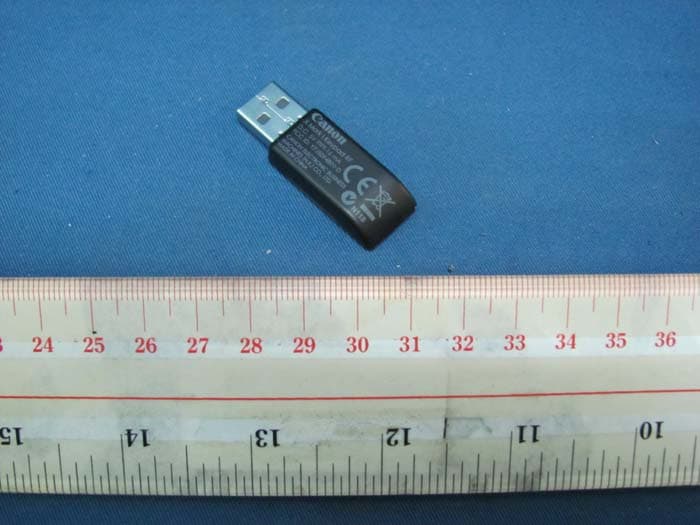
Y7J5094B01-D
Aug 10, 2011Keypad RF with Calculator (Dongle)
Equipment Class
DXX - Part 15 Low Power Communication Device Transmitter